lock MAZDA MODEL CX-9 2017 (in English) Repair Manual
[x] Cancel search | Manufacturer: MAZDA, Model Year: 2017, Model line: MODEL CX-9, Model: MAZDA MODEL CX-9 2017Pages: 612
Page 126 of 612

3–44
Before Driving
Windows
Jam-safe Moonroof
If a person's hands, head or an object
blocks the moonroof while it is closing,
the moonroof will stop and move in the
open direction.
WARNING
Make sure nothing blocks the moonroof
just before it reaches the fully closed
position:
Blocking the moonroof just before
it reaches the closed position is
dangerous.
In this case, the jam-safe function
cannot prevent the moonroof from
closing. If fi ngers are caught, serious
injuries could occur.
NOTE
Depending on driving conditions, a
closing moonroof could stop and start
opening when the moonroof feels a
shock that is similar to something
blocking it.
The moonroof's jam-safe function does
not function while the moonroof is
initializing.
Sunshade
The sunshade can be opened and closed
by hand.
The sunshade opens automatically when
the moonroof is opened, but must be
closed by hand.
Sunshade
CAUTION
The sunshade does not tilt. To avoid
damaging the sunshade, do not push up
on it.
Do not close the sunshade while the
moonroof is opening. Trying to force the
sunshade closed could damage it.
CX-9_8FS7-EA-16K_Edition2.indb 44CX-9_8FS7-EA-16K_Edition2.indb 442016/12/15 18:33:222016/12/15 18:33:22
Page 129 of 612
3–47
Before Driving
Security System
*Some models.
Theft-Deterrent System *
If the theft-deterrent system detects an
inappropriate entry into the vehicle,
which could result in the vehicle or its
contents being stolen, the alarm alerts the
surrounding area of an abnormality by
sounding the horn and fl ashing the hazard
warning lights.
The system will not function unless it's
properly armed. So when you leave the
vehicle, follow the arming procedure
correctly.
Operation
System triggering conditions
The horn sounds intermittently and the
hazard warning lights fl ash for about 30
seconds when the system is triggered by
any one of the following:
Unlocking a door with the key, door
lock switch, or an inside door-lock knob.
Forcing open a door, the hood or the
liftgate.
Opening the hood by operating the hood
release handle.
Switching the ignition ON without using
the push button start.
If the system is triggered again, the lights
and horn will activate until the driver's
door or the liftgate is unlocked with the
transmitter.
(With the advanced keyless function)
The lights and horn can also be
deactivated by pressing the request switch
on a door.
NOTE
The liftgate does not open while the
theft-deterrent system is operating.
For vehicles equipped with the power
liftgate, the liftgate can be opened
even while the theft-deterrent system is
operating by pressing the power liftgate
button on the transmitter or the electric
liftgate opener switch while carrying
the key.
If the battery goes dead while the theft-
deterrent system is armed, the horn will
activate and the hazard warning lights
will fl ash when the battery is charged or
replaced.
How to Arm the System
1. Close the windows and the moonroof *
securely.
2. Switch the ignition OFF.
3. Make sure the hood, the doors, and the
liftgate are closed.
4. Press the lock button on the transmitter
or lock the driver's door from the
outside with the auxiliary key.
The hazard warning lights will fl ash
once.
The following method will also arm the
theft-deterrent system:
Press the door-lock switch “
” while
any door is open and then close all of
the doors.
(With the advanced keyless function)
Press a request switch.
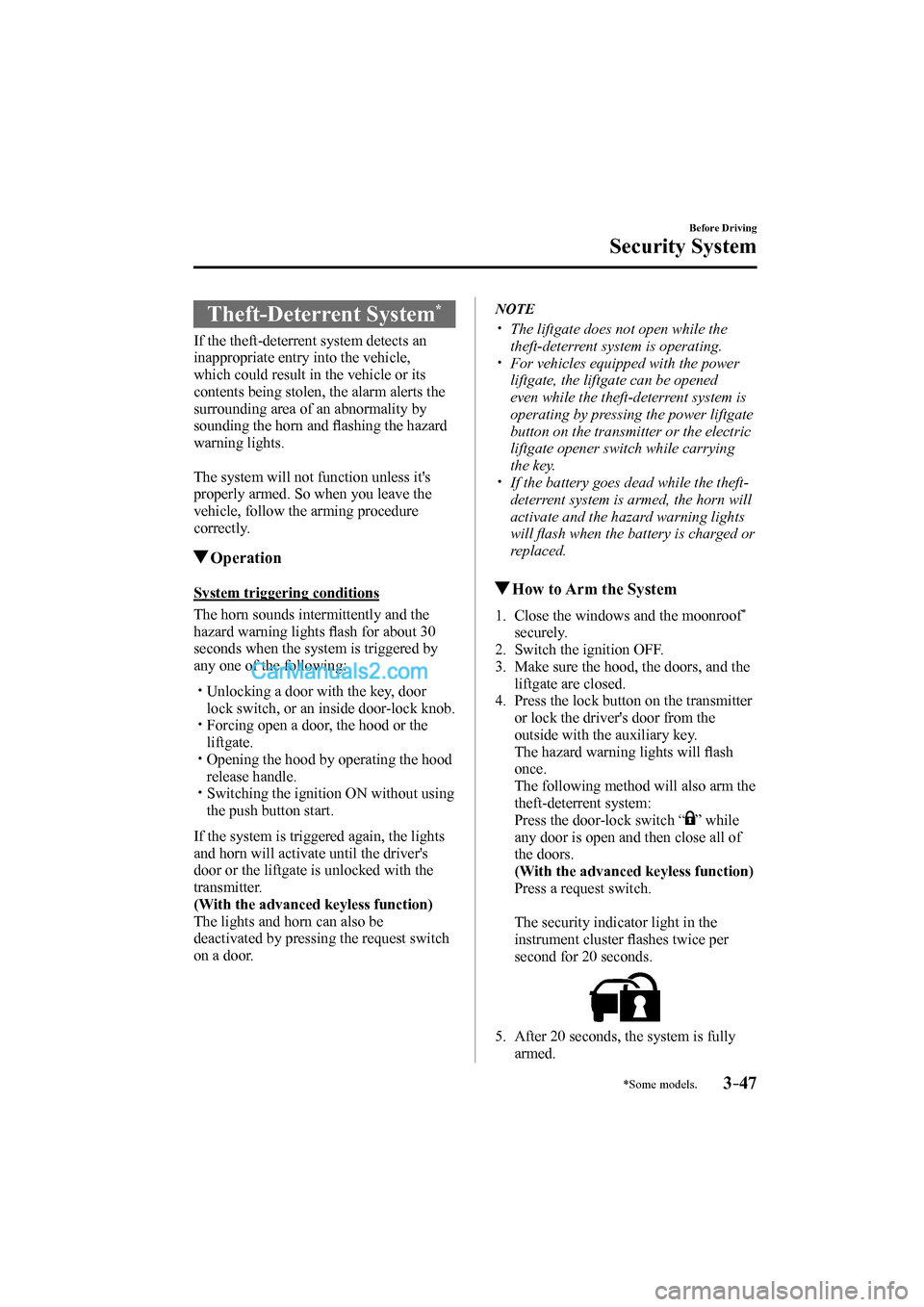
The security indicator light in the
instrument cluster fl ashes twice per
second for 20 seconds.
5. After 20 seconds, the system is fully
armed.
CX-9_8FS7-EA-16K_Edition2.indb 47CX-9_8FS7-EA-16K_Edition2.indb 472016/12/15 18:33:232016/12/15 18:33:23
Page 130 of 612

3–48
Before Driving
Security System
NOTE
The theft-deterrent system can also be
armed by activating the auto relock
function with all the doors, the liftgate
and the hood closed.
Refer to Transmitter on page 3-4 .
The system will disarm if one of the
following operations takes place within
20 seconds after pressing the lock
button:
Unlocking any door.
Opening any door.
Opening the hood.
Switching the ignition ON.
To rearm the system, do the arming
procedure again.
When the doors are locked by pressing
the lock button on the transmitter
or using the auxiliary key while the
theft-deterrent system is armed, the
hazard warning lights will fl ash once to
indicate that the system is armed.
To Turn Off an Armed System
An armed system can be turned off using
any one of the following methods:
Pressing the unlock button on the
transmitter.
Starting the engine with the push button
start.
(With the advanced keyless function)
Pressing a request switch on the doors.
The hazard warning lights will fl ash twice.
NOTE
When the doors are unlocked by pressing
the unlock button on the transmitter while
the theft-deterrent system is turned off, the
hazard warning lights will fl ash twice to
indicate that the system is turned off.
To Stop the Alarm
A triggered alarm can be turned off using
any one of the following methods:
Pressing the unlock button on the
transmitter.
Starting the engine with the push button
start.
(With the advanced keyless function)
Pressing a request switch on the doors.
Pressing the electric liftgate opener
while the key is being carried.
Pressing the power liftgate button on
the transmitter .
The hazard warning lights will fl ash twice.
CX-9_8FS7-EA-16K_Edition2.indb 48CX-9_8FS7-EA-16K_Edition2.indb 482016/12/15 18:33:242016/12/15 18:33:24
Page 132 of 612

3–50
Before Driving
Driving Tips
Hazardous Driving
WARNING
Be extremely careful if it is necessary to
downshift on slippery surfaces:
Downshifting into lower gear
while driving on slippery surfaces is
dangerous. The sudden change in tire
speed could cause the tires to skid. This
could lead to loss of vehicle control
and an accident.
Avoid sharp turns, excessive speed and
abrupt maneuvers when driving this
vehicle:
Sharp turns, excessive speed and
abrupt maneuvering of this vehicle
are dangerous as it could result in the
increased risk of loss of vehicle control,
vehicle roll-over, personal injury or
death.
This vehicle has a higher center of
gravity. Vehicles with a higher center of
gravity such as utility vehicles handle
diff erently than vehicles with a lower
center of gravity.
Utility vehicles are not designed for
cornering at high speeds any more
than low profi le sports cars are
designed to perform satisfactorily
under off -road conditions.
In addition, utility vehicles have a
signifi cantly higher rollover rate than
other types of vehicles.
In a rollover crash, an unbelted person
is signifi cantly more likely to die than a
person wearing a seat belt.
When driving on ice or in water, snow,
mud, sand, or similar hazards:
Be cautious and allow extra distance for
braking.
Avoid sudden braking and sudden
maneuvering.
Do not pump the brakes. Continue to
press down on the brake pedal.
Refer to Antilock Brake System (ABS)
on page 4-72 .
If you get stuck, select a lower gear and
accelerate slowly. Do not spin the front
wheels.
For more traction in starting on slippery
surfaces such as ice or packed snow,
use sand, rock salt, chains, carpeting, or
other nonslip material under the front
wheels.
NOTE
Use snow chains only on the front wheels.
CX-9_8FS7-EA-16K_Edition2.indb 50CX-9_8FS7-EA-16K_Edition2.indb 502016/12/15 18:33:242016/12/15 18:33:24
Page 135 of 612

3–53
Before Driving
Driving Tips
Tire Chains
Check local regulations before using tire
chains.
CAUTION
Chains may aff ect handling.
Do not go faster than 50 km/h (30
mph) or the chain manufacturer's
recommended limit, whichever is lower.
Drive carefully and avoid bumps, holes,
and sharp turns.
Avoid locked-wheel braking.
Do not use chains on a temporary spare
tire; it may result in damage to the
vehicle and to the tire.
Do not use chains on roads that are free
of snow or ice. The tires and chains could
be damaged.
Chains may scratch or chip aluminum
wheels.
NOTE
If your vehicle is equipped with the tire
pressure monitoring system, the system
may not function correctly when using
tire chains.
Use of tire chains on a vehicle equipped
with P255/50R20 specifi cation tires
could cause interference with the
vehicle body and scratching. If tire
chains are to be used, replace both front
and rear tires with P255/60R18 tires.
Please consult an Authorized Mazda
Dealer.
Install the chains on the front tires only.
Do not use chains on the rear tires.
Please consult an Authorized Mazda
Dealer.
Installing the chains
1. Secure the chains on the front tires as
tightly as possible.
Always follow the chain manufacturer's
instructions.
2. Retighten the chains after driving
1/2—1 km (1/4—1/2 mile).
CX-9_8FS7-EA-16K_Edition2.indb 53CX-9_8FS7-EA-16K_Edition2.indb 532016/12/15 18:33:262016/12/15 18:33:26
Page 146 of 612

3–64
Before Driving
Towing
Parking
Always make sure the tires of the trailer and the tow vehicle are blocked while parked.
Apply the parking brake fi rmly and put the transaxle in P.
Avoid parking on an incline, but if you must, follow these instructions:
1. Depress and hold down the brake pedal.
2. Have a helper put wheel blocks against the downhill side of all vehicle and trailer tires.
3. Then release the brake pedal slowly until the blocks bear the load.
If the grade is downhill, turn the steering wheel so that the front of the front tires face
the curb.
If it is uphill, face the rear of the front tires against the curb.
4. Firmly apply the parking brake.
5. Shift the transaxle into P, and stop the engine.
To restart after parking on an incline:
1. With the transaxle in P, start the engine. (Be sure to depress and hold the brake pedal.)
2. Shift into gear.
3. Release the parking brake (also the foot brake) and pull away from the wheel blocks.
Stop; apply the parking brake and shift into P.
4. Have a helper retrieve the wheel blocks.
Fuel consumption
Trailer towing causes higher fuel consumption.
Maintenance
If you tow a trailer frequently, have your vehicle serviced as shown in Scheduled
Maintenance (page 6-4 ).
CX-9_8FS7-EA-16K_Edition2.indb 64CX-9_8FS7-EA-16K_Edition2.indb 642016/12/15 18:33:302016/12/15 18:33:30
Page 149 of 612
4–1
*Some models.
4When Driving
Information concerning safe driving and stopping.
Start/Stop Engine ................................ 4-4
Ignition Switch ............................... 4-4
Starting the Engine ......................... 4-5
Turning the Engine Off ................ 4-10
Instrument Cluster and Display ...... 4-12
Meters and Gauges ....................... 4-12
Multi-information Display and INFO
Switch
* ......................................... 4-21
Active Driving Display * ............... 4-29
Warning/Indicator Lights ............. 4-31
Automatic Transaxle ......................... 4-38
Automatic Transaxle Controls ..... 4-38
Shift-Lock System ....................... 4-39
Transaxle Ranges ......................... 4-40
Manual Shift Mode ...................... 4-42
Driving Tips ................................. 4-47
Switches and Controls ...................... 4-48
Lighting Control ........................... 4-48
Fog Lights
* ................................... 4-54
Turn and Lane-Change Signals .... 4-54
Windshield Wipers and Washer ... 4-55
Rear Window Wiper and
Washer .......................................... 4-59
Rear Window Defogger ............... 4-60
Horn ............................................. 4-61
Hazard Warning Flasher ............... 4-61
HomeLink Wireless Control
System
* ......................................... 4-62
Brake .................................................. 4-66
Brake System ............................... 4-66
Hill Launch Assist (HLA) ............ 4-70
ABS/TCS/DSC/Trailer Stability Assist
(TSA) .................................................. 4-72
Antilock Brake System (ABS) ..... 4-72
Traction Control System (TCS) ... 4-73
Dynamic Stability Control
(DSC) ........................................... 4-75
Trailer Stability Assist (TSA)....... 4-76
Fuel Economy Monitor ..................... 4-77
Fuel Economy Monitor ................ 4-77
Drive Selection ................................... 4-79
Drive Selection ............................. 4-79
i-ACTIV AWD ................................... 4-81
i-ACTIV AWD Operation
* ........... 4-81
Power Steering................................... 4-83
Power Steering ............................. 4-83
CX-9_8FS7-EA-16K_Edition2.indb 1CX-9_8FS7-EA-16K_Edition2.indb 12016/12/15 18:33:302016/12/15 18:33:30
Page 152 of 612

4–4
When Driving
Start/Stop Engine
Ignition Switch
Push Button Start Positions
The system operates only when the key is
within operational range.
Each time the push button start is pressed,
the ignition switches in the order of off,
ACC, and ON. Pressing the push button
start again from ON switches the ignition
off.
Indicator light
NOTE
The engine starts by pressing the push
button start while depressing the brake
pedal. To switch the ignition position,
press the push button start without
depressing the pedal.
Do not leave the ignition switched ON
while the engine is not running. Doing
so could result in the battery going
dead. If the selector lever is in the P
position, and the ignition is in ACC, the
ignition switches off automatically after
about 25 minutes.
Off
The power supply to electrical devices
turns off and the push button start indicator
light (amber) also turns off.
In this position the steering wheel is
locked.
WARNING
Before leaving the driver's seat, always
switch the ignition off , set the parking
brake, and make sure the selector lever
is in P:
Leaving the driver's seat without
switching the ignition off , setting the
parking brake, and shifting the selector
lever to P is dangerous. Unexpected
vehicle movement could occur which
could result in an accident.
In addition, if your intention is to leave
the vehicle for even a short period, it
is important to switch the ignition off ,
as leaving it in another position will
disable some of the vehicle's security
systems and run the battery down.
ACC (Accessory)
Some electrical accessories will operate
and the indicator light (amber) illuminates.
NOTE
The keyless entry system does not function
while the push button start has been
pressed to ACC, and the doors will not
lock/unlock even if they have been locked
manually.
CX-9_8FS7-EA-16K_Edition2.indb 4CX-9_8FS7-EA-16K_Edition2.indb 42016/12/15 18:33:312016/12/15 18:33:31
Page 157 of 612

4–9
When Driving
Start/Stop Engine
If the engine cannot be started due to a
dead key battery, the engine can be started
using the following procedure:
1. Continue to depress the brake pedal
fi rmly until the engine has completely
started.
2. Verify that the push button start
indication light (green) fl ashes.
3. Touch the push button start using the
backside of the key (as shown) while
the push button start indicator light
(green) fl ashes.
Transmitter
NOTE
When touching the push button start using
the backside of the key as shown in the
illustration, touch the push button start
with the lock switch side of the key facing
up.
4. Verify that the push button start
indicator light (green) turns on.
5. Press the push button start to start the
engine.
NOTE
The engine cannot be started unless the
brake pedal is fully depressed.
If there is a malfunction with the push
button start function, the push button
start indicator light (amber) fl ashes.
In this case, the engine may start,
however, have the vehicle checked at an
Authorized Mazda Dealer as soon as
possible.
If the push button start indicator light
(green) does not illuminate, perform the
operation from the beginning again. If
it does not illuminate, have the vehicle
checked at an Authorized Mazda Dealer.
To switch the ignition position without
starting the engine, perform the
following operations after the push
button start indicator light (green) turns
on.
1. Release the brake pedal.
2. Press the push button start to switch
the ignition position. The ignition
switches in the order of ACC, ON,
and off each time the push button
start is pressed. To switch the
ignition position again, perform the
operation from the beginning.
CX-9_8FS7-EA-16K_Edition2.indb 9CX-9_8FS7-EA-16K_Edition2.indb 92016/12/15 18:33:332016/12/15 18:33:33
Page 186 of 612

4–38
When Driving
Automatic Transaxle
Automatic Transaxle Controls
Lock-release button
Indicates the selector lever can be shifted freely into any position.
Indicates that you must hold in the lock-release button to shift.
Indicates that you must depress the brake pedal and hold in the lock-release
button to shift (The ignition must be switched ON).
Various Lockouts:
NOTE
The Sport AT has an option that is not included in the traditional automatic transaxle that
gives the driver the option of selecting each gear instead of leaving it to the transaxle to
shift gears. Even if you intend to use the automatic transaxle functions as a traditional
automatic, you should also be aware that you can inadvertently shift into manual shift mode
and an inappropriate gear may be retained as the vehicle speed increases. If you notice the
engine speed going higher or hear the engine racing, confi rm you have not accidentally
slipped into manual shift mode (page 4-42 ).
CX-9_8FS7-EA-16K_Edition2.indb 38CX-9_8FS7-EA-16K_Edition2.indb 382016/12/15 18:33:522016/12/15 18:33:52