lights MAZDA MODEL MX-5 MIATA 2018 User Guide
[x] Cancel search | Manufacturer: MAZDA, Model Year: 2018, Model line: MODEL MX-5 MIATA, Model: MAZDA MODEL MX-5 MIATA 2018Pages: 576, PDF Size: 55.37 MB
Page 67 of 576

Advanced Keyless EntrySystem
*
WA R N I N G
Radio waves from the key may affect
medical devices such as pacemakers:
Before using the key near people who use
medical devices, ask the medical device
manufacturer or your physician if radio
waves from the key will affect the device.
The advanced keyless function allows you
to lock/unlock the door , or open the trunk
lid while carry ing the key.
System malfunctions or warnings are
indicated by the following warning lights
or beeps.
Request switch Inoperable Warning
Beep
Refer to Request Switch Inoperable
Warning Beep (With the advanced
keyless function) on page 7-51.
Key Left-in-trunk Compartment
Warning Beep
Refer to Key Left-in-trunk
Compartment Warning Beep (With the
advanced keyless function) on page 7-
51.
Key Left-in-vehicle Warning Beep
Refer to Key Left-in-vehicle Warning
Beep (With the advanced keyless
function) on page 7-51.
NOTE
The advanced keyless entry system
functions can be deactivated to prevent
any possible adverse effect on a user
wearing a pacemaker or other medical
device. If the system is deactivated, you
will be unable to start the engine by
carrying the key. Consult an Authorized
Mazda Dealer for details. If the advanced
keyless entry system has been deactivated,
you can start the engine by following the
procedure indicated when the key battery
goes dead.
Refer to Engine Start Function When Key
Battery is Dead on page 4-8.
Before Driving
Advanced Keyless Entry System
*Some models.3-9
MX-5_8GF7-EA-17J_Edition2 2017-10-31 14:07:27
Page 71 of 576

▼Locking, Unlocking with Auxiliary
Key
Both doors and the fuel-filler lid lock
automatically when th
e driver's door is
locked using the auxiliary key.
Both doors and the fuel-filler lid unlock
when the driver's door is unlocked and the
auxiliary key is held i n the unlock position
for one second or longer.
Turn the auxiliary key toward the front to
lock, toward the back to unlock.
Lock Unlock
NOTE
Holding the auxiliary
key in the unlocked
position in the driver's door lock for about
a second unlocks both doors. To unlock
the driver's door and the fuel-filler lid,
insert the auxiliary key into the driver's
door lock and turn the auxiliary key
briefly to the unlock position and then
immediately return it to the center
position.
▼ Locking, Unlocking with Request
Switch (With the advanced keyless
function)
Both doors and the fu
el-filler lid can be
locked/unlocked by pressing the request
switch while the key is being carried.
Request switch
To l o c k
To lock the doors and the fuel-filler lid,
press the request switch and the hazard
warning lights will flash once.
A beep sound will be heard once.
To unlock
Driver's door request switch
To unlock the driver's door and the
fuel-filler lid, press the request switch. A
beep sound will be heard twice and the
hazard warning lights will flash twice.
To unlock both doors and the fuel-filler
lid, press the request switch agai n within 3
seconds and two more beep sounds will be
heard.
Front passenger doo r request switch
To unlock both doors and the fuel-filler
lid, press the request switch. A beep sound
will be heard twice and the hazard
warning lights will flash twice.
Before Driving
Doors and Locks
3-13
MX-5_8GF7-EA-17J_Edition2 2017-10-31 14:07:27
Page 73 of 576

Pressing a request switch.
(With theft-deterrent system)
The hazard warning lights flash when
the theft-deterrent system is armed or
turned off.
Refer to Theft-Deterrent System on page
3-48.
The setting can be changed so that the
doors and the fuel-filler lid are locked
automatically without pressing the
request switch.
Refer to Personalization Features on
page 9-9.
(Auto-lock function)
A beep sound is heard when both doors
are closed while the advanced key is
being carried. Both doors and the
fuel-filler lid are locked automatically
after about three seconds when the
advanced key is out of the operational
range. Also, the hazard warning lights
flash once. (Even if the driver is in the
operational range, both doors and the
fuel-filler lid are locked automatically
after about 30 seconds.) If you are out of
the operational range before the doors
and the trunk lid are completely closed
or another key is left in the vehicle, the
auto-lock function will not work. Always
make sure that both doors and the trunk
lid are closed and locked before leaving
the vehicle. The auto-lock function does
not close the power windows.
Auto re-lock function
After unlocking with the request switch,
both doors and the fuel-filler lid will
automatically lock if any of the
following operations are not performed
within about 60 seconds. If your vehicle
has a theft-deterrent system, the hazard
warning lights will flash for
confirmation.
The time required for the doors and the
fuel-filler lid to lock automatically can
be changed.
Refer to Personalization Features on
page 9-9.
Opening a door or the trunk lid.
Switching the ignition to any position
other than off.
▼ Locking, Unlocking with
Transmitter
Both doors and the fu
el-filler lid can be
locked/unlocked by operating the keyless
entry system transmitt er, refer to Keyless
Entry System (page 3-3).
▼ Locking, Unlocking with Door-Lock
Switch
Both doors and the fu
el-filler lid lock
automatically when the lock side is
pressed. They unlock when the unlock
side is pressed.
Driver's door
Unlock
Lock
Before Driving
Doors and Locks
3-15
MX-5_8GF7-EA-17J_Edition2 2017-10-31 14:07:27
Page 88 of 576

Driver's side auto-dimming door
mirror*
The movement of the auto-dimming door
mirror is interlocked with the
auto-dimming rearview mirror in the
interior to automatically reduce glare from
rear on-coming vehicles.
Refer to Rearview Mirror on page 3-30.
NOTE
The passenger-side door mirror does not
have the auto-dimming feature.
▼Rearview Mirror
WA R N I N G
Do not stack cargo or objects higher than
the seatbacks:
Cargo stacked higher than the seatbacks is
dangerous. It can block your view in the
rearview mirror, which might cause you to
hit another car when changing lanes.
Rearview mirror adjustment
Before driving, adjust
the rearview mirror
to center on the scene through the rear
window.
NOTE
For the manual day/night mirror, perform
the adjustment with the day/night lever in
the day position.
Reducing glare from headlights
Manual day/night mirror
Push the day/night lever forward for day
driving. Pull it back to reduce glare of
headlights from vehicles at the rear.
Day/Night lever
Day
Night
Auto-dimming mirror
The auto-dim ming mirror automatically
reduces the glare of headlights from
vehicles at the rear when the ignition is
switched ON.
Press the OFF button (
) to cancel the
auto-dimming function. The indicator light
will turn off.
To reactivate the auto-dimming function,
press the ON button (
). The indicator
light will illuminate.
Indicator lightOFF button
ON button
Before Driving
Mirrors
3-30*Some models.
MX-5_8GF7-EA-17J_Edition2 2017-10-31 14:07:27
Page 106 of 576

Theft-Deterrent System*
If the theft-deterrent system detects an
inappropriate entry into the vehicle, which
could result in the vehicle or its contents
being stolen, the alarm alerts the
surrounding area of an abnormality by
sounding the horn and flashing the hazard
warning lights.
The system will not function unless it's
properly armed. So when you leave the
vehicle, follow the arming procedure
correctly.
▼ Operation
System triggering conditions
The horn sounds intermittently and the
hazard warning lights flash for about 30
seconds when the sys
tem is triggered by
any one of the following:
Unlocking a door with the auxiliary key,
door lock switch, or an inside door-lock
knob.
Forcing open a door, the hood or the
trunk lid.
Opening the hood by operating the hood
release handle.
Switching the ignition ON without using
the push button start.
If the system is triggered again, the lights
and horn will activate until the driver's
door is unlocked with the transmitter.
(With the advanced keyless function)
The lights and horn can also be
deactivated by pressing the request switch
on a door.
NOTE
The trunk lid does not open while the
theft-deterrent system is operating.
If the battery goes dead while the
theft-deterrent system is armed, the horn
will activate and the hazard warning
lights will flash wh en the battery is
charged or replaced.
▼ How to Arm the System
1. Close the windows and the convertible
top securely.
2. Switch the ignition OFF.
3. Make sure the hood, the doors, and the
trunk lid are closed.
4. Press the lock butto n on the transmitter
or lock the driver's door from the
outside with the auxiliary key.
The hazard warning lights will flash
once.
The following method will also arm
the theft-deterrent system:
Press the door-lock switch “
” while
any door is open and then close both of
the doors.
(With the advanced keyless function)
Press a request switch.
The security indicator light in the
instrument cluster flashes twice per
second for 20 seconds.
5. After 20 seconds, the system is fully armed.
Before Driving
Security System
3-48*Some models.
MX-5_8GF7-EA-17J_Edition2 2017-10-31 14:07:27
Page 107 of 576

NOTE
The theft-deterrent system can also be
armed by activating the auto relock
function with both the doors, the trunk
lid and the hood closed.
Refer to Transmitter on page 3-4.
The system will disarm if one of the
following operations takes place within
20 seconds after pressing the lock
button:
Unlocking any door.
Opening any door.
Opening the hood.
Switching the ignition ON.
To rearm the system, do the arming
procedure again.
When the doors are locked by pressing
the lock button on the transmitter or
using the auxiliary key while the
theft-deterrent system is armed, the
hazard warning lights will flash once to
indicate that the system is armed.
▼ To Turn Off an Armed System
An armed system can be turned off using
any one of the following methods:
Pressing the unlock button on the
transmitter.
Starting the engine with the push button
start.
(With the advanced keyless function)
Pressing a reque
st switch on the
doors.
The hazard warning lights will flash twice.
NOTE
When the doors are unlocked by pressing
the unlock button on the transmitter while
the theft-deterrent system is turned off, the
hazard warning lights will flash twice to
indicate that the system is turned off.
▼ To S t o p t h e A l a r m
A triggered alarm can be turned off using
any one of the following methods:
Pressing the unlock button on the
transmitter.
Starting the engine with the push button
start.
(With the advanced keyless function)
Pressing a request switch on the
doors.
Pressing the electric trunk lid opener
while the key is being carried.
The hazard warning lights will flash twice.
Before Driving
Security System
3-49
MX-5_8GF7-EA-17J_Edition2 2017-10-31 14:07:27
Page 117 of 576

4When Driving
Information concerning safe driving and stopping.
Start/Stop Engine.............................. 4-4 Ignition Switch........ ..................... 4-4
Starting the Engine....................... 4-5
Turning the Engine Off...............4-10
Instrument Cluster and Display............
........................................................... 4-11 Meters and Gauges..................... 4-11
Multi-information Display and INFO
Switch
*....................................... 4-18
Warning/Indicator Lights............4-26
Manual Transmission
Operation......................................... 4-31 Manual Transmission Shift
Pattern......................................... 4-31
Automatic Transmission................. 4-34 Automatic Transmission
Controls...................................... 4-34
Shift-Lock System...................... 4-35
Transmission Ranges.................. 4-35
Manual Shift Mode..................... 4-37
Direct Mode
*.............................. 4-42
Driving Tips................................4-43
Switches and Controls..................... 4-44
Lighting Control......................... 4-44
Turn and Lane-Change
Signals........................................ 4-49
Windshield Wipers and
Washer........................................ 4-50
Rear Window Defogg er.............. 4-53
Horn............................................ 4-55
Hazard Warning Flasher............. 4-55
HomeLink Wireless Control
System
*.......................................4-56
Brake................................................ 4-60 Brake System.............................. 4-60
Hill Launch Assist (HLA)
*.........4-62
ABS/TCS/DSC................................. 4-64 Antilock Brake System
(ABS)..........................................4-64
Traction Control System
(TCS).......................................... 4-65
Dynamic Stability Control
(DSC)..........................................4-66
Fuel Economy Monitor................... 4-68 Fuel Economy Monitor
*............. 4-68
Drive Selection................................. 4-71 Drive Selection
*..........................4-71
Power Steering................................. 4-73 Power Steering............................4-73
*Some models.4-1
MX-5_8GF7-EA-17J_Edition2 2017-10-31 14:07:27
Page 121 of 576
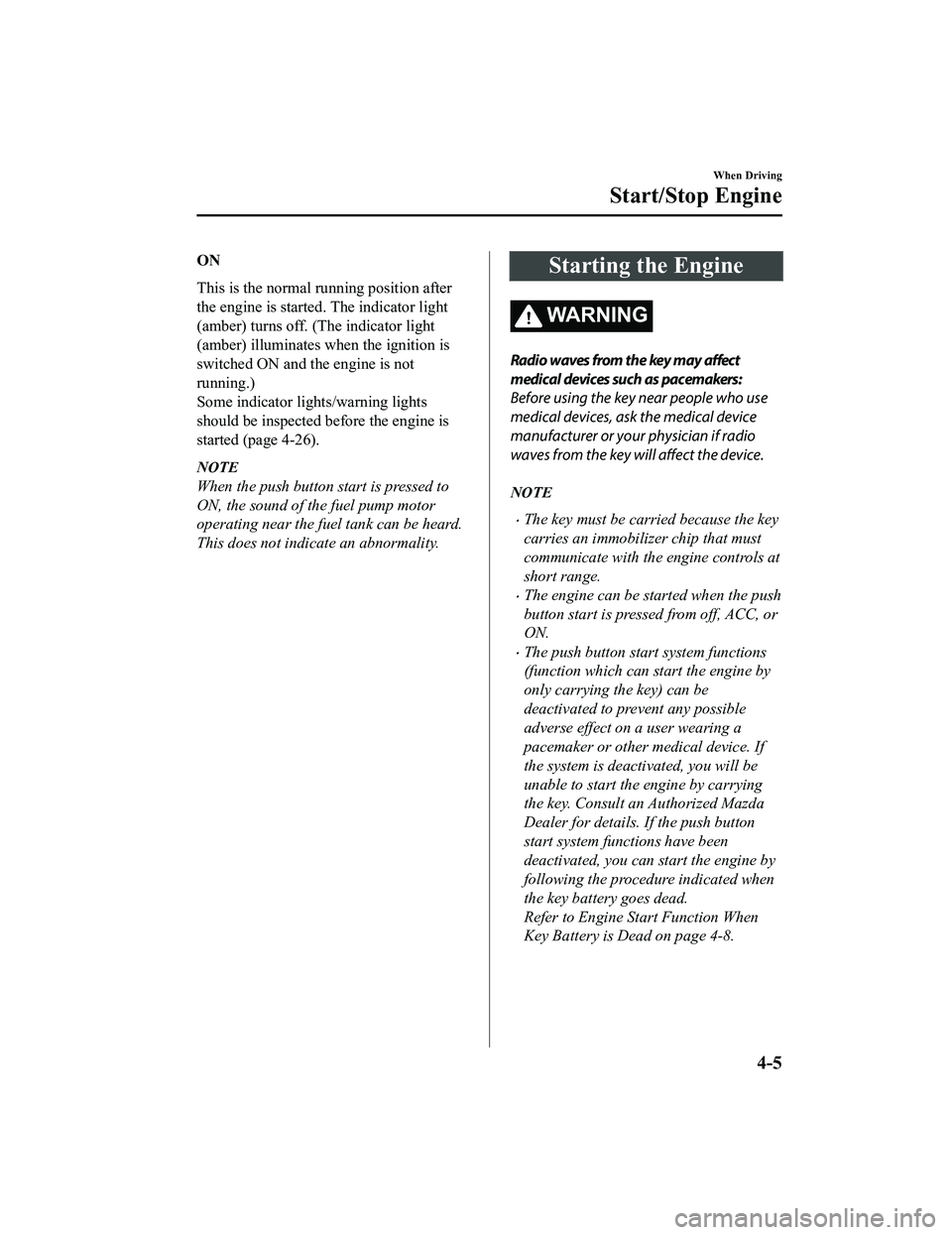
ON
This is the normal running position after
the engine is started. The indicator light
(amber) turns off. (The indicator light
(amber) illuminates when the ignition is
switched ON and the engine is not
running.)
Some indicator lights/warning lights
should be inspected before the engine is
started (page 4-26).
NOTE
When the push button start is pressed to
ON, the sound of the fuel pump motor
operating near the fuel tank can be heard.
This does not indi cate an abnormality.
Starting the Engine
WA R N I N G
Radio waves from the key may affect
medical devices such as pacemakers:
Before using the key near people who use
medical devices, ask the medical device
manufacturer or your physician if radio
waves from the key w ill affect the device.
NOTE
The key must be carried because the key
carries an immobilizer chip that must
communicate with the engine controls at
short range.
The engine can be started when the push
button start is pressed from off, ACC, or
ON.
The push button start system functions
(function which can start the engine by
only carrying the key) can be
deactivated to prevent any possible
adverse effect on a user wearing a
pacemaker or other medical device. If
the system is deactivated, you will be
unable to start the engine by carrying
the key. Consult an Authorized Mazda
Dealer for details. If the push button
start system functions have been
deactivated, you can start the engine by
following the procedure indicated when
the key battery goes dead.
Refer to Engine Start Function When
Key Battery is Dead on page 4-8.
When Driving
Start/Stop Engine
4-5
MX-5_8GF7-EA-17J_Edition2 2017-10-31 14:07:27
Page 130 of 576

If the engine load increases and the
engine coolant temperature exceeds
100 °C (210 °F), the gauge indicates the
engine coolant temperature.
▼Fuel Gauge (Without
Multi-information Display)
The fuel gauge shows approximately how
much fuel is remaining in the tank when
the ignition is
switched ON. We
recommend keeping the tank over 1/4 full.
Full
1/4 Full
Empty
If the low fuel warnin g light illuminates or
the fuel level is very low, refuel as soon as
possible.
Refer to Taking Action on page 7-41.
NOTE
After refueling, it may require some time
for the indicator to stabilize. In addition,
the indicator may deviate while driving
on a slope or curve since the fuel moves
in the tank.
The display indicating a quarter or less
remaining fuel has more segments to
show the remaining fu el level in greater
detail.
The direction of the arrow () indicates
that the fuel-filler lid is on the left side
of the vehicle.
▼ Dashboard Illumination
(Without auto-light control)
When the position lights are turned on
with the ignition switched ON, the
brightness of the dash
board illumination is
dimmed.
(With auto-light control)
When the position lights are turned on
with the ignition switched ON, the
brightness of the dash board illumination is
dimmed. However, when the light sensor
detects that the surrounding area is bright
such as when the position lights are turned
on in the daytime, the dashboard
illumination does not dim.
NOTE
(With auto-light control)
When the ignition is switched ON in the
early evening or at dusk, the dashboard
illumination is dimmed for several
seconds until the light sensor detects the
brightness of the surrounding area,
however, the dimmer may cancel after
the brightness is detected.
When the position lights are turned on,
the position lights i ndicator light in the
instrument cluster turns on.
Refer to Headlights on page 4-44.
The brightness of the instrument cluster
and dashboard illuminations can be
adjusted by rotating the knob.
When Driving
Instrument Cluster and Display
4-14
MX-5_8GF7-EA-17J_Edition2 2017-10-31 14:07:27
Page 131 of 576

The brightness decreases by rotating the
knob to the left. A beep sound will be
heard when the knob has been rotated to
the maximum dim position.
The brightness increases by rotating the
knob to the right.
Dim
Bright
Function for cancelling illumination
dimmer
The illumination dimmer can be canceled
by rotating the dashboard illumination
knob to the right until a beep sound is
heard while the instrument cluster is
dimmed with the ignition switched ON. If
the instrument cluster's visibility is
reduced due to glare from surrounding
brightness, cancel the illumination
dimmer.
NOTE
When the illumina tion dimmer is
canceled, the instrument cluster cannot
be dimmed even if the position lights are
turned on.
When the illumina tion dimmer is
canceled, the screen in the center
display switches to constant display of
the daytime screen.
▼ Outside Tempera
ture Display
(Without Multi-information
Display)
When the ignition is switched ON, the
outside temperature is displayed.
NOTE
Under the following conditions, the
outside temperature display may differ
from the actual outside temperature
depending on the surroundings and
vehicle conditions:
Significantly cold or hot temperatures.
Sudden changes in outside
temperature.
The vehicle is parked.
The vehicle is driven at low speeds.
Changing the Temperature Unit of the
Outside Temperature Display
The outside temperature unit can be
switched between Celsius and Fahrenheit
using the following procedure.
(Vehicles with Type B audio)
Settings can be changed by operating the
center display screen.
Refer to Personalization Features on page
9-9.
(Vehicles without Type B audio)
1. Press the INFO switch with the ignition switched off and continue
pressing the INFO switch for 5
seconds or longer while switching the
ignition ON. The outside temperature
display flashes.
2. Press the INFO switch to change the outside temperature unit.
When Driving
Instrument Cluster and Display
4-15
MX-5_8GF7-EA-17J_Edition2 2017-10-31 14:07:27