ignition MAZDA MODEL TRIBUTE HEV 2008 Owner's Manual
[x] Cancel search | Manufacturer: MAZDA, Model Year: 2008, Model line: MODEL TRIBUTE HEV, Model: MAZDA MODEL TRIBUTE HEV 2008Pages: 312, PDF Size: 3.68 MB
Page 64 of 312

Indicator light Code
Green light is On — Power point is ready to supply power
Green light is Off — Power point power supply is off. Ignition is not in
RUN position
Green light is blinking — Power point is in fault mode
POWER WINDOWS
WARNING: Do not leave children unattended in the vehicle and
do not let children play with the power windows. They may
seriously injure themselves.
WARNING: When closing the power windows, you should verify
they are free of obstructions and ensure that children and/or
pets are not in the proximity of the window openings.
Press and pull the window switches
to open and close windows.
• Push down (to the first detent)
and hold the switch to open.
• Pull up (to the first detent) and
hold the switch to close.
One touch down (AUTO)
Allows the driver’s window to open
fully without holding the control
down. Push the switch completely
down to the second detent and
release quickly. The window will
open fully. Momentarily press the
switch to any position to stop the
window operation.
AUTO
2008 Tribute Hybrid (thv)
Owners Guide (post-2002-fmt)
USA (fus)
Driver Controls
64
Page 65 of 312

Window lock
The window lock feature allows only
the driver to operate the power
windows.
To lock out all the window controls
(except for the driver’s) press the
right side of the control. Press the
left side to restore the window
controls.
Accessory delay
With accessory delay, the window switches, moon roof (if equipped) and
audio system may be used for up to ten minutes after the ignition switch
is turned to the OFF position or until either front door is opened.
INTERIOR MIRROR
The interior rear view mirror has two pivot points on the support arm
which lets you adjust the mirror UP or DOWN and from SIDE to SIDE.WARNING: Do not adjust the mirror while the vehicle is in
motion.
Automatic dimming rear view mirror (if equipped)
Your vehicle may be equipped with
an inside rear view mirror which has
an auto-dimming function. The
electronic day/night mirror will
change from the normal (high
reflective) state to the non-glare
(darkened) state when bright lights (glare) reach the mirror. When the
mirror detects bright light from behind the vehicle, it will automatically
adjust (darken) to minimize glare.
The mirror will automatically return to the normal state whenever the
vehicle is placed in R (Reverse) (when the mirror is on) to ensure a
bright clear view when backing up.
Do not block the sensors on the front and back of the inside rear
view mirror since this may impair proper mirror performance.
Do not clean the housing or glass of any mirror with harsh
abrasives, fuel or other petroleum-based cleaning products.
2008 Tribute Hybrid (thv)
Owners Guide (post-2002-fmt)
USA (fus)
Driver Controls
65
Page 66 of 312

Electronic compass (if equipped)
The compass heading is displayed as one of N, NE, E, SE, S, SW, W and
NW in the center stack display.
The compass reading may be affected when you drive near large
buildings, bridges, power lines and powerful broadcast antenna. Magnetic
or metallic objects placed in, on or near the vehicle may also affect
compass accuracy.
Usually, when something affects the compass readings, the compass will
correct itself after a few days of operating your vehicle in normal
conditions. If the compass still appears to be inaccurate, a manual
calibration may be necessary. Refer toCompass zone adjustment.
Most geographic areas (zones) have a magnetic north compass point that
varies slightly from the northerly direction on maps. This variation is four
degrees between adjacent zones and will become noticeable as the
vehicle crosses multiple zones. A correct zone setting will eliminate this
error. Refer to Compass calibration adjustment.
Compass zone adjustment 1. Determine which magnetic zone you are in for your geographic
location by referring to the zone
map.
2. Turn ignition to the ON position.
3. Locate the reset button on top of the compass sensor mounted
behind the mirror.
123
4
5
6 7 8 9 1011 12 13 14 15
2008 Tribute Hybrid
(thv)
Owners Guide (post-2002-fmt)
USA (fus)
Driver Controls
66
Page 71 of 312
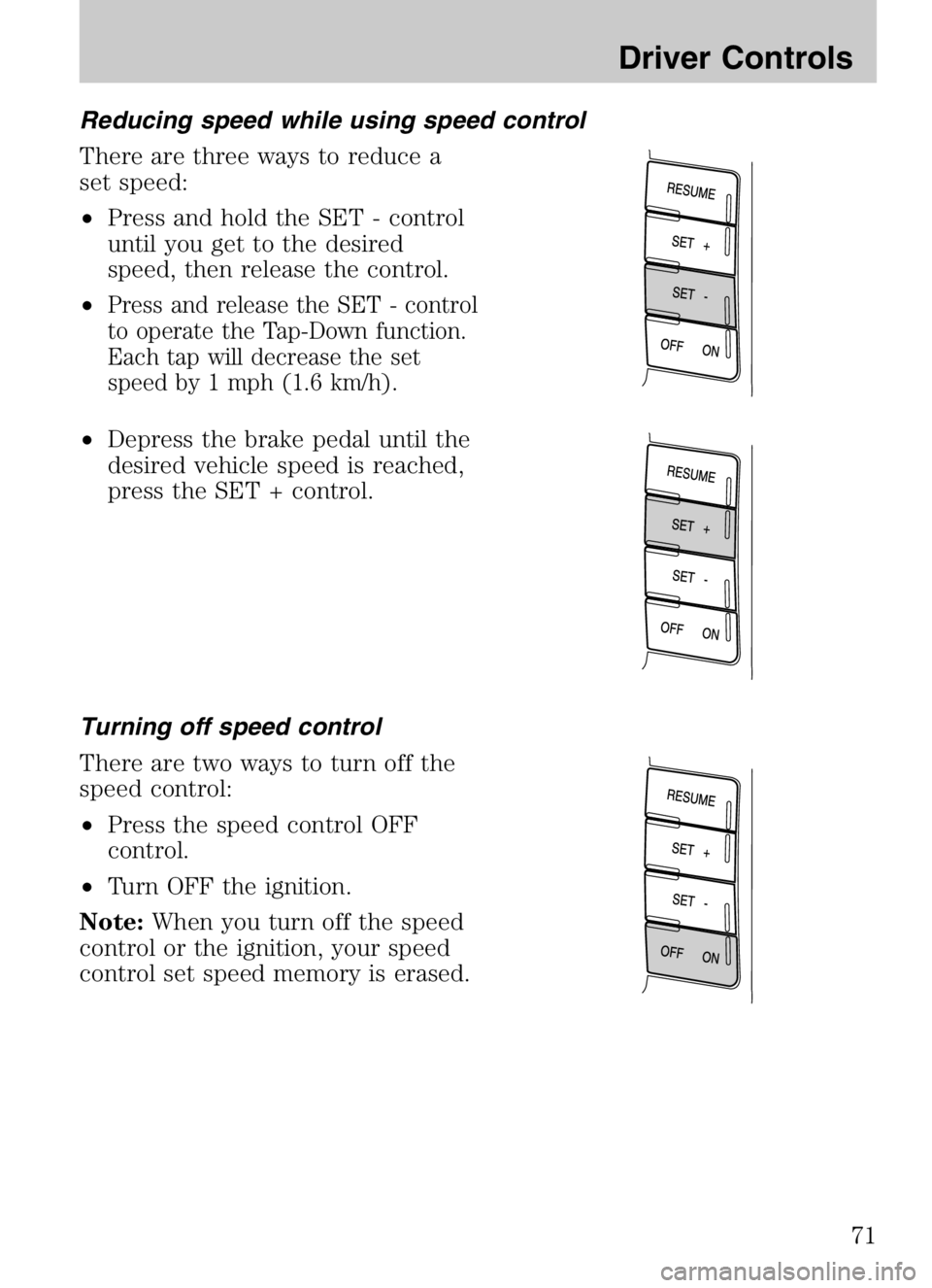
Reducing speed while using speed control
There are three ways to reduce a
set speed:
•Press and hold the SET - control
until you get to the desired
speed, then release the control.
•
Press and release the SET - control
to operate the Tap-Down function.
Each tap will decrease the set
speed by 1 mph (1.6 km/h).
• Depress the brake pedal until the
desired vehicle speed is reached,
press the SET + control.
Turning off speed control
There are two ways to turn off the
speed control:
• Press the speed control OFF
control.
• Turn OFF the ignition.
Note: When you turn off the speed
control or the ignition, your speed
control set speed memory is erased.
2008 Tribute Hybrid (thv)
Owners Guide (post-2002-fmt)
USA (fus)
Driver Controls
71
Page 74 of 312
If you open and close the moon roof repeatedly, the moon roof motor
may overheat and shut down for 45 seconds while the motor cools.
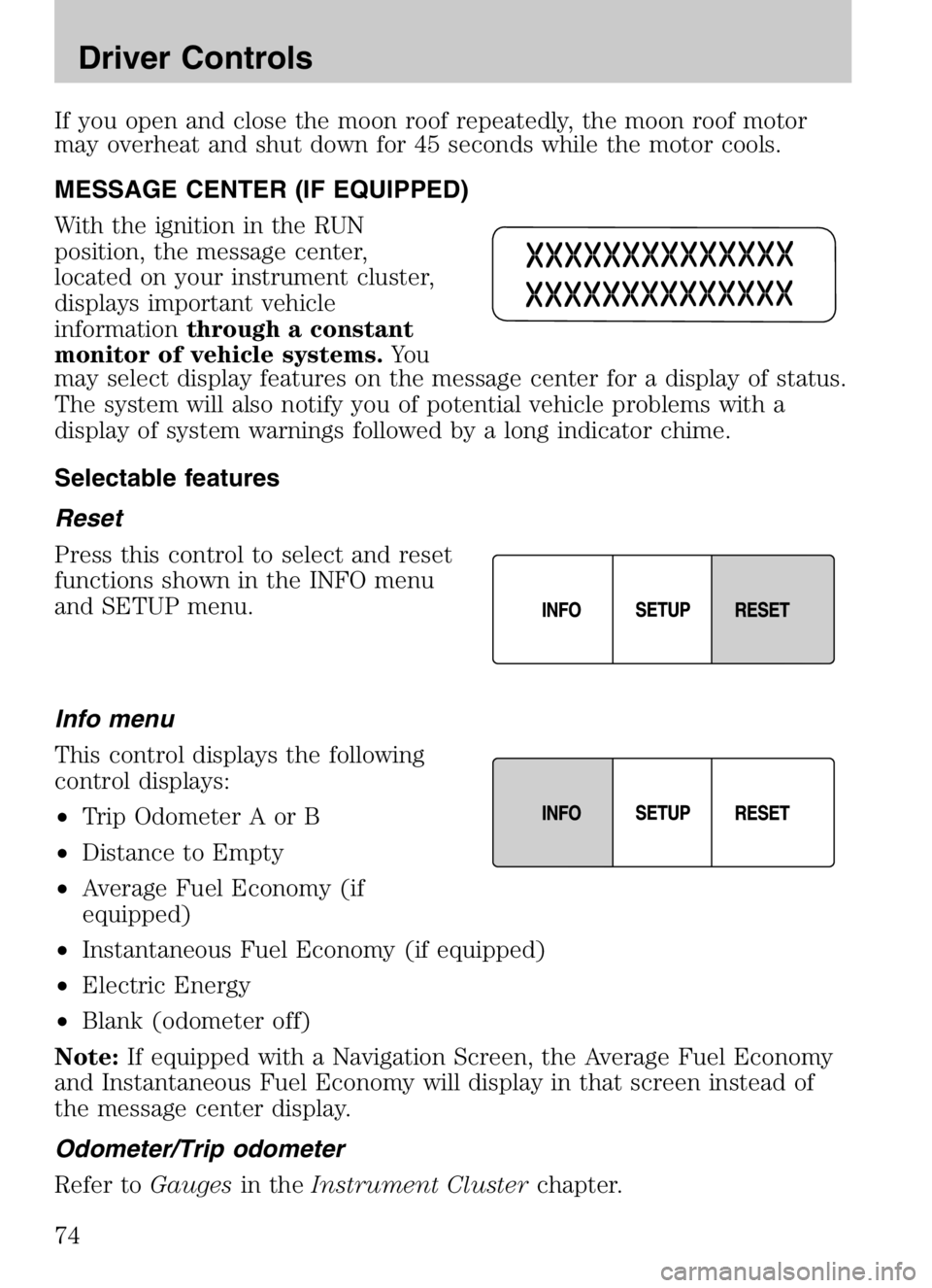
MESSAGE CENTER (IF EQUIPPED)
With the ignition in the RUN
position, the message center,
located on your instrument cluster,
displays important vehicle
informationthrough a constant
monitor of vehicle systems. Yo u
may select display features on the message center for a display of status.
The system will also notify you of potential vehicle problems with a
display of system warnings followed by a long indicator chime.
Selectable features
Reset
Press this control to select and reset
functions shown in the INFO menu
and SETUP menu.
Info menu
This control displays the following
control displays:
• Trip Odometer A or B
• Distance to Empty
• Average Fuel Economy (if
equipped)
• Instantaneous Fuel Economy (if equipped)
• Electric Energy
• Blank (odometer off)
Note: If equipped with a Navigation Screen, the Average Fuel Economy
and Instantaneous Fuel Economy will display in that screen instead of
the message center display.
Odometer/Trip odometer
Refer to Gaugesin theInstrument Cluster chapter.
2008 Tribute Hybrid (thv)
Owners Guide (post-2002-fmt)
USA (fus)
Driver Controls
74
Page 75 of 312

Distance to empty (DTE)
Selecting this function from the
INFO menu will give you an
estimate of how far you can drive
with the fuel remaining in your tank
under normal driving conditions.
Remember to turn the ignition OFF
when refueling your vehicle. Otherwise, the display will not show the
addition of fuel for a few miles (kilometers). DTE will vary according to
your driving habits.
Average fuel economy (AFE) (if equipped)
Selecting this function from the
INFO menu will display your
average fuel economy in miles/gallon
or liters/100 km.
If you calculate your average fuel
economy by dividing miles traveled by gallons of fuel used (liters of fuel
by used 100 kilometers traveled), your figure may be different than
displayed for the following reasons:
•your vehicle was not perfectly level during fill-up
• differences in the automatic shut-off points on the fuel pumps at
service stations
• variations in top-off procedure from one fill-up to another
• rounding off the displayed values to the nearest 0.1 gallon (liter)
1. Drive the vehicle at least 5 miles (8 km) with the speed control system engaged to display a stabilized average.
2. Record the highway fuel economy for future reference.
It is important to press the RESET control after setting the speed
control to get accurate highway fuel economy readings.
To reset back to zero, press and hold the RESET button for 2 seconds.
Instantaneous fuel economy (if equipped)
Select this function from the INFO
menu to display your instantaneous
fuel economy. This will display your
fuel economy as a Bar Graph
ranging from
poor economy
to
excellent economy.
2008 Tribute Hybrid (thv)
Owners Guide (post-2002-fmt)
USA (fus)
Driver Controls
75
Page 78 of 312

Units (English/Metric)1. Select this function from the SETUP menu for the current
units to be displayed.
2. Press the RESET control to change the message display
from English to Metric.
Autolamp delay
This feature keeps your headlights on for up to three minutes after the
ignition is switched off. 1. To disable/enable the autolamp delay feature, select this
function from the SETUP
control for the current display
mode.
2. Press the RESET control to select the new Autolamp delay values of 0, 10, 20, 30, 60, 90, 120 or
180 seconds.
Autolock
This feature automatically locks all vehicle doors when the vehicle is
shifted into any gear, putting the vehicle in motion. 1. To disable/enable the autolock feature, select this function
from the SETUP control for the
current display mode.
2. Press the RESET control to turn the autolock ON or OFF.
Autounlock
This feature automatically unlocks all vehicle doors when the driver’s
door is opened within 10 minutes of the ignition being turned off. 1. To disable/enable the autounlock feature, select this
function from the SETUP
control for the current display
mode.
2. Press the RESET control switch to turn the autounlock ON or OFF.
2008 Tribute Hybrid (thv)
Owners Guide (post-2002-fmt)
USA (fus)
Driver Controls
78
Page 79 of 312

Language1. Select this function from the SETUP menu for the current
language to be displayed.
2. Waiting 4 seconds or pressing the RESET control cycles the
message center through each of the language choices.
Selectable languages are English, Spanish, or French. 3. Press and hold the RESET control for 2 seconds to set the language choice.
System warnings/information
System warnings alert you to possible problems or malfunctions in your
vehicle’s operating systems.
In the event of a multiple warning situation, the message center will
cycle the display to show all warnings by displaying each one for four
seconds.
The message center will display the last selected feature if there are no
more warning messages. This allows you to use the full functionality of
the message center after you acknowledge the warning by pressing the
RESET control and clearing the warning message.
Warning messages that have been reset are divided into two categories:
• They will reappear on the display ten minutes from the reset.
• They will not reappear until an ignition LOCK-RUN cycle has been
completed if the fault condition still exists.
This acts as a reminder that these warning conditions still exist within
the vehicle.
Warnings Status
Driver door ajar Warning cannot be reset
Passenger door ajar
Rear left door ajar
Rear right door ajar
2008 Tribute Hybrid (thv)
Owners Guide (post-2002-fmt)
USA (fus)
Driver Controls
79
Page 80 of 312

WarningsStatus
Stop safely now Warning returns after 10 minutes if
condition still exists
High engine temperature
High motor temperature
Park brake engaged
XXX miles (km) to empty fuel
level low
Liftgate/Glass ajar Warning returns after the ignition key
is turned from OFF to RUN.
Service brake system
Low brake fluid
Regen brakes disabled
Low tire pressure
Tire pressure monitor fault
Tire pressure sensor fault
XX% oil life change soon
Oil change required
DRIVER DOOR AJAR. Displayed when the driver door is not
completely closed.
PASSENGER DOOR AJAR. Displayed when the passenger door is not
completely closed.
REAR LEFT DOOR AJAR. Displayed when the rear left door is not
completely closed.
REAR RIGHT DOOR AJAR. Displayed when the rear right door is not
completely closed.
STOP SAFELY NOW. Displayed when the Master electrical hazard
warning lamp is illuminated indicating a Hybrid component failure. If this
warning occurs, the vehicle will soon shutdown without further warning,
stop the vehicle as soon as safely possible and contact your authorized
dealer as soon as possible.
HIGH ENGINE TEMPERATURE. Displayed when the engine coolant
is overheating. Engine coolant temperature warning lamp will illuminate
indicating coolant temperature is high. Stop the vehicle as soon as safely
possible, turn off the engine and let it cool. Check the coolant and
coolant level. Refer to Engine coolantin theMaintenance and
Specifications chapter. If the warning stays on or continues to come on,
contact your authorized dealer as soon as possible.
2008 Tribute Hybrid (thv)
Owners Guide (post-2002-fmt)
USA (fus)
Driver Controls
80
Page 86 of 312

KEYS
Your vehicle is equipped with two
Integrated Keyhead Transmitters
(IKTs). The IKT functions as both a
programmed ignition key that
operates all the locks and starts the
vehicle, and a remote keyless entry
transmitter.
Your IKTs are programmed to your vehicle; using a non-programmed key
will not permit your vehicle to start. If you lose your authorized dealer
supplied IKTs, replacement IKTs are available through your authorized
dealer. Standard SecuriLock™ keys without remote entry transmitter
functionality can also be purchased from your authorized dealer if
desired.
Always carry a spare key with you in case of an emergency.
For more information regarding programming replacement IKTs, refer to
theSecuriLock™ passive anti-theft system section later in this chapter.
Note: Your vehicle’s IKTs were
issued with an adhesive security
label on them that provides
important vehicle key cut
information. It is recommended that
you maintain the label in a safe
place for future reference, such as
the inside front cover of this
Owner’s Manual.
2008 Tribute Hybrid (thv)
Owners Guide (post-2002-fmt)
USA (fus)
Locks and Security
86