load MAZDA MX5 MIATA 2023 User Guide
[x] Cancel search | Manufacturer: MAZDA, Model Year: 2023, Model line: MX5 MIATA, Model: MAZDA MX5 MIATA 2023Pages: 503, PDF Size: 6.98 MB
Page 192 of 503

Hill Launch Assist (HLA)*
HLA is a function which assists the driver
in accelerating from a stop while on a
slope. When the driver releases the brake
pedal and depresses the accelerator pedal
while on a slope, the function prevents the
vehicle from rolling. The braking force is
maintained automatically after the brake
pedal is released on a steep grade.
For vehicles with a manual transmission,
HLA operates on a downward slope when
the shift lever is in the reverse (R)
position, and on an upward slope when the
shift lever is in a position other than the
reverse (R) position.
For vehicles with an automatic
transmission, HLA operates on a
downward slope when the selector lever is
in the reverse (R) position, and on an
upward slope when the selector lever is in
a forward gear.
WA R N I N G
Do not rely completely on HLA:
HLA is an auxiliary device for accelerating
from a stop on a slope. The system only
operates for about 2 seconds and
therefore, relying only on the system, when
accelerating from a stop is dangerous
because the vehicle may move (roll)
unexpectedly and cause an accident.
The vehicle could roll depending on the
vehicle's load or if it is towing something. In
addition, for vehicles with a manual
transmission, the vehicle could still roll
depending on how the clutch pedal or the
accelerator pedal is operated.
Always confirm the safety around the
vehicle before starting to drive the vehicle.
NOTE
HLA does not operate on a gentle slope.
In addition, the gradient of the slope on
which the system will operate changes
depending on the vehicle's load.
HLA does not operate if the parking
brake is applied, the vehicle has not
stopped completely, or the clutch pedal
is released.
While HLA is operating, the brake pedal
may feel stiff and vibrate, however, this
does not indicate a malfunction.
HLA does not operate while the
TCS/DSC indicator li ght is illuminated.
Contact an Authorized Mazda Dealer
and Have Vehicle Inspected on page
7-36.
HLA does not turn off even if the DSC
OFF switch is pressed to turn off the
TCS/DSC.
When Driving
Brake
*Some models.4-65
MX-5_8LE7-EA-22K_Edition1_old 2022-8-4 8:12:24
Page 200 of 503
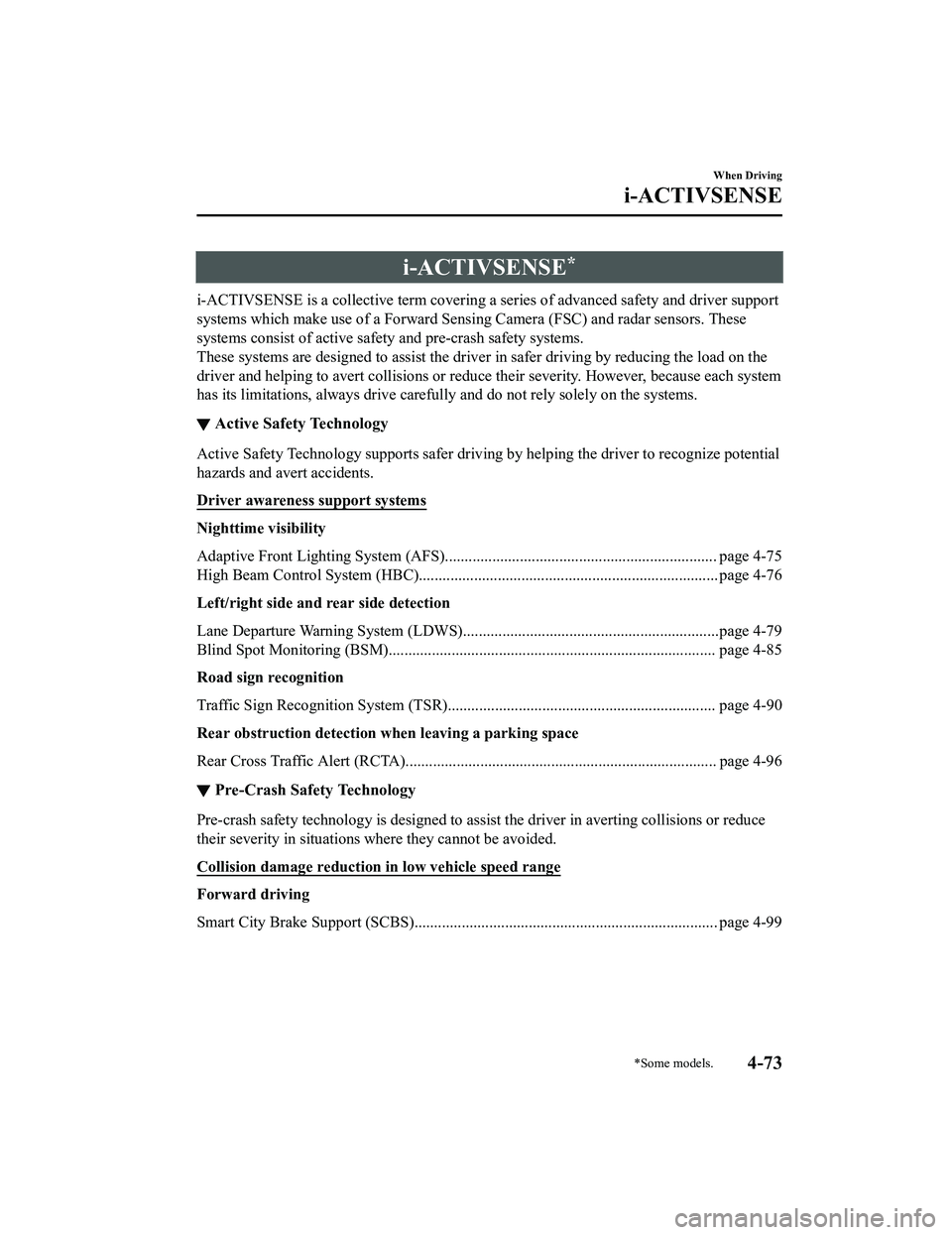
i-ACTIVSENSE*
i-ACTIVSENSE is a collective term covering a series of advanced safety and driver support
systems which make use of a Forward Sensing Camera (FSC) and radar sensors. These
systems consist of active safety and pre-crash safety systems.
These systems are designed to assist the driver in safer driving by reducing the load on the
driver and helping to avert collisions or reduce their severity. However, because each system
has its limitations, always drive carefull y and do not rely solely on the systems.
▼Active Safety Technology
Active Safety Technology supports safer driving
by helping the driver to recognize potential
hazards and avert accidents.
Driver awareness support systems
Nighttime visibility
Adaptive Front Lighting System (AFS)..................................................................... page 4-75
High Beam Control System (HBC)............................................................................ page 4-76
Left/right side and rear side detection
Lane Departure Warning Syst em (LDWS).................................................................page 4-79
Blind Spot Monitoring (BSM)................................................................................... page 4-85
Road sign recognition
Traffic Sign Recognition System (TSR). ................................................................... page 4-90
Rear obstruction detection when leaving a parking space
Rear Cross Traffic Alert (RCTA)............................................................................... page 4-96
▼ Pre-Crash Safety Technology
Pre-crash safety technology is designed to assi
st the driver in averting collisions or reduce
their severity in situations where they cannot be avoided.
Collision damage reduction in low vehicle speed range
Forward driving
Smart City Brake Support (SCBS)............................................................................. page 4-99
When Driving
i-ACTIVSENSE
*Some models.4-73
MX-5_8LE7-EA-22K_Edition1_old 2022-8-4 8:12:24
Page 204 of 503
NOTE
The timing in which the system switches the headlights changes under the following
conditions. If the system does not switch the headlights appropriately, manually switch
between high and low beams according to the visibility as well as road and traffic
conditions.
When there are sources of light in the area such as streetlamps, illuminated signboards,
and traffic signals.
When there are reflective objects in the surrounding area such as reflective plates and
signs.
When visibility is reduced under rain, snow and foggy conditions.
When driving on roads with sharp turn or hilly terrain.
When the headlights/rear lamps of vehicles in front of you or in the opposite lane are dim
or not illuminated.
When there is sufficient darkness such as at dawn or dusk.
When the luggage compartment is loaded with heavy objects.
When visibility is reduced due to a vehicle in front of you spraying water from its tires
onto your windshield.
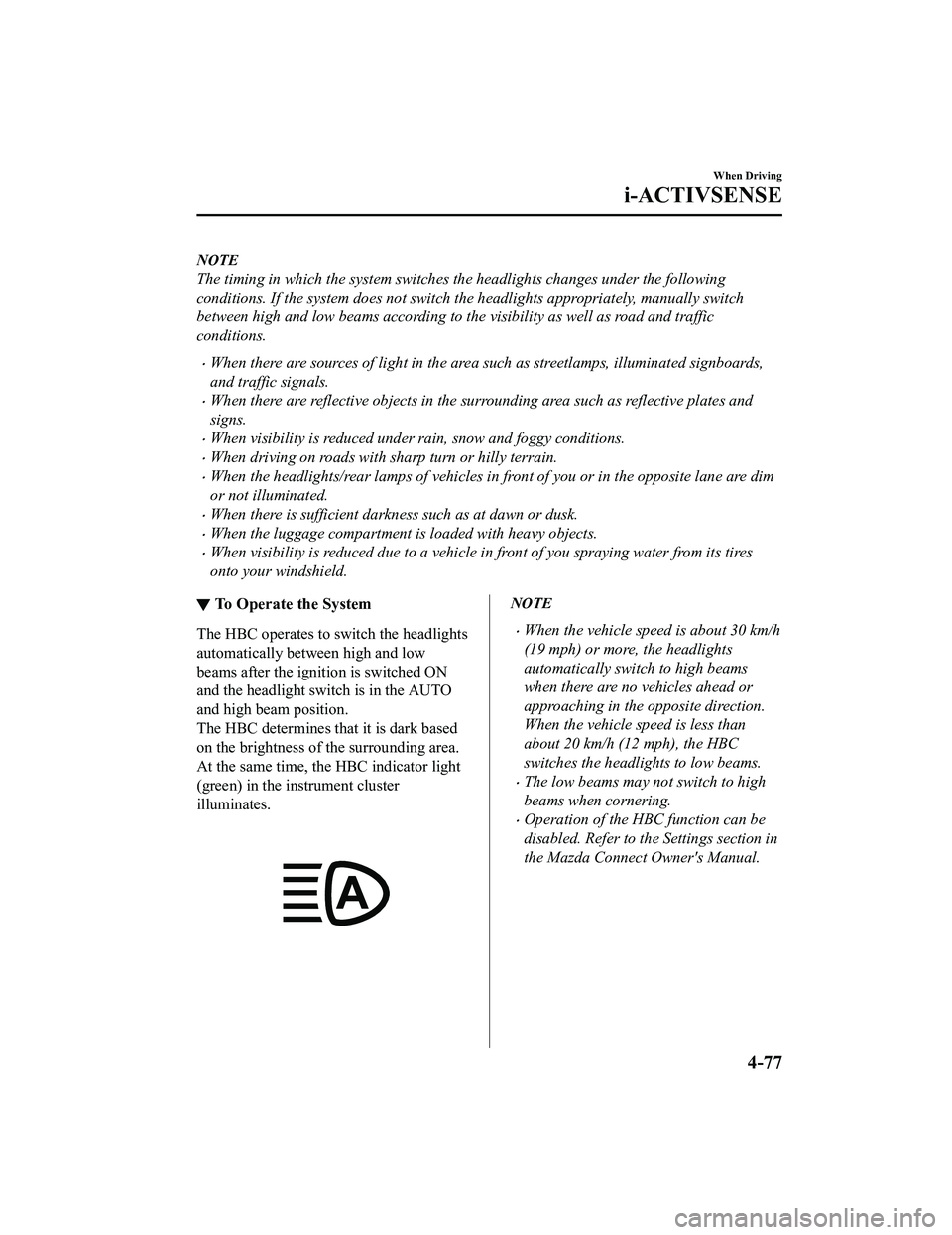
▼ To Operate the System
The HBC operates to switch the headlights
automatically between high and low
beams after the igniti
on is switched ON
and the headlight switch is in the AUTO
and high beam position.
The HBC determines that it is dark based
on the brightness of the surrounding area.
At the same time, the HBC indicator light
(green) in the in strument cluster
illuminates.
NOTE
When the vehicle speed is about 30 km/h
(19 mph) or more, the headlights
automatically switch to high beams
when there are no vehicles ahead or
approaching in the opposite direction.
When the vehicle speed is less than
about 20 km/h (12 mph), the HBC
switches the headlights to low beams.
The low beams may not switch to high
beams when cornering.
Operation of the HBC function can be
disabled. Refer to th e Settings section in
the Mazda Connect Owner's Manual.
When Driving
i-ACTIVSENSE
4-77
MX-5_8LE7-EA-22K_Edition1_old 2022-8-4 8:12:24
Page 207 of 503

The functions of the LDWS have limitations:
Always stay on course using the steering wheel and drive with care. The system is not
designed to compensate for a driver’s lack of caution and if you rely too much on the LDWS it
could lead to an accident. The driver is res ponsible for assuring lane changes and other
maneuvers. Always pay attention to the direction in which the vehicle is traveling and the
vehicle’s surroundings.
CAUTION
Do not modify the suspension. If the vehicle height or the damping force of the suspensions is
changed, the LDWS may not operate correctly.
NOTE
If your vehicle deviates from its traffi c lane, the LDWS operates (warning sound and
indicator light). Steer the vehicle adequately to drive the vehicle to the center of the lane.
When the turn signal lever is operated for a lane change, the LDWS warning is
automatically canceled. The LDWS warning becomes operable when the turn signal lever
is returned and the system detects the white or yellow lines.
If the steering wheel, accelerator pedal, or brake pedal is operated abruptly and the
vehicle moves close to a white or yellow line, the system determines that the driver is
making a lane change and the LDWS warning is automatically canceled.
The LDWS may not operate during the period immediately after the vehicle has deviated
from its lane and the LDWS has operated, or the vehicle deviates from its lane repeatedly
within a short period of time.
The LDWS does not operate if it does not dete ct the white or yellow lines of the traffic
lane.
Under the following conditions, the LDWS may not be able to detect white or yellow lines
correctly and the LDWS may not operate correctly.
If an object placed on the dashboard is reflected in the windshield and picked up by the
camera.
Heavy luggage is loaded in the luggage compartment the vehicle is inclined.
The tire pressures are not adjusted to the specified pressure.
When the vehicle is driven on the entry and exit to or from the rest area or tollgate of a
highway.
The white or yellow lines are less visible because of dirt or paint flaking.
The vehicle ahead is running near a white or yellow line and the line is less visible.
A white or yellow line is less visible because of bad weather (rain, fog, or snow).
The vehicle is driven on a temporary lane or section with a closed lane due to
construction.
When Driving
i-ACTIVSENSE
4-80
MX-5_8LE7-EA-22K_Edition1_old 2022-8-4 8:12:24
Page 218 of 503

Stop sign
Sign recognized and
displayed at same time
Instrument cluster
WA R N I N G
Always check the traffic signs visually while driving.
The TSR helps prevent the driver from overlookin g traffic signs and provides support for safer
driving. Depending on the weath er conditions or problems with
traffic signs, a
traffic sign
may not be recognized or a traffic sign different from the actual traffic sign may be displayed.
Always make it your responsibility as a driver to check the actual
traffic signs. Otherwise, it
could result in an accident.
NOTE
The TSR does not operate if there is a malf unction in the Forward Sensing Camera (FSC).
Under the following conditions, the TSR may not operate normally.
An object placed on the dashboard is reflected in the windshield and picked up by the
camera.
Heavy luggage is loaded in the luggage compartment or on the rear seat and the
vehicle is tilted.
The tire pressures are not adjusted to the specified pressure.
Tires other than standard tires are equipped.
The vehicle is driven on the ramp and surrounding area to or from a rest area or a
tollgate on a highway.
When surrounding brightness suddenly changes such as when entering or exiting a
tunnel.
When Driving
i-ACTIVSENSE
4-91
MX-5_8LE7-EA-22K_Edition1_old 2022-8-4 8:12:24
Page 232 of 503

NOTE
In the following cases, the Forward Sensing Camera (FSC) cannot detect target objects
correctly, and each system may be unable to operate normally.
The height of the vehicle ahead is low.
You drive your vehicle at the same speed as the vehicle ahead.
Headlights are not turned on during the night or when going through a tunnel.
In the following cases, the Forward Sensing Camera (FSC) may not be able to detect
target objects correctly.
Under bad weather condition, such as rain, fog and snow.
The window washer is being used or the windshield wipers are not used when it's
raining.
Ice, fog, snow, frost, rainfall, dirt, or foreign matter such as a plastic bag is stuck on the
windshield.
Trucks with low loading platforms and vehicl es with an extremely low or high profile.
When driving next to walls with no patterning (including fences and longitudinally
striped walls).
The taillights of the vehicle ahead are turned off.
A vehicle is outside the illumi nation range of the headlights.
The vehicle is making a sharp turn, or ascending or descending a steep slope.
Entering or exiting a tunnel.
Heavy luggage is loaded causing the vehicle to tilt.
Strong light is shone at the front of the vehicle (back light or high-beam light from
on-coming vehicles).
There are many light emitters on the vehicle ahead.
When the vehicle ahead is not equipped with taillights or the taillights are turned off at
nighttime.
Elongated luggage or cargo is loaded onto installed roof rails and covers the Forward
Sensing Camera (FSC).
Exhaust gas from the vehicle in front, sand, snow, and water vapor rising from
manholes and grating, and water splashed into the air.
When towing a malfunctioning vehicle.
The vehicle is driven with tires having significantly different wear.
The vehicle is driven on down slopes or bumpy roads.
There are water puddles on the road.
The surroundings are dark such as during the night, early evening, or early morning, or
in a tunnel or indoor parking lot.
The illumination brightness of the headlights is reduced or the headlight illumination is
weakened due to dirt or a deviated optical axis.
The target object enters the blind spot of the Forward Sensing Camera (FSC).
A person or object bursts onto the road from the shoulder or cuts right in front of you.
When Driving
i-ACTIVSENSE
4-105
MX-5_8LE7-EA-22K_Edition1_old 2022-8-4 8:12:24
Page 235 of 503

Vehicle shapes which do not reflect radar waves well such as empty trailers with a low
vehicle height and sports cars.
Vehicles are shipped with the direction of the radar sensors (rear) adjusted for each
vehicle to a loaded vehicle condition so that the radar sensors (rear) detect approaching
vehicles correctly. If the direction of the radar sensors (rear) has deviated for some
reason, have the vehicle inspected at an Authorized Mazda Dealer.
For repairs or replacement of the radar sensors (rear), or bumper repairs, paintwork, and
replacement near the radar sensors, consult an Authorized Mazda Dealer.
Turn off the system while pulling a trailer or while an accessory such as a bicycle carrier
is installed to the rear of the vehicle. Otherwise, the radio waves emitted by the radar will
be blocked causing the system to not operate normally.
The radar sensors are regulated by the relevant radio wave laws of the country in which
the vehicle is driven. If the vehicle is driven abroad, authorization from the country in
which the vehicle is driven may be required.
When Driving
i-ACTIVSENSE
4-108
MX-5_8LE7-EA-22K_Edition1_old 2022-8-4 8:12:24
Page 250 of 503

NOTE
If the parking space has division lines, straighten the wheels when the vehicle width
guide lines are parallel to them.
Because there may be a difference between the displayed image, such as indicated
below, and the actual conditions when parking, always verify the safety at the rear of
the vehicle and the surrounding area directly with your eyes.
In the image of the parking space (or garage) displayed on the screen, the back end
and distance guide lines may appear aligned in the monitor, but they may not
actually be aligned on the ground.
When parking in a space with a division li ne on only one side of the parking space,
the division line and the vehicle width guide line appear aligned in the monitor, but
they may not actually be aligned on the ground.
▼ Variance Between Actual Road Conditions and Displayed Image
Some variance occurs between the actual road
and the displayed road. Such variance in
distance perspective could lead to an accident. Note the following conditions that may cause
a variance in distance perspective.
When the vehicle is tilted due to the weight of passengers and load
When the vehicle rear is lowered, the object displayed on the screen appears farther than the
actual distance.
Variance Object
When Driving
Rear View Monitor
4-123
MX-5_8LE7-EA-22K_Edition1_old
2022-8-4 8:12:24
Page 278 of 503
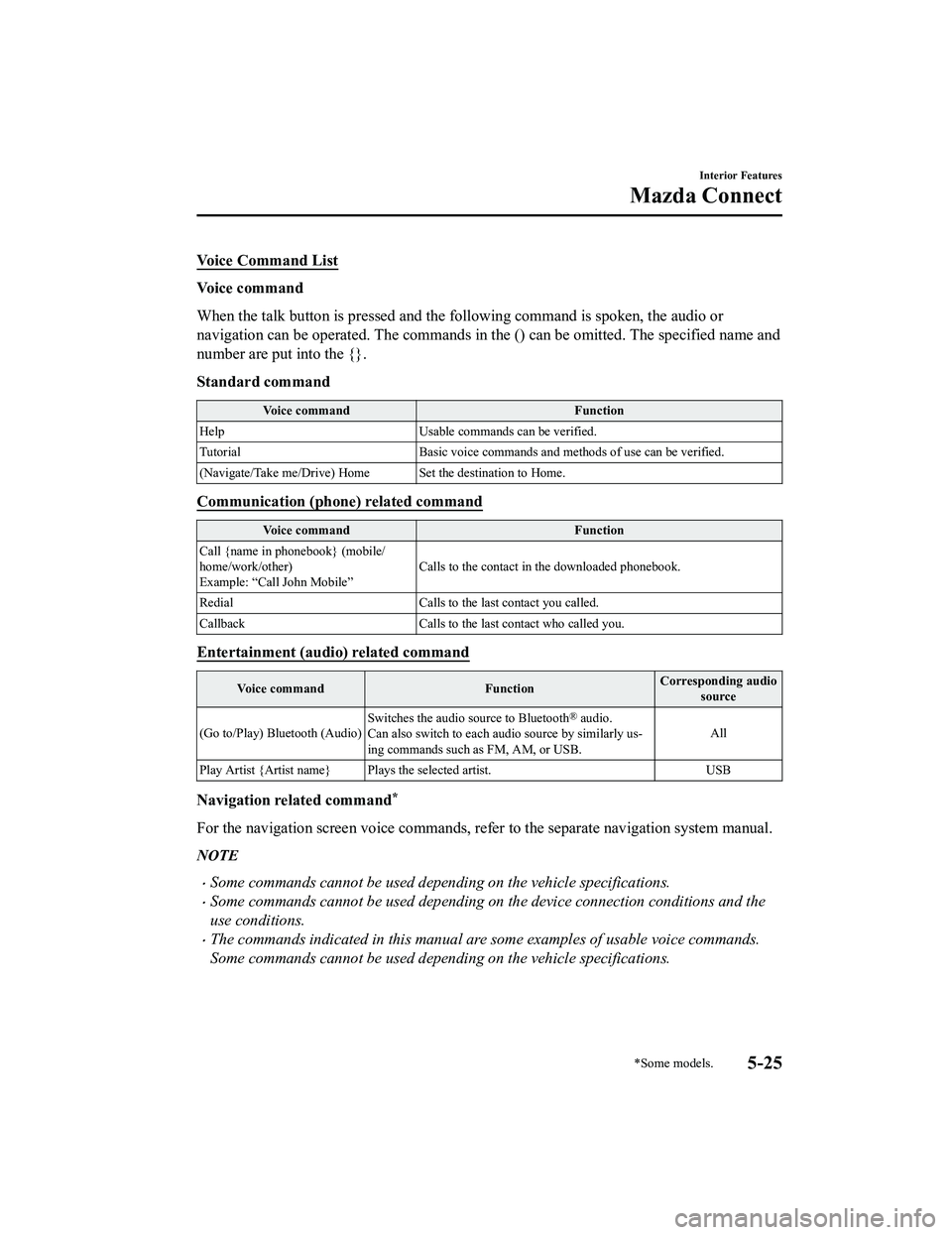
Vo i c e C o m m a n d L i s t
Voice command
When the talk button is pressed and the following command is spoken, the audio or
navigation can be operated. The commands in the () can be omitted. The specified name and
number are put into the {}.
Standard command
Voice commandFunction
Help Usable commands can be verified.
Tutorial Basic voice commands and methods of use can be verified.
(Navigate/Take me/Drive) Home Set the destination to Home.
Communication (phone) related command
Voice command Function
Call {name in phonebook} (mobile/
home/work/other)
Example: “Call John Mobile” Calls to the contact in the downloaded phonebook.
Redial Calls to the last contact you called.
Callback Calls to the last contact who called you.
Entertainment (audio) related command
Voice command FunctionCorresponding audio
source
(Go to/Play) Bluetooth (Audio) Switches the audio source to Bluetooth
® audio.
Can also switch to each audio source by similarly us ‐
ing commands such as FM, AM, or USB. All
Play Artist {Artist name} Plays the selected artist. USB
Navigation related command*
For the navigation screen voice commands, refer to the separate navigation system manual.
NOTE
Some commands cannot be used depending on the vehicle specifications.
Some commands cannot be used depending on the device connection conditions and the
use conditions.
The commands indicated in this manual are some examples of usable voice commands.
Some commands cannot be used depending on the vehicle specifications.
Interior Features
Mazda Connect
*Some models.5-25
MX-5_8LE7-EA-22K_Edition1_old 2022-8-4 8:12:24
Page 280 of 503
Gracenote makes no representations or warranties, express or implied, regarding the
accuracy of any Gracenote Data from in the Gracenote Servers. Gracenote reserves the right
to delete data from the Gracenote Servers or to change data categories for any cause that
Gracenote deems sufficient. No warranty is ma de that the Gracenote Software or Gracenote
Servers are error-free or that functioning of Gracenote Software or Gracenote Servers will
be uninterrupted. Gracenote is not obligated to provide you with new enhanced or additional
data types or categories that Gracenote may provide in the future and is free to discontinue
its services at any time.
GRACENOTE DISCLAIMS ALL WARRANTIES EXPRESS OR IMPLIED,
INCLUDING, BUT NOT LIMITED TO, IMPLIED WARRANTIES OF
MERCHANTABILITY, FITNESS FOR A PARTICULAR PURPOSE, TITLE, AND
NON-INFRINGEMENT. GRACENOTE DOES NOT WARRANT THE RESULTS THAT
WILL BE OBTAINED BY YOUR USE OF THE GRACENOTE SOFTWARE OR ANY
GRACENOTE SERVER. IN NO CASE WILL GRACENOTE BE LIABLE FOR ANY
CONSEQUENTIAL OR INCIDENTAL DAMAGES OR FOR ANY LOST PROFITS OR
LOST REVENUES.
© Gracenote, Inc. 2009
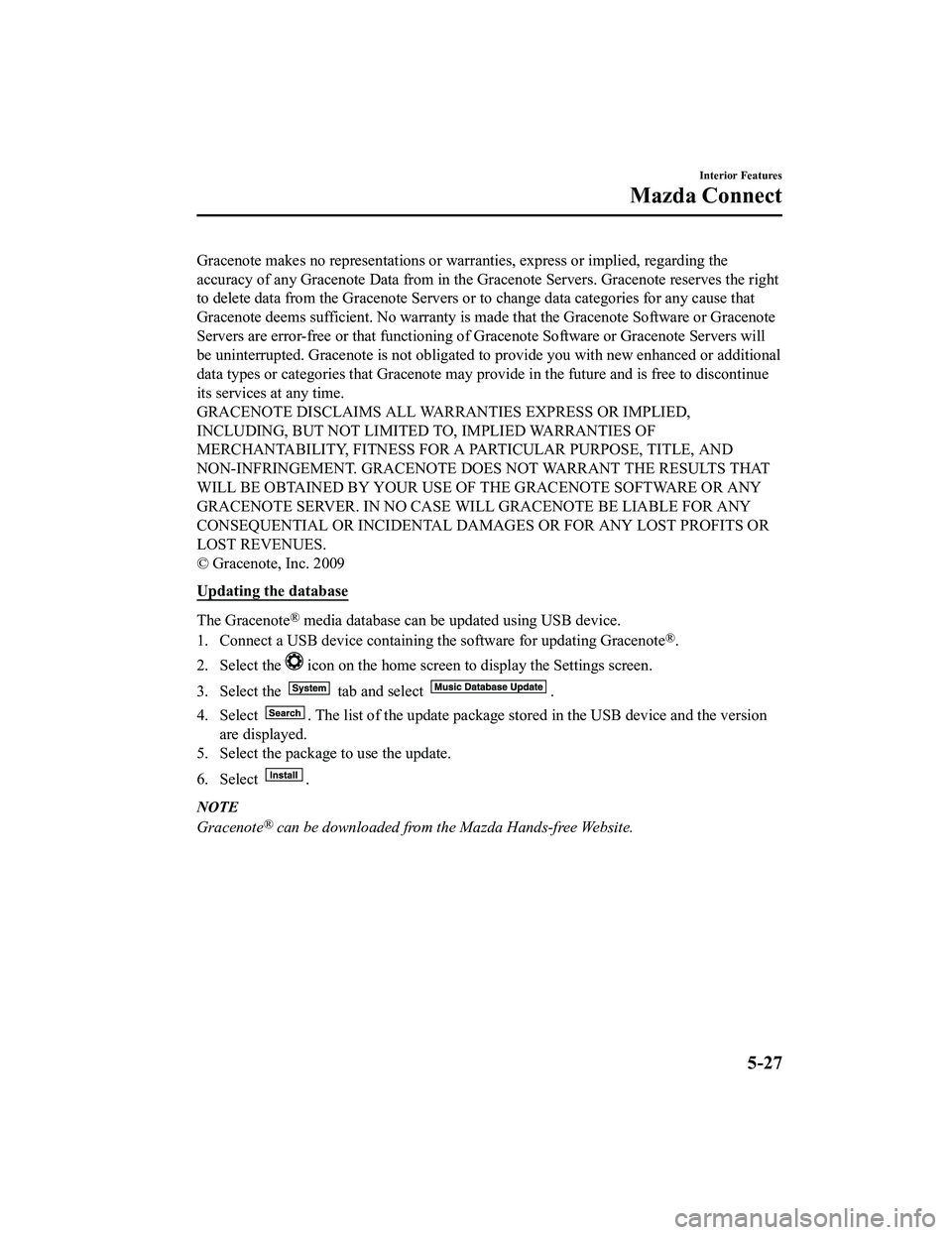
Updating the database
The Gracenote® media database can be updated using USB device.
1. Connect a USB device containing the software for updating Gracenote
®.
2. Select the
icon on the home screen to display the Settings screen.
3. Select the
tab and select .
4. Select
. The list of the update package stored in the USB device and the version
are displayed.
5. Select the package to use the update.
6. Select
.
NOTE
Gracenote® can be downloaded from the Mazda Hands-free Website.
Interior Features
Mazda Connect
5-27
MX-5_8LE7-EA-22K_Edition1_old 2022-8-4 8:12:24