brake sensor MERCEDES-BENZ A CLASS 2012 Owners Manual
[x] Cancel search | Manufacturer: MERCEDES-BENZ, Model Year: 2012, Model line: A CLASS, Model: MERCEDES-BENZ A CLASS 2012Pages: 356, PDF Size: 4.96 MB
Page 7 of 356
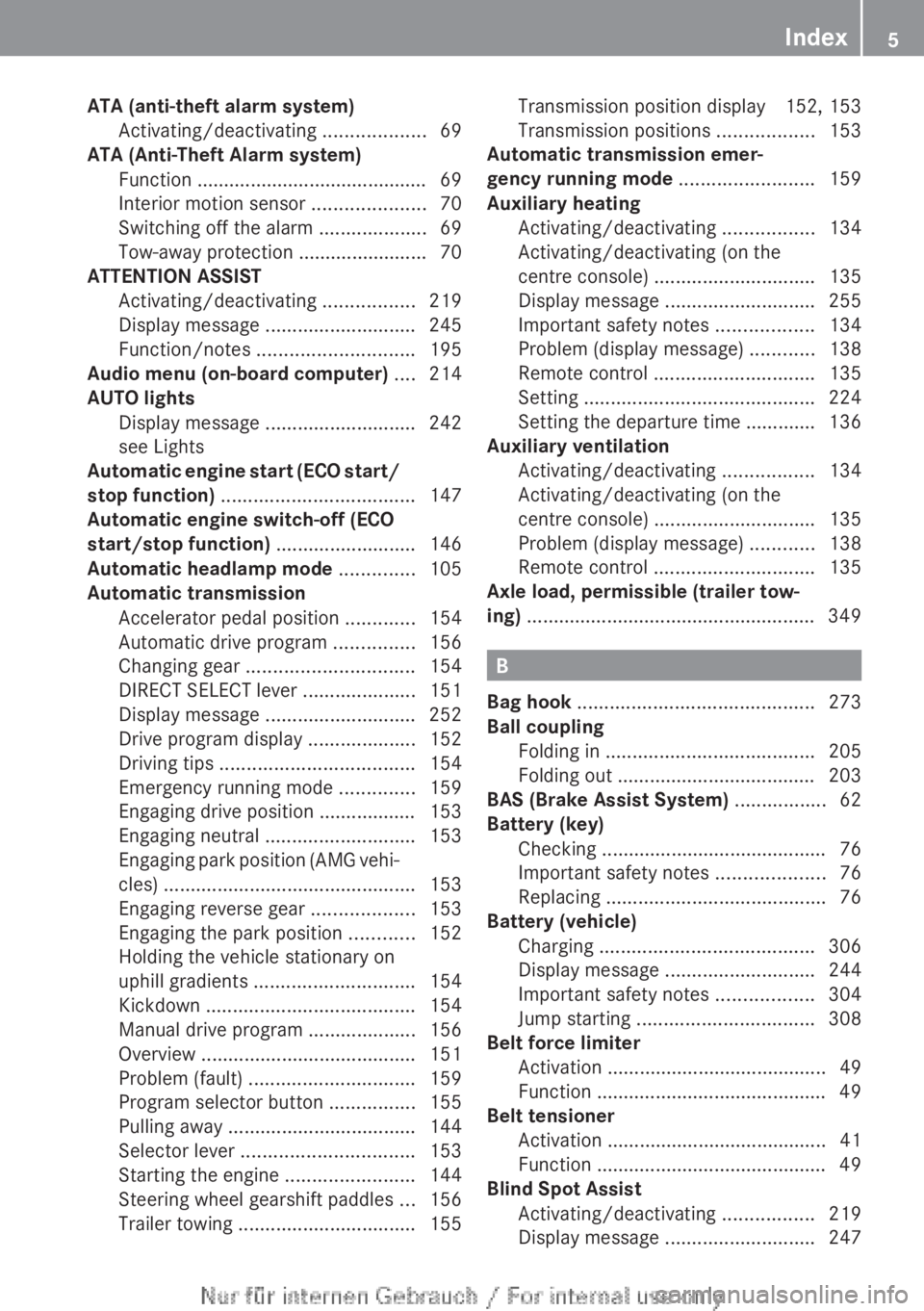
ATA (anti-theft alarm system)
Activating/deactivating ...................69
ATA (Anti-Theft Alarm system)
Function ........................................... 69
Interior motion sensor .....................70
Switching off the alarm .................... 69
Tow-away protection ........................ 70
ATTENTION ASSIST
Activating/deactivating ................. 219
Display message ............................ 245
Function/notes ............................. 195
Audio menu (on-board computer) .... 214
AUTO lights Display message ............................ 242
see Lights
Automatic engine start (ECO start/
stop function) .................................... 147
Automatic engine switch-off (ECO
start/stop function) .......................... 146
Automatic headlamp mode ..............105
Automatic transmission Accelerator pedal position .............154
Automatic drive program ............... 156
Changing gear ............................... 154
DIRECT SELECT lever .....................151
Display message ............................ 252
Drive program display ....................152
Driving tips .................................... 154
Emergency running mode ..............159
Engaging drive position .................. 153
Engaging neutral ............................ 153
Engaging park position (AMG vehi-
cles) ............................................... 153
Engaging reverse gear ................... 153
Engaging the park position ............ 152
Holding the vehicle stationary on
uphill gradients .............................. 154
Kickdown ....................................... 154
Manual drive program ....................156
Overview ........................................ 151
Problem (fault) ............................... 159
Program selector button ................155
Pulling away ................................... 144
Selector lever ................................ 153
Starting the engine ........................ 144
Steering wheel gearshift paddles ...156
Trailer towing ................................. 155Transmission position display 152, 153
Transmission positions ..................
153
Automatic transmission emer-
gency running mode .........................159
Auxiliary heating Activating/deactivating
.................134
Activating/deactivating (on the
centre console) .............................. 135
Display message ............................ 255
Important safety notes .................. 134
Problem (display message) ............138
Remote control .............................. 135
Setting ........................................... 224
Setting the departure time ............. 136
Auxiliary ventilation
Activating/deactivating ................. 134
Activating/deactivating (on the
centre console) .............................. 135
Problem (display message) ............138
Remote control .............................. 135
Axle load, permissible (trailer tow-
ing) ...................................................... 349 B
Bag hook ............................................ 273
Ball coupling Folding in ....................................... 205
Folding out .....................................
203
BAS (Brake Assist System) ................. 62
Battery (key) Checking .......................................... 76
Important safety notes .................... 76
Replacing ......................................... 76
Battery (vehicle)
Charging ........................................ 306
Display message ............................ 244
Important safety notes .................. 304
Jump starting ................................. 308
Belt force limiter
Activation ......................................... 49
Function ........................................... 49
Belt tensioner
Activation ......................................... 41
Function ........................................... 49
Blind Spot Assist
Activating/deactivating ................. 219
Display message ............................ 247 Index
5
Page 8 of 356
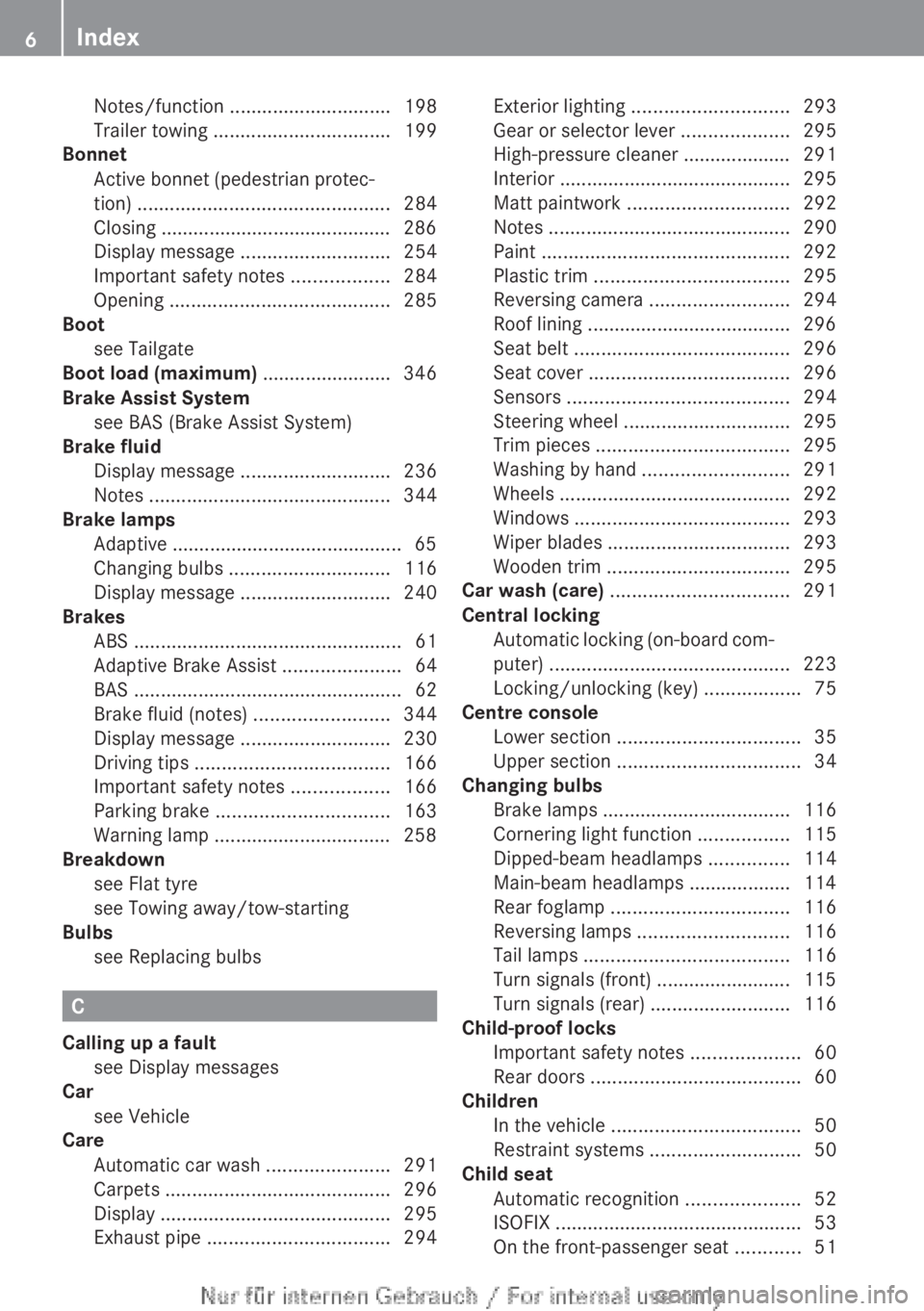
Notes/function
.............................. 198
Trailer towing ................................. 199
Bonnet
Active
bonnet (pedestrian protec-
tion) ............................................... 284
Closing ........................................... 286
Display message ............................ 254
Important safety notes .................. 284
Opening ......................................... 285
Boot
see Tailgate
Boot load (maximum) ........................ 346
Brake Assist System see BAS (Brake Assist System)
Brake fluid
Display message ............................ 236
Notes ............................................. 344
Brake lamps
Adaptive ........................................... 65
Changing bulbs .............................. 116
Display message ............................ 240
Brakes
ABS .................................................. 61
Adaptive Brake Assist ......................64
BAS .................................................. 62
Brake fluid (notes) .........................344
Display message ............................ 230
Driving tips .................................... 166
Important safety notes .................. 166
Parking brake ................................ 163
Warning lamp ................................. 258
Breakdown
see Flat tyre
see Towing away/tow-starting
Bulbs
see Replacing bulbs C
Calling up a fault see Display messages
Car
see Vehicle
Care
Automatic car wash ....................... 291
Carpets .......................................... 296
Display ........................................... 295
Exhaust pipe .................................. 294Exterior lighting
............................. 293
Gear or selector lever ....................295
High-pressure cleaner ....................
291
Interior ........................................... 295
Matt paintwork .............................. 292
Notes ............................................. 290
Paint .............................................. 292
Plastic trim .................................... 295
Reversing camera ..........................294
Roof lining ...................................... 296
Seat belt ........................................ 296
Seat cover ..................................... 296
Sensors ......................................... 294
Steering wheel ............................... 295
Trim pieces .................................... 295
Washing by hand ........................... 291
Wheels ........................................... 292
Windows ........................................ 293
Wiper blades .................................. 293
Wooden trim .................................. 295
Car wash (care) ................................. 291
Central locking Automatic locking (on-board com-
puter) ............................................. 223
Locking/unlocking (key) ..................75
Centre console
Lower section .................................. 35
Upper section .................................. 34
Changing bulbs
Brake lamps ................................... 116
Cornering light function .................115
Dipped-beam headlamps ............... 114
Main-beam headlamps ................... 114
Rear foglamp ................................. 116
Reversing lamps ............................ 116
Tail lamps ...................................... 116
Turn signals (front) ......................... 115
Turn signals (rear) .......................... 116
Child-proof locks
Important safety notes .................... 60
Rear doors ....................................... 60
Children
In the vehicle ................................... 50
Restraint systems ............................ 50
Child seat
Automatic recognition ..................... 52
ISOFIX .............................................. 53
On the front-passenger seat ............516
Index
Page 16 of 356
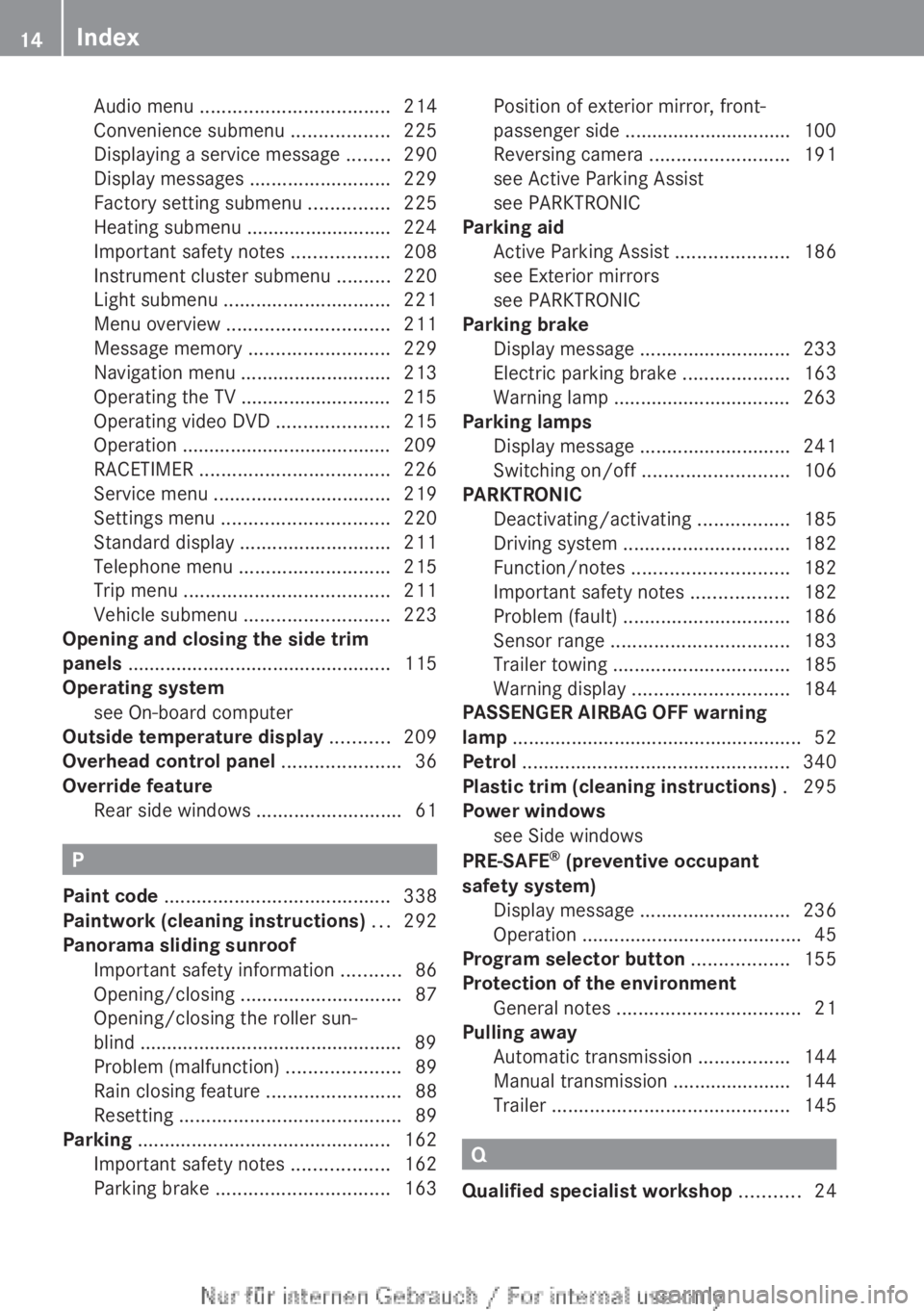
Audio menu
................................... 214
Convenience submenu .................. 225
Displaying a service message
........290
Display messages ..........................229
Factory setting submenu ............... 225
Heating submenu ........................... 224
Important safety notes .................. 208
Instrument cluster submenu ..........220
Light submenu ............................... 221
Menu overview .............................. 211
Message memory .......................... 229
Navigation menu ............................ 213
Operating the TV ............................ 215
Operating video DVD ..................... 215
Operation ....................................... 209
RACETIMER ................................... 226
Service menu ................................. 219
Settings menu ............................... 220
Standard display ............................ 211
Telephone menu ............................ 215
Trip menu ...................................... 211
Vehicle submenu ........................... 223
Opening and closing the side trim
panels ................................................. 115
Operating system see On-board computer
Outside temperature display ...........209
Overhead control panel ......................36
Override feature Rear side windows ........................... 61P
Paint code .......................................... 338
Paintwork (cleaning instructions) ...292
Panorama sliding sunroof Important safety information
...........86
Opening/closing .............................. 87
Opening/closing the roller sun-
blind ................................................. 89
Problem (malfunction) .....................89
Rain closing feature ......................... 88
Resetting ......................................... 89
Parking ............................................... 162
Important safety notes .................. 162
Parking brake ................................ 163Position of exterior mirror, front-
passenger side
............................... 100
Reversing camera ..........................191
see Active Parking Assist
see PARKTRONIC
Parking aid
Active Parking Assist .....................186
see Exterior mirrors
see PARKTRONIC
Parking brake
Display message ............................ 233
Electric parking brake ....................163
Warning lamp ................................. 263
Parking lamps
Display message ............................ 241
Switching on/off ........................... 106
PARKTRONIC
Deactivating/activating ................. 185
Driving system ............................... 182
Function/notes ............................. 182
Important safety notes .................. 182
Problem (fault) ............................... 186
Sensor range ................................. 183
Trailer towing ................................. 185
Warning display ............................. 184
PASSENGER AIRBAG OFF warning
lamp ...................................................... 52
Petrol .................................................. 340
Plastic trim (cleaning instructions) . 295
Power windows see Side windows
PRE-SAFE ®
(preventive occupant
safety system) Display message ............................ 236
Operation ......................................... 45
Program selector button .................. 155
Protection of the environment General notes .................................. 21
Pulling away
Automatic transmission ................. 144
Manual transmission ...................... 144
Trailer ............................................ 145 Q
Qualified specialist workshop ...........2414
Index
Page 18 of 356
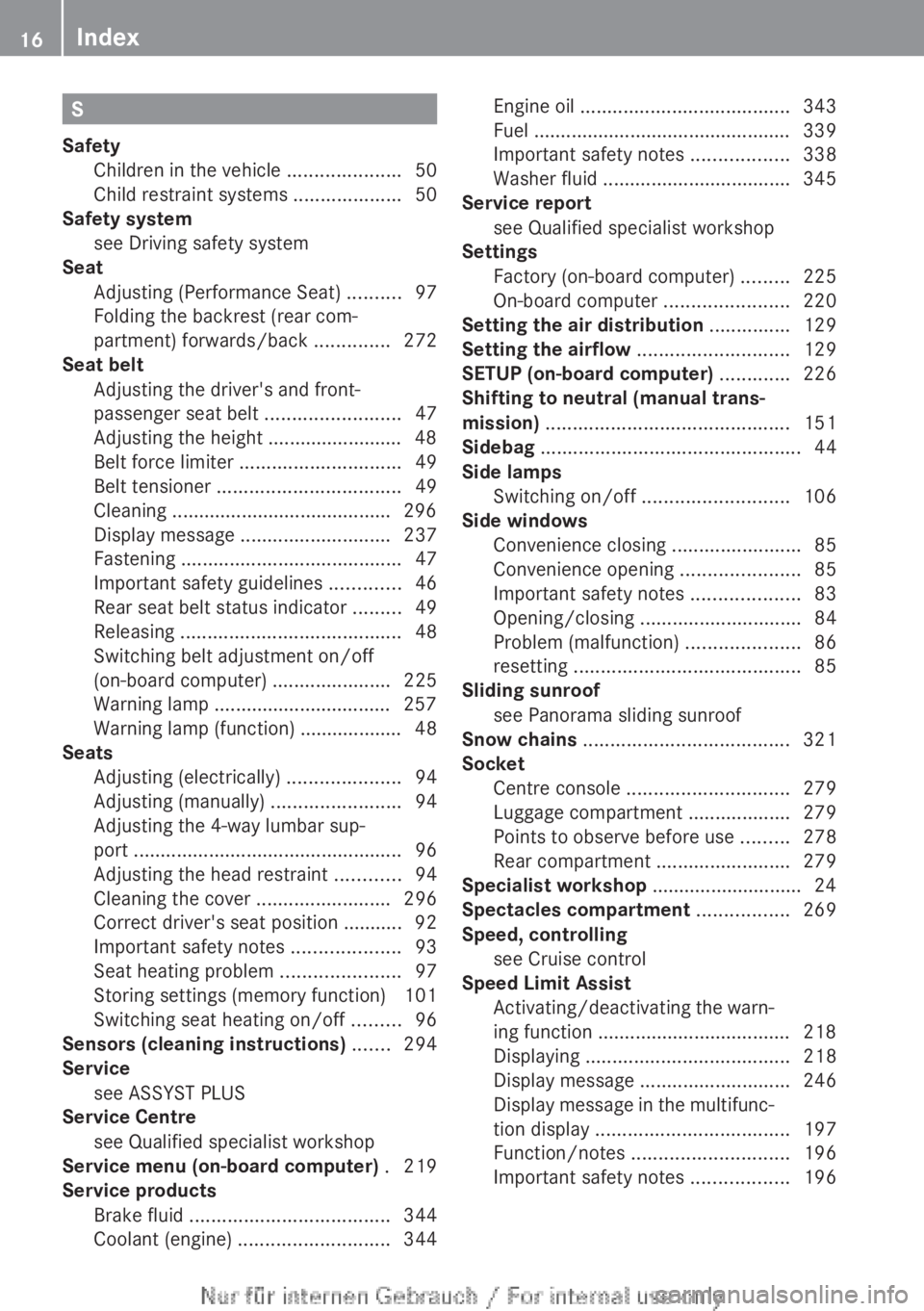
S
Safety Children in the vehicle .....................50
Child restraint systems ....................50
Safety system
see Driving safety system
Seat
Adjusting (Performance Seat) ..........97
Folding the backrest (rear com-
partment) forwards/back ..............272
Seat belt
Adjusting the driver's and front-
passenger seat belt .........................47
Adjusting the height ......................... 48
Belt force limiter .............................. 49
Belt tensioner .................................. 49
Cleaning ......................................... 296
Display message ............................ 237
Fastening ......................................... 47
Important safety guidelines .............46
Rear seat belt status indicator ......... 49
Releasing ......................................... 48
Switching belt adjustment on/off
(on-board computer) ...................... 225
Warning lamp ................................. 257
Warning lamp (function) ................... 48
Seats
Adjusting (electrically) .....................94
Adjusting (manually) ........................94
Adjusting the 4-way lumbar sup-
port .................................................. 96
Adjusting the head restraint ............ 94
Cleaning the cover ......................... 296
Correct driver's seat position ........... 92
Important safety notes .................... 93
Seat heating problem ...................... 97
Storing settings (memory function) 101
Switching seat heating on/off ......... 96
Sensors (cleaning instructions) .......294
Service see ASSYST PLUS
Service Centre
see Qualified specialist workshop
Service menu (on-board computer) . 219
Service products Brake fluid ..................................... 344
Coolant (engine) ............................ 344Engine oil .......................................
343
Fuel ................................................ 339
Important safety notes .................. 338
Washer fluid ................................... 345
Service report
see Qualified specialist workshop
Settings
Factory (on-board computer) ......... 225
On-board computer ....................... 220
Setting the air distribution ...............129
Setting the airflow ............................ 129
SETUP (on-board computer) ............. 226
Shifting to neutral (manual trans-
mission) ............................................. 151
Sidebag ................................................ 44
Side lamps Switching on/off ........................... 106
Side windows
Convenience closing ........................ 85
Convenience opening ...................... 85
Important safety notes .................... 83
Opening/closing .............................. 84
Problem (malfunction) .....................86
resetting .......................................... 85
Sliding sunroof
see Panorama sliding sunroof
Snow chains ...................................... 321
Socket Centre console .............................. 279
Luggage compartment ................... 279
Points to observe before use ......... 278
Rear compartment ......................... 279
Specialist workshop ............................ 24
Spectacles compartment .................269
Speed, controlling see Cruise control
Speed Limit Assist
Activating/deactivating the warn-
ing function .................................... 218
Displaying ...................................... 218
Display message ............................ 246
Display message in the multifunc-
tion display .................................... 197
Function/notes ............................. 196
Important safety notes .................. 19616
Index
Page 23 of 356
Protection of the environment
General notes
H
Environmental note
Daimler's declared policy is one of compre-
hensive environmental protection.
Our objectives are to use the natural resour-
ces which form the basis of our existence on
this planet sparingly and in a manner which
takes the requirements of both nature and
humanity into consideration.
You too can help to protect the environment
by operating your vehicle in an environmen-
tally-responsible manner.
Fuel consumption and the rate of engine,
transmission,
brake and tyre wear depend on
the following factors:
R operating conditions of your vehicle
R your personal driving style
You can influence both factors. Therefore,
please bear the following in mind:
Operating conditions:
R avoid short trips, as these increase fuel
consumption.
R observe the correct tyre pressure.
R do not carry any unnecessary weight in the
vehicle.
R remove the roof rack once you no longer
need it.
R a regularly serviced vehicle will contribute
to environmental protection. You should
therefore adhere to the service intervals.
R all maintenance work should be carried out
at a qualified specialist workshop.
Personal driving style:
R do not depress the accelerator pedal when
starting the engine.
R do not warm up the engine when the vehicle
is stationary.
R drive carefully and maintain a safe distance
from the vehicle in front.
R avoid frequent, sudden acceleration and
braking. R
change
gear in good time and use each gear
only up to Ô of its maximum engine speed.
R switch off the engine in stationary traffic.
R monitor the vehicle's fuel consumption. Returning an end-of-life vehicle
EU countries only:
Mercedes-Benz
will take back your old vehicle
to dispose of it in an environmentally-respon-
sible manner in accordance with the Euro-
pean Union (EU) End of Life Vehicles Direc-
tive.
There is a network of return points and dis-
assembly plants available. You can return
your vehicle to these plants free of charge.
This makes a valuable contribution to the
recycling process and the conservation of
resources.
For further information on recycling old vehi-
cles, recovery and the terms of the policy,
visit the Mercedes-Benz homepage. Genuine Mercedes-Benz parts
H
Environmental note
Daimler AG also supplies reconditioned
assemblies and parts which are of the same
quality
as new parts. For these, the same war-
ranty applies as for new parts.
! Airbags and seat belt tensioners, as well
as control units and sensors for these
restraint systems, may be installed in the
following areas of your vehicle:
R doors
R door pillars
R door sills
R seats
R dashboard
R instrument cluster
R centre console Introduction
21 Z
Page 65 of 356
G
WARNING
The distance warning function cannot always
clearly identify objects and complex traffic
situations.
In such cases, the distance warning function
may:
R give an unnecessary warning
R not give a warning
There is a risk of an accident.
Always
pay careful attention to the traffic sit-
uation; do not rely on the distance warning
function alone.
Function
X To activate/deactivate:
activate or deac-
tivate the distance warning function in the
on-board computer (Y page 218).
Vehicles with a black and white multi-
function
display: when the distance warning
function is activated, the Ä symbol
appears in the status overview in the multi-
function display.
Vehicles with a colour multifunction dis-
play: when the distance warning function is
deactivated, the æ symbol appears in the
assistance graphics in the multifunction dis-
play.
The distance warning function can help you
to minimise the risk of a front-end collision
with a vehicle ahead or reduce the effects of
such a collision. If the distance warning func-
tion detects that there is a risk of a collision,
you will be warned visually and acoustically.
Without your intervention, the distance warn-
ing function cannot prevent a collision.
The distance warning function issues a warn-
ing at speeds:
R of around 30 km/h or more, if, over several
seconds, the distance maintained to the
vehicle travelling in front is insufficient. The
· distance warning lamp then lights up
in the instrument cluster.
R of around 7 km/h or higher, if you very
quickly approach a vehicle in front. An
intermittent warning tone will then sound, and the · distance warning lamp will
light up in the instrument cluster.
X Brake immediately in order to increase the
distance from the vehicle in front.
or
X Take evasive action provided it is safe to do
so.
Due to the nature of the system, particularly
complicated but non-critical driving condi-
tions
may also cause the system to display a
warning.
With the help of the radar sensor system, the
distance warning function can detect obsta-
cles that are in the path of your vehicle for an
extended period of time.
Up to a speed of around 70 km/h, the dis-
tance warning function can also react to sta-
tionary obstacles, such as stopped or parked
vehicles.
If you approach an obstacle and the distance
warning function detects a risk of a collision,
the system will alert you both visually and
acoustically.
In particular, the detection of obstacles can
be impaired in the case of:
R dirt on the sensors or obscured sensors
R snow or heavy rain
R interference by other radar sources
R strong radar reflections, for example, in
multi-storey car parks
R a narrow vehicle travelling in front, e.g. a
motorcycle
R a vehicle travelling in front on a different
line
Following damage to the front end of the vehi-
cle, have the configuration and operation of
the radar sensor checked at a qualified spe-
cialist workshop. This also applies to colli-
sions at slow speeds where there is no visible
damage to the front of the vehicle. Driving safety systems
63Safety Z
Page 66 of 356
Adaptive Brake Assist
i
Observe the "Important safety notes" sec-
tion for driving safety systems
(Y page 61). G
WARNING
Adaptive Brake Assist cannot always clearly
identify objects and complex traffic situa-
tions. In these cases, Adaptive Brake Assist
may not intervene. There is a risk of an acci-
dent.
Always
pay careful attention to the traffic sit-
uation and be ready to brake. G
WARNING
Adaptive Brake Assist does not react:
R to people or animals
R to oncoming vehicles
R to crossing traffic
R to stationary obstacles
R when cornering
As a result, Adaptive Brake Assist may not
intervene in all critical conditions. There is a
risk of an accident.
Always
pay careful attention to the traffic sit-
uation and be ready to brake.
Adaptive Brake Assist aids you in braking dur-
ing hazardous situations at speeds above
30 km/h and uses the radar sensor system
to evaluate the traffic situation.
With the help of a sensor system, adaptive
Brake Assist can detect obstacles that are in
the path of your vehicle for an extended
period of time.
Should you approach an obstacle and adap-
tive Brake Assist has detected a risk of colli-
sion, adaptive Brake Assist calculates the
braking force necessary to avoid a collision.
Should you apply the brakes forcefully, adap-
tive Brake Assist will automatically increase
the braking force to a level suitable for the
traffic conditions. X
Keep the brake pedal depressed until the
emergency braking situation is over.
ABS prevents the wheels from locking.
The brakes will work normally again if:
R you release the brake pedal
R there
is no longer any danger of a collision
R no obstacle is detected in front of your
vehicle
Adaptive Brake Assist is then deactivated.
Vehicles with PRE-SAFE ®
: if adaptive Brake
Assist requires particularly high brake pres-
sure, preventative passenger protection
measures (PRE-SAFE ®
) are deployed simul-
taneously.
Up to vehicle speeds of around 250 km/h,
adaptive Brake Assist is capable of reacting
to moving objects that have already been rec-
ognised as such at least once over the period
of observation. Adaptive Brake Assist does
not react to stationary obstacles.
If adaptive Brake Assist is not available due
to a malfunction in the radar sensor system,
the brake system remains available with full
brake boosting effect and BAS.
In particular, the detection of obstacles can
be impaired if there is:
R dirt on the sensors or anything else cover-
ing the sensors
R snow or heavy rain
R interference by other radar sources
R the possibility of strong radar reflections,
for example, in multi-storey car parks
R a narrow vehicle travelling in front, e.g. a
motorcycle
R a vehicle travelling in front on a different
line
Following damage to the front end of the vehi-
cle, have the configuration and operation of
the radar sensor checked at a qualified spe-
cialist workshop. This also applies to colli-
sions at slow speeds where there is no visible
damage to the front of the vehicle. 64
Driving safety systems
Safety
Page 76 of 356
Useful information
i This Owner's Manual describes all mod-
els,
series and optional equipment for your
vehicle that were available at the time of
going to press. National variations are pos-
sible. Note that your vehicle may not be
equipped with all of the functions descri-
bed. This is also the case for systems and
functions relevant to safety.
i Read the information on qualified special-
ist workshops: (Y page 24). Key
Important safety notes
G
WARNING
If children are left unsupervised in the vehicle,
they could:
R open the doors, thus endangering other
people or road users.
R get out and disrupt traffic.
R operate the vehicle's equipment.
Additionally, children could set the vehicle in
motion if, for example, they:
R release the parking brake.
R shift the automatic transmission out of
parking position P.
R shift the manual transmission into neutral.
R start the engine.
There is a risk of an accident and injury.
When
leaving the vehicle, always take the key
with you and lock the vehicle. Never leave
children or animals unattended in the vehicle.
Always keep the key out of reach of children. G
WARNING
If persons (particularly children) are exposed
to heat or cold for a prolonged period, there
is
a risk of serious or even fatal injuries. Never
leave persons (particularly children) unatten-
ded in the vehicle. G
WARNING
If you attach heavy or large objects to the key,
the
key could be unintentionally turned in the
ignition lock. This could cause the engine to
be switched off. There is a risk of an accident.
Do not attach any heavy or large objects to
the key. Remove any bulky keyrings before
inserting the key into the ignition lock.
! Keep the key away from strong magnetic
fields. Otherwise, the remote control func-
tion could be affected.
Strong magnetic fields can occur in the
vicinity of powerful electrical installations.
Do not keep the key:
R with electronic devices, e.g. a mobile
phone or another key
R with metallic objects, e.g. coins or metal
film
R inside metallic objects, e.g. a metal case
United Kingdom only: G
WARNING
When the double locks are activated, the
doors can no longer be opened from the
inside.
People in the vehicle can no longer get
out, e.g. in hazardous situations. There is a
risk of injury.
Therefore, do not leave any people unsuper-
vised in the vehicle, particularly children, eld-
erly people or people in need of special assis-
tance. Do not activate the double lock when
people are in the vehicle.
If the vehicle has been locked with the key,
then the double lock function is activated as
standard. You can deactivate the double lock
function by deactivating the interior motion
sensor (Y page 70). The doors can then be
opened from the inside after the vehicle has
been locked from the outside. The anti-theft
alarm system is triggered if the door is
opened from the inside. Switch off the alarm
(Y page 69). 74
Key
Opening and closing
Page 81 of 356
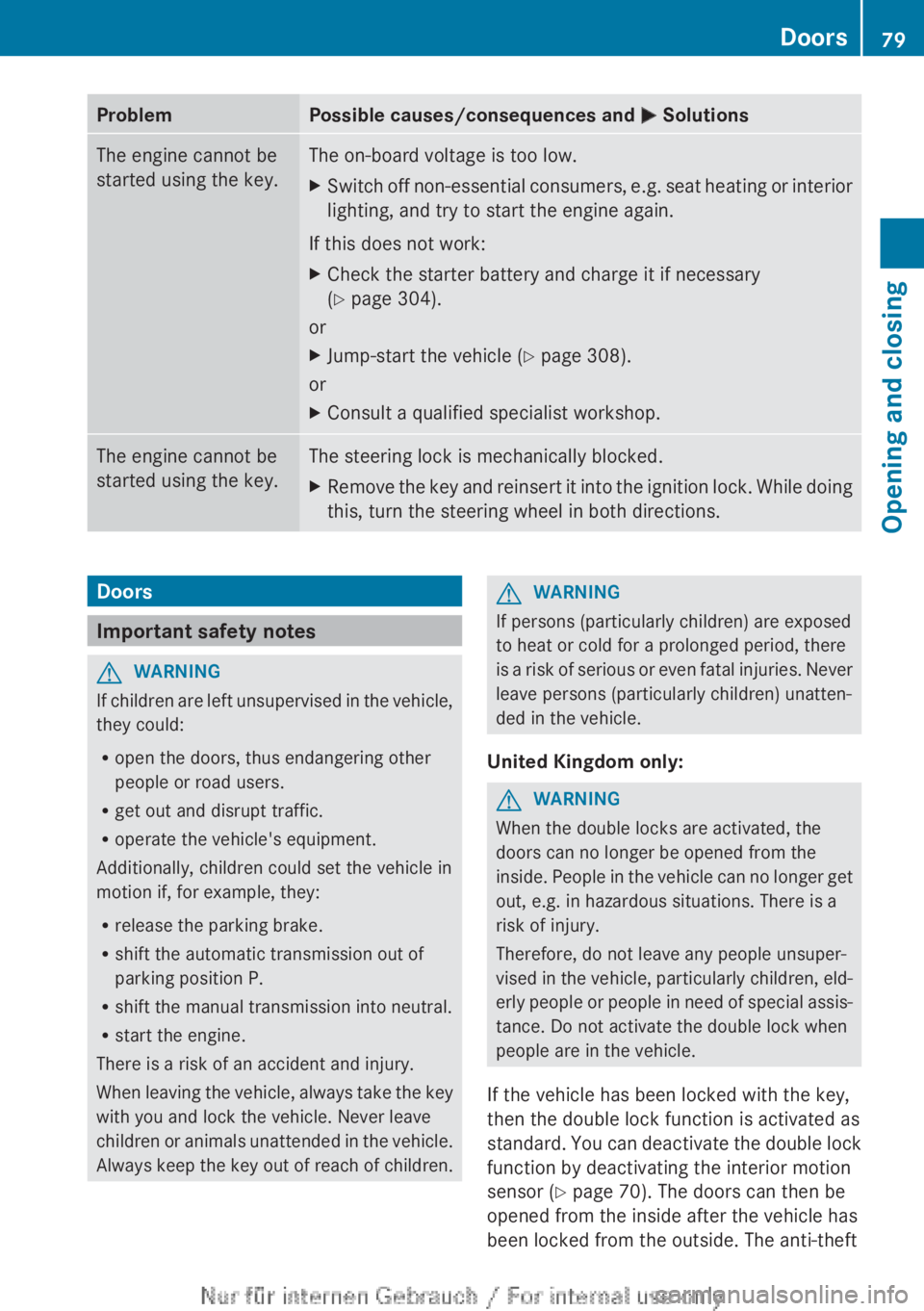
Problem Possible causes/consequences and
M SolutionsThe engine cannot be
started using the key. The on-board voltage is too low.
X
Switch off non-essential consumers, e.g. seat heating or interior
lighting, and try to start the engine again.
If this does not work:
X Check the starter battery and charge it if necessary
(Y page 304).
or
X Jump-start the vehicle (Y page 308).
or
X Consult a qualified specialist workshop. The engine cannot be
started using the key. The steering lock is mechanically blocked.
X
Remove the key and reinsert it into the ignition lock. While doing
this, turn the steering wheel in both directions. Doors
Important safety notes
G
WARNING
If children are left unsupervised in the vehicle,
they could:
R open the doors, thus endangering other
people or road users.
R get out and disrupt traffic.
R operate the vehicle's equipment.
Additionally, children could set the vehicle in
motion if, for example, they:
R release the parking brake.
R shift the automatic transmission out of
parking position P.
R shift the manual transmission into neutral.
R start the engine.
There is a risk of an accident and injury.
When
leaving the vehicle, always take the key
with you and lock the vehicle. Never leave
children or animals unattended in the vehicle.
Always keep the key out of reach of children. G
WARNING
If persons (particularly children) are exposed
to heat or cold for a prolonged period, there
is
a risk of serious or even fatal injuries. Never
leave persons (particularly children) unatten-
ded in the vehicle.
United Kingdom only: G
WARNING
When the double locks are activated, the
doors can no longer be opened from the
inside.
People in the vehicle can no longer get
out, e.g. in hazardous situations. There is a
risk of injury.
Therefore, do not leave any people unsuper-
vised in the vehicle, particularly children, eld-
erly people or people in need of special assis-
tance. Do not activate the double lock when
people are in the vehicle.
If the vehicle has been locked with the key,
then the double lock function is activated as
standard. You can deactivate the double lock
function by deactivating the interior motion
sensor (Y page 70). The doors can then be
opened from the inside after the vehicle has
been locked from the outside. The anti-theft Doors
79
Opening and closing Z
Page 108 of 356
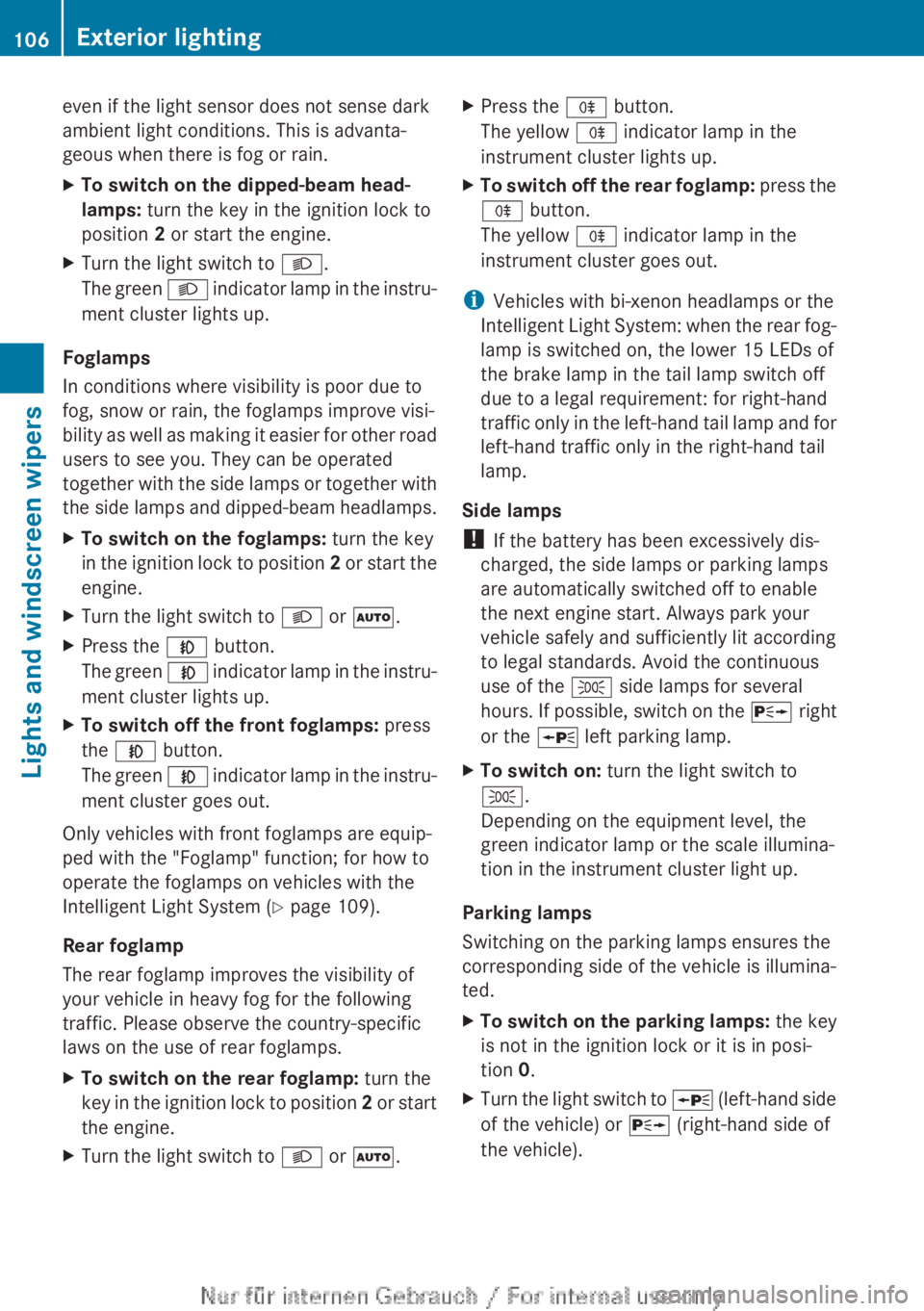
even if the light sensor does not sense dark
ambient light conditions. This is advanta-
geous when there is fog or rain.
X
To switch on the dipped-beam head-
lamps: turn the key in the ignition lock to
position 2 or start the engine.
X Turn the light switch to L.
The green L indicator lamp in the instru-
ment cluster lights up.
Foglamps
In conditions where visibility is poor due to
fog, snow or rain, the foglamps improve visi-
bility
as well as making it easier for other road
users to see you. They can be operated
together with the side lamps or together with
the side lamps and dipped-beam headlamps.
X To switch on the foglamps: turn the key
in
the ignition lock to position 2 or start the
engine.
X Turn the light switch to L or Ã.
X Press the N button.
The
green N indicator lamp in the instru-
ment cluster lights up.
X To switch off the front foglamps: press
the N button.
The
green N indicator lamp in the instru-
ment cluster goes out.
Only vehicles with front foglamps are equip-
ped with the "Foglamp" function; for how to
operate the foglamps on vehicles with the
Intelligent Light System
(Y page 109).
Rear foglamp
The rear foglamp improves the visibility of
your vehicle in heavy fog for the following
traffic. Please observe the country-specific
laws on the use of rear foglamps.
X To switch on the rear foglamp: turn the
key
in the ignition lock to position 2 or start
the engine.
X Turn the light switch to L or Ã.X
Press the R button.
The yellow R indicator lamp in the
instrument cluster lights up.
X To switch off the rear foglamp:
press the
R button.
The yellow R indicator lamp in the
instrument cluster goes out.
i Vehicles with bi-xenon headlamps or the
Intelligent
Light System: when the rear fog-
lamp is switched on, the lower 15 LEDs of
the brake lamp in the tail lamp switch off
due to a legal requirement: for right-hand
traffic only in the left-hand tail lamp and for
left-hand traffic only in the right-hand tail
lamp.
Side lamps
! If the battery has been excessively dis-
charged, the side lamps or parking lamps
are automatically switched off to enable
the next engine start. Always park your
vehicle safely and sufficiently lit according
to legal standards. Avoid the continuous
use of the T side lamps for several
hours. If possible, switch on the X right
or the W left parking lamp.
X To switch on: turn the light switch to
T.
Depending on the equipment level, the
green indicator lamp or the scale illumina-
tion in the instrument cluster light up.
Parking lamps
Switching on the parking lamps ensures the
corresponding side of the vehicle is illumina-
ted.
X To switch on the parking lamps: the key
is not in the ignition lock or it is in posi-
tion 0.
X Turn the light switch to W
(left-hand side
of the vehicle) or X (right-hand side of
the vehicle). 106
Exterior lighting
Lights and windscreen wipers