ECO mode MERCEDES-BENZ A-CLASS HATCHBACK 2008 Owners Manual
[x] Cancel search | Manufacturer: MERCEDES-BENZ, Model Year: 2008, Model line: A-CLASS HATCHBACK, Model: MERCEDES-BENZ A-CLASS HATCHBACK 2008Pages: 305, PDF Size: 5.43 MB
Page 6 of 305
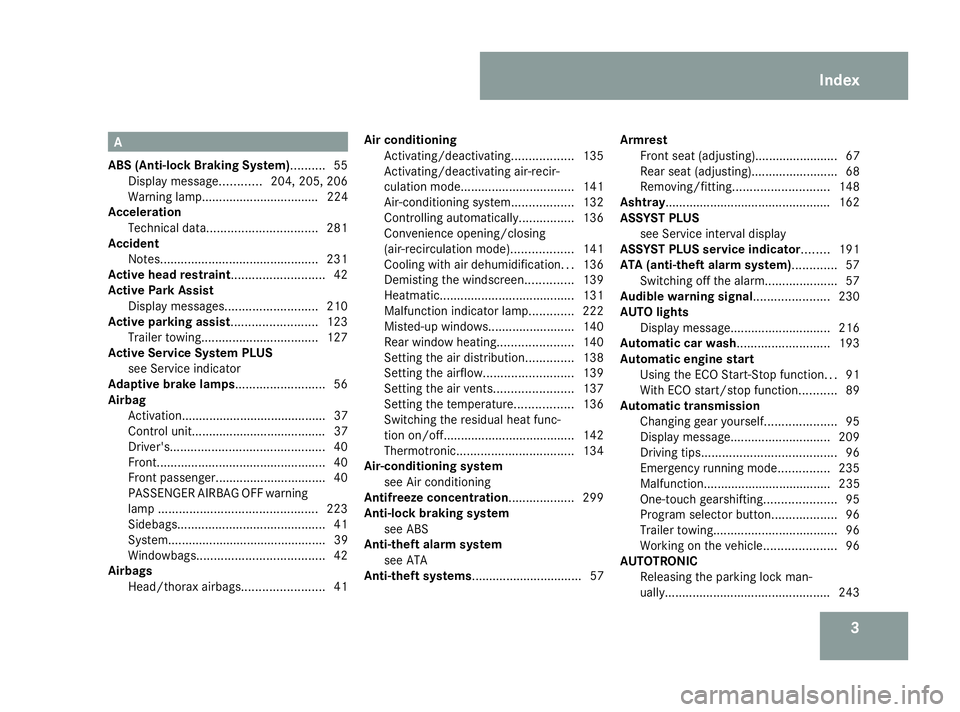
3A
ABS (Anti-lock Braking System).......... 55
Display message ............204, 205, 206
Warning lamp.................................. 224
Acceleration
Technical data. ............................... 281
Accident
Notes. ............................................. 231
Active head restraint........................... 42
Active Park Assist Display messages ........................... 210
Active parking assist......................... 123
Trailer towing. ................................. 127
Active Service System PLUS
see Service indicator
Adaptive brake lamps.......................... 56
Airbag Activation.......................................... 37
Control unit....................................... 37
Driver's ............................................. 40
Front. ................................................ 40
Front passenger ................................ 40
PASSENGER AIRBAG OFF warning
lamp .............................................. 223
Sidebags. .......................................... 41
System.............................................. 39
Windowbags. .................................... 42
Airbags
Head/thorax airbags. .......................41Air conditioning
Activating/deactivating ..................135
Activating/deactivating air-recir-
culation mode. ................................ 141
Air-conditioning system ..................132
Controlling automatically. ...............136
Convenience opening/closing
(air-recirculation mode). .................141
Cooling with air dehumidification ...136
Demisting the windscreen ..............139
Heatmatic. ...................................... 131
Malfunction indicator lamp. ............222
Misted-up windows. ........................140
Rear window heating ......................140
Setting the air distribution. .............138
Setting the airflow .......................... 139
Setting the air vents .......................137
Setting the temperature .................136
Switching the residual heat func-
tion on/off ...................................... 142
Thermotronic .................................. 134
Air-conditioning system
see Air conditioning
Antifreeze concentration................... 299
Anti-lock braking system see ABS
Anti-theft alarm system
see ATA
Anti-theft systems................................ 57 Armrest
Front seat (adjusting)........................ 67
Rear seat (adjusting).. .......................68
Removing/fitting. ........................... 148
Ashtray................................................ 162
ASSYST PLUS see Service interval display
ASSYST PLUS service indicator........ 191
ATA (anti-theft alarm system)............. 57
Switching off the alarm. ....................57
Audible warning signal...................... 230
AUTO lights Display message ............................. 216
Automatic car wash........................... 193
Automatic engine start Using the ECO Start-Stop function ...91
With ECO start/stop function ...........89
Automatic transmission
Changing gear yoursel f..................... 95
Display message ............................. 209
Driving tips ....................................... 96
Emergency running mode ...............235
Malfunction..................................... 235
One-touch gearshifting. ....................95
Program selector button ...................96
Trailer towing. ................................... 96
Working on the vehicle .....................96
AUTOTRONIC
Releasing the parking lock man-
ually. ............................................... 243 Index
169_AKB; 2; 4, en-GB
wdomann,
Version: 2.10.6 2008-07-16T08:52:06+02:00 - Seite 3Dateiname: 6515_0315_02_buchblock.pdf; preflight
Page 8 of 305
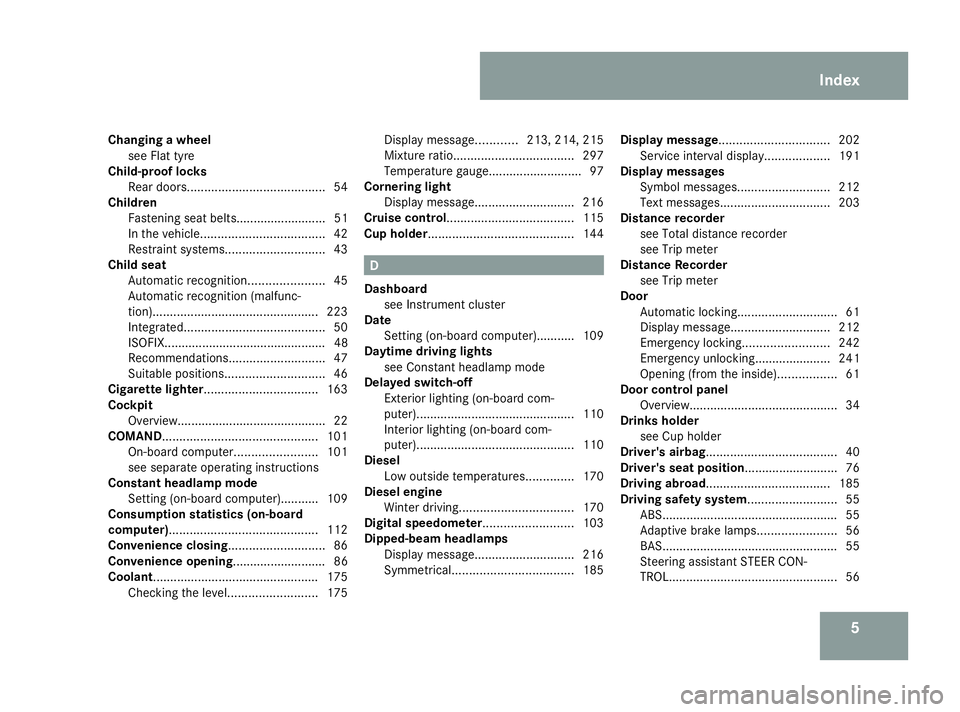
5
Changing a wheel
see Flat tyre
Child-proof locks
Rear doors ........................................ 54
Children
Fastening seat belts.......................... 51
In the vehicle. ................................... 42
Restraint systems. ............................ 43
Child seat
Automatic recognition ......................45
Automatic recognition (malfunc-
tion). ............................................... 223
Integrated ......................................... 50
ISOFIX............................................... 48
Recommendations. ...........................47
Suitable positions. ............................ 46
Cigarette lighter................................. 163
Cockpit Overview. .......................................... 22
COMAND............................................. 101
On-board computer. .......................101
see separate operating instructions
Constant headlamp mode
Setting (on-board computer).......... .109
Consumption statistics (on-board
computer)........................................... 112
Convenience closing............................ 86
Convenience opening........................... 86
Coolant................................................ 175
Checking the level. .........................175Display message
............213, 214, 215
Mixture ratio ................................... 297
Temperature gauge ...........................97
Cornering light
Display message ............................. 216
Cruise control..................................... 115
Cup holder.......................................... 144 D
Dashboard see Instrument cluster
Date
Setting (on-board computer).......... .109
Daytime driving lights
see Constant headlamp mode
Delayed switch-off
Exterior lighting (on-board com-
puter). ............................................. 110
Interior lighting (on-board com-
puter). ............................................. 110
Diesel
Low outside temperatures. .............170
Diesel engine
Winter driving. ................................ 170
Digital speedometer.......................... 103
Dipped-beam headlamps Display message ............................. 216
Symmetrical. .................................. 185Display message
................................ 202
Service interval display. ..................191
Display messages
Symbol messages. ..........................212
Text messages. ............................... 203
Distance recorder
see Total distance recorder
see Trip meter
Distance Recorder
see Trip meter
Door
Automatic locking ............................. 61
Display message ............................. 212
Emergency locking .........................242
Emergency unlocking...................... 241
Opening (from the inside). ................61
Door control panel
Overview. .......................................... 34
Drinks holder
see Cup holder
Driver's airbag...................................... 40
Driver's seat position........................... 76
Driving abroad.................................... 185
Driving safety system.......................... 55
ABS. .................................................. 55
Adaptive brake lamps. ......................56
BAS. .................................................. 55
Steering assistant STEER CON-
TROL. ................................................ 56 Index
169_AKB; 2; 4, en-GB
wdomann,
Version: 2.10.6 2008-07-16T08:52:06+02:00 - Seite 5Dateiname: 6515_0315_02_buchblock.pdf; preflight
Page 9 of 305
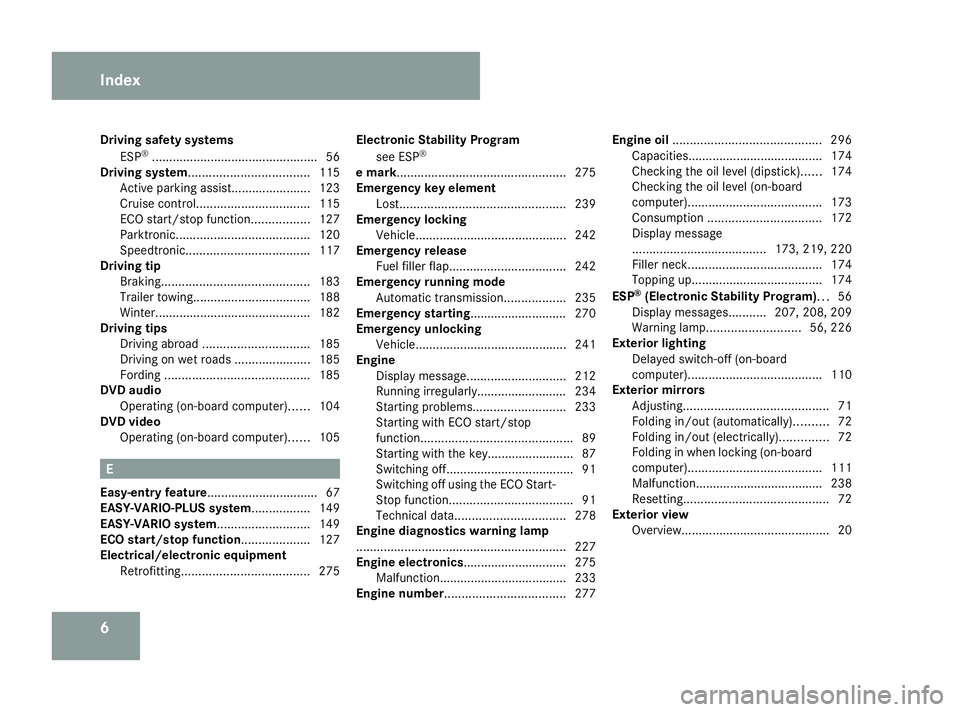
6
Driving safety systems
ESP ®
................................................ 56
Driving system................................... 115
Active parking assist. ......................123
Cruise control. ................................ 115
ECO start/stop function .................127
Parktronic. ...................................... 120
Speedtronic. ................................... 117
Driving tip
Braking ........................................... 183
Trailer towing. ................................. 188
Winter ............................................. 182
Driving tips
Driving abroad ............................... 185
Driving on wet roads ......................185
Fording .......................................... 185
DVD audio
Operating (on-board computer). .....104
DVD video
Operating (on-board computer). .....105 E
Easy-entry feature ................................ 67
EASY-VARIO-PLUS system................. 149
EASY-VARIO system........................... 149
ECO start/stop function.................... 127
Electrical/electronic equipment Retrofitting ..................................... 275Electronic Stability Program
see ESP ®
e mark................................................. 275
Emergency key element Lost. ............................................... 239
Emergency locking
Vehicle............................................ 242
Emergency release
Fuel filler fla p.................................. 242
Emergency running mode
Automatic transmission ..................235
Emergency starting............................ 270
Emergency unlocking
Vehicle............................................ 241
Engine
Display message ............................. 212
Running irregularl y.......................... 234
Starting problems ........................... 233
Starting with ECO start/stop
function ............................................ 89
Starting with the key......................... 87
Switching off ..................................... 91
Switching off using the ECO Start-
Stop function .................................... 91
Technical data. ............................... 278
Engine diagnostics warning lamp
............................................................. 227
Engine electronics.............................. 275
Malfunction..................................... 233
Engine number................................... 277Engine oil
........................................... 296
Capacities.. ..................................... 174
Checking the oil level (dipstick). .....174
Checking the oil level (on-board
computer). ...................................... 173
Consumption ................................. 172
Display message
....................................... 173, 219, 220
Filler neck. ...................................... 174
Topping up. ..................................... 174
ESP ®
(Electronic Stability Program)... 56
Display messages ...........207, 208, 209
Warning lamp. .......................... 56, 226
Exterior lighting
Delayed switch-off (on-board
computer). ...................................... 110
Exterior mirrors
Adjusting .......................................... 71
Folding in/out (automatically). .........72
Folding in/out (electrically). .............72
Folding in when locking (on-board
computer). ...................................... 111
Malfunction..................................... 238
Resetting. ......................................... 72
Exterior view
Overview. .......................................... 20Index
169_AKB; 2; 4, en-GB
wdomann,
Version: 2.10.6
2008-07-16T08:52:06+02:00 - Seite 6 Dateiname: 6515_0315_02_buchblock.pdf; preflight
Page 80 of 305
Lights
77
Make sure that:
R
you are as far away from the driver's front
airbag as possible
R you are sitting in a normal upright posi-
tion
R you can fasten the seat belt properly
R you have moved the backrest to an
almost vertical position
R you have set the seat angle so that your
thighs are gently supported
R you can depress the pedals properly
R you have adjusted the head restraint so
that the back of your head is supported
at eye level by the central area of the
head restraint
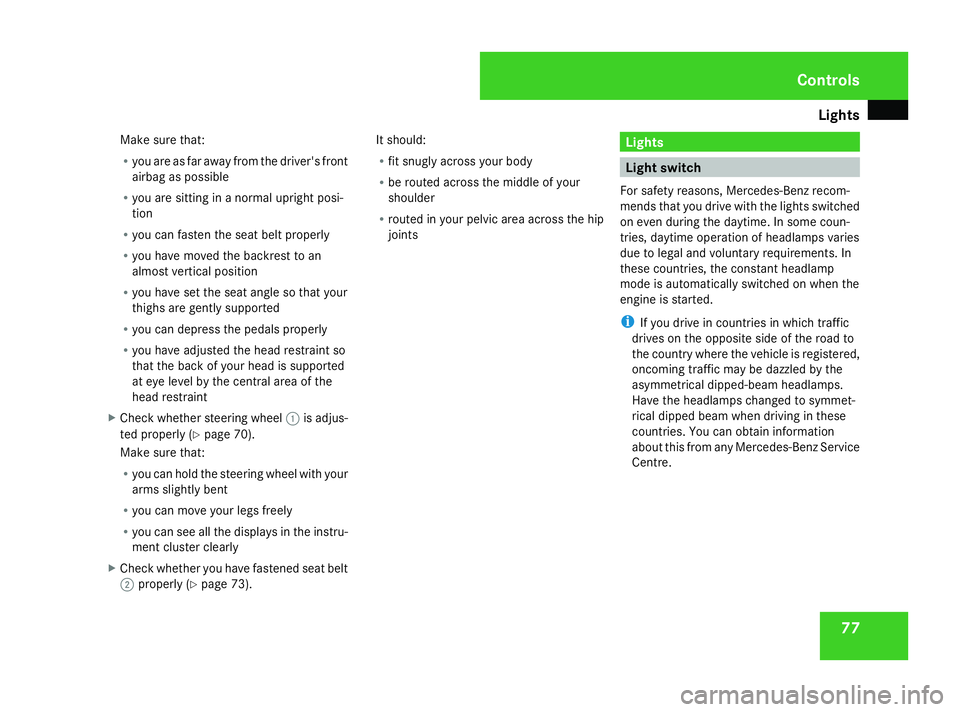
X Check whether steering wheel 1is adjus-
ted properly (Y page 70).
Make sure that:
R you can hold the steering wheel with your
arms slightly bent
R you can move your legs freely
R you can see all the displays in the instru-
ment cluster clearly
X Check whether you have fastened seat belt
2 properly (Y page 73). It should:
R
fit snugly across your body
R be routed across the middle of your
shoulder
R routed in your pelvic area across the hip
joints Lights
Light switch
For safety reasons, Mercedes-Benz recom-
mends that you drive with the lights switched
on even during the daytime. In some coun-
tries, daytime operation of headlamps varies
due to legal and voluntary requirements. In
these countries, the constant headlamp
mode is automatically switched on when the
engine is started.
i If you drive in countries in which traffic
drives on the opposite side of the road to
the country where the vehicle is registered,
oncoming traffic may be dazzled by the
asymmetrical dipped-beam headlamps.
Have the headlamps changed to symmet-
rical dipped beam when driving in these
countries. You can obtain information
about this from any Mercedes-Benz Service
Centre. Controls
169_AKB; 2; 4, en-GB
wdomann,
Version: 2.10.6 2008-07-16T08:52:06+02:00 - Seite 77 ZDateiname: 6515_0315_02_buchblock.pdf; preflight
Page 111 of 305

On-board computer
108 Lighting submenu
R
Constant headlamp mode (daytime driv-
ing lights) (Y page 109)
R Surround lighting* (Y page 110)
R Exterior lighting delayed switch-off*
(Y page 110)
R Interior lighting delayed switch-off
(Y page 110) Vehicle submenu
R
Permanent Speedtronic* (Y page 120)
R Radio station selection *( Ypage 111)
R Automatic locking feature (Y page 111)Convenience submenu*
R
Fold the exterior mirrors in when locking
the vehicle* (Y page 111) Selecting the unit of measurement for
distance
The selected unit of measurement for dis-
tance applies to:
R
the total distance recorder and the trip
meter
R the trip computer
R the digital speedometer 15
R the navigation instruction in the Naviga-
tion* menu
R Speedtronic*
X Press the èor· button to select the
Settings menu.
X Press the jbutton to select submenus.
X Press the æorç button to select the
Inst. cluster submenu.
X Press the jbutton to select Display
unit Speed/odom.
X Press æorç to select km(kilome-
tres) or milesas the unit of measurement
for distance.
X Press the j,èorÿ button to
select a different display. Selecting the language X
Press the èor· button to select the
Settings menu.
X Press the jbutton to select submenus.
X Press the æorç button to select the
Inst. cluster submenu.
X Press the jbutton to select Lan-
guage .
X Press the æorç button to select the
desired language.
X Press the j,èorÿ button to
select a different display.
Selecting the status line display Vehicles for the United Kingdom: this func-
tion is not available.
X
Press the èor· button to select the
Settings menu.
X Press the jbutton to select submenus.
X Press the æorç button to select the
Instr. cluster submenu.
X Press the jbutton to select Status
line display.
15 Vehicles for the United Kingdom: the digital speedometer always displays km/h. Controls
* optional
169_AKB; 2; 4, en-GB
wdomann,
Version: 2.10.6
2008-07-16T08:52:06+02:00 - Seite 108 Dateiname: 6515_0315_02_buchblock.pdf; preflight
Page 113 of 305

On-board computer
110
X
Press the æorç button to select the
Lighting submenu.
X Press the jbutton to select Headlamp
mode.
X Press the æorç button to set the
switch-on mode for the headlamps to Man-
ual orConstant (constant headlamp
mode).
X Press the j,èorÿ button to
select a different display.
Switching the surround lighting*on/off If the surround lighting is switched on, the
following lights will be switched on automat-
ically in the dark after you have unlocked the
vehicle using the key:
R the side lamps
R the licence plate lighting
R the front foglamps*
The surround lighting switches off automati-
cally after 40 seconds or when the driver's
door is opened.
X Press the èor· button to select the
Settings menu.
X Press the jbutton to select submenus. X
Press the æorç button to select the
Lighting submenu.
X Press the jbutton to select Surround
lighting.
X Press the æorç button to switch
the Surround lighting on or off.
X Press the j,èorÿ button to
select a different display.
Activating or deactivating the exterior
lighting delayed switch-off* When you activate the
Headl. delayed
switch-off function, the exterior lighting
remains on for another 15 seconds after clos-
ing the doors when it is dark. If the engine is
switched off and then none of the doors are
opened, or if an open door is not closed, the
exterior lighting goes out after 60 seconds.
If you have activated the delayed switch-off
function and switched off the engine, the fol-
lowing remain lit:
R the side lamps
R the licence plate lighting
R the front foglamps* X
Press the èor· button to select the
Settings menu.
X Press the jbutton to select submenus.
X Press the æorç button to select the
Lighting submenu.
X Press the jbutton to select Headl.
delayed switch-off .
X Press the æorç button to activate
or deactivate the Headl. delayed
switch-off function.
X Press the j,èorÿ button to
select a different display.
To temporarily deactivate the switch-off
delay:
X Before leaving the vehicle, turn the key to
position 0in the ignition lock.
X Turn the key to position 2in the ignition
lock and back to position 0.
Delayed switch-off is deactivated.
When you start the engine again, the switch-
off delay is reactivated.
Activating/deactivating the interior
lighting delayed switch-off If you remove the key from the ignition lock
while the
Interior lighting delayed Controls
* optional
169_AKB; 2; 4, en-GB
wdomann,
Version: 2.10.6
2008-07-16T08:52:06+02:00 - Seite 110 Dateiname: 6515_0315_02_buchblock.pdf; preflight
Page 135 of 305
Air conditioning
132
i
Notes and recommendations on optimum
air conditioning:
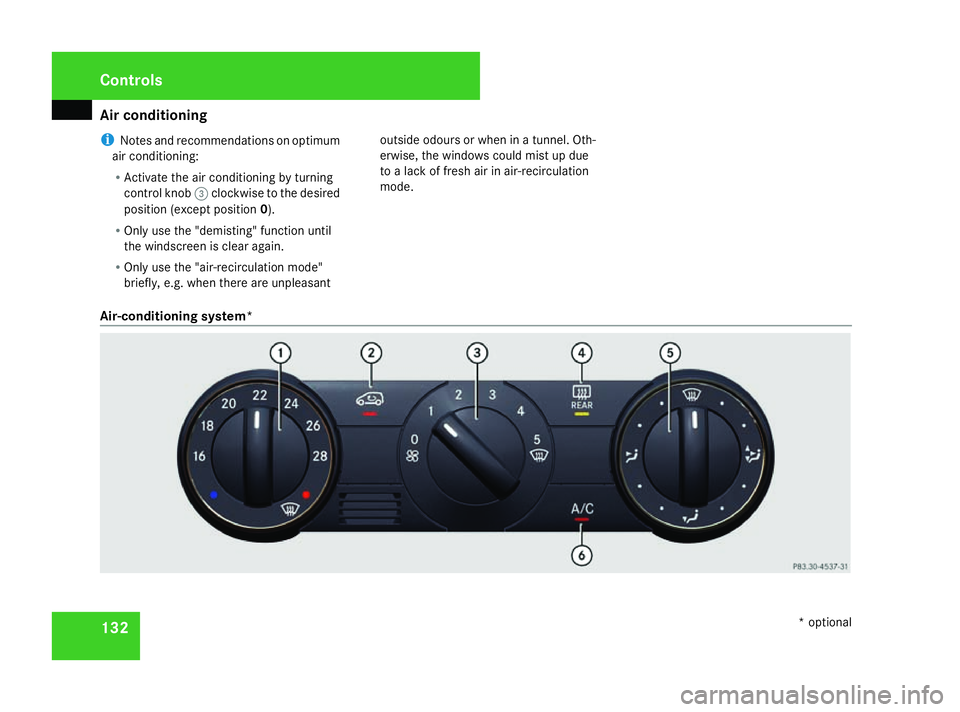
R Activate the air conditioning by turning
control knob 3clockwise to the desired
position (except position 0).
R Only use the "demisting" function until
the windscreen is clear again.
R Only use the "air-recirculation mode"
briefly, e.g. when there are unpleasant outside odours or when in a tunnel. Oth-
erwise, the windows could mist up due
to a lack of fresh air in air-recirculation
mode.
Air-conditioning system* Cont
rols
* optional
169_AKB; 2; 4, en-GB
wdomann
,V ersion: 2.10.6
2008-07-16T08:52:06+02:00 - Seite 132 Dateiname: 6515_0315_02_buchblock.pdf; preflight
Page 136 of 305
Air conditioning
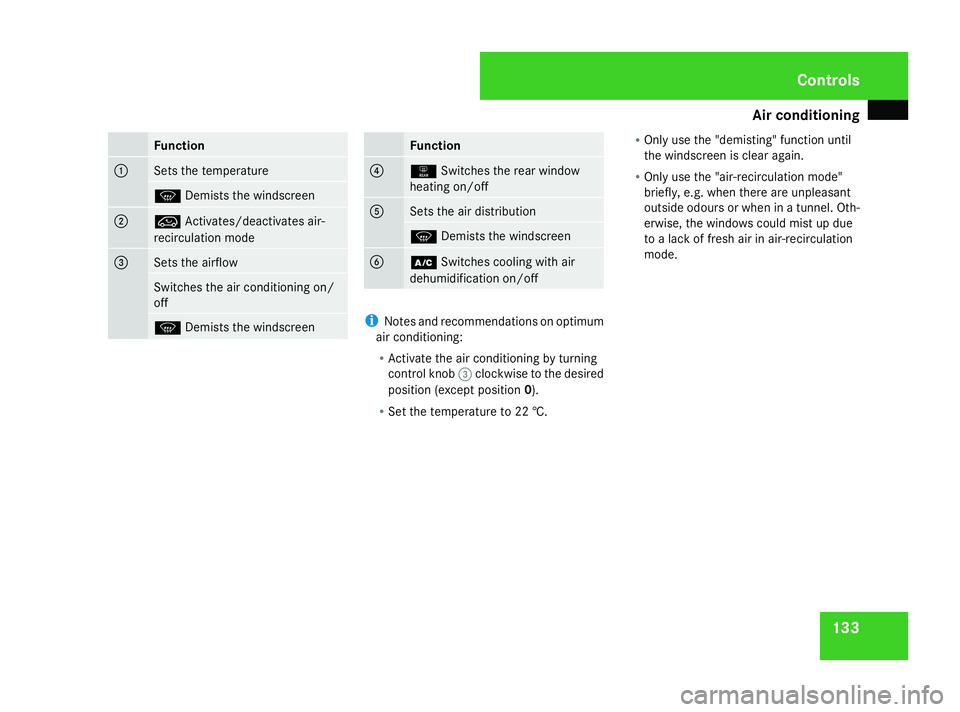
133Function
1
Sets the temperature
P
Demists the windscreen 2
Ä
Activates/deactivates air-
recirculation mode 3
Sets the airflow
Switches the air conditioning on/
off
P
Demists the windscreen Function
4
1
Switches the rear window
heating on/off 5
Sets the air distribution
P
Demists the windscreen 6
œ
Switches cooling with air
dehumidification on/off i
Notes and recommendations on optimum
air conditioning:
R Activate the air conditioning by turning
control knob 3clockwise to the desired
position (except position 0).
R Set the temperature to 22 †. R
Only use the "demisting" function until
the windscreen is clear again.
R Only use the "air-recirculation mode"
briefly, e.g. when there are unpleasant
outside odours or when in a tunnel. Oth-
erwise, the windows could mist up due
to a lack of fresh air in air-recirculation
mode. Cont
rols
169_AKB; 2; 4, en-GB
wdomann,
Version: 2.10.6 2008-07-16T08:52:06+02:00 - Seite 133 ZDateiname: 6515_0315_02_buchblock.pdf; preflight
Page 138 of 305
Air conditioning
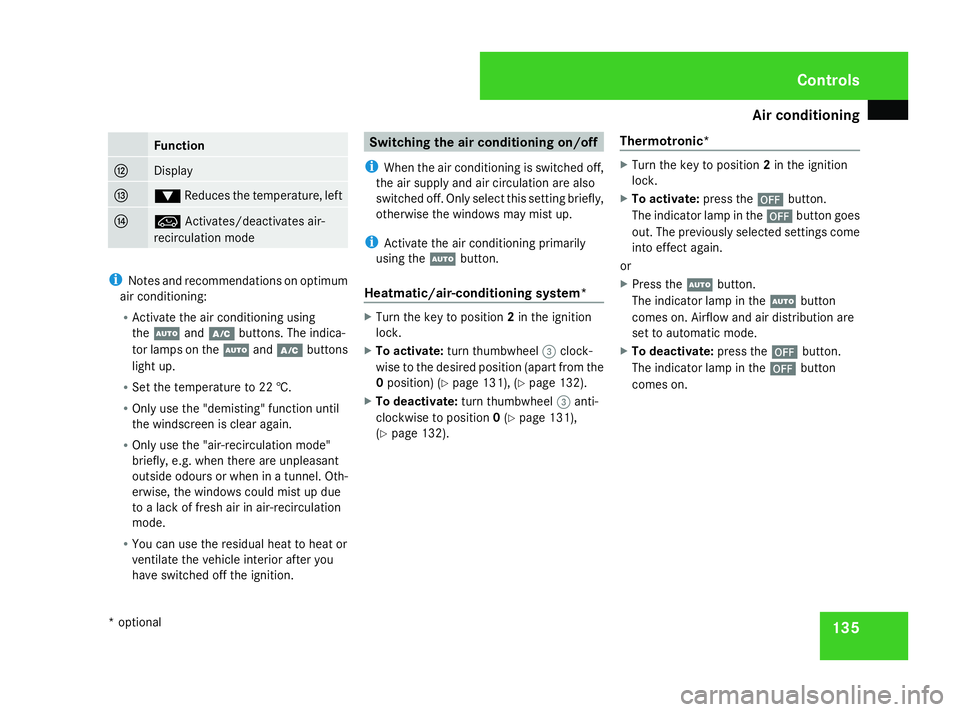
135Function
c
Display
d
%
Reduces the temperature, left e
Ä
Activates/deactivates air-
recirculation mode i
Notes and recommendations on optimum
air conditioning:
R Activate the air conditioning using
the U andœ buttons. The indica-
tor lamps on the Uandœ buttons
light up.
R Set the temperature to 22 †.
R Only use the "demisting" function until
the windscreen is clear again.
R Only use the "air-recirculation mode"
briefly, e.g. when there are unpleasant
outside odours or when in a tunnel. Oth-
erwise, the windows could mist up due
to a lack of fresh air in air-recirculation
mode.
R You can use the residual heat to heat or
ventilate the vehicle interior after you
have switched off the ignition. Switching the air conditioning on/off
i When the air conditioning is switched off,
the air supply and air circulation are also
switched off. Only select this setting briefly,
otherwise the windows may mist up.
i Activate the air conditioning primarily
using the Ubutton.
Heatmatic/air-conditioning system* X
Turn the key to position 2in the ignition
lock.
X To activate: turn thumbwheel 3clock-
wise to the desired position (apart from the
0 position) (Y page 131), (Ypage 132).
X To deactivate: turn thumbwheel 3anti-
clockwise to position 0(Y page 131),
(Y page 132). Thermotronic* X
Turn the key to position 2in the ignition
lock.
X To activate: press the´button.
The indicator lamp in the ´button goes
out. The previously selected settings come
into effect again.
or
X Press the Ubutton.
The indicator lamp in the Ubutton
comes on. Airflow and air distribution are
set to automatic mode.
X To deactivate: press the´button.
The indicator lamp in the ´button
comes on. Cont
rols
* option al
169_AKB; 2; 4, en-GB
wdomann
,V ersion: 2.10.6
2008-07-16T08:52:06+02:00 - Seite 135 ZDateiname: 6515_0315_02_buchblock.pdf; preflight
Page 144 of 305
Air conditioning
141Activating/deactivating air-recircula-
tion mode
You can deactivate the flow of fresh air if
unpleasant odours are entering the vehicle
from outside. The air already inside the vehi-
cle will then be recirculated. G
Risk of accident
Only switch over to air-recirculation mode
briefly at low outside temperatures. Other-
wise, the windows could mist up, thus
impairing visibility and endangering your-
self and others. This may prevent you from
observing the traffic conditions, thereby
causing an accident.
X Turn the key to position 2in the ignition
lock.
X To activate: press theÄbutton.
The indicator lamp in the Äbutton lights
up.
i Air-recirculation mode is activated auto-
matically at high outside temperatures.
When air-recirculation mode is activated
automatically, the indicator lamp in the
Ä button is not lit.
Outside air is added after about 30
minutes. X
To deactivate: press theÄbutton.
The indicator lamp in the Äbutton goes
out.
i Air-recirculation mode switches off auto-
matically:
R after approximately five minutes at out-
side temperatures below approximately
7 †
R after approximately 5 minutes if cooling
with air dehumidification 23
is switched
off
R after approximately 30 minutes at out-
side temperatures above approximately
7 †
Convenience opening/closing feature G
Risk of injury
Make sure that nobody can become trap-
ped between the side window and the door
frame as the side windows are opened and
closed. Do not place objects or lean against
the side windows when they are being
opened or closed. You or the objects could
be drawn in or become trapped between
the side window and the door frame as the window moves. If there is a risk of entrap-
ment, press the
Äbutton again. Press
the button for stopping, opening or closing
the side windows in the opposite direction
as appropriate.
Make sure that nobody can become trap-
ped as the panorama louvred sliding sun-
roof *is opened and closed. If there is a risk
of entrapment, press the Äbutton
again. Press the button for stopping, open-
ing or closing the panorama louvred sun-
roof* in the opposite direction as appropri-
ate.
X Convenience closing: press and hold
the Ä button until the side windows and
the panorama louvred sliding sunroof*
have closed.
The indicator lamp in the Äbutton lights
up. Air-recirculation mode is activated.
X Convenience opening: press and hold the
Ä button until the side windows have
returned to the original position.
The indicator lamp in the Äbutton goes
out. Air-recirculation mode is deactivated.
The panorama louvred sliding sunroof*
moves to the ventilation position.
23 Vehicles with air conditioning*/Thermotronic*. Controls
* optional
169_AKB; 2; 4, en-GB
wdomann,
Version: 2.10.6 2008-07-16T08:52:06+02:00 - Seite 141 ZDateiname: 6515_0315_02_buchblock.pdf; preflight