ECU MERCEDES-BENZ AMG GT COUPE 2020 Workshop Manual
[x] Cancel search | Manufacturer: MERCEDES-BENZ, Model Year: 2020, Model line: AMG GT COUPE, Model: MERCEDES-BENZ AMG GT COUPE 2020Pages: 433, PDF Size: 7.81 MB
Page 353 of 433
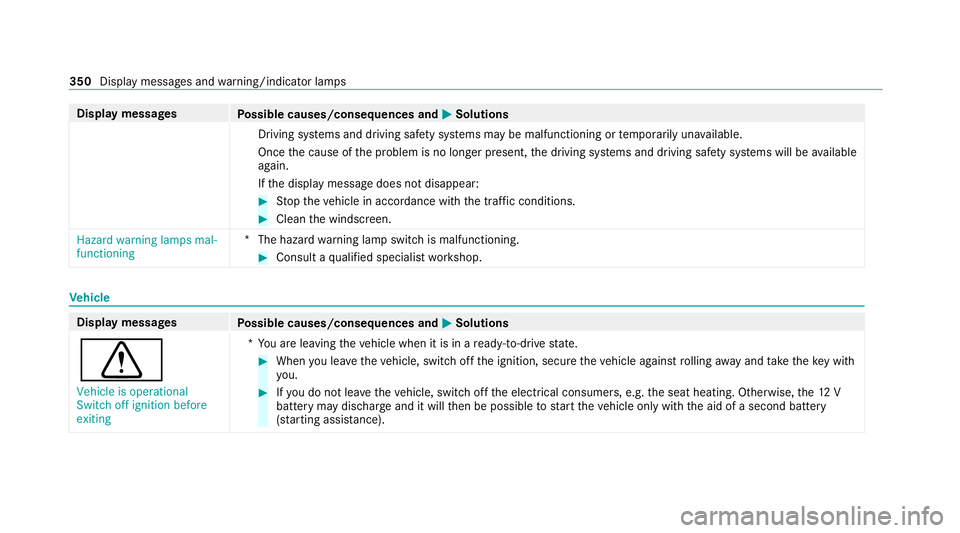
Display messages
Possible causes/consequences and M MSolutions
Driving sy stems and driving saf ety sy stems may be malfunctioning or temp orarily una vailable.
Once the cause of the problem is no longer present, the driving sy stems and driving saf ety sy stems will be available
again.
If th e display message does not disappear: #
Stop theve hicle in accordance with the tra ffic conditions. #
Clean the windscreen.
Hazard warning lamps mal-
functioning *T
he hazard warning lamp switch is malfunctioning. #
Consult a qualified specialist workshop. Ve
hicle Display messages
Possible causes/consequences and M MSolutions
d Vehicle is operational
Switch off ignition before
exiting *Y
ou are leaving theve hicle when it is in a ready-to-drive state. #
When you lea vetheve hicle, switch off the ignition, secure theve hicle against rolling away and take theke y with
yo u. #
Ifyo u do not lea vetheve hicle, switch off the electrical consumers, e.g. the seat heating. Otherwise, the12 V
battery may dischar geand it will then be possible tostart theve hicle only with the aid of a second battery
(s ta rting assis tance). 350
Display messa ges and warning/indicator lamps
Page 363 of 433
Brakes
Displ
aymessages
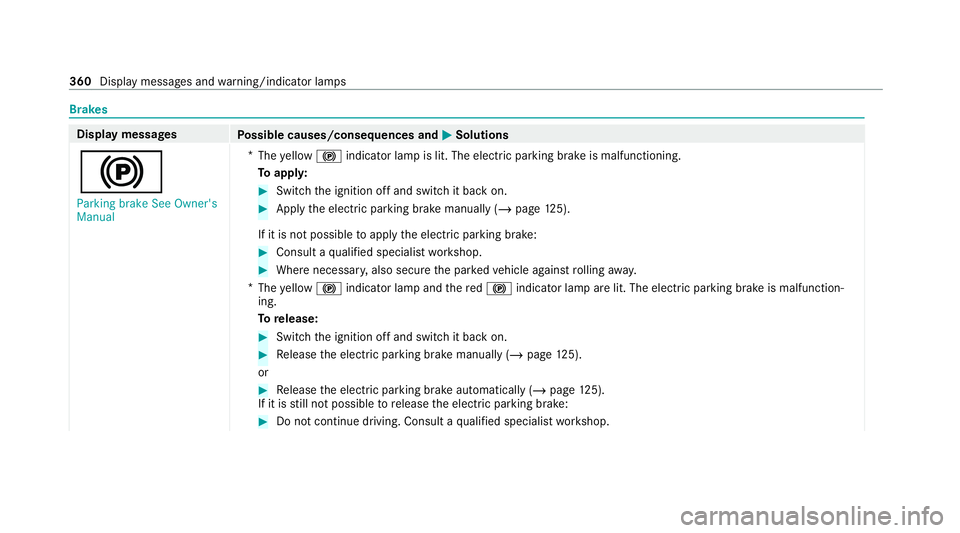
Possible causes/consequences and M MSolutions
! Parking brake See Owner's
Manual *
The yellow ! indicator lamp is lit. The elect ric pa rking brake is malfunctioning.
To appl y: #
Switch the ignition off and switch it back on. #
Apply the electric parking brake manually (/ page125).
If it is not possible toapply the electric parking brake: #
Consult a qualified specialist workshop. #
Where necessar y,also secure the par kedve hicle against rolling away.
* The yellow ! indicator lamp and there d! indicator lamp are lit. The elect ric pa rking brake is malfunction‐
ing.
To release: #
Swit chthe ignition off and switch it back on. #
Release the electric parking brake manually (/ page125).
or #
Release the electric parking brake automatically (/ page125).
If it is still not possible torelease the electric parking brake: #
Do not continue driving. Consult a qualified specialist workshop. 360
Display messages and warning/indicator lamps
Page 364 of 433
Display messages
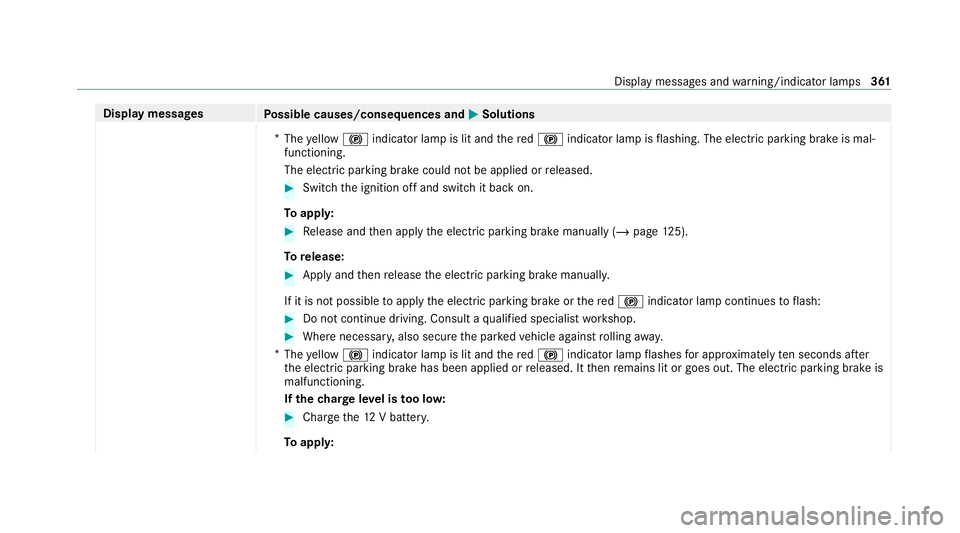
Possible causes/consequences and M MSolutions
* The yellow ! indicator lamp is lit and there d! indicator lamp is flashing. The electric parking brake is mal‐
functioning.
The electric parking brake could not be applied or released. #
Swit chthe ignition off and switch it back on.
To appl y: #
Release and then apply the electric parking brake manually (/ page125).
To release: #
Apply and then release the electric parking brake manuall y.
If it is not possible toapply the electric parking brake or there d! indicator lamp continues toflash: #
Do not continue driving. Consult a qualified specialist workshop. #
Where necessar y,also secure the par kedve hicle against rolling away.
* The yellow ! indicator lamp is lit and there d! indicator lamp flashes for appro ximately ten seconds af ter
th e electric parking brake has been applied or released. It then remains lit or goes out. The electric parking brake is
malfunctioning.
If th ech arge leve l is too lo w: #
Char gethe12 V batter y.
To appl y: Displ
aymessa ges and warning/indicator lamps 361
Page 365 of 433
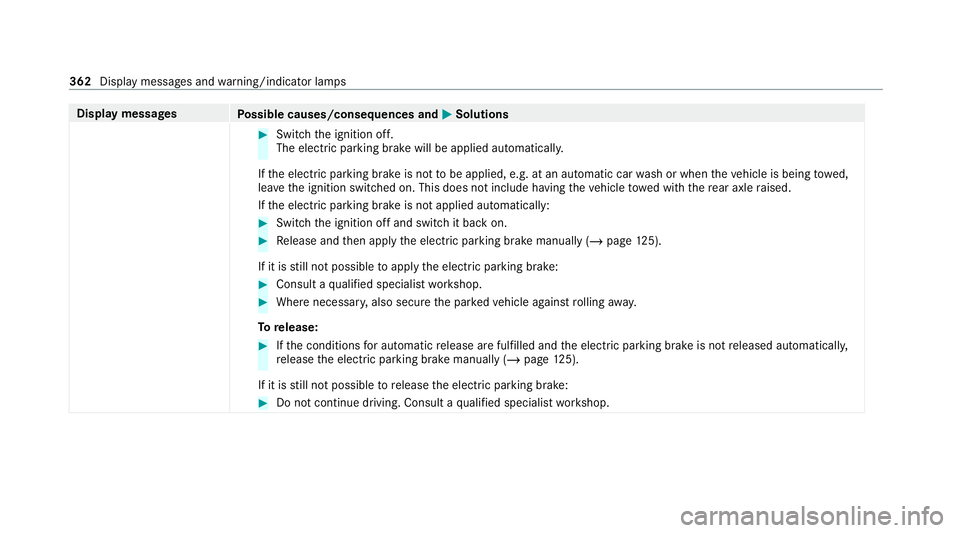
Display messages
Possible causes/consequences and M MSolutions #
Switch the ignition off.
The electric parking brake will be applied automaticall y.
If th e electric parking brake is not tobe applied, e.g. at an automatic car wash or when theve hicle is being towe d,
lea vethe ignition switched on. This does not include having theve hicle towe d with there ar axle raised.
If th e electric parking brake is not applied automatically: #
Switch the ignition off and switch it back on. #
Release and then apply the electric parking brake manually (/ page125).
If it is still not possible toapply the electric parking brake: #
Consult a qualified specialist workshop. #
Where necessar y,also secure the par kedve hicle against rolling away.
To release: #
Ifth e conditions for auto matic release are fulfilled and the electric parking brake is not released automaticall y,
re lease the electric parking brake manually (/ page125).
If it is still not possible torelease the electric parking brake: #
Do not continue driving. Consult a qualified specialist workshop. 362
Display messages and warning/indicator lamps
Page 404 of 433
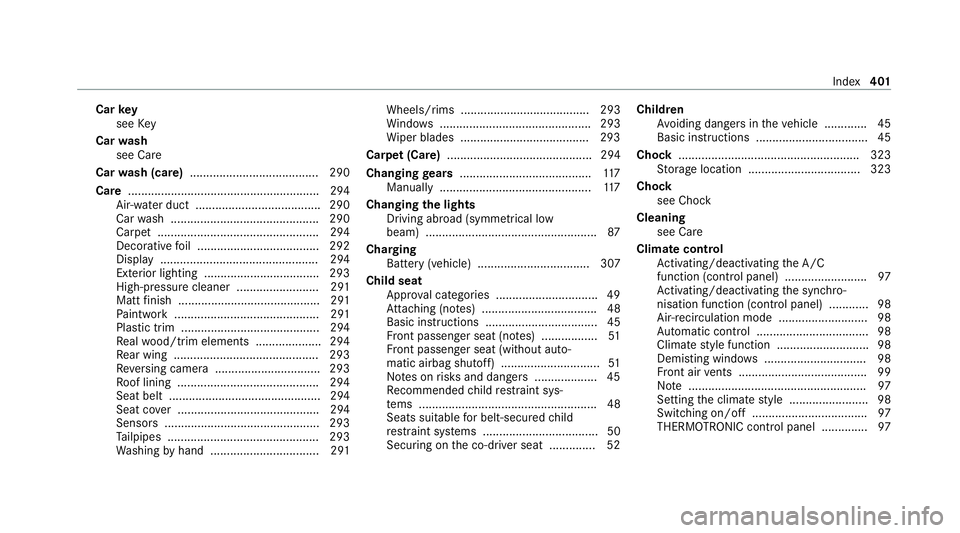
Car
key
see Key
Car wash
see Care
Car wash (care) ....................................... 290
Care ..........................................................2 94
Air-water duct ...................................... 290
Car wash ............................................. 290
Carpet .................................................2 94
Deco rative foil .................................... .292
Displ ay................................................ 294
Exterior lighting ................................... 293
High-pressure cleaner ......................... 291
Matt finish ........................................... 291
Pa int wo rk ............................................ 291
Plastic trim .......................................... 294
Re alwo od/trim elements .................... 294
Re ar wing ............................................ 293
Re versing camera ................................ 293
Ro of lining ...........................................2 94
Seat belt .............................................. 294
Seat co ver ........................................... 294
Sensors ............................................... 293
Ta ilpipes .............................................. 293
Wa shing byhand ................................. 291 Wheels/rims ....................................... 293
Wi
ndo ws .............................................. 293
Wi per blades .......................................2 93
Carpet (Care) ............................................ 294
Changing gears ........................................ 11 7
Manually ..............................................1 17
Changing the lights
Driving abroad (symm etrical low
beam) .................................................... 87
Cha rging
Bat tery (vehicle) .................................. 307
Child seat Appr oval categories .............................. .49
At tach ing (no tes) ................................... 48
Basic instructions ..................................45
Fr ont passenger seat (no tes) ................. 51
Fr ont passenger seat (without auto‐
matic airbag shutoff) .............................. 51
No tes on risks and dangers ...................45
Re commended child restra int sys‐
te ms ...................................................... 48
Seats suita blefor belt-secu redch ild
re stra int sy stems ................................... 50
Securing on the co-driver seat .............. 52 Children
Avoiding dangers in theve hicle .............45
Basic instructions .................................. 45
Cho ck....................................................... 323
St orage location ..................................3 23
Cho ck
see Chock
Cleaning see Care
Climate control Activating/deactivating the A/C
function (contro l panel) ........................ .97
Ac tivating/deactivating the synchro‐
nisation function (contro l panel) ............ 98
Air-recirculation mode .......................... .98
Au tomatic control .................................. 98
Climate style function ............................98
Demi sting windo ws............................... 98
Fr ont air vents ....................................... 99
No te ...................................................... 97
Setting the climate style ........................ 98
Switching on/off ................................... 97
THERMOTRONIC contro l panel ..............97 Index
401
Page 416 of 433
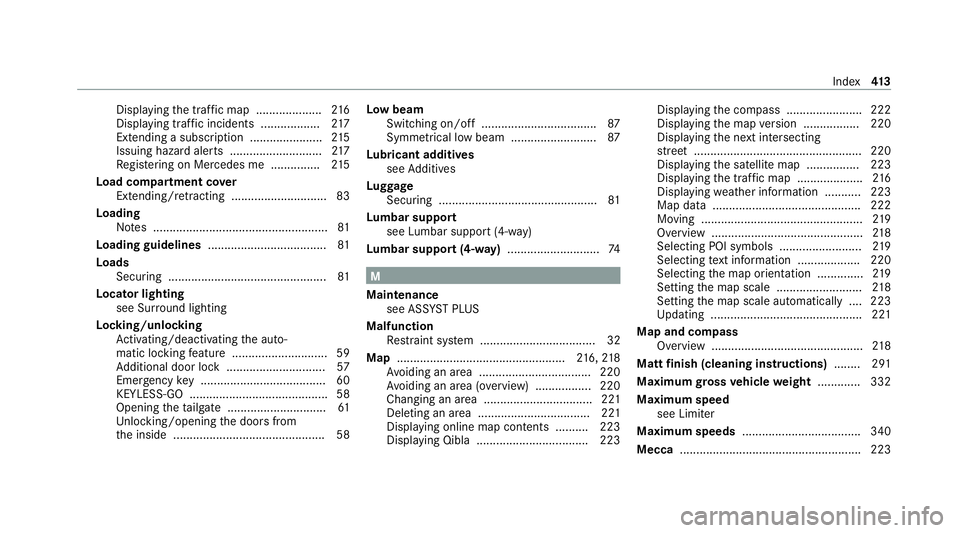
Displ
aying the tra ffic map .................... 216
Displ aying traf fic incidents .................. 217
Extending a subscription ...................... 215
Issuing hazard alert s ............................2 17
Re gis tering on Mercedes me ............... 215
Load compa rtment co ver
Extending/r etra cting ............................. 83
Loading Notes ..................................................... 81
Loading guidelines .................................... 81
Loads Securing ................................................ 81
Locator lighting see Sur round lighting
Locking/unlocking Activating/deactivating the auto‐
matic locking feature ............................ .59
Ad ditional door lock .............................. 57
Emergency key ...................................... 60
KEYLESS-GO .......................................... 58
Opening theta ilgate .............................. 61
Un locking/opening the doors from
th e inside ..............................................58 Low beam
Swit ching on/off .................................. .87
Symm etrical low beam .......................... 87
Lu bricant additives
see Additives
Lu ggage
Securing ................................................ 81
Lu mbar support
see Lumbar support (4-w ay)
Lu mbar support (4-w ay)............................ 74 M
Maintenance see ASS YST PLUS
Malfunction Restra int sy stem ................................... 32
Map ................................................... 216, 218
Av oiding an area ..................................2 20
Av oiding an area (o verview) ................ .220
Changing an area ................................. 221
Deleting an area .................................. 221
Displ aying online map con tents .......... 223
Displaying Qibla .................................. 223 Displaying
the compass ....................... 222
Displaying the map version ................ .220
Displ aying the next intersecting
st re et ................................................... 220
Displaying the satellite map ................2 23
Displ aying the tra ffic map .................... 216
Displ aying weather information .......... .223
Map data ............................................. 222
Moving ................................................. 219
Overview ..............................................2 18
Selecting POI symbols ......................... 219
Selecting text information ................... 220
Selecting the map orientation .............. 219
Setting the map scale .......................... 218
Setting the map scale automatically ....2 23
Up dating .............................................. 221
Map and compass Overview .............................................. 218
Matt finish (cleaning instructions) ........ 291
Maximum gross vehicle weight ............ .332
Maximum speed see Limiter
Maximum speeds ................................... .340
Mecca ....................................................... 223 Index
413
Page 425 of 433
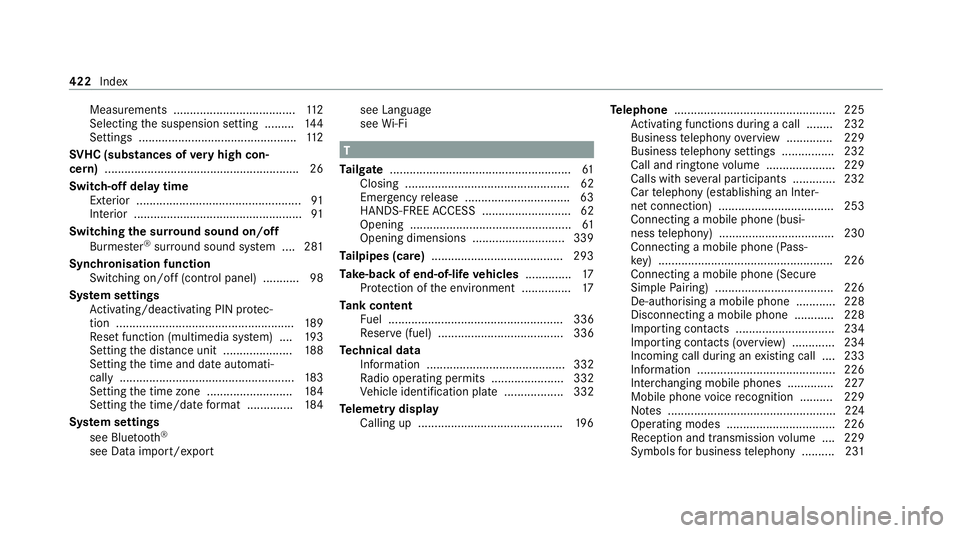
Measurements .....................................1
12
Selecting the suspension setting ......... 14 4
Settings ................................................ 11 2
SV HC (substances of very high con‐
cern ).......................................................... .26
Switch-off delay time Exterior .................................................. 91
Interior ................................................... 91
Switching the sur round sound on/off
Burmes ter®
sur round sound sy stem ....2 81
Synchronisation function Switching on/off (contro l panel) ...........98
Sy stem settings
Ac tivating/deactivating PIN pr otec‐
tion ...................................................... 189
Re set function (multimedia sy stem) ....1 93
Setting the dis tance unit ..................... 188
Setting the time and date automati‐
cally ..................................................... 183
Setting the time zone .......................... 184
Setting the time/date form at .............. 184
Sy stem settings
see Blue tooth®
see Data import/export see Language
see
Wi-Fi T
Ta ilgate ...................................................... .61
Closing .................................................. 62
Emer gency release ................................ 63
HANDS-FREE ACCESS ...........................62
Opening .................................................61
Opening dimensions ............................3 39
Ta ilpipes (care) ........................................ 293
Ta ke -back of end-of-life vehicles .............. 17
Pr otection of the environment ............... 17
Ta nk content
Fu el ..................................................... 336
Re ser ve(fuel) ...................................... 336
Te ch nical data
Information .......................................... 332
Ra dio operating permits ...................... 332
Ve hicle identification plate .................. 332
Te lemetry display
Calling up ............................................ 19 6Te
lephone ................................................ .225
Ac tivating functions du ring a call ........ 232
Business telephony overview .............. 229
Business telephony settings ................ 232
Call and ringtone volume .................... .229
Calls with se veral participants .............2 32
Car telephony (es tablishing an Inter‐
net connection) ...................................2 53
Connecting a mobile phone (busi‐
ness telephony) .................................. .230
Connecting a mobile phone (Pass‐
ke y) .................................................... .226
Connecting a mobile phone (Secu re
Simple Pairing) .................................... 226
De-authorising a mobile phone ............ 228
Disconnecting a mobile phone ............ 228
Importing con tacts .............................. 234
Importing contacts (o verview) ............ .234
Incoming call during an existing call .... 233
Information .......................................... 226
Inter changing mobile phones .............. 227
Mobile phone voice recognition .......... 229
No tes ................................................... 224
Operating modes ................................. 226
Re ception and transmission volume .... 229
Symbols for business telephony .......... 231 422
Index