Connect telephone MERCEDES-BENZ B-CLASS HATCHBACK 2008 Owners Manual
[x] Cancel search | Manufacturer: MERCEDES-BENZ, Model Year: 2008, Model line: B-CLASS HATCHBACK, Model: MERCEDES-BENZ B-CLASS HATCHBACK 2008Pages: 305, PDF Size: 5.1 MB
Page 15 of 305
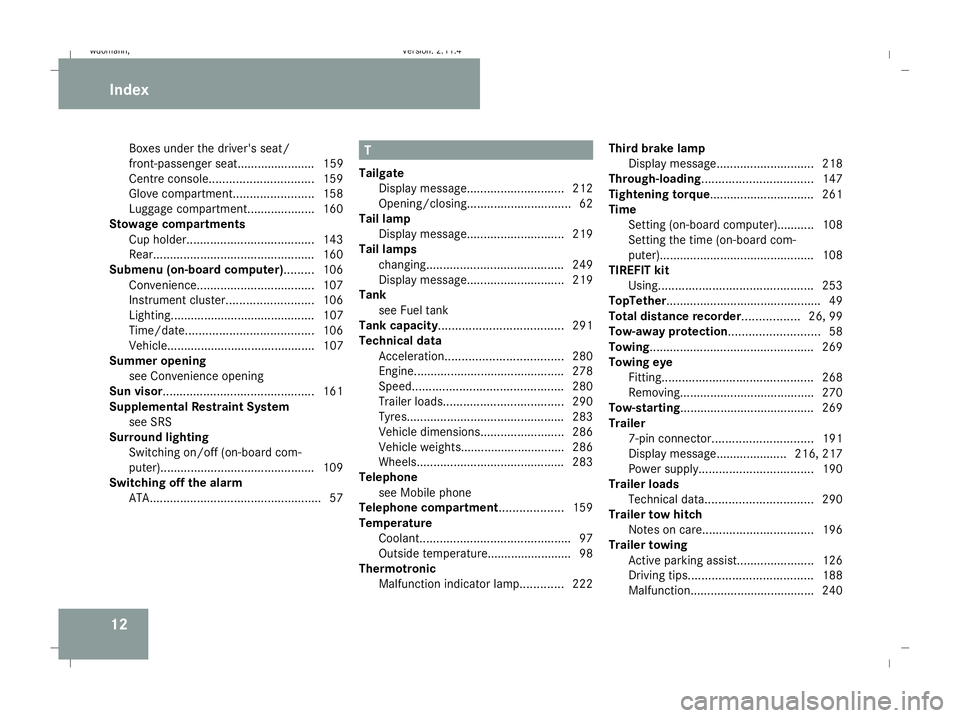
12Boxes under the driver's seat/
front-passenger seat....................... 159
Centre console. .............................. 159
Glove compartment. .......................158
Luggage compartment. ...................160
Stowage compartments
Cup holder ...................................... 143
Rear. ............................................... 160
Submenu (on-board computer)......... 106
Convenience ................................... 107
Instrument cluster .......................... 106
Lighting........................................... 107
Time/date. ..................................... 106
Vehicle............................................ 107
Summer opening
see Convenience opening
Sun visor............................................. 161
Supplemental Restraint System see SRS
Surround lighting
Switching on/off (on-board com-
puter). ............................................. 109
Switching off the alarm
ATA. .................................................. 57 T
Tailgate Display message ............................. 212
Opening/closing. .............................. 62
Tail lamp
Display message ............................. 219
Tail lamps
changing. ........................................ 249
Display message ............................. 219
Tank
see Fuel tank
Tank capacity ..................................... 291
Technical data Acceleration. .................................. 280
Engine............................................ .278
Speed. ............................................ 280
Trailer loads .................................... 290
Tyres. .............................................. 283
Vehicle dimensions. ........................286
Vehicle weights............................... 286
Wheels. ........................................... 283
Telephone
see Mobile phone
Telephone compartment ...................159
Temperature Coolant. ............................................ 97
Outside temperature......................... 98
Thermotronic
Malfunction indicator lamp. ............222Third brake lamp
Display message ............................. 218
Through-loading ................................. 147
Tightening torque............................... 261
Time Setting (on-board computer).......... .108
Setting the time (on-board com-
puter). ............................................. 108
TIREFIT kit
Using. ............................................. 253
TopTether .............................................. 49
Total distance recorder................. 26, 99
Tow-away protection........................... 58
Towing................................................. 269
Towing eye Fitting ............................................. 268
Removing....................................... .270
Tow-starting ........................................ 269
Trailer 7-pin connector .............................. 191
Display message..................... 216, 217
Power supply. ................................. 190
Trailer loads
Technical data. ............................... 290
Trailer tow hitch
Notes on care ................................. 196
Trailer towing
Active parking assist .......................126
Driving tips ..................................... 188
Malfunction..................................... 240 Index
245_AKB; 2; 7, en-GB
wdomann,
Version: 2.11.4 2008-10-17T11:22:31+02:00 - Seite 12Dateiname: 6515_1640_02_buchblock.pdf; preflight
Page 115 of 305
On-board computer
112
Resetting X
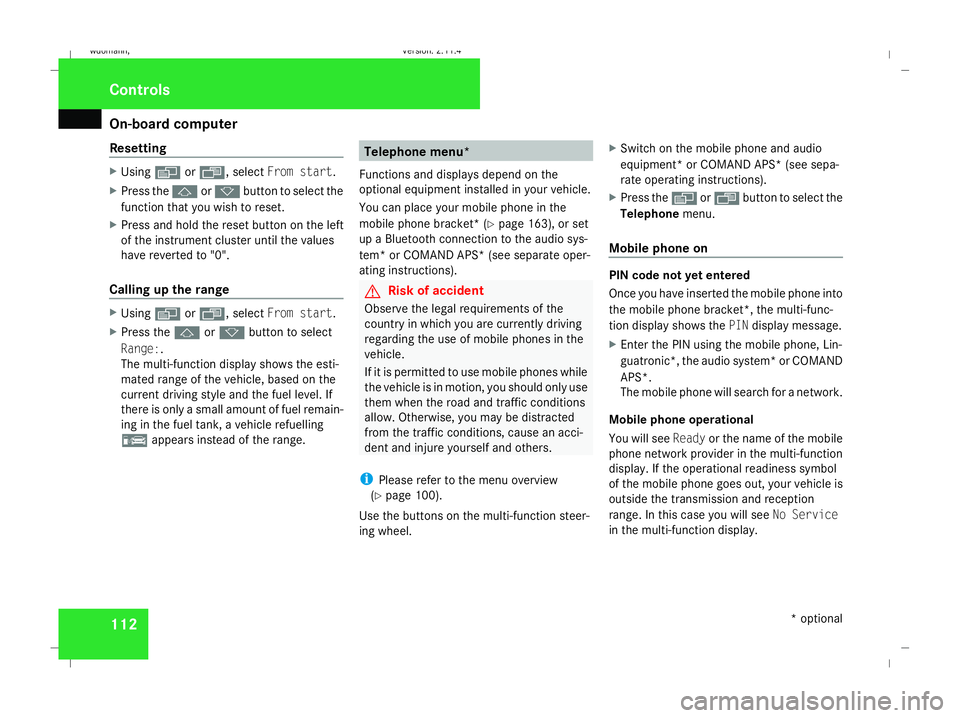
Using èor·, select From start.
X Press the jork button to select the
function that you wish to reset.
X Press and hold the reset button on the left
of the instrument cluster until the values
have reverted to "0".
Calling up the range X
Using èor·, select From start.
X Press the jork button to select
Range:.
The multi-function display shows the esti-
mated range of the vehicle, based on the
current driving style and the fuel level. If
there is only a small amount of fuel remain-
ing in the fuel tank, a vehicle refuelling
¿ appears instead of the range. Telephone menu*
Functions and displays depend on the
optional equipment installed in your vehicle.
You can place your mobile phone in the
mobile phone bracket* (Y page 163), or set
up a Bluetooth connection to the audio sys-
tem* or COMAND APS* (see separate oper-
ating instructions). G
Risk of accident
Observe the legal requirements of the
country in which you are currently driving
regarding the use of mobile phones in the
vehicle.
If it is permitted to use mobile phones while
the vehicle is in motion, you should only use
them when the road and traffic conditions
allow. Otherwise, you may be distracted
from the traffic conditions, cause an acci-
dent and injure yourself and others.
i Please refer to the menu overview
(Y page 100).
Use the buttons on the multi-function steer-
ing wheel. X
Switch on the mobile phone and audio
equipment* or COMAND APS* (see sepa-
rate operating instructions).
X Press the èor· button to select the
Telephone menu.
Mobile phone on PIN code not yet entered
Once you have inserted the mobile phone into
the mobile phone bracket*, the multi-func-
tion display shows the
PINdisplay message.
X Enter the PIN using the mobile phone, Lin-
guatronic*, the audio system* or COMAND
APS*.
The mobile phone will search for a network.
Mobile phone operational
You will see Readyor the name of the mobile
phone network provider in the multi-function
display. If the operational readiness symbol
of the mobile phone goes out, your vehicle is
outside the transmission and reception
range. In this case you will see No Service
in the multi-function display. Controls
* optional
245_AKB; 2; 7, en-GB
wdomann
,V ersion: 2.11.4
2008-10-17T11:22:31+02:00 - Seite 112 Dateiname: 6515_1640_02_buchblock.pdf; preflight
Page 116 of 305
On-board computer
113
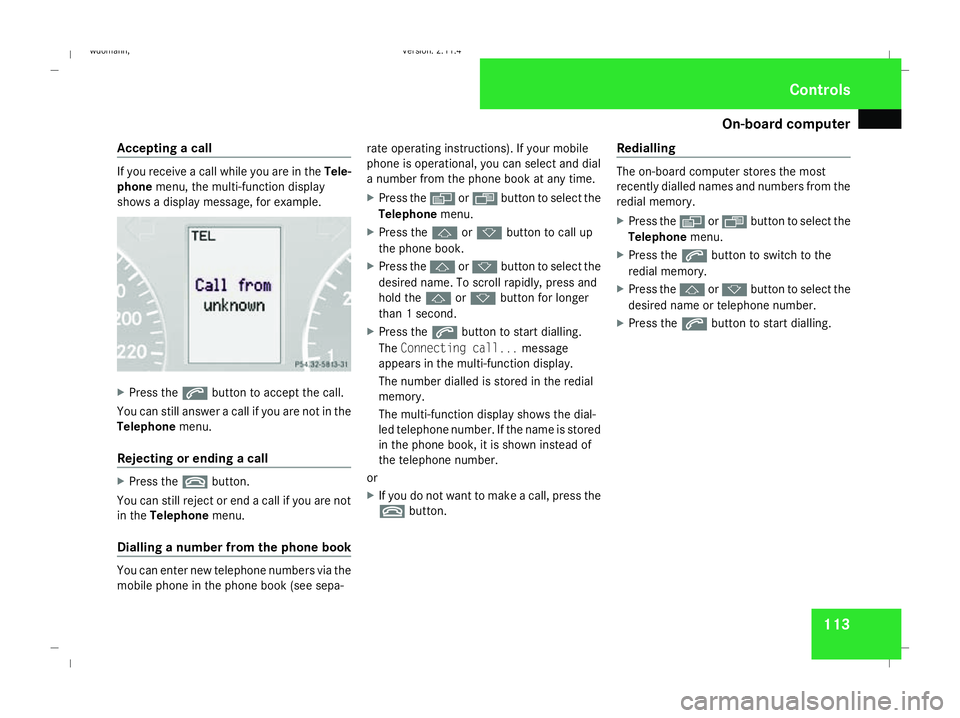
Accepting a call If you receive a call while you are in the
Tele-
phone menu, the multi-function display
shows a display message, for example. X
Press the sbutton to accept the call.
You can still answer a call if you are not in the
Telephone menu.
Rejecting or ending a call X
Press the tbutton.
You can still reject or end a call if you are not
in the Telephone menu.
Dialling a number from the phone book You can enter new telephone numbers via the
mobile phone in the phone book (see sepa- rate operating instructions). If your mobile
phone is operational, you can select and dial
a number from the phone book at any time.
X
Press the èor· button to select the
Telephone menu.
X Press the jork button to call up
the phone book.
X Press the jork button to select the
desired name. To scroll rapidly, press and
hold the jork button for longer
than 1 second.
X Press the sbutton to start dialling.
The Connecting call... message
appears in the multi-function display.
The number dialled is stored in the redial
memory.
The multi-function display shows the dial-
led telephone number. If the name is stored
in the phone book, it is shown instead of
the telephone number.
or
X If you do not want to make a call, press the
t button. Redialling The on-board computer stores the most
recently dialled names and numbers from the
redial memory.
X
Press the èor· button to select the
Telephone menu.
X Press the sbutton to switch to the
redial memory.
X Press the jork button to select the
desired name or telephone number.
X Press the sbutton to start dialling. Controls
245_AKB; 2; 7, en-GB
wdomann
,V ersion: 2.11.4
2008-10-17T11:22:31+02:00 - Seite 113 ZDateiname: 6515_1640_02_buchblock.pdf; preflight
Page 224 of 305
Display
messages 221Display messages Possible cause/consequence Possible solution
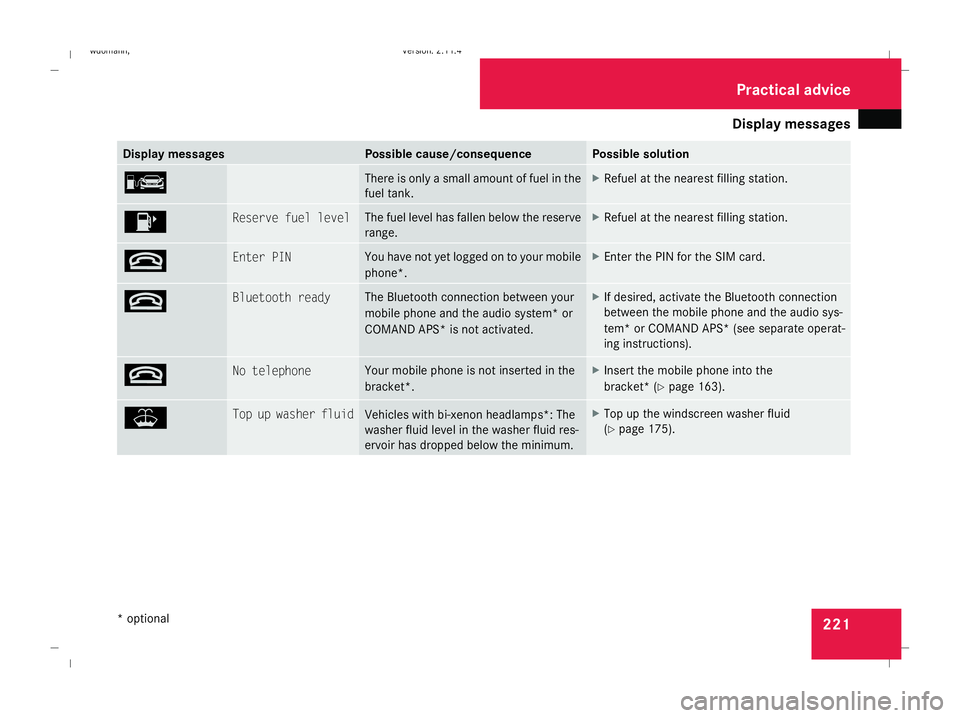
¿ There is only a small amount of fuel in the
fuel tank. X
Refuel at the nearest filling station. 4 Reserve fuel level The fuel level has fallen below the reserve
range. X
Refuel at the nearest filling station. t Enter PIN You have not yet logged on to your mobile
phone*. X
Enter the PIN for the SIM card. t Bluetooth ready The Bluetooth connection between your
mobile phone and the audio system* or
COMAND APS* is not activated. X
If desired, activate the Bluetooth connection
between the mobile phone and the audio sys-
tem* or COMAND APS* (see separate operat-
ing instructions). t No telephone Your mobile phone is not inserted in the
bracket*. X
Insert the mobile phone into the
bracket* ( Ypage 163). W Top up washer fluid
Vehicles with bi-xenon headlamps*: The
washer fluid level in the washer fluid res-
ervoir has dropped below the minimum. X
Top up the windscreen washer fluid
(Y page 175). Practical advi
ce
* optional
245_AKB; 2; 7, en-GB
wdomann,
Version: 2.11.4 2008-10-17T11:22:31+02:00 - Seite 221 ZDateiname: 6515_1640_02_buchblock.pdf; preflight