light MERCEDES-BENZ C-CLASS COUPE 2019 Manual Online
[x] Cancel search | Manufacturer: MERCEDES-BENZ, Model Year: 2019, Model line: C-CLASS COUPE, Model: MERCEDES-BENZ C-CLASS COUPE 2019Pages: 518, PDF Size: 46.27 MB
Page 241 of 518
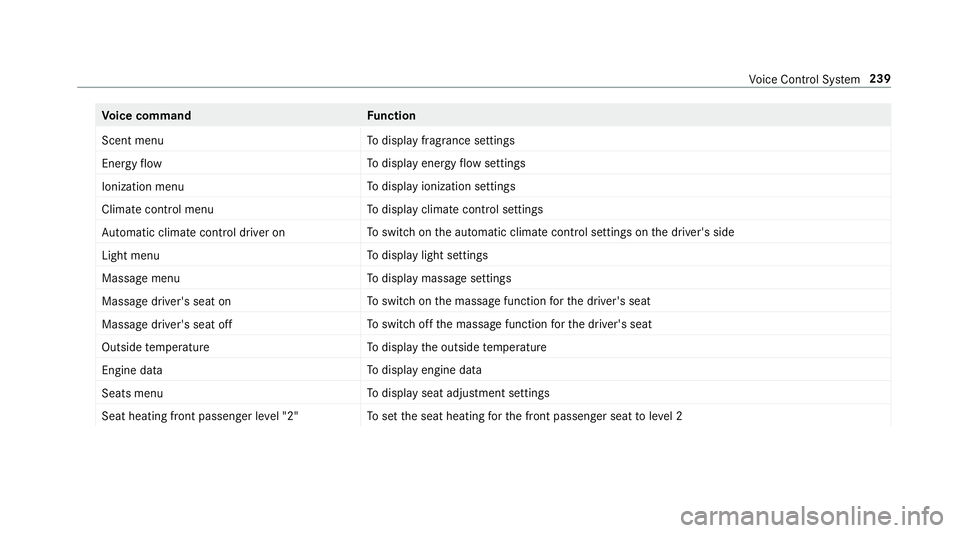
Vo
ice comm and Function
Scen tmenu To
displa yfragr ance settings
En ergy flow To
displa yener gyflow settin gs
Ionization menu To
displa yioniz ation settings
Climate control menu To
displa yclimat econ trol settings
Auto matic climate control driver on To
switc hon theaut omatic climatecon trol settings onthedr iver's side
Light menu To
displa ylight settings
Massage menu To
displa ymassag ese ttings
Massage driver'sseat on To
switc hon themassag efunc tion forth edr iver's seat
Massage driver'sseatoff To
switc hof fth emassag efunc tion forth edr iver's seat
Outside temperature To
displa yth eoutside temp eratur e
En gine data To
displa yengin edat a
Seats menu To
displa yseat adjus tmentse ttings
Seat heating frontpassenger level"2" To
setth eseat heating forth efront passeng erseat toleve l2 Vo
ice Cont rolSy stem 239
Page 252 of 518
0062
To
switc hto special charact ersand sym‐
bols.
006A To
switc hto upper -case orlowe r-case let‐
te rs.
0054 To
switc hth elanguag e.
v Toswitc hto charact erent ryon theto uc h‐
pad.
0009 The available editingfunction sdepen don
th eediting task ,th elanguag ese tand the
ch aract erleve l. 0007
Toconf irm theentr y:select ¡.
Ex am ple: entering ades tination (navigation) 0007
EnterthePOI oraddr ess(0013 page26 4).
Ent ering charact erson theto uc hpad
Re quirement s:
R The touc hpad isswit ched on
(0013 page24 3).
R The entered orsele cted charact ershoul dbe
re ad out :th ehandwr itingrecogni tionread-
aloud function isswit ched on
(0013 page24 4). Ex
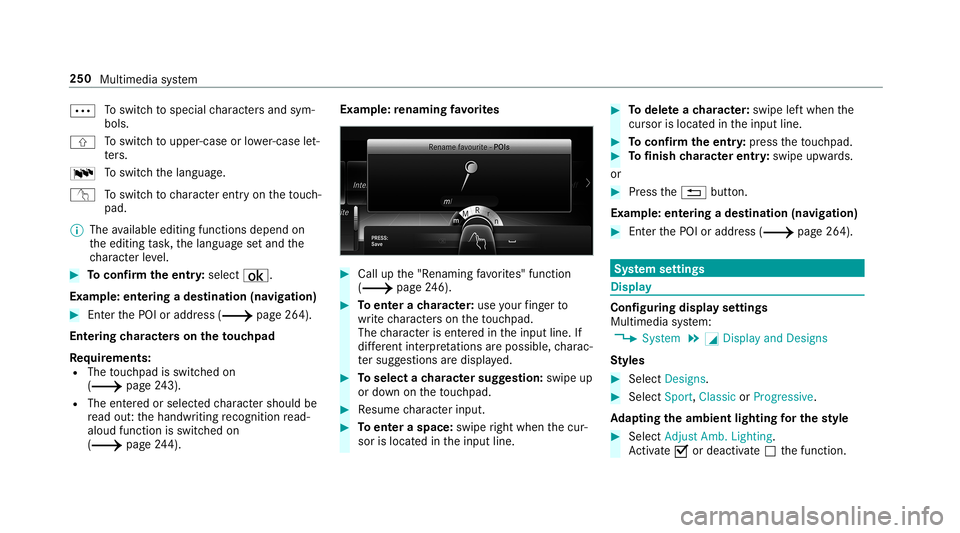
am ple:re naming favo rite s 0007
Call upthe"R enaming favo rite s" function
(0013 page24 6). 0007
Toent erach aract er:use your fing er to
wr ite ch aract erson theto uc hpad.
The charact erisent ered intheinput line. If
dif fere nt interpr etatio nsareposs ible, charac‐
te rsugg estions aredisp laye d. 0007
Toselect ach aract ersugg estion :swi peup
or down ontheto uc hpad. 0007
Resume charact erinput. 0007
Toent eraspa ce:swipe right when thecur‐
sor islocat edintheinput line. 0007
Todel eteach aract er:swi peleftwhe nth e
cur sor isloca tedin theinput line. 0007
Toconf irm theentr y:press theto uc hpad. 0007
Tofinish charact erentr y:swipe upwards.
or 0007
Press the0038 button.
Ex am ple: entering ades tinat ion(navigation) 0007
Enterth ePOI oraddr ess(0013 page26 4). Sy
stem settings Displa
y Conf
iguringdisp layse ttings
Multi media system:
0018 System 0019
0043 Display andDesign s
St yles 0007
Sele ctDes igns. 0007
Sele ctSpo rt,Classic orProg ressive.
Ad apting theam bient lightingforthe style 0007
Select Adju stAmb. Lighting .
Ac tivate0073 ordeacti vate 0053 thefunc tion. 250
Multimedia system
Page 253 of 518
This
funct ionadjus tstheambient lightingfor
th eselect eddispla yst yle.
Se tting thedisp laybr ight ness 0007
Sele ctDis play Bright ness. 0007
Sele ctabr ight nessva lue.
Switc hingthedisp layof f/on 0007
Off:selec tDis play Off. 0007
On: press abutt on,002B, forex am ple.
Displ aydes ign 0007
Select Day /Nig htDesi gn. 0007
Select Autom atic,Day DesignorNig ht
Desi gn.
Ad diti onaldispl ayarea
Dependi ngon theve hicle, various items ofaddi‐
tional information canbesho wn. The additional
displa yar ea com prises thelef t-hand orright-
hand third of thedispla y. 0007
Select Addi tiona lDisp .Area .
The follo wing displa ycon tent can beselect ed:
R Dyna mic R
Navig ation Map
R Consu mpti on
R Time and Date Time
anddate Se
ttin gthe time anddateaut omati cally
Multimedia system:
0018 System 0019
& TimeandDate 0007
Deact ivat e0053 Manual TimeAdjustmen t.
The time anddatear ese taut omaticall yfo r
th eselect edtime zoneand summer time
op tion .
0009 The correct time isrequ ired forth efo llo wing
func tions:
R Routeguidan cewithtim e-depen dent
traf fic gu idance .
R Calcu lation ofexpect edtime ofarriva l. Se
tting thetim ezone
Multi media system:
0018 System 0019
& TimeandDate
0019 Time Zone:
The listof count ries isdispla yed. 0007
Select acount ry003B.
Dep endingonthecount ry,time zonesare
displa yed. 0007
Select atime zone.
The time zonese tis displa yedaf te rTime
Zone:.
Se tting summer time
The Automatic Daylight Saving TimeandDay-
lig ht Saving Timeoptions canno tbe sele cted in
all countr ies.
Mul timedi asy stem:
0018 System 0019
& TimeandDate
Au tomatic ally 0007
Swi tchAuto matic Day light Saving Time on
0073 oroff0053. Mu
ltimed iasystem 25
1
Page 254 of 518
Manuall
y 0007
Deactiv ate0053 Automatic Daylight Saving
Time. 0007
Select Daylight Saving Time. 0007
Select OnorOff.
Se tting thetim eand date form at
Mul timedi asy stem:
0018 System 0019
& TimeandDate
0019 Set Form at 0007
Setth edat eand time form at003B.
Se tting thetim ema nua lly
Re quirement s:
R The Manual TimeAdjustm entfunc tion is
switc hedon.
Multime diasystem:
0018 System 0019
& TimeandDate
0019 Set Time 0007
Setth ehour s. 0007
Navig ateto theright tosetth eminut es. 0007
Setth eminut es. 0007
Conf irm chang eswhen exitin gth emenu.
The dateis setaut omaticall yvia GPS. Connectivity
Switc
hingtransmission oftheve hicl eposi ‐
tion on/off
Mul timedi asy stem:
0018 System 0019
ö Connec tivity 0007
Select Transm itVehicle Pos.. 0007
Activate0073 ordeacti vate 0053 thefunc tion. Blue
tooth® Inf
orma tion abou tBlu etoo th®
Bl ue tooth®
tech nol ogy isast andar dfo rshor t-
ra ng ewi reless datatransf erup toappr oximat ely
32. 8ft (10 m).
Yo ucan useBlue tooth®
to connect your mob ile
phon eto themultimedia system and usethefo l‐
lo wing functions,forex am ple:
R han ds-free system withaccess tothefo llo w‐
ing option s: -
con tacts (0013 page 296)
- call lists (0013 page299)
- text mes sage s
R Interne tconnection
R listening tomusi cvia Blue tooth®
audio
(0013 page32 6)
R transf erring business cards (vCards) intoth e
ve hicle
Blue tooth®
is are gis tere dtrademar kof Blue‐
to othSpecial Interes tGr oup (SIG) Inc.
0009 Interne tconn ection viaBlue tooth®
is no t
av ailable inall coun tries.
Ac tiv atin g/deac tivatin gBlue tooth®
Re quirement sfo rsw itchin gof fBlue tooth®
:
R App leCa rPlay™ isno tactiv e.
Mul timed iasystem:
0018 System 0019
ö Connec tivity 0007
Activate0073 ordeacti vate 0053 Bluetoo th®
. 252
Multimedia system
Page 256 of 518
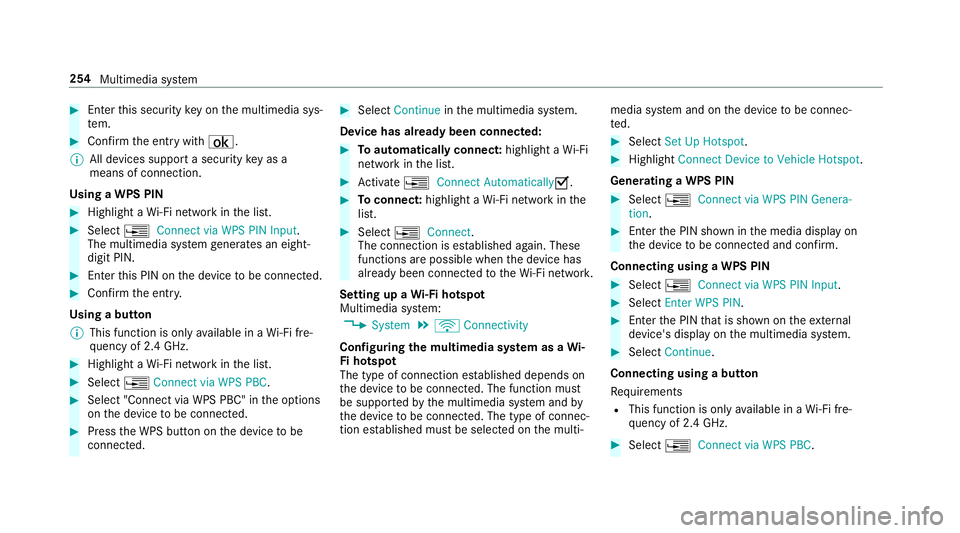
0007
Enterthis secur itykeyon themultimedia sys‐
te m. 0007
Conf irm theent rywit h¡.
0009 Alldevic es suppor ta sec urity keyas a
mean sof conn ection .
Usin gaWPS PIN 0007
Highlig htaWi -Fi networkin thelis t. 0007
Select 0080Connec tvia WPS PINInput.
The multimedia system gener ates an eight-
di gitPIN . 0007
Enterthis PIN onthede vice tobe con nected. 0007
Conf irm theent ry.
Using abutt on
0009 This function isonl yav ailable inaWi -Fi fre‐
qu ency of2.4 GHz. 0007
Highlight aWi -Fi networkin thelis t. 0007
Select 0080Connec tvia WPS PBC. 0007
Select "Connec tvia WPS PBC" intheop tion s
on thede vice tobe con nected. 0007
Press theWPS buttononthede vice tobe
con nected. 0007
Select Continueinthemultimedia system.
De vice hasalready been connect ed: 0007
Toaut omatic allyco nne ct:high light aWi -Fi
ne tworkin thelis t. 0007
Activate0080 Connect Automatica lly0073 . 0007
Toconnect :high light aWi -Fi networkin the
lis t. 0007
Selec t0080 Connect.
The connection ises tablished again. These
func tionsar epossible whenthede vice has
alr eady been connect edtotheWi -Fi network.
Se tting upaWi -Fiho tspo t
Mul timed iasystem:
0018 System 0019
ö Connec tivity
Conf iguringthemu ltim edia system asaWi -
Fi ho tspo t
The type ofconnection established depends on
th ede vice tobe con nected. The func tion must
be suppor tedby themultimedia system and by
th ede vice tobe con nected. The type ofcon nec‐
tion established mustbe select edon themulti‐ media
system and onthede vice tobe con nec‐
te d. 0007
Select SetUpHot spot. 0007
Highlight ConnectDevic eto Vehicle Hotspot.
Gener atingaWPS PIN 0007
Select 0080Connec tvia WPS PINGenera-
tion . 0007
Enterth ePIN showninthemedia displayon
th ede vice tobe con nectedand confirm .
Connect ingusin gaWPS PIN 0007
Sele ct0080 ConnectviaWPS PINInput. 0007
Sele ctEnter WPS PIN. 0007
Enterth ePIN that issho wnontheex tern al
de vic e's displa yon themultimedia system. 0007
Select Continue.
Connecting usingabutt on
Re quiremen ts
R This function isonl yav ailable inaWi -Fi fre‐
qu ency of2.4 GHz. 0007
Select 0080Connec tvia WPS PBC. 25
4
Multimedia system
Page 261 of 518
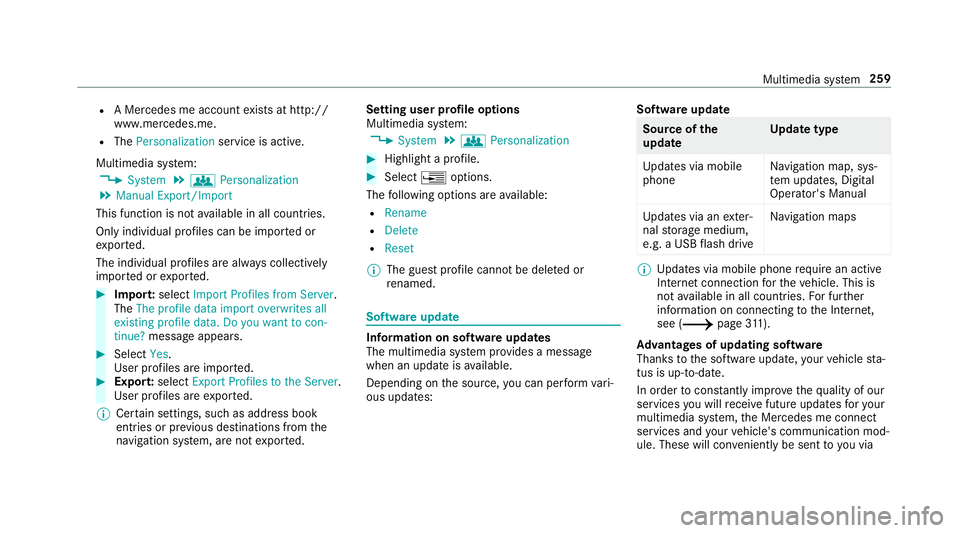
R
AMer cedesme acco untexists at htt p:/ /
www .mercedes.me.
R The Person alization service isactiv e.
Multimedia system:
0018 System 0019
g Person alization
0019 Manual Export/ Import
This function isno tav ailable inall coun tries.
On lyindiv idual profiles can beimpor tedor
ex por ted.
The individual profiles arealw ayscollectiv ely
im por tedor expor ted. 0007
Impor t:select Import Profiles fromServer.
The Theprofile dataimport overwrites all
existing profiledata.Doyou want tocon-
tinue? messag eappea rs. 0007
Select Yes.
Use rpr ofiles areim por ted. 0007
Expor t:select Export Profiles tothe Server.
User profiles areex por ted.
0009 Certain settings ,suc has addr essbook
ent ries orprev ious destination sfrom the
na vig ation system, areno tex por ted. Se
tting user profile options
Multimedia system:
0018 System 0019
g Person alization 0007
Highlight apr ofile. 0007
Select 0080option s.
The follo wing option sar eav ailable:
R Renam e
R Delete
R Reset
0009 The gues tpr ofile can notbe dele tedor
re nam ed. So
ftwa reupdat e Inf
ormation onsof twareupdat es
The multimedi asy stem prov ides amess age
when anupdat eis available.
De pen dingon thesour ce,youcan perform vari‐
ous updat es: Sof
twareupd ate Sour
ceofthe
updat e Up
dat etype
Up dat esvia mobile
phone Na
vig ation map,sys‐
te m upd ates, Digit al
Oper ator's Manua l
Up dat esvia anexter‐
nal stor ag emedium,
e.g. aUSB flash drive Na
vig ation maps 0009
Updat esvia mobile phonerequ ire an act ive
Int erne tcon nection forth eve hicle. Thisis
no tav ailable inall coun tries. Forfur ther
inf ormation oncon nect ingtotheInt erne t,
see (0013 page31 1).
Ad vantag esofupd ating software
Thank sto thesof twareupdat e,your vehicle sta‐
tus isup-t o-dat e.
In order tocons tantly improve thequ alit yof our
ser vices youwill recei vefutur eupd ates foryo ur
mult imed iasystem, theMer cedes meconnect
ser vices andyour vehicle's communication mod‐
ule. These willconvenie ntlybe sent toyouvia Mult
imed iasystem 259
Page 264 of 518
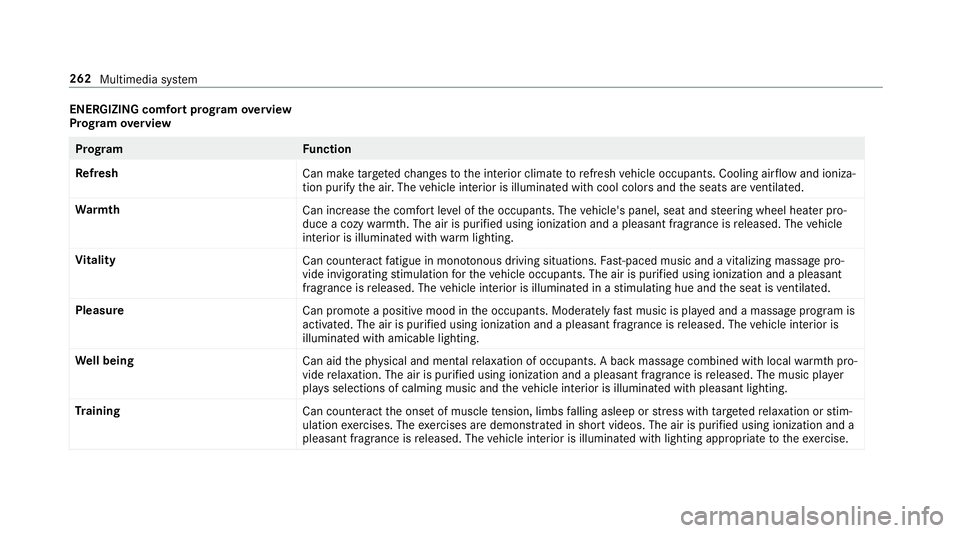
ENER
GIZIN Gcomf ortpr og ram ove rview
Pr og ram ove rview Pr
og ramF unction
Re fresh
Canmaketa rgeted chang estotheint erior climat eto refresh vehicle occupants. Coolingairflow and ioniza‐
tio npur ifytheair .The vehicle interior isillu minat edwithcool color sand theseats areve ntil ated .
Wa rmth
Canincrease thecomf ortle ve lof theoccupant s.The vehicle's panel,seatandsteer ing wheel heaterpro‐
duce acoz ywa rmth.The airis pu rified using ionizat ionand apleasant fragr ance isreleased. Thevehicle
int erior isillu minat edwithwa rm light ing.
Vi tali ty
Cancoun tera ct fatig ue inmono tonou sdr ivi ng situa tions. Fast-pa ced music and avit alizi ng mas sage pro‐
vide invigor ating stimulatio nfo rth eve hicle occupants. Theairispur ified using ionization andapleasa nt
fr agr ance isreleased. Thevehicle interior isillu minat edinast imulatin ghue and theseat isventil ated .
Pl eas ure
Canpr omo teaposit ive moo din theoccupant s.Moder atelyfa st musi cis pla yedand amassag epr ogr am is
activ ated. The airispur ified using ionization andapleasant fragr ance isreleased. Thevehicle interior is
illu minat edwithamicable lighting.
We llbeing
Canaidtheph ysical and men talre lax ation ofocc upant s.Abac kmassag ecom bined withlocal warmthpro‐
vide relax ation .The airispur ified using ionization andapleasant fragr anc eis released. Themusic player
pla ysselections ofcalming musicandtheve hicle interior isillu minat edwithpleasa ntlighting.
Tr aini ng
Cancount eract theonse tof muscle tensi on, limbs falling asleep orstre ss wit hta rgeted relax ation orstim‐
ulation exercises. Theexercises aredemon stra tedin shor tvideos. Theairispur ified using ionization anda
pleasant fragr ance isreleased. Thevehicle interior isillu minat edwithlighting appropriateto theex ercise. 262
Multimedia system
Page 268 of 518
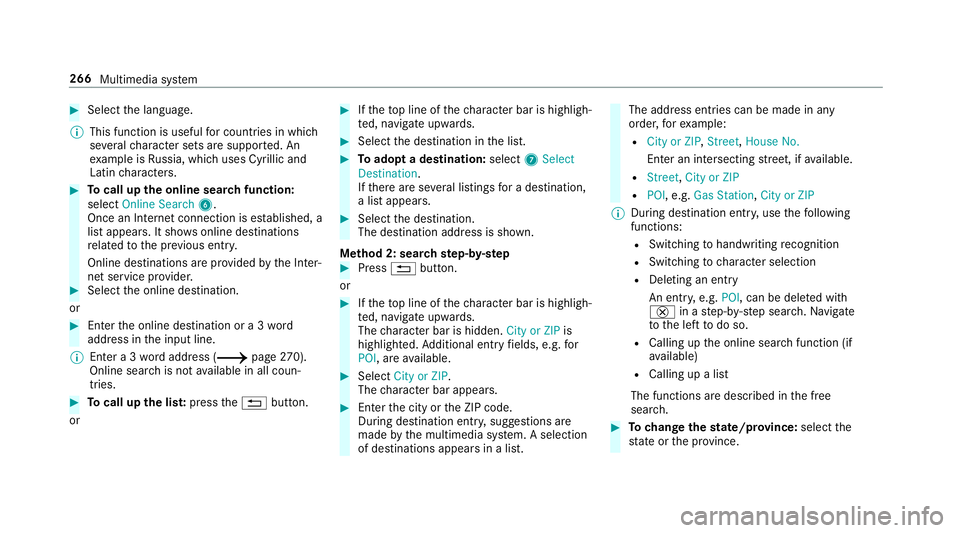
0007
Select thelanguag e.
0009 This function isuseful forcountr iesinwhi ch
se veralch aract ersets aresuppo rted. An
ex am ple isRu ssia, whichuses Cyrillicand
Latin charact ers. 0007
Tocall uptheonline searchfunctio n:
sele ctOnline Search 6.
Once anInterne tconnection ises tablished, a
lis tappear s.Itsho wsonline destinat ions
re lat ed tothepr ev ious entry.
Online destinations arepr ov ided bytheInt er‐
ne tser vice prov ider . 0007
Selec tth eonline destinat ion.
or 0007
Enterth eonline destinat ionora3 wo rd
addr essintheinput line.
0009 Entera 3 wo rdaddr ess(0013 page27 0).
On linese arch isno tav ailable inall coun ‐
tr ies. 0007
Tocall upthelis t:press the0038 button.
or 0007
Ifth eto pline ofthech aract erbar ishigh ligh‐
te d, navig ateupw ards. 0007
Select thedes tinat ioninthelis t. 0007
Toadop ta des tinatio n:sele ct7 Select
Destinati on.
If th er ear ese verallis tin gs fora des tination,
a lis tapp ears. 0007
Select thedes tinat ion.
The destinat ionaddr essissho wn.
Me thod 2:sear chstep- by-ste p 0007
Press 0038 button.
or 0007
Ifth eto pline ofthech aract erbar ishigh ligh‐
te d, navig ateupw ards.
The charact erbar ishidde n.City orZIP is
high light ed.Addition alent ryfields, e.g.for
POI, areav ailable. 0007
Select City orZIP .
The charact erbar appear s. 0007
Enterth ecity ortheZIP code.
Dur ing destinat ionentry,sugg estion sar e
made bythemultimedia system. Aselect ion
of des tinat ions appear sin alis t. The
addr essentries can bemade inany
or der ,fo rex am ple:
R City orZIP ,St reet, HouseNo.
En teran intersecting stre et,if av ailable.
R Street, CityorZIP
R POI ,e.g .Gas Statio n,City orZIP
0009 During destinatio nent ry,use thefo llo wing
func tions:
R Swit ching tohandwr itingrecogni tion
R Swi tching tocharact erselec tion
R Deletin gan ent ry
An entr y,e.g. POI, canbedele tedwit h
£ inast ep-b y-step sear ch.Na vig ate
to thelef tto do so.
R Calling uptheonline searchfunction (if
av ailable)
R Callin gup alis t
The function sar edesc ribed inthefree
sear ch. 0007
Tochang eth est at e/ prov ince: select the
st at eor thepr ov inc e. 266
Multim ediasystem
Page 269 of 518
0007
Enterthest at eor thepr ov inc e.Youon ly
nee dto ent erthefirs tch aract er. 0007
Select thest at eor thepr ov inc ein thelis t. 0007
Tochang eth ecount ry:sel ect thecount ry. 0007
Enterthecount ry.Yo uon lyne ed toent erthe
fi rs tch aract er. 0007
Select thecount ryon thelis t. 0007
Toadop ta des tinatio n:sele ctSelect Desti-
nation.
If th er ear ese verallis tin gs fora des tination,
a dis tance-o rient ated listappear s. 0007
Select thedes tinat ion.
The destinat ionaddr essissho wn.
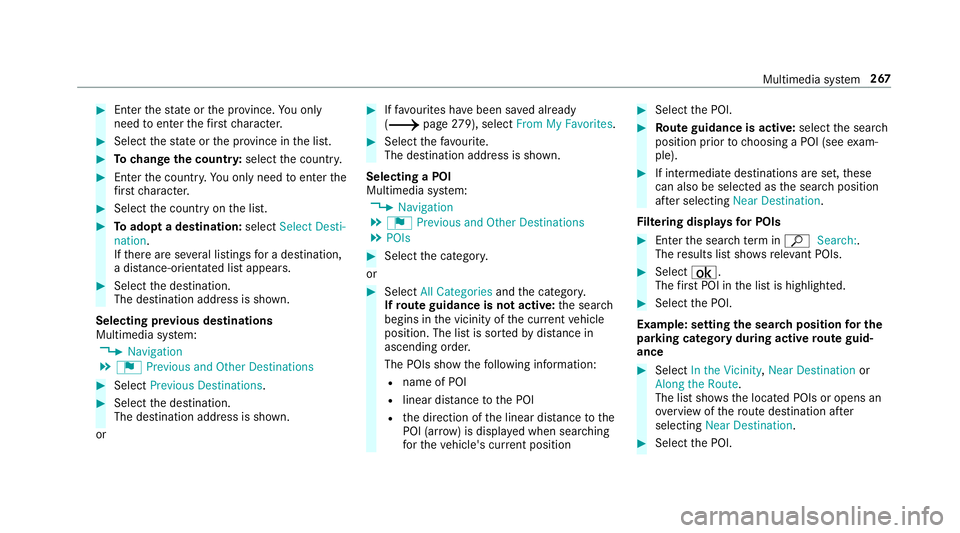
Selecting prev ious destina tions
Multime diasystem:
0018 Navigation
0019 ¬ Previous andOther Destination s 0007
Select Previous Destination s. 0007
Select thedes tinat ion.
The destinat ionaddr essissho wn.
or 0007
Iffavo urites have been save dalr eady
(0013 page27 9), select From MyFavo rites. 0007
Sele ctthefa vo urite.
The destinatio naddr essissho wn.
Select ingaPOI
Mult imed iasystem:
0018 Navigation
0019 ¬ Previous andOther Destination s
0019 POIs 0007
Select thecat egor y.
or 0007
Select AllCategories andthecat egor y.
If ro ut eguidanc eis no tactiv e:thesear ch
begins inthevicinit yof thecur rent vehicle
position. Thelistis sor tedby distance in
as cend ingorde r.
The POIs showthefo llo wing informatio n:
R name ofPOI
R linear distance tothePOI
R thedir ect ion ofthelinear distance tothe
POI (arrow) isdispla yedwhen searching
fo rth eve hicle's current positio n 0007
Select thePOI. 0007
Routeguidanc eis activ e:sele ctthesear ch
position prior tochoosing aPOI (see exam‐
ple). 0007
Ifint ermedi atedes tinatio nsarese t,th ese
can also beselect edasthesear chposition
af te rsele cting NearDestination .
Fi lter ing disp lays forPO Is 0007
Enterthesear chterm inª Search:.
The results listsho wsreleva nt POI s. 0007
Select ¡.
The firs tPOI inthelis tis highlight ed. 0007
Select thePOI.
Ex am ple: setting thesear chpos ition forthe
par kingca tegor ydur ing activ ero ut eguid‐
ance 0007
Select Inthe Vicini ty,Near Destinatio nor
Along theRou te.
The listsho wsthelocat edPOIs oropens an
ove rview of thero utedes tinatio naf te r
selecting NearDestination. 0007
Select thePOI. Multimedia
system 26
7
Page 271 of 518
0007
Select 0080 Map. 0007
Movethemap (0013 page28 4). 0007
Select destinat iononthemap
(0013 page27 0). 0007
Tochang eth eor der ofdes tina tions :high‐
light thedes tinat ionortheint ermediat edes‐
tinat ion. 0007
Select 0080Move . 0007
Movetheint ermediat edes tinat iontothe
desir edposition . 0007
Press theTo uc hCon trol, thecon troller orthe
to uc hpad. 0007
Todel eteades tina tion: highlig htthedes ti‐
nation ortheint ermediat edes tinat ion. 0007
Select 0080Delete.
Calculating aro ut ewith intermediat edes ti‐
nation s
Re quirement s:
R The destination andatleas tone intermediat e
des tination have been entered. Multimedia
system:
0018 Navigation 0019
Way Point sand Info 0007
Select Start New Route Guidance.
The routeis calc ulatedwithth ese tint er‐
mediat edes tinat ions.
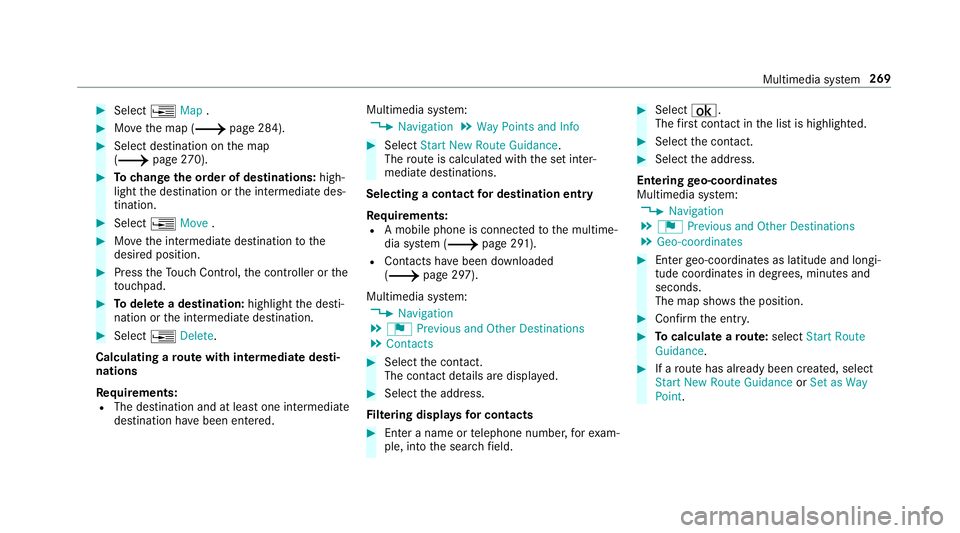
Selecting acontact fordes tinatio nen try
Re quirement s:
R Amobile phoneis con nectedto themultime‐
dia system (0013 page29 1).
R Cont acts have been downloaded
(0013 page29 7).
Multimedia system:
0018 Navigation
0019 ¬ Previous andOther Destination s
0019 Contac ts 0007
Select thecon tact.
The cont actdetails aredispla yed. 0007
Select theaddr ess.
Fi lter ing disp lays forco ntac ts 0007
Enteranam eor telephon enumb er,fo rex am‐
ple, intoth esear chfield. 0007
Select ¡.
The firs tcont actinthelis tis highlight ed. 0007
Select thecon tact. 0007
Sele cttheaddr ess.
Ent ering geo-coor dinates
Multimedia system:
0018 Navigation
0019 ¬ Previous andOther Destination s
0019 Geo-coor dinates 0007
Enterge o-coor dinatesaslatitude andlongi‐
tude coordinat esindegr ees, minut esand
seconds.
The map showstheposition . 0007
Conf irm theent ry. 0007
Tocalcu latearo ut e: sele ctStart Route
Gu ida nce. 0007
Ifaro utehas already been creat ed, sele ct
St art New RouteGuidan ceorSet asWay
Poin t. Mult
imed iasystem 269