USB MERCEDES-BENZ C-CLASS SALOON 2012 Owner's Manual
[x] Cancel search | Manufacturer: MERCEDES-BENZ, Model Year: 2012, Model line: C-CLASS SALOON, Model: MERCEDES-BENZ C-CLASS SALOON 2012Pages: 557, PDF Size: 10.15 MB
Page 552 of 557
Ty
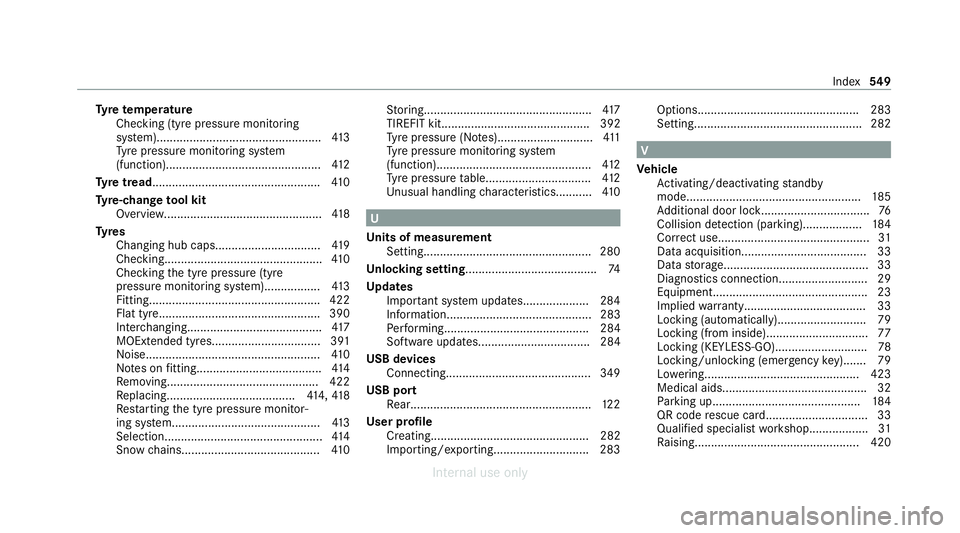
re temp erature
Checking (tyre pressure monitoring
sy stem).................................................. 413
Ty re pressure monitoring sy stem
(function)............................................... 412
Ty re tread ................................................... 41 0
Ty re-change tool kit
Overview............................................... .418
Ty res
Changing hub caps................................ 419
Checking............................................... .410
Checking the tyre pressure (tyre
pressure monitoring sy stem)................. 413
Fitting................................................... .422
Flat tyre................................................. 390
Inter changing........................................ .417
MOExtended tyres................................. 391
No ise.................................................... .410
No tes on fitting...................................... 414
Re moving.............................................. 422
Re placing.......................................4 14,41 8
Re starting the tyre pressure monitor‐
ing sy stem.............................................4 13
Selection................................................ 414
Snow chains.......................................... 41 0St
oring................................................... 417
TIREFIT kit............................................. 392
Ty re pressure (N otes).............................4 11
Ty re pressure monitoring sy stem
(function)............................................... 412
Ty re pressure table................................ 412
Un usual handling characteristic s...........410 U
Un its of measurement
Setting................................................... 280
Un locking setting ........................................ 74
Up dates
Impor tant sy stem updates....................2 84
Information............................................ 283
Pe rforming............................................ 284
Software updates.................................. 284
USB devices Connecting............................................3 49
USB port Rear...................................................... .122
User profile Creating................................................ 282
Importing/exporting............................ .283 Options................................................. 283
Setting................................................... 282 V
Ve hicle
Ac tivating/deactivating standby
mode.................................................... .185
Ad ditional door loc k................................ .76
Collision de tection (pa rking).................. 184
Cor rect use.............................................. 31
Data acquisition...................................... 33
Data storage............................................ 33
Diagnostics connection........................... 29
Equipment...............................................23
Implied warrant y..................................... 33
Locking (automatically). .......................... 79
Locking (from inside)............................... 77
Locking (KEYLESS-GO)............................ 78
Locking/unlocking (emergency key)....... 79
Lo we ring............................................... 423
Medical aids............................................ 32
Pa rking up............................................ .184
QR code rescue card............................... 33
Qualifi ed specialist workshop.................. 31
Ra ising.................................................. 420 Index
549
Internal use only