Manual MERCEDES-BENZ C-Class SEDAN 2016 W205 Owner's Manual
[x] Cancel search | Manufacturer: MERCEDES-BENZ, Model Year: 2016, Model line: C-Class SEDAN, Model: MERCEDES-BENZ C-Class SEDAN 2016 W205Pages: 398, PDF Size: 9.57 MB
Page 1 of 398
C-Class
Operator's Manual
Order no. P205 0070 13 Part no. 205 584 15 05 Edition B 2016É2055841505QËÍ
2055841505C-Class Operator's Manual
Your Operator's Manuals
Digitally - in the vehicle
Get to grips with the content of the Digi tal Operator's Manual in the multimedia
system fitted in your vehicle (under the "Vehicle" menu item).
Printed manual - in the vehicle
In addition to the vehicle Operator's Manual, the complete additional operating
instructions for your multimedia system are also available from your
Mercedes-Benz Service Center.
Digitally - via the Internet
You will find the Operator's Manual on your Mercedes-Benz homepage.
Digitally - as an App
The Mercedes-Benz Guides App is available for free in the Apple App Store and
on Google Play.
Apple® iOS AndroidTM
Page 2 of 398
Publication details
Internet
Further information about Mercedes-Benz vehi-
cles and about Daimler AG can be found on the
following websites:
http://www.mbusa.com (USA only)
http://www.mercedes-benz.ca (Canada only) Editorial office
© Daimler AG: not to be reprinted, translated or
otherwise reproduced, in whole or in part, with-
out written permission from Daimler AG. Vehicle manufacturer
Daimler AG
Mercedesstraße 137
70327 Stuttgart
Germany
Symbols
Registered trademarks:
R Bluetooth ®
is a registered trademark of Blue-
tooth SIG Inc.
R DTS™ is a registered trademark of DTS, Inc.
R Dolby ®
and MLP™ are registered trademarks
of DOLBY Laboratories.
R BabySmart™, ESP ®
and PRE-SAFE ®
are reg-
istered trademarks of Daimler AG.
R HomeLink ®
is a registered trademark of John-
son Controls.
R iPod ®
and iTunes ®
are registered trademarks
of Apple Inc.
R Burmester ®
is a registered trademark of
Burmester Audiosysteme GmbH.
R Microsoft ®
and Windows media ®
are regis-
tered trademarks of Microsoft Corporation.
R SIRIUS ®
is a registered trademark of Sirius
XM Radio Inc.
R HD Radio™ is a registered trademark of iBiq-
uity Digital Corporation.
R Gracenote ®
is a registered trademark of
Gracenote, Inc.
R ZAGAT Survey ®
and related brands are regis-
tered trademarks of Zagat Survey, LLC.
In this Operator's Manual you will find the fol-
lowing symbols: G
WARNING
Warning notes make you aware of dangers
which could pose a threat to your health or
life, or to the health and life of others. H
Environmental note
Environmental notes provide you with infor-
mation on environmentally aware actions or
disposal.
! Notes on material damage alert you to dan-
gers that could lead to damage to your vehi-
cle.
i Practical tips or further information that
could be helpful to you.
X This symbol indicates an instruction
that must be followed.
X Several of these symbols in succession
indicate an instruction with several
steps. (
Y
page) This
symbol tells you where you can find
more information about a topic.
YY This symbol indicates a warning or an
instruction that is continued on the next
page.
Dis‐
play This text indicates a message on the
multifunction display/multimedia dis-
play.
~ This symbol tells you that you can find
further information in the Digital Oper-
ator's Manual.
As at 08.04.2015
Page 3 of 398
Welcome to the world of Mercedes-Benz
We urge you to read this Operator's Manual
carefully and familiarize yourself with the vehi-
cle before driving. For your own safety and a
longer vehicle life, follow the instructions and
warning notices in this manual. Ignoring them
could result in damage to the vehicle or personal
injury to you or others.
Vehicle damage caused by failure to follow
instructions is not covered by the Mercedes-
Benz Limited Warranty.
This Operator's Manual provides information on
the most important functions of your vehicle.
The equipment or product designation of your
vehicle may vary depending on:
RModel
ROrder
RCountry specification
RAvailability
Mercedes-Benz therefore reserves the right to
introduce changes in the following areas:
RDesign
REquipment
RTechnical features
The equipment in your vehicle may therefore
differ from that shown in the descriptions and
illustrations.
The following are integral components of the
vehicle:
RDigital Operator's Manual
RPrinted Operator's Manual
RMaintenance Booklet
REquipment-dependent supplements
Keep these documents in the vehicle at all
times. If you sell the vehicle, always pass all
documents on to the new owner.
Your Operator's Manual:
Digital form inside the vehicle
The Digital Operator's Manual provides
comprehensive and specifically adapted
information on your vehicle's equipment
and multimedia system. It contains infor-
mative animations, individual language
settings and an intuitive search function.
Booklet inside the vehicle
In addition to this manual and the afore-
mentioned digital media, you also have the
option to obtain a comprehensive printed
version of the Supplement for your multi- media system from your authorized
Mercedes-Benz Center.
Digital form via the Internet
The Operator's Manual on the Internet pro-
vides easy access to all information
regarding your vehicle and multimedia sys-
tem. It also provides helpful animations,
interesting background information and a
wide array of search options.
Digital form as an App
Using the Mercedes-Benz Guides App, you
can view all the information on your vehicle
and multimedia system via mobile Internet
or download it independently of network
access. Available for smartphones or tab-
lets.
Apple®iOS
Android™
Please note that the Mercedes-Benz Guides App
may not yet be available in your country.
The technical documentation team at
Daimler AG wishes you safe and pleasant motor-
ing.
Mercedes-Benz USA, LLC
Mercedes-Benz Canada, Inc.
A Daimler Company
2055841505
É2055841505QËÍ
Page 4 of 398
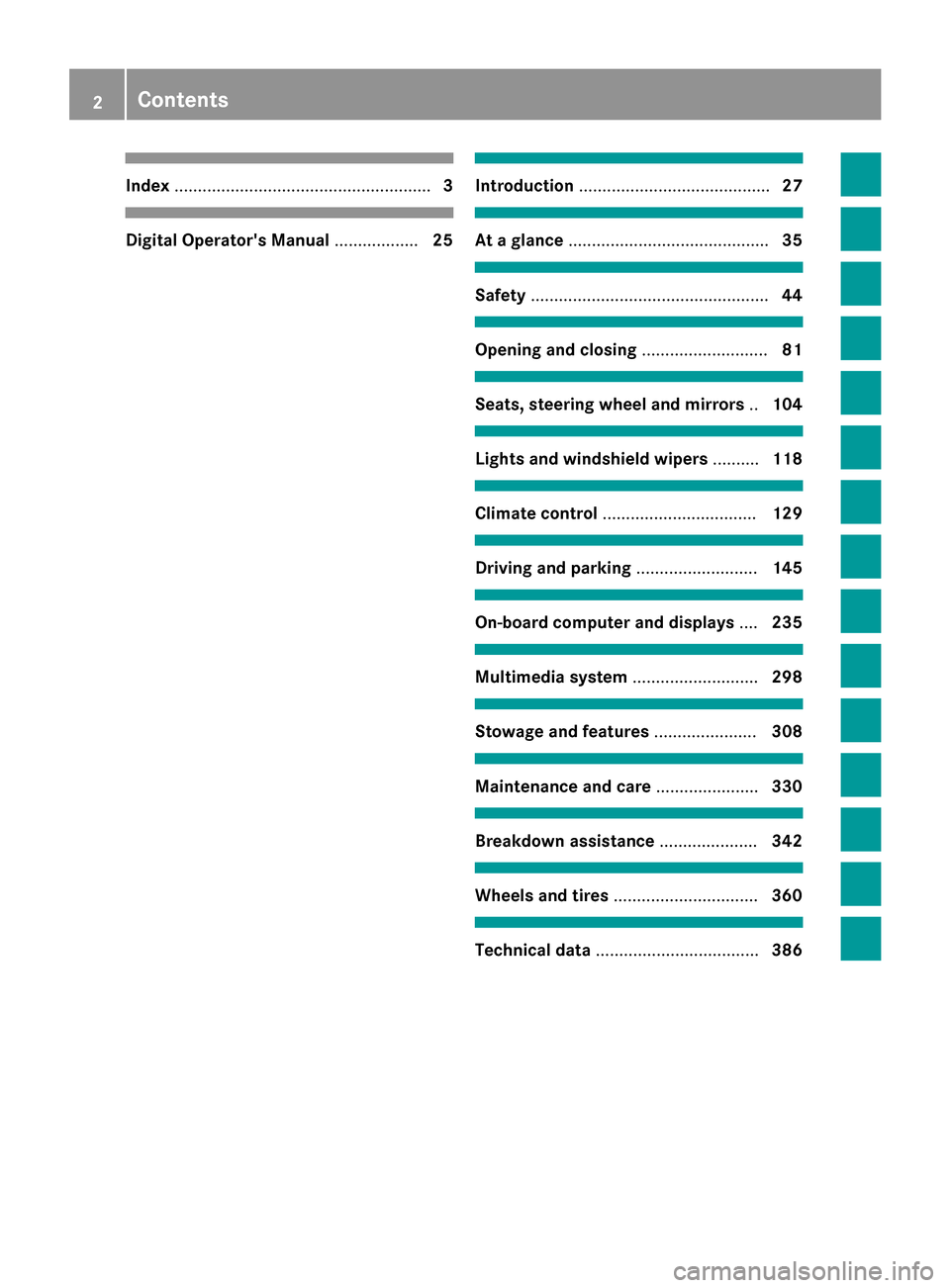
Index....................................................... 3
Digital Operator's Manual..................25
Introduction ......................................... 27
At a glance........................................... 35
Safety................................................... 44
Opening and closing...........................81
Seats, steering wheel and mirrors ..104
Lights and windshield wipers ..........118
Climate control ................................. 129
Driving and parking..........................145
On-board computer and displays ....235
Multimedia system ...........................298
Stowage and features ......................308
Maintenance and care ......................330
Breakdown assistance .....................342
Wheels and tires ............................... 360
Technical data................................... 386
2Contents
Page 6 of 398
AMGAdaptive sport suspension sys-
tem ................................................ 197
Performance Seat .......................... 108
AMG menu (on-board computer) .....2 52
AMG sports exhaust system ............ 152
Anti-lock braking system
see ABS (Anti-lock Braking System)
Anti-Theft Alarm system
see ATA (Anti-Theft Alarm system)
Armrest
Stowage compartment .................. 309
Ashtray ............................................... 318
Assistance display (on-board com-
puter) ..................................................2 46
Assistance menu (on-board com-
puter) ..................................................2 47
ASSYST PLUS
Displaying a service message ........3 34
Driving abroad ............................... 335
Hiding a service message .............. 334
Resetting the service interval dis-
play ................................................ 334
Service message ............................ 333
Special service requirements ......... 334
ATA (Anti-Theft Alarm system)
Activating/deactivating ................... 79
Function ...........................................7 9
Switching off the alarm .................... 79
ATTENTION ASSIST
Activating/deactivating ................. 248
Display message ............................ 274
Function/notes ............................. 214
Authorized Mercedes-Benz Center
see Qualified specialist workshop
Authorized workshop
see Qualified specialist workshop
AUTO lights
Display message ............................ 267
see Lights
Automatic car wash (care) ............... 335
Automatic engine start (ECO start/
stop function) .................................... 151
Automatic engine switch-off (ECO
start/stop function) .......................... 150
Automatic headlamp mode .............. 118Automatic transmission
Accelerato
r pedal position ............. 158
Changing gear ............................... 158
DIRECT SELECT lever ..................... 156
Display message ............................ 282
Double-clutch function .................. 158
Drive program ................................ 159
Drive program display .................... 157
Driving tips .................................... 158
DYNAMIC SELECT switch .............. 154
Emergency running mode .............. 164
Engaging drive position .................. 157
Engaging neutral ............................ 156
Engaging park position automati-
cally ............................................... 156
Engaging reverse gear ................... 156
Engaging the park position ............ 156
Gliding mode ................................. 159
Kickdown ....................................... 159
Manual shifting .............................. 161
Oil temperature (on-board com-
puter, Mercedes-AMG vehicles) ..... 252
Overview ........................................ 155
Problem (malfunction) ................... 164
Pulling away ................................... 149
Rocking the vehicle free ................ 159
Starting the engine ........................ 148
Steering wheel paddle shifters ...... 161
Transmission position display
(DIRECT SELECT lever) ................... 157
Transmission positions .................. 158
Automatic transmission emer-
gency mode ....................................... 164
B
Back button ....................................... 299
Backup lamp
Changing bulbs .............................. 124
Bag hook ............................................ 313
BAS (Brake Assist System) ................. 68
BAS PLUS with Cross-Traffic Assist
(Brake Assist PLUS with Cross-
Traffic Assist)
Function/notes ................................ 69
Important safety notes .................... 69
Battery (high-voltage)
see High-voltage battery
4Index
Page 10 of 398
Switching on/off (on-board com-
puter) ............................................. 250
Declarations of conformity ................. 31
Diagnostics connection ...................... 31
Digital Operator's Manual
Help ................................................. 25
Introduction ..................................... 25
Digital speedometer ......................... 241
DIRECT SELECT lever
Automatic transmission ................. 156
Display
see Display messages
see Warning and indicator lamps
Display message
Hybrid drive system ....................... 272
Display messages
ASSYST PLUS ................................ 333
Calling up (on-board computer) ..... 255
Driving systems ............................. 274
Engine ............................................ 268
General notes ................................ 255
Hiding (on-board computer) ........... 255
Introduction ................................... 255
Lights ............................................. 267
Safety systems .............................. 256
SmartKey ....................................... 285
Tires ............................................... 280
Vehicle ........................................... 282
Distance recorder ............................. 239
Distance warning (warning lamp) .... 295
Distance warning function
Function/notes ................................ 71
DISTRONIC PLUS
Activating ....................................... 188
Activation conditions ..................... 188
Cruise control lever ....................... 188
Deactivating ................................... 191
Display message ............................ 277
Displays in the instrument cluster .. 191
Driving tips .................................... 192
Driving with DISTRONIC PLUS ....... 189
Function/notes ............................. 186
Important safety notes .................. 187
Setting a speed .............................. 190
Setting the specified minimum
distance ......................................... 190
Stopping ........................................ 189 with Steering Assist and Stop&Go
Pilot ............................................... 192
Doors
Automatic locking (switch) ............... 89
Central locking/unlocking
(SmartKey) ....................................... 81
Control panel ................................... 43
Display message ............................ 284
Emergency locking ........................... 89
Emergency unlocking ....................... 89
Important safety notes .................... 87
Opening (from inside) ...................... 88
Drinki ng an
d driving
......................... 180
Drive program
Automatic transmission ................. 159
SETUP (on-board computer) .......... 253
Drive programs
Display (DIRECT SELECT lever) ...... 157
Driver's door
see Doors
Driving abroad
Mercedes-Benz Service ................. 335
Driving Assistance PLUS package ... 219
Driving on flooded roads .................. 184
Driving safety systems
ABS (Anti-lock Braking System) ....... 68
ADAPTIVE BRAKE ............................. 76
Adaptive Brake Assist ...................... 72
BAS (Brake Assist System) .............. 68
BAS PLUS with Cross-Traffic
Assist ............................................... 69
COLLISION PREVENTION ASSIST
PLUS ................................................ 70
Distance warning function ............... 71
EBD (electronic brake force distri-
bution) ............................................. 76
ESP
®(Electronic Stability Pro-
gram) ............................................... 73
Important safety information ........... 68
Overview .......................................... 67
PRE-SAFE
®Brake ............................. 77
Recuperative Brake System ............. 45
STEER CONTROL ............................. 78
Driving system
RACE START (Mercedes-AMG
vehicles) ........................................ 195
8Index
Page 13 of 398
Problem (malfunction) ...................168
Refueling ........................................ 164
Tank content/reserve fuel ............. 389
Fuel filler flap
Opening ......................................... 165
Fuel level
Calling up the range (on-board
computer) ...................................... 240
Fuel tank
Capacity ........................................ 389
Problem (malfunction) ................... 168
Fuses
Allocation chart ..................... 357, 359
Before changing .............................3 57
Dashboard fuse box ....................... 357
Fuse box in the engine compart-
ment .............................................. 358
Fuse box in the front-passenger
footwell .......................................... 358
Fuse box in the trunk ..................... 359
Important safety notes .................. 357
G
G-Meter (on-board computer,
Mercedes-AMG vehicles) .................. 252
Garage door opener
Clearing the memory ..................... 329
General notes ................................ 326
Important safety notes .................. 327
Opening/closing the garage door .. 329
Problems when programming ........3 28
Programming (button in the rear-
view mirror) ................................... 327
Synchronizing the rolling code ....... 328
Gear indicator (on-board com-
puter, Mercedes-AMG vehicles) ....... 252
Genuine parts ...................................... 27
Glove box ...........................................3 09
Google™ Local Search
see also Digital Operator's Man-
ual ..................................................2 98
H
Handbrake
see Parking brake
HANDS-FREE ACCESS .......................... 92Handwriting recognition
Switching text reader function
on/off ............................................ 301
Touchpad ....................................... 300
Hazard warning lamps ......................120
Head restraints
Adjusting (electrically) ................... 107
Adjusting (manually) ......................1 07
Adjusting (rear) .............................. 107
Adjusting the fore-and-aft posi-
tion manually ................................. 107
General notes ................................ 106
Important safety notes .................. 106
Installing/removing (rear) .............. 107
Head-up display
Adjusting the brightness ................ 250
Displays and operating .................. 238
Function/notes .............................2 38
Important safety notes .................. 238
Selecting displays .......................... 249
Setting the position ....................... 250
Storing settings (memory func-
tion) ............................................... 116
Headlamps
Cleaning system (notes) ................ 393
Fogging up ..................................... 121
see Automatic headlamp mode
Heating
see Climate control
High beam flasher .............................1 19
High-beam headlamps
Adaptive Highbeam Assist ............. 120
Changing bulbs .............................. 124
Display message ............................ 267
Switching on/off ........................... 119
High-voltage battery
Battery care ................................... 170
Charging (charging station) ............ 174
Charging (mains socket) ................ 171
Charging (wallbox) ......................... 173
Charging cable warming ................ 170
Cruise range .................................. 170
Energy consumption ......................1 70
General notes .................................. 45
Method of operation ......................1 69
Outside temperatures .................... 170
Overvoltage protection .................. 170
Index11
Page 14 of 398
Problems with the charging proc-
ess .................................................175
Terms of use .................................. 170
Vehicle fire ....................................... 45
Hill start assist .................................. 150
HOLD function
Activating ....................................... 195
Activation conditions ..................... 194
Deactivating ................................... 195
Display message ............................ 277
Function/notes .............................1 94
General notes ................................ 194
Home address
see also Digital Operator's Man-
ual ..................................................2 98
Hood
Closing ...........................................3 31
Display message ............................ 284
Important safety notes .................. 330
Opening ......................................... 330
Horn ...................................................... 35
HUD
see Head-up display
Hybrid drive system
Automatic switch off ........................ 44
Danger of electric shock .................. 44
Display message ............................ 272
General notes .................................. 44
High-voltage battery ........................ 45
Important safety notes .................... 44
Manual switch off ............................ 44
Opening the hood ............................ 45
Warning lamp ................................. 288
Hybrid vehicles
Important safety notes .................... 44
Hydroplaning ..................................... 184
I
Ignition lock
see Key positions
Immobilizer .......................................... 79
Indicator and warning lamps
COLLISION PREVENTION ASSIST
PLUS .............................................. 295
Indicator lamps
see Warning and indicator lamps Indicators
see Turn signals
Insect protection on the radiator .... 331
Instrument cluster
Overview .......................................... 36
Warning and indicator lamps ........... 36
Instrument cluster lighting .............. 235
Interior lighting ................................. 121
Control ...........................................1 22
Overview ........................................ 121
Reading lamp ................................. 121
iPod
®
see also Digital Operator's Man-
ual ..................................................2 98
J
Jack
Using ............................................. 381
Jump starting (engine) ......................352
K
Key positions
SmartKey ....................................... 146
Start/Stop button .......................... 146
KEYLESS-GO
Convenience closing feature ............ 97
Deactivation ..................................... 82
Locking ............................................ 82
Removing the Start/Stop button ... 147
Start function ................................... 83
Unlocking ......................................... 82
Kickdown
Driving tips ....................................1 59
Manual gearshifting ....................... 163
Knee bag .............................................. 53
L
Lamps
see Warning and indicator lamps
Lane Keeping Assist
Activating/deactivating ................. 219
Activating/deactivating (on-
board computer) ............................ 248
Display message ............................ 275
Function/information .................... 218
see Active Lane Keeping Assist
12Index
Page 17 of 398
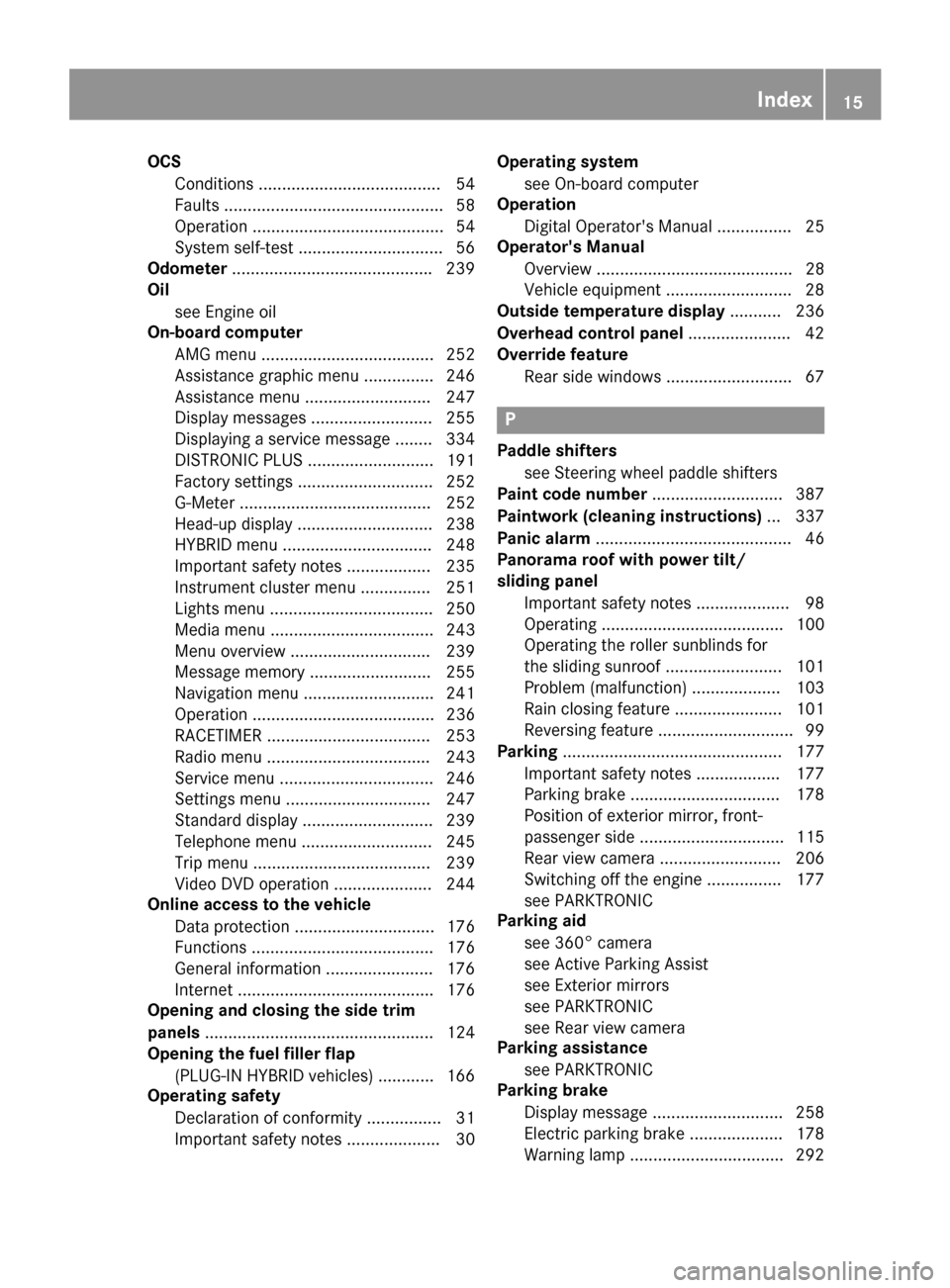
OCSConditions ....................................... 54
Faults ............................................... 58
Operation ......................................... 54
System self-test ...............................5 6
Odometer .......................................... .239
Oil
see Engine oil
On-board computer
AMG menu ..................................... 252
Assistance graphic menu ...............2 46
Assistance menu ........................... 247
Display messages .......................... 255
Displaying a service message ........3 34
DISTRONIC PLUS ........................... 191
Factory settings .............................2 52
G-Meter ......................................... 252
Head-up display ............................. 238
HYBRID menu ................................ 248
Important safety notes .................. 235
Instrument cluster menu ............... 251
Lights menu ................................... 250
Media menu ................................... 243
Menu overview .............................. 239
Message memory .......................... 255
Navigation menu ............................ 241
Operation ....................................... 236
RACETIMER ................................... 253
Radio menu ................................... 243
Service menu ................................. 246
Settings menu ............................... 247
Standard display ............................ 239
Telephone menu ............................ 245
Trip menu ...................................... 239
Video DVD operation ..................... 244
Online access to the vehicle
Data protection .............................. 176
Functions ....................................... 176
General information ....................... 176
Internet .......................................... 176
Opening and closing the side trim
panels ................................................. 124
Opening the fuel filler flap
(PLUG-IN HYBRID vehicles) ............ 166
Operating safety
Declaration of conformity ................ 31
Important safety notes .................... 30 Operating system
see On-board computer
Operation
Digital Operator's Manual ................ 25
Operator's Manual
Overview .......................................... 28
Vehicle eq uip
ment ........................... 28
Outside temperature display ........... 236
Overhead control panel ...................... 42
Override feature
Rear side windows ........................... 67
P
Paddle shifterssee Steering wheel paddle shifters
Paint code number ............................ 387
Paintwork (cleaning instructions) ... 337
Panic alarm .......................................... 46
Panorama roof with power tilt/
sliding panel
Important safety notes .................... 98
Operating ....................................... 100
Operating the roller sunblinds for
the sliding sunroof ......................... 101
Problem (malfunction) ................... 103
Rain closing feature ....................... 101
Reversing feature ............................. 99
Parking ............................................... 177
Important safety notes .................. 177
Parking brake ................................ 178
Position of exterior mirror, front-
passenger side ............................... 115
Rear view camera .......................... 206
Switching off the engine ................ 177
see PARKTRONIC
Parking aid
see 360° camera
see Active Parking Assist
see Exterior mirrors
see PARKTRONIC
see Rear view camera
Parking assistance
see PARKTRONIC
Parking brake
Display message ............................ 258
Electric parking brake .................... 178
Warning lamp ................................. 292
Index15
Page 18 of 398
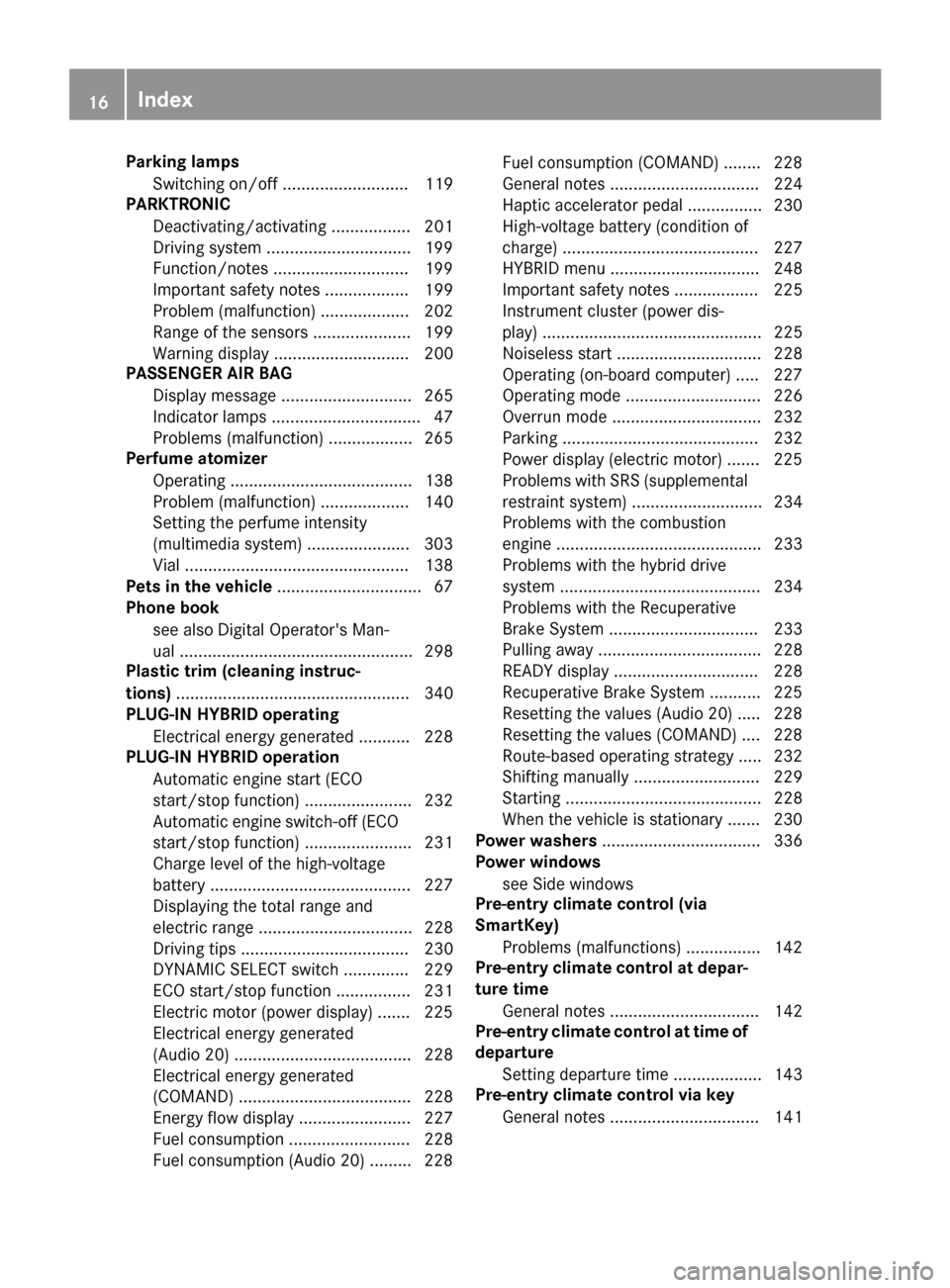
Parking lampsSwitching on/off ........................... 119
PARKTRONIC
Deactivating/activating ................. 201
Driving system ...............................1 99
Function/notes .............................1 99
Important safety notes .................. 199
Problem (malfunction) ................... 202
Range of the sensors ..................... 199
Warning display ............................. 200
PASSENGER AIR BAG
Display message ............................ 265
Indicator lamps ................................ 47
Problems (malfunction) .................. 265
Perfume atomizer
Operating ....................................... 138
Problem (malfunction) ................... 140
Setting the perfume intensity
(multimedia system) ...................... 303
Vial ................................................ 138
Pets in the vehicle ............................... 67
Phone book
see also Digital Operator's Man-
ual .................................................. 298
Plastic trim (cleaning instruc-
tions) .................................................. 340
PLUG-IN HYBRID operating
Electrical energy generated ........... 228
PLUG-IN HYBRID operation
Automatic engine start (ECO
start/stop function) ....................... 232
Automatic engine switch-off (ECO
start/stop function) ....................... 231
Charge level of the high-voltage
battery ........................................... 227
Displaying the total range and
electric range ................................. 228
Driving tips .................................... 230
DYNAMIC SELECT switch .............. 229
ECO start/stop function ................ 231
Electric motor (power display) ....... 225
Electrical energy generated
(Audio 20) ...................................... 228
Electrical energy generated
(COMAND) ..................................... 228
Energy flow display ........................ 227
Fuel consumption .......................... 228
Fuel consumption (Audio 20) ......... 228 Fuel consumption (COMAND) ........ 228
General notes ................................ 224
Haptic accelerator pedal ................ 230
High-voltage battery (condition of
cha
rge) .......................................... 227
HY
BRID menu ................................ 248
Important safety notes .................. 225
Instrument cluster (power dis-
play) ............................................... 225
Noiseless start ............................... 228
Operating (on-board computer) ..... 227
Operating mode ............................. 226
Overrun mode ................................ 232
Parking .......................................... 232
Power display (electric motor) ....... 225
Problems with SRS (supplemental
restraint system) ............................ 234
Problems with the combustion
engine ............................................ 233
Problems with the hybrid drive
system ........................................... 234
Problems with the Recuperative
Brake System ................................ 233
Pulling away ................................... 228
READY display ............................... 228
Recuperative Brake System ........... 225
Resetting the values (Audio 20) ..... 228
Resetting the values (COMAND) .... 228
Route-based operating strategy ..... 232
Shifting manually ........................... 229
Starting .......................................... 228
When the vehicle is stationary ....... 230
Power washers .................................. 336
Power windows
see Side windows
Pre-entry climate control (via
SmartKey)
Problems (malfunctions) ................ 142
Pre-entry climate control at depar-
ture time
General notes ................................ 142
Pre-entry climate control at time of
departure
Setting departure time ................... 143
Pre-entry climate control via key
General notes ................................ 141
16Index