CD player MERCEDES-BENZ CLA-Class 2015 C117 Owner's Manual
[x] Cancel search | Manufacturer: MERCEDES-BENZ, Model Year: 2015, Model line: CLA-Class, Model: MERCEDES-BENZ CLA-Class 2015 C117Pages: 362, PDF Size: 6.93 MB
Page 8 of 362
C
California Important notice for retail cus-
tomers and lessees .......................... 22
Calling up a malfunction
see Display messages
Care
Car wash ........................................ 292
Carpets .......................................... 298
Display .......................................... .296
Exhaust pipe .................................. 296
Exterior lights ................................ 295
Gear or selector lever .................... 297
Interior .......................................... .296
Matte finish ................................... 294
Notes ............................................. 291
Paint .............................................. 293
Plastic trim ................................... .297
Power washer ................................ 293
Rear view camera .......................... 296
Roof lining ...................................... 298
Seat belt ........................................ 298
Seat cover ..................................... 297
Sensors ......................................... 295
Steering wheel ............................... 297
Trim pieces ................................... .297
Washing by hand ........................... 292
Wheels .......................................... .294
Windows ........................................ 294
Wiper blades .................................. 295
Wooden trim .................................. 297
Cargo compartment enlargement ... 265
Cargo tie down rings ......................... 266
CD player/CD changer (on-board
computer) .......................................... 207
Center console
Lower section .................................. 35
Upper section .................................. 34
Central locking
Automatic locking (on-board com-puter) ............................................. 212
Locking/unlocking (SmartKey) ....... .74
Changing bulbs
Brake lamps .................................. .119
Cornering light function ................. 119
High-beam headlamps ................... 118
Low-beam headlamps .................... 118 Rear fog lamp ................................ 119
Turn signals (front) ......................... 119
Turn signals (rear) .......................... 119
Child
Restraint system .............................. 57
Child seat
Forward-facing restraint system ...... 61
LATCH-type (ISOFIX) child seat
anchors ............................................ 58
On the front-passenger seat ............ 60
Rearward-facing restraint system .... 61
Top Tether ....................................... 59
Child-proof locks
Important safety notes .................... 61
Rear doors ....................................... 62
Children
Special seat belt retractor .............. .57
Cigarette lighter ................................ 270
Cleaning
Mirror turn signal .......................... .295
Climate control
Air-conditioning system ................. 125
Automatic climate control (dual-
zone) .............................................. 127
Controlling automatically .............. .131
Cooling with air dehumidification .. 129
Defrosting the windows ................. 134
Defrosting the windshield .............. 133
General notes ................................ 124
Indicator lamp ................................ 131
Information about using auto-
matic climate control ..................... 128
Maximum cooling .......................... 133
Notes on using the air-condition-
ing system ..................................... 126
Overview of systems ..................... .124
Problem with the rear window
defroster ........................................ 135
Problems with cooling with air
dehumidification ............................ 131
Refrigerant ..................................... 358
Refrigerant filling capacity ............. 359
Setting the air distribution ............. 132
Setting the air vents ..................... .136
Setting the airflow ......................... 132
Setting the temperature ................ 131
Switching air-recirculation mode
on/off ............................................ 135 6
Index
Page 209 of 362
Audio menu
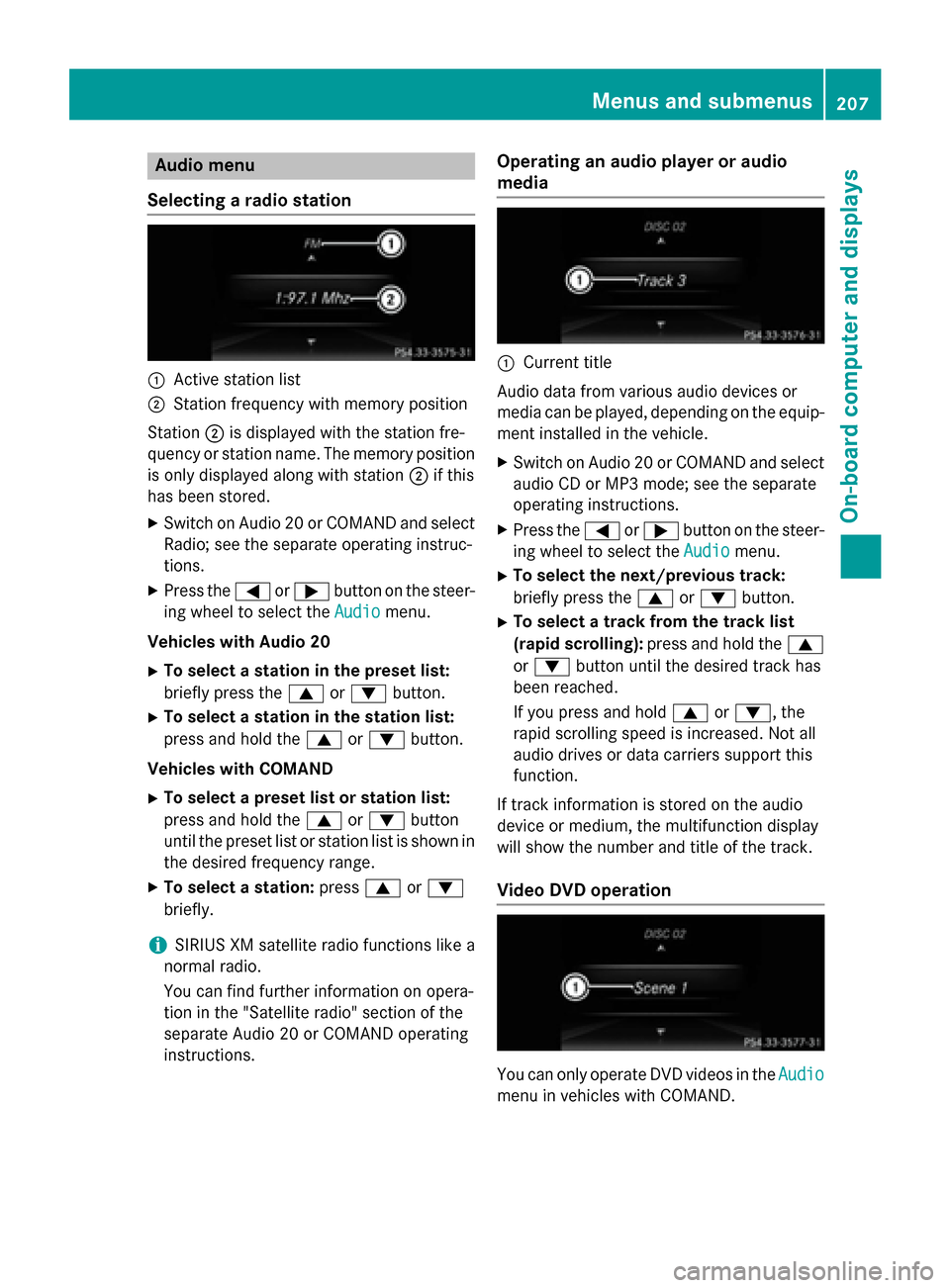
Selecting a radio station :
Active station list
; Station frequency with memory position
Station ;is displayed with the station fre-
quency or station name. The memory position is only displayed along with station ;if this
has been stored.
X Switch on Audio 20 or COMAND and select
Radio; see the separate operating instruc-
tions.
X Press the =or; button on the steer-
ing wheel to select the Audio
Audio menu.
Vehicles with Audio 20 X To select a station in the preset list:
briefly press the 9or: button.
X To select a station in the station list:
press and hold the 9or: button.
Vehicles with COMAND X To select a preset list or station list:
press and hold the 9or: button
until the preset list or station list is shown in
the desired frequency range.
X To select a station: press9or:
briefly.
i SIRIUS XM satellite radio functions like a
normal radio.
You can find further information on opera-
tion in the "Satellite radio" section of the
separate Audio 20 or COMAND operating
instructions. Operating an audio player or audio
media :
Current title
Audio data from various audio devices or
media can be played, depending on the equip- ment installed in the vehicle.
X Switch on Audio 20 or COMAND and select
audio CD or MP3 mode; see the separate
operating instructions.
X Press the =or; button on the steer-
ing wheel to select the Audio
Audio menu.
X To select the next/previous track:
briefly press the 9or: button.
X To select a track from the track list
(rapid scrolling): press and hold the 9
or : button until the desired track has
been reached.
If you press and hold 9or:, the
rapid scrolling speed is increased. Not all
audio drives or data carriers support this
function.
If track information is stored on the audio
device or medium, the multifunction display
will show the number and title of the track.
Video DVD operation You can only operate DVD videos in the
Audio Audio
menu in vehicles with COMAND. Menus and sub
menus
207On-board computer and displays Z
Page 266 of 362
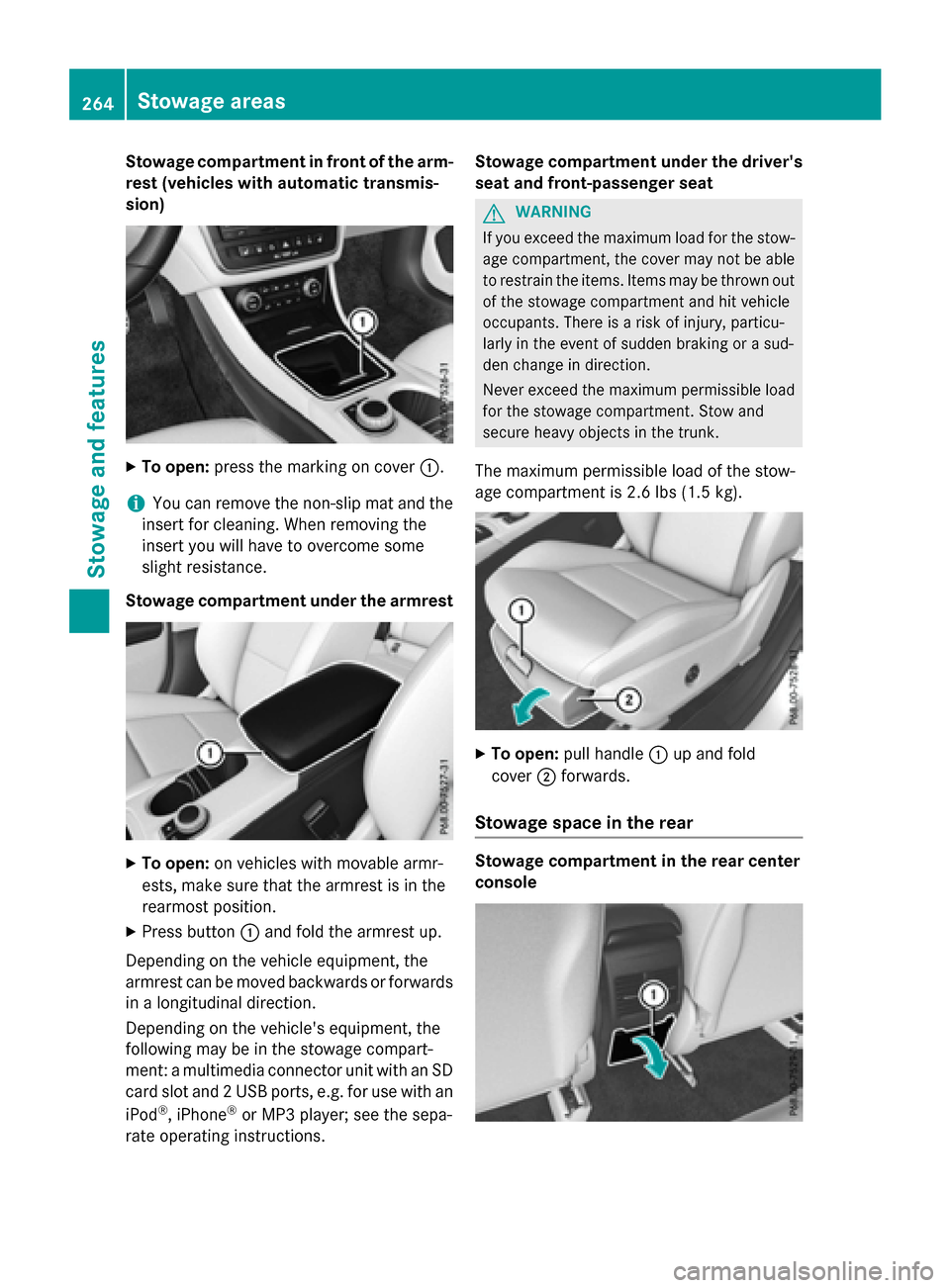
Stowage compartment in front of the arm-
rest (vehicles with automatic transmis-
sion) X
To open: press the marking on cover :.
i You can remove the non-slip mat and the
insert for cleaning. When removing the
insert you will have to overcome some
slight resistance.
Stowage compartment under the armrest X
To open: on vehicles with movable armr-
ests, make sure that the armrest is in the
rearmost position.
X Press button :and fold the armrest up.
Depending on the vehicle equipment, the
armrest can be moved backwards or forwards
in a longitudinal direction.
Depending on the vehicle's equipment, the
following may be in the stowage compart-
ment: a multimedia connector unit with an SD
card slot and 2 USB ports, e.g. for use with an
iPod ®
, iPhone ®
or MP3 player; see the sepa-
rate operating instructions. Stowage compartment under the driver's
seat and front-passenger seat G
WARNING
If you exceed the maximum load for the stow- age compartment, the cover may not be ableto restrain the items. Items may be thrown out
of the stowage compartment and hit vehicle
occupants. There is a risk of injury, particu-
larly in the event of sudden braking or a sud-
den change in direction.
Never exceed the maximum permissible load
for the stowage compartment. Stow and
secure heavy objects in the trunk.
The maximum permissible load of the stow-
age compartment is 2.6 lbs (1.5 kg). X
To open: pull handle :up and fold
cover ;forwards.
Stowage space in the rear Stowage compartment in the rear center
console264
Stowage areasStowage and features