collision MERCEDES-BENZ CLA-Class 2016 C117 Owner's Manual
[x] Cancel search | Manufacturer: MERCEDES-BENZ, Model Year: 2016, Model line: CLA-Class, Model: MERCEDES-BENZ CLA-Class 2016 C117Pages: 374, PDF Size: 8.19 MB
Page 9 of 374
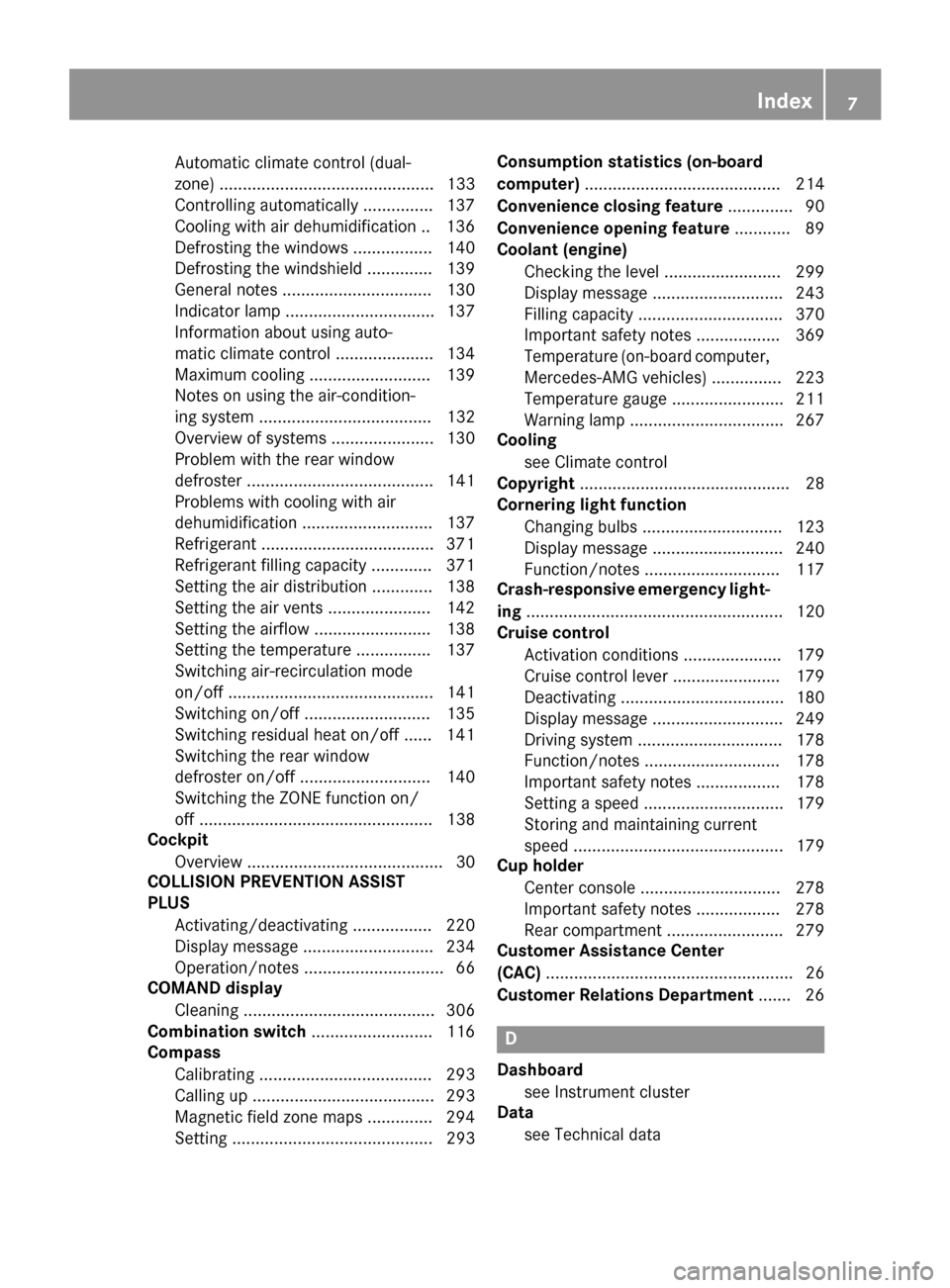
Automatic climate control (dual-
zone) .............................................. 133
Controlling automatically ............... 137
Cooling with air dehumidification .. 136
Defrosting the windows ................. 140
Defrosting the windshield .............. 139
General notes ................................ 130
Indicator lamp ................................ 137
Information about using auto-
matic climate control ..................... 134
Maximum cooling .......................... 139
Notes on using the air-condition-
ing system ..................................... 132
Overview of systems ...................... 130
Problem with the rear window
defroster ........................................ 141
Problems with cooling with air
dehumidification ............................ 137
Refrigerant ..................................... 371
Refrigerant filling capacity ............. 371
Setting the air distribution ............. 138
Setting the air vents ...................... 142
Setting the airflow ......................... 138
Setting the temperature ................ 137
Switching air-recirculation mode
on/off ............................................ 141
Switching on/off ........................... 135
Switching residual heat on/off ...... 141
Switching the rear window
defroster on/off ............................ 140
Switching the ZONE function on/
off .................................................. 138
Cockpit
Overview .......................................... 30
COLLISION PREVENTION ASSIST
PLUS
Activating/deactivating ................. 220
Display message ............................ 234
Operation/notes .............................. 66
COMAND display
Cleaning ......................................... 306
Combination switch .......................... 116
Compass
Calibrating ..................................... 293
Calling up ....................................... 293
Magnetic field zone maps .............. 294
Setting ........................................... 293 Consumption statistics (on-board
computer)
.......................................... 214
Convenience closing feature .............. 90
Convenience opening feature ............ 89
Coolant (engine)
Checking the level ......................... 299
Displ
ay message ............................ 243
Filling capacity ............................... 370
Important safety notes .................. 369
Temperature (on-board computer,
Mercedes-AMG vehicles) ............... 223
Temperature gauge ........................ 211
Warning lamp ................................. 267
Cooling
see Climate control
Copyright ............................................. 28
Cornering light function
Changing bulbs .............................. 123
Display message ............................ 240
Function/notes ............................. 117
Crash-responsive emergency light-
ing ....................................................... 120
Cruise control
Activation conditions ..................... 179
Cruise control lever ....................... 179
Deactivating ................................... 180
Display message ............................ 249
Driving system ............................... 178
Function/notes ............................. 178
Important safety notes .................. 178
Setting a speed .............................. 179
Storing and maintaining current
speed ............................................. 179
Cup holder
Center console .............................. 278
Important safety notes .................. 278
Rear compartment ......................... 279
Customer Assistance Center
(CAC) ..................................................... 26
Customer Relations Department ....... 26
D
Dashboard
see Instrument cluster
Data
see Technical data
Index7
Page 10 of 374
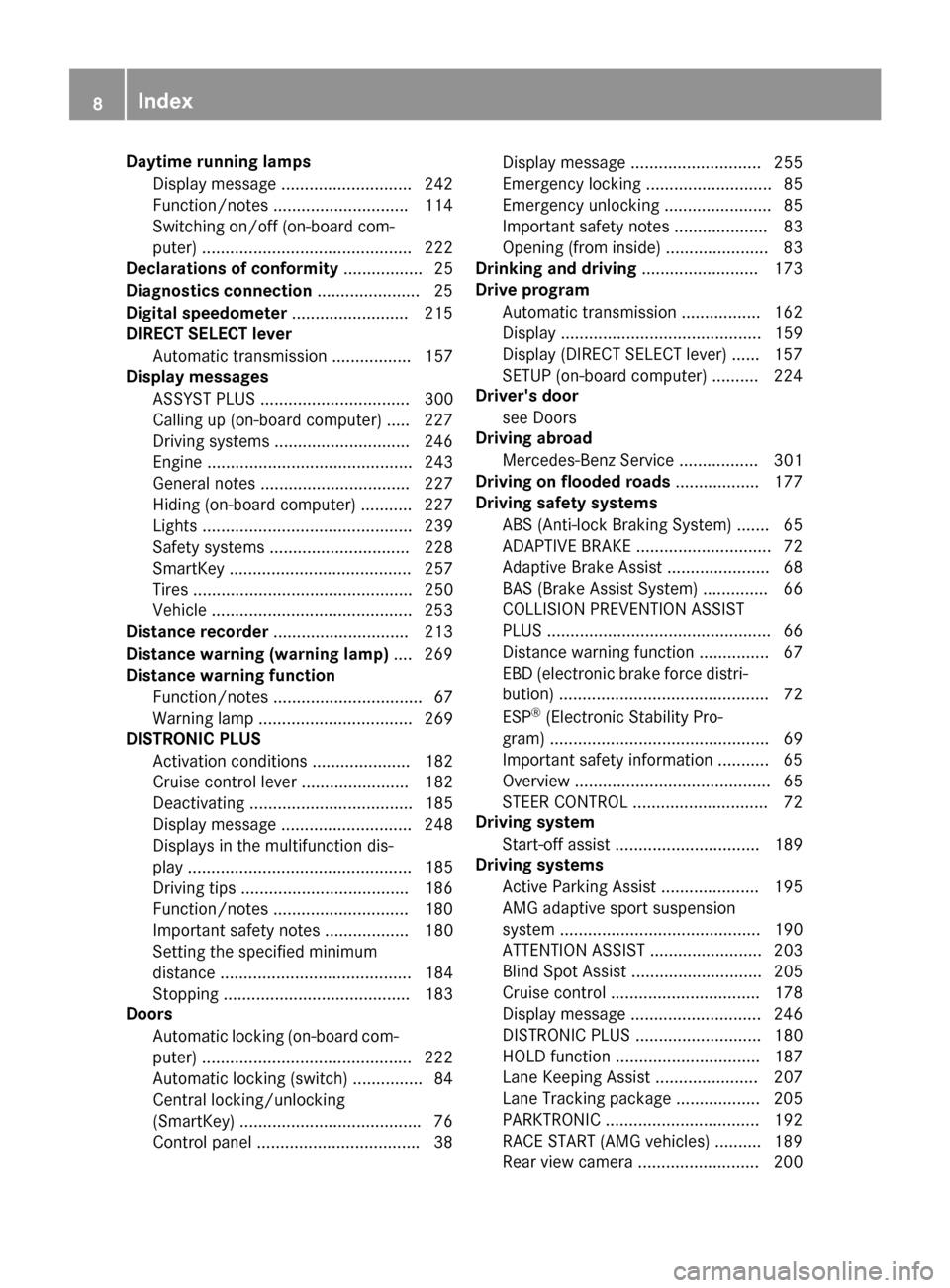
Daytime runninglamps
Displa ymessage ............................ 24 2
Function/notes ............................ .114
Switching on/off (on-board com-
puter) ............................................. 222
Declarations of conformity ................. 25
Diagnostics connection ......................25
Digital speedomete r........................ .215
DIRECT SELECT lever
Automatic transmission ................. 157
Display messages
ASSYST PLUS ................................ 300
Calling up (on-board computer) ..... 227
Driving systems .............................2 46
Engine ............................................ 243
General notes ................................ 227
Hiding (on-board computer) ........... 227
Lights ............................................. 239
Safety systems .............................. 228
SmartKey ....................................... 257
Tires ............................................... 250
Vehicle ...........................................2 53
Distance recorder .............................2 13
Distance warning (warning lamp) .... 269
Distance warning function
Function/notes ................................ 67
Warning lamp ................................. 269
DISTRONIC PLUS
Activation conditions ..................... 182
Cruise control lever ....................... 182
Deactivating ................................... 185
Display message ............................ 248
Displays in the multifunction dis-
play ................................................ 185
Driving tips ....................................1 86
Function/notes .............................1 80
Important safety notes .................. 180
Setting the specified minimum
distance ......................................... 184
Stopping ........................................ 183
Doors
Automatic locking (on-board com-
puter) .......................................... ... 222
Au
tomatic locking (switch) ...............8 4
Central locking/unlocking
(SmartKey) ...................................... .76
Control panel .................................. .38 Display message ............................ 255
Emergency locking ........................... 85
Emergency unlocking ....................... 85
Important safety notes .................... 83
Opening (from inside) ...................... 83
Drinking and driving ......................... 173
Drive program
Automatic transmission ................. 162
Display ........................................... 159
Display (DIRECT SELECT lever) ...... 157
SETUP (on-board computer) .......... 224
Driver's door
see Doors
Driving abroad
Mercedes-Benz Service ................. 301
Driving on flooded roads .................. 177
Driving safety systems
ABS (Anti-lock Braking System) ....... 65
ADAPTIVE BRAKE ............................. 72
Adaptive Brake Assist ...................... 68
BAS (Brake Assist System) .............. 66
COLLISION PREVENTION ASSIST
PLUS ................................................ 66
Distance warning function ............... 67
EBD (electronic brake force distri-
bution) ............................................. 72
ESP
®(Electronic Stability Pro-
gram) ............................................... 69
Important safety information ........... 65
Overview .......................................... 65
STEER CONTROL ............................. 72
Driving system
Start-off assist ............................... 189
Driving systems
Active Parking Assist ..................... 195
AMG adaptive sport suspension
system ........................................... 190
ATTENTION ASSIST ........................ 203
Blind Spot Assist ............................ 205
Cruise control ................................ 178
Display message ............................ 246
DISTRONIC PLUS ........................... 180
HOLD function ............................... 187
Lane Keeping Assist ...................... 207
Lane Tracking package .................. 205
PARKTRONIC ................................. 192
RAC E ST
ART (AMG vehicles) .......... 189
Rear view camera .......................... 200
8Index
Page 13 of 374
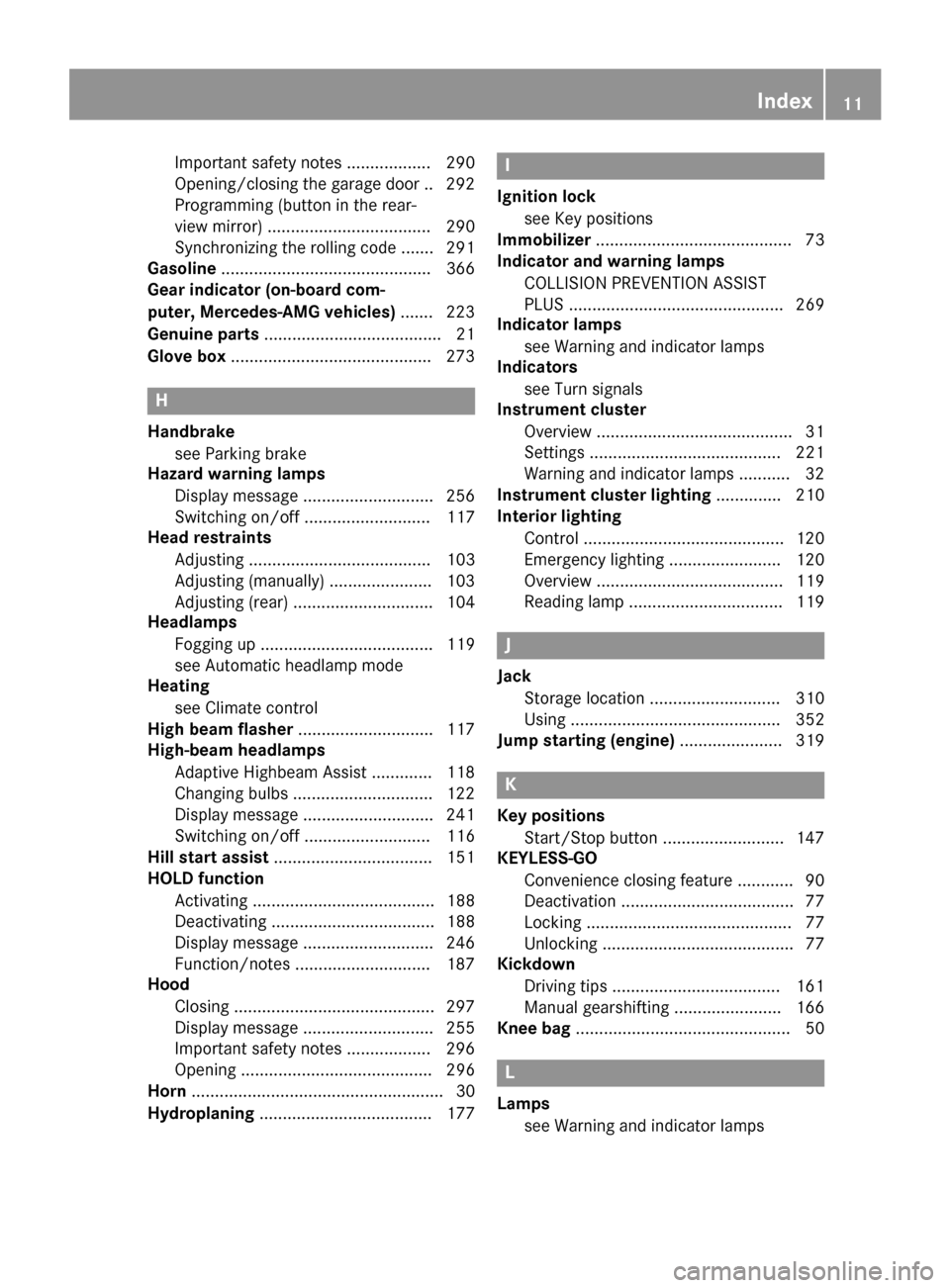
Important safety notes .................. 290
Opening/closing the garage door .. 292
Programming (button in the rear-
view mirror) ................................... 290
Synchronizing the rolling code ....... 291
Gasoline .............................................3 66
Gear indicator (on-board com-
puter, Mercedes-AMG vehicles) ....... 223
Genuine parts ...................................... 21
Glove box ...........................................2 73
H
Handbrake
see Parking brake
Hazard warning lamps
Display message ............................ 256
Switching on/off ........................... 117
Head restraints
Adjusting ....................................... 103
Adjusting (manually) ......................1 03
Adjusting (rear) .............................. 104
Headlamps
Fogging up ..................................... 119
see Automatic headlamp mode
Heating
see Climate control
High beam flasher .............................1 17
High-beam headlamps
Adaptive Highbeam Assist ............. 118
Changing bulbs .............................. 122
Display message ............................ 241
Switching on/off ........................... 116
Hill start assist .................................. 151
HOLD function
Activating ....................................... 188
Deactivating ................................... 188
Display message ............................ 246
Function/notes .............................1 87
Hood
Closing ...........................................2 97
Display message ............................ 255
Important safety notes .................. 296
Opening ......................................... 296
Horn ...................................................... 30
Hydroplaning ..................................... 177
I
Ignition lock
see Key positions
Immobilizer .......................................... 73
Indicator and warning lamps
COLLISION PREVENTION ASSIST
PLUS .............................................. 269
Indicator lamps
see Warning and indicator lamps
Indicators
see Turn signals
Instrument cluster
Overview .......................................... 31
Settings ......................................... 221
Warning and indicator lamps ........... 32
Instrument cluster lighting .............. 210
Interior lighting
Control ...........................................1 20
Emergency lighting ........................ 120
Overview ........................................ 119
Reading lamp ................................. 119
J
Jack
Storage location ............................ 310
Using ............................................. 352
Jump starting (engine) ......................319
K
Key positions
Start/Stop button .......................... 147
KEYLESS-GO
Convenience closing feature ............ 90
Deactivation ..................................... 77
Locking ............................................ 77
Unlocking ......................................... 77
Kickdown
Driving tips ....................................1 61
Manual gearshifting ....................... 166
Knee bag .............................................. 50
L
Lamps
see Warning and indicator lamps
Index11
Page 58 of 374
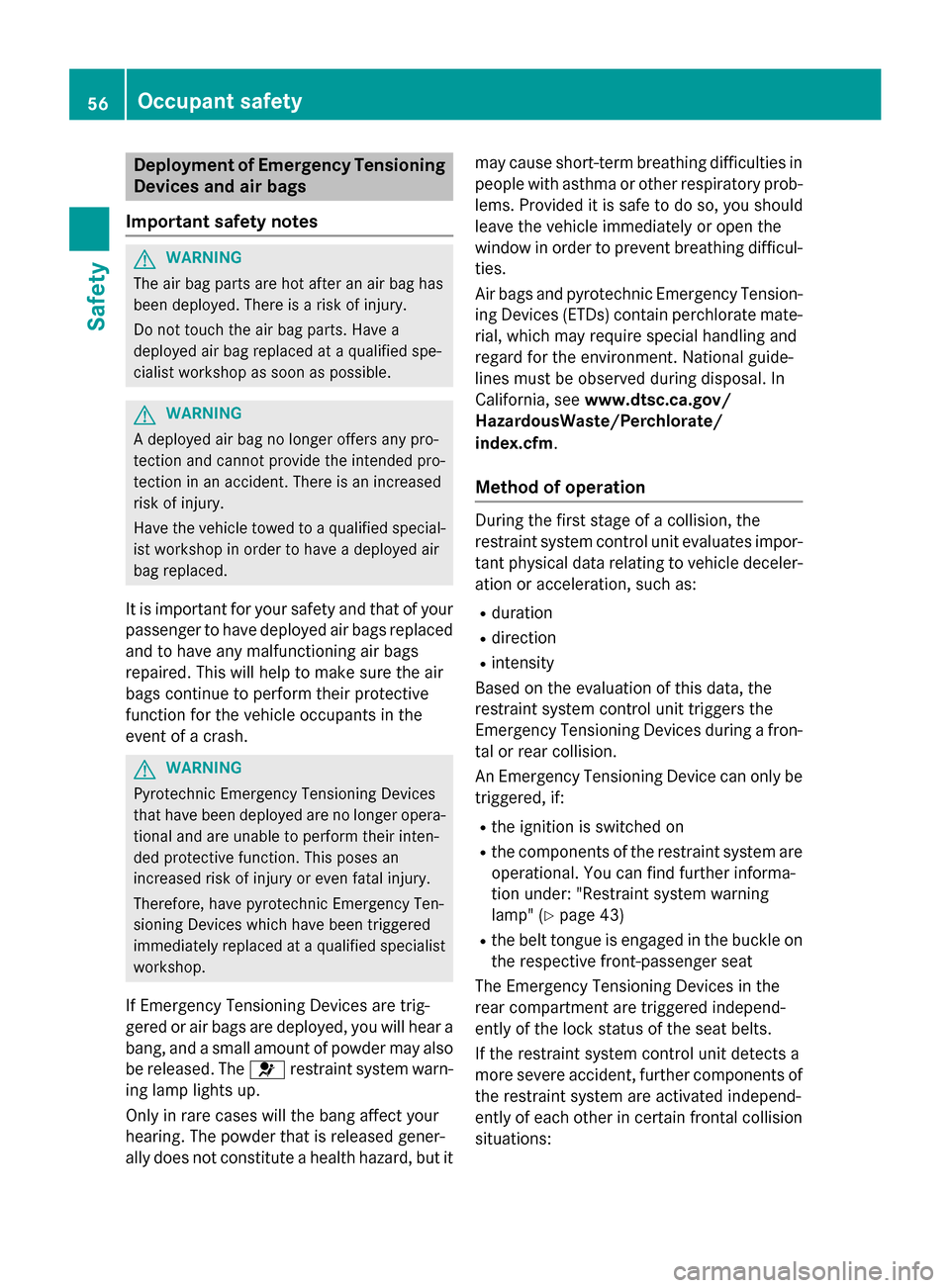
Deployment of Emergency Tensioning
Devicesan dair bags
Important safet ynotes
GWARNING
The air bag parts are hot after an air bag has
bee ndeployed .There is aris kof injury.
Do no ttouch th eair bag parts .Hav e a
deployed air bag replaced at aqualified spe -
cialis tworkshop as soo nas possible.
GWARNING
A deployed air bag no longer offers any pro -
tection and canno tprovid eth eintended pro -
tection in an accident. There is an increase d
ris kof injury.
Hav eth evehicle towed to aqualified special-
ist workshop in order to hav e adeployed air
bag replaced.
It is important fo ryour safet yand that of your
passenger to hav edeployed air bags replaced
and to hav eany malfunctionin gair bags
repaired. Thi swill hel pto mak esur eth eair
bags continue to perform their protective
function fo rth evehicle occupant sin th e
event of acrash .
GWARNING
Pyrotechnic Emergency Tensioning Devices
that hav ebee ndeployed are no longer opera-
tional and are unable to perform their inten-
ded protective function .Thi sposes an
increase dris kof injury or eve nfatal injury.
Therefore, hav epyrotechni cEmergency Ten -
sioning Devices whic hhav ebee ntriggere d
immediately replaced at aqualified specialis t
workshop .
If Emergency Tensioning Devices are trig-
gered or air bags are deployed ,you will hear a
bang, and asmall amount of powder may also
be released. The 6restrain tsystem warn -
in g lamp lights up.
Only in rar ecases will th eban gaffec tyour
hearing. The powder that is release dgener-
ally doe sno tconstitute ahealth hazard ,but it may caus
eshort-term breathin gdifficulties in
people wit hasthm aor other respirator yprob-
lems. Provided it is saf eto do so, you should
leav eth evehicle immediately or ope nth e
window in order to preven tbreathin gdifficul-
ties.
Ai rbags and pyrotechni cEmergency Tension-
in gDevices (ETDs) contain perchlorat emate-
rial ,whic hmay require special handlin gand
regard fo rth eenvironment. National guide-
lines mus tbe observed durin gdis posa
l. In
California, see www.dtsc.ca.gov/
HazardousWaste/Perchlorate/
index.cfm .
Method of operation
Duringth efirst stage of acollision ,th e
restrain tsystem contro luni tevaluates impor -
tant physical dat arelatin gto vehicle deceler -
ation or acceleration ,suc has:
Rduration
Rdirection
Rintensit y
Based on th eevaluation of this data, th e
restrain tsystem contro luni ttriggers th e
Emergency Tensioning Devices durin g afron -
ta lor rea rcollision .
An Emergency Tensioning Devic ecan only be
triggered, if:
Rth eignition is switched on
Rth ecomponent sof th erestrain tsystem are
operational. You can fin dfurther informa-
tion under: "Restrain tsystem warnin g
lamp " (
Ypage 43)
Rthebelt tongue is engage din th ebuckl eon
th erespective front-passenger seat
The Emergency Tensioning Devices in th e
rea rcompartmen tare triggere dindepend -
entl yof th eloc kstatus of th eseat belts.
If th erestrain tsystem contro luni tdetects a
more severe accident, further component sof
th erestrain tsystem are activated independ -
entl yof eac hother in certain fronta lcollision
situations:
56Occupant safety
Safety
Page 59 of 374
RFront air bags as well as driver's and front-passenger knee bags
RWindow curtain air bag, if the system deter-
mines that deployment can offer additional
protection to that provided by the seat belt
The front-passenger front air bag is activated
or deactivated depending on the person on
the front-passenger seat. The front-
passenger front air bag can only deploy in an
accident if the PASSENGER AIR BAG ON indi-
cator lamp is lit. Observe the information on
the PASSENGER AIR BAG indicator lamps
(
Ypage 43).
Your vehicle has two-stage front air bags.
During the first deployment stage, the front
air bag is filled with propellant gas to reduce
the risk of injuries. The front air bag is fully
deployed with the maximum amount of pro-
pellant gas if a second deployment threshold
is reached within a few milliseconds.
The activation threshold of the Emergency
Tensioning Devices and the air bag are deter-
mined by evaluating the rate of vehicle decel-
eration or acceleration which occurs at vari-
ous points in the vehicle. This process is pre- emptive in nature. Deployment should take
place in good time at the start of the collision.
The rate of vehicle deceleration or accelera-
tion and the direction of the force are essen-
tially determined by:
Rthe distribution of forces during the colli-
sion
Rthe collision angle
Rthe deformation characteristics of the vehi-
cle
Rthe characteristics of the object with which
the vehicle has collided
Factors which can only be seen and measured
after a collision has occurred do not play a
decisive role in the deployment of an air bag.
Nor do they provide an indication of air bag
deployment.
The vehicle can be deformed considerably,
without an air bag being deployed. This is the case if only parts which are relatively easily
deformed are affected and the rate of decel- eration is not high. Conversely, air bags may
be deployed even though the vehicle suffers
only minor deformation. This is the case if, for
example, very rigid vehicle parts such as lon-
gitudinal body members are hit, and sufficient
deceleration occurs as a result.
If the control unit of the restraint system
detects a side impact or a vehicle rollover, the
relevant components of the restraint system
are activated separately depending on the
anticipated type of accident.
RSide impact air bags on the side where the
impact takes place, independently of the
Emergency Tensioning Device and the use
of the seat belt on the driver's seat and
outer seats in the second row
The side impact air bag on the front-
passenger side (front) deploys under the
following conditions:
-the OCS system detects that the front-
passenger seat is occupied or
-the belt tongue is engaged in the belt
buckle of the front-passenger seat
RWindow curtain air bag on the side of
impact, independently of the use of the
seat belt and independently of whether the front-passenger seat is occupied
REmergency Tensioning Devices, if the sys-
tem determines that deployment can offer
additional protection in this situation
RWindow curtain air bags on the driver's and
front-passenger side in certain situations
when the vehicle rolls over, if the system
determines that deployment can offer addi-
tional protection to that provided by the
seat belt
iNot all air bags are deployed in an acci-
dent. The different air bag systems work
independently of each other.
Occupant safety57
Safety
Z
Page 60 of 374
How the air bag system works is deter-
mined by the severity of the accident detec-
ted, especially the vehicle deceleration or
acceleration and the apparent type of acci-
dent:
Rfrontal collision
Rside impact
Rrollover
Automatic measures after an acci-
dent
Immediately after an accident, the following
measures are implemented, depending on
the type and severity of the impact:
Rthe hazard warning lamps are activated
Rthe emergency lighting is activated
Rthe vehicle doors are unlocked
Rthe front side windows are lowered
Rthe engine is switched off and the fuel sup-ply is cut off
Rvehicles with mbrace: automatic emer-
gency call
Children in the vehicle
Important safety notes
Accident statistics show that children
secured in the rear seats are safer than chil-
dren secured in the front-passenger seat. For
this reason, Mercedes-Benz strongly advises
that you install a child restraint system on a
rear seat. Children are generally better pro-
tected there.
If a child younger than twelve years old and
under 5 ft (1.50 m) in height istraveling in the
vehicle:
Ralways secure the child in a child restraint
system suitable for Mercedes-Benz vehi-
cles. The child restraint system must be appropriate to the age, weight and size of
the child
Rbe sure to observe the instructions and
safety notes in this section in addition to
the child restraint system manufacturer's
installation instructions
Rbe sure to observe the instructions and
safety notes on the "Occupant Classifica-
tion System (OCS)" (
Ypage 51)
GWARNING
If you leave children unsupervised in the vehi-
cle, they could set it in motion by, for example:
Rrelease the parking brake.
Rshift the automatic transmission out of the
parking position P.
Rstart the engine.
In addition, they may operate vehicle equip-
ment and become trapped. There is a risk of
an accident and injury.
When leaving the vehicle, always take the
SmartKey with you and lock the vehicle. Never
leave children unsupervised in the vehicle.
GWARNING
If persons, particularly children are subjected to prolonged exposure to extreme heat or
cold, there is a risk of injury, possibly even
fatal. Never leave children unattended in the
vehicle.
GWARNING
If the child restraint system is subjected to
direct sunlight, parts may get very hot. Chil-
dren may burn themselves on these parts,
particularly on the metal parts of the child
restraint system. There is a risk of injury.
If you leave the vehicle, taking the child with
you, always ensure that the child restraint
system is not exposed to direct sunlight. Pro- tect it with a blanket, for example. If the child
restraint system has been exposed to direct
sunlight, let it cool down before securing the
child in it. Never leave children unattended in
the vehicle.
58Children in the vehicle
Safety
Page 67 of 374
Drivingsafet ysystems
Overview of drivin gsafet ysystems
In this section ,you will fin dinformation about
th efollowing drivin gsafet ysystems :
RABS (Anti-loc kBrakin gSystem)
(
Ypage 65)
RBA S (B rake Assist System) (Ypage 66)
RCOLLISION PREVENTION ASSIST PLU S
(
Ypage 66 )
RESP®(Electronic StabilityProgram)
(
Ypage 69 )
REBD (Electroni cBrak eforc eDi stribution )
(
Ypage 72)
RADAPTIV EBRAKE (Ypage 72 )
RSTEERCONTROL (Ypage 72)
Important safet ynotes
If you fail to adapt your drivin gstyle or if you
are inattentive ,th edrivin gsafet ysystems can
neither reduce th eris kof an acciden tno r
override th elaws of physics. Driving safet y
systems are merely aids designed to assist
driving. You are responsible fo rmaintainin g
th edistanc eto th evehicle in front, fo rvehicle
speed, fo rbraking in goo dtime, and fo rstay-
in gin lane. Always adapt your drivin gstyle to
suit th eprevailin groad and weather condi-
tion sand maintain asaf edistanc efrom th e
vehicle in front. Drive carefully.
The drivin gsafet ysystems described only
wor kas effectively as possible when there is
adequat econtact between th etires and th e
road surface. Please pay special attention to
th enote son tires ,recommended minimum
tire tread depths, etc. (
Ypage 328).
In wintr ydrivin gconditions, always use winte r
tires (M+ Stires )and if necessary, snow
chains. Only in this way will th edrivin gsafet y
systems described in this section wor kas
effectively as possible.
ABS (Anti-lock Braking System)
General information
AB Sregulates brake pressure in suc h away
that th ewheels do no tloc kwhen you brake .
Thi sallow syou to continue steerin gth evehi-
cl e when braking .
The ! ABSwarnin glamp in th einstrumen t
cluster lights up when th eignition is switched
on .It goe sout when th eengin eis running .
AB Sworks from aspeed of about 5mph
(8 km/h), regardles sof road-surfac econdi-
tions. AB Sworks on slipper ysurfaces, eve n
when you only brake gently.
Important safet ynotes
iObserv eth e"Important safet ynotes" sec -
tion (
Ypage 65).
GWARNING
If AB Sis faulty, th ewheels could loc kwhen
braking .The steerability and braking charac -
teristics may be severely impaired. Addition -
ally, further drivin gsafet ysystems are deac -
tivated. There is an increase ddanger of skid-
din gand accidents .
Drive on carefully. Hav eAB Schecke dimme-
diately at aqualified specialis tworkshop .
WhenAB Sis malfunctioning, other systems ,
includin gdrivin gsafet ysystems ,will also
becom einoperative .Observ eth einformation
on th eAB Swarnin glamp (
Ypage 261) and
display message swhic hmay be shown in th e
instrumen tcluster (
Ypage 228).
Braking
XIf ABS intervenes: continue to depress th e
brake peda lvigorousl yuntil th ebraking sit -
uation is over.
XTo make afull brak eapplication:
depress th ebrake peda lwit hfull force.
If AB Sintervenes when braking ,you will feel a
pulsin gin th ebrake pedal.
Driving safety systems65
Safety
Z
Page 68 of 374
The pulsating brake pedal can be an indica-
tion of hazardous road conditions, and func-
tions as a reminder to take extra care while
driving.
BAS (Brake Assist System)
General information
BAS operates in emergency braking situa-
tions. If you depress the brake pedal quickly,
BAS automatically boosts the braking force,
thus shortening the stopping distance.
Important safety notes
iObserve the "Important safety notes" sec-
tion (
Ypage 65).
GWARNING
If BAS is malfunctioning, the braking distance
in an emergency braking situation is
increased. There is a risk of an accident.
In an emergency braking situation, depress
the brake pedal with full force. ABS prevents
the wheels from locking.
Braking
XKeep the brake pedal firmly depressed until
the emergency braking situation is over.
ABS prevents the wheels from locking.
The brakes will function as usual once you
release the brake pedal. BAS is deactivated.
COLLISION PREVENTION ASSIST
PLUS
General information
iObserve the "Important safety notes" sec-
tion (
Ypage 65).
COLLISION PREVENTION ASSIST PLUS con-
sists of a distance warning function with an
autonomous braking function and adaptive
Brake Assist. COLLISION PREVENTION ASSIST PLUS can
help you to minimize the risk of a front-end
collision with a vehicle ahead or reduce the
effects of such a collision.
If COLLISION PREVENTION ASSIST PLUS
detects that there is a risk of a collision, you
will be warned visually and acoustically. If you
do not react to the visual and audible collision
warning, autonomous braking can be initiated
in critical situations. If you apply the brake
yourself in a critical situation, the COLLISION
PREVENTION ASSIST PLUS adaptive Brake
Assist assists you.
Important safety notes
Detection of hazardous situations can be par-
ticularly impaired by:
Rthere is dirt on the sensors or anything else
covering the sensors
Rthere is snow or heavy rain
Rthere is interference by other radar sources
Rthere are strong radar reflections, for
example in parking garages
Ra narrow vehicle traveling in front, e.g. a
motorbike
Ra vehicle traveling in front on a different line
Rnew vehicles or after a service on the COL-
LISION PREVENTION ASSIST PLUS system
Observe the important safety notes in the
"Breaking-in notes" section (
Ypage 146).
Following damage to the front end of the vehi-
cle, have the configuration and operation of
the radar sensor checked at a qualified spe-
cialist workshop. This also applies to colli-
sions at low speeds where there is no visible
damage to the front of the vehicle.
Switching on/off
The COLLISION PREVENTION ASSIST PLUS is
automatically active after switching on the
ignition.
You can activate or deactivate COLLISION
PREVENTION ASSIST PLUS in the on-board
computer (
Ypage 220). When deactivated,
66Driving safety systems
Safety
Page 69 of 374
the distance warning function and the auton-
omous braking function are also deactivated.
If COLLISION PREVENTION ASSIST PLUS is
deactivated, theæsymbol appears in the
assistance graphics display.
Distance warning function
General information
The distance warning function can help you to
minimize the risk of a front-end collision with a vehicle ahead or reduce the effects of such
a collision. If the distance warning function
detects that there is a risk of a collision, you
will be warned visually and acoustically.
Important safety notes
iObserve the "Important safety notes" sec-
tion for driving safety systems (
Ypage 65).
GWARNING
The distance warning function does not react:
Rto people or animals
Rto oncoming vehicles
Rto crossing traffic
Rwhen cornering
Thus, the distance warning function cannot
provide a warning in all critical situations.
There is a risk of an accident.
Always pay careful attention to the traffic sit-
uation and be ready to brake.
GWARNING
The distance warning function cannot always
clearly identify objects and complex traffic
situations.
In such cases, the distance warning function
may:
Rgive an unnecessary warning
Rnot give a warning
There is a risk of an accident.
Always pay careful attention to the traffic sit-
uation and do not rely solely on the distance
warning function.
Function
Starting at a speed of approximately 4 mph
(7 km/h), the distance warning function
warns you if you rapidly approach a vehicle in
front. An intermittent warning tone will then
sound, and the ·distance warning lamp
will light up in the instrument cluster.
XBrake immediately in order to increase the distance from the vehicle in front.
or
XTake evasive action, provided it is safe to do
so.
Due to the nature of the system, particularly
complicated but non-critical driving condi-
tions may also cause the system to display a warning.
With the help of the radar sensor system, the
distance warning function can detect obsta-
cles that are in the path of your vehicle for an
extended period of time.
Up to a speed of approximately 44 mph
(70 km/h), the distance warni
ng function can
also react to stationary obstacles, such as
stopped or parked vehicles.
Autonomous braking function
If the driver does not react to the distance
warning signal in a critical situation, COLLI-
SION PREVENTION ASSIST PLUS can assist
with the autonomous braking function.
The autonomous braking function:
Rgives the driver more time to react to criti-
cal driving situations
Rcan help the driver to avoid an accident or
Rreduces the effects of an accident
Vehicles without DISTRONIC PLUS: the
autonomous braking function is available in
the following speed ranges:
R4 - 65 mph (7 - 105 km/h) for moving
objects
R4 - 31 mph (7 - 50 km/h) for stationary
objects
Driving safet ysystem s67
Safety
Z
Page 70 of 374
Vehicles with DISTRONIC PLUS:the auton-
omous braking function is available in the fol- lowing speed ranges:
R4 - 124 mph (7 - 200 km/h) for moving
objects
R4 - 31 mph (7 - 50 km/h) for stationary
objects
Due to the nature of the system, particularly
complicated but non-critical driving condi-
tions may also cause the Autonomous Brak-
ing Function to intervene.
Adaptive Brake Assist
General information
iObserve the "Important safety notes" sec-
tion (
Ypage 65).
With the help of adaptive Brake Assist, the
distance warning signal can detect obstacles
that are in the path of your vehicle for an
extended period of time.
If adaptive Brake Assist detects a risk of col-
lision with the vehicle in front, it calculates
the braking force necessary to avoid a colli-
sion. If you apply the brakes forcefully, adap-
tive Brake Assist will automatically increase
the braking force to a level suitable for the
traffic conditions.
Adaptive Brake Assist provides braking assis-
tance in hazardous situations at speeds
above 4 mph (7 km/h). It uses radar sensor
technology to assess the traffic situation.
Up to a speed of approximately 155 mph
(250 km/h), adaptive Brake Assist is capable
of reacting to moving objects that have
already been detected as such at least once
over the period of observation.
Up to a speed of approximately 44 mph
(70 km/h), adaptive Brake Assist reacts to
stationary obstacles.
XKeep the brake pedal depressed until the
emergency braking situation is over.
ABS prevents the wheels from locking. The brakes will work normally again if:
Ryou release the brake pedal.
Rthere is no longer any danger of a collision.
Rno obstacle is detected in front of your
vehicle.
Adaptive Brake Assist is then deactivated.
Important safety notes
iObserve the "Important safety notes" sec-
tion for driving safety systems (
Ypage 65).
GWARNING
Adaptive Brake Assist cannot always clearly
identify objects and complex traffic situa-
tions.
In such cases, Adaptive Brake Assist can:
Rintervene unnecessarily
Rnot intervene
There is a risk of an accident.
Always pay careful attention to the traffic sit- uation and be ready to brake. Terminate the
intervention in a non-critical driving situation.
GWARNING
Adaptive Brake Assist does not react:
Rto people or animals
Rto oncoming vehicles
Rto crossing traffic
Rwhen cornering
As a result, the Adaptive Brake Assist may not
intervene in all critical conditions. There is a
risk of an accident.
Always pay careful attention to the traffic sit- uation and be ready to brake.
Due to the nature of the system, particularly
complicated but non-critical driving condi-
tions may also cause Brake Assist to inter-
vene.
If adaptive Brake Assist is not available due to
a malfunction in the radar sensor system, the
brake system remains available with full
brake boosting effect and BAS.
68Driving safety systems
Safety