C 20 seconds MERCEDES-BENZ E-Class 2012 W212 Comand Manual
[x] Cancel search | Manufacturer: MERCEDES-BENZ, Model Year: 2012, Model line: E-Class, Model: MERCEDES-BENZ E-Class 2012 W212Pages: 234, PDF Size: 6.74 MB
Page 223 of 234
X
Sel ect Displa yTra ckInformation us
ing the 9: buttons andpressthe
9 button toconfi rm.
The functi onissw itche don O oroff ª,
de pe ndi ng on the previous statu s. Vide
oDVD mode Gen
eral informati on
Here youwi llfind further informa tion onthe
fol lowi ng topi cs:
R sa fety notes (Ypage 154)
R notes onDVDs (Y pa ge 186) DVD
playbackcondit ions
Playback problems mayoccurwhen playing
cop ieddisc s.Ther eis alarge varietyof disc s,
DV Da uth oring sof twar e,writ ingsoftwar eand
writ ersavailab le.This varietymean sth at
th ere isno guaran teeth at theRear Seat
En tertainm entS yst em will beable toplay
vid eo DVDs that you havecopied yourself.
You willfind further informationinthe Video
section (Ypage 187). Information regarding
COMAND alsoapplies tothe Rear Seat
En tert ainment System. Function
restrictions
Dependin gon the DVD ,it is possible that
cert ainfunct ionsoractions described inthis
section willbetemporarily blockedormay not
funct ionatall. Assoon asyou trytoactivate
these functionsoractions ,you willsee the
K symbol inthe display . Inserting
andremoving aCD/DV D
X Proc eed asdes cribed inthe"Au dio CD/
DV Da ndMP3 mode"sec tion
(Y page 216) . Sw
itchin gto video DVD mode
X Inse rtavid eo DVD.
The RearSea tEnterta inmentSys tem load s
the disc.
If disc mod ewa sthe last mod esel ecte d,it
wi llnow beacti ve.
If it wa snot, switch onvideo DVD modeas
de scri bedin the followi ng instructio n.
X Sel ect Disc in
the menu using the
9=; buttons onthe rem ote
contro land confi rmbypre ssing the 9
bu tton.
If the video DVD fulfills the play ba ck
cri teri a,the filme ithe rstar tsautoma tically
or the menu saved onthe DVD appe ars. If
the DVD menu appe ars, yo umu ststa rtthe
fi lm ma nua lly.
X Sel ect the corr espo ndi ngmenu itemi nthe
DVD menu. Hiding/show
ingthe navigation menu
X To show: pressthe9 or: button
on the remote control.
X To hide: press the9 or: button.
or
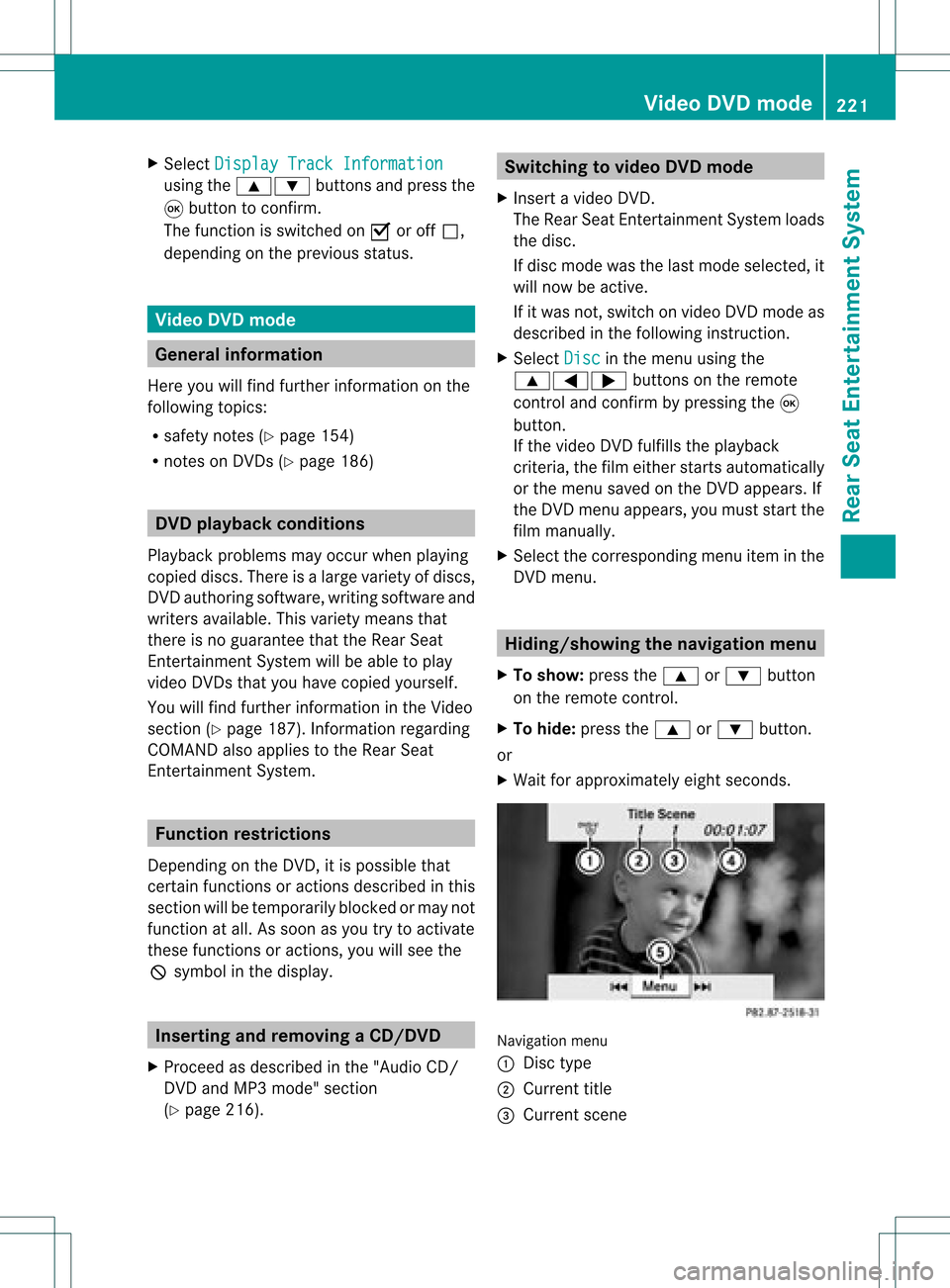
X Wait forapproximately eightseconds. Navigation
menu
: Disc type
; Current title
= Current scene Video
DVDmode
221RearSeatEnterta inment System Z
Page 229 of 234
X
To select atrack byskippin gto a
track :pre ssthe = or; button on
the rem otecontro l.
or
X Pre ssthe E orF button.
The skipforw ardfu nctio nskip sto the next
tra ck.
Skip ping backwa rdsrestartsthe current
tra ck (ifi th as been playin gfor mor eth an
eigh tsecon ds)orstart sthe previous track
(if the curren ttrack hasonly been playing
for ashorter time).
Additio nalsetting option:
R sele cting thesound settings (Y pag e214)
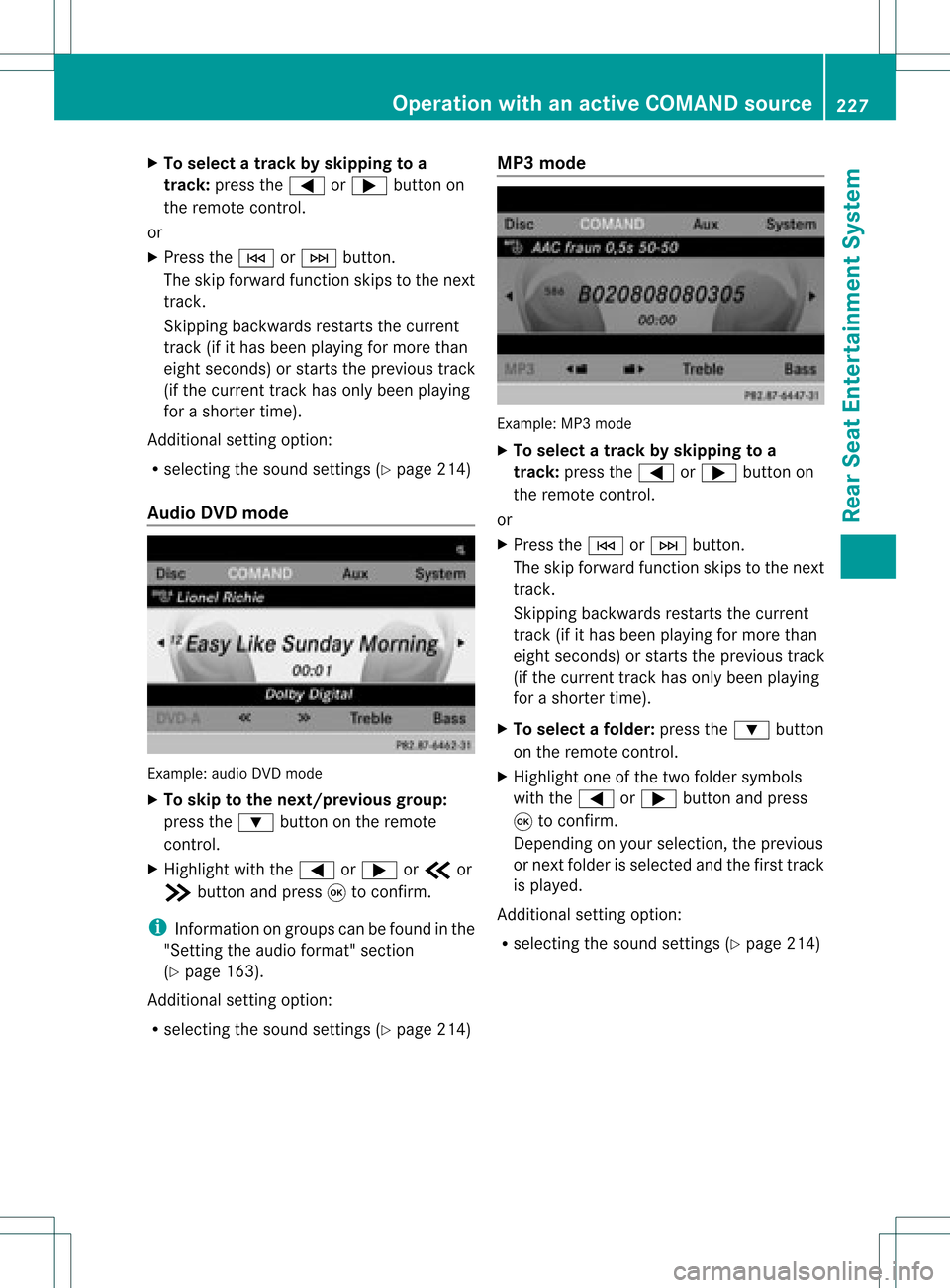
Audio DVDmode Example
:audio DVDm ode
X To skip tothe next/previous group:
press the: button onthe remote
cont rol.
X Highlight withthe= or; orb or
c button andpress 9toconf irm.
i Infor mation ongroups canbefound inthe
"Sett ingthe audio format" section
(Y page 163).
Additional settingoption:
R selecting thesound settings (Ypage 214) MP3
mode Example:
MP3mode
X To selec ta track byskipping toa
tr ack: press the= or; button on
the remote control.
or
X Press theE orF button .
The skip forward functionskips tothe next
track .
Skipping backwards restartsthe current
track (ifithas been playingformore than
eight seconds) orstart sthe previous track
(if the current trackhasonly been playing
for ashorter time).
X To selec tafolder :pres sth e: button
on therem otecon trol.
X High light oneofthetwo folde rsymbo ls
wit hth e= or; buttona nd pre ss
9 toconfi rm.
Dep endingonyour sel ecti on, the previous
or next folderisselected andthefirst track
is play ed.
Additional settingoption:
R selecting thesound settings (Ypage 214) Operat
ionwith anactive COMAND source
227RearSeatEntertainm entSystem Z