audio MERCEDES-BENZ E-CLASS CABRIOLET 2010 User Guide
[x] Cancel search | Manufacturer: MERCEDES-BENZ, Model Year: 2010, Model line: E-CLASS CABRIOLET, Model: MERCEDES-BENZ E-CLASS CABRIOLET 2010Pages: 333, PDF Size: 7.64 MB
Page 204 of 333
up
aB luetooth ®
connection to th eaudio sys-
tem or COMAN DAPS (see the separate oper-
atin ginstructions). G
Risk of accident
Observe the legal requirements of the country
in which you are currently driving regarding
the use of mobile phones in the vehicle.
If it is permitted to use mobile phones while
the vehicle is in motion, you should only use
them whe nthe roa dand traffic conditions
allo w. Ot herwise, you may be distracte dfrom
th et raffi cconditions, cause an accident and
inj urey oursel fand others.
X Switch on the mobil ephone and audi osys-
tem or COMAND APS (see the separate
operating instructions).
X Press the =or; button on the steer-
ing whee ltoselectthe Tel men u.
Yo uw ills ee on eofthe following display mes-
sage sint he multifunctio ndisplay:
R Please ente rPIN:The mobile phone has
been placed in the mobile phone bracket
and the PIN has not been entered.
X Enter the PIN usin gthe mobile phone, LIN-
GUATRONIC ,the audio system or
COMAN DAPS.
The mobil ephone will search for anetwor k.
In the meantime, the Telephone No
Service displaymessage appears in the
multifunction display.
R Telephon eready or thename of the net-
work provider: the mobile phone has found
an etwor kand is ready to receive.
R No Service:Non etworkisa vail able.
Accepting acall If someone call
syou when you are in the
Tel menu, adisplay message appears in the
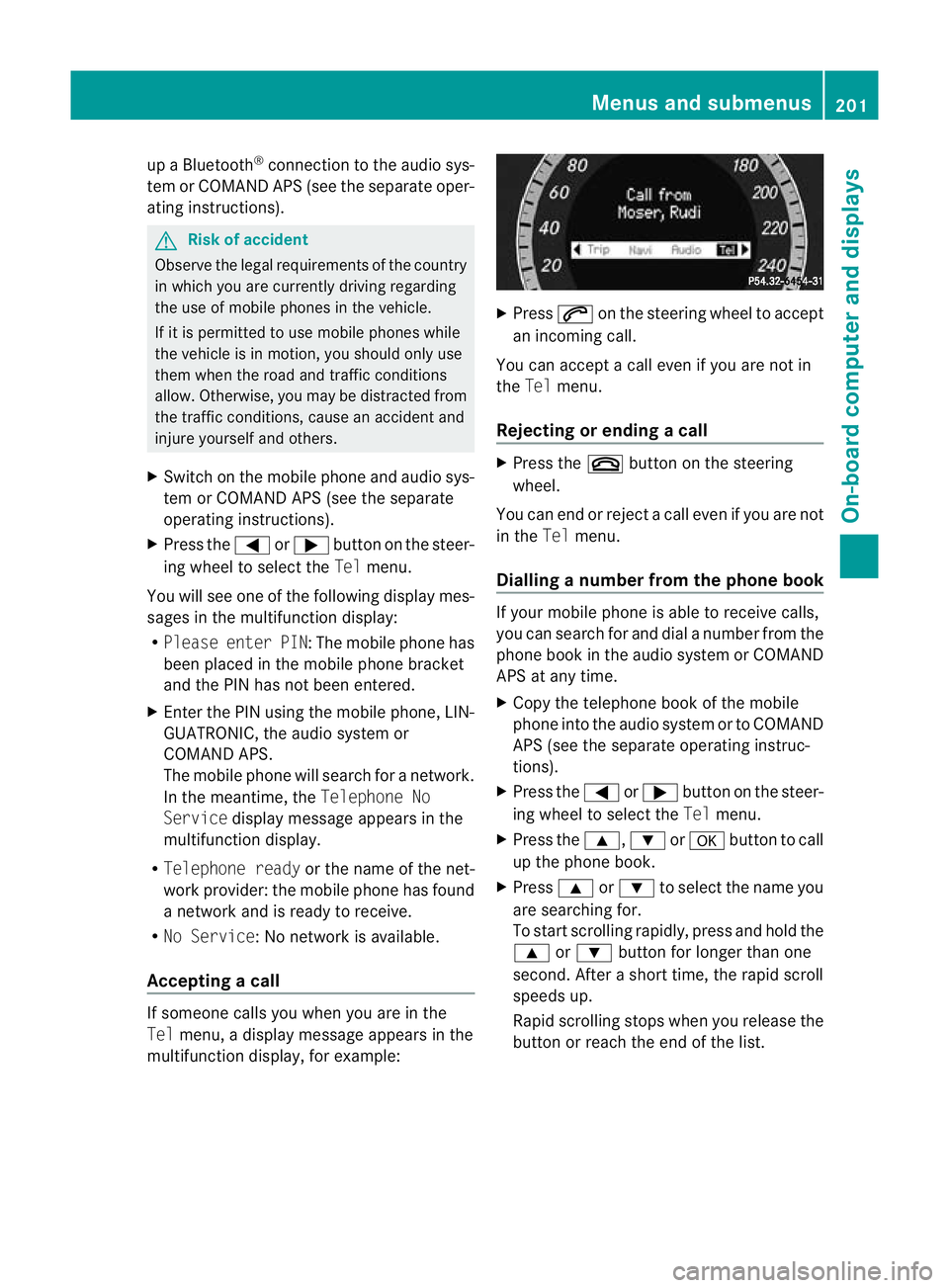
multifunction display ,for example: X
Press 6on the steerin gwheel to accept
an incomi ngcall.
You can accep tacall even if you are not in
the Tel menu.
Rejectin gorending acall X
Press the ~buttonont he steering
wheel.
You can end or reject acall even if you are not
in the Telmenu.
Dialling anumbe rfrom the phone book If you
rmobile phone is able to receive calls,
you can search for and dial anumber from the
phone book in the audio system or COMAND
APS at any time.
X Copy the telephone book of the mobile
phone into the audio system or to COMAND
APS (see the separate operating instruc-
tions).
X Press the =or; button on the steer-
ing wheel to select the Telmenu.
X Press the 9,:ora button to call
up the phone book.
X Press 9or: to select the name you
are searching for.
To start scrolling rapidly ,pres sand hol dthe
9 or: button for longer than one
second. After ashort time, the rapid scroll
speeds up.
Rapid scrolling stops when you release the
button or reach the end of the list. Menu
sand submenus
201On-board computer and displays
BA 207ECE ÄJ 2010/1a; 1; 2, en-GB
mkalafa Version: 3.0.2.11 2010-01-26T13:03:22+01:00-Seite 201 Z
Page 207 of 333
X
Press the =or; button on the steer-
ing wheel to select the Assist.menu.
X Press the 9or: button to select
Blin dSpot Asst..
X Press a.
Th ec urren tselection is displayed.
X To activate/deac tivate: press a
again. Servic
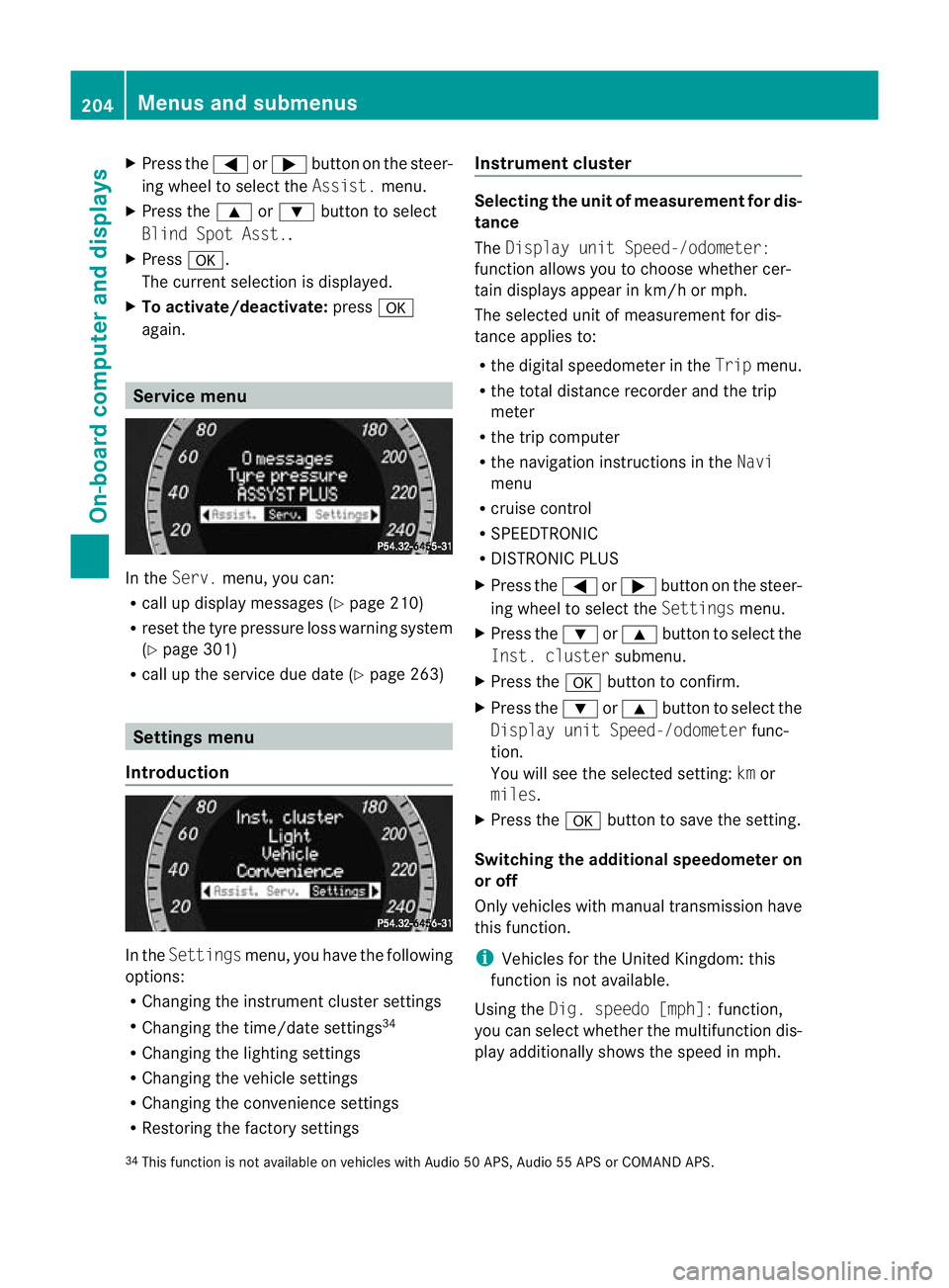
emenu In the
Serv. menu, you can:
R call up display messages (Y page 210)
R reset the tyre pressure loss warnin gsystem
(Y page 301)
R call up the service due date (Y page 263)Settings menu
Introduction In the
Settin gsmenu ,you have the following
options:
R Changing the instrumen tcluster settings
R Changing the time/date settings 34
R Changing the lighting settings
R Changing the vehicle settings
R Changing the convenience settings
R Restorin gthe factory settings Instr
ument cluster Selecting the unit of measurement for dis-
tance
The
Displa yunit Speed-/odometer:
functio nallows you to choose whether cer-
tain displays appear in km/ horm ph.
The selected unit of measuremen tfor dis-
tan ceapplies to:
R the digital speedometer in the Tripmenu.
R the total distance recorder and the trip
meter
R the trip computer
R the navigation instructions in the Navi
menu
R cruise control
R SPEEDTRONIC
R DISTRONIC PLUS
X Press the =or; button on the steer-
ing wheel to select the Settingsmenu.
X Press the :or9 button to select the
Inst .cluster submenu.
X Press the abuttontoc onfirm.
X Press the :or9 button to select the
Displa yunit Speed-/odometer func-
tion.
Yo uw ill see the selected setting: kmor
miles.
X Press the abutton to save the setting.
Switching the additional speedometer on
or off
Only vehicles with manual transmission have
this func tion.
i Vehicles for the United Kingdom: this
func tion is not available.
Usin gthe Dig. speedo [mph]: function,
you can select whether the multifunc tion dis-
play additionally shows the speed in mph.
34 This func tion is not available on vehicles with Audio 50 APS, Audio 55 APS or COMAN DAPS. 204
Menus and submenusOn-board computer and displays
BA 20
7ECE ÄJ 2010 /1a; 1; 2, en-GB
mkalafa Version: 3.0.2.11 2010-01-26T13:03:22+01:00 -Seite 204
Page 208 of 333
X
Press the =or; button on the steer-
ing wheel to select the Settingsmenu.
X Press the :or9 button to select the
Inst .cluster submenu.
X Press the abuttontoc onfirm.
X Press the :or9 button to select the
Dig. speedo [mph]: function.
You will see the selected setting: onor
off.
X Press the abutton to save the setting.
Selecting th epermanent display function
Only vehicles with automatic transmission
have this func tion.
i Vehicles for the United Kingdom: this
func tion is not available.
The Permanen tdisplay: function allows
yo utoc hoose whether the multifunction dis-
play always shows the outside temperature
or the speed in mph.
X Press the =or; button on the steer-
ing wheel to selec tthe Settings menu.
X Press the :or9 button to selec tthe
Inst .cluster submenu.
X Press the abuttontoc onfirm.
X Press :or9 to select the Perma‐
nent display function.
You will see the selected setting: outside
temperat ureorDig. speedo m[mph].
X Press the abuttontos ave the setting.
Time/date This submenu is only availabl
eonvehicles
with Audio 20.
In the Time/date submenu, you can set the
tim eand date.
Your vehicl ecould have the following audio
equipment:
A: Audi o20
B: Audi o50A PS
C: COMAN DAPS X
Refer to the separate operating instruc-
tions to fin dout which audio system is fit-
ted in your vehicle.
Depending on the audio system, the time and
date are received from GPS satellites and
cannot be set using the on-board computer
(see the following table). A B C
Setting using the on-board com-
puter X
Automatic GPS satellite recep-
tion X X
Set the time zone once; see the
separate operating instructions X X
X
Press the =or; button on the steer-
ing wheel to select the Settingsmenu.
X Press the :or9 button to select the
Time/date submenu.
X Press the abutton to confirm.
X Press the :or9 button to select
Time: orDate:.
The curren ttime or date set is displayed.
X Press ato change the setting.
X Press the =or; button to select the
display you wan ttochange :hour ,minute,
day, month, year.
X Press the :or9 button to set the
selected display.
X Press the abutton to store the entry.
Lights Switching the day
time drivin glights on/
off
If you have activated the Daytimedriving
lights: functionand the light switch is in the
c position, the daytime driving lights are
switched on automatically whe nthe engin eis
running. When it is dark, th eside lamps and
the dipped-bea mheadlamps are switched on
automatically. Menus and submenus
205On-boardcomputer and displays
BA 20 7ECE ÄJ 2010/1a; 1; 2, en-GB
mkalafa Version:3.0.2.11
2010-01-26T13:03:22+01:0
0-Seite 205 Z
Page 247 of 333

Vehicl
eequipment
i Thismanua ldesc ribe sallthe standard
and optional equipment of your vehicle
which wa savailable at th etime of pur-
chase. Countr y-specif ic differences are
possible. Bear in mind tha tyour vehicle
ma ynot featur eall function sdescribed
here. Loading guidelines (Coupé)
G
Risk of inju
ry
Secure and positio nthe load as described in
the loadin gguidelines.
Otherwise, vehicle occupant scould
be injured by the load being thr own around in
the even tofsharpbraking, asudden change
in direction or an accident.
You will find further information in the "Secur-
ing aload" section.
Even if you follow all the loadin gguidelines,
the load will increase the risk of injur yinthe
even tofa naccide nt. G
Risk of poisoning
Keep the boo tlid closed while the vehicle is
in operation .Otherwi se,y ou could be pois-
one dbye xhaust fumes enterin gthe vehicle.
Th eh andling character istics of aladen vehi-
cl ea re dependent on the distributio nofthe
load withi nthe vehicle. For this reason, you
should observe the followin gnotes when
transpor ting aload:
R When transpor ting aload, never exceed the
maximum permissible gross vehicle weight
or the permissible axle loads for the vehicle
(includin goccupants).
R Position heavy loads as far forward saspos-
sible and as low down in the boot as pos-
sible.
R The load must not protrude abov ethe
upper edge of the seat backrests. R
always plac ethe load against the rea ror
front seat backrests .Make sure that the
seat backrests are securely locked into
place.
R Always place the load behind unoccupied
seats if possible.
R Secure the load with sufficiently stron gand
wear-resistant lashing material. Pad sharp
edges for protection.
i Load restraints are available at any quali-
fied specialis tworkshop, e.g. aMercedes-
Benz Servic eCentre. Stowage compartments
Important safety notes
G
Risk of injury
The stowage compartments must be closed
when item sare store dinthem. Luggage nets
ar en ot designed to secur eheavy item sof
luggage.
You or other vehicle occupant scould be
injure dbyo bjectsbeing thrown around if you:
R brak esharply
R change direction suddenly
R arei nvolved in an accident
Sharp-edge dand fragile object smust not be
placed in the luggag enet.
Do not place hard object sinthe ma ppockets.
Object smust not protrude from the map
pockets. Front stowage compartments
Glove compartment i
Depending on the vehicle equipment, an
AUX IN connection or aMedia In terface is
installed in the glove compartment. A
Media Interface is auniversal interface for
mobil eaudi od evices, such as iPods ®
or
US Bd evices; see the separate Audio or
COMAN DAPS operating instructions. 244
Stowage compa
rtmentsLoading, stowing and features
BA 207ECE ÄJ 2010 /1a;1;2,e n-GB
mkalafa Version: 3.0.2.11 2010-01-26T13:03:22+01:00-Seite 244