USB port MERCEDES-BENZ E-CLASS CABRIOLET 2017 User Guide
[x] Cancel search | Manufacturer: MERCEDES-BENZ, Model Year: 2017, Model line: E-CLASS CABRIOLET, Model: MERCEDES-BENZ E-CLASS CABRIOLET 2017Pages: 521, PDF Size: 10.64 MB
Page 326 of 521
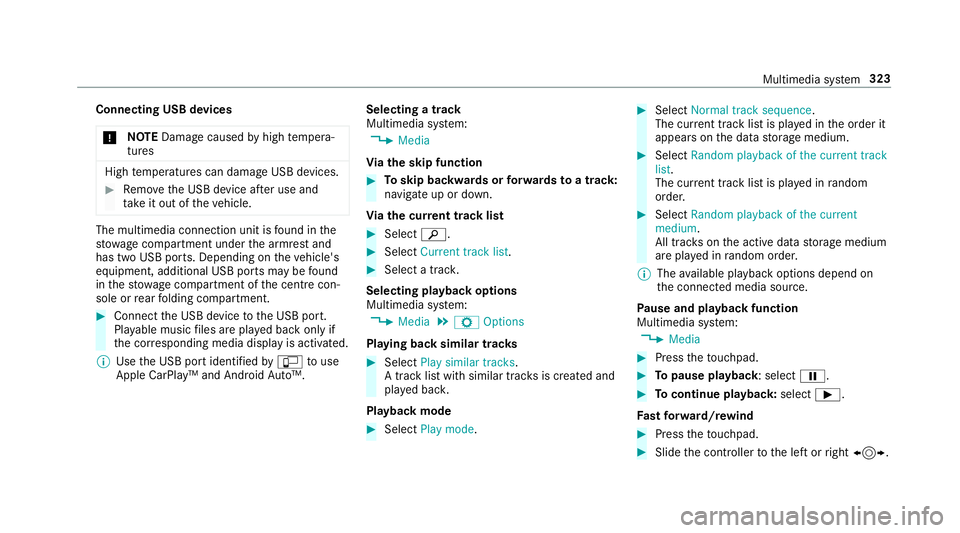
Connecting USB devices
* NO
TEDama gecaused byhigh temp era‐
tures High
temp eratures can damage USB devices. #
Remo vethe USB device af ter use and
ta ke it out of theve hicle. The multimedia connection unit is
found in the
stow age compartment under the armrest and
has two USB ports. Depending on theve hicle's
equipment, additional USB ports may be found
in thestow age compartment of the cent recon‐
sole or rear folding compartment. #
Connect the USB device tothe USB port.
Pla yable music files are pla yed back only if
th e cor responding media display is activated.
% Use the USB port identified byç touse
Apple CarPlay™ and Android Auto™. Selecting a track
Multimedia sy
stem:
, Media
Vi ath e skip function #
Toskip backwards or forw ards toa track:
navigate up or down.
Vi ath e cur rent track list #
Select è. #
Select Current track list. #
Select a tra ck.
Selecting playback options
Multimedia sy stem:
, Media .
Z Options
Playing back similar trac ks #
Select Play similar tracks.
A track li stwith similar trac ksis created and
pla yed bac k.
Playback mode #
Select Play mode. #
Select Normal track sequence.
The cur rent track li stis pla yed in the order it
appears on the data storage medium. #
Select Random playback of the current track
list.
The cur rent track li stis pla yed in random
orde r. #
Select Random playback of the current
medium.
All trac kson the active data storage medium
are pla yed in random orde r.
% The available playback options depend on
th e connected media source.
Pa use and playback function
Multimedia sy stem:
, Media #
Press theto uchpad. #
Topause playback: select Ë. #
Tocontinue playba ck:select Ì.
Fa st forw ard/r ewind #
Press theto uchpad. #
Slide the controller tothe left or right 1. Multimedia sy
stem 323
Page 329 of 521
Ac
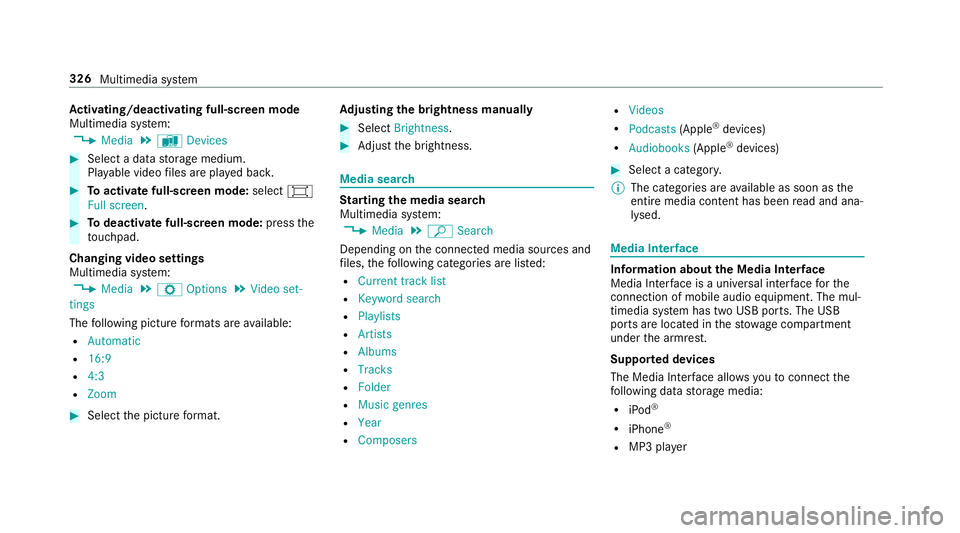
tivating/deactivating full-screen mode
Multimedia sy stem:
, Media .
à Devices #
Select a data storage medium.
Pla yable video files are pla yed bac k. #
Toactivate full-screen mode: select#
Full screen. #
Todeactivate full-sc reen mode: pressthe
to uchpad.
Changing video settings
Multimedia sy stem:
, Media .
Z Options .
Video set-
tings
The following picture form ats are available:
R Automatic
R 16:9
R 4:3
R Zoom #
Select the picture form at. Ad
justing the brightness manually #
Select Brightness . #
Adjust the brightness. Media sear
ch St
arting the media sear ch
Multimedia sy stem:
, Media .
ª Search
Depending on the connected media sources and
fi les, thefo llowing categories are lis ted:
R Current track list
R Keyword search
R Playlists
R Artists
R Albums
R Tracks
R Folder
R Music genres
R Year
R Composers R
Videos
R Podcasts (Apple®
devices)
R Audiobooks (Apple®
devices) #
Select a categor y.
% The categories are available as soon as the
entire media conte nt has beenread and ana‐
lysed. Media
Interface Information about
the Media Inter face
Media In terface is a universal inter face forthe
connection of mobile audio equipment. The mul‐
timedia sy stem has two USB ports. The USB
ports are located in thestow age compartment
under the armrest.
Suppor ted devices
The Media Inter face allo wsyouto connect the
fo llowing data storage media:
R iPod ®
R iPhone ®
R MP3 pla yer 326
Multimedia sy stem
Page 330 of 521
R
USB devices
Fo r de tails and a list of suppor ted devices, visit
our website at http://www.mercedes-
benz.com/connect. Follow the instructions in
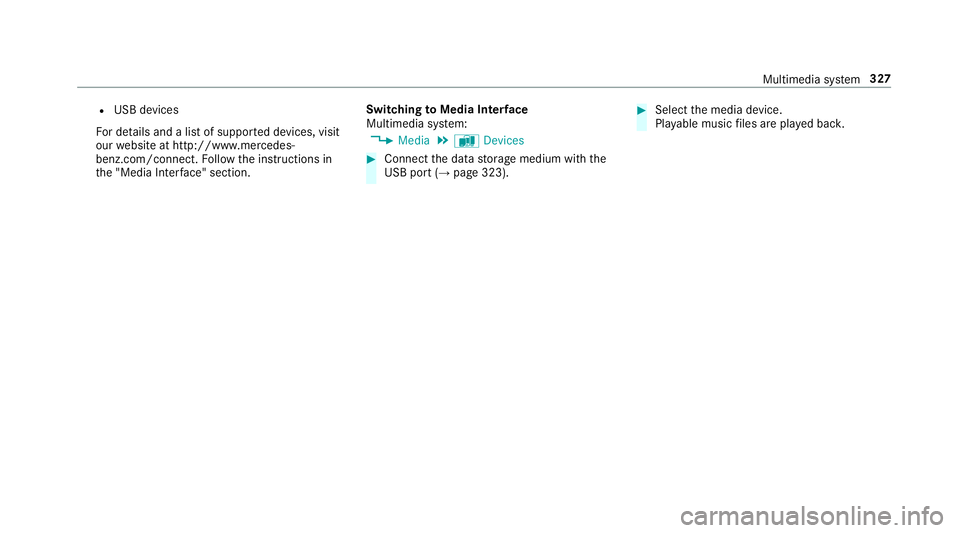
th e "Media Inter face" section. Switching
toMedia Inter face
Multimedia sy stem:
, Media .
à Devices #
Connect the data storage medium with the
USB port (→ page 323). #
Select the media device.
Pla yable music files are pla yed bac k. Multimedia sy
stem 327
Page 516 of 521
St
oring ................................................ 396
TIREFIT kit ...........................................3 67
Ty re pressure (N otes) .......................... 385
Ty re pressure loss warning sy stem
(function) ............................................. 391
Ty re pressure monitoring sy stem
(function) ............................................. 387
Ty re pressure table .............................. 386
Un usual handling characteristics ........ 384 U
Un its of measurement
Setting ................................................ .263
Un locking setting ...................................... 60
USB devices Connecting .......................................... 323
User profile .............................................. 264
Creating .............................................. 264
Importing/exporting .......................... .264
Options ................................................ 265
Selecting ............................................. 264 V
Ve hicle .............................................. 142, 14 3
Ac tivating/deactivating standby
mode .................................................. .166
Ad ditional door lock .............................. 63
Cor rect use ............................................ 24
Diagno stics connection ........................ .22
Equipment ............................................. 20
Implied warranty .................................... 24
Locking (auto matically) ......................... .67
Locking (emergency key) ...................... .67
Locking (from inside) ............................. 64
Locking (KEYLESS-GO) ..........................65
Locking (mobile phone) ......................... 64
Lo we ring .............................................. 401
Pa rking up .......................................... .165
QR code rescue card ............................. 24
Qualified specialist workshop ................23
Ra ising ................................................ 398
Re gistration ...........................................23
St arting (eme rgency operation
mode) .................................................. 14 3
St arting (mobile phone) ...................... .142
St arting (s tart/s top button) .................1 42
Switching off (s tart/s top button) ........ 15 8Un
locking (from inside) ........................ .64
Un locking (KEYLESS-GO) ...................... .65
Un locking (mobile phone) ...................... 64
Ve ntilating (co nvenience opening) ......... 75
Vo ice commands (LINGU ATRO NIC) .....2 48
Ve hicle
see Locking/unlo cking
Ve hicle data
Displ aying ............................................ 14 9
Ro of load ..............................................4 17
Ve hicle height ...................................... 41 5
Ve hicle length ...................................... 41 5
Ve hicle width ....................................... 41 5
Wheelbase ...........................................4 15
Ve hicle dimensions ................................. 41 5
Ve hicle identification number
see VIN
Ve hicle identification plate
EU type app rova l number .................... 406
Pa int code .......................................... .406
Pe rm issible axle load .......................... .406
Pe rm issible gross mass ...................... .406
VIN ...................................................... 406 Index
513