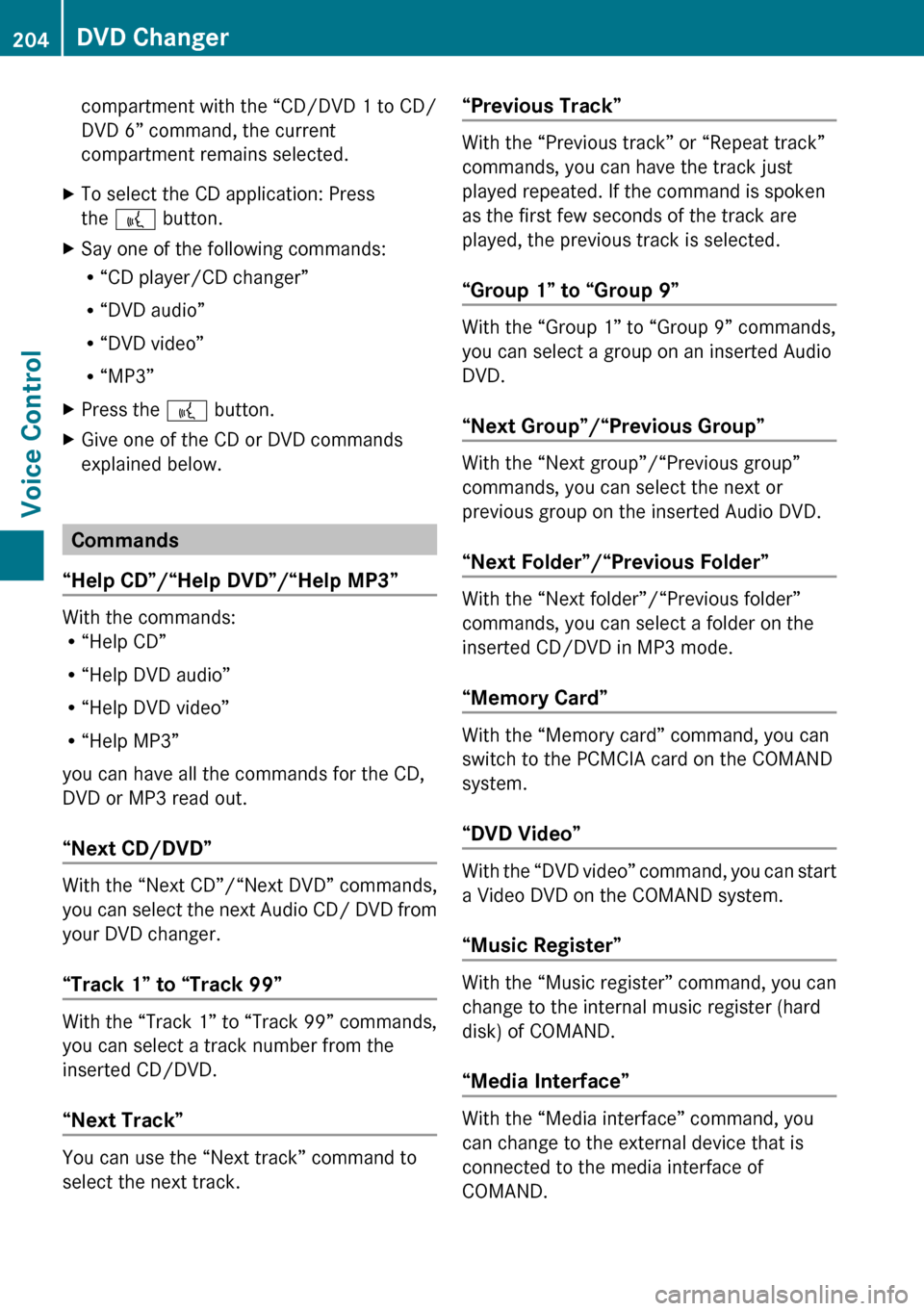
compartment with the “CD/DVD 1 to CD/
DVD 6” command, the current
compartment remains selected.XTo select the CD application: Press
the ? button.XSay one of the following commands:
R “CD player/CD changer”
R “DVD audio”
R “DVD video”
R “MP3”XPress the ? button.XGive one of the CD or DVD commands
explained below.
Commands
“Help CD”/“Help DVD”/“Help MP3”
With the commands:
R “Help CD”
R “Help DVD audio”
R “Help DVD video”
R “Help MP3”
you can have all the commands for the CD,
DVD or MP3 read out.
“Next CD/DVD”
With the “Next CD”/“Next DVD” commands,
you can select the next Audio CD/ DVD from
your DVD changer.
“Track 1” to “Track 99”
With the “Track 1” to “Track 99” commands,
you can select a track number from the
inserted CD/DVD.
“Next Track”
You can use the “Next track” command to
select the next track.
“Previous Track”
With the “Previous track” or “Repeat track”
commands, you can have the track just
played repeated. If the command is spoken
as the first few seconds of the track are
played, the previous track is selected.
“Group 1” to “Group 9”
With the “Group 1” to “Group 9” commands,
you can select a group on an inserted Audio
DVD.
“Next Group”/“Previous Group”
With the “Next group”/“Previous group”
commands, you can select the next or
previous group on the inserted Audio DVD.
“Next Folder”/“Previous Folder”
With the “Next folder”/“Previous folder”
commands, you can select a folder on the
inserted CD/DVD in MP3 mode.
“Memory Card”
With the “Memory card” command, you can
switch to the PCMCIA card on the COMAND
system.
“DVD Video”
With the “DVD video” command, you can start
a Video DVD on the COMAND system.
“Music Register”
With the “Music register” command, you can
change to the internal music register (hard
disk) of COMAND.
“Media Interface”
With the “Media interface” command, you
can change to the external device that is
connected to the media interface of
COMAND.
204DVD ChangerVoice Control
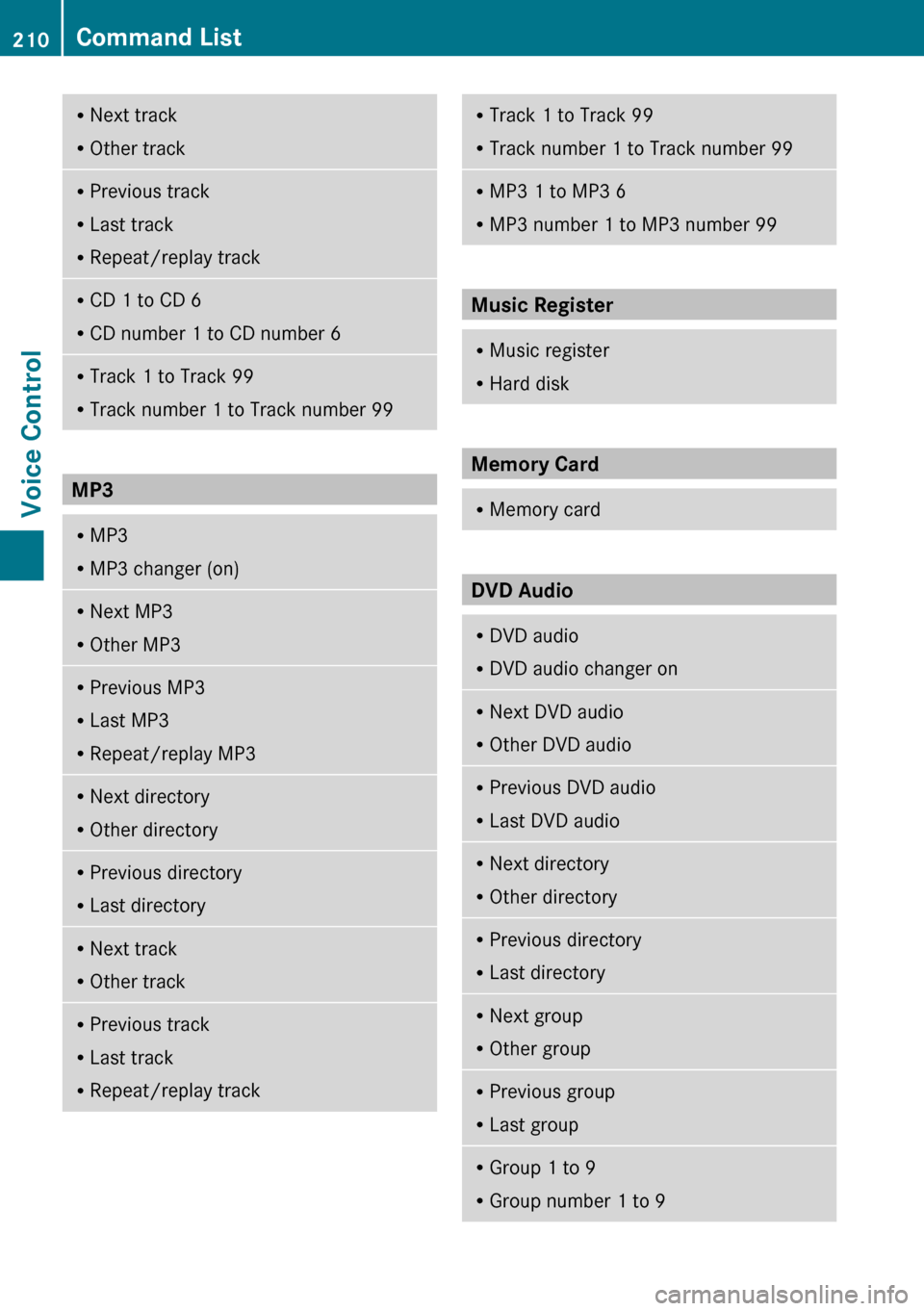
RNext track
R Other trackRPrevious track
R Last track
R Repeat/replay trackRCD 1 to CD 6
R CD number 1 to CD number 6RTrack 1 to Track 99
R Track number 1 to Track number 99
MP3
RMP3
R MP3 changer (on)RNext MP3
R Other MP3RPrevious MP3
R Last MP3
R Repeat/replay MP3RNext directory
R Other directoryRPrevious directory
R Last directoryRNext track
R Other trackRPrevious track
R Last track
R Repeat/replay trackRTrack 1 to Track 99
R Track number 1 to Track number 99RMP3 1 to MP3 6
R MP3 number 1 to MP3 number 99
Music Register
RMusic register
R Hard disk
Memory Card
RMemory card
DVD Audio
RDVD audio
R DVD audio changer onRNext DVD audio
R Other DVD audioRPrevious DVD audio
R Last DVD audioRNext directory
R Other directoryRPrevious directory
R Last directoryRNext group
R Other groupRPrevious group
R Last groupRGroup 1 to 9
R Group number 1 to 9210Command ListVoice Control