service MERCEDES-BENZ E-CLASS COUPE 2015 Owners Manual
[x] Cancel search | Manufacturer: MERCEDES-BENZ, Model Year: 2015, Model line: E-CLASS COUPE, Model: MERCEDES-BENZ E-CLASS COUPE 2015Pages: 345, PDF Size: 11.42 MB
Page 1 of 345
Disclaimer
Das folgen de PDF -Doku ment für die ses Fahrze ugmodell be zieht sich in allen
Sprachver sionen nur auf die Fahrz euge, d ie fü r den deutsche n Markt best immt
sind und die den deutschen Vorschriften entsprechen. Bitte wenden Sie sich an
Ihr en autorisierten Mer cedes-Benz Services tützpunkt, um ein gedruckt es Exem plar
für andere Fahrzeugmodelle und Fahrzeugmodelljahre zu erhalten.
Dieses PDF -Dokume nt stellt die aktuelle Version dar . Mögliche Abweic hungen zu
Ihrem konkreten Fahrzeug könnten nicht berücksichtigt sein, da Mercedes-Benz
seine Fahrzeuge st ändig dem neuest en Stand d er Technik anp asst, so wie
Änderungen in Form und Ausstattung vornimmt. Bitte beachten Sie daher, dass
dieses PDF-Dokument in keinem Fall das gedruckte Exemplar ersetzt, das mit
dem Fahrzeug ausgeliefert wurde.
Internal use only
Disclaimer
All language versions of the following PD\f document for this vehicle model
relate solel\b to vehicles intended for sale on the German market and which
correspond to German regulations.
Please contact \bour authorised Mercedes-Benz Service Centre to obtain
a printed version for other vehicle models and vehicle model \bears. This PD\f
document is the latest version. Possible variations to \bour vehicle ma\b not
be taken into account as Mercedes-Benz constantl\b updates their vehicles to
the state of the art and introduces changes in design and e\Dquipment. Please
therefore note that this PD\f document in no wa\b replaces the printed version
which was delivered with \bour vehicle.
Internal use only
Disclaimer
The following version of the Owner‘s Manual describes all models, series and
special equipment of your vehicle. Country-specific language variations are
possible. Please note that your vehicle might not be equipped with all the
described functions. This also affects safety-relevant systems and functions.
Please contact your authorised Mercedes-Benz dealership if you would like
to receive a printed Owner‘s Manual for other vehicle models and vehicle
model years.
The online Owner‘s Manual is the current and valid version. It is possible that
deviations affecting your specific vehicle could not be taken into account
as Mercedes-Benz constantly adapts its vehicles according to the latest
technology and makes changes to the form and the equipment.
Please also read the printed Owner‘s Manual, supplementary documents and
the digital Owner‘s Manual in the vehicle.
Copyright
All rights reserved. All texts, images and graphics are subject to copyright
and other laws for the protection of intellectual property. They may not be
copied or changed for any commercial use or for the purpose of being passed
on nor used on other webistes.
Page 4 of 345
Welcome to the world of Mercedes-Benz
Before you first drive off, read this Owner's Man- ual carefully and familiarise yourself with your
vehicle. For your own safety and a longer vehicle
life, follow the instructions and warning notices in this manual. Disregarding them may lead to
damage to the vehicle or personal injury.
The equipment or model designation of your
vehicle may vary according to:
R model
R order
R country variant
R availability
The illustrations in this manual show a left-hand-
drive vehicle. On right-hand-drive vehicles, the
layout of components and controls differs
accordingly.
Mercedes-Benz is constantly updating its vehi-
cles to the state of the art.
Mercedes-Benz therefore reserves the right to
introduce changes in the following areas:
R design
R equipment
R technical features
The equipment in your vehicle may therefore
differ from that shown in the descriptions and
illustrations.
The following are integral components of the
vehicle:
R Digital Owner's Manual
R Printed Owner's Manual
R Service Booklet
R Equipment-dependent Supplements
Keep these documents in the vehicle at all
times. If you sell the vehicle, always pass all of
the documents on to the new owner.
Your Owner's Manuals: Digital - in the vehicle
The Digital Owner's Manual provides com-
prehensive and specifically adapted infor-
mation on the equipment in your vehicle
and your multimedia system. You will find
informative animations, individual lan-
guage selection options and an intuitive
search function. Printed manual - in the vehicle
In addition to the vehicle Owner's Manual,
the full multimedia system Supplement is also available from your Mercedes-Benz
Service Centre. Digital - on the Internet
The online version of the Owner's Manual
provides convenient access to compre-
hensive information on your vehicle and
your multimedia system. It also provides
helpful animations, interesting back-
ground information and various search
options.
Digital - as an App
You can access comprehensive informa-
tion on your vehicle and your multimedia
system online on the go or download it,
even while offline. Available for smart-
phones or tablets.
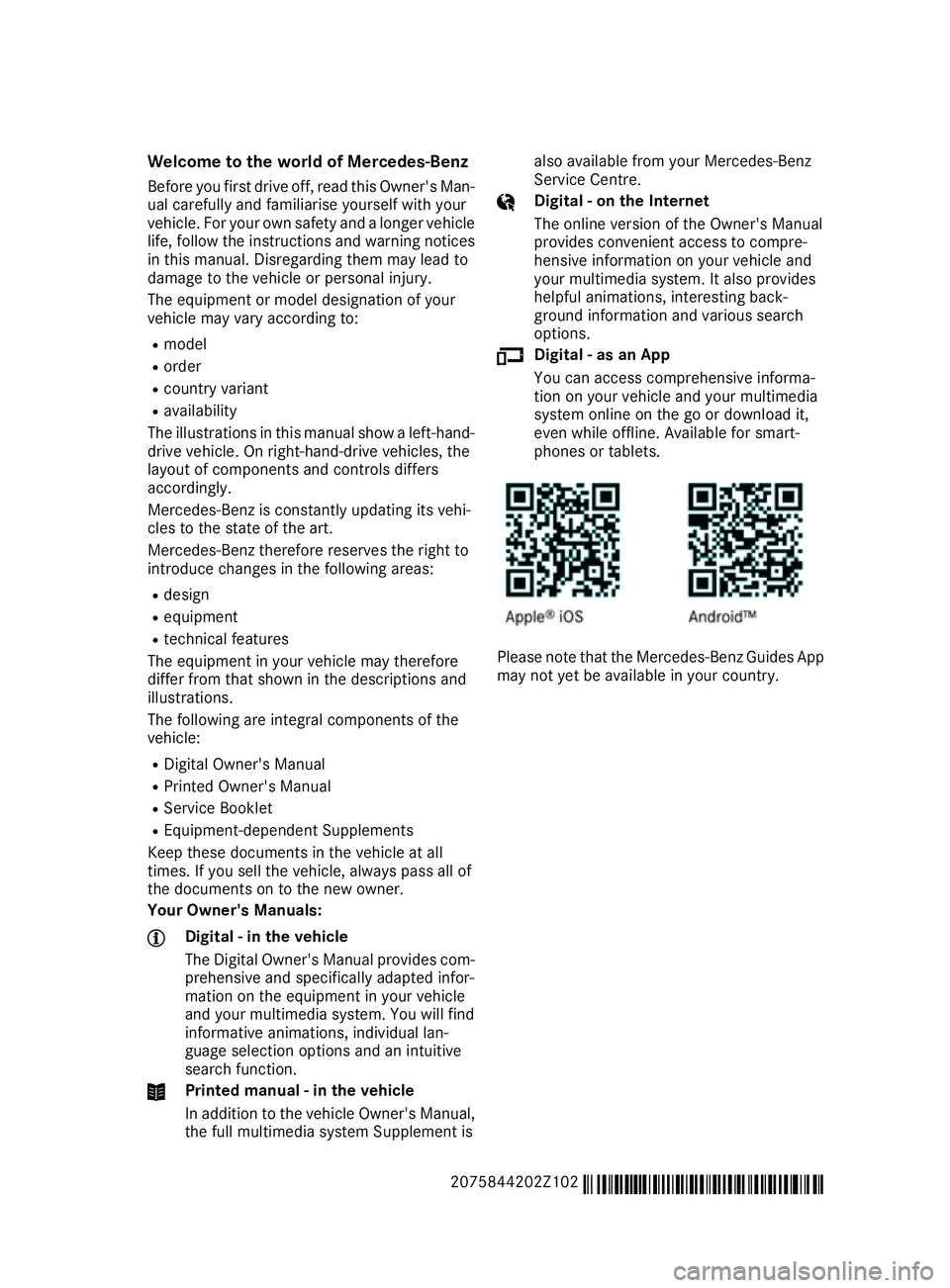
Please note that the Mercedes-Benz Guides App
may not yet be available in your country.
2075844202Z102 É2075844202Z102xËÍ
Page 6 of 345
1, 2, 3 ...
4ETS (Electronic Traction System) see ETS/4ETS (Electronic Trac-
tion System)
12 V socket
see Sockets
360° camera
Cleaning .........................................2 93
Display in the multimedia system .. 187
Function/notes ............................ .185 A
ABS (Anti-lock Braking System) Display message ............................ 223
Function/notes ................................ 62
Important safety notes .................... 62
Warning lamp ................................. 249
Accident
Automatic measures after an acci-
dent ................................................. 47
Activating media mode
General notes ................................ 263
Activating/deactivating air-recir-
culation mode ................................... .123
Activating/deactivating cooling
with air dehumidification ................. 119
Active Blind Spot Assist
Activating/deactivating (on-
board computer) ............................ 215
Display message ............................ 235
Function/notes ............................ .196
Towing a trailer .............................. 198
Active Driving Assistance package .. 196
Active Lane Keeping Assist
Activating/deactivating (on-
board computer) ............................ 215
Display message ............................ 235
Function/notes ............................ .199
Towing a trailer .............................. 201
Active light function ......................... 109
Active Parking Assist
Detecting parking spaces .............. 177
Display message ............................ 236
Exiting a parking space .................. 179
Function/notes ............................ .176
Important safety notes .................. 176 Parking .......................................... 178
Towing a trailer .............................. 180
ADAPTIVE BRAKE ................................. 69
Adaptive Brake Assist
Function/notes ................................ 66
Adaptive brake lights .......................... 66
Adaptive Highbeam Assist Plus
Display message ............................ 230
Function/notes ............................ .109
Switching on/off ........................... 110
AdBlue ®
Display message ............................ 233
Filling capacity ............................... 332
Important safety notes .................. 332
Service indicator ............................ 289
AdBlue ®
service indicator ................ 289
Additional speedometer ................... 216
Additives (engine oil) ........................ 333
Address book
See also Digital Owner's Manual ... 256
Adjusting the volume
COMAND Online ............................ 257
Adjusting volume
Audio 20 ........................................ 257
Air conditioning
General notes ................................ 115
Air filter (white display message) .... 233
Air pressure
see Tyre pressure
Air vents
Glove compartment ....................... 129
Important safety notes .................. 129
Setting .......................................... .129
Setting the side air vents .............. .129
Air-conditioning system
see Climate control
Airbag
Introduction ..................................... 41
PASSENGER AIR BAG OFF indica-
tor lamp .......................................... .37
Airbags
Front airbag (driver, front
passenger) ...................................... .42
Important safety guidelines .............41
Kneebag ........................................... 42
Pelvis airbag .................................... 43
Sidebag ............................................ 43 Index
3
Page 7 of 345
Triggering ......................................... 44
Windowbag ...................................... 43
Alarm
ATA (Anti-Theft Alarm system) ......... 71
Switching off (ATA) .......................... 71
Switching the function on/off
(ATA) ................................................ 71
Alarm system
see ATA (Anti-Theft Alarm system)
Anti-glare film .................................... 282
Anti-lock braking system
see ABS (Anti-lock Braking System)
Anti-Theft Alarm system
see ATA (Anti-Theft Alarm system)
Aquaplaning ....................................... 154
Ashtray ............................................... 273
Assistance display (on-board com-
puter) .................................................. 213
Assistance menu (on-board com-
puter) .................................................. 213
ASSYST PLUS
Displaying a service message ........ 288
Hiding a service message .............. 288
Resetting the service interval dis-
play ................................................ 288
Service message ............................2 88
Special service requirements ......... 288
ATA (Anti-Theft Alarm system)
Activating/deactivating ................... 71
Function .......................................... .71
Switching off the alarm .................... 71
ATTENTION ASSIST
Activating/deactivating ................. 215
Display message ............................ 234
Function/note s............................. 189
Audio 20
Switching on/of f........................... 256
Authorised workshop
see Qualified specialist workshop
AUTO lights
Display message ............................ 230
see Lights
Automatic engine start (ECO start/
stop function) .................................... 136
Automatic engine switch-off (ECO
start/stop function) .......................... 135
Automatic headlamp mode .............. 106Automatic transmission
Accelerator pedal position ............. 142
Automatic drive program ............... 144
Changing gear ............................... 142
DIRECT SELECT lever ..................... 140
Display message ............................ 241
Drive program display .................... 140
Driving tips .................................... 142
Emergency running mode .............. 147
Engaging drive position .................. 142
Engaging neutral ............................ 141
Engaging park position automati-
cally ............................................... 141
Engaging reverse gear ................... 141
Engaging the park position ............ 141
Kickdown ....................................... 143
Manual drive progra m.................... 144
Manual drive program (vehicles
with Sports package AMG) ............ 145
Overview ........................................ 140
Problem (fault) ............................... 147
Program selector button ................ 143
Pulling away ................................... 134
Starting the engine ........................ 134
Steering wheel gearshift paddle s... 144
Trailer towing ................................. 143
Transmission position display
(DIRECT SELECT lever) ................... 140
Transmission positions .................. 142
Automatic transmission emer-
gency running mode ......................... 147
Auxiliary heating
Activating/deactivating ................. 125
Important safety notes .................. 124
Setting ........................................... 219
Auxiliary heating/ventilation
Display message ............................ 244
Problem (display message) ............ 129
Remote control .............................. 125
Setting the departure time ............. 127
Switching on/off (on the centre
console) ......................................... 125
Auxiliary ventilation
Activating/deactivating ................. 125
Axle load, permissible (trailer tow-
ing) ...................................................... 336 4
Index
Page 11 of 345
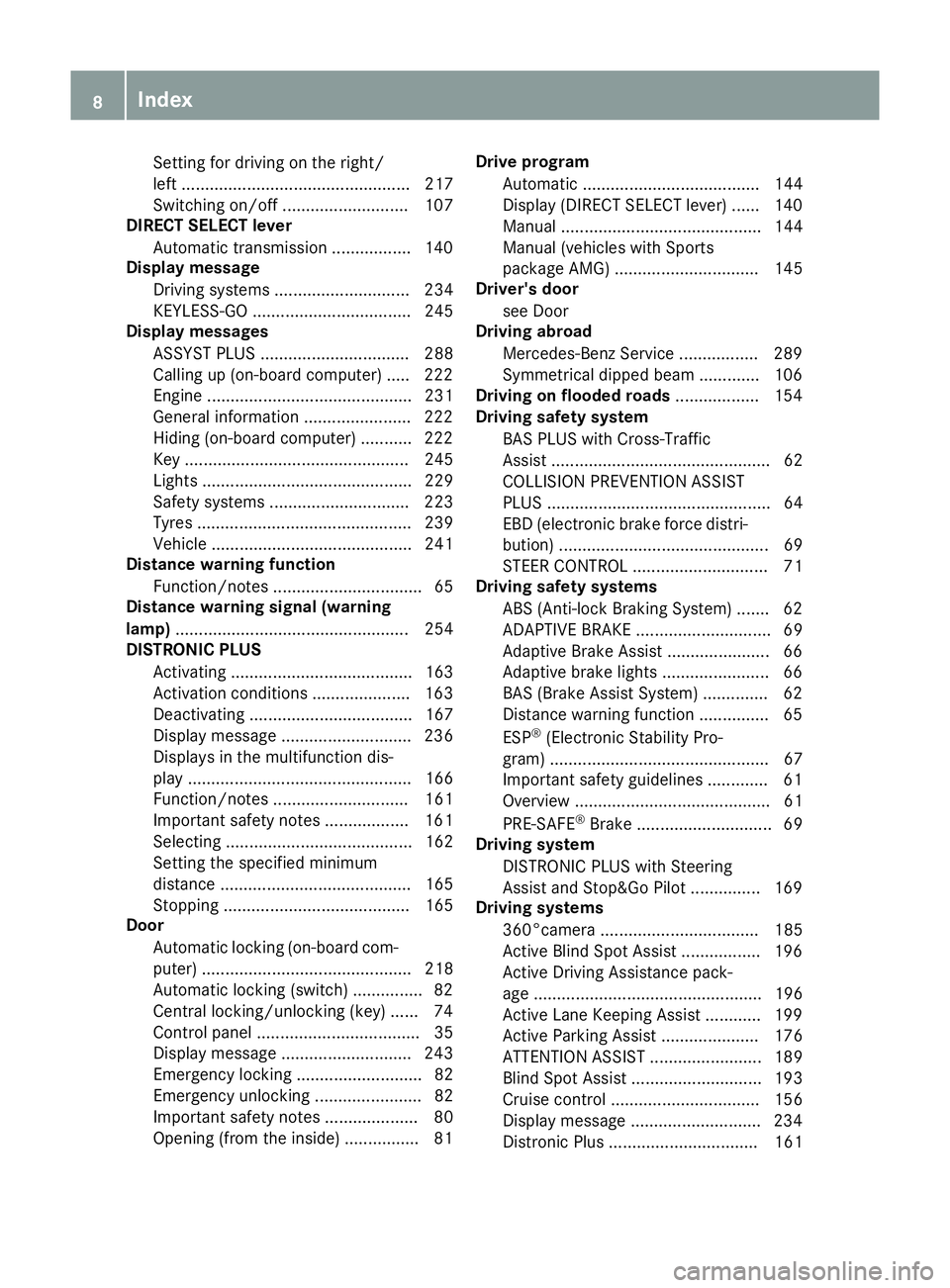
Setting for driving on the right/
left ................................................. 217
Switching on/of f........................... 107
DIRECT SELECT lever
Automatic transmission ................. 140
Display message
Driving systems ............................. 234
KEYLESS-GO .................................. 245
Display messages
ASSYST PLUS ................................ 288
Calling up (on-board computer) ..... 222
Engine ............................................ 231
General information ....................... 222
Hiding (on-board computer) ........... 222
Key ................................................ 245
Lights ............................................. 229
Safety systems .............................. 223
Tyres .............................................. 239
Vehicle ........................................... 241
Distance warning function
Function/note s................................ 65
Distance warning signal (warning
lamp) .................................................. 254
DISTRONIC PLUS
Activating ....................................... 163
Activation conditions ..................... 163
Deactivating ................................... 167
Display message ............................ 236
Displays in the multifunction dis-
play ................................................ 166
Function/note s............................. 161
Important safety notes .................. 161
Selecting ........................................ 162
Setting the specified minimum
distance ......................................... 165
Stopping ........................................ 165
Door
Automatic locking (on-board com-
puter) ............................................. 218
Automatic locking (switch) ............... 82
Central locking/unlocking (key) ...... 74
Control panel ................................... 35
Display message ............................ 243
Emergency locking ........................... 82
Emergency unlocking ....................... 82
Important safety notes .................... 80
Opening (from the inside) ................ 81 Drive program
Automatic ...................................... 144
Display (DIRECT SELECT lever) ...... 140
Manual ........................................... 144
Manual (vehicles with Sports
package AMG) ............................... 145
Driver's door
see Door
Driving abroad
Mercedes-Benz Service ................. 289
Symmetrical dipped beam ............. 106
Driving on flooded roads .................. 154
Driving safety system
BAS PLUS with Cross-Traffic
Assist ............................................... 62
COLLISION PREVENTION ASSIST
PLUS ................................................ 64
EBD (electronic brake force distri-bution) ............................................. 69
STEER CONTROL ............................. 71
Driving safety systems
ABS (Anti-lock Braking System) ....... 62
ADAPTIVE BRAK E............................. 69
Adaptive Brake Assist ...................... 66
Adaptive brake lights ....................... 66
BAS (Brake Assist System) .............. 62
Distance warning function ............... 65
ESP ®
(Electronic Stability Pro-
gram) ............................................... 67
Important safety guidelines ............. 61
Overview .......................................... 61
PRE-SAFE ®
Brake ............................. 69
Driving system
DISTRONIC PLUS with Steering
Assist and Stop&Go Pilot ............... 169
Driving systems
360°camera .................................. 185
Active Blind Spot Assist ................. 196
Active Driving Assistance pack-
age ................................................. 196
Active Lane Keeping Assist ............ 199
Active Parking Assist ..................... 176
ATTENTION ASSIST ........................ 189
Blind Spot Assist ............................ 193
Cruise control ................................ 156
Display message ............................ 234
Distronic Plus ................................ 161 8
Index
Page 16 of 345
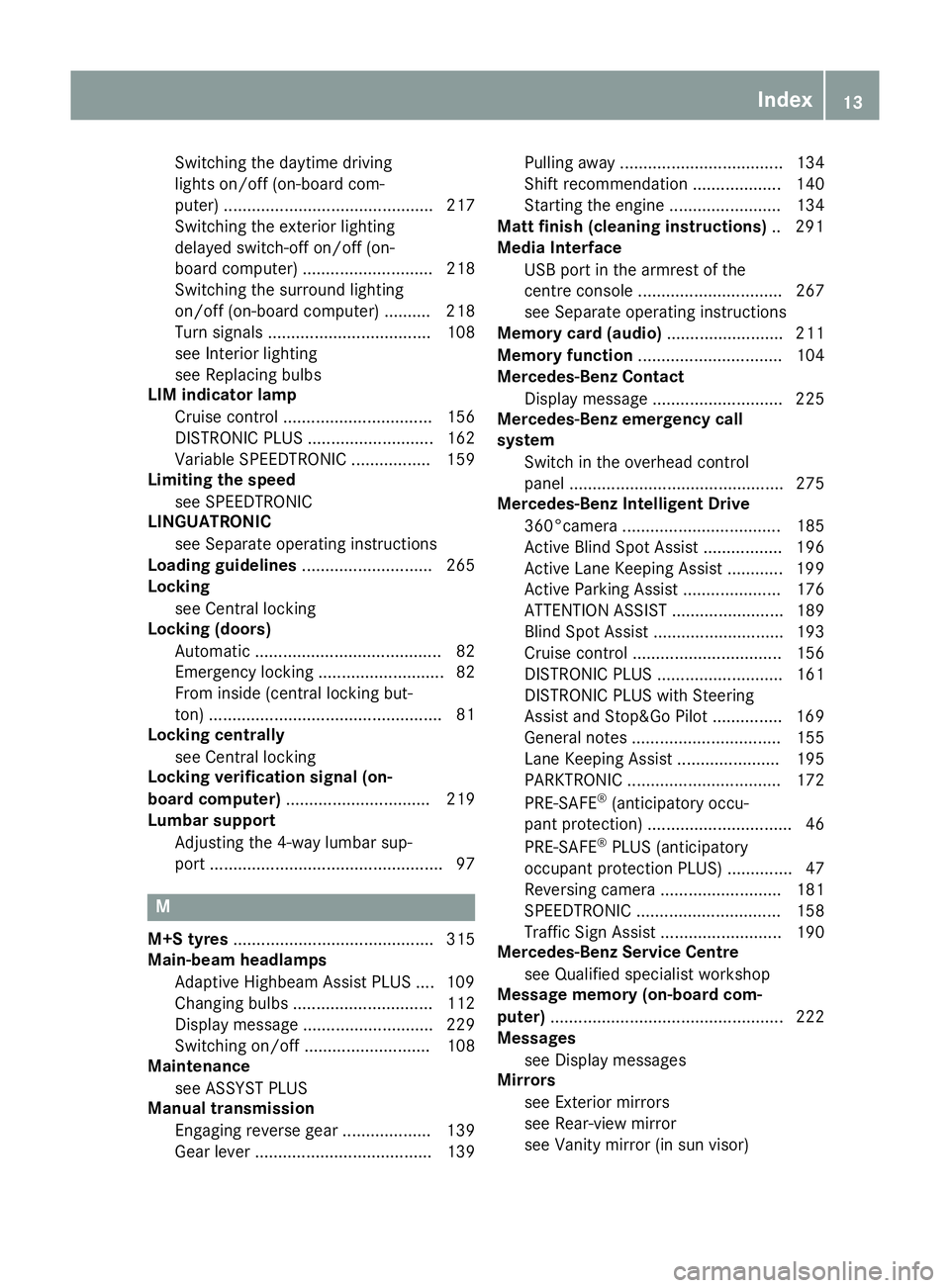
Switching the daytime driving
lights on/off (on-board com-
puter) ............................................. 217
Switching the exterior lighting
delayed switch-off on/off (on-
board computer) ............................ 218
Switching the surround lighting
on/off (on-board computer) .......... 218
Turn signals ................................... 108
see Interior lighting
see Replacing bulbs
LIM indicator lamp
Cruise control ................................ 156
DISTRONIC PLUS ........................... 162
Variable SPEEDTRONIC ................. 159
Limiting the speed
see SPEEDTRONIC
LINGUATRONIC
see Separate operating instructions
Loading guidelines ............................ 265
Locking
see Central locking
Locking (doors)
Automatic ........................................ 82
Emergency locking ........................... 82
From inside (central locking but-
ton) .................................................. 81
Locking centrally
see Central locking
Locking verification signal (on-
board computer) ............................... 219
Lumbar support
Adjusting the 4-way lumbar sup-
port .................................................. 97 M
M+S tyres ........................................... 315
Main-beam headlamps
Adaptive Highbeam Assist PLUS .... 109
Changing bulb s.............................. 112
Display message ............................ 229
Switching on/of f........................... 108
Maintenance
see ASSYST PLUS
Manual transmission
Engaging reverse gear ................... 139
Gear lever ...................................... 139 Pulling away ................................... 134
Shift recommendation ................... 140
Starting the engine ........................ 134
Matt finish (cleaning instructions) .. 291
Media Interface
USB port in the armrest of the
centre console ............................... 267
see Separate operating instructions
Memory card (audio) ......................... 211
Memory function ............................... 104
Mercedes-Benz Contact
Display message ............................ 225
Mercedes-Benz emergency call
system
Switch in the overhead control
panel .............................................. 275
Mercedes-Benz Intelligent Drive
360°camera .................................. 185
Active Blind Spot Assist ................. 196
Active Lane Keeping Assist ............ 199
Active Parking Assist ..................... 176
ATTENTION ASSIST ........................ 189
Blind Spot Assist ............................ 193
Cruise control ................................ 156
DISTRONIC PLUS ........................... 161
DISTRONIC PLUS with Steering
Assist and Stop&Go Pilot ............... 169
General notes ................................ 155
Lane Keeping Assist ...................... 195
PARKTRONIC ................................. 172
PRE-SAFE ®
(anticipatory occu-
pant protection) ............................... 46
PRE-SAFE ®
PLUS (anticipatory
occupant protection PLUS) .............. 47
Reversing camera .......................... 181
SPEEDTRONIC ............................... 158
Traffic Sign Assist .......................... 190
Mercedes-Benz Service Centre
see Qualified specialist workshop
Message memory (on-board com-
puter) .................................................. 222
Messages
see Display messages
Mirrors
see Exterior mirrors
see Rear-view mirror
see Vanity mirror (in sun visor) Index
13
Page 17 of 345
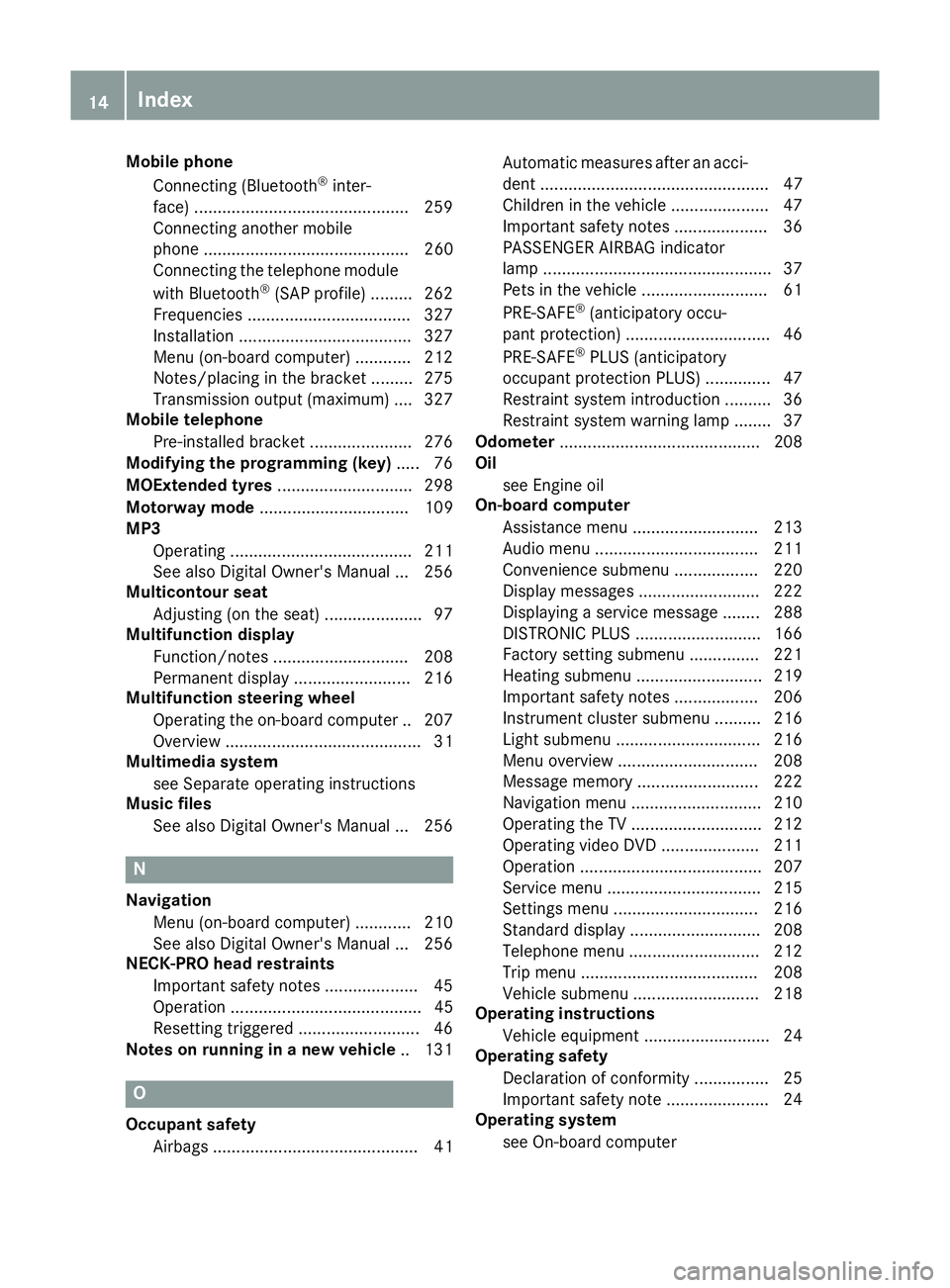
Mobile phone
Connecting (Bluetooth ®
inter-
face) ............................................. .259
Connecting another mobile
phone ............................................ 260
Connecting the telephone module
with Bluetooth ®
(SAP profile) ......... 262
Frequencies ................................... 327
Installation ..................................... 327
Menu (on-board computer) ............ 212
Notes/placing in the bracket ......... 275
Transmission output (maximum) .... 327
Mobile telephone
Pre-installed bracket ..................... .276
Modifying the programming (key) ..... 76
MOExtended tyres .............................298
Motorway mode ................................ 109
MP3
Operating ....................................... 211
See also Digital Owner's Manual ... 256
Multicontour seat
Adjusting (on the seat) ..................... 97
Multifunction display
Function/notes ............................ .208
Permanent display ......................... 216
Multifunction steering wheel
Operating the on-board computer .. 207
Overview .......................................... 31
Multimedia system
see Separate operating instructions
Music files
See also Digital Owner's Manual ... 256 N
Navigation Menu (on-board computer) ............ 210
See also Digital Owner's Manual ... 256
NECK-PRO head restraints
Important safety notes .................... 45
Operation ......................................... 45
Resetting triggered .......................... 46
Notes on running in a new vehicle .. 131O
Occupant safety Airbags ............................................ 41 Automatic measures after an acci-
dent ................................................. 47
Children in the vehicle ..................... 47
Important safety notes .................... 36
PASSENGER AIRBAG indicator
lamp ................................................. 37
Pets in the vehicle ........................... 61
PRE-SAFE ®
(anticipatory occu-
pant protection) ............................... 46
PRE-SAFE ®
PLUS (anticipatory
occupant protection PLUS) .............. 47
Restraint system introduction .......... 36
Restraint system warning lamp ....... .37
Odometer ...........................................2 08
Oil
see Engine oil
On-board computer
Assistance menu ........................... 213
Audio menu ................................... 211
Convenience submenu .................. 220
Display messages .......................... 222
Displaying a service message ....... .288
DISTRONIC PLUS ........................... 166
Factory setting submenu .............. .221
Heating submenu ........................... 219
Important safety notes .................. 206
Instrument cluster submenu .......... 216
Light submenu ............................... 216
Menu overview .............................. 208
Message memory .......................... 222
Navigation menu ............................ 210
Operating the TV ............................ 212
Operating video DVD ..................... 211
Operation ....................................... 207
Service menu ................................. 215
Settings menu ............................... 216
Standard display ............................ 208
Telephone menu ............................ 212
Trip menu ...................................... 208
Vehicle submenu ........................... 218
Operating instructions
Vehicle equipment ........................... 24
Operating safety
Declaration of conformity ................ 25
Important safety note ..................... .24
Operating system
see On-board computer 14
Index
Page 20 of 345
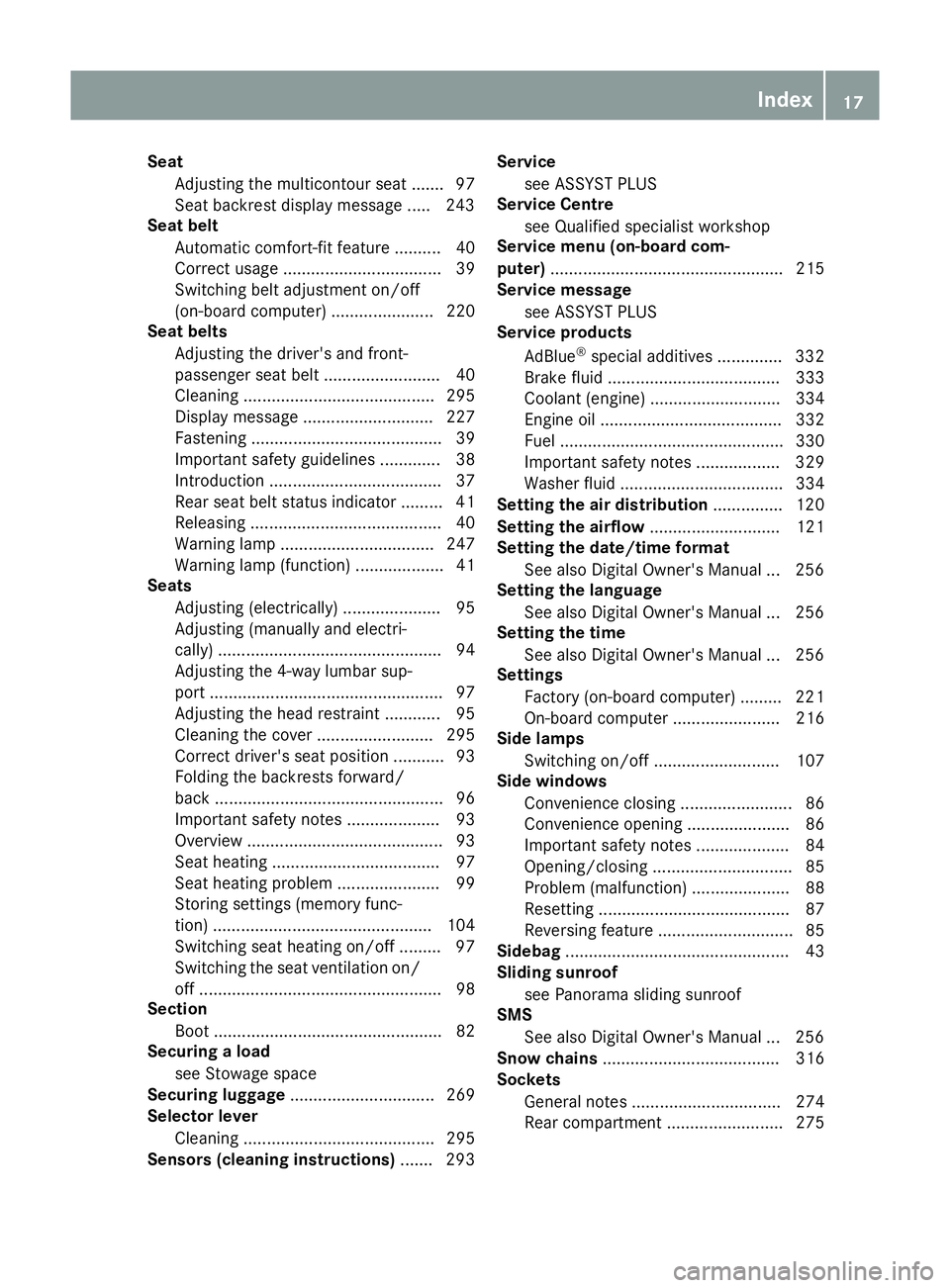
Seat
Adjusting the multicontour seat .......97
Seat backrest display message ..... 243
Seat belt
Automatic comfort-fit feature .......... 40
Correct usage .................................. 39
Switching belt adjustment on/off
(on-board computer) ...................... 220
Seat belts
Adjusting the driver's and front-
passenger seat belt ......................... 40
Cleaning ......................................... 295
Display message ............................ 227
Fastening ......................................... 39
Important safety guidelines ............. 38
Introduction ..................................... 37
Rear seat belt status indicator ......... 41
Releasing ......................................... 40
Warning lamp ................................. 247
Warning lamp (function) ................... 41
Seats
Adjusting (electrically) ..................... 95
Adjusting (manually and electri-
cally) ................................................ 94
Adjusting the 4-way lumbar sup-
port .................................................. 97
Adjusting the head restraint ............ 95
Cleaning the cover ......................... 295
Correct driver's seat position ........... 93
Folding the backrests forward/
back ................................................. 96
Important safety notes .................... 93
Overview .......................................... 93
Seat heating .................................... 97
Seat heating problem ...................... 99
Storing settings (memory func-
tion) ............................................... 104
Switching seat heating on/of f......... 97
Switching the seat ventilation on/
off .................................................... 98
Section
Boot ................................................. 82
Securing a load
see Stowage space
Securing luggage ............................... 269
Selector lever
Cleaning ......................................... 295
Sensors (cleaning instructions) ....... 293Service
see ASSYST PLUS
Service Centre
see Qualified specialist workshop
Service menu (on-board com-
puter) .................................................. 215
Service message
see ASSYST PLUS
Service products
AdBlue ®
special additive s.............. 332
Brake fluid ..................................... 333
Coolant (engine) ............................ 334
Engine oil ....................................... 332
Fuel ................................................ 330
Important safety notes .................. 329
Washer fluid ................................... 334
Setting the air distribution ............... 120
Setting the airflow ............................ 121
Setting the date/time format
See also Digital Owner's Manua l... 256
Setting the language
See also Digital Owner's Manua l... 256
Setting the time
See also Digital Owner's Manua l... 256
Settings
Factory (on-board computer) ......... 221
On-board compute r....................... 216
Side lamps
Switching on/of f........................... 107
Side windows
Convenience closing ........................ 86
Convenience opening ...................... 86
Important safety notes .................... 84
Opening/closing .............................. 85
Problem (malfunction) ..................... 88
Resetting ......................................... 87
Reversing feature ............................. 85
Sidebag ................................................ 43
Sliding sunroof
see Panorama sliding sunroof
SMS
See also Digital Owner's Manua l... 256
Snow chains ...................................... 316
Sockets
General notes ................................ 274
Rear compartment ......................... 275 Index
17
Page 23 of 345
Transmission position display
......... 140
Transmission position display
(DIRECT SELECT lever) ...................... 140
Transporting the vehicle .................. 309
Trim pieces (cleaning instruc-
tions) .................................................. 295
Trip computer (on-board com-
puter) .................................................. 209
Trip meter
Calling up ....................................... 208
Resetting (on-board computer) ...... 209
Turn signals
Switching on/off ........................... 108
TV
Operating (on-board computer) ..... 212
see Separate operating instructions
Two-way radio
Frequencies ................................... 327
Installation ..................................... 327
Transmission output (maximum) .... 327
Type identification plate
see Vehicle identification plate
Tyre changing tool kit ....................... 297
Tyre inflation compressor
see TIREFIT kit
Tyre pressure
Calling up (on-board computer) ..... 318
Display message ............................ 239
Not reached (TIREFIT) .................... 301
Reached (TIREFIT) .......................... 301
Recommended ............................... 316
Tyre pressure loss warning
General notes ................................ 317
Important safety notes .................. 318
Restarting ...................................... 318
Tyre pressure monitor
Checking the tyre pressure elec-
tronically ........................................ 319
Function/note s............................. 318
General notes ................................ 318
Important safety notes .................. 319
Restarting ...................................... 320
Warning lamp ................................. 255
Warning message .......................... 320
Tyres
Changing a whee l.......................... 320
Checking ........................................ 313 Direction of rotation ...................... 321
Display message ............................ 239
Important safety notes .................. 313
Information on driving .................... 313
MOExtended tyre s......................... 315
Replacing ....................................... 321
Service life ..................................... 314
Storing ........................................... 321
Tyre size (data ).............................. 325
Tyre tread ...................................... 314
Wheel and tyre combinations ........ 325
see Flat tyre U
Unlocking Emergency unlocking ....................... 82
From inside the vehicle (central
unlocking button) ............................. 81
USB devices
Connecting to the Media Inter-
face ............................................... 264 V
Vanity mirror (in sun visor) .............. 272
Variable SPEEDTRONIC
see SPEEDTRONIC
Vehicle
Correct use ...................................... 26
Data acquisition ............................... 26
Display message ............................ 241
Electronics ..................................... 327
Equipment ....................................... 24
Implied warranty .............................. 26
Individual settings .......................... 216
Leaving parked up ......................... 152
Locking (in an emergency) ............... 82
Locking (key) ................................... 74
Lowering ........................................ 324
Pulling away ................................... 134
Raising ........................................... 322
Registration ..................................... 26
Securing from rolling away ............ 322
Tow-starting ................................... 307
Towing away .................................. 307
Transporting .................................. 309
Unlocking (in an emergency) ........... 82
Unlocking (key) ................................ 74 20
Index
Page 26 of 345
Protection of the environment
General notes
H
Environmental note
Daimler's declared policy is one of compre-
hensive environmental protection.
Our objectives are to use the natural resour-
ces which form the basis of our existence on
this planet sparingly and in a manner which
takes the requirements of both nature and
humanity into consideration.
You too can help to protect the environment
by operating your vehicle in an environmen-
tally-responsible manner.
Fuel consumption and the rate of engine,
transmission, brake and tyre wear depend on
the following factors:
R operating conditions of your vehicle
R your personal driving style
You can influence both factors. Therefore,
please bear the following in mind:
Operating conditions:
R avoid short trips, as these increase fuel
consumption.
R observe the correct tyre pressure.
R do not carry any unnecessary weight in the
vehicle.
R remove the roof rack once you no longer
need it.
R a regularly serviced vehicle will contribute
to environmental protection. You should
therefore adhere to the service intervals.
R all maintenance work should be carried out
at a qualified specialist workshop.
Personal driving style:
R do not depress the accelerator pedal when
starting the engine.
R do not warm up the engine when the vehicle
is stationary.
R drive carefully and maintain a safe distance
from the vehicle in front.
R avoid frequent, sudden acceleration and
braking. R
change gear in good time and use each gear
only up to Ôof its maximum engine speed.
R switch off the engine in stationary traffic.
R monitor the vehicle's fuel consumption. Returning an end-of-life vehicle
EU countries only:
Mercedes-Benz will take back your old vehicle to
dispose of it in an environmentally-responsible
manner in accordance with the European Union (EU) End of Life Vehicles Directive.
There is a network of return points and disas-
sembly plants available. You can return your
vehicle to these plants free of charge. This
makes a valuable contribution to the recycling
process and the conservation of resources.
For further information on recycling old vehi-
cles, recovery and the terms of the policy, visit
the Mercedes-Benz homepage. Genuine Mercedes-Benz parts
H
Environmental note
Daimler AG also supplies reconditioned
assemblies and parts which are of the same
quality as new parts. For these, the same war-
ranty applies as for new parts.
! Airbags and seat belt tensioners, as well as
control units and sensors for these restraint
systems, may be installed in the following
areas of your vehicle:
R doors
R door pillars
R door sills
R seats
R dashboard
R instrument cluster
R centre console
Do not install accessories such as audio sys-
tems in these areas. Do not carry out repairs
or welding. You could impair the operating
efficiency of the restraint systems.
Have accessories retrofitted at a qualified
specialist workshop. Genuine Mercedes-Benz parts
23Introduction Z