charging MERCEDES-BENZ E-CLASS ESTATE 2020 User Guide
[x] Cancel search | Manufacturer: MERCEDES-BENZ, Model Year: 2020, Model line: E-CLASS ESTATE, Model: MERCEDES-BENZ E-CLASS ESTATE 2020Pages: 489, PDF Size: 9.15 MB
Page 337 of 489
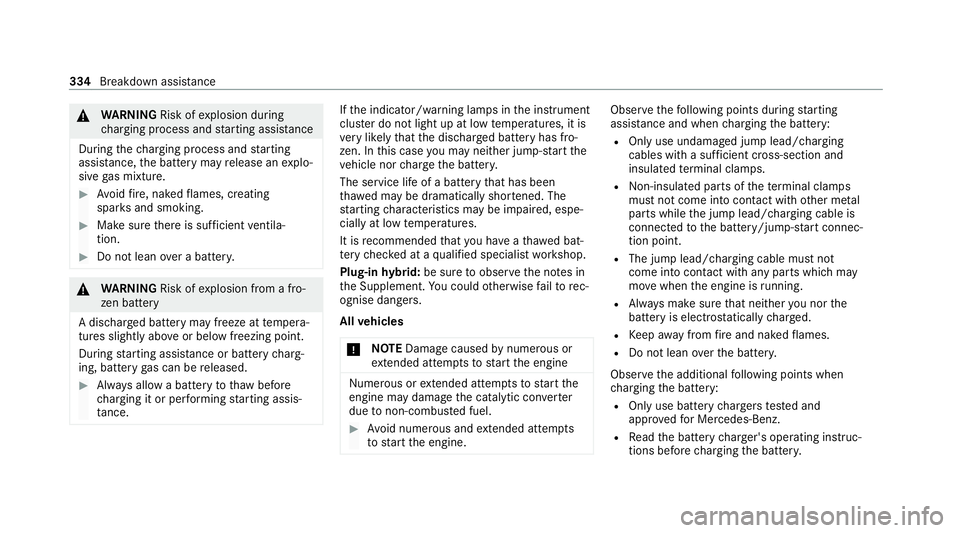
&
WARNING Risk ofexplosion during
ch arging process and starting assis tance
During thech arging process and starting
assis tance, the battery may release an explo‐
sive gas mixture. #
Avoid fire , naked flames, creating
spar ksand smoking. #
Make sure there is suf ficient ventila‐
tion. #
Do not lean over a batter y. &
WARNING Risk ofexplosion from a fro‐
zen battery
A dischar ged battery may freeze at temp era‐
tures slightly abo veor below freezing point.
During starting assis tance or battery charg‐
ing, bat tery gas can be released. #
Alw ays allow a battery tothaw before
ch arging it or per form ing starting assis‐
ta nce. If
th e indicator/warning lamps in the instrument
clus ter do not light up at low temp eratures, it is
ve ry likely that the dischar ged battery has fro‐
zen. In this case you may neither jump-s tart the
ve hicle nor charge the batter y.
The service life of a battery that has been
th awe d may be dramatically shor tened. The
st arting characteristics may be impaired, espe‐
cially at low temp eratures.
It is recommended that you ha veathaw ed bat‐
te ry checked at a qualified specialist workshop.
Plug-in hybrid: be sure toobser vethe no tes in
th e Supplement. You could otherwise failto rec‐
ognise dangers.
All vehicles
* NO
TEDama gecaused bynumerous or
ex tended attem ptsto start the engine Nume
rous or extended attem ptsto start the
engine may damage the catalytic con verter
due tonon-combu sted fuel. #
Avoid numerous and extended attem pts
to start the engine. Obser
vethefo llowing points during starting
assis tance and when charging the battery:
R Only use undamaged jump lead/charging
cables with a suf ficient cross-section and
insula tedte rm inal clamps.
R Non- insulated parts of thete rm inal clamps
must not come into con tact wi thother me tal
parts while the jump lead/charging cable is
connected tothe battery/jump-s tart connec‐
tion point.
R The jump lead/charging cable must not
come into contact wi thany parts which may
mo vewhen the engine is running.
R Alw ays make sure that nei ther you nor the
battery is elect rostatically charge d.
R Keep away from fire and naked flames.
R Do not lean overth e batter y.
Obser vethe additional following points when
ch arging the battery:
R Only use battery charge rs tested and
appr oved for Mercedes-Benz.
R Read the battery charge r's operating instruc‐
tions before charging the batter y. 334
Breakdown assis tance
Page 338 of 489

Obser
vethe additional following points during
st arting assistance:
R Starting assis tance may only be pr ovided
using vehicles, batteries or other jump start
devices with a nominal voltage of 12V.
R The vehicles must not touch.
R Vehicles with a petrol engine: jump-start
th eve hicle only when the engine and exhaust
sy stem are cold. St
arting assi stance and charging the12 V
battery Requ
irements:
R The vehicle is secured with the electric park‐
ing brake.
R Vehicles with automatic transmission: the
transmission is in position j.
R The ignition and all electrical consumers are
switched off.
R The bonnet is open. Example: engine compartment
#
Slide co ver1 of positive clamp 2onthe
jump-s tarting connection point in the direc‐
tion of the ar row. #
Connect positive clamp 2onyour vehicle to
th e positive pole of the donor battery using
th e jump lead/charging cable. Alw ays begin with positive clamp
2onyour ow nve hicle
fi rs t. #
During starting assi stance: start the
engine of the donor vehicle and run at idle
speed. #
Connect the negative pole of the donor bat‐
te ry and ear thpoint 3ofyour ow nve hicle
by using the jump lead/charging cable. Begin
with the donor battery firs t. #
During starting assi stance: start the
engine of your ow nve hicle. #
During thech arging process: start the
ch arging process. #
During starting assi stance: letthe engines
ru nfo r se veral minutes. #
During starting assi stance: before discon‐
necting the jump lead, switch on an electrical
consumer in your ow nve hicle, e.g. there ar
wind owheater or lighting.
When thest arting assis tance/charging process
is compl ete, per form thefo llowing steps: Breakdown assis
tance 335
Page 339 of 489
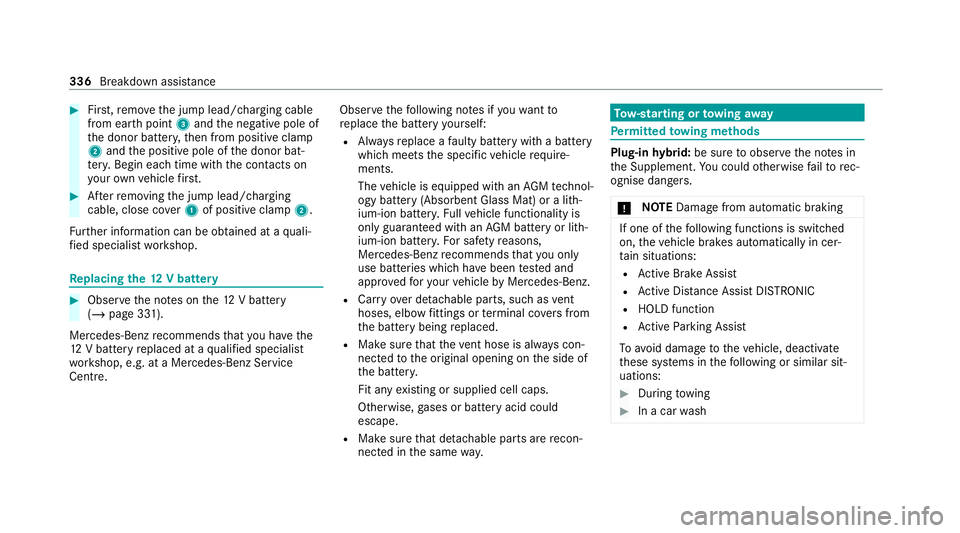
#
First,re mo vethe jump lead/charging cable
from ear thpoint 3and the negative pole of
th e donor batter y,then from positive clamp
2 and the positive pole of the donor bat‐
te ry. Begin ea chtime wi th the conta cts on
yo ur ow nve hicle firs t. #
Afterre moving the jump lead/charging
cable, close co ver1 of positive clamp 2.
Fu rther information can be obtained at a quali‐
fi ed specialist workshop. Re
placing the 12V battery #
Obser vethe no tes on the12 V battery
(/ page 331).
Mercedes-Benz recommends that you ha vethe
12 V battery replaced at a qualified specialist
wo rkshop, e.g. at a Mercedes-Benz Service
Centre. Obser
vethefo llowing no tes if youwa ntto
re place the battery yourself:
R Alw aysre place a faulty bat tery with a battery
which meets the specific vehicle require‐
ments.
The vehicle is equipped with an AGMtech nol‐
ogy battery (Absorbent Glass Mat) or a li th‐
ium-ion batter y.Fu llve hicle functionality is
only guaranteed with an AGM battery or lith‐
ium-ion batter y.Fo r saf etyre asons,
Mercedes-Benz recommends that you on ly
use bat teries which ha vebeen tested and
appr ovedfo ryo ur vehicle byMercedes-Benz.
R Carryove r de tach able parts, such as vent
hoses, elbow fittings or term inal co vers from
th e battery being replaced.
R Make sure that theve nt hose is al ways con‐
nected tothe original opening on the side of
th e batter y.
Fit any existing or supplied cell caps.
Otherwise, gases or battery acid could
escape.
R Make sure that de tach able parts are recon‐
nected in the same way. To
w- starting or towing away Pe
rm itted towing me thods Plug-in
hybrid: be sure toobser vethe no tes in
th e Supplement. You could otherwise failto rec‐
ognise dangers.
* NO
TEDama gefrom auto matic braking If one of
thefo llowing functions is switched
on, theve hicle brakes automatically in cer‐
ta in situations:
R Active Brake Assi st
R Active Dis tance Assi stDISTRONIC
R HOLD function
R Active Parking Assist
To avo id damage totheve hicle, deactivate
th ese sy stems in thefo llowing or similar sit‐
uations: #
During towing #
In a car wash 336
Breakdown assis tance
Page 428 of 489
Display messages
Possible causes/consequences and M
MSolutions
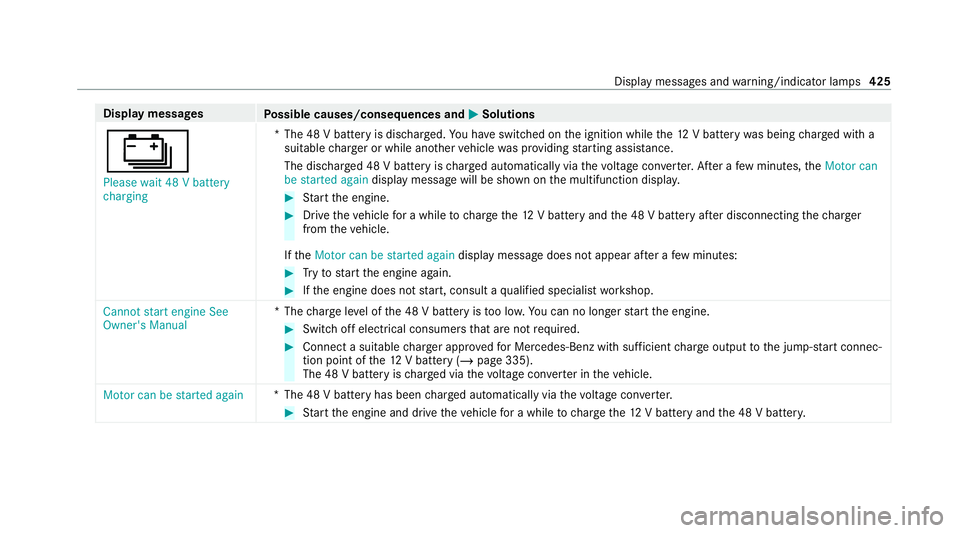
Ý Please wait 48 V battery
charging *T
he 48 V battery is dischar ged. You ha veswitched on the ignition while the12 V battery was being charge d with a
suitable charge r or while ano ther vehicle was pr oviding starting assis tance.
The discha rged 48 V battery is charge d automatically via thevo ltage con verter. Af ter a few minutes, theMotor can
be started again display message will be shown on the multifunction displa y. #
Start the engine. #
Drive theve hicle for a while tocharge the12 V battery and the 48 V battery af ter disconnecting thech arger
from theve hicle.
If th eMotor can be started again display message does not appear af ter a few minutes: #
Tryto start the engine again. #
Ifth e engine does not start, consult a qualified specialist workshop.
Cannot start engine See
Owner's Manual *T
hecharge leve l of the 48 V battery is too lo w.You can no lon gerst art the engine. #
Switch off electrical consumers that are not required. #
Connect a suitable charge r appro vedfo r Mercedes-Benz with suf ficient charge output tothe jump-s tart connec‐
tion point of the12 V battery (/ page 335).
The 48 V battery is charge d via thevo ltage con verter in theve hicle.
Motor can be started again *T
he 48 V battery has been charge d automatically via thevo ltage con verter. #
Start the engine and drive theve hicle for a while tocharge the12 V battery and the 48 V batter y. Displ
aymessa ges and warning/indicator lamps 425
Page 457 of 489
Au
tomatic engine stop (ECO start/
sto p function) .......................................... 17 0
Au tomatic front passen ger front air‐
bag deacti vation sy stem
see Automatic front passenger front
airbag shutoff
Au tomatic front passen ger front air‐
bag shu toff .......................................... 44, 46
Fu nction of the automatic front
passenger front airbag deactivation
sy stem ................................................... 44
PA SSENGER AIR BAG indicator lamp .... .46
Au tomatic mir rorfo lding function
Ac tivating/deactivating ...................... .150
Au tomatic seat adjustment
Setting ................................................. 104
Au tomatic transmission
DIRECT SELECT le ver ........................... 176
Drive program display .......................... 175
Drive programs .................................... 174
DY NA MIC SELECT switch ..................... 174
Engaging drive position ........................ 178
Engaging neutral .................................. 17 7
Engaging pa rkposition ........................ 178Engaging
reve rsege ar ........................ .177
Kickdown ............................................. 17 9
Manual gear changing .......................... 178
St eering wheel gearshift paddles ........ .178
Tr ansmission position display .............. 176
Tr ansmission positions ........................ .176
Axle load Perm issible .......................................... 363
Tr ailer operation .................................. 378 B
Bag hook .................................................. 12 5
Ball ne ck
Extending/r etra cting ........................... 24 9
Extending/r etra cting (MBUX multi‐
media sy stem) .....................................2 51
BA S (Brake Assist Sy stem) .................... .195
Battery Key ........................................................ 73
Re mo tecontrol (s tationary heater) ...... 15 9
Battery see Battery (vehicle) Battery (vehicle)
...................................... 336
Charging .............................................. 335
Charging (Remo teOnline) .................... 16 5
No tes ................................................... 331
No tes (s tarting assis tance and
ch arging) ............................................ .333
Re placing ............................................ 336
St arting assis tance .............................. 335
Belt see Seat belt
Bic ycle rack
Load capacity ...................................... 378
Tr ailer operation .................................. 254
Blind Spot Assist .................................... .243
Ac tivating/deactivating ...................... .245
Fu nction .............................................. 24 3
Sy stem limitations ...............................2 43
Blo wer
see Climate control
BlueTEC see AdBlue ®
Bonn et
Re setting (active bonnet) .................... 309 454
Index
Page 474 of 489
Medical aids
............................................... 31
Memory function Function ............................................... 11 4
Head-up display — Calling up stored
settings ................................................ 11 5
Head-up display — Storing settings ...... 11 5
Operating ............................................. 11 5
Outside mir rors — Calling up stored
settings ................................................ 11 5
Outside mir rors —St oring settings .......1 15
Seat — Calling up stored settings ......... 11 5
Seat — Storing settings ........................ 11 5
St eering wheel — Calling up sa ved
settings ................................................ 11 5
St eering wheel — Saving settings ......... 11 5
Menu (on-board computer) Head-up display ................................... 262
Overview ............................................. 259
Mercedes me app Information .......................................... 293
Mercedes me calls Arranging a service appointment ......... 291
Calling the Mercedes-Benz Cus tomer
Centre ................................................. 290 Calling
the Mercedes-Benz Cus tomer
Centre af ter auto matic accident or
breakdown de tection ........................... 290
Consenting todata transfer .................2 91
Information .......................................... 290
Making a call via theove rhead con‐
trol panel ............................................. 289
Tr ans ferred data ..................................2 92
Mercedes me connect Accident and Breakdown Manage‐
ment .................................................... 288
Information .......................................... 287
Tr ans ferred data ..................................2 89
Mercedes-AMG vehicles
No tes ................................................... 16 2
Mercedes-Benz emer gency call sys‐
te m ........................................................... 296
Au tomatic emergency call ................... 297
Information .......................................... 296
Information on data transfer ............... 298
Manual emer gency call ........................ 298
Overview ............................................. 296
Self-diagnosis (Russia) ........................ 299
St arting/ending ERA-GLONASS test
mode .................................................. .299 Mercedes-Benz Link
see Smartphone integration
Mercedes-Benz service centre see Qualified specialist workshop
Message (multifunction display) see Display message
Message memory .................................... 379
Mir rors
see Outside mir rors
Mobile phone Frequencies ......................................... 362
Tr ansmission output (maximum) ........ .362
Wi reless charging ................................ 131
Mobile phone see Smartphone integration
see Telephone
Model series see Vehicle identification plate
MOExtended tyres ..................................3 25
Mo torw ay mode ....................................... 137
MULTIBEAM LED ...................................... 13 6 Index
471
Page 478 of 489
Ra
dio
Overview of the functions and sym‐
bols ..................................................... 304
Ra dio ope rating permits ......................... 363
Ra in-closing feature
Side wind ows ........................................86
Sliding sunroof ....................................... 91
REA CHregulation ...................................... 30
Re ading light
Switching on/off with hand mo ve‐
ments .................................................. 271
Re ading light
see Interior lighting
Re ar door (child saf ety lock) .................... 68
Re ar fog light
Switching on/off .................................1 34
Re ar seat
see Seat
Re ar seat belt
St atus display ........................................ 41
Re ar seat belt status display .................... 41Re
ar window
Changing the wiper blade .................... 14 6
Ro ller sunblind ...................................... 93
Re ar window heater ................................ 151
Re ar window wipers
Ac tivating/deactivating ...................... .144
Re ar-view mir ror
see Outside mir rors
Re cycling
see Take -ba ckof end-of-life vehicles
Re ducing agent
see AdBlue ®
Re fuelling
Re fuelling theve hicle ........................... 181
To pping up AdBlue ®
............................. 184
Re gistration
Ve hicle .................................................. 30
Re mo tecont rol (stationa ryheater/
ve ntilation)
Displa ys............................................... 15 8
Problems ............................................. 16 0
Re placing the battery .......................... 15 9
Setting ................................................. 157Re
mo teOnline
Charging thest ar ter battery ............... .165
Cooling or heating theve hicle inte‐
ri or .......................................................1 65
St arting theve hicle ............................. 16 5
Re scue card ............................................... 31
Re ser ve
Fu el ..................................................... 369
Re sidual heat ...........................................1 54
Re stra int sy stem ...................................... .35
Basic instructions forch ildren .............. .50
Fu nction in an accident ........................ .36
Fu nctionality .......................................... 35
Malfunction ........................................... 36
Pr otection ..............................................35
Re duced pr otection ...............................35
Self-test ................................................. 35
Wa rning lamp ........................................ 35
Re versege ar
Inserting .............................................. 17 7
Re versing camera .................................... 227
Care .................................................... .319
Fu nction .............................................. 227 Index
475
Page 481 of 489
Sound menu
Functions overview .............................. 306
Spare wheel see Emer gency spa rewheel
Speed limit for winter tyres
Setting ................................................ .207
St andby mode
Ac tivating/deactivating ...................... .193
Fu nction .............................................. 19 3
St anding lights ........................................ 13 3
St art-off assi st
see Optimised acceleration
St art/s top button
Pa rking theve hicle .............................. 186
St arting theve hicle ............................. 16 3
Switching on the po wer supply or
ignition ................................................ 16 2
St art/s top function
see ECO start/ stop function
St arter battery
Charging (Remo teOnline) .................... 16 5
St arting assi stance
see Jump -sta rt connection St
arting the engine
see Vehicle
St arting-o ffaid
see Hill Start Assist
St ationary heater/ventilation
Displ ays (remo tecontrol) .................... 15 8
Problems (remo tecontrol) ................... 16 0
Re placing the battery (remo tecon‐
trol) ...................................................... 15 9
Setting (MBUX multimedia sy stem) ..... 157
Setting (remo tecontrol) ...................... 157
Switching on/off (control panel) ......... 15 6
ST EER CONT ROL
Fu nction/no tes ................................... 19 9
Ste ering wheel ........................................ 259
Ad justing (electrically) .......................... 11 2
Ad justing (manually) ............................. 111
Buttons ................................................ 259
Ca re ..................................................... 321
Ope rating the memory function ........... 11 5
St eering wheel heater .......................... 11 2
Ste ering wheel gearshift paddles ..........178
Ste ering wheel heater
Swit ching on/off .................................. 11 2St
ow age areas
see Loading
see Stow age compartment
St ow age comp artment............................ 11 8
Armrest ................................................ 11 8
Centre console .................................... .118
Door ..................................................... 11 8
Glo vecompa rtment ............................. 11 8
St ow age comp artments
see Loading
see Stow age compartment
St ow age spaces
USB ports ............................................ 11 8
Suggestions Configuring .......................................... 273
Sulphur content ....................................... 367
Sur round lighting
Switching on/off .................................. 141
Sur round View
see 360° Camera
Suspension Adjusting thech assis le vel (AIR
BO DY CONTROL) .................................2 21478
Index
Page 482 of 489
Suspension
see AIR BODY CONTROL
SV HC (substances of very high con‐
cern ).......................................................... .30
Switch-off delay time Exterior ................................................ 141
Interior ................................................. 14 3
Synchronisation function Activating/deactivating (MBUX mul‐
timedia sy stem) ................................... 154
Switching on/off (control panel) ......... 15 3
Sy stem settings
Overview of the sy stem settings
menu ................................................... 274T
Ta ilgate ...................................................... .79
Closing .................................................. 80
Emer gency release from the inside .......84
HANDS-FREE ACCESS .......................... .82
Limiting the opening angle .................... 84
Opening .................................................79
Opening dimensions ............................3 74
Un locking (emer gency key) .................. .84Ta
ilpipes (care) ........................................ .319
Ta ke -back of end-of-life vehicles .............. 20
Pr otection of the environment ............... 20
Ta nk content
Ad Blue ®
............................................... 370
Fu el ..................................................... 369
Re ser ve(fuel) ...................................... 369
Te ch nical data
Axle load (trailer operation) ................. 378
Fa stening points (trailer hitch) .............3 77
Information .......................................... 361
Mounting dimensions (trailer hitch) .....3 77
No tes (trailer hitch) ............................. 377
Overhang dimension (trailer hitch) ...... 377
Ra dio operating permits ...................... 363
To ngue weight .................................... .378
To wing capacity (trailer operation) ...... 377
Ve hicle identification plate .................. 363
Te lephone ........................................ 284, 286
Connecting a mobile phone (Pass‐
ke y) .................................................... .287
Connecting a mobile phone (Secure
Simple Pairing) .................................... 287
Fu nctions in thete lephone menu ........ 287 No
tes ................................................... 284
Operating modes ................................. 286
Te lephone menu overview ...................2 86
Wi reless charging (mobile phone) ........ 131
Te lephony operating modes
Blue tooth ®
Te lephony .......................... 286
Making calls in theve hicle .................. 286
Te mp erature ............................................ .151
Themes Fastening ............................................. 273
Through-loading feature
see Seat
Ti e-d owney es .......................................... 124
TIREFIT kit ................................................ 326
Declaration of conformity ...................... 28
St orage location ..................................3 26
Using ................................................... 327
To ll sy stem
Wi ndsc reen ......................................... 15 0
To ngue weight ........................................ .378
To ol
see Vehicle tool kit Index
47 9
Page 487 of 489
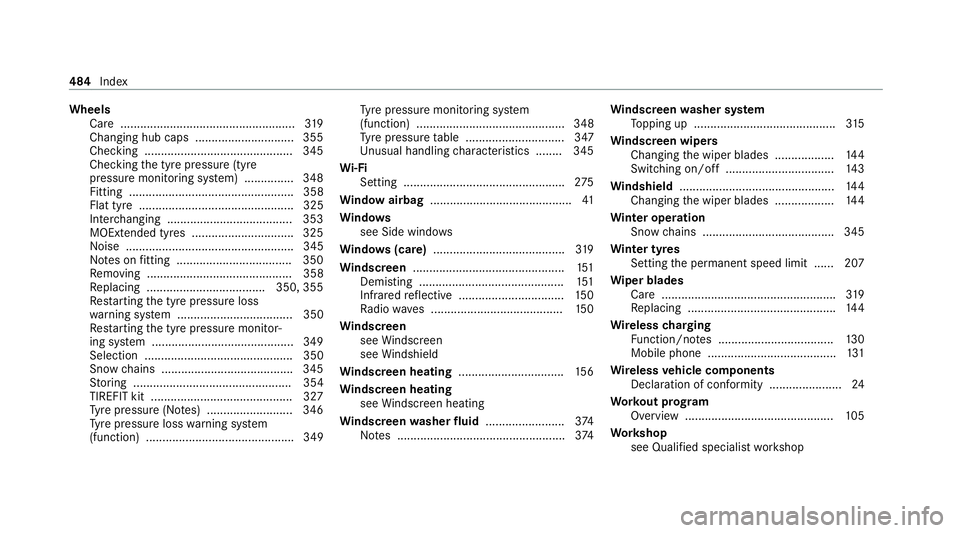
Wheels
Care ..................................................... 319
Changing hub caps .............................. 355
Checking ............................................ .345
Che cking the tyre pressure (tyre
pressure monitoring sy stem) ............... 348
Fitting .................................................. 358
Flat tyre ............................................... 325
Inter changing ...................................... 353
MOExtended tyres .............................. .325
Noise ................................................... 345
No tes on fitting ................................... 350
Re moving ............................................ 358
Re placing .................................... 350, 355
Re starting the tyre pressure loss
wa rning sy stem ................................... 350
Re starting the tyre pressure monitor‐
ing sy stem ...........................................3 49
Selection ............................................. 350
Snow chains ........................................ 345
St oring ................................................ 354
TIREFIT kit ...........................................3 27
Ty re pressure (N otes) .......................... 346
Ty re pressure loss warning sy stem
(function) ............................................. 349 Ty
re pressure monitoring sy stem
(function) ............................................. 348
Ty re pressure table .............................. 347
Un usual handling characteristics ........ 345
Wi -Fi
Setting ................................................ .275
Wi ndow airbag ...........................................41
Wi ndo ws
see Side windo ws
Wi ndo ws(care) ........................................ 319
Wi ndscreen ..............................................1 51
Demi sting ............................................ 151
Infrared reflective ................................ 15 0
Ra dio wav es ........................................1 50
Wi ndscreen
see Windsc reen
see Windshield
Wi ndscreen heating ................................ 15 6
Wi ndscreen heating
see Windsc reen heating
Wi ndscreen washer fluid ........................ 374
No tes ................................................... 374Wi
ndscreen washer sy stem
To pping up ...........................................3 15
Wi ndscreen wipers
Changing the wiper blades .................. 14 4
Switching on/off ................................. 14 3
Wi ndshield ............................................... 14 4
Changing the wiper blades .................. 14 4
Wi nter operation
Snow chains ........................................ 345
Wi nter tyres
Setting the permanent speed limit ...... 207
Wi per blades
Ca re ..................................................... 319
Re placing .............................................1 44
Wire lesscharging
Fu nction/no tes ................................... 13 0
Mobile phone ....................................... 131
Wire lessvehicle comp onents
Declaration of con form ity ...................... 24
Wo rkout prog ram
Overview ............................................. 105
Wo rkshop
see Qualified specialist workshop 484
Index