display MERCEDES-BENZ G-CLASS 2018 COMAND Manual
[x] Cancel search | Manufacturer: MERCEDES-BENZ, Model Year: 2018, Model line: G-CLASS, Model: MERCEDES-BENZ G-CLASS 2018Pages: 198, PDF Size: 4.53 MB
Page 77 of 198
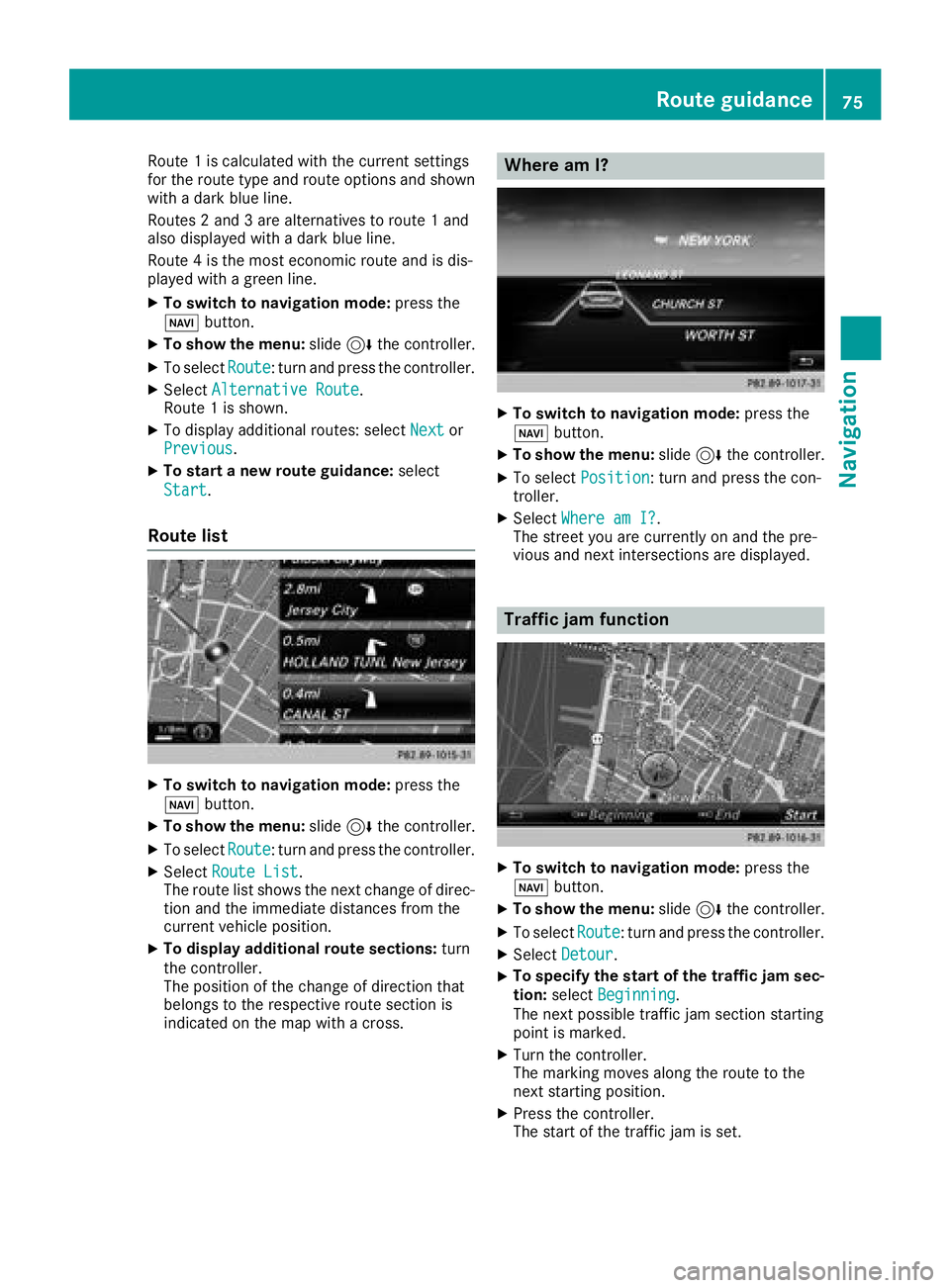
Route 1is calculated wit hth ecurren tsetting s
for th erout etyp eand rout eoption sand shown
wit h a dark blue line.
Routes 2and 3are alternatives to rout e 1and
also displayed wit h adark blue line.
Rout e 4is th emos teconomi crout eand is dis-
played wit h agreen line.
XTo switch to navigation mode: press the
Ø button.
XTo sho wthemenu: slide6 thecontroller .
XTo selectRoute:tur nand press th econtroller .
XSelectAlternative Route.
Rout e 1is shown.
XTo display additional routes: select Nextor
Previous.
XTo star t anew route guidance: select
Start
.
Route list
XTo switch to navigation mode: press the
Ø button.
XTo sho wthemenu: slide6 thecontroller .
XTo selectRoute:tur nand press th econtroller .
XSelectRoute Lis t.
The rout elist shows th enext chang eof direc-
tion and th eimmediat edistances from th e
curren tvehicl eposition .
XTo displa yadditiona lroute sections: turn
th econtroller .
The position of th echang eof direction that
belong sto th erespective rout esection is
indicated on th emap wit h across .
Where am I?
XTo switch to navigation mode: press the
Ø button.
XTo sho wthemenu: slide6 thecontroller .
XTo select Position:tur nand press th econ-
troller .
XSelectWhere am I?.
The stree tyou are currentl yon and th epre -
vious and next intersection sare displayed.
Traffic jam function
XTo switch to navigation mode: press the
Ø button.
XTo sho wthemenu: slide6 thecontroller .
XTo selectRoute:tur nand press th econtroller .
XSelectDetour.
XTo specify th estar tof th etraffic ja msec-
tion: select Beginning
.
The next possibl etraffic jam section starting
poin tis marked.
XTurn th econtroller .
The markin gmoves alon gth erout eto th e
next starting position .
XPress thecontroller .
The start of th etraffic jam is set .
Route guidance75
Navigation
Z
Page 78 of 198
XTo specify the end of a traffic jam section:
selectEnd
.
The next possible traffic jam section end point
is marked.
XTurn the controller.
The marking moves along the route to the
next end position.
XPress the controller.
The end of the traffic jam is determined.
XTo calculate the detour: selectStart.
Off-road
General notes
The multimedia system may guide you to off-
road routes that your vehicle cannot drive on
without causing damage to the tires and wheels,
or the vehicle itself. It is the driver’s sole respon-
sibility to determine the suitability of the route.
The state and navigability of off-road routes may
be influenced, for example, by factors such as
time of day, time of year and current weather
conditions. The multimedia system cannot
judge these factors or take them into account
for route guidance.
Route guidance to an off-road destina-
tion
The multimedia system can guide you to desti-
nations which are within the area of the digital
map, but which are not themselves on the map.
These destinations are known as off-road des-
tinations, which you can enter using the map, for
example. In these cases, the multimedia system
guides you for as long as possible with naviga-
tion announcements and displays on roads
known to the system.
If the vehicle reaches an area which is not part of the digital map, the display appears as a split-
screen view. On the right, an arrow appears that
points to the off-road destination. You hear the
announcement: "Please follow the arrow on the
display". As the vehicle approaches the desti-
nation, you will see a display to this effect.
Route guidance from an off-road loca-
tion to a destination
Off-road location: the vehicle's position is on the
digital map, but the map does not contain any
information about that location. The multimedia system is able to guide you to a destination even
from an off-road location.
At the start of route guidance, you will see the
Road Not Mapped
message, an arrow and the
distance to the destination. The arrow shows
the compass heading to the actual destination.
As soon as the vehicle is back on a road known
to the system, route guidance continues in the
usual way.
Off-road during route guidance
Due to road construction, for example, there
may be differences between the data on the
digital map and the actual course of the road.
In such cases, the system will temporarily be
unable to locate the vehicle position on the dig-
ital map. The vehicle is therefore in an off-road
position.
In the display, you will then see the Road Not
Mappedmessage, an arrow and the distance to
the destination. The direction arrow shows the
compass heading to the destination.
As soon as the system can assign the vehicle
position to the map again, route guidance con-
tinues in the usual way.
Real-time traffic reports
Requirements
In order to receive real-time traffic reports via
satellite radio, you need to subscribe to SIRIUS
XM Satellite Radio Traffic Message Service.
Further information on satellite radio
(
Ypage 137).
The multimedia system can receive traffic
reports via satellite radio and take account of
these for route guidance in the navigation sys-
tem. Received traffic reports are displayed on
the map either as text or as symbols.
76Real-time traffic reports
Navigation
Page 79 of 198
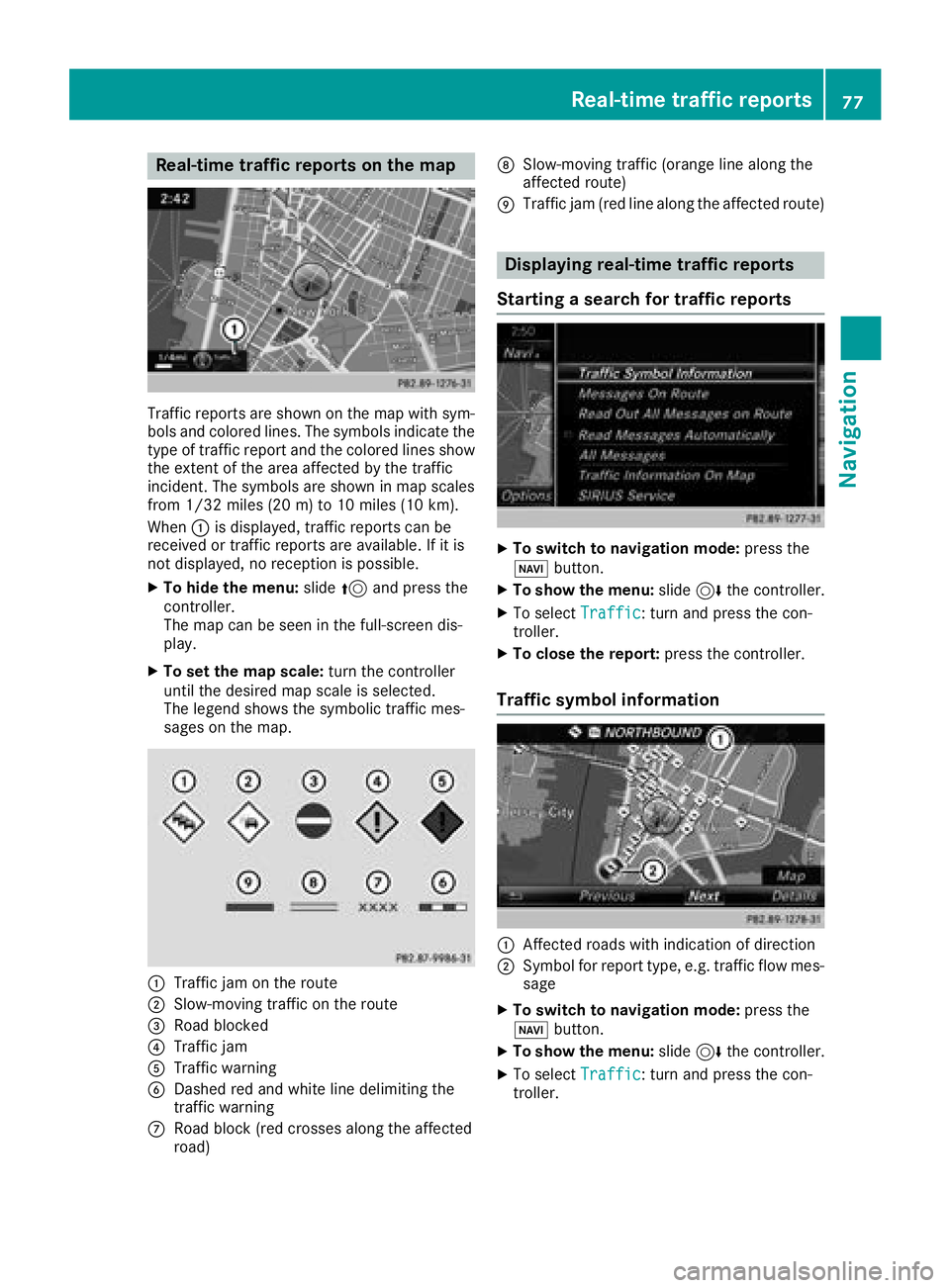
Real-time traffic reports on the map
Traffic reports are shown on the map with sym-
bols and colored lines. The symbols indicate the
type of traffic report and the colored lines show
the extent of the area affected by the traffic
incident. The symbols are shown in map scales
from 1/32 miles (20 m) to 10 miles (10 km).
When:is displayed, traffic reports can be
received or traffic reports are available. If it is
not displayed, no reception is possible.
XTo hide the menu: slide5and press the
controller.
The map can be seen in the full-screen dis-
play.
XTo set the map scale: turn the controller
until the desired map scale is selected.
The legend shows the symbolic traffic mes-
sages on the map.
:Traffic jam on the route
;Slow-moving traffic on the route
=Road blocked
?Traffic jam
ATraffic warning
BDashed red and white line delimiting the
traffic warning
CRoad block (red crosses along the affected
road)
DSlow-moving traffic (orange line along the
affected route)
ETraffic jam (red line along the affected route)
Displaying real-time traffic reports
Starting a search for traffic reports
XTo switch to navigation mode: press the
Ø button.
XTo show the menu: slide6the controller.
XTo select Traffic: turn and press the con-
troller.
XTo close the report: press the controller.
Traffic symbol information
:Affected roads with indication of direction
;Symbol for report type, e.g. traffic flow mes-
sage
XTo switch to navigation mode: press the
Ø button.
XTo show the menu: slide6the controller.
XTo select Traffic: turn and press the con-
troller.
Real-time traffic reports77
Navigation
Z
Page 80 of 198
XTo selectTraffic Symbol Information:
turn and press the controller.
The map appears and shows the available
traffic information as icons. The first traffic
information is highlighted.
XTo highlight additional traffic symbols, select
Nextor Previous.
XTo move the map: selectMap.
You can move the map to enable further traf-
fic information to be displayed.
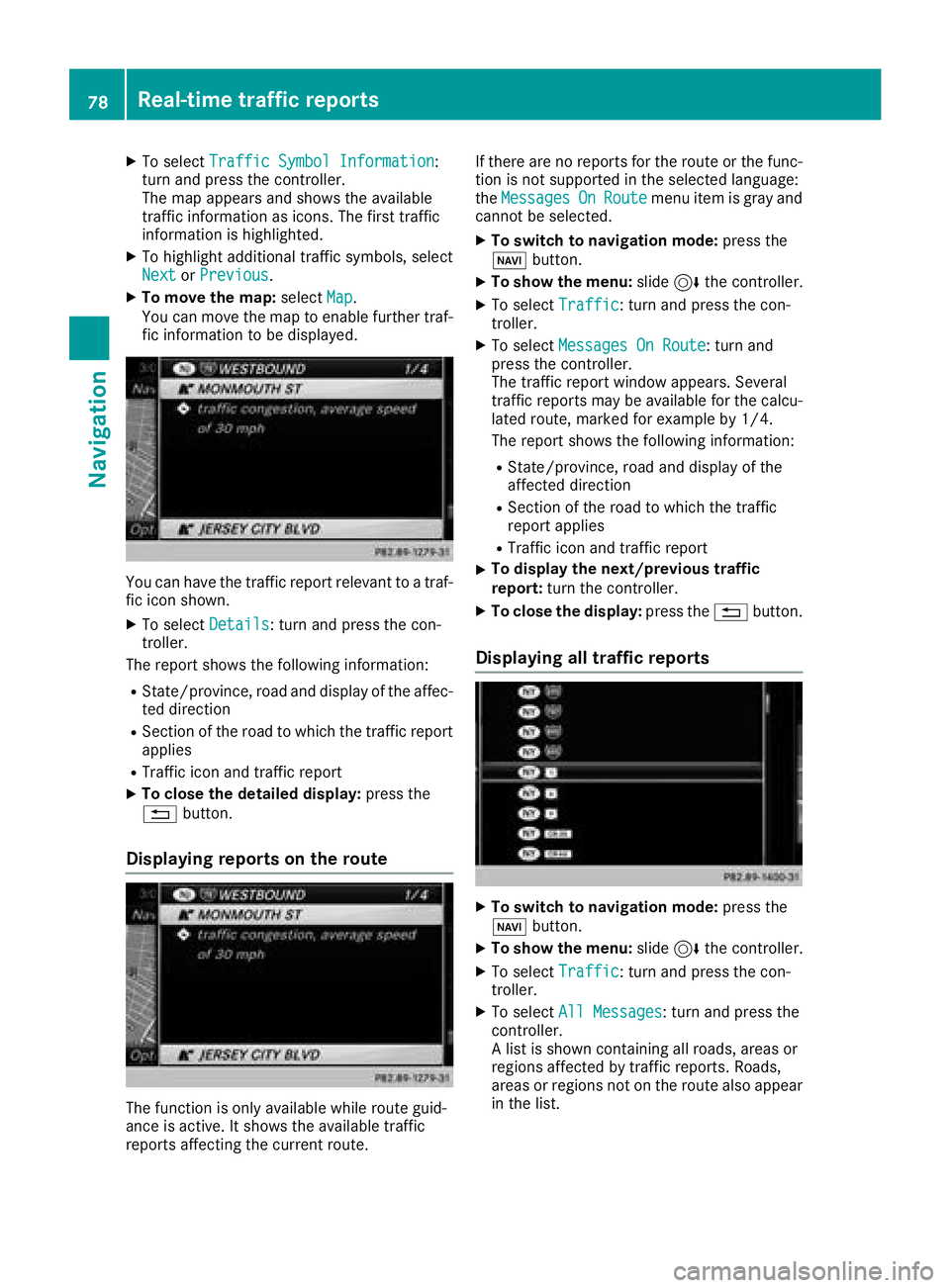
You can have the traffic report relevant to a traf-
fic icon shown.
XTo select Details: turn and press the con-
troller.
The report shows the following information:
RState/province, road and display of the affec-
ted direction
RSection of the road to which the traffic report applies
RTraffic icon and traffic report
XTo close the detailed display: press the
% button.
Displaying reports on the route
The function is only available while route guid-
ance is active. It shows the available traffic
reports affecting the current route. If there are no reports for the route or the func-
tion is not supported in the selected language:
the
Messages
OnRoutemenu item is gray and
cannot be selected.
XTo switch to navigation mode: press the
Ø button.
XTo show the menu: slide6the controller.
XTo select Traffic: turn and press the con-
troller.
XTo select Messages On Route: turn and
press the controller.
The traffic report window appears. Several
traffic reports may be available for the calcu-
lated route, marked for example by 1/4.
The report shows the following information:
RState/province, road and display of the
affected direction
RSection of the road to which the traffic
report applies
RTraffic icon and traffic report
XTo display the next/previous traffic
report: turn the controller.
XTo close the display: press the%button.
Displaying all traffic reports
XTo switch to navigation mode: press the
Ø button.
XTo show the menu: slide6the controller.
XTo select Traffic: turn and press the con-
troller.
XTo select All Messages: turn and press the
controller.
A list is shown containing all roads, areas or
regions affected by traffic reports. Roads,
areas or regions not on the route also appear
in the list.
78Real-time traffic reports
Navigation
Page 81 of 198
XTo select the road, area or region: turn the
controller and press to confirm.
The traffic report is displayed (
Ypage 78).
There may be several traffic reports for the
affected road.
XTo close the display: press the%button.
Activating/deactivating traffic informa-
tion on the map
You can switch the following traffic information
on the map on/off:
RIncidents
RSpeed & Flow
RFree Flow
XTo switch to navigation mode: press the
Ø button.
XTo show the menu: slide6the controller.
XTo select Traffic: turn and press the con-
troller.
XTo select Traffic Information On Map:
turn and press the controller.
XSelect Incidents,Speed & Flowor FreeFlow.
The display is on Oor off ª.
Reading out traffic reports on the
route
Introduction
The text reader function is only available while
route guidance is active. It reads out traffic
reports affecting the current route.
You can select from the following text reader
properties:
RLanguage (Ypage 41)
RText reader speed (Ypage 37)
You can start the text reader function manually
or set it to automatic.
Starting the text reader function man-
ually
XTo switch to navigation mode: press the
Ø button.
XTo show the menu: slide6the controller.
XTo select Traffic: turn and press the con-
troller.
XSelect ReadOutAllMessagesonRoute.
The multimedia system reads out the reports in sequential order.
If there are no reports for the route, the Read
Out All Messages on Routemenu item is
gray and cannot be selected.
XTo cancel the read-aloud function: select
Cancel Read-Aloud Function.
The multimedia system reads the current
report aloud and then exits the read-aloud
function.
Automatic text reader function
XTo switch to navigation mode: press the
Ø button.
XTo show the menu: slide6the controller.
XTo select Traffic: turn and press the con-
troller.
XSelect Read Messages Automatically.
Depending on the previous state, switch the
option on Oor off ª.
Recalculating the route dynamically
Route types Dynamic Traffic Routeand
Dynamic TRF. Route After Requesttake
into account all of the traffic reports they receive for the current route when calculating the route
(
Ypage 54).
If you have selected Dynamic Traffic Route
as the route type, the multimedia system guides
you to your destination along the updated route.
If you have selected the route type Dynamic
TRF.RouteAfterRequest, a prompt will first
appear.
You can now decide whether to:
Raccept the detour proposed by the multime-
dia system or
Rcontinue along the original route
XTo accept the proposed detour: press the
controller.
XTo reject the proposed detour and continue
with the original route: turn the controller and
press to confirm.
The original route is continued.
Real-time traffic reports79
Navigation
Z
Page 82 of 198
Storing destinations
General notes
In the "Last destinations" memory, the following
are stored:
Rdestinations and intermediate destinations
according to the route calculation
Rthe current vehicle position or the crosshair
position, if these are saved
Rpersonal routes
If the memory is full, the oldest destination is
overwritten.
You can save destinations permanently in the
address book (
Ypage 80) and on an SD card
(Ypage 80). For instance, this is possible
immediately after entering an address.
For further information on the address book, see
(
Ypage 104)
Storing the destination in the address
book
Storing as a new contact
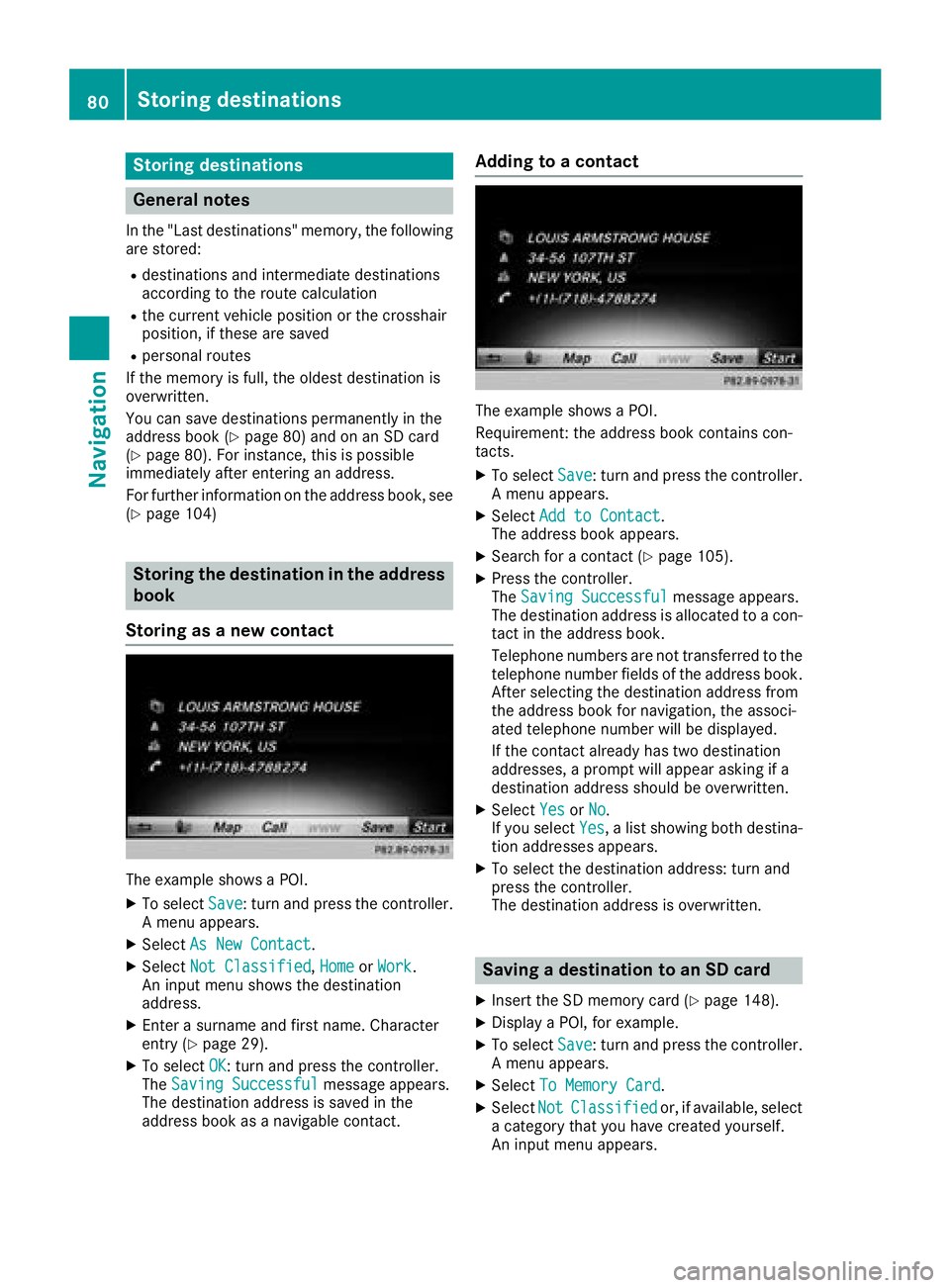
The example shows a POI.
XTo select Save: turn and press the controller.
A menu appears.
XSelect As New Contact.
XSelectNot Classified,Homeor Work.
An input menu shows the destination
address.
XEnter a surname and first name. Character
entry (Ypage 29).
XTo select OK: turn and press the controller.
The Saving Successfulmessage appears.
The destination address is saved in the
address book as a navigable contact.
Adding to a contact
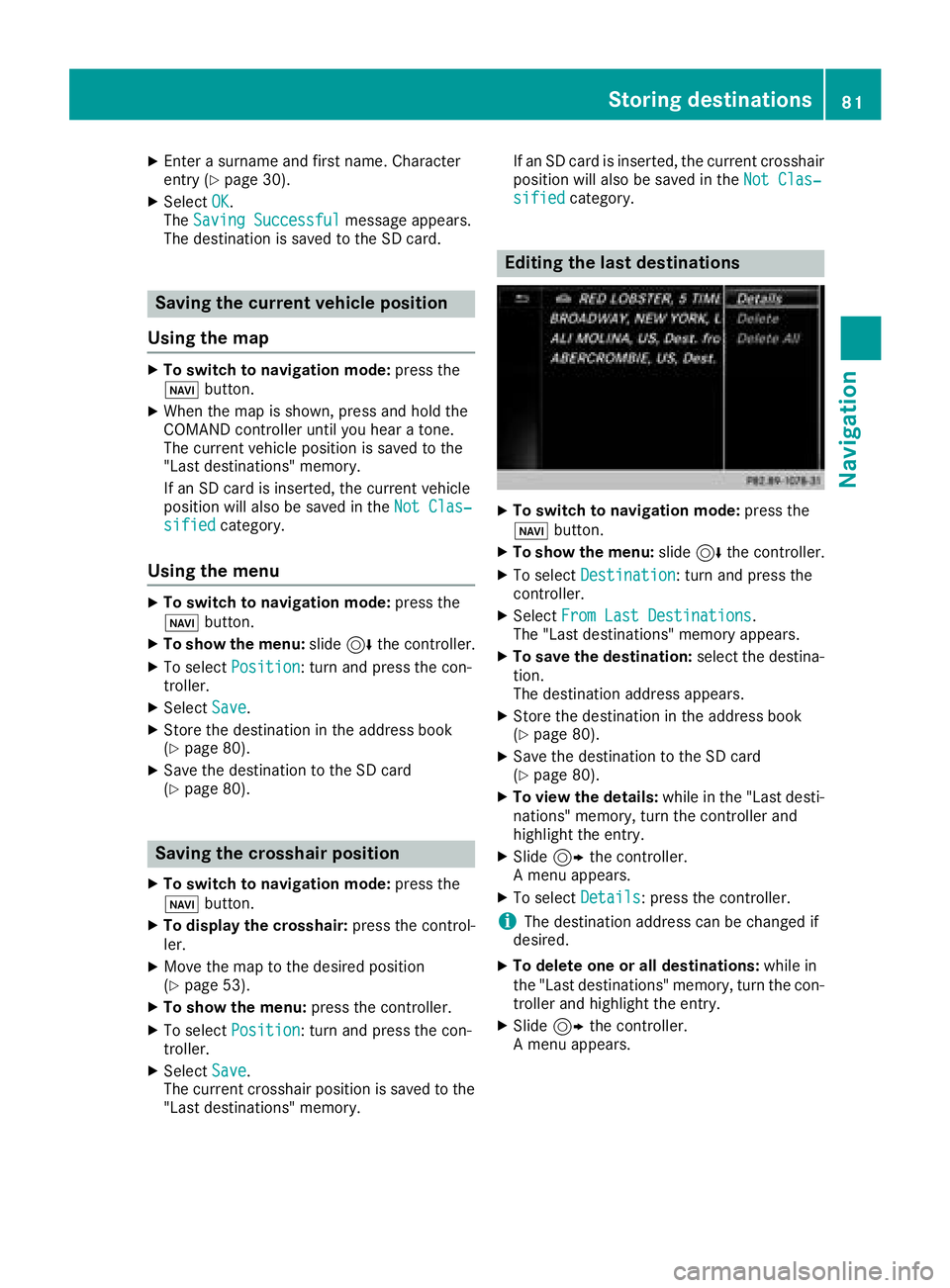
The example shows a POI.
Requirement: the address book contains con-
tacts.
XTo select Save: turn and press the controller.
A menu appears.
XSelect Add to Contact.
The address book appears.
XSearch for a contact (Ypage 105).
XPress the controller.
The Saving Successfulmessage appears.
The destination address is allocated to a con-
tact in the address book.
Telephone numbers are not transferred to the
telephone number fields of the address book.
After selecting the destination address from
the address book for navigation, the associ-
ated telephone number will be displayed.
If the contact already has two destination
addresses, a prompt will appear asking if a
destination address should be overwritten.
XSelect YesorNo.
If you select Yes, a list showing both destina-
tion addresses appears.
XTo select the destination address: turn and
press the controller.
The destination address is overwritten.
Saving a destination to an SD card
XInsert the SD memory card (Ypage 148).
XDisplay a POI, for example.
XTo select Save: turn and press the controller.
A menu appears.
XSelect To Memory Card.
XSelectNotClassifiedor, if available, select
a category that you have created yourself.
An input menu appears.
80Storing destinations
Navigation
Page 83 of 198
XEnter a surname and first name. Character
entry (Ypage 30).
XSelectOK.
The Saving Successfulmessage appears.
The destination is saved to the SD card.
Saving the current vehicle position
Using the map
XTo switch to navigation mode: press the
ß button.
XWhen the map is shown, press and hold the
COMAND controller until you hear a tone.
The current vehicle position is saved to the
"Last destinations" memory.
If an SD card is inserted, the current vehicle
position will also be saved in the Not Clas‐
sifiedcategory.
Using the menu
XTo switch to navigation mode: press the
ß button.
XTo show the menu: slide6the controller.
XTo select Position: turn and press the con-
troller.
XSelect Save.
XStore the destination in the address book
(Ypage 80).
XSave the destination to the SD card
(Ypage 80).
Saving the crosshair position
XTo switch to navigation mode: press the
ß button.
XTo display the crosshair: press the control-
ler.
XMove the map to the desired position
(Ypage 53).
XTo show the menu: press the controller.
XTo selectPosition: turn and press the con-
troller.
XSelect Save.
The current crosshair position is saved to the
"Last destinations" memory. If an SD card is inserted, the current crosshair
position will also be saved in the
Not Clas‐
sifiedcategory.
Editing the last destinations
XTo switch to navigation mode: press the
ß button.
XTo show the menu: slide6the controller.
XTo select Destination: turn and press the
controller.
XSelect From Last Destinations.
The "Last destinations" memory appears.
XTo save the destination: select the destina-
tion.
The destination address appears.
XStore the destination in the address book
(Ypage 80).
XSave the destination to the SD card
(Ypage 80).
XTo view the details: while in the "Last desti-
nations" memory, turn the controller and
highlight the entry.
XSlide 9the controller.
A menu appears.
XTo select Details: press the controller.
iThe destination address can be changed if
desired.
XTo delete one or all destinations: while in
the "Last destinations" memory, turn the con- troller and highlight the entry.
XSlide 9the controller.
A menu appears.
Storing destinations81
Navigation
Z
Page 84 of 198
XTo selectDeleteorDelete All: turn and
press the controller.
A prompt appears.
XSelect YesorNo.
Selecting Yesdeletes the selected destina-
tion or all destinations.
Map functions
General notes
Company logos displayed on the map are trade- marks of the respective companies and used
solely for the purpose of indicating the locations
of these companies. The use of such logos on
the map does not indicate approval of, support
of or advertising by these companies for the
navigation system itself.
Map settings
Setting the map scale
Requirement: the map is in full screen mode, the
menu is faded out (Ypage 53).
The lower left-hand section of the map shows
the currently set map scale and compass nee-
dle.
Right-hand-drive vehicles: the currently set map
scale and compass needle are displayed in the
lower right-hand section of the map.
XTo show the map in full screen mode: to
hide the menu, push the %button.
or
XSlide the controller to the center of the map
and press to confirm.
XTo set the map scale: as soon as you turn the
controller, the scale bar appears on the bot-
tom of the display.
XTurn the controller until the needle points to
the desired map scale.
Once you are finished selecting a map scale,
the new map scale will be shown.
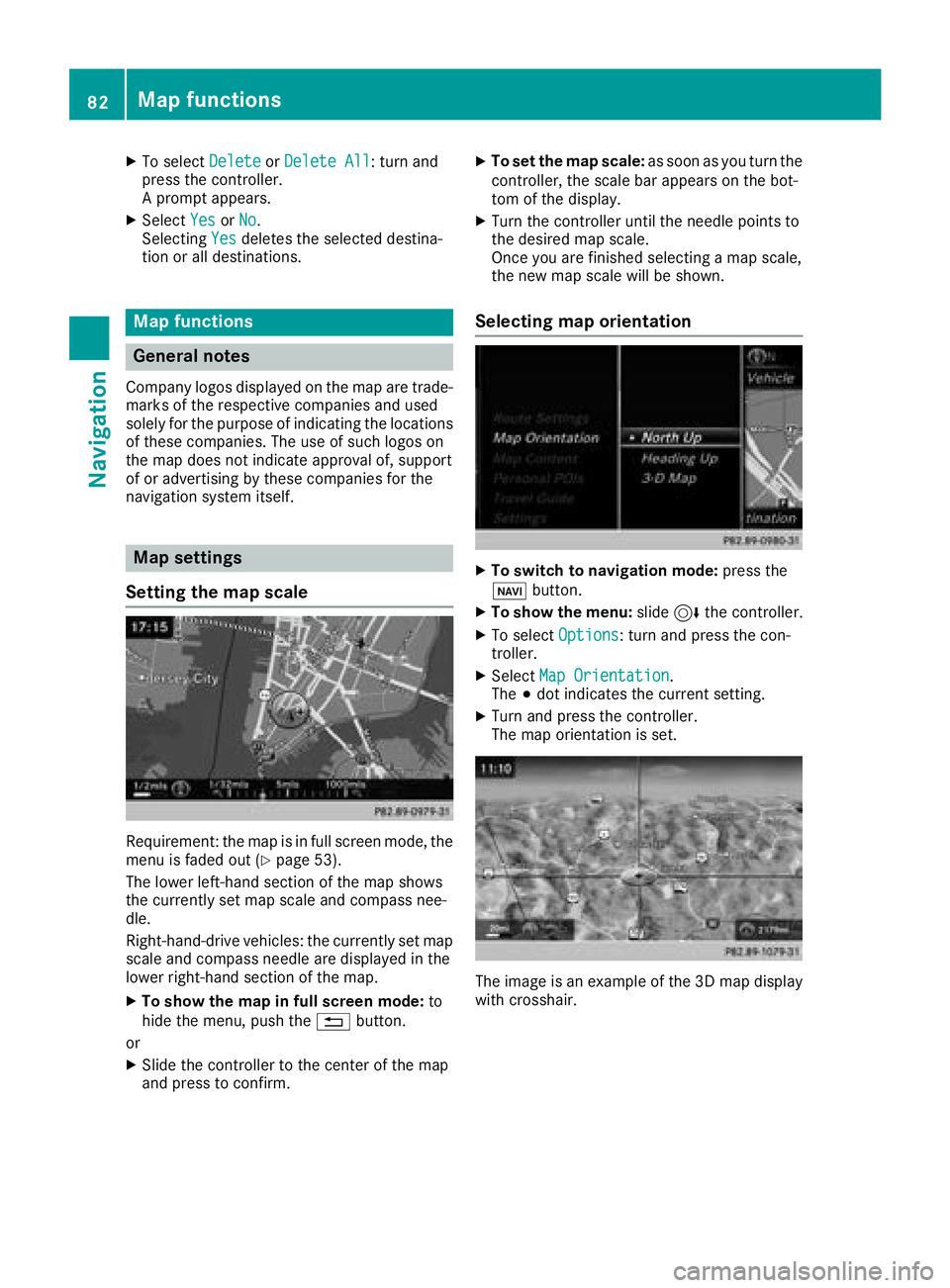
Selecting map orientation
XTo switch to navigation mode: press the
ß button.
XTo show the menu: slide6the controller.
XTo select Options: turn and press the con-
troller.
XSelect Map Orientation.
The #dot indicates the current setting.
XTurn and press the controller.
The map orientation is set.
The image is an example of the 3D map display
with crosshair.
82Map functions
Navigation
Page 85 of 198
Change
map direc-
tionExplanation
North Up0The map view is displayed
so that north is always up.
Heading Up¤ The map view is aligned to
the direction of travel. The
direction of travel is always at
the top; the red tip of the sym-
bol points north.
3-D Map¤ The map view is aligned to
the direction of travel. The
map displays a 3D oblique
view with elevation; the red tip
of the symbol points north.
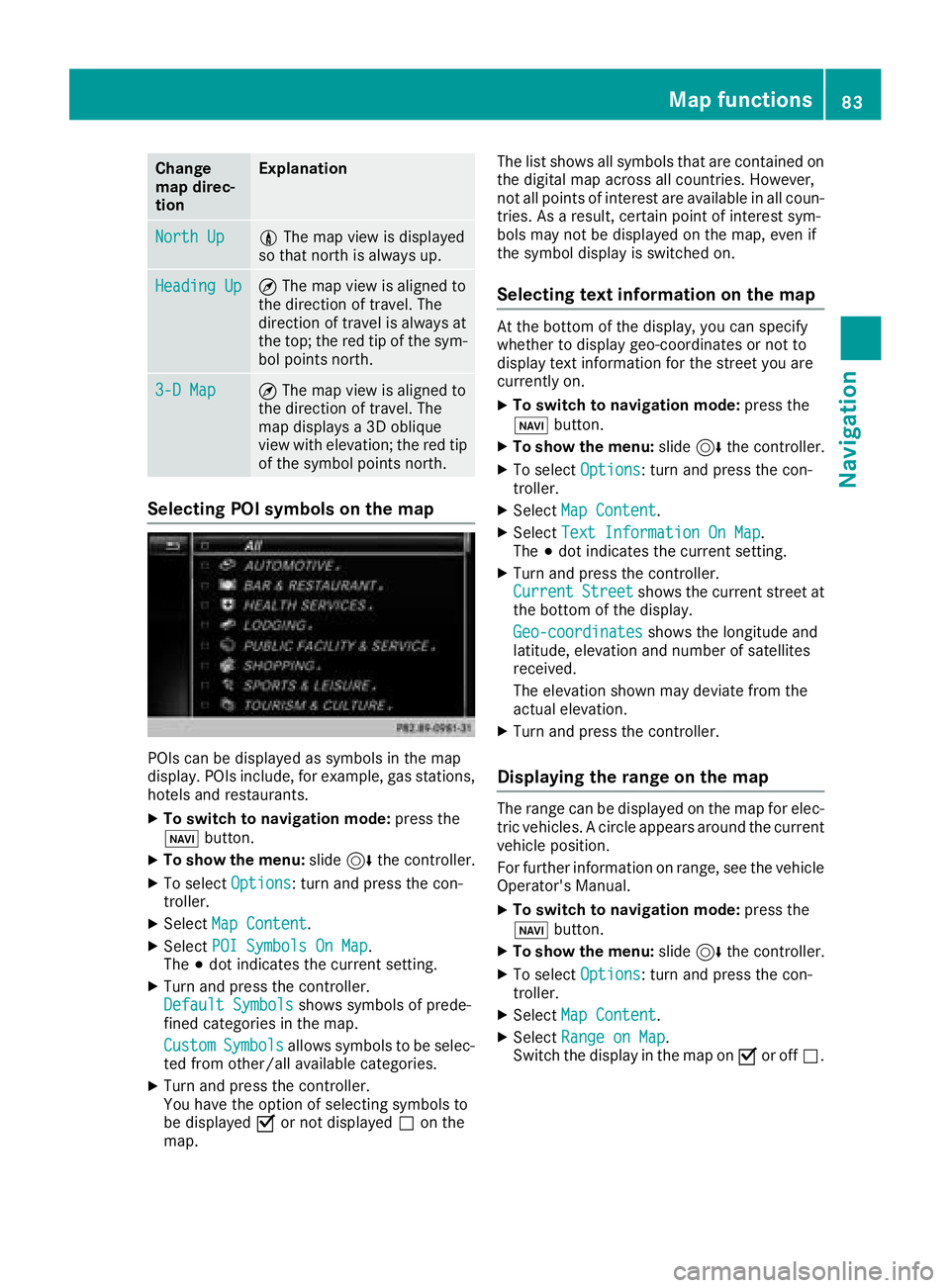
Selecting POI symbols on the map
POIs can be displayed as symbols in the map
display. POIs include, for example, gas stations,
hotels and restaurants.
XTo switch to navigation mode: press the
ß button.
XTo show the menu: slide6the controller.
XTo select Options: turn and press the con-
troller.
XSelect Map Content.
XSelectPOI Symbols On Map.
The #dot indicates the current setting.
XTurn and press the controller.
Default Symbolsshows symbols of prede-
fined categories in the map.
Custom
Symbolsallows symbols to be selec-
ted from other/all available categories.
XTurn and press the controller.
You have the option of selecting symbols to
be displayed Oor not displayed ªon the
map. The list shows all symbols that are contained on
the digital map across all countries. However,
not all points of interest are available in all coun-
tries. As a result, certain point of interest sym-
bols may not be displayed on the map, even if
the symbol display is switched on.
Selecting text information on the map
At the bottom of the display, you can specify
whether to display geo-coordinates or not to
display text information for the street you are
currently on.
XTo switch to navigation mode:
press the
ß button.
XTo show the menu: slide6the controller.
XTo select Options: turn and press the con-
troller.
XSelect Map Content.
XSelectText Information On Map.
The #dot indicates the current setting.
XTurn and press the controller.
CurrentStreetshows the current street at
the bottom of the display.
Geo-coordinates
shows the longitude and
latitude, elevation and number of satellites
received.
The elevation shown may deviate from the
actual elevation.
XTurn and press the controller.
Displaying the range on the map
The range can be displayed on the map for elec-
tric vehicles. A circle appears around the current
vehicle position.
For further information on range, see the vehicle
Operator's Manual.
XTo switch to navigation mode: press the
ß button.
XTo show the menu: slide6the controller.
XTo select Options: turn and press the con-
troller.
XSelect Map Content.
XSelectRange on Map.
Switch the display in the map on Oor off ª.
Map functions83
Navigation
Z
Page 86 of 198
Switching highway information on/off
While driving on the highway, gas stations, rest
stops, rest areas and highway exits are dis-
played along with their immediate distances
from the current vehicle position (
Ypage 72).
XTo switch to navigation mode:press the
ß button.
XTo show the menu: slide6the controller.
XTo select Options: turn and press the con-
troller.
XSelect Map Content.
XSelectHighway Information.
Switch the display in the map on Oor off ª.
Traffic Sign Assist
The function is available depending on the
equipment installed in the vehicle.
The map shows traffic signs detected by Traffic
Sign Assist (see the vehicle Operator's Manual).
XTo switch to navigation mode: press the
ß button.
XTo show the menu: slide6the controller.
XTo select Options: turn and press the con-
troller.
XSelect Map Content.
XSelectTraffic Sign Assist.
Switch the display in the map on Oor off ª.
Displaying the next crossroads
If route guidance is not active, the next cross-
roads can be displayed at the upper edge of the
display.
XTo switch to navigation mode: press the
ß button.
XTo show the menu: slide6the controller.
XTo select Options: turn and press the con-
troller.
XSelect Map Content.
XSelectNext Intersecting Street.
Switch the display in the map on Oor off ª.
Showing the map version
XTo switch to navigation mode: press the
ß button.
XTo show the menu: slide6the controller.
XTo select Options: turn and press the con-
troller.
XSelect Map Content.
XSelectMap Version.
Information on the current map version is
shown. Information about new versions of the
digital map can be obtained from an author-
ized Mercedes-Benz Center.
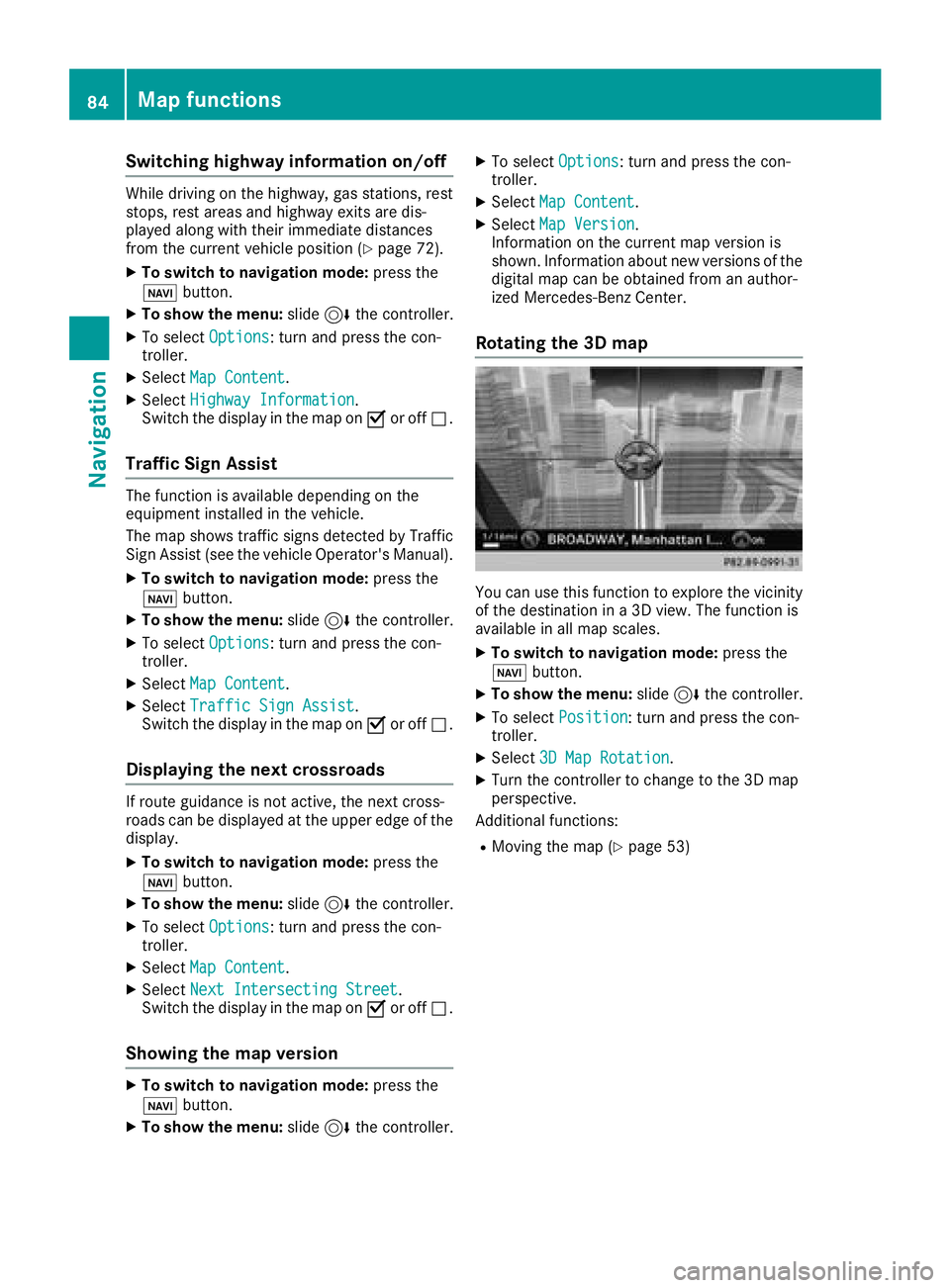
Rotating the 3D map
You can use this function to explore the vicinity
of the destination in a 3D view. The function is
available in all map scales.
XTo switch to navigation mode: press the
Ø button.
XTo show the menu: slide6the controller.
XTo select Position: turn and press the con-
troller.
XSelect 3D Map Rotation.
XTurn the controller to change to the 3D map
perspective.
Additional functions:
RMoving the map (Ypage 53)
84Map functions
Navigation