lock MERCEDES-BENZ G-CLASS SUV 2014 Owners Manual
[x] Cancel search | Manufacturer: MERCEDES-BENZ, Model Year: 2014, Model line: G-CLASS SUV, Model: MERCEDES-BENZ G-CLASS SUV 2014Pages: 272, PDF Size: 39.13 MB
Page 6 of 272
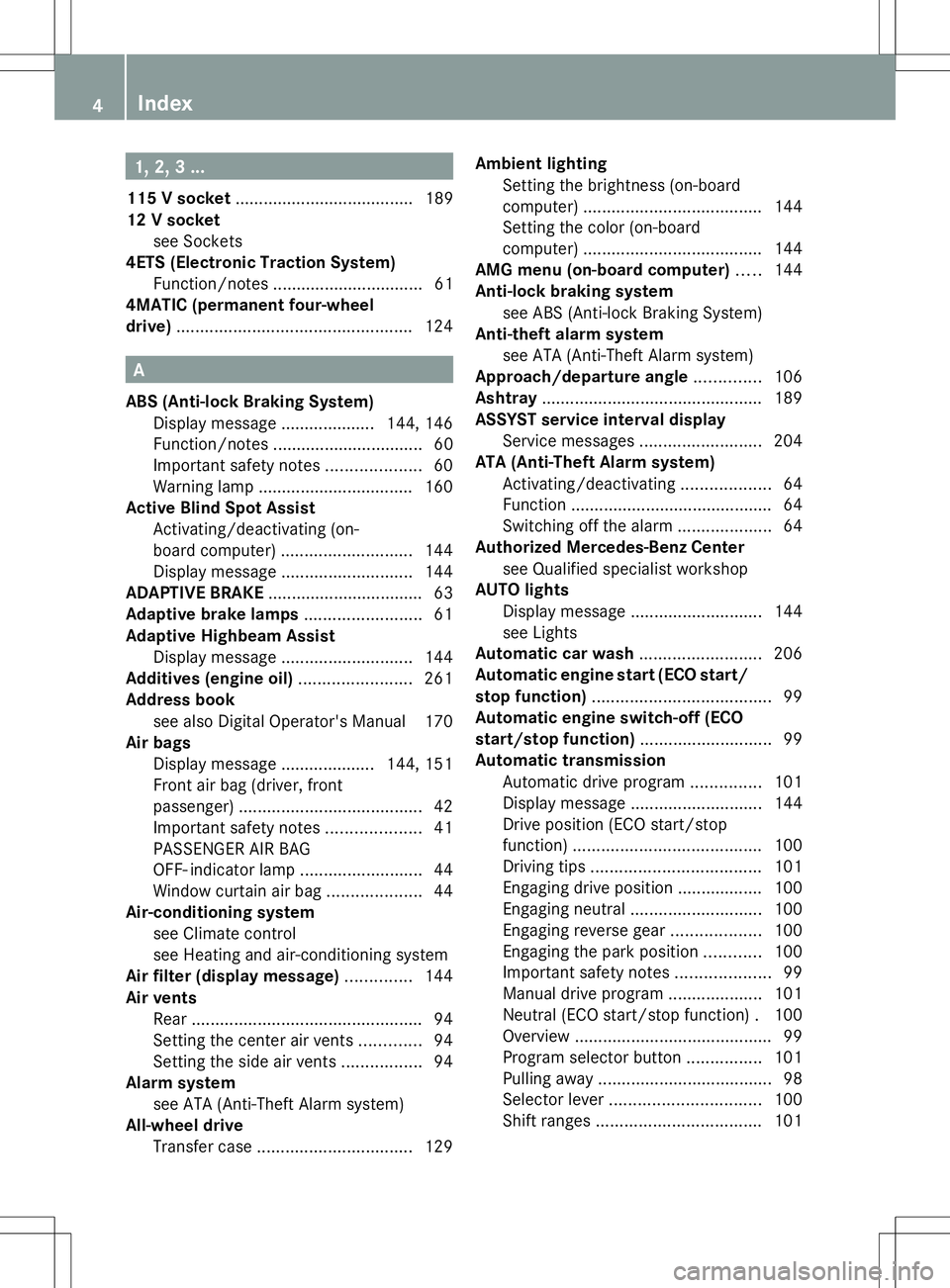
1, 2, 3 ...
115 V socket ...................................... 189
12 V socket see Sockets
4ETS (Electronic Traction System)
Function/notes ................................ 61
4MATIC (permanent four-wheel
drive) .................................................. 124A
ABS (Anti-lock Braking System) Display message .................... 144, 146
Function/notes ................................ 60
Important safety notes ....................60
Warning lamp ................................. 160
Active Blind Spot Assist
Activating/deactivating (on-
board computer) ............................ 144
Display message ............................ 144
ADAPTIVE BRAKE ................................. 63
Adaptive brake lamps .........................61
Adaptive Highbeam Assist Display message ............................ 144
Additives (engine oil) ........................261
Address book see also Digital Operator's Manual 170
Air bags
Display message .................... 144, 151
Front air bag (driver, front
passenger) ....................................... 42
Important safety notes ....................41
PASSENGER AIR BAG
OFF- indicator lamp ..........................44
Window curtain air bag ....................44
Air-conditioning system
see Climate control
see Heating and air-conditioning system
Air filter (display message) ..............144
Air vents Rear ................................................. 94
Setting the center air vents .............94
Setting the side air vents .................94
Alarm system
see ATA (Anti-Theft Alarm system)
All-wheel drive
Transfer case ................................. 129Ambient lighting
Setting the brightness (on-board
computer) ...................................... 144
Setting the color (on-board
computer) ...................................... 144
AMG menu (on-board computer) .....144
Anti-lock braking system see ABS (Anti-lock Braking System)
Anti-theft alarm system
see ATA (Anti-Theft Alarm system)
Approach/departure angle ..............106
Ashtray ............................................... 189
ASSYST service interval display Service messages ..........................204
ATA (Anti-Theft Alarm system)
Activating/deactivating ...................64
Function .......................................... .64
Switching off the alarm ....................64
Authorized Mercedes-Benz Center
see Qualified specialist workshop
AUTO lights
Display message ............................ 144
see Lights
Automatic car wash ..........................206
Automatic engine start (ECO start/
stop function) ...................................... 99
Automatic engine switch-off (ECO
start/stop function) ............................99
Automatic transmission Automatic drive program ...............101
Display message ............................ 144
Drive position (ECO start/stop
function) ........................................ 100
Driving tips .................................... 101
Engaging drive position .................. 100
Engaging neutral ............................ 100
Engaging reverse gear ...................100
Engaging the park position ............100
Important safety notes ....................99
Manual drive program ....................101
Neutral (ECO start/stop function) .100
Overview .......................................... 99
Program selector button ................101
Pulling away ..................................... 98
Selector lever ................................ 100
Shift ranges ................................... 1014
Index
Page 8 of 272
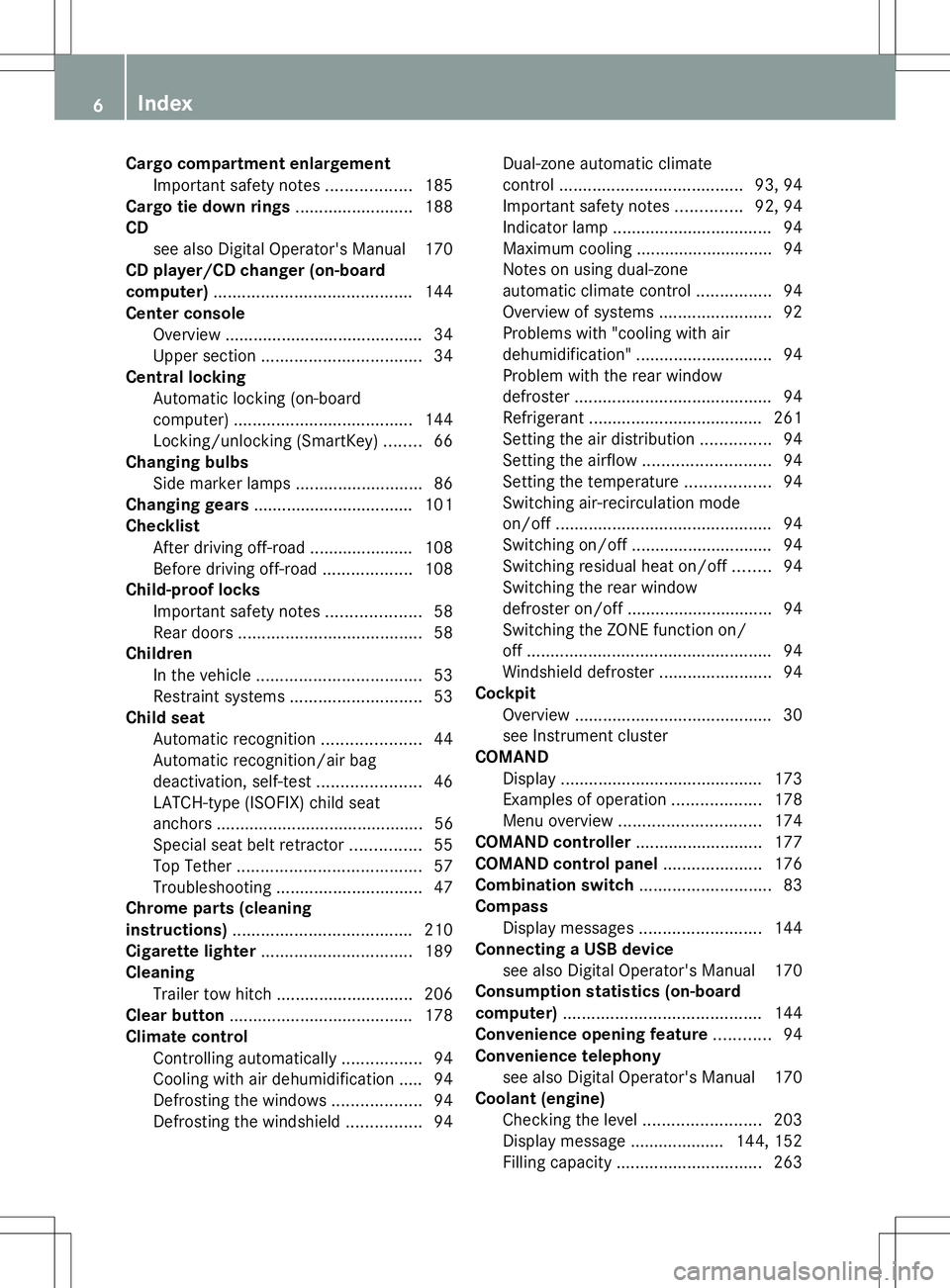
Cargo compartment enlargement
Important safety note s.................. 185
Cargo tie down rings .........................188
CD see also Digital Operator's Manual 170
CD player/CD changer (on-board
computer) .......................................... 144
Center console Overview .......................................... 34
Upper section .................................. 34
Central locking
Automatic locking (on-board
computer) ...................................... 144
Locking/unlocking (SmartKey) ........66
Changing bulbs
Side marker lamps ...........................86
Changing gears .................................. 101
Checklist After driving off-roa d...................... 108
Before driving off-road ...................108
Child-proof locks
Important safety notes ....................58
Rear doors ....................................... 58
Children
In the vehicle ................................... 53
Restraint systems ............................ 53
Child seat
Automatic recognition .....................44
Automatic recognition/air bag
deactivation, self-test ......................46
LATCH-type (ISOFIX) child seat
anchors ............................................ 56
Special seat belt retractor ...............55
Top Tether ....................................... 57
Troubleshooting ............................... 47
Chrome parts (cleaning
instructions) ...................................... 210
Cigarette lighter ................................ 189
Cleaning Trailer tow hitch ............................. 206
Clear button ....................................... 178
Climate control Controlling automatically .................94
Cooling with air dehumidification ..... 94
Defrosting the windows ...................94
Defrosting the windshield ................94Dual-zone automatic climate
control
....................................... 93, 94
Important safety notes ..............92, 94
Indicator lamp .................................. 94
Maximum cooling ............................ .94
Notes on using dual-zone
automatic climate control ................94
Overview of systems ........................92
Problems with "cooling with air
dehumidification" ............................. 94
Problem with the rear window
defroster .......................................... 94
Refrigerant ..................................... 261
Setting the air distribution ...............94
Setting the airflow ........................... 94
Setting the temperature ..................94
Switching air-recirculation mode
on/off .............................................. 94
Switching on/off .............................. 94
Switching residual heat on/off ........94
Switching the rear window
defroster on/off ............................... 94
Switching the ZONE function on/
off .................................................... 94
Windshield defroster ........................94
Cockpit
Overview .......................................... 30
see Instrument cluster
COMAND
Display ........................................... 173
Examples of operation ...................178
Menu overview .............................. 174
COMAND controller ...........................177
COMAND control panel .....................176
Combination switch ............................83
Compass Display messages ..........................144
Connecting a USB device
see also Digital Operator's Manual 170
Consumption statistics (on-board
computer) .......................................... 144
Convenience opening feature ............94
Convenience telephony see also Digital Operator's Manual 170
Coolant (engine)
Checking the level .........................203
Display message .................... 144, 152
Filling capacity ............................... 2636
Index
Page 9 of 272
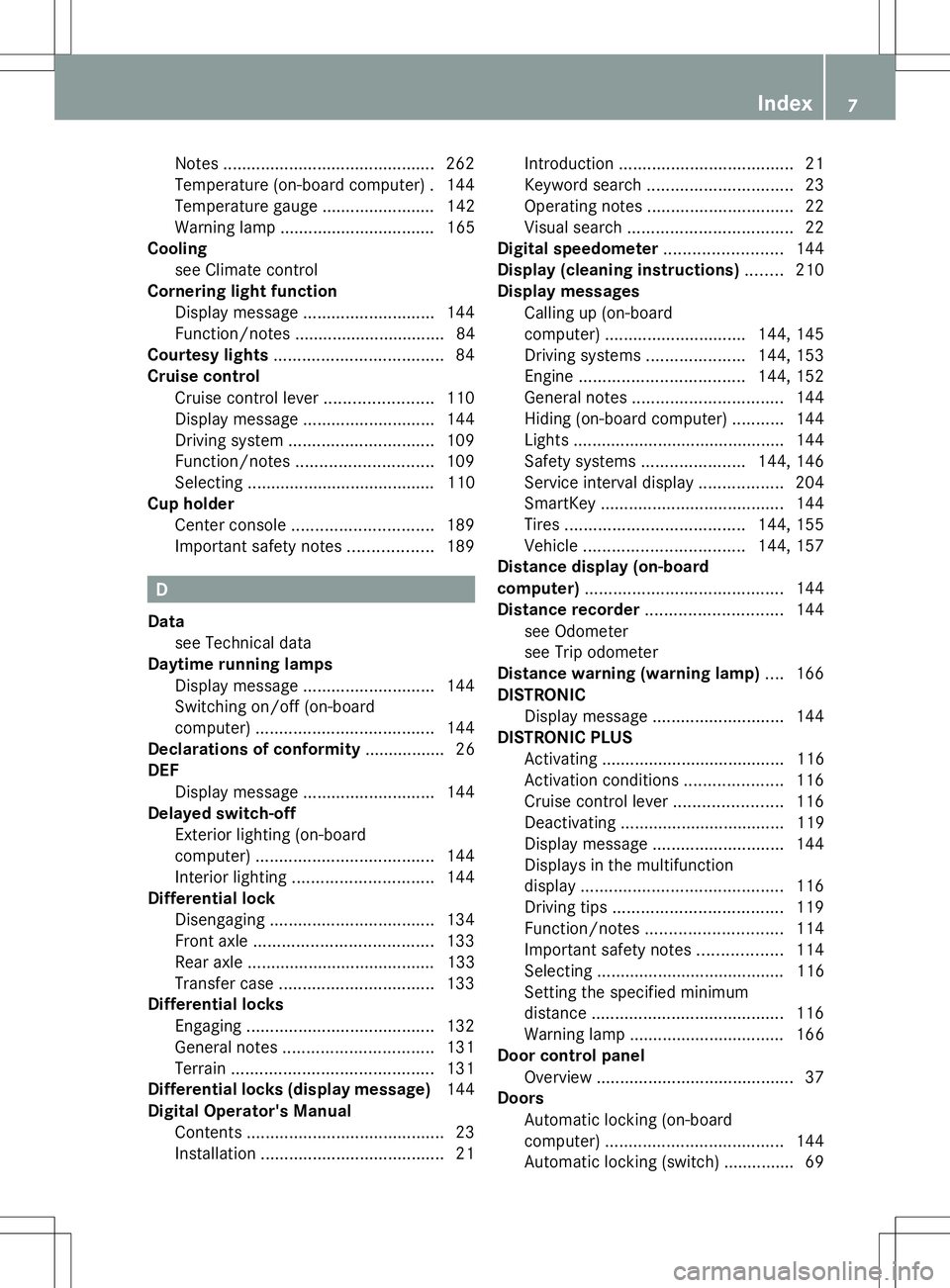
Notes
............................................. 262
Temperature (on-board computer) .144
Temperature gauge ........................ 142
Warning lamp ................................. 165
Cooling
see Climate control
Cornering light function
Display message ............................ 144
Function/notes ................................ 84
Courtesy lights .................................... 84
Cruise control Cruise control lever .......................110
Display message ............................ 144
Driving system ............................... 109
Function/notes ............................. 109
Selecting ........................................ 110
Cup holder
Center console .............................. 189
Important safety notes ..................189 D
Data see Technical data
Daytime running lamps
Display message ............................ 144
Switching on/off (on-board
computer) ...................................... 144
Declarations of conformity ................. 26
DEF Display message ............................ 144
Delayed switch-off
Exterior lighting (on-board
computer) ...................................... 144
Interior lighting .............................. 144
Differential lock
Disengaging ................................... 134
Front axle ...................................... 133
Rear axle ........................................ 133
Transfer case ................................. 133
Differential locks
Engaging ........................................ 132
General notes ................................ 131
Terrain ........................................... 131
Differential locks (display message) 144
Digital Operator's Manual Contents .......................................... 23
Installation ....................................... 21Introduction
..................................... 21
Keyword search ............................... 23
Operating notes ............................... 22
Visual search ................................... 22
Digital speedometer .........................144
Display (cleaning instructions) ........210
Display messages Calling up (on-board
computer) .............................. 144, 145
Driving systems .....................144, 153
Engine ................................... 144, 152
General notes ................................ 144
Hiding (on-board computer) ...........144
Lights ............................................ .144
Safety systems ...................... 144, 146
Service interval displa y.................. 204
SmartKey ....................................... 144
Tires ...................................... 144, 155
Vehicle .................................. 144, 157
Distance display (on-board
computer) .......................................... 144
Distance recorder ............................. 144
see Odometer
see Trip odometer
Distance warning (warning lamp) ....166
DISTRONIC Display message ............................ 144
DISTRONIC PLUS
Activating ....................................... 116
Activation conditions .....................116
Cruise control lever .......................116
Deactivating ................................... 119
Display message ............................ 144
Displays in the multifunction
displa y........................................... 116
Driving tips .................................... 119
Function/notes ............................. 114
Important safety notes ..................114
Selecting ........................................ 116
Setting the specified minimum
distance ......................................... 116
Warning lamp ................................. 166
Door control panel
Overview .......................................... 37
Doors
Automatic locking (on-board
computer) ...................................... 144
Automatic locking (switch) .............. .69 Index
7
Page 10 of 272
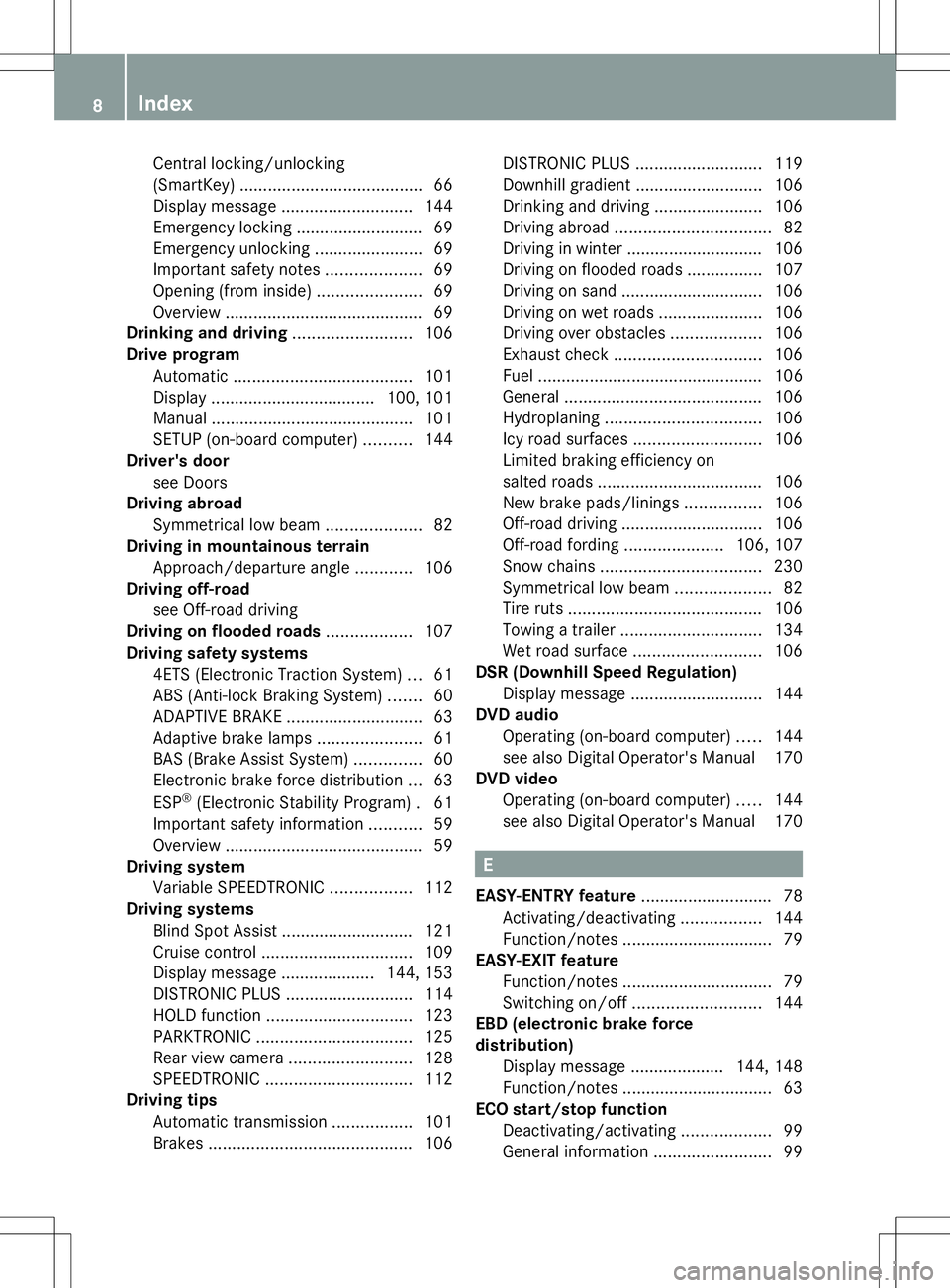
Central locking/unlocking
(SmartKey) ......................................
.66
Display message ............................ 144
Emergency locking ........................... 69
Emergency unlocking .......................69
Important safety notes ....................69
Opening (from inside) ......................69
Overview .......................................... 69
Drinking and driving .........................106
Drive program Automatic ...................................... 101
Display ................................... 100, 101
Manual .......................................... .101
SETUP (on-board computer) ..........144
Driver's door
see Doors
Driving abroad
Symmetrical low bea m.................... 82
Driving in mountainous terrain
Approach/departure angl e............ 106
Driving off-road
see Off-road driving
Driving on flooded roads ..................107
Driving safety systems 4ETS (Electronic Traction System) ...61
ABS (Anti-lock Braking System) .......60
ADAPTIVE BRAKE ............................. 63
Adaptive brake lamps ......................61
BAS (Brake Assist System) ..............60
Electronic brake force distribution ...63
ESP ®
(Electronic Stability Program) .61
Important safety information ...........59
Overview .......................................... 59
Driving system
Variable SPEEDTRONIC .................112
Driving systems
Blind Spot Assist ............................ 121
Cruise control ................................ 109
Display message .................... 144, 153
DISTRONIC PLUS ........................... 114
HOLD function ............................... 123
PARKTRONIC ................................. 125
Rear view camera .......................... 128
SPEEDTRONIC ............................... 112
Driving tips
Automatic transmission .................101
Brakes ........................................... 106DISTRONIC PLUS
........................... 119
Downhill gradient ........................... 106
Drinking and driving .......................106
Driving abroad ................................. 82
Driving in winter ............................ .106
Driving on flooded roads ................107
Driving on sand .............................. 106
Driving on wet roads ......................106
Driving over obstacles ...................106
Exhaust check ............................... 106
Fuel ................................................ 106
General .......................................... 106
Hydroplaning ................................. 106
Icy road surfaces ........................... 106
Limited braking efficiency on
salted road s................................... 106
New brake pads/linings ................106
Off-road driving .............................. 106
Off-road fording .....................106, 107
Snow chains .................................. 230
Symmetrical low bea m.................... 82
Tire ruts ......................................... 106
Towing a trailer .............................. 134
Wet road surface ........................... 106
DSR (Downhill Speed Regulation)
Display message ............................ 144
DVD audio
Operating (on-board computer) .....144
see also Digital Operator's Manual 170
DVD video
Operating (on-board computer) .....144
see also Digital Operator's Manual 170 E
EASY-ENTRY feature ............................ 78
Activating/deactivating .................144
Function/notes ................................ 79
EASY-EXIT feature
Function/notes ................................ 79
Switching on/off ........................... 144
EBD (electronic brake force
distribution)
Display message .................... 144, 148
Function/notes ................................ 63
ECO start/stop function
Deactivating/activating ...................99
General information .........................998
Index
Page 11 of 272
Electrical fuses
Fuse box in the cargo
compartmen t................................. 226
Electronic Stability Program
see ESP ®
(Electronic Stability Program)
Electronic Traction System
see 4ETS (Electronic Traction System)
Emergency call
see mbrace
Emergency release
Driver's door .................................... 69
Vehicle ............................................. 69
Emergency Tensioning Devices
Function .......................................... .52
Engine
Display message .................... 144, 152
ECO start/stop function ..................99
Engine number ............................... 258
Jump-starting ................................. 219
Starting the engine with the
SmartKey ......................................... 98
Switching off .................................. 105
Tow-starting (vehicle) ..................... 224
Engine oil
Adding ........................................... 202
Additives ........................................ 261
Checking the oil level ..................... 201
Display message ............................ 144
Filling capacity ............................... 261
Notes about oil grades ................... 261
Temperature (on-board computer) .144
Viscosity ........................................ 261
Entering a city
see also Digital Operator's Manual 170
Entering an address
see also Digital Operator's Manual 170
Environmental protection
Note ................................................ .25
ESP ®
(Electronic Stability
Program) AMG menu (on-board computer) ...144
Deactivating/activating ...................62
Display message .................... 144, 146
Function/notes ................................ 61
Important safety information ...........61
Trailer stabilization ........................... 63
Warning lamp ................................. 162 Exhaust check
................................... 106
Exhaust tail pipe (cleaning
instructions) .............................. 206, 210
Exterior lighting see Lights
Exterior mirrors
Adjusting ......................................... 79
Dipping (automatic) .........................79
Folding in/out (automatically). ........79
Folding in/out (electrically). ............79
Folding in when locking (on-board
computer) ...................................... 144
Out of position (troubleshooting) .....79
Setting ............................................. 79
Storing settings (memory function) .. 79
Storing the parking position ............. 79 F
Filler cap see Fuel filler flap
First-aid kit ......................................... 212
Flat tire Preparing the vehicle .....................214
Floormats ........................................... 198
Fog lamps Switching on/off .............................. 83
Folding the seat backrest (rear)
forwards/back .................................. 186
Fording Off-road ......................................... 106
Frequencies
Garage door opene r....................... 189
Front fog lamps
Display message ............................ 144
Switching on/off .............................. 83
Fuel
Additives ........................................ 260
Consumption statistics ..................144
Displaying the current
consumption .................................. 144
Displaying the range ......................144
Driving tips .................................... 106
Fuel gauge ..................................... 142
Grade (gasoline) ............................ 259
Important safety notes ..................259
Notes about consumption .............261
Notes for AMG vehicles .................260 Index
9
Page 14 of 272
LIM indicator lamp
Cruise control ................................ 110
DISTRONIC PLUS ........................... 116
Variable SPEEDTRONIC .................113
Limit speed
Variable SPEEDTRONIC .................112
Load anchorage ................................. 187
Loading guidelines ............................184
Locking From inside the vehicle (central
locking button) ................................. 69
see Central locking
Locking (doors)
Automatic ........................................ 69
Emergency locking ........................... 69
From inside (central locking
button) ............................................. 69
Locking centrally
see Central locking
Locking verification signal (on-
board computer) ............................... 144
Low-beam headlamps Display message ............................ 144
Setting for driving abroad
(symmetrical) ................................... 82
Switching on/off .............................. 83
LOW RANGE
Display message ............................ 144
LOW RANGE off-road gear ................130
Lumbar support Adjusting the 4-way lumbar
support ............................................ 78M
M+S tires ............................................ 230
Malfunction message see Display messages
Matte finish (cleaning
instructions) .............................. 206, 208
mbrace Call priority .................................... 193
Display message ............................ 144
Emergency call .............................. 190
Important safety notes ..................189
MB info call button ........................192
Roadside Assistance button ..........191 Self-test
......................................... 190
System .......................................... 190
Mechanical key
Function/notes ................................ 67
General notes .................................. 67
Locking vehicle ................................ 69
Removing ......................................... 67
Unlocking the driver's door ..............69
Memory card (audio) .........................144
Memory function ................................. 79
Message memory (on-board
computer) .................................. 144, 145
Messages see Display messages
Mirrors
see Exterior mirrors
see Rear-view mirror
Mounting wheels
Mounting a new wheel ...................252
Raising the vehicle .........................251
Removing a wheel ..........................252
Securing the vehicle against
rolling away ................................... 251
MP3
Operation ....................................... 144
see also Digital Operator's Manual 170
see separate operating instructions
Multicontour seat ................................ 78
Multifunction display Function/notes ............................. 142
Permanent displa y......................... 144
Multifunction steering wheel
Back button ................................... 144
Operating the on-board computer .143
Overview .......................................... 33
Music files
see also Digital Operator's Manual 170 N
Navigation Menu (on-board computer) ............144
see also Digital Operator's Manual 170
see separate operating instructions
Notes on breaking-in a new vehicle ..96 12
Index
Page 15 of 272
O
Occupant safety Children in the vehicle .....................53
Important safety notes ....................40
Odometer ........................................... 144
Off-road Differential locks ............................ 131
Off-road ABS .................................... 60
Off-road driving
Checklist ........................................ 108
General information .......................106
Important safety notes ..................108
Off-road fording ................................. 107
Off-road system 4MATIC .......................................... 124
Oil
see Engine oil
On-board computer
AMG menu ..................................... 144
Assistance menu ........................... 144
Display messages ..........................144
DISTRONIC PLUS ........................... 116
Factory settings submenu .............144
Important safety notes ..................142
Lighting submenu .......................... 144
Menu overview .............................. 144
Message memory ..................144, 145
Message memory menu ................. 144
Navigation menu ............................ 144
Operation ....................................... 143
RACETIMER ................................... 144
Service menu ................................. 144
Standard displa y............................ 144
Video DVD operation .....................144
Online and Internet functions
Ending the connection ...................180
Establishing/ending the
connection ..................................... 179
Operating safety
Declaration of conformity ................26
Operating system
see On-board computer
Outside temperature display ...........142
Overhead control panel ......................36
Override feature Rear side windows ...........................59 P
Paint code number ............................258
Paintwork (cleaning
instructions) .............................. 206, 208
Parcel net ........................................... 185
Parking ............................................... 104
Engaging park position ..................100
Important safety notes ..................104
Position of exterior mirror, front-
passenger side ................................. 79
see PARKTRONIC
Parking aid
see Exterior mirrors
see PARKTRONIC
Parking brake
Applying ........................................ .105
Display message .................... 144, 148
Parking lamps
Switching on/off .............................. 83
PARKTRONIC
Deactivating/activating .................127
Driving system ............................... 125
Function/notes ............................. 125
Important safety notes ..................125
Problem (malfunction) ...................128
Range of the sensors .....................125
Trailer towing ................................. 127
Warning displa y............................. 126
Phone book
see also Digital Operator's Manual 170
Plastic trim (cleaning instructions) .210
Power washers .......................... 206, 207
Programming SmartKey ......................................... 67
Program selector button ..................101
Pulling away Automatic transmission ...................98 Q
Qualified specialist workshop ...........27 R
RACETIMER (on-board computer) ....144
Radar sensor system Activating/deactivating .................144
Display message ............................ 144 Index
13
Page 17 of 272
Display message
............................ 144
Emergency Tensioning Devices ....... .52
Fastening ......................................... 49
Fastening, front ............................... 50
Fastening in the rear, center ............50
Important safety guidelines .............47
Releasing ......................................... 51
Special seat belt retractor ...............55
Switching belt adjustment on/off
(on-board computer) ......................144
Warning lamp ................................. 158
Warning lamp (function) ................... 52
Seat heating
Indicator lamp (malfunction) ............79
Seats
Adjusting (electrically) .....................78
Adjusting the 4-way lumbar
support ............................................ 78
Adjusting the head restraint ............78
Cleaning the cover .........................210
Correct driver's seat position ........... 76
Important safety notes ....................76
Multicontour seat ............................ 78
Storing settings (memory function) .. 79
Switching seat heating on/off .........78
Switching seat ventilation on/off ....78
Sensors (cleaning instructions) 206, 209
Service interval display Displaying a service message (on-
board computer) ............................ 205
Service menu (on-board computer) .144
Service products Brake fluid ..................................... 261
Coolant (engine) ............................ 262
Engine oil ....................................... 261
Fuel ................................................ 258
Important safety notes ..................258
Notes ............................................. 258
Refrigerant (air-conditioning
system) .......................................... 261
Washer fluid .................................. .263
Setting a speed limit
see SPEEDTRONIC
Settings
Factory (on-board computer) .........144
Menu overview .............................. 174
On-board computer .......................144
Setting the air distribution .................94Setting the airflow
.............................. 94
Setting the date/time format see also Digital Operator's Manual 170
Setting the language
see also Digital Operator's Manual 170
Setting the time
see also Digital Operator's Manual 170
SETUP (on-board computer) .............144
Shift ranges ....................................... 101
Side marker lamp (display
message) ............................................ 144
Side marker lamps (changing bulbs) .86
Side windows Cleaning ......................................... 206
Important safety information ...........71
Opening/closing .............................. 71
Opening/closing (all) .......................71
Opening/closing (front) ...................71
Overview .......................................... 71
Troubleshooting ............................... 71
SIRIUS services
see also Digital Operator's Manual 170
Ski rack .............................................. 189
Sliding sunroof Important safety notes ....................71
Opening/closing .............................. 72
Operating manually ..........................72
SmartKey
Changing the battery .......................68
Changing the programming .............67
Checking the battery .......................68
Convenience opening feature ..........71
Display message ............................ 144
Door central locking/unlocking .......66
Important safety notes ....................66
Loss ................................................. 69
Malfunction ...................................... 69
Mechanical key ................................ 67
Overview .......................................... 66
Problem (malfunction) .....................69
Starting the engine ..........................98
SMS
see also Digital Operator's Manual 170
Snow chains ...................................... 230 Index
15
Page 21 of 272
Turn signals
Display message ............................ 144
Switching on/off .............................. 83
TWR (Tongue Weight Rating)
(definition) ......................................... 249
Type identification plate see Vehicle identification plate U
Unlocking Emergency unlocking .......................69
From inside the vehicle (central
unlocking button) ............................. 69 V
Variable SPEEDTRONIC Function/notes ............................. 112
Vehicle
Correct use ...................................... 27
Data acquisition ............................... 27
Display message .................... 144, 157
Equipment ....................................... 26
Limited Warranty ............................. 27
Loading .......................................... 237
Locking (in an emergency) ...............69
Locking (SmartKey) .......................... 66
Lowering ........................................ 253
Parking for a long period ................ 106
Pulling away ..................................... 98
Raising ........................................... 251
Securing from rolling away ............251
Towing away .................................. 221
Tow-starting ................................... 221
Transporting .................................. 223
Unlocking (in an emergency) ...........69
Unlocking (SmartKey) ......................66
Vehicle data ................................... 264
Vehicle data ....................................... 264
Vehicle data (off-road driving) Approach/departure angl e............ 265
Fording depth ................................ 264
Maximum gradient climbing ability 265
Vehicle dimensions ...........................264
Vehicle emergency locking ................69
Vehicle identification number see VIN Vehicle identification plate
..............258
Vehicle level (display message) .......144
Vehicle tool kit .................................. 212
Ventilation Setting the airflow ........................... 94
Video
see also Digital Operator's Manual 170
Video (DVD) ........................................ 144
VIN ...................................................... 258
Voice Control System see Separate operating instructions W
Warning and indicator lamps ABS ................................................ 160
Brakes ........................................... 159
Coolant .......................................... 165
Cruise control ................................ 110
Distance warning ........................... 166
DISTRONIC PLUS ........................... 166
ESP ®
.............................................. 162
ESP ®
OFF ....................................... 163
LIM (DISTRONIC PLUS) ..................116
LIM (variable SPEEDTRONIC )......... 113
Overview .......................................... 32
PASSENGER AIR BAG OFF ...............44
Seat belt ........................................ 158
SRS ................................................ 164
Tire pressure monitor ....................167
Warning triangle ................................ 212
Washer fluid Display message ............................ 144
Weather display (COMAND)
see also Digital Operator's Manual 170
Wheel bolt tightening torque ...........253
Wheels Changing a wheel .......................... 249
Checking ........................................ 229
Cleaning ................................ 206, 208
Cleaning (warning) .........................250
Important safety notes ..................228
Interchanging/changing ................249
Mounting a new wheel ...................252
Mounting a wheel .......................... 250
Overview ........................................ 228
Removing a wheel ..........................252
Storing ........................................... 250 Index
19
Page 23 of 272
Introduction
In addition to the printed Operator's Manual,
the vehicle document wallet also contains
further operating instructions, such as:
R Digital Operator's Manual on CD
R Maintenance Booklet
R Equipment-dependent supplements
The printed Operator's Manual gives you a
fast, concise overview of your vehicle's most
important functions.
You can also access the Digital Operator's
Manual via COMAND. If you have further
questions that are not covered in the printed
Operator's Manual, please consult the Digital
Operator's Manual.
i You will not incur any costs when calling
up the Digital Operator's Manual. It works
without connecting to the Internet.
In the following sections you will find further
information about:
R how to install the Digital Operator's Manual
on your COMAND (Y page 21)
R how to access and operate the Digital
Operator's Manual
R the differing access options from the basic
menu
There are three options for accessing via the
basic menu of the Digital Operator's Manual:
R Visual search
R Keyword search
R Contents Installation
Check whether or not the Digital Operator's
Manual has already been installed. To do so,
call up the Digital Operator's Manual via
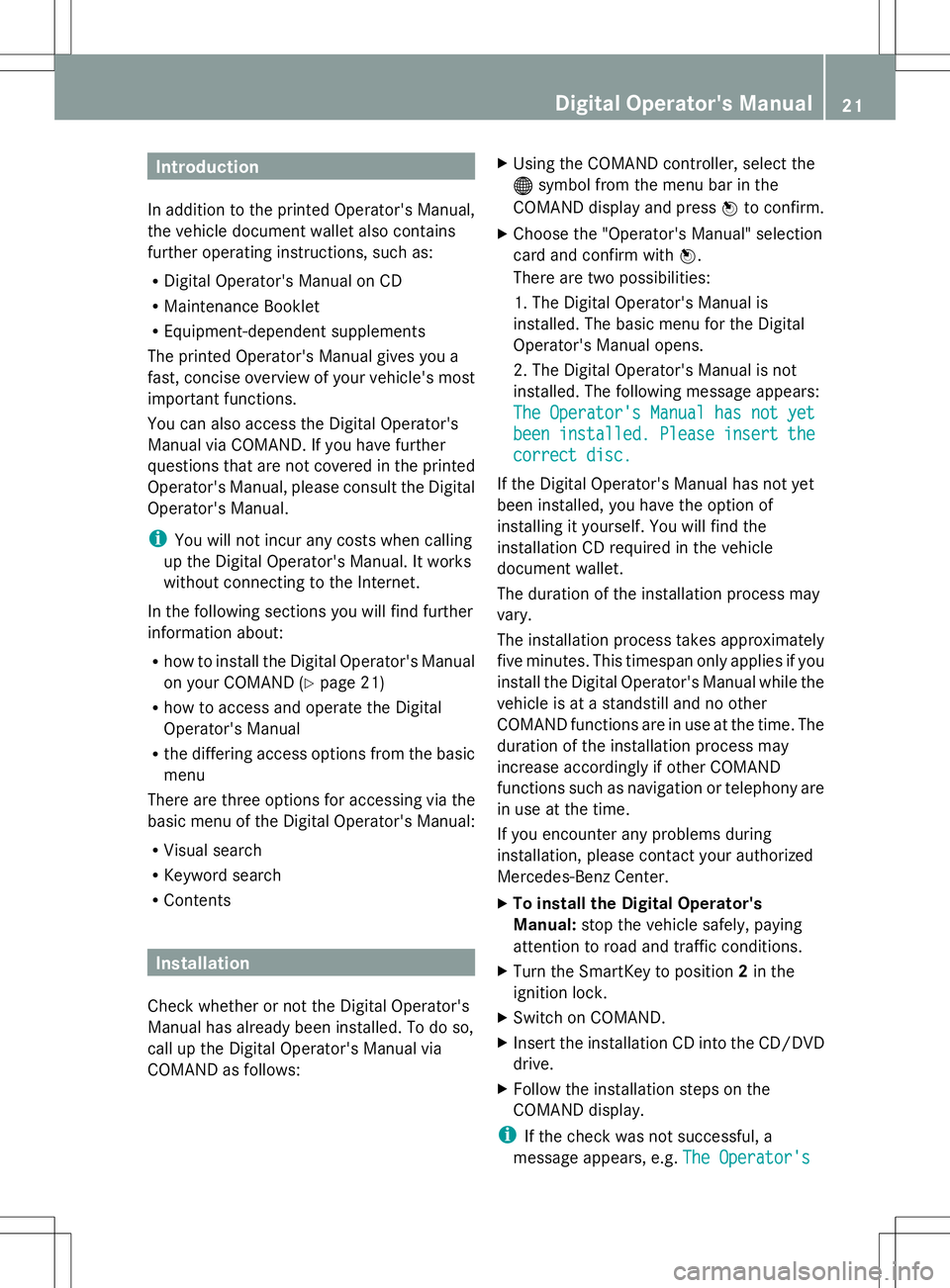
COMAND as follows: X
Using the COMAND controller, select the
® symbol from the menu bar in the
COMAND display and press Wto confirm.
X Choose the "Operator's Manual" selection
card and confirm with W.
There are two possibilities:
1. The Digital Operator's Manual is
installed. The basic menu for the Digital
Operator's Manual opens.
2. The Digital Operator's Manual is not
installed. The following message appears:
The Operator's Manual has not yet
The Operator's Manual has not yet
been installed. Please insert the been installed. Please insert the
correct disc. correct disc.
If the Digital Operator's Manual has not yet
been installed, you have the option of
installing it yourself. You will find the
installation CD required in the vehicle
document wallet.
The duration of the installation process may
vary.
The installation process takes approximately
five minutes. This timespan only applies if you
install the Digital Operator's Manual while the
vehicle is at a standstill and no other
COMAND functions are in use at the time. The
duration of the installation process may
increase accordingly if other COMAND
functions such as navigation or telephony are
in use at the time.
If you encounter any problems during
installation, please contact your authorized
Mercedes-Benz Center.
X To install the Digital Operator's
Manual: stop the vehicle safely, paying
attention to road and traffic conditions.
X Turn the SmartKey to position 2in the
ignition lock.
X Switch on COMAND.
X Insert the installation CD into the CD/DVD
drive.
X Follow the installation steps on the
COMAND display.
i If the check was not successful, a
message appears, e.g. The Operator's
The Operator's Digital Operator's Manual
21