maintenance MERCEDES-BENZ GLC 2019 Owners Manual
[x] Cancel search | Manufacturer: MERCEDES-BENZ, Model Year: 2019, Model line: GLC, Model: MERCEDES-BENZ GLC 2019Pages: 370, PDF Size: 19.55 MB
Page 3 of 370
Welcome to the world of Mercedes-Benz
We urge you to read this Operator's Manualcarefully and familiarize yourself with the vehi-cle before driving. For your own safety and alonger vehicle life, follow the instructions andwarning notices in this Operator's Manual.Ignoring them could result in damage to thevehicle or personal injury to you or others.
Vehicle damage caused by failure to followinstructions is not covered by the Mercedes-Benz Limited Warranty.
The equipment or product designation of yourvehicle may vary depending on:
RModel
ROrder
RCountry specification
RAvailability
Mercedes-Benz therefore reserves the right tointroduce changes in the following areas:
RDesign
REquipment
RTechnical features
The equipment in your vehicle may thereforediffer from that shown in the descriptions andillustrations.
The following are integral components of thevehicle:
RDigital Operator's Manual
RPrinted Operator's Manual
RMaintenance Booklet
REquipment-dependent supplements
Keep these documents in the vehicle at alltimes. If you sell the vehicle, always pass alldocuments on to the new owner.
Please note that the Mercedes-Benz Guides appmay not yet be available in your country.
Mercedes-Benz USA, LLC
Mercedes-Benz Canada, Inc.
A Daimler Company
2535847205É2535847205gËÍ
Page 5 of 370
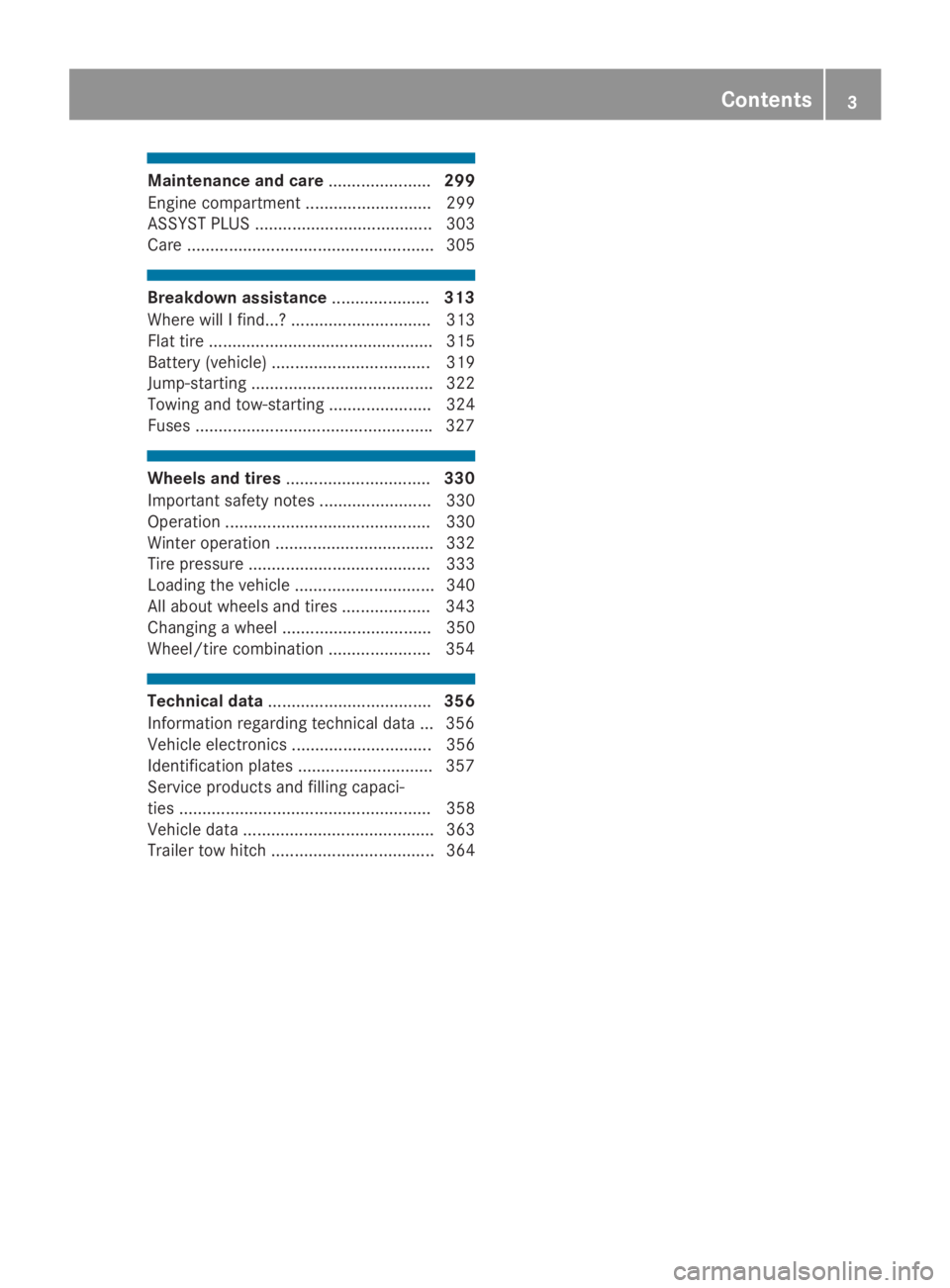
Maintenance and care......................299
Engine compartment ........................... 299
ASSYST PLUS ...................................... 303
Care ..................................................... 305
Breakdown assistance.....................313
Where will I find...? .............................. 313
Flat tire ................................................ 315
Battery (vehicle) .................................. 319
Jump-starting ....................................... 322
Towing and tow-starting ...................... 324
Fuses ...................................................327
Wheels and tires...............................330
Important safety notes ........................ 330
Operation ............................................ 330
Winter operation .................................. 332
Tire pressure ....................................... 333
Loading the vehicle .............................. 340
All about wheels and tires ................... 343
Changing a wheel ................................ 350
Wheel/tire combination ......................354
Technical data...................................356
Information regarding technical data ... 356
Vehicle electronics .............................. 356
Identification plates .............................357
Service products and filling capaci-
ties ...................................................... 358
Vehicle data ......................................... 363
Trailer tow hitch ................................... 364
Contents3
Page 9 of 370
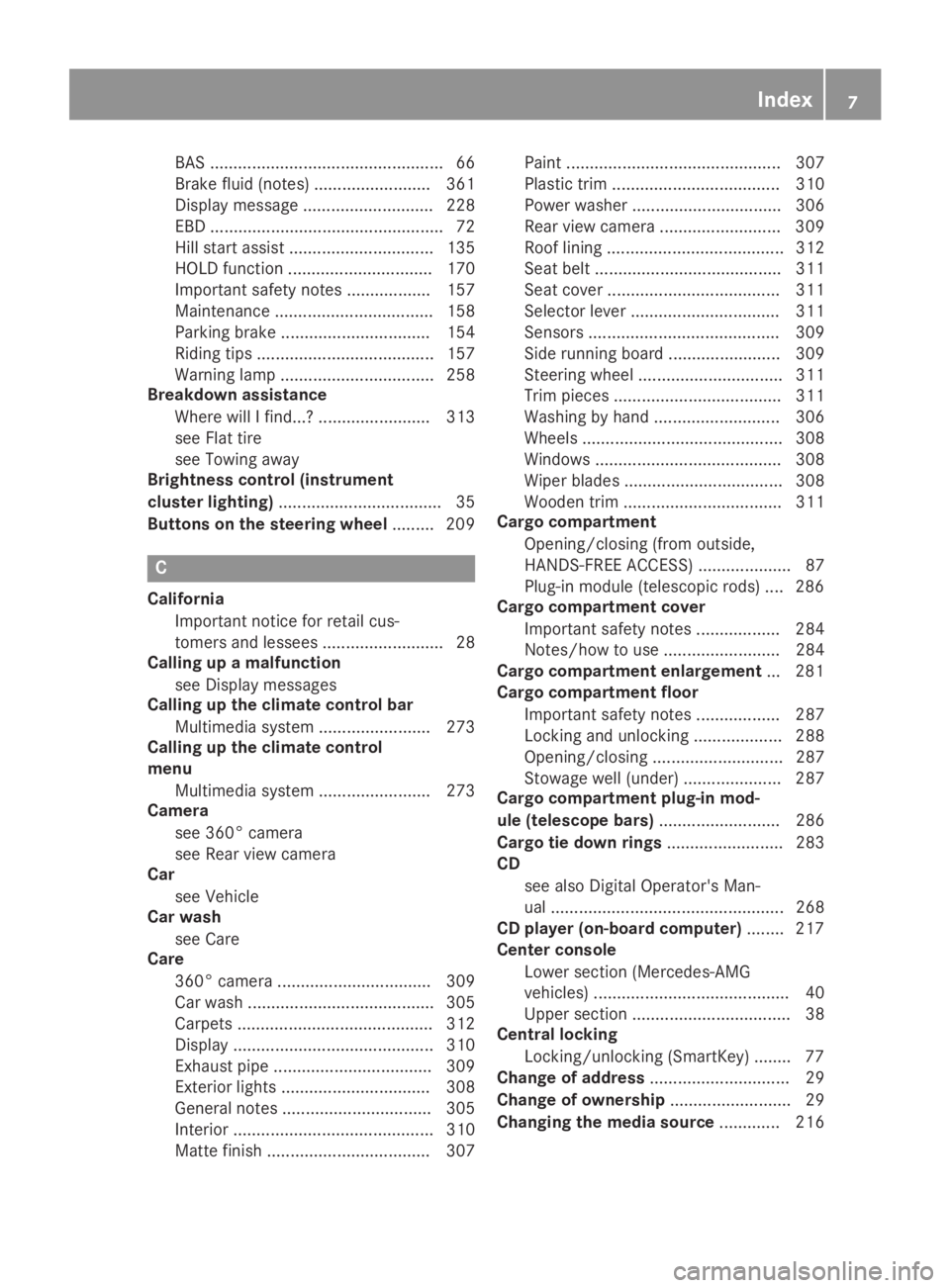
BAS .................................................. 66
Brake fluid (notes) ......................... 361
Display message............................ 228
EBD .................................................. 72
Hill start assist ............................... 135
HOLD function ............................... 170
Important safety notes .................. 157
Maintenance .................................. 158
Parking brake ................................ 154
Riding tips ...................................... 157
Warning lamp ................................. 258
Breakdown assistance
Where will I find...? ........................ 313
see Flat tire
see Towing away
Brightness control (instrument
cluster lighting)................................... 35
Buttons on the steering wheel......... 209
C
California
Important notice for retail cus-
tomers and lessees .......................... 28
Calling up a malfunction
see Display messages
Calling up the climate control bar
Multimedia system ........................ 273
Calling up the climate control
menu
Multimedia system ........................ 273
Camera
see 360° camera
see Rear view camera
Car
see Vehicle
Car wash
see Care
Care
360° camera ................................. 309
Car wash ........................................ 305
Carpets .......................................... 312
Display ........................................... 310
Exhaust pipe .................................. 309
Exterior lights ................................ 308
General notes ................................ 305
Interior ........................................... 310
Matte finish ................................... 307
Paint .............................................. 307
Plastic trim .................................... 310
Power washer ................................ 306
Rear view camera .......................... 309
Roof lining ...................................... 312
Seat belt ........................................ 311
Seat cover..................................... 311
Selector lever ................................ 311
Sensors ......................................... 309
Side running board ........................ 309
Steering wheel ............................... 311
Trim pieces .................................... 311
Washing by hand ........................... 306
Wheels ........................................... 308
Windows ........................................ 308
Wiper blades .................................. 308
Wooden trim .................................. 311
Cargo compartment
Opening/closing (from outside,
HANDS-FREE ACCESS) .................... 87
Plug-in module (telescopic rods) .... 286
Cargo compartment cover
Important safety notes .................. 284
Notes/how to use ......................... 284
Cargo compartment enlargement... 281
Cargo compartment floor
Important safety notes .................. 287
Locking and unlocking ................... 288
Opening/closing ............................ 287
Stowage well (under)..................... 287
Cargo compartment plug-in mod-
ule (telescope bars).......................... 286
Cargo tie down rings......................... 283
CD
see also Digital Operator's Man-
ual .................................................. 268
CD player (on-board computer)........ 217
Center console
Lower section (Mercedes-AMG
vehicles) .......................................... 40
Upper section .................................. 38
Central locking
Locking/unlocking (SmartKey)........ 77
Change of address.............................. 29
Change of ownership.......................... 29
Changing the media source............. 216
Index7
Page 26 of 370
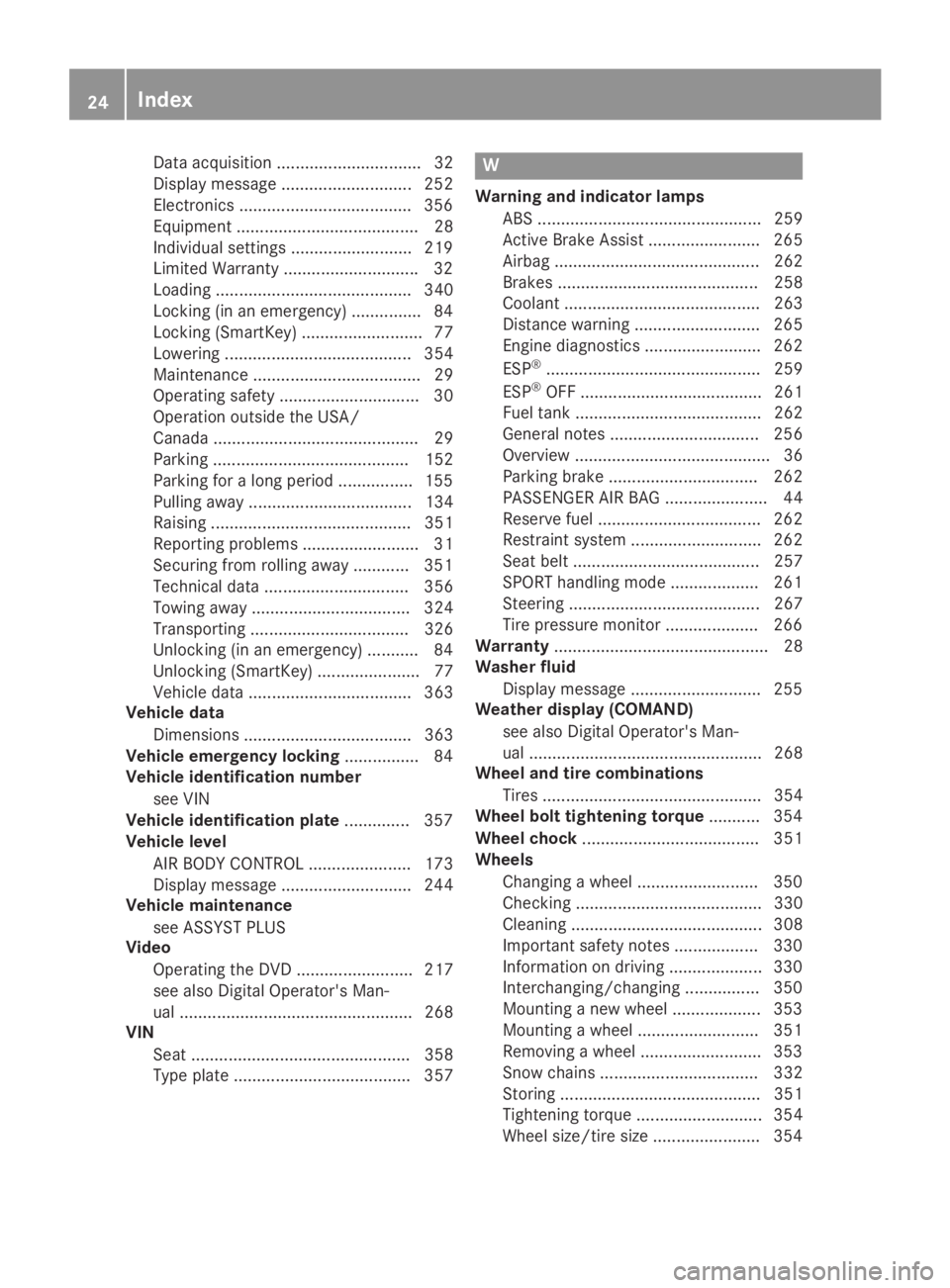
Data acquisition ............................... 32
Display message ............................ 252
Electronics .....................................356
Equipment ....................................... 28
Individual settings .......................... 219
Limited Warranty .............................32
Loading .......................................... 340
Locking (in an emergency) ............... 84
Locking (SmartKey) .......................... 77
Lowering ........................................ 354
Maintenance .................................... 29
Operating safety .............................. 30
Operation outside the USA/
Canada ............................................ 29
Parking .......................................... 152
Parking for a long period ................ 155
Pulling away................................... 134
Raising ........................................... 351
Reporting problems ......................... 31
Securing from rolling away ............ 351
Technical data ............................... 356
Towing away .................................. 324
Transporting .................................. 326
Unlocking (in an emergency) ........... 84
Unlocking (SmartKey) ...................... 77
Vehicle data ................................... 363
Vehicle data
Dimensions .................................... 363
Vehicle emergency locking................ 84
Vehicle identification number
see VIN
Vehicle identification plate.............. 357
Vehicle level
AIR BODY CONTROL ...................... 173
Display message ............................ 244
Vehicle maintenance
see ASSYST PLUS
Video
Operating the DVD ......................... 217
see also Digital Operator's Man-
ual .................................................. 268
VIN
Seat ............................................... 358
Type plate ...................................... 357
W
Warning and indicator lamps
ABS ................................................ 259
Active Brake Assist ........................ 265
Airbag ............................................ 262
Brakes ........................................... 258
Coolant .......................................... 263
Distance warning ........................... 265
Engine diagnostics ......................... 262
ESP®.............................................. 259
ESP®OFF ....................................... 261
Fuel tank ........................................ 262
General notes ................................ 256
Overview .......................................... 36
Parking brake ................................ 262
PASSENGER AIR BAG ...................... 44
Reserve fuel ................................... 262
Restraint system ............................ 262
Seat belt ........................................ 257
SPORT handling mode ................... 261
Steering ......................................... 267
Tire pressure monitor .................... 266
Warranty.............................................. 28
Washer fluid
Display message ............................ 255
Weather display (COMAND)
see also Digital Operator's Man-
ual .................................................. 268
Wheel and tire combinations
Tires ............................................... 354
Wheel bolt tightening torque........... 354
Wheel chock...................................... 351
Wheels
Changing a wheel.......................... 350
Checking ........................................ 330
Cleaning ......................................... 308
Important safety notes .................. 330
Information on driving .................... 330
Interchanging/changing ................ 350
Mounting a new wheel ................... 353
Mounting a wheel .......................... 351
Removing a wheel.......................... 353
Snow chains .................................. 332
Storing ........................................... 351
Tightening torque ........................... 354
Wheel size/tire size ....................... 354
24Index
Page 30 of 370
systems, e.g. the brake system. Use only genu-ine Mercedes-Benz parts or parts of equal qual-ity. Only use tires, wheels and accessories thathave been specifically approved for your vehi-cle.
Genuine Mercedes-Benz parts are subject tostrict quality control. Every part has been spe-cifically developed, manufactured or selectedfor and adapted to Mercedes-Benz vehicles.Therefore, only genuine Mercedes-Benz partsshould be used.
More than 300,000 different genuineMercedes-Benz parts are available forMercedes-Benz models.
All authorized Mercedes-Benz Centers maintaina supply of genuine Mercedes-Benz parts fornecessary service and repair work. In addition,strategically located parts delivery centers pro-vide quick and reliable parts service.
Always specify the vehicle identification number(VIN) when ordering genuine Mercedes-Benzparts (Ypage 357).
Operator's Manual
Vehicle equipment
iThis Operator's Manual describes all modelsand all standard and optional equipment ofyour vehicle available at the time of publica-tion of the Operator's Manual. Country-spe-cific differences are possible. Bear in mindthat your vehicle may not feature all functionsdescribed here. This also applies to safety-relevant systems and functions. The equip-ment in your vehicle may therefore differ fromthat shown in the descriptions and illustra-tions.
The original purchase agreement lists all sys-tems installed in your vehicle.
Should you have any questions concerningequipment and operation, please consult anauthorized Mercedes-Benz Center.
The Operator's Manual and Maintenance Book-let are important documents and should be keptin the vehicle.
Service and vehicle operation
Warranty
The Limited Warranty for your vehicle applies inaccordance with the warranty terms and condi-tions in the Service and Warranty Informationbooklet.
Your authorized Mercedes-Benz Center willreplace and repair all factory-installed parts inaccordance with the following warranty termsand conditions:
RNew Vehicle Limited Warranty
REmission System Warranty
REmission Performance Warranty
RCalifornia, Connecticut, Maine, Massachu-setts, New York, Pennsylvania, Rhode Islandand Vermont Emission Control System War-ranty
RState warranty enforcement laws (lemonlaws)
Replacement parts and accessories are coveredby the Mercedes-Benz Parts and Accessorieswarranties. These are available at any author-ized Mercedes-Benz Center.
iShould you lose your Service and WarrantyInformation booklet, have an authorizedMercedes-Benz Center arrange for a replace-ment. The new Service and Warranty Infor-mation booklet will be posted to you.
Information for customers in Califor-
nia
Under California law you may be entitled to areplacement of your vehicle or a refund of thepurchase price or lease price, if after a reason-able number of repair attempts Mercedes-BenzUSA, LLC and/or its authorized repair or servicefacilities fail to fix one or more substantialdefects or malfunctions in the vehicle that arecovered by its express warranty.
During the period of 18 months from originaldelivery of the vehicle or the accumulation of18,000 miles (approximately 29,000 km) on theodometer of the vehicle, whichever occurs first,a reasonable number of repair attempts is pre-sumed for a retail buyer or lessee if one or moreof the following occurs:
(1) the substantial defect or malfunction canresult in death or serious injuries for the
28Service and vehicle operation
Introduction
Page 31 of 370
vehicle occupants while driving and thisdefect has already been repaired at leasttwice and Mercedes-Benz, LLC has beeninformed in writing of the necessity of arepair.
(2) the defect or malfunction, though less seri-ous than (1) above, has already beenrepaired at least four times and Mercedes-Benz has been informed in writing of thenecessity of a repair.
(3) the vehicle cannot be used for longer than30 calendar days because of repair workresulting from this or other substantialdefects or malfunctions.
Please send your written notice to:
Mercedes-Benz USA, LLC
Customer Assistance Center
3 Mercedes Drive
Montvale, NJ 07645-0350
Maintenance
Always bring the Maintenance Booklet with youwhen taking the vehicle to an authorizedMercedes-Benz Center. Your customer serviceadvisor will enter every service into your Main-tenance Booklet on your behalf.
Roadside Assistance
The Mercedes-Benz Roadside Assistance Pro-gram offers technical help in the event of abreakdown. Calls to the toll-free Roadside Assis-tance Hotline are answered by our agents 24hours a day, 365 days a year.
1-800-FOR-MERCedes (1-800-367-6372)(USA)
1-800-387-0100 (Canada)
For additional information, refer to theMercedes-Benz Roadside Assistance Programbrochure (USA) or the "Roadside Assistance"section in the Service and Warranty Booklet(Canada). You will find both in the vehicle docu-ment wallet.
Change of address or change of own-
ership
In the event of a change of address, please sendus the "Notification of Address Change" in the
Service and Warranty Booklet or simply call theMercedes-Benz Customer Assistance Center(USA) at the hotline number1-800-FOR-MERCedes (1-800-367-6372) orCustomer Service Center (Canada) at1-800-387-0100. This will assist us in contact-ing you in a timely manner should the need arise.
If you sell your Mercedes, please leave all liter-ature in the vehicle so that it is available to thenext owner.
If you have purchased a used car, please send usthe "Notification of Used Car Purchase" in theService and Warranty Booklet or simply call theMercedes-Benz Customer Assistance Center(USA) at the hotline number1-800-FOR-MERCedes (1-800-367-6372) orCustomer Service (Canada) at 1-800-387-0100.
Vehicle operation outside the USA
and Canada
When you are abroad with your vehicle, observethe following points:
RService facilities or replacement parts maynot be readily available.
RLead-free fuel for vehicles with a catalyticconverter may not be available. Leaded fuelcan cause damage to the catalytic converter.
RThe fuel may have a considerably loweroctane number. Unsuitable fuel can causeengine damage.
Some Mercedes-Benz models are available fordelivery in Europe through our European Deliv-ery Program. For details, consult an authorizedMercedes-Benz Center or write to one of thefollowing addresses.
In the USA
Mercedes-Benz USA, LLC
European Delivery Department
One Mercedes Drive
Montvale, NJ 07645-0350
In Canada
Mercedes-Benz Canada, Inc.
European Delivery Department
98 Vanderhoof Avenue
Toronto, Ontario M4G 4C9
Service and vehicle operation29
Introduction
Z
Page 32 of 370
Operating safety
Important safety notes
GWARNING
If you do not have the prescribed service/
maintenance work or any required repairs
carried out, this can result in malfunctions or
system failures. There is a risk of an accident.
Always have the prescribed service/mainte-
nance work as well as any required repairs
carried out at a qualified specialist workshop.
GWARNING
Flammable material such as leaves, grass or
twigs may ignite if they come into contact with
hot parts of the exhaust system. There is a risk
of fire.
When driving on an unpaved road or off-road,
check the vehicle underside regularly. In par-
ticular, remove trapped plant parts or other
flammable material. Contact a qualified spe-
cialist workshop immediately if damage is
detected.
GWARNING
Modifications to electronic components, their
software as well as wiring can impair their
function and/or the function of other net-
worked components. In particular, systems
relevant to safety could also be affected. As a
result, these may no longer function as inten-
ded and/or jeopardize the operating safety of
the vehicle. There is an increased risk of an
accident and injury.
Never tamper with the wiring as well as elec-
tronic components or their software. You
should have all work to electrical and elec-
tronic equipment carried out at a qualified
specialist workshop.
!There is a risk of damage to the vehicle if:
Rthe vehicle becomes stuck, e.g. on a highcurb or an unpaved road
Ryou drive too fast over an obstacle, e.g. acurb, a speed bump or a pothole in the road
Ra heavy object strikes the underbody orparts of the chassis
In situations like this, the body, the under-body, chassis parts, wheels or tires could bedamaged without the damage being visible.Components damaged in this way can unex-pectedly fail or, in the case of an accident, nolonger withstand the loads they are designedto.
If the underbody paneling is damaged, com-bustible materials such as leaves, grass ortwigs can gather between the underbody andthe underbody paneling. If these materialscome in contact with hot parts of the exhaustsystem, they can catch fire.
In such situations, have the vehicle checkedand repaired immediately at a qualified spe-cialist workshop. If on continuing your jour-ney you notice that driving safety is impaired,pull over and stop the vehicle immediately,paying attention to road and traffic condi-tions. In such cases, consult a qualified spe-cialist workshop.
Declaration of conformity for wireless
vehicle components
USA:"The wireless devices of this vehicle com-ply with Part 15 of the FCC Rules. Operation issubject to the two following two conditions: 1)These devices may not cause harmful interfer-ence, and 2) These devices must accept anyinterference received, including interferencethat may cause undesired operation. Changesor modifications not expressly approved by theparty responsible for compliance could void theuser’s authority to operate the equipment."
Canada:"The wireless devices of this vehiclecomply with Industry Canada license-exemptRSS standard(s). Operation is subject to the fol-lowing two conditions: (1) These devices maynot cause interference, and (2) These devicesmust accept any interference, including inter-ference that may cause undesired operation ofthe device."
30Operating safety
Introduction
Page 33 of 370
Diagnostics connection
The diagnostics connection is only intended forthe connection of diagnostic equipment at aqualified specialist workshop.
GWARNING
If you connect equipment to a diagnostics
connection in the vehicle, it may affect the
operation of vehicle systems. As a result, the
operating safety of the vehicle could be affec-
ted. There is a risk of an accident.
Only connect equipment to a diagnostics con-
nection in the vehicle, which is approved for
your vehicle by Mercedes-Benz.
GWARNING
Objects in the driver's footwell can restrict the
pedal travel or obstruct a depressed pedal.
The operating and road safety of the vehicle is
jeopardized. There is a risk of an accident.
Make sure that all objects in the vehicle are
stowed correctly, and that they cannot enter
the driver's footwell. Install the floormats
securely and as specified in order to ensure
sufficient clearance for the pedals. Do not use
loose floormats and do not place floormats on
top of one another.
!If the engine is switched off and equipmenton the diagnostics connection is used, thestarter battery may discharge.
Connecting equipment to the diagnostics con-nection can lead to emissions monitoring infor-mation being reset, for example. This may leadto the vehicle failing to meet the requirements ofthe next emissions test during the main inspec-tion.
Qualified specialist workshop
An authorized Mercedes-Benz Center is a quali-fied specialist workshop. It has the necessaryspecialist knowledge, tools and qualifications tocorrectly carry out the work required on yourvehicle. This is especially the case for work rel-evant to safety.
Observe the notes in the Maintenance Booklet.
Always have the following work carried out at anauthorized Mercedes-Benz Center:
Rwork relevant to safety
Rservice and maintenance work
Rrepair work
Ralterations, installation work and modifica-tions
Rwork on electronic components
Correct use
If you remove any warning stickers, you or oth-ers could fail to recognize certain dangers.Leave warning stickers in position.
Observe the following information when drivingyour vehicle:
Rthe safety notes in this manual
Rtechnical data for the vehicle
Rtraffic rules and regulations
Rlaws and safety standards pertaining to motorvehicles
Problems with your vehicle
If you should experience a problem with yourvehicle, particularly one that you believe mayaffect its safe operation, we urge you to contactan authorized Mercedes-Benz Center immedi-ately to have the problem diagnosed and recti-fied. If the problem is not resolved to your sat-isfaction, please discuss the problem again withan authorized Mercedes-Benz Center or, if nec-essary, contact us at one of the followingaddresses.
In the USA
Customer Assistance Center
Mercedes-Benz USA, LLC
3 Mercedes Drive
Montvale, NJ 07645-0350
In Canada
Customer Relations Department
Mercedes-Benz Canada, Inc.
98 Vanderhoof Avenue
Toronto, Ontario M4G 4C9
Reporting safety defects
USA only:
Operating safety31
Int roduction
Z
Page 121 of 370
Overview of climate control systems
General notes
Observe the settings recommended on the fol-lowing pages. The windows could otherwise fogup.
To prevent the windows from fogging up:
Rswitch off climate control only briefly
Rswitch on air-recirculation mode only briefly
Rswitch on the cooling with air dehumidifica-tion function
Ractivate the "Windshield defrosting" functionbriefly, if required
Climate control regulates the temperature andair humidity in the vehicle interior. The interiorfilter cleans the air, thus improving the interiorclimate.
The "Cooling with air dehumidification" functionis only available when the engine is running.Optimum climate control is only achieved withthe side windows and roof closed.
If you start the engine using your smartphone,the last selected climate control setting is reac-tivated (Ypage 134).
The integrated filter filters out most particles ofdust and soot and completely filters out pollen.It also reduces gaseous pollutants and odors. Aclogged filter reduces the amount of air suppliedto the vehicle interior. For this reason, youshould always observe the interval for replacingthe filter, which is specified in the MaintenanceBooklet. As it depends on environmental condi-tions, e.g. heavy air pollution, the interval maybe shorter than stated in the Maintenance Book-let.
iVentilate the vehicle for a brief period duringwarm weather, e.g. using the convenienceopening feature (Ypage 91). This will speedup the cooling process and the desired inte-rior temperature will be reached morequickly.
iIt is possible that the blower may be activa-ted automatically 60 minutes after the Smart-Key has been removed depending on variousfactors, e.g. the outside temperature. Thevehicle is then ventilated for 30 minutes to drythe automatic climate control.
Control panel for dual-zone automatic climate control
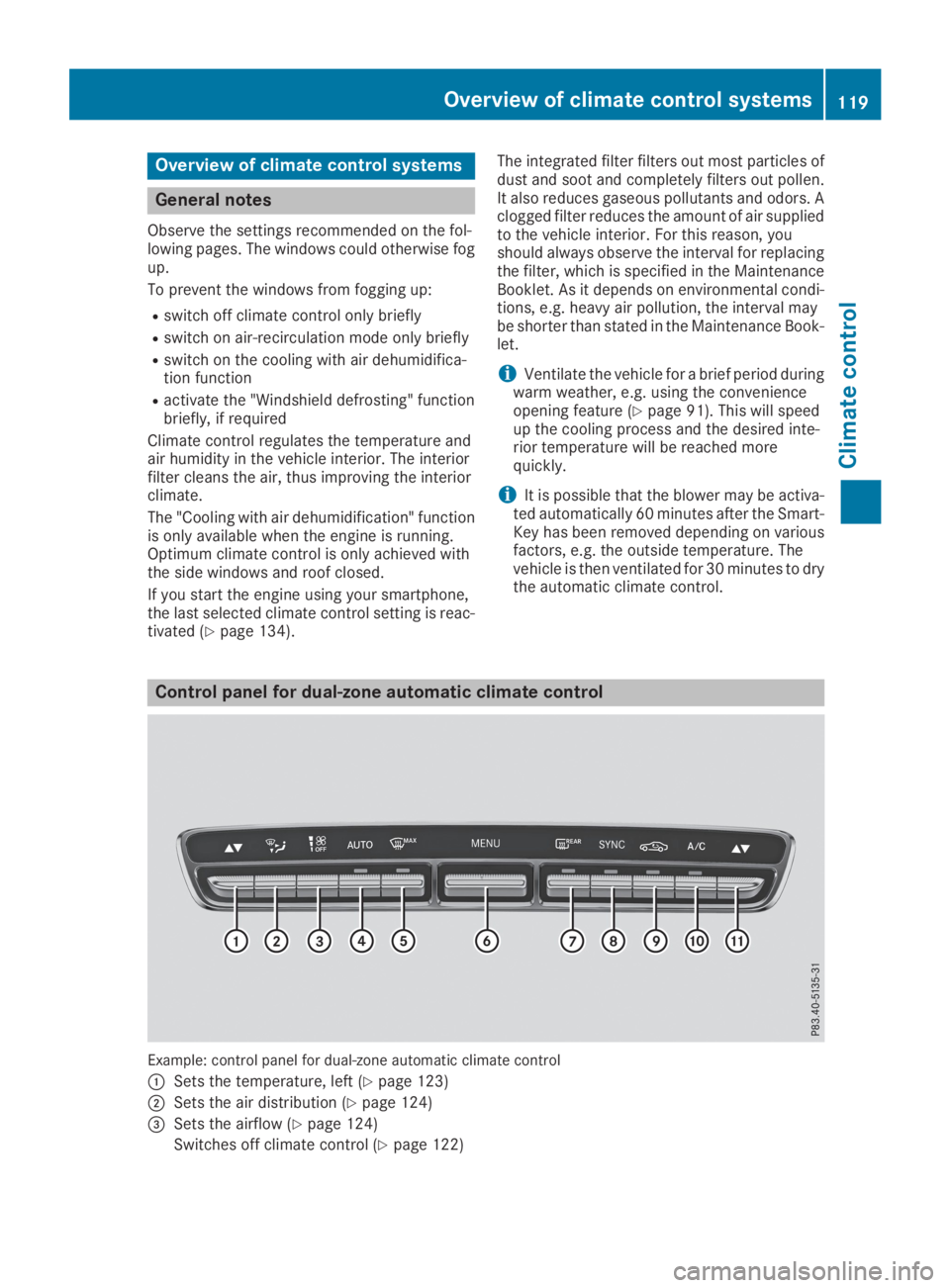
Example: control panel for dual-zone automatic climate control
CSets the temperature, left (Ypage 123)
DSets the air distribution (Ypage 124)
Page 136 of 370
take the SmartKey with you when leaving thevehicle, even if you only leave it for a short time.Pay attention to the important safety notes.
XDepress the brake pedal and keep itdepressed.
XPress the Start/Stop button once(Ypage 132).The engine starts.
Starting procedure via smartphone
Observe the important safety notes on startingthe engine (Ypage 133).
You can also start your engine via your smart-phone from outside the vehicle. In this case, thepreviously selected climate control setting isactivated. In this way you can cool or heat theinterior of the vehicle before starting the jour-ney.
Only start the engine via your smartphone if it issafe to start and run the engine where your vehi-cle is parked.
Observe the legal stipulations in the area whereyour vehicle is parked. Engine start via smart-phone may be limited to certain countries orregions.
You can execute a maximum of two consecutivestarting attempts via your smartphone. If youpress the start/stop button or insert the Smart-Key into the ignition lock, you can carry out twomore starting attempts with your smartphone.
The engine runs for ten minutes when startingwith the smartphone.
Once you have started the engine, you canswitch the engine off via your smartphone at anytime.
You can only start the engine via your smart-phone if:
Rthe SmartKey is in the ignition lock
Rpark position]is selected
Rthe accelerator pedal is not depressed
Rthe anti-theft alarm system is not activated
Rthe panic alarm is not activated
Rthe hazard warning lamps are switched off
Rthe hood is closed
Rthe doors are closed and locked
Rthe windows and sliding sunroof are closed
Also make sure that:
Rthe fuel tank is sufficiently filled
Rthe starter battery has been sufficientlycharged
GWARNING
Limbs could be crushed or trapped if the
engine is started unintentionally during ser-
vice or maintenance work. There is a risk of
injury.
Always secure the engine against uninten-
tional starting before carrying out mainte-
nance or repair work.
Make sure that the engine cannot be started viayour smartphone before carrying out mainte-nance or repairs. You can prevent an enginestart via your smartphone, for example, if you:
Rswitch on the hazard warning lamps
Rdo not lock the doors
Ropen a side window
Pulling away
General notes
GWARNING
If the engine speed is above the idling speed
and you engage transmission positionDorR,
the vehicle could pull away suddenly. There is
a risk of an accident.
When engaging transmission positionDorR,
always firmly depress the brake pedal and do
not simultaneously accelerate.
Depress the accelerator carefully when pullingaway.
The vehicle locks centrally once you have pulledaway. The locking knobs in the doors drop down.
You can open the doors from the inside at anytime.
You can also deactivate the automatic lockingfeature, see the Digital Operator's Manual.
It is possible to shift the transmission from posi-tion]to the desired position only if youdepress the brake pedal. Only then is the park-ing lock released. If you do not depress thebrake pedal, the DIRECT SELECT lever can still
134Driving
Driving an d parking