battery location MERCEDES-BENZ GLC COUPE 2016 Owners Manual
[x] Cancel search | Manufacturer: MERCEDES-BENZ, Model Year: 2016, Model line: GLC COUPE, Model: MERCEDES-BENZ GLC COUPE 2016Pages: 389, PDF Size: 7.34 MB
Page 17 of 389
Reading lamp ................................
.121
Interior motion sensor
Deactivating ..................................... 81
Function .......................................... .81
iPod ®
See also Digital Owner's Manual .. .292
ISOFIX child seat securing system .... 58J
Jack Declaration of conformity ................ 28
Storage location ............................ 340
Using ............................................. 366
Jump starting (engine) ......................348 K
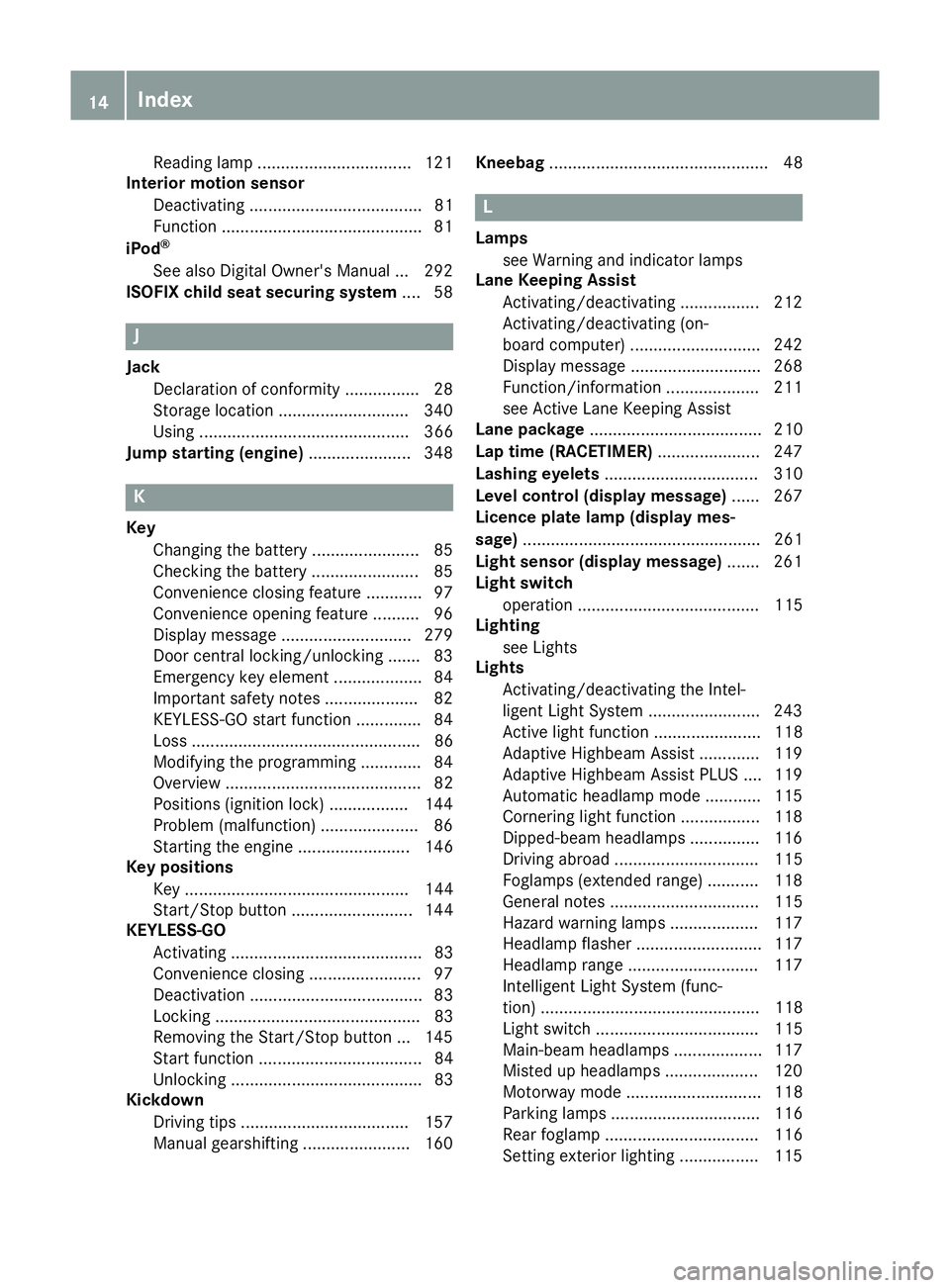
Key Changing the battery ....................... 85
Checking the battery ....................... 85
Convenience closing feature ............ 97
Convenience opening feature .......... 96
Display message ............................ 279
Door central locking/unlocking ....... 83
Emergency key element ................... 84
Important safety notes .................... 82
KEYLESS-GO start function .............. 84
Loss ................................................. 86
Modifying the programming ............. 84
Overview .......................................... 82
Positions (ignition lock) ................. 144
Problem (malfunction) ..................... 86
Starting the engine ........................ 146
Key positions
Key ................................................ 144
Start/Stop button .......................... 144
KEYLESS-GO
Activating ......................................... 83
Convenience closing ........................ 97
Deactivation ..................................... 83
Locking ............................................ 83
Removing the Start/Stop button ... 145
Start function ................................... 84
Unlocking ......................................... 83
Kickdown
Driving tips ................................... .157
Manual gearshifting ....................... 160 Kneebag
............................................... 48 L
Lamps see Warning and indicator lamps
Lane Keeping Assist
Activating/deactivating ................. 212
Activating/deactivating (on-
board computer) ............................ 242
Display message ............................ 268
Function/informatio n.................... 211
see Active Lane Keeping Assist
Lane package ..................................... 210
Lap time (RACETIMER) ...................... 247
Lashing eyelets ................................. 310
Level control (display message) ...... 267
Licence plate lamp (display mes-
sage) ................................................... 261
Light sensor (display message) ....... 261
Light switch
operation ....................................... 115
Lighting
see Lights
Lights
Activating/deactivating the Intel-
ligent Light System ........................ 243
Active light function ....................... 118
Adaptive Highbeam Assist ............. 119
Adaptive Highbeam Assist PLUS .... 119
Automatic headlamp mod e............ 115
Cornering light function ................. 118
Dipped-beam headlamp s............... 116
Driving abroad ............................... 115
Foglamps (extended range) ........... 118
General notes ................................ 115
Hazard warning lamps ................... 117
Headlamp flashe r........................... 117
Headlamp rang e............................ 117
Intelligent Light System (func-
tion) ............................................... 118
Light switch ................................... 115
Main-beam headlamp s................... 117
Misted up headlamp s.................... 120
Motorway mod e............................. 118
Parking lamps ................................ 116
Rear foglamp ................................. 116
Setting exterior lighting ................. 115 14
Index
Page 143 of 389
If the engine has not yet reached operating tem-
perature when it is started, the auxiliary heating running time is increased. The auxiliary heating
continues to run until the engine has reached its
operating temperature. If this is the case, the
y symbol appears on the remote control dis-
play and the running time is zero minutes.
Setting the departure time Make sure that the time set in the vehicle is
correct before setting the departure time (see
the Digital Owner's Manual). Otherwise, the aux- iliary heating may activate at the wrong time and
at an unsuitable location. When setting the
departure time, also observe the important
safety notes (Y page 137).
X Briefly press the ubutton.
X Press the ,or. button repeatedly
until the time to be changed appears on the
display.
X Press the uand^ buttons simultane-
ously.
The Îsymbol on the remote control display
flashes.
X Press the ,or. button to set the
desired departure time.
i The longer you press the
,or. but-
ton, the faster the time changes.
X Press the uand^ buttons simultane-
ously.
The new departure time is stored.
Activating the set departure time
X Briefly press the ubutton.
X Press the ,or. button repeatedly
until the desired departure time appears on
the display.
X Press the ubutton.
The Ísymbol, the departure time and,
depending on the selected departure time,
the letter A, BorCappears on the display.
Deactivating the set departure time
X Briefly press the ubutton.
The status of the auxiliary heating is shown on
the display.
X Press the .button.
The first departure time stored appears on the
display.
X Press the ^button.
OFF is shown on the remote control display. Replacing the remote control battery Important safety notes
G
WARNING
Batteries contain toxic and corrosive substan- ces. If batteries are swallowed, it can result in
severe health problems. There is a risk of fatal injury.
Keep batteries out of the reach of children. If
a battery is swallowed, seek medical attention immediately. H
Environmental note Batteries contain pollutants.
It is illegal to dispose of them
with the household rubbish.
They must be collected sep-
arately and disposed of in anenvironmentally responsible
recycling system. Dispose of batteries in an
environmentally responsible
manner. Take discharged
batteries to a qualified spe-
cialist workshop or to a col-
lection point for used batter-
ies.
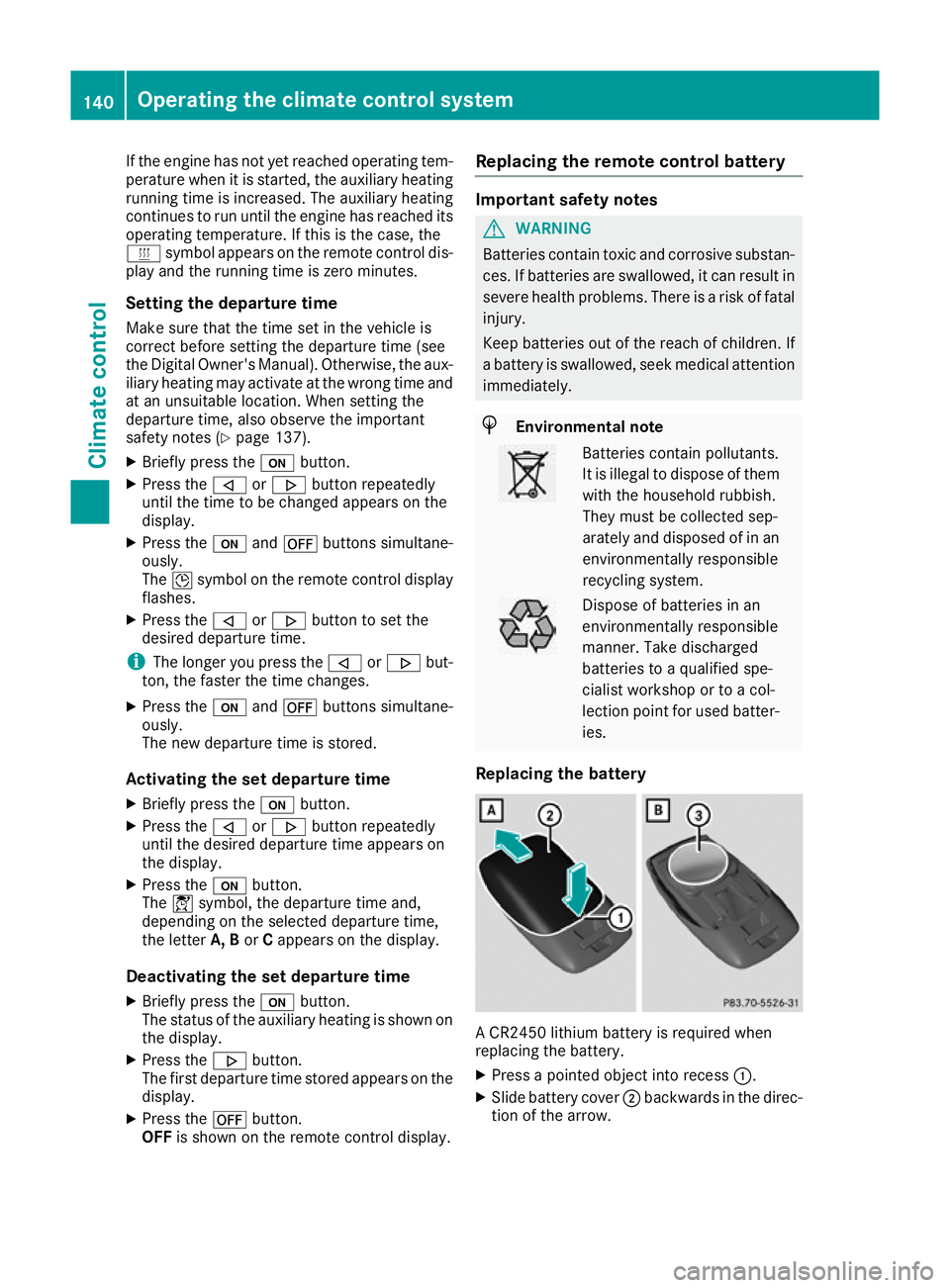
Replacing the battery A CR2450 lithium battery is required when
replacing the battery.
X Press a pointed object into recess :.
X Slide battery cover ;backwards in the direc-
tion of the arrow. 140
Operating the climate control systemClimate control
Page 199 of 389
Parking
G
WARNING
If you leave the vehicle when it is only being
braked by Active Parking Assist it could roll
away if:
R there is a malfunction in the system or in
the voltage supply.
R the electrical system in the engine com-
partment, the battery or the fuses are tam-
pered with.
R the battery is disconnected.
R the vehicle is accelerated, e.g. by a vehicle
occupant.
There is a risk of an accident.
Before leaving the vehicle, always secure it
against rolling away.
i When PARKTRONIC detects obstacles,
Active Parking Assist brakes automatically
during the parking process. You are respon-
sible for braking in good time.
X Stop the vehicle when the parking symbol
shows the desired parking space in the instru-
ment cluster.
X Shift the transmission to position R.
The Start
Start Park ParkAssist?
Assist? Yes:
Yes:OK
OKNo:
No:%
message appears in the multifunction display.
X To cancel the procedure: press the%
button on the multifunction steering wheel or pull away.
or
X To park using Active Parking Assist: press
the a button on the multifunction steering
wheel.
The Park Assist active Accelerate Park Assist active Accelerate
and brake
and brake Observe surroundings
Observe surroundings mes-
sage appears in the multifunction display.
X Release the multifunction steering wheel.
X Reverse the vehicle, being ready to brake at
all times. When reversing, drive at a speed
below 10 km/h. Otherwise, Active Parking
Assist will be cancelled.
Active Parking Assist brakes the vehicle to a
standstill when the vehicle approaches the
rear border of the parking space.
Manoeuvring may be required in tight parking
spaces. The
Park
Park Assist Assist active
activeSelect D
Select D Observe
Observe
surroundings
surroundings message appears in the multi-
function display.
X Shift the transmission to position Dwhile the
vehicle is stationary.
Active Parking Assist immediately steers in
the other direction.
The Park Assist active Accelerate Park Assist active Accelerate
and brake
and brake Observe surroundings
Observe surroundings mes-
sage appears in the multifunction display.
i You will achieve the best results by waiting
for the steering procedure to complete before
pulling away.
X Drive forwards and be ready to brake at all
times.
Active Parking Assist brakes the vehicle to a
standstill when the vehicle approaches the
rear border of the parking space.
Manoeuvring may be required in tight parking
spaces.
The Park Park Assist
Assist active
activeSelect R
Select R Observe
Observe
surroundings
surroundings message appears in the multi-
function display.
As soon as the parking procedure is complete,
the Park Assist switched off
Park Assist switched off message
appears and a warning tone sounds. The vehicle
is now parked.
The vehicle is kept stationary without the driver having to depress the brake pedal. The braking
effect is cancelled when you depress the accel-
erator pedal.
Active Parking Assist no longer supports you
with steering interventions and brake applica-
tions. When Active Parking Assist is finished,
you must steer and brake again yourself.
PARKTRONIC is still available.
Parking tips:
R The way your vehicle is positioned in the park-
ing space after parking is dependent on vari-
ous factors. These include the position and
shape of the vehicles parked in front of and
behind it and the conditions of the location. It may be the case that Active Parking Assist
guides you too far into a parking space, or not
far enough into it. In some cases, it may also
lead you across or onto the kerb. If necessary,
you should cancel the parking procedure with Active Parking Assist.
R You can also preselect transmission position
D. The vehicle redirects and does not drive as
far into the parking space. Should the trans-
mission change take place too early, the park- 196
Driving systemsDriving and parking
Page 282 of 389
Display messages
Possible causes/consequences and
M
MSolutions Telephone
Telephone
No
Noservice
service Your vehicle is outside the mobile phone network provider's trans-
mitter/receiver range.
X Wait until the mobile phone operational readiness symbol appears
on the multifunction display. ¥
Top up washer fluid Top up washer fluid The washer fluid level in the washer fluid reservoir has dropped below
the minimum.
X Top up the washer fluid (Y page 329).Key
Display messages
Possible causes/consequences and
M
MSolutions Â
Key Key
does
does not
notbelong
belong
to vehicle
to vehicle You have put the wrong key in the ignition lock.
X Use the correct key. Â
Replace key Replace key The key needs to be replaced.
X Consult a qualified specialist workshop. Â
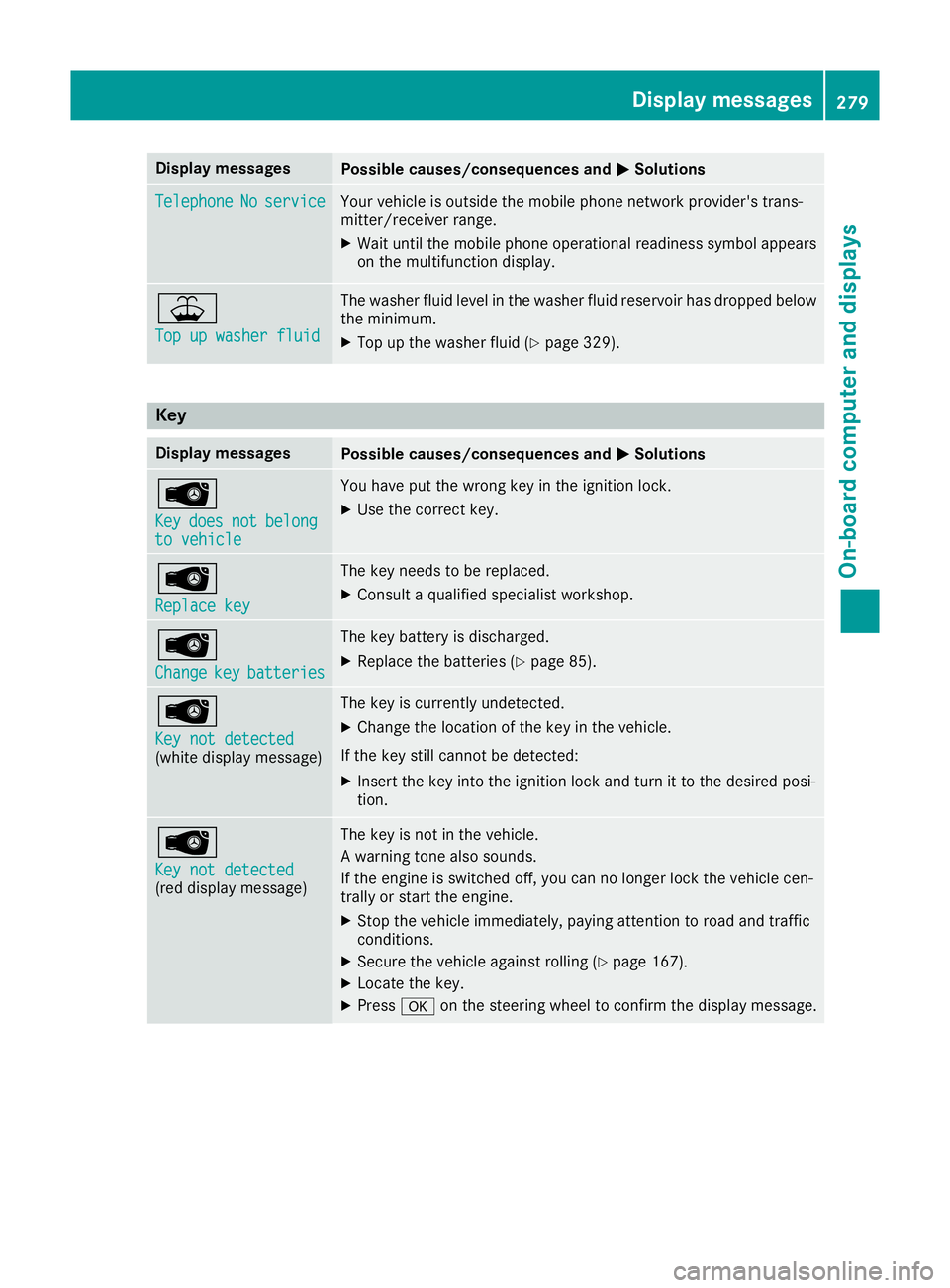
Change Change
key
keybatteries
batteries The key battery is discharged.
X Replace the batteries (Y page 85).Â
Key not detected Key not detected
(white display message) The key is currently undetected.
X Change the location of the key in the vehicle.
If the key still cannot be detected:
X Insert the key into the ignition lock and turn it to the desired posi-
tion. Â
Key not detected Key not detected
(red display message) The key is not in the vehicle.
A warning tone also sounds.
If the engine is switched off, you can no longer lock the vehicle cen-
trally or start the engine.
X Stop the vehicle immediately, paying attention to road and traffic
conditions.
X Secure the vehicle against rolling (Y page 167).
X Locate the key.
X Press aon the steering wheel to confirm the display message. Display
messages
279On-board computer and displays Z