ECO mode MERCEDES-BENZ GLC SUV 2018 COMAND Manual
[x] Cancel search | Manufacturer: MERCEDES-BENZ, Model Year: 2018, Model line: GLC SUV, Model: MERCEDES-BENZ GLC SUV 2018Pages: 170, PDF Size: 4.1 MB
Page 68 of 170
XTo selectDestination:turn and press the
controller.
XSelect From Mercedes-Benz Apps.
The list of Mercedes-Benz Apps appears.
Using geo-coordinates
XTo switch to navigation mode: press the
Ø button.
XTo show the menu: slide6the controller.
XTo select Destination:turn and press the
controller.
XSelect Using Geo-Coordinates.
Geo-coordinates (longitude and latitude) are
entered in degrees, minutes and seconds.
XTo enter geo-coordinates: turn the control-
ler.
The value for degree, minute or second
changes.
XTo move the selection within the line: slide
1 the controller.
XTo move the selection between lines: slide
4the controller.
XTo confirm the value: press the controller.
XTo store geo-coordinates: selectSaveby
turning and pressing the controller.
The destination with the geo-coordinates can
be saved as:
Ra home address in the address book
Ra navigable address book contact
For further information on the address
book, see (
Ypage 103)
Ra personal destination on the SD card
(Ypage 80)
XTo start route calculation: selectStart
RouteGuidanceby turning and pressing the
controller.
Personal POIs and routes
General notes
The use of personal POIs for displaying traffic
surveillance equipment is not permitted in every country. Please observe the country-specific
regulations and always drive at a suitable speed.
Personal POIs are filed in categories:
RNot Classified
Standard entry for personal POIs
RMercedes-Benz Apps
Personal POIs (destinations, routes) that you
have imported via the online functions.
RCategories which you have created yourself,
e.g. on your PC
Personal routes are not categorized.
Settings for personal POIs
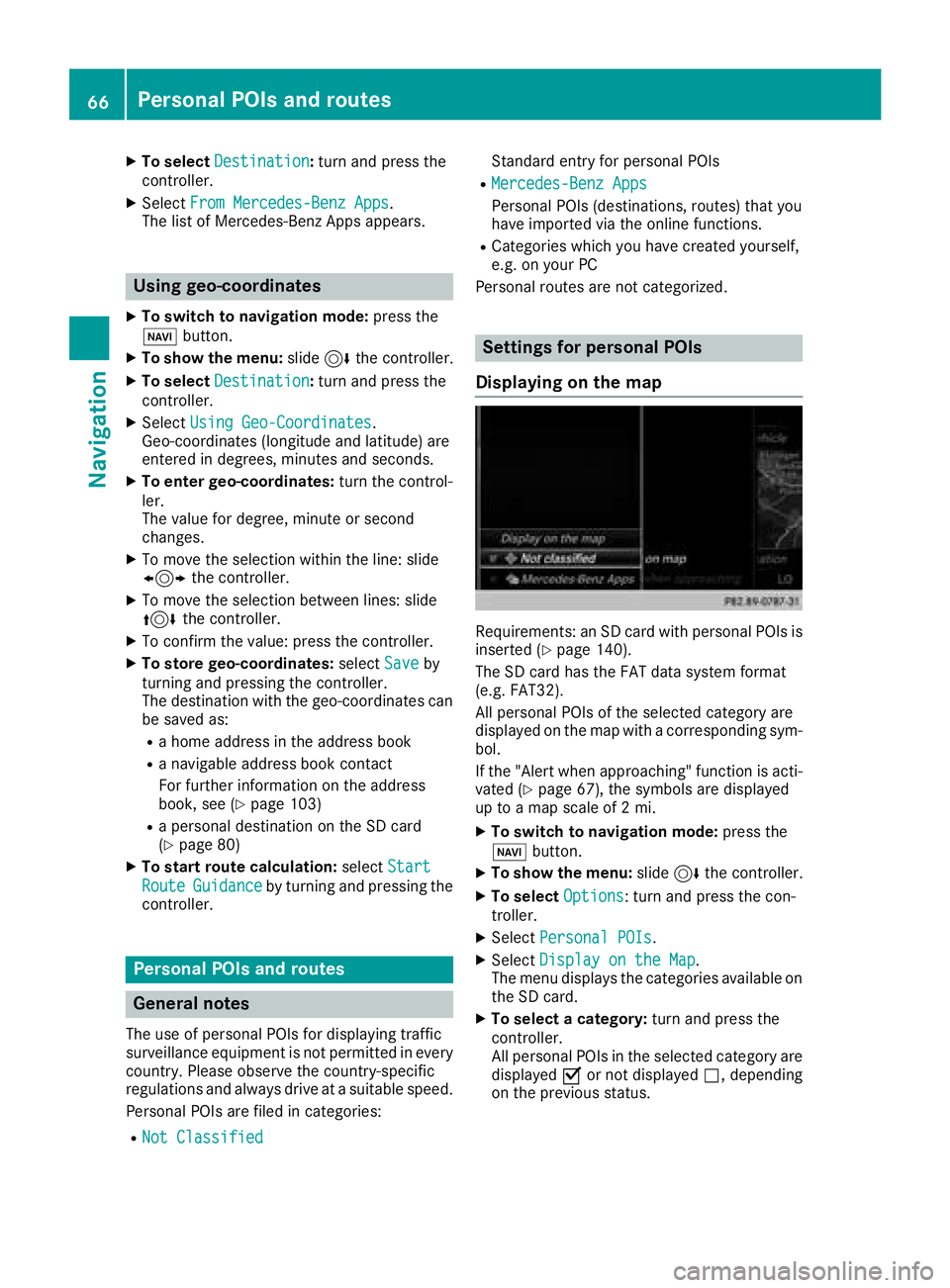
Displaying on the map
Requirements: an SD card with personal POIs is
inserted (Ypage 140).
The SD card has the FAT data system format
(e.g. FAT32).
All personal POIs of the selected category are
displayed on the map with a corresponding sym-
bol.
If the "Alert when approaching" function is acti-
vated (
Ypage 67), the symbols are displayed
up to a map scale of 2 mi.
XTo switch to navigation mode: press the
Ø button.
XTo show the menu: slide6the controller.
XTo select Options: turn and press the con-
troller.
XSelect Personal POIs.
XSelectDisplay on the Map.
The menu displays the categories available on
the SD card.
XTo select a category: turn and press the
controller.
All personal POIs in the selected category are
displayed Oor not displayed ª, depending
on the previous status.
66Personal POIs and routes
Navigation
Page 69 of 170
Alert when approaching
Requirements: an SD cardwit hpersonal POI sis
inserted (Ypage 140).
The SD car dhas th eFA Tdat asystem format
(e.g. FAT32).
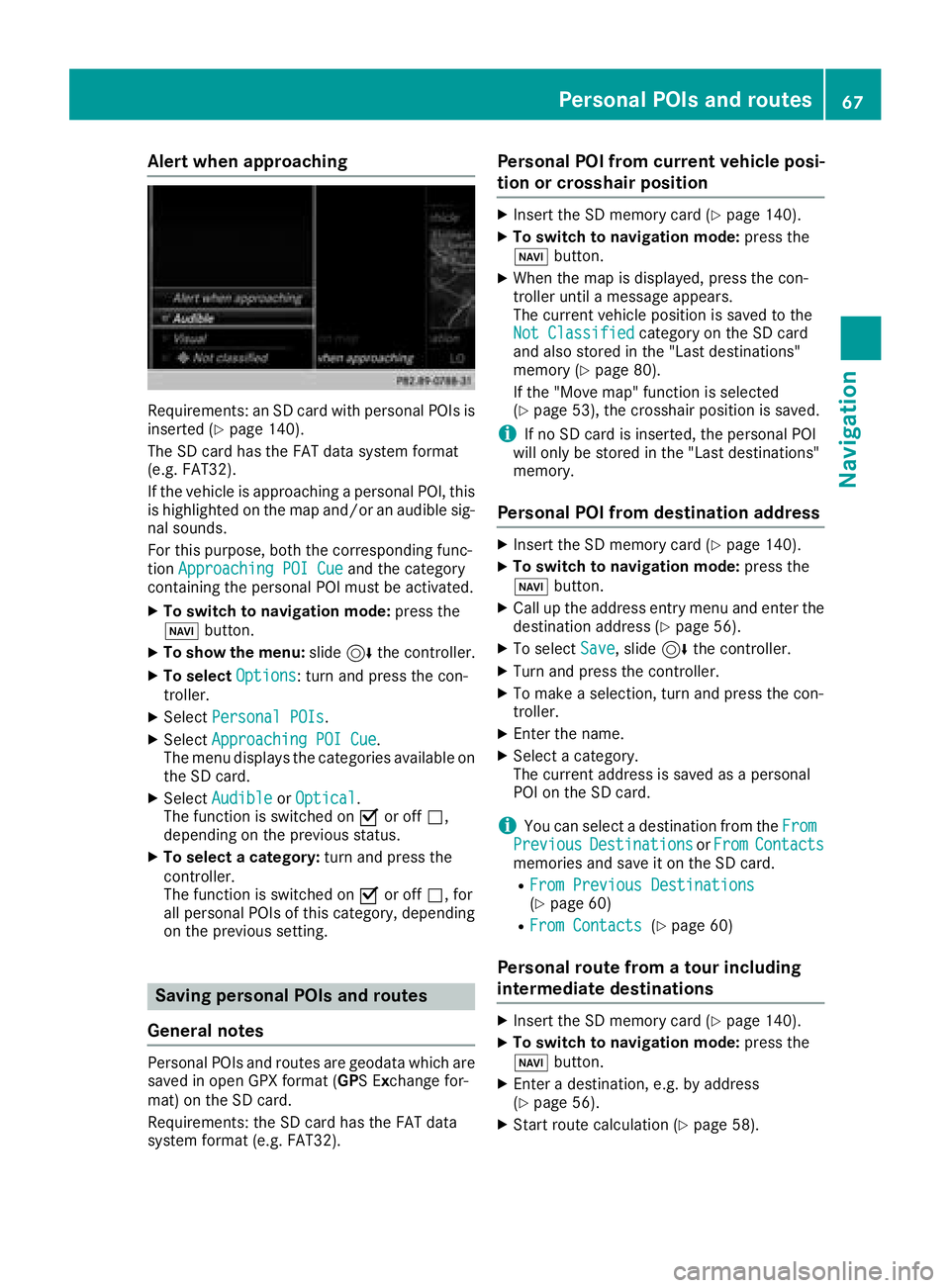
If th evehicl eis approachin g apersonal POI ,this
is highlighte don th emap and/o ran audible sig-
nal sounds.
Fo rthis purpose ,bot hth ecorresponding func-
tion Approaching POI Cue
and th ecategory
containing th epersonal POI mus tbe activated.
XTo switch to navigation mode: press the
Ø button.
XTo sho wthemenu: slide6 thecontroller .
XTo select Options:tur nand press th econ-
troller .
XSelectPersonal POI s.
XSelectApproaching POI Cue.
The men udisplays th ecategorie savailable on
th eSD card.
XSelec tAudibl eorOptica l.
The function is switched on Oor off ª,
depending on th eprevious status .
XTo selectacategory: turnand press th e
controller .
The function is switched on Oor off ª,for
all personal POI sof this category, depending
on th eprevious setting .
Saving personal POIs and routes
Gene ral notes
Personal POI sand routes are geodat awhic hare
saved in open GPX format (GP S E xchange for -
mat )on th eSD card.
Requirements: th eSD car dhas th eFA Tdat a
system format (e.g. FAT32).
Personal POI fr omcurrent vehicle posi-
ti on or cros shair position
XInsertth eSD memory car d (Ypage 140).
XTo switch to navigation mode: press the
Ø button.
XWhen th emap is displayed, press th econ-
troller until amessage appears.
The curren tvehicl eposition is saved to th e
Not Classifie d
categoryon th eSD car d
and also store din th e"Las tdestinations"
memory (
Ypage 80).
If th e"Mov emap" function is selected
(
Ypage 53), th ecrosshair position is saved.
iIf no SD car dis inserted, th epersonal POI
will only be store din th e"Las tdestinations"
memory.
Personal POI fr omdestination address
XInser tth eSD memory car d (Ypage 140).
XTo switch to navigation mode: press the
Ø button.
XCall up th eaddress entr ymen uand ente rth e
destination address (Ypage 56).
XTo select Save,slid e6 thecontroller .
XTurn and press th econtroller .
XTo make aselection ,tur nand press th econ-
troller .
XEnterth ename.
XSelec t acategory.
The curren taddress is saved as apersonal
POI on th eSD card.
iYou can select adestination from th eFro mPreviousDestinationsorFro mContactsmemories and sav eit on th eSD card.
RFro mPrevious Destinations(Ypage 60)
RFro mContacts(Ypage 60 )
Personal route fr oma tour including
intermediate destinations
XInser tth eSD memory car d (Ypage 140).
XTo switch to navigation mode: press the
Ø button.
XEnter adestination ,e.g. by address
(Ypage 56).
XStart rout ecalculation (Ypage 58).
Personal POIs and routes67
Navigation
Z
Page 71 of 170

XSelect personal POI or personal route
(Ypage 68).
XTo explore a personal POI or personal
route:turn and press the controller to select
Map
.
The map with the crosshair appears and
shows the destination.
XScroll the map (Ypage 53).
XSet the map scale (Ypage 81).
XTo switch to the menu: press the %button.
XTo call the personal POI: turn and press the
controller to select Call
.
If a mobile phone is connected to the multi-
media system and the telephone number is
available, the call is connected (
Ypage 97).
XTo save a personal POI: turn and press the
controller to select Save
.
XContinue saving (Ypage 79).
XTo edit the name and symbol: turn and
press the controller to select Edit
.
XSelectChange NameorEdit Icon.
XCharacter entry (Ypage 29).
XSelect a symbol.
XTo delete a personal POI or route: turn and
press the controller to select Delete
.
A prompt will appear.
XSelect YesorNo.
If you select Yes, the personal destination or
personal route is deleted.
XTo select the outward and return route:
select Swap
by turning and pressing the con-
troller.
The starting and destination positions of your
personal route, and thus the direction for
route guidance, are switched round. One-way
streets or restricted intersections are taken
into consideration. Therefore, the outward
and return routes may differ from each other.
XTo start route guidance: turn and press the
controller to select Start
.
Recording the route
General notes
Routes are recorded using the SD card.
Requirements: the SD card has the FAT data
system format (e.g. FAT32). When recording the route, bear in mind the fol-
lowing:
RIf the SD card is inserted, it must not be
removed during recording.
Rif route recording was started manually, it
must be finished manually before the multi-
media system is switched off.
RThe multimedia system minimizes the num-
ber of route points recorded. Therefore when
the recorded route is subsequently com-
menced, it may differ from the route that was
originally recorded.
Starting/finishing route recording
XInsert the SD memory card (Ypage 140).
XTo switch to navigation mode: press the
Ø button.
XTo show the menu: slide6the controller.
XTo select Destination: turn and press the
controller.
XSelect From Memory Card.
XSelectStart Route Recording.
The route is recorded and REC appears at the
bottom edge of the screen.
XTo stop recording, select End RouteRecordingfrom the menu.
The route is stored under Personal Routes.
Displaying/editing the recorded route
XInsert the SD memory card (Ypage 140).
XTo switch to navigation mode: press the
Ø button.
XTo show the menu: slide6the controller.
XTo select Destination: turn and press the
controller.
XSelect From Memory Card.
XSelectPersonal Routes.
Previously recorded routes are displayed.
XTo select a route, turn and press the control-
ler.
The map appears with a menu. The recorded
route is shown on the map in blue.
XTo calculate a route: selectStart.
XTo change the name and symbol: select
Edit
.
XSelect Change NameorEdit Icon.
XCharacter entry (Ypage 29).
XSelect a symbol.
Personal POIs and routes69
Navigation
Z
Page 72 of 170
Route guidance
General notes
The multimedia system calculates the route to
the destination without taking the following into
account, for example:
Rtraffic lights
Rstop and yield signs
Rparking or stopping restrictions
Rroad narrowing
Rtemporary traffic rules and regulations
The navigation system can give differing driving
recommendations if the actual street/traffic sit-
uation does not correspond with the digital
map's data. For example, if the road layout or
the direction of a one-way street has been
changed.
For this reason, you must always observe road
and traffic rules and regulations during your
journey. Road and traffic rules and regulations
always have priority over system driving recom-
mendations.
Route guidance begins once a route has been
calculated (
Ypage 58).
The multimedia system guides you to your des-
tination by means of navigation announcements
in the form of audible navigation announce-
ments and route guidance displays.
The route guidance displays can be seen if nav-
igation mode is switched on.
If you do not follow the navigation announce-
ments or if you leave the calculated route, the
multimedia system automatically calculates a
new route to the destination.
If the digital map contains the corresponding
information, the following applie s:
RDuring route guidance, the multimedia sys-
tem tries to avoid roads with restricted
access. These include, for example, roads
which are closed to through-traffic.
RRoads that have time restrictions are consid-
ered for route guidance on days when they are
open. For this purpose, the relevant times
must be correctly stored in the database. For example, a time restriction can mean a road is
closed on Sundays and public holidays.
Change of direction
Overview
Changes of direction have three phases:
RPreparation phase
RAnnouncement phase
RChange-of-direction phase
Changes in direction are also shown in the mul-
tifunction display of the instrument cluster (see
the vehicle Operator's Manual).
Preparation phase
The multimedia system prepares you for the
upcoming driving maneuver, e.g. with the
announcement "Prepare to turn right". You see
the full-screen map.
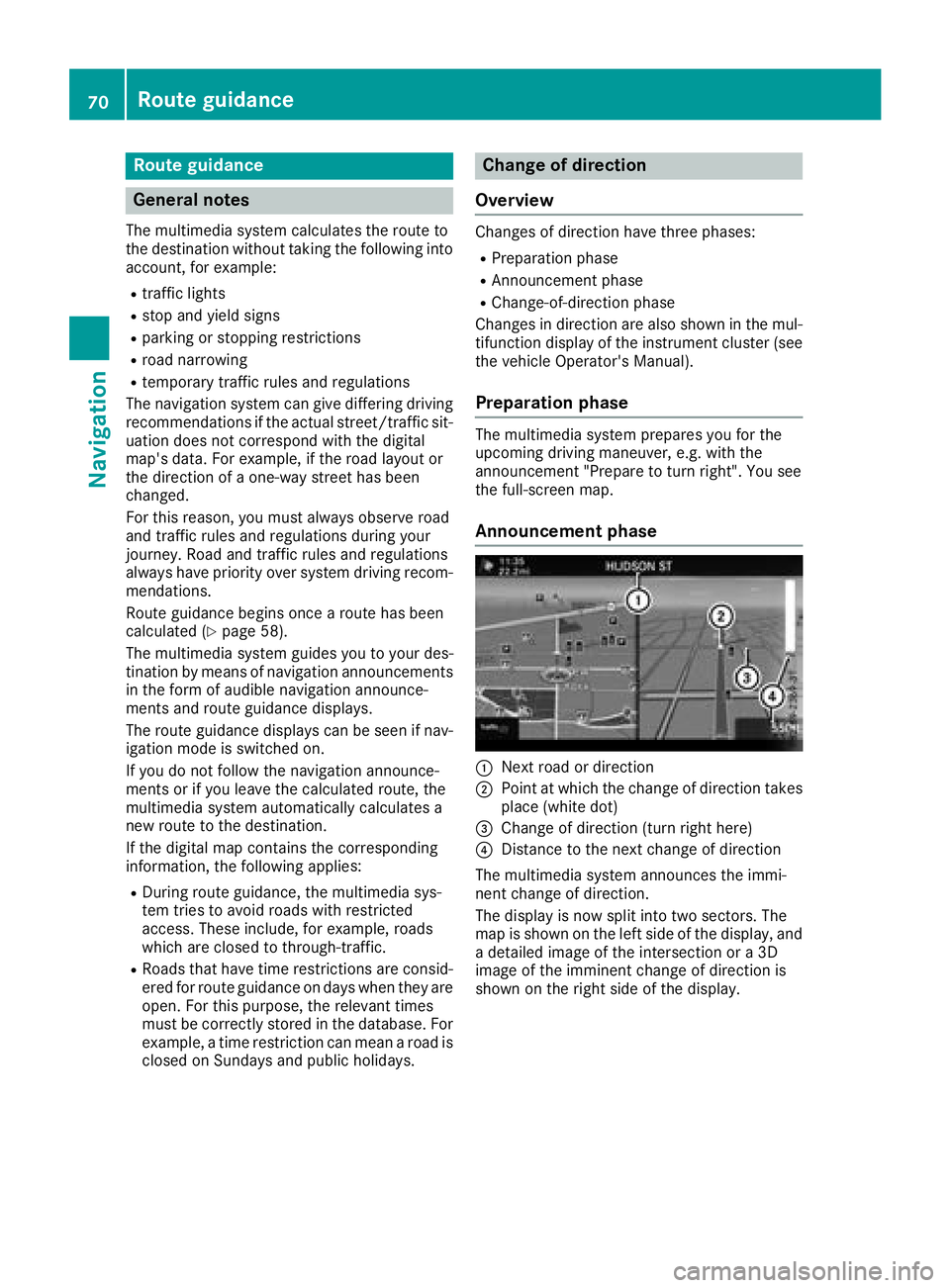
Announcement phase
:Next road or direction
;Point at which the change of direction takes
place (white dot)
=Change of direction (turn right here)
?Distance to the next change of direction
The multimedia system announces the immi-
nent change of direction.
The display is now split into two sectors. The
map is shown on the left side of the display, and
a detailed image of the intersection or a 3D
image of the imminent change of direction is
shown on the right side of the display.
70Route guidance
Navigation
Page 73 of 170
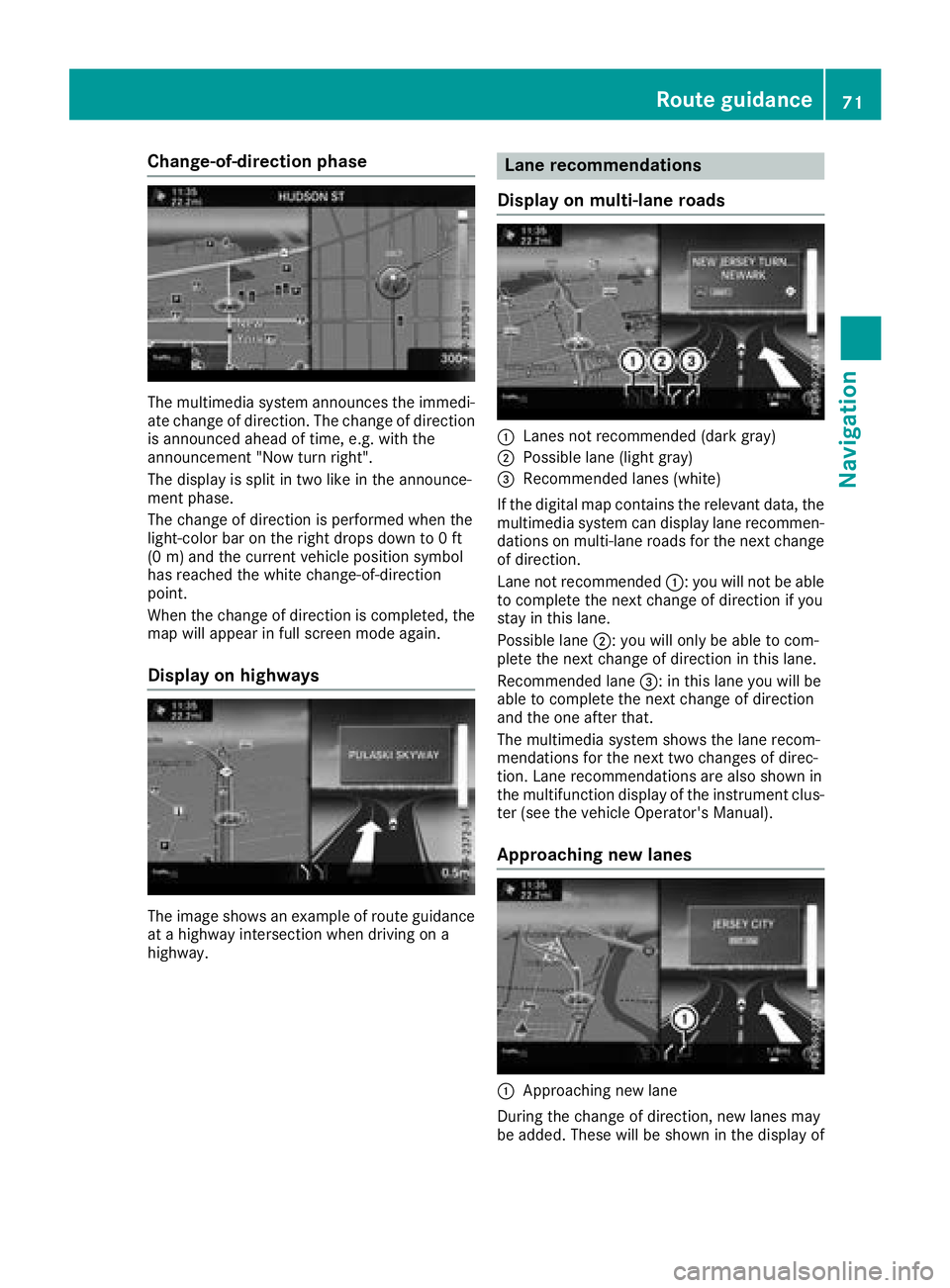
Change-of-direction phase
The multimedia system announces the immedi-
ate change of direction. The change of directionis announced ahead of time, e.g. with the
announcement "Now turn right".
The display is split in two like in the announce-
ment phase.
The change of direction is performed when the
light-color bar on the right drops down to 0 ft
(0 m) an d the current vehicle position symbol
has reached the white change-of-direction
point.
When the change of direction is completed, the
map will appear in full screen mode again.
Display on highways
The image shows an example of route guidance
at a highway intersection when driving on a
highway.
Lane recommendations
Display on multi-lane roads
:Lanes not recommended (dark gray)
;Possible lane (light gray)
=Recommended lanes (white)
If the digital map contains the relevant data, the
multimedia system can display lane recommen-
dations on multi-lane roads for the next change
of direction.
Lane not recommended :: you will not be able
to complete the next change of direction if you
stay in this lane.
Possible lane ;: you will only be able to com-
plete the next change of direction in this lane.
Recommended lane =: in this lane you will be
able to complete the next change of direction
and the one after that.
The multimedia system shows the lane recom-
mendations for the next two changes of direc-
tion. Lane recommendations are also shown in
the multifunction display of the instrument clus-
ter (see the vehicle Operator's Manual).
Approaching new lanes
:Approaching new lane
During the change of direction, new lanes may
be added. These will be shown in the display of
Route guidance71
Navigation
Z
Page 74 of 170
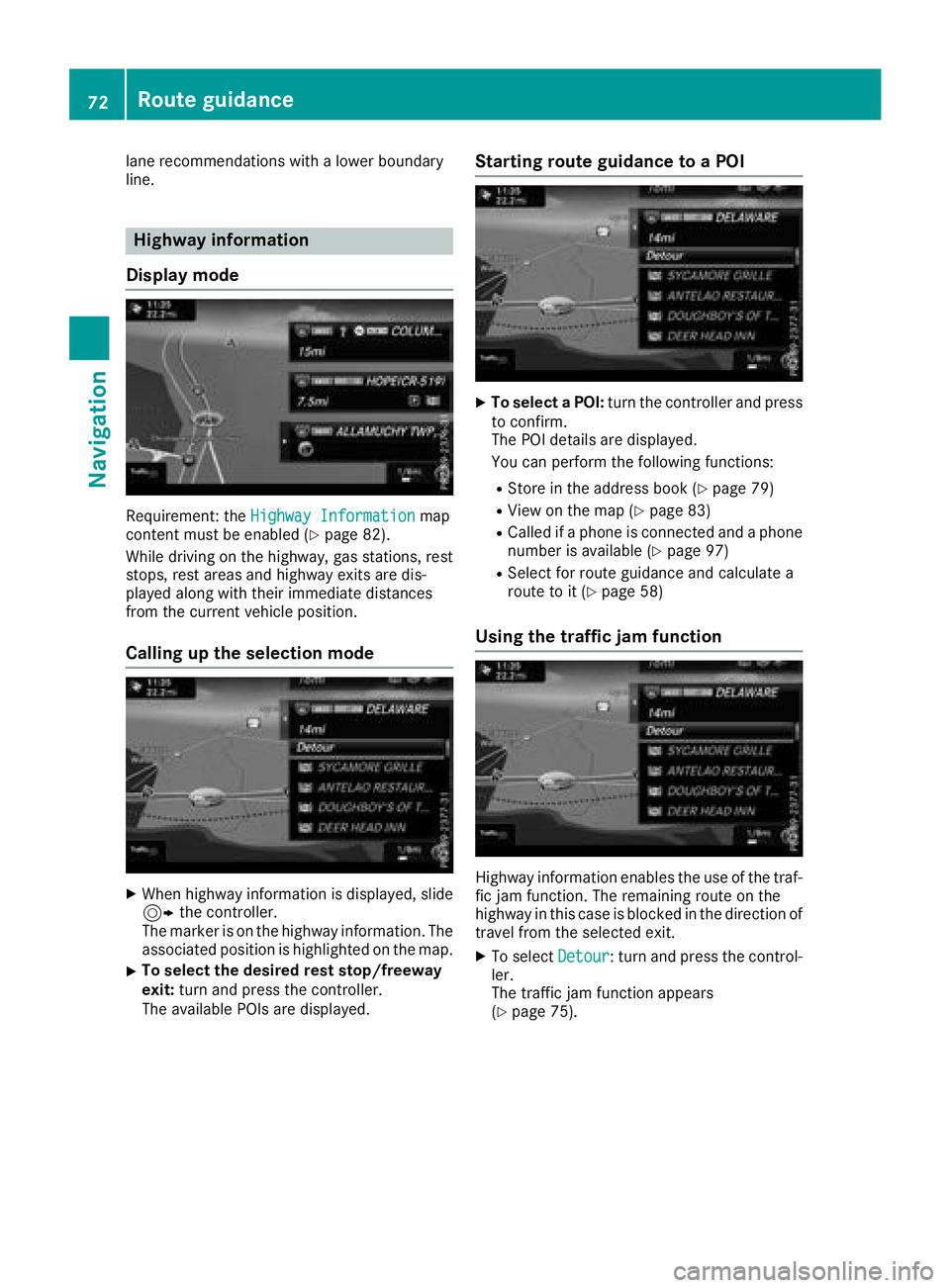
lane recommendations with a lower boundary
line.
Highway information
Display mode
Requirement: the Highway Informationmap
content must be enabled (Ypage 82).
While driving on the highway, gas stations, rest
stops, rest areas and highway exits are dis-
played along with their immediate distances
from the current vehicle position.
Calling up the selection mode
XWhen highway information is displayed, slide 9 the controller.
The marker is on the highway information. The
associated position is highlighted on the map.
XTo select the desired rest stop/freeway
exit: turn and press the controller.
The available POIs are displayed.
Starting route guidance to a POI
XTo select a POI: turn the controller and press
to confirm.
The POI details are displayed.
You can perform the following functions:
RStore in the address book (Ypage 79)
RView on the map (Ypage 83)
RCalled if a phone is connected and a phone
number is available (Ypage 97)
RSelect for route guidance and calculate a
route to it (Ypage 58)
Using the traffic jam function
Highway information enables the use of the traf-
fic jam function. The remaining route on the
highway in this case is blocked in the direction of
travel from the selected exit.
XTo select Detour: turn and press the control-
ler.
The traffic jam function appears
(
Ypage 75).
72Route guidance
Navigation
Page 75 of 170

Destination reached
Once thedestination is reached, you will see th e
checkered flag .Rout eguidanc eis finished.
Navigation announcement s
Repeating navigation announcement s
If you missed thecurren tnavigation announce -
ment, you can cal lit up again .
XTo switch to navigation mode: press the
Ø button.
XTo show th emenu :slid e6 thecontroller .
XTo select+ :turn and press th econtroller .
The navigation announcemen tis repeated.
iIf th eRepeat Spoken Drivin gRecom‐mendation sfunction has previously bee n
adde das afavorite, you can alternatively
selec tth efunction usin gth efavorites butto n
(
Ypage 32).
Setting th evolume manuall y
XSetth evolume usin gth ethumbwhee lto th e
right of th econtroller durin gth enavigation
announcement.
iWhe nyou start th eengine, th evolume is set
to th elowest setting .
Switchingnavigation announcement s
on/of f
XTo switch off navigation announcements:
during anavigation announcement, press th e
thumbwhee lto th eright of th econtroller .
or
XPress th e8 buttonon th emultifunction
steerin gwhee ldurin g anavigation message.
The Spoken drivin grecommendations
hav ebee ndeactivated.messag e
appears .
XTo switch navigation announcement s
back on: slide6 thecontroller .
XTo select+ :turn and press th econtroller .
The multimedia system automatically switches
th enavigation announcements bac kon when :
Rane wrout eis calculated
Rth evehicle is started
A navigation messag eis given if th erout eis
recalculated durin gdynamic rout eguidanc edue
to ne wtraffic reports (
Ypage 76).
Canceling/continuing rout eguidance
Cancelin grout eguidance
XSlide 6thecontroller .
The men uis shown .
XTo selectDestination:turn and press th e
controller .
XSelectCancel Active Route Guidance.
The blue rout elin eis no longer shown on th e
map .
Resuming rout eguidance
XSlide 6thecontroller .
The men uis shown .
XTo selectDestination:turn and press th e
controller .
XSelectContinue Route Guidance.
The multimedia system calculates th eroute.
Route guidance73
Navigation
Z
Page 76 of 170
Route information
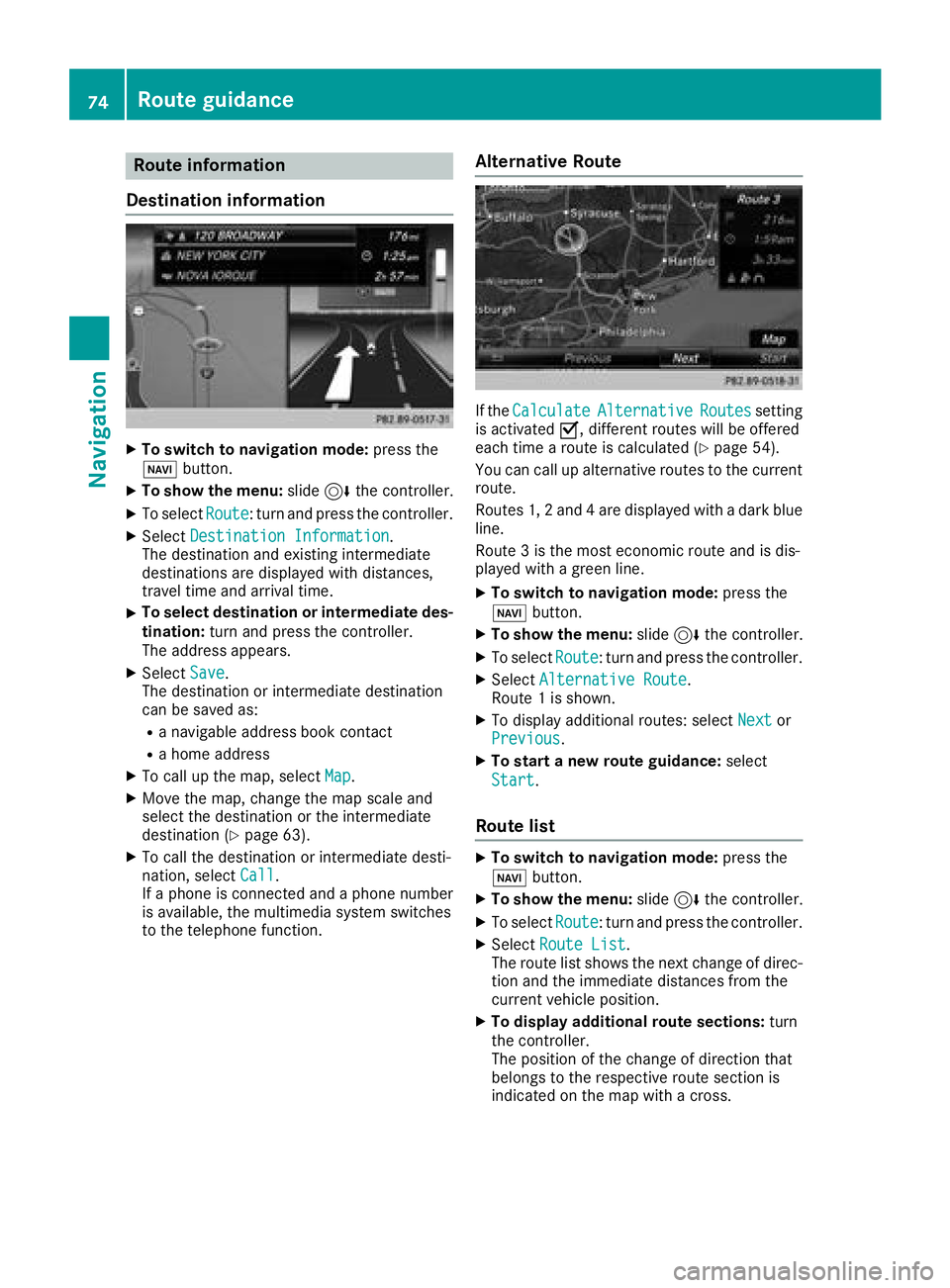
Destination information
XTo switch to navigation mode: press the
Ø button.
XTo show the menu: slide6the controller.
XTo select Route: turn and press the controller.
XSelectDestination Information.
The destination and existing intermediate
destinations are displayed with distances,
travel time and arrival time.
XTo select destination or intermediate des-
tination: turn and press the controller.
The address appears.
XSelect Save.
The destination or intermediate destination
can be saved as:
Ra navigable address book contact
Ra home address
XTo call up the map, select Map.
XMove the map, change the map scale and
select the destination or the intermediate
destination (
Ypage 63).
XTo call the destination or intermediate desti-
nation, selectCall.
If a phone is connected and a phone number
is available, the multimedia system switches
to the telephone function.
Alternative Route
If the CalculateAlternativeRoutessetting
is activated O, different routes will be offered
each time a route is calculated (
Ypage 54).
You can call up alternative routes to the current
route.
Routes 1, 2 and 4 are displayed with a dark blue line.
Route 3 is the most economic route and is dis-
played with a green line.
XTo switch to navigation mode: press the
Ø button.
XTo show the menu: slide6the controller.
XTo select Route: turn and press the controller.
XSelectAlternative Route.
Route 1 is shown.
XTo display additional routes: select Nextor
Previous.
XTo start a new route guidance: select
Start
.
Route list
XTo switch to navigation mode: press the
Ø button.
XTo show the menu: slide6the controller.
XTo select Route: turn and press the controller.
XSelectRoute List.
The route list shows the next change of direc-
tion and the immediate distances from the
current vehicle position.
XTo display additional route sections: turn
the controller.
The position of the change of direction that
belongs to the respective route section is
indicated on the map with a cross.
74Route guidance
Navigation
Page 86 of 170
Avoiding an area
Gene ral notes
The multimedia system enables you to avoi d
areas you do no twish to drive through.
If you activat eor deactivat e arout ebloc kwhile
rout eguidance is active ,th emultimedia system
will calculat e anewroute. If you activat eor
deactivat e arout ebloc kwhile rout eguidance is
inactive ,th emultimedia system will use th ene w
setting for th enext rout eguidance .
The calculated rout ecan contain an area to be
avoided, if:
Rth edestination is locate din an area to be
avoided.
Rthere is no alternative rout eof similar length.
Highways within blocke dareas are always taken
int oconsideration in th erout ecalculation .
iAlternatively, you can carry out this opera-
tion usin gth etouchpad (Ypage 23).
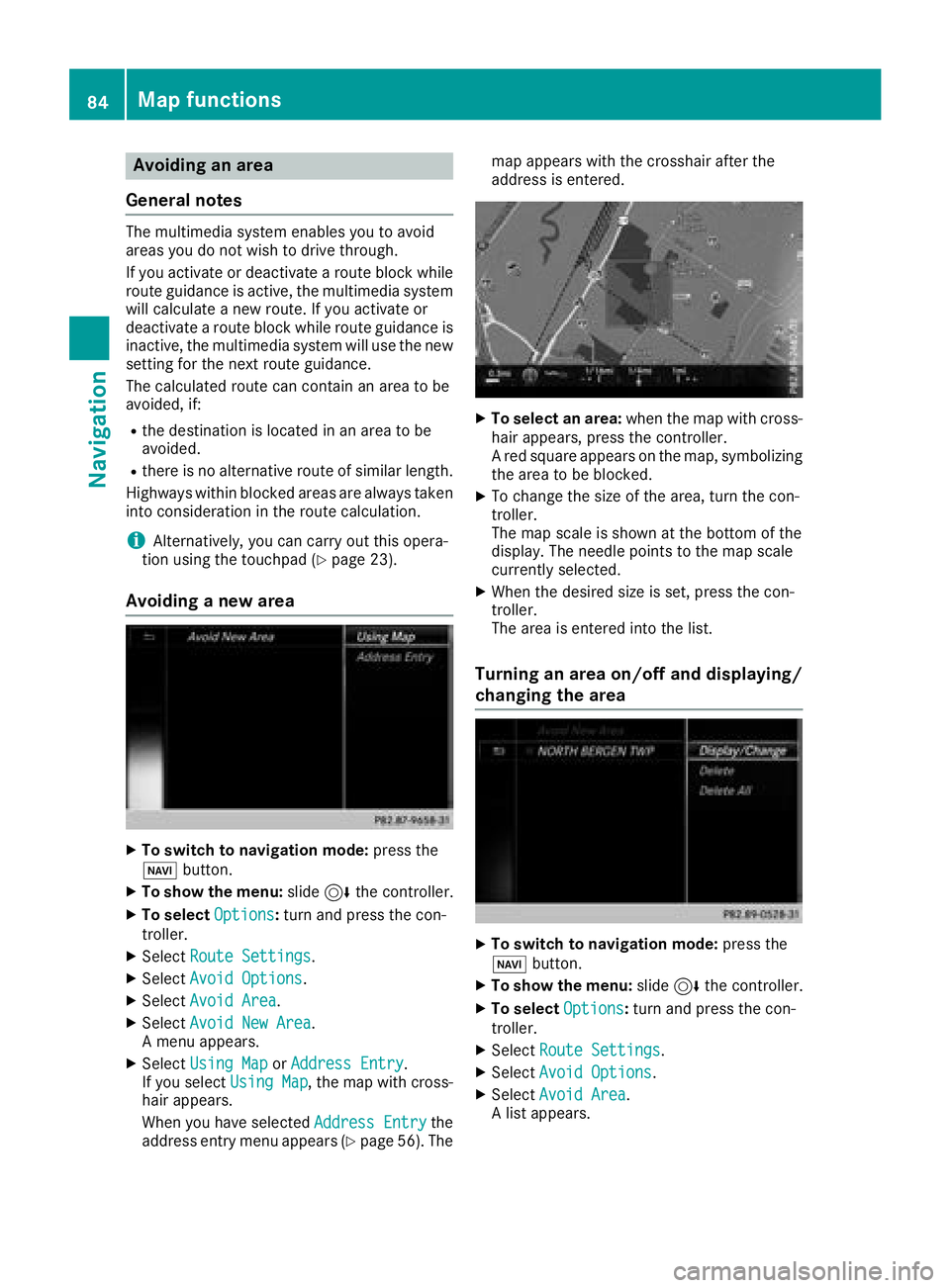
Avoiding a new area
XTo switch to navigation mode: press the
Ø button.
XTo sho wthemenu: slide6 thecontroller .
XTo select Options:tur nand press th econ-
troller .
XSelectRoute Settings.
XSelec tAvoid Option s.
XSelectAvoid Are a.
XSelectAvoid New Are a.
A men uappears.
XSelec tUsing Mapor Addres sEntry.
If you select Using Map,th emap wit hcross -
hair appears.
When you hav eselected AddressEntry
the
address entr ymen uappear s (Ypage 56) .The map appear
swit hth ecrosshair after th e
address is entered .
XTo select an area: when themap wit hcross -
hair appears, press th econtroller .
A red squar eappear son th emap, symbolizing
th earea to be blocked.
XTo chang eth esiz eof th earea, tur nth econ-
troller .
The map scale is shown at th ebotto mof th e
display. The needle points to th emap scale
currentl yselected.
XWhen th edesired siz eis set ,press th econ-
troller .
The area is entered int oth elist .
Turning an area on/off and displaying/
changing the area
XTo switch to navigation mode: press the
Ø button.
XTo sho wthemenu: slide6 thecontroller .
XTo select Options:tur nand press th econ-
troller .
XSelectRoute Settings.
XSelec tAvoid Option s.
XSelectAvoid Are a.
A list appears.
84Map functions
Navigation
Page 87 of 170
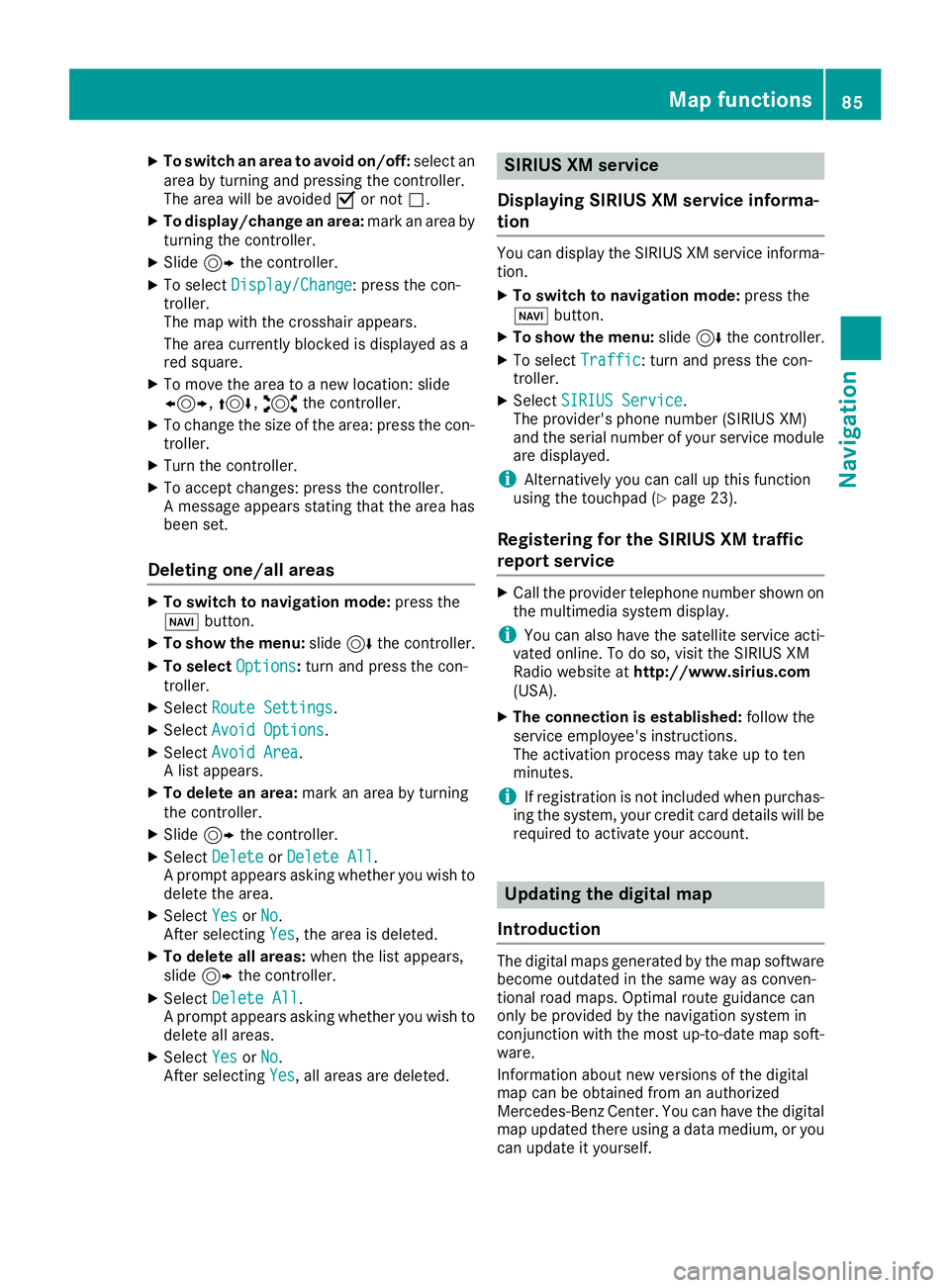
XTo switch an area to avoid on/off:select an
area by turning and pressing the controller.
The area will be avoided Oor not ª.
XTo display/change an area: mark an area by
turning the controller.
XSlide 9the controller.
XTo select Display/Change: press the con-
troller.
The map with the crosshair appears.
The area currently blocked is displayed as a
red square.
XTo move the area to a new location: slide
1, 4,2the controller.
XTo change the size of the area: press the con-
troller.
XTurn the controller.
XTo accept changes: press the controller.
A message appears stating that the area has
been set.
Deleting one/all areas
XTo switch to navigation mode: press the
Ø button.
XTo show the menu: slide6the controller.
XTo select Options:turn and press the con-
troller.
XSelect Route Settings.
XSelectAvoid Options.
XSelectAvoid Area.
A list appears.
XTo delete an area: mark an area by turning
the controller.
XSlide 9the controller.
XSelect DeleteorDelete All.
A prompt appears asking whether you wish to
delete the area.
XSelect YesorNo.
After selecting Yes, the area is deleted.
XTo delete all areas: when the list appears,
slide 9 the controller.
XSelect Delete All.
A prompt appears asking whether you wish to
delete all areas.
XSelect YesorNo.
After selecting Yes, all areas are deleted.
SIRIUS XM service
Displaying SIRIUS XM service informa-
tion
You can display the SIRIUS XM service informa-
tion.
XTo switch to navigation mode: press the
Ø button.
XTo show the menu: slide6the controller.
XTo select Traffic: turn and press the con-
troller.
XSelect SIRIUS Service.
The provider's phone number (SIRIUS XM)
and the serial number of your service module
are displayed.
iAlternatively you can call up this function
using the touchpad (Ypage 23).
Registering for the SIRIUS XM traffic
report service
XCall the provider telephone number shown on
the multimedia system display.
iYou can also have the satellite service acti-
vated online. To do so, visit the SIRIUS XM
Radio website at http://www.sirius.com
(USA).
XThe connection is established: follow the
service employee's instructions.
The activation process may take up to ten
minutes.
iIf registration is not included when purchas-
ing the system, your credit card details will be
required to activate your account.
Updating the digital map
Introduction
The digital maps generated by the map software
become outdated in the same way as conven-
tional road maps. Optimal route guidance can
only be provided by the navigation system in
conjunction with the most up-to-date map soft-
ware.
Information about new versions of the digital
map can be obtained from an authorized
Mercedes-Benz Center. You can have the digital
map updated there using a data medium, or you
can update it yourself.
Map functions85
Navigation
Z