air condition MERCEDES-BENZ GLC SUV 2018 Owner's Manual
[x] Cancel search | Manufacturer: MERCEDES-BENZ, Model Year: 2018, Model line: GLC SUV, Model: MERCEDES-BENZ GLC SUV 2018Pages: 390, PDF Size: 6.54 MB
Page 7 of 390
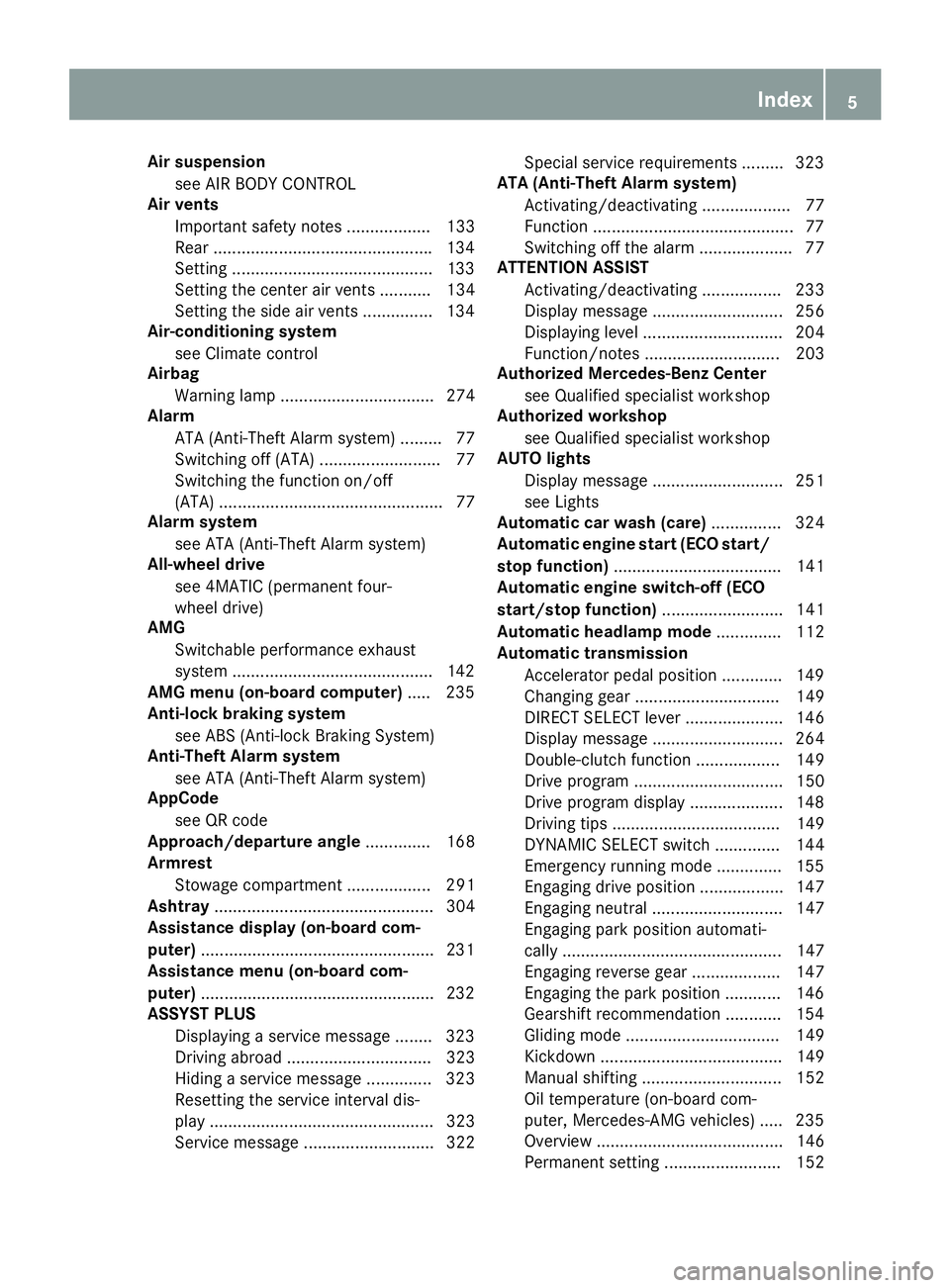
Air suspensionsee AIR BODY CONTROL
Air vents
Important safety notes .................. 133
Rear .............................................. .134
Setting ...........................................1 33
Setting the center air vents ........... 134
Setting the side air vents ...............1 34
Air-conditioning system
see Climate control
Airbag
Warning lamp ................................. 274
Alarm
ATA (Anti-Theft Alarm system) ......... 77
Switching off (ATA) .......................... 77
Switching the function on/off
(ATA) ................................................ 77
Alarm system
see ATA (Anti-Theft Alarm system)
All-wheel drive
see 4MATIC (permanent four-
wheel drive)
AMG
Switchable performance exhaust
system ...........................................1 42
AMG menu (on-board computer) ..... 235
Anti-lock braking system
see ABS (Anti-lock Braking System)
Anti-Theft Alarm system
see ATA (Anti-Theft Alarm system)
AppCode
see QR code
Approach/departure angle .............. 168
Armrest
Stowage compartment .................. 291
Ashtray ............................................... 304
Assistance display (on-board com-
puter) ..................................................2 31
Assistance menu (on-board com-
puter) ..................................................2 32
ASSYST PLUS
Displaying a service message ........3 23
Driving abroad ............................... 323
Hiding a service message .............. 323
Resetting the service interval dis-
play ................................................ 323
Service message ............................ 322 Special service requirements ......... 323
ATA (Anti-Theft Alarm system)
Activating/deactivating ................... 77
Function ...........................................7 7
Switching off the alarm .................... 77
ATTENTION ASSIST
Activating/deactiva ting ................. 233
Di
splay message ............................ 256
Displaying level .............................. 204
Function/notes ............................. 203
Authorized Mercedes-Benz Center
see Qualified specialist workshop
Authorized workshop
see Qualified specialist workshop
AUTO lights
Display message ............................ 251
see Lights
Automatic car wash (care) ............... 324
Automatic engine start (ECO start/
stop function) .................................... 141
Automatic engine switch-off (ECO
start/stop function) .......................... 141
Automatic headlamp mode .............. 112
Automatic transmission
Accelerator pedal position ............. 149
Changing gear ............................... 149
DIRECT SELECT lever ..................... 146
Display message ............................ 264
Double-clutch function .................. 149
Drive program ................................ 150
Drive program display .................... 148
Driving tips .................................... 149
DYNAMIC SELECT switch .............. 144
Emergency running mode .............. 155
Engaging drive position .................. 147
Engaging neutral ............................ 147
Engaging park position automati-
cally ............................................... 147
Engaging reverse gear ................... 147
Engaging the park position ............ 146
Gearshift recommendation ............ 154
Gliding mode ................................. 149
Kickdown ....................................... 149
Manual shifting .............................. 152
Oil temperature (on-board com-
puter, Mercedes-AMG vehicles) ..... 235
Overview ........................................ 146
Permanent setting ......................... 152
Index5
Page 18 of 390
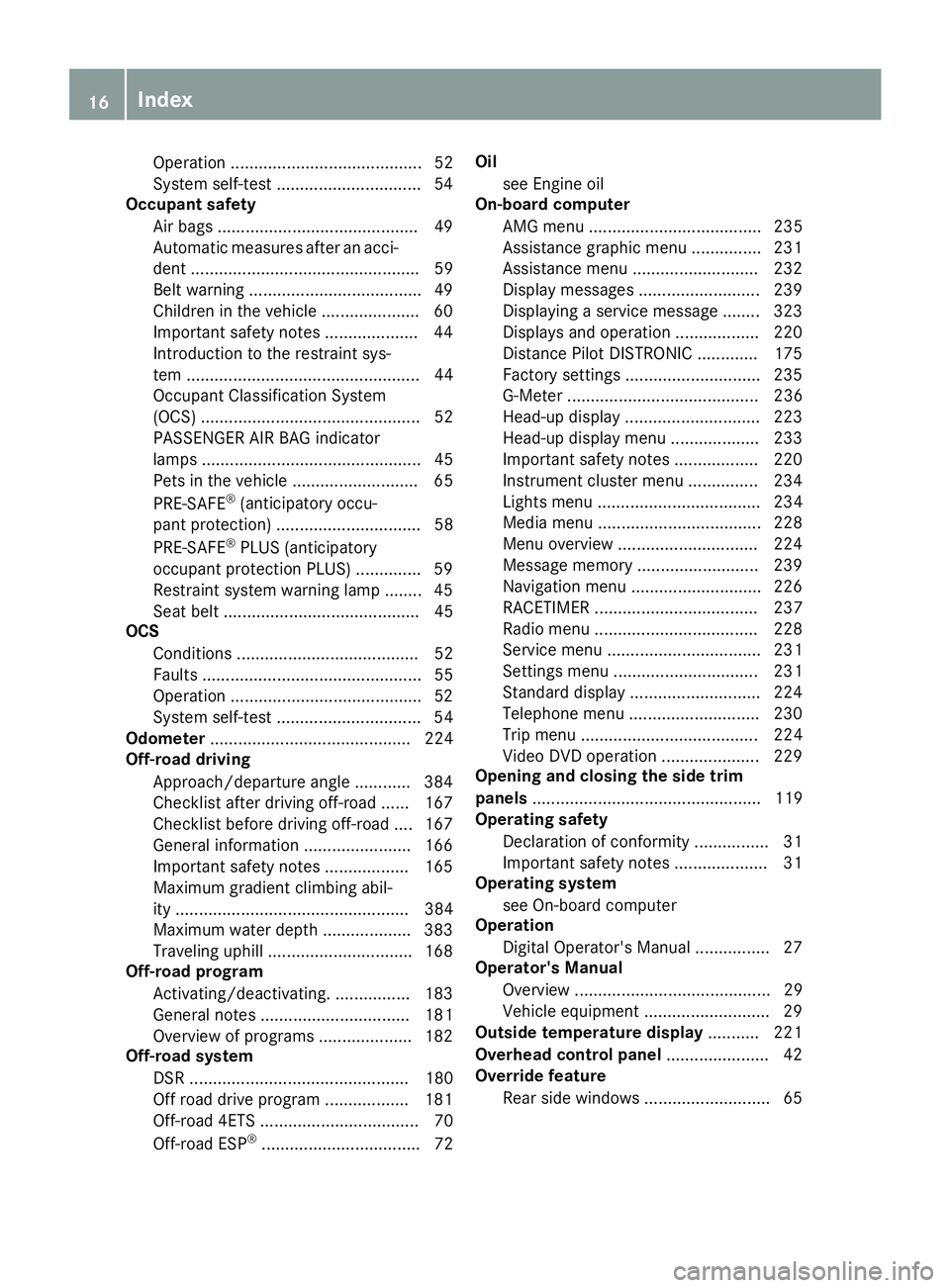
Operation ......................................... 52
System self-test ...............................54
Occupant safety
Air bags ...........................................4 9
Automatic measures after an acci-
dent ................................................. 59
Belt warning .....................................4 9
Childr eninthe vehicle .................... .60
Important safety notes .................... 44
Introduction to the restraint sys-
tem .................................................. 44
Occupant Classification System
(OCS) ............................................... 52
PASSENGER AIR BAG indicator
lamps ............................................... 45
Pets in the vehicle ........................... 65
PRE-SAFE
®(anticipatory occu-
pant protection) ............................... 58
PRE-SAFE
®PLUS (anticipatory
occupant protection PLUS) .............. 59
Restraint system warning lamp ........ 45
Seat belt .......................................... 45
OCS
Conditions ....................................... 52
Faults ............................................... 55
Operation .........................................5 2
System self-test ............................... 54
Odometer ........................................... 224
Off-road driving
Approach/departure angle ............ 384
Checklist after driving off-road ...... 167
Checklist before driving off-road .... 167
General information ....................... 166
Important safety notes .................. 165
Maximum gradient climbing abil-
ity .................................................. 384
Maximum water depth ................... 383
Traveling uphill ............................... 168
Off-road program
Activating/deactivating. ................ 183
General notes ................................ 181
Overview of programs .................... 182
Off-road system
DSR ............................................... 180
Off road drive pro gram .................. 181
Off-roa
d 4ETS .................................. 70
Off-road ESP
®.................................. 72 Oil
see Engine oil
On-board computer
AMG menu ..................................... 235
Assistance graphic menu ............... 231
Assistance menu ........................... 232
Display messages .......................... 239
Displaying a service message ........ 323
Displays and operation .................. 220
Distance Pilot DISTRONIC ............. 175
Factory settings ............................. 235
G-Meter ......................................... 236
Head-up display ............................. 223
Head-up display menu ................... 233
Important safety notes .................. 220
Instrument cluster menu ............... 234
Lights menu ................................... 234
Media menu ................................... 228
Menu overview .............................. 224
Message memory .......................... 239
Navigation menu ............................ 226
RACETIMER ................................... 237
Radio menu ................................... 228
Service menu ................................. 231
Settings menu ............................... 231
Standard display ............................ 224
Telephone menu ............................ 230
Trip menu ...................................... 224
Video DVD operation ..................... 229
Opening and closing the side trim
panels ................................................. 119
Operating safety
Declaration of conformity ................ 31
Important safety notes .................... 31
Operating system
see On-board computer
Operation
Digital Operator's Manual ................ 27
Operator's Manual
Overview .......................................... 29
Vehicle equipment ........................... 29
Outside temperature display ........... 221
Overhead control panel ...................... 42
Override feature
Rear side windows ........................... 65
16Index
Page 20 of 390
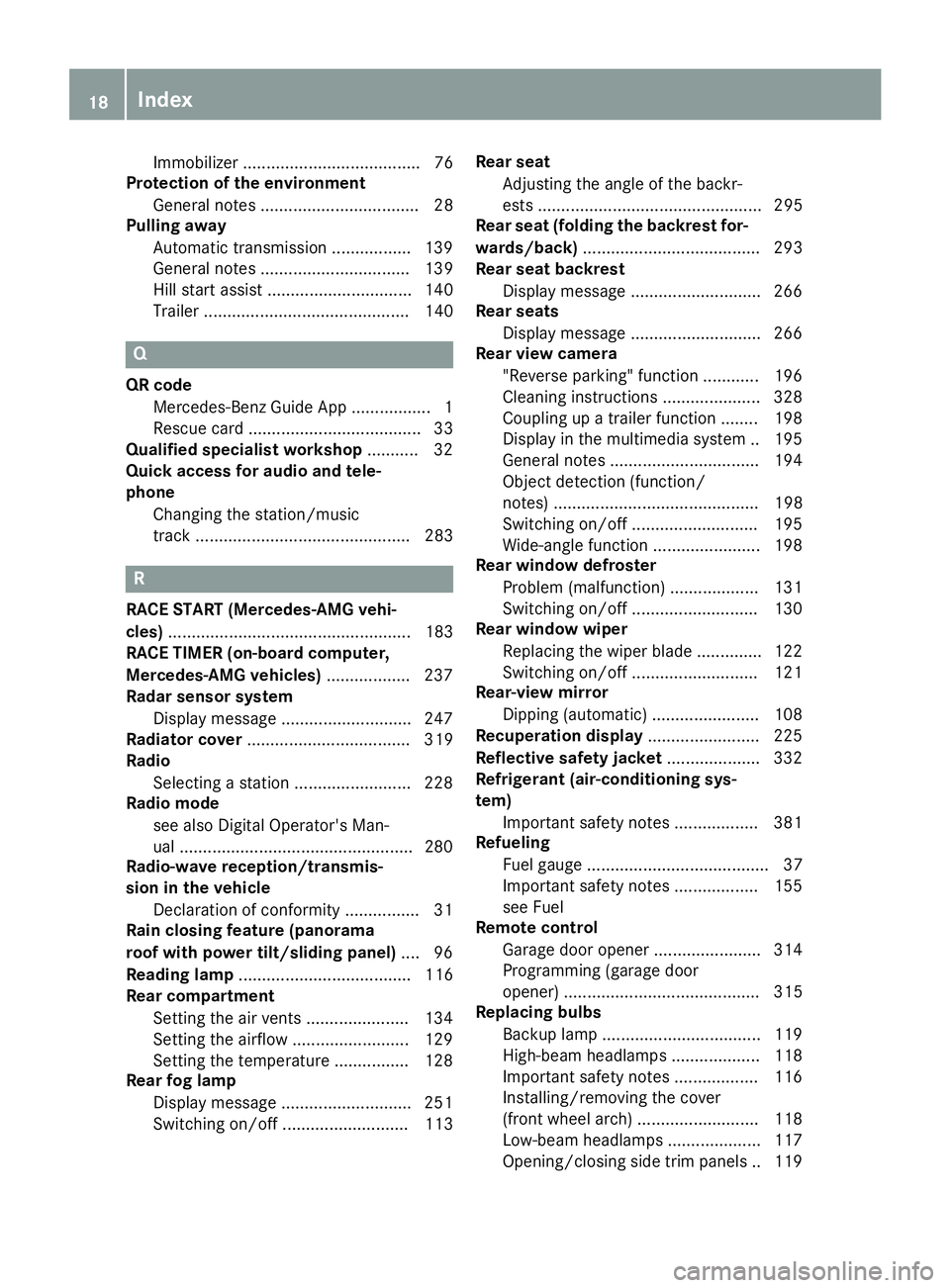
Immobilizer ...................................... 76
Protection of the environment
General notes .................................. 28
Pulling away
Automatic transmission .................1 39
General notes ................................ 139
Hill start assist ............................... 140
Trailer ............................................ 140
Q
QR code
Mercedes-Benz Guide App ................. 1
Rescue card ..................................... 33
Qualified specialist workshop ........... 32
Quick access for audio and tele-
phone
Changing the station/music
track .............................................. 283
R
RACE START (Mercedes-AMG vehi-
cles) .................................................... 183
RACE TIMER (on-board computer,
Mercedes-AMG vehicles) .................. 237
Radar sensor system
Display message ............................ 247
Radiator cover ................................... 319
Radio
Selecting a station ......................... 228
Radio mode
see also Digital Operator's Man-
ual ..................................................2 80
Radio-wave reception/transmis-
sion in the vehicle
Declaration of conformity ................ 31
Rain closing feature (panorama
roof with power tilt/sliding panel) .... 96
Reading lamp ..................................... 116
Rear compartment
Setting the air vents ......................1 34
Setting the airflow ......................... 129
Setting the temperature ................ 128
Rear fog lamp
Display message ............................ 251
Switching on/off ........................... 113 Rear seat
Adjusting the angle of the backr-
ests ................................................ 295
Rear seat (folding the backrest for-
wards/back) ...................................... 293
Rear seat backrest
Display message ............................ 266
Rear seats
Display message ............................ 266
Rear view camera
"Reverse parking" function ............ 196
Cleaning instructions ..................... 328
Coupling up a trailer function ........1 98
Display in the multimedia system .. 195
General notes ................................ 194
Object detection (function/
notes) ............................................ 198
Switching on/off ........................... 195
Wide-angle function ....................... 198
Rear window defroster
Problem (malfunction) ................... 131
Switching on/off ........................... 130
Rear window wiper
Replacing the wiper blade .............. 122
Switching on/off ........................... 121
Rear-view mirror
Dipping (automatic) ....................... 108
Recuperation display ........................ 225
Re
flective safety jacket .................... 332
Refrigerant (air-conditioning sys-
tem)
Important safety notes .................. 381
Refueling
Fuel gauge ....................................... 37
Important safety notes .................. 155
see Fuel
Remote control
Garage door opener ....................... 314
Programming (garage door
opener) .......................................... 315
Replacing bulbs
Backup lamp .................................. 119
High-beam headlamps ................... 118
Important safety notes .................. 116
Installing/removing the cover
(front wheel arch) .......................... 118
Low-beam headlamps .................... 117
Opening/closing side trim panels. .119
18Index
Page 22 of 390
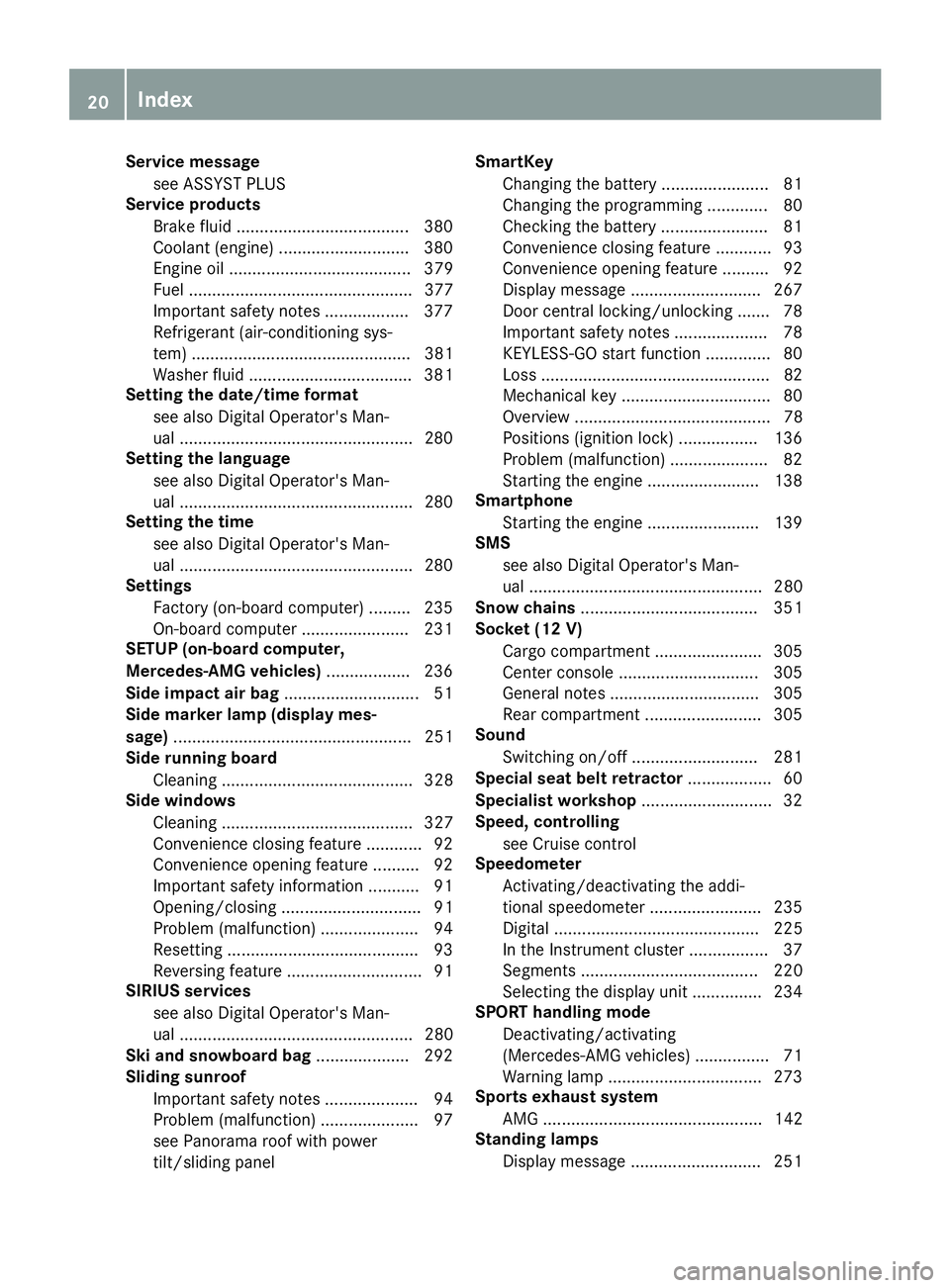
Service messagesee ASSYST PLUS
Service products
Brake fluid .....................................3 80
Coolant (engine) ............................ 380
Engine oil ....................................... 379
Fuel ................................................ 377
Important safety notes .................. 377
Refrigerant (air-conditioning sys-
tem) ............................................... 381
Washer fluid ................................... 381
Setting the date/time format
see also Digital Operator's Man-
ual ..................................................2 80
Setting the language
see also Digital Operator's Man-
ual ..................................................2 80
Setting the time
see also Digital Operator's Man-
ual ..................................................2 80
Settings
Factory (on-board computer) ......... 235
On-board computer ....................... 231
SETUP (on-board computer,
Mercedes-AMG vehicles) .................. 236
Side impact air bag .............................5 1
Side marker lamp (display mes-
sage) ................................................... 251
Side running board
Cleaning ......................................... 328
Side windows
Cleaning ......................................... 327
Convenience closing feature ............ 92
Convenience opening feature ..........9 2
Important safety information ........... 91
Opening/closing .............................. 91
Problem (malfunction) .....................9 4
Resettin g........................................ .93
Reversin gfeature ............................ .91
SIRIUS services
see also Digital Operator's Man-
ual .................................................. 280
Ski and snowboard bag .................... 292
Sliding sunroof
Important safet
y notes .................... 94
Problem (malfunction) ..................... 97
see Panorama roof with power
tilt/sliding panel SmartKey
Changing the battery ....................... 81
Changing the programming .............8 0
Checking the battery ...................... .81
Convenience closing feature ............ 93
Convenience opening feature .......... 92
Display message ............................ 267
Door central locking/unlocking ...... .78
Important safety notes .................... 78
KEYLESS-GO start function .............. 80
Loss .................................................8 2
Mechanical key ................................ 80
Overview .......................................... 78
Positions (ignition lock) ................. 136
Problem (malfunction) ..................... 82
Starting the engine ........................ 138
Smartphone
Starting the engine ........................ 139
SMS
see also Digital Operator's Man-
ual .................................................. 280
Snow chains ...................................... 351
Socket (12 V)
Cargo compartment ....................... 305
Center console .............................. 305
General notes ................................ 305
Rear compartment .........................3 05
Sound
Switching on/off ........................... 281
Special seat belt retractor .................. 60
Specialist workshop ............................ 32
Speed, controlling
see Cruise control
Speedometer
Activating/deactivating the addi-
tional spee dometer ........................ 235
Di
gital ............................................ 225
In the Instrument cluster ................. 37
Segments ...................................... 220
Selecting the display unit ...............2 34
SPORT handling mode
Deactivating/activating
(Mercedes-AMG vehicles) ................ 71
Warning lamp ................................. 273
Sports exhaust system
AMG ............................................... 142
Standing lamps
Display message ............................ 251
20Index
Page 30 of 390
Protecting the environment
General notes
HEnvironmental note
Daimler's declared policy is one of compre-
hensive environmental protection.
The objectives are for the natural resources
that form the basis of our existence on this
planet to be used sparingly and in a manner
that takes the requirements of both nature
and humanity into account.
You too can help to protect the environment
by operating your vehicle in an environmen-
tally responsible manner.
Fuel consumption and the rate of engine,
transmission, brake and tire wear are affected by these factors:
Roperating conditions of your vehicle
Ryour personal driving style
You can influence both factors. You should
bear the following in mind:
Operating conditions:
Ravoid short trips as these increase fuel con-
sumption.
Ralways make sure that the tire pressures
are correct.
Rdo not carry any unnecessary weight.
Rremove roof racks once you no longer need
them.
Ra regularly serviced vehicle will contribute
to environmental protection. You should
therefore adhere to the service intervals.
Ralways have service work carried out at a
qualified specialist workshop.
Personal driving style:
Rdo not depress the accelerator pedal when
starting the engine.
Rdo not warm up the engine when the vehicle
is stationary.
Rdrive carefully and maintain a safe distance
from the vehicle in front.
Ravoid frequent, sudden acceleration and
braking.
Rchange gear in good time and use each gear
only up to Ôof its maximum engine speed.
Rswitch off the engine in stationary traffic.
Rkeep an eye on the vehicle's fuel consump-
tion.
Environmental concerns and recom-
mendations
Wherever the Operator's Manual requires you to
dispose of materials, first try to regenerate or re-
use them. Observe the relevant environmental
rules and regulations when disposing of materi-
als. In this way you will help to protect the envi-
ronment.
Genuine Mercedes-Benz parts
HEnvironmental note
Daimler AG also supplies reconditioned major
assemblies and parts which are of the same
quality as new parts. They are covered by the
same Limited Warranty entitlements as new
parts.
!Air bags and Emergency Tensioning Devi-
ces, as well as control units and sensors for
these restraint systems, may be installed in
the following areas of your vehicle:
Rdoors
Rdoor pillars
Rdoor sills
Rseats
Rcockpit
Rinstrument cluster
Rcenter console
Do not install accessories such as audio sys-
tems in these areas. Do not carry out repairs or welding. You could impair the operating
efficiency of the restraint systems.
Have aftermarket accessories installed at a
qualified specialist workshop.
You could jeopardize the operating safety of
your vehicle if you use parts, tires and wheels as
well as accessories relevant to safety which
have not been approved by Mercedes-Benz. This
could lead to malfunctions in safety-relevant
28Genuine Mercedes-Benz parts
Introduction
Page 31 of 390
systems, e.g. the brake system. Use only genu-
ine Mercedes-Benz parts or parts of equal qual-ity. Only use tires, wheels and accessories that
have been specifically approved for your vehi-
cle.
Genuine Mercedes-Benz parts are subject to
strict quality control. Every part has been spe-
cifically developed, manufactured or selected
for and adapted to Mercedes-Benz vehicles.
Therefore, only genuine Mercedes-Benz parts
should be used.
More than 300,000 different genuine
Mercedes-Benz parts are available for
Mercedes-Benz models.
All authorized Mercedes-Benz Centers maintain
a supply of genuine Mercedes-Benz parts for
necessary service and repair work. In addition,
strategically located parts delivery centers pro-
vide quick and reliable parts service.
Always specify the vehicle identification number
(VIN) when ordering genuine Mercedes-Benz
parts (
Ypage 376).
Operator's Manual
Vehicle equipment
i
This Operator's Manual describes all models
and all standard and optional equipment of
your vehicle available at the time of publica-
tion of the Operator's Manual. Country-spe-
cific differences are possible. Bear in mind
that your vehicle may not feature all functions
described here. This also applies to safety-
relevant systems and functions. The equip-
ment in your vehicle may therefore differ from
that shown in the descriptions and illustra-
tions.
The original purchase agreement lists all sys-
tems installed in your vehicle.
Should you have any questions concerning
equipment and operation, please consult an
authorized Mercedes-Benz Center.
The Operator's Manual and Maintenance Book-
let are important documents and should be kept
in the vehicle.
Service and vehicle operation
Warranty
The Limited Warranty for your vehicle applies in
accordance with the warranty terms and condi-
tions in the Service and Warranty Information
booklet.
Your authorized Mercedes-Benz Center will
replace and repair all factory-installed parts in
accordance with the following warranty terms
and conditions:
RNew Vehicle Limited Warranty
REmission System Warranty
REmission Performance Warranty
RCalifornia, Connecticut, Maine, Massachu-
setts, New York, Pennsylvania, Rhode Island
and Vermont Emission Control System War-
ranty
RState warranty enforcement laws (lemon
laws)
Replacement parts and accessories are covered
by the Mercedes-Benz Parts and Accessories
warranties. These are available at any author-
ized Mercedes-Benz Center.
iShould you lose your Service and Warranty
Information booklet, have an authorized
Mercedes-Benz Center arrange for a replace-
ment. The new Service and Warranty Infor-
mation booklet will be posted to you.
Information for customers in Califor-
nia
Under California law you may be entitled to a
replacement of your vehicle or a refund of the
purchase price or lease price, if after a reason-
able number of repair attempts Mercedes-Benz
USA, LLC and/or its authorized repair or service
facilities fail to fix one or more substantial
defects or malfunctions in the vehicle that are
covered by its express warranty.
During the period of 18 months from original
delivery of the vehicle or the accumulation of
18,000 miles (approximately 29,000 km) on the
odometer of the vehicle, whichever occurs first,
a reasonable number of repair attempts is pre-
sumed for a retail buyer or lessee if one or more
of the following occurs:
(1) the substantial defect or malfunction can result in death or serious injuries for the
Service and vehicle operation29
Introduction
Z
Page 33 of 390
Sports Utility Vehicle
GWARNING
Due to the high center of gravity, the vehicle
may start to skid and roll over in the event of
an abrupt steering maneuver and/or when
the vehicle's speed is not adapted to the road
conditions. There is a risk of an accident.
Always adapt your speed and driving style to
the vehicle's driving characteristics and to the
prevailing road and weather conditions.
Utility vehicles have a significantly higher roll-
over rate than other types of vehicles.
Failure to operate this vehicle safely may result
in an accident, rollover of the vehicle, and severe
or fatal injury.
In a rollover crash, an unbelted person is signif-
icantly more likely to die than a person wearing
a seat belt.
You and all vehicle occupants should always
wear your seat belts.
Operating safety
Important safety notes
GWARNING
If you do not have the prescribed service/
maintenance work or any required repairs
carried out, this can result in malfunctions or system failures. There is a risk of an accident.
Always have the prescribed service/mainte-
nance work as well as any required repairs
carried out at a qualified specialist workshop.
GWARNING
Flammable material such as leaves, grass or
twigs may ignite if they come into contact with
hot parts of the exhaust system. There is a risk of fire.
When driving on an unpaved road or off-road,
check the vehicle underside regularly. In par-
ticular, remove trapped plant parts or other
flammable material. Contact a qualified spe-
cialist workshop immediately if damage is
detected.
GWARNING
Modifications to electronic components, their software as well as wiring can impair their
function and/or the function of other net-
worked components. In particular, systems
relevant to safety could also be affected. As a
result, these may no longer function as inten-
ded and/or jeopardize the operating safety of
the vehicle. There is an increased risk of an
accident and injury.
Never tamper with the wiring as well as elec-
tronic components or their software. You
should have all work to electrical and elec-
tronic equipment carried out at a qualified
specialist workshop.
!There is a risk of damage to the vehicle if:
Rthe vehicle becomes stuck, e.g. on a high
curb or an unpaved road
Ryou drive too fast over an obstacle, e.g. a
curb, a speed bump or a pothole in the road
Ra heavy object strikes the underbody or
parts of the chassis
In situations like this, the body, the under-
body, chassis parts, wheels or tires could be
damaged without the damage being visible.
Components damaged in this way can unex-
pectedly fail or, in the case of an accident, no
longer withstand the loads they are designed
to.
If the underbody paneling is damaged, com-
bustible materials such as leaves, grass or
twigs can gather between the underbody and
the underbody paneling. If these materials
come in contact with hot parts of the exhaust system, they can catch fire.
In such situations, have the vehicle checked
and repaired immediately at a qualified spe-
cialist workshop. If on continuing your jour-
ney you notice that driving safety is impaired,
pull over and stop the vehicle immediately,
paying attention to road and traffic condi-
tions. In such cases, consult a qualified spe-
cialist workshop.
Declaration of conformity for wireless
vehicle components
USA: "The wireless devices of this vehicle com-
ply with Part 15 of the FCC Rules. Operation is
Operating safety31
Introduction
Z
Page 34 of 390
subject to the two following two conditions: 1)
These devices may not cause harmful interfer-
ence, and 2) These devices must accept any
interference received, including interference
that may cause undesired operation. Changes
or modifications not expressly approved by the
party responsible for compliance could void the
user’s authority to operate the equipment."
Canada:"The wireless devices of this vehicle
comply with Industry Canada license-exempt
RSS standard(s). Operation is subject to the fol-
lowing two conditions: (1) These devices may
not cause interference, and (2) These devices
must accept any interference, including inter-
ference that may cause undesired operation of
the device."
Diagnostics connection
The diagnostics connection is only intended for
the connection of diagnostic equipment at a
qualified specialist workshop.
GWARNING
If you connect equipment to a diagnostics
connection in the vehicle, it may affect the
operation of vehicle systems. As a result, the
operating safety of the vehicle could be affec-
ted. There is a risk of an accident.
Only connect equipment to a diagnostics con-
nection in the vehicle, which is approved for
your vehicle by Mercedes-Benz.
GWARNING
Objects in the driver's footwell can restrict the pedal travel or obstruct a depressed pedal.
The operating and road safety of the vehicle is
jeopardized. There is a risk of an accident.
Make sure that all objects in the vehicle are
stowed correctly, and that they cannot enter
the driver's footwell. Install the floormats
securely and as specified in order to ensure
sufficient clearance for the pedals. Do not use
loose floormats and do not place floormats on
top of one another.
!If the engine is switched off and equipment
on the diagnostics connection is used, the
starter battery may discharge. Connecting equipment to the diagnostics con-
nection can lead to emissions monitoring infor-
mation being reset, for example. This may lead
to the vehicle failing to meet the requirements of
the next emissions test during the main inspec-
tion.
Qualified specialist workshop
An authorized Mercedes-Benz Center is a quali-
fied specialist workshop. It has the necessary
specialist knowledge, tools and qualifications to
correctly carry out the work required on your
vehicle. This is especially the case for work rel-
evant to safety.
Observe the notes in the Maintenance Booklet.
Always have the following work carried out at an
authorized Mercedes-Benz Center:
Rwork relevant to safety
Rservice and maintenance work
Rrepair work
Ralterations, installation work and modifica-
tions
Rwork on electronic components
Correct use
If you remove any warning stickers, you or oth-
ers could fail to recognize certain dangers.
Leave warning stickers in position.
Observe the following information when driving
your vehicle:
Rthe safety notes in this manual
Rtechnical data for the vehicle
Rtraffic rules and regulations
Rlaws and safety standards pertaining to motor
vehicles
Problems with your vehicle
If you should experience a problem with your
vehicle, particularly one that you believe may
affect its safe operation, we urge you to contact
an authorized Mercedes-Benz Center immedi-
ately to have the problem diagnosed and recti-
fied. If the problem is not resolved to your sat-
isfaction, please discuss the problem again with
an authorized Mercedes-Benz Center or, if nec-
32Operating safety
Introduction
Page 35 of 390
essary, contact us at one of the following
addresses.
In the USA
Customer Assistance Center
Mercedes-Benz USA, LLC
3 Mercedes Drive
Montvale, NJ 07645-0350
In Canada
Customer Relations Department
Mercedes-Benz Canada, Inc.
98 Vanderhoof Avenue
Toronto, Ontario M4G 4C9
Reporting safety defects
USA only:
The following text is reproduced as required of
all manufacturers under Title 49, Code of U.S.
Federal Regulations, Part 575 pursuant to the
National Traffic and Motor Vehicle Safety Act of
1966.
If you believe that your vehicle has a defect
which could cause a crash or could cause injury
or death, you should immediately inform the
National Highway Traffic Safety Administration
(NHTSA) in addition to notifying Mercedes-Benz
USA, LLC.
If NHTSA receives similar complaints, it may
open an investigation, and if it finds that a safety
defect exists in a group of vehicles, it may order
a recall and remedy campaign. However, NHTSA
cannot become involved in individual problems
between you, your dealer, or Mercedes-Benz
USA, LLC.
To contact NHTSA, you may call the Vehicle
Safety Hotline toll-free at 1-888-327-4236
(TTY: 1-800-424-9153); go tohttp://
www.safercar.gov; or write to: Administrator,
NHTSA, 400 Seventh Street, SW., Washington,
DC 20590.
You can also obtain other information about
motor vehicle safety from
http://www.safercar.gov
Limited Warranty
!
Observe the notes in this Operator's Manual
regarding the correct operation of your vehi-
cle and possible damage to the vehicle. Dam-
age to the vehicle which is caused by violation of these notes is not covered by the
Mercedes-Benz implied warranty or the new
or used-vehicle warranty.
QR code for rescue card
The QR codes are secured in the fuel filler flap
and on the opposite side on the B-pillar. In the
event of an accident, rescue services can use
the QR code to quickly find the appropriate res-
cue card for your vehicle. The current rescue
card contains the most important information
about your vehicle in a compact form, e.g. the
routing of the electric cables.
You can find more information under
www.mercedes-benz.de/qr-code.
Data stored in the vehicle
Data storage
A wide range of electronic components in your
vehicle contain data memories.
These data memories temporarily or perma-
nently store technical information about:
Rthe vehicle's operating state
Rincidents
Rmalfunctions
In general, this technical information docu-
ments the state of a component, a module, a
system or the surroundings.
This includes, for example:
Roperating conditions of system components.
For example, fluid levels
Rthe vehicle's status messages and those of its
individual components, e.g. number of wheel
revolutions/speed, deceleration in move-
ment, lateral acceleration, accelerator pedal
position
Rmalfunctions and defects in important system
components, e.g. lights, brakes
Rvehicle reactions and operating conditions in
special driving situations, e.g. air bag deploy-
ment, intervention of stability control sys-
tems
Rambient conditions, e.g. outside temperature
Data stored in the vehicle33
Introduction
Z
Page 36 of 390
This data is of an exclusively technical nature
and can be used to:
Rassist in recognizing and rectifying malfunc-
tions and defects
Ranalyze vehicle functions, e.g. after an acci-
dent
Roptimize vehicle functions
The data cannot be used to trace the vehicle's
movements.
When your vehicle is serviced, technical infor-
mation can be read from the event data memory and malfunction data memory.
Services include, for example:
Rrepair services
Rservice processes
Rwarranties
Rquality assurance
The vehicle is read out by employees of the ser-
vice network (including the manufacturer) using
special diagnostic testers. More detailed infor-
mation is obtained from it, if required.
After a malfunction has been rectified, the infor-
mation is deleted from the malfunction memory
or is continually overwritten.
When operating the vehicle, situations are con-
ceivable in which this technical data, in connec-
tion with other information (if necessary, under
consultation with an authorized expert), could
be traced to a person.
Examples include:
Raccident reports
Rdamage to the vehicle
Rwitness statements
Further additional functions that have been con- tractually agreed upon with the customer allow
certain vehicle data to be conveyed by the vehi-
cle as well. The additional functions include, for
example, vehicle location in case of an emer-
gency.
COMAND/mbrace
If the vehicle is equipped with COMAND or
mbrace, additional data about the vehicle's
operation, the use of the vehicle in certain sit-
uations, and the location of the vehicle may be
compiled through COMAND or the mbrace sys-
tem.
For additional information, please refer to the
COMAND User Manual or Digital Operator's Manual and/or the mbrace Terms and Condi-
tions.
Event data recorders
This vehicle is equipped with an event data
recorder (EDR). This vehicle is equipped with an
event data recorder (EDR). The main purpose of
an EDR is to record, in certain crash or near
crash-like situations, such as an air bag deploy-
ment or hitting a road obstacle, data that will
assist in understanding how a vehicle's systems
performed. The EDR is designed to record data
related to vehicle dynamics and safety systems
for a short period of time, typically 30 seconds
or less.
The EDR in this vehicle is designed to record
such data as:
RHow various systems in your vehicle were
operating
RWhether or not the driver and passenger
safety belts were buckled/fastened
RHow far (if at all) the driver was depressing the
accelerator and/or brake pedal and
RHow fast the vehicle was traveling
These data can help provide a better under-
standing of the circumstances in which crashes and injuries occur. NOTE: EDR data are recorded
by your vehicle only if a non-trivial crash situa-
tion occurs; no data are recorded by the EDR
under normal driving conditions and no personal
data (e.g. name, gender, age and crash location)
are recorded. However, other parties, such as
law enforcement could combine the EDR data
with the type of personally identifying data rou-
tinely acquired during a crash investigation.
Access to the vehicle and/or the EDR is needed
to read data that is recorded by an EDR, and
special equipment is required. In addition to the
vehicle manufacturer, other parties that have
the special equipment, such as law enforce-
ment, can read the information by accessing the
vehicle or the EDR.
EDR data may be used in civil and criminal mat- ters as a tool in accident reconstruction, acci-
dent claims and vehicle safety. Since the Crash
Data Retrieval CDR tool that is used to extract
data from the EDR is commercially available,
Mercedes-Benz USA, LLC ("MBUSA") expressly
disclaims any and all liability arising from the
extraction of this information by unauthorized
Mercedes-Benz personnel.
34Data stored in the vehicle
Introduction