navigation MERCEDES-BENZ GLC SUV 2019 Workshop Manual
[x] Cancel search | Manufacturer: MERCEDES-BENZ, Model Year: 2019, Model line: GLC SUV, Model: MERCEDES-BENZ GLC SUV 2019Pages: 673, PDF Size: 11.51 MB
Page 395 of 673
#
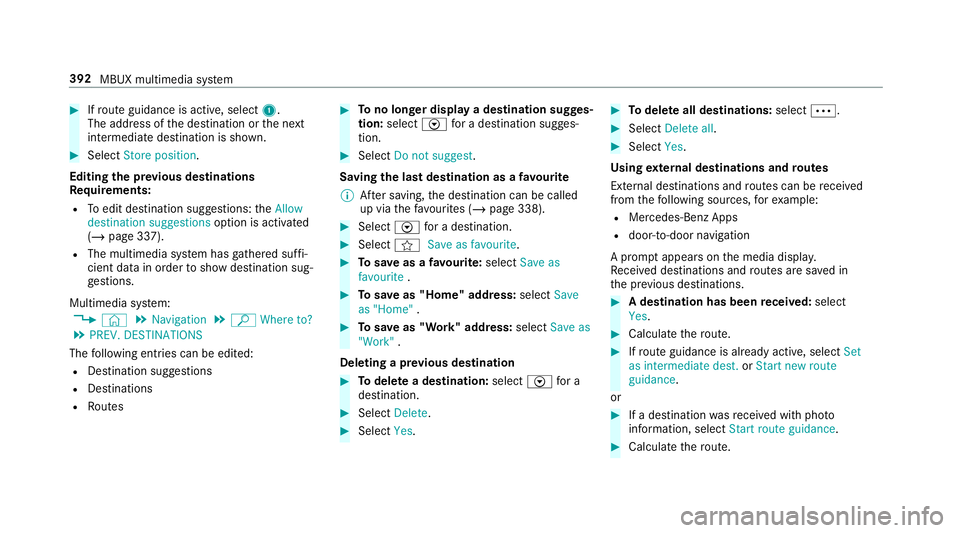
Ifro ute guidance is active, select 1.
The address of the destination or the next
intermediate destination is shown. #
Select Store position.
Editing the pr evious destinations
Re quirements:
R Toedit destination suggestions: theAllow
destination suggestions option is activated
(/ page 337).
R The multimedia sy stem has gathered suf fi‐
cient da tain order toshow destination sug‐
ge stions.
Multimedia sy stem:
4 © 5
Navigation 5
ª Where to?
5 PREV. DESTINATIONS
The following ent ries can be edited:
R Destination suggestions
R Destinations
R Routes #
Tono longer display a destination sugges‐
tion: select Vfor a destination sugges‐
tion. #
Select Do not suggest .
Saving the last destination as a favo urite
% After saving, the destination can be called
up via thefa vo urites (/ page 338). #
Select Vfor a destination. #
Select fSave as favourite. #
Tosave as a favo urite: select Save as
favourite . #
Tosave as "Home" address: selectSave
as "Home" . #
Tosave as "Work" address: selectSave as
"Work" .
Deleting a pr evious destination #
Todel ete a destination: selectVfor a
destination. #
Select Delete. #
Select Yes. #
Todel ete all destinations: selectÄ. #
Select Delete all. #
Select Yes.
Using extern al destinations and routes
External destinations and routes can be recei ved
from thefo llowing sources, forex ample:
R Mercedes-Benz Apps
R door-to-door navigation
A prom ptappears on the media displa y.
Re cei ved destinations and routes are sa ved in
th e pr evious destinations. #
A destination has been received: select
Yes . #
Calculate thero ute. #
Ifro ute guidance is already active, select Set
as intermediate dest. orStart new route
guidance .
or #
If a destination wasre cei ved with pho to
information, select Start route guidance. #
Calculate thero ute. 392
MBUX multimedia sy stem
Page 397 of 673
Multimedia sy
stem:
4 © 5
Navigation 5
¡ 5
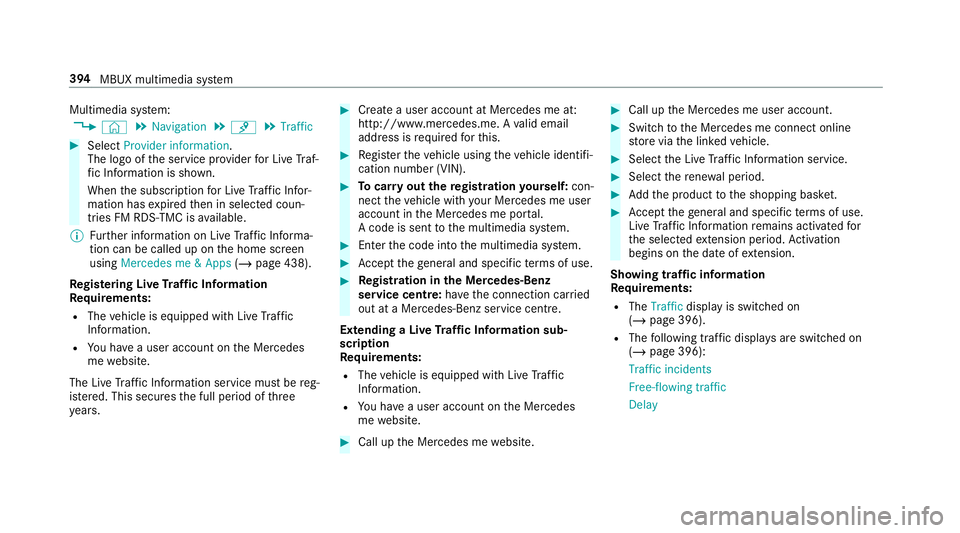
Traffic #
Select Provider information.
The logo of the service pr ovider for Live Traf‐
fi c Information is shown.
When the subscription for Live Traf fic Infor‐
mation has expired then in selected coun‐
tries FM RDS-TMC is available.
% Further information on Live Traf fic Informa‐
tion can be called up on the home screen
using Mercedes me & Apps (/page 438).
Re gis tering Live Traf fic Information
Requ irements:
R The vehicle is equipped with Live Traf fic
Information.
R You ha vea user account on the Mercedes
me website.
The Live Traf fic Information service must be reg‐
is te re d. This secures the full period of three
ye ars. #
Create a user account at Mercedes me at:
http://www.mercedes.me. A valid email
address is requ ired forth is. #
Regis terth eve hicle using theve hicle identifi‐
cation number (VIN). #
Tocar ryout there gistration yourself: con‐
nect theve hicle with your Mercedes me user
account in the Mercedes me por tal.
A code is sent tothe multimedia sy stem. #
Ente rth e code into the multimedia sy stem. #
Accept thege neral and specific term s of use. #
Registration in the Mercedes-Benz
service centre: have the connection car ried
out at a Mercedes-Benz service cent re.
Extending a Live Traf fic Information sub‐
scription
Re quirements:
R The vehicle is equipped with Live Traf fic
Information.
R You ha vea user account on the Mercedes
me website. #
Call up the Mercedes me website. #
Call up the Mercedes me user account. #
Switch tothe Mercedes me connect online
st ore via the linked vehicle. #
Select the Live Traf fic Information service. #
Select there ne wa l period. #
Addth e product tothe shopping bask et. #
Accept thege neral and specific term s of use.
Live Traf fic Information remains activated for
th e selected extension pe riod. Activation
begins on the date of extension.
Showing traf fic information
Re quirements:
R The Traffic display is switched on
(/ page 396).
R The following traf fic displ ays are switched on
(/ page 396):
Traffic incidents
Free-flowing traffic
Delay 394
MBUX multimedia sy stem
Page 398 of 673
Multimedia sy
stem:
4 © #
Select Navigation.
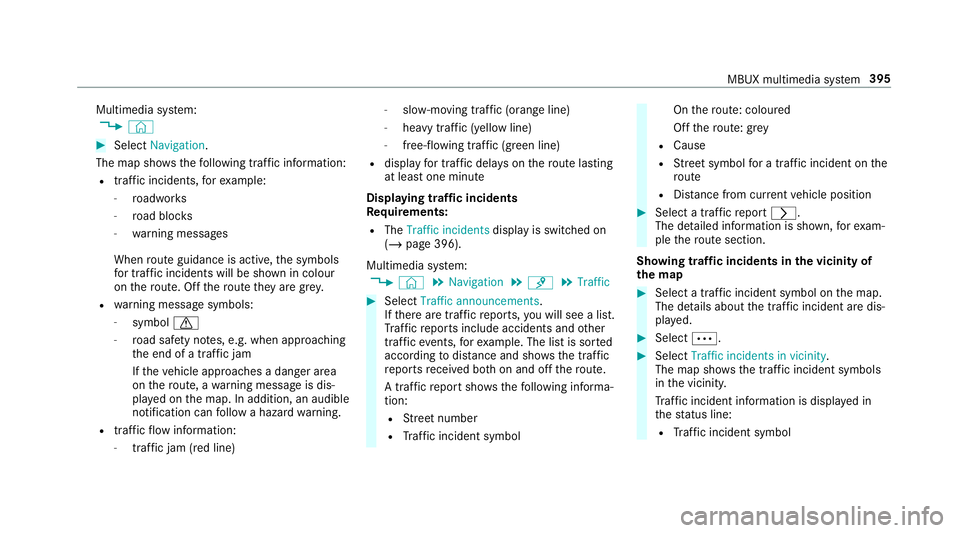
The map sho ws thefo llowing traf fic information:
R traf fic incidents, forex ample:
- roadwor ks
- road bloc ks
- warning messages
When route guidance is active, the symbols
fo r traf fic incidents will be shown in colour
on thero ute. Off thero ute they are gr ey.
R warning message symbols:
- symbol d
- road saf ety no tes, e.g. when approaching
th e end of a traf fic jam
If th eve hicle approaches a danger area
on thero ute, a warning message is dis‐
pla yed on the map. In addition, an audible
notification can follow a hazard warning.
R traf fic flow information:
- traf fic jam (red line) -
slow-moving traf fic (orange line)
- heavy traf fic (yellow line)
- free-flowing traf fic (green line)
R displ ayfor traf fic del ays on thero ute lasting
at least one minute
Displaying traf fic incidents
Requ irements:
R The Traffic incidents display is switched on
(/ page 396).
Multimedia sy stem:
4 © 5
Navigation 5
¡ 5
Traffic #
Select Traffic announcements .
If th ere are traf fic re ports, you will see a list.
Tr af fic re ports include accidents and other
traf fic eve nts, forex ample. The list is sor ted
according todis tance and sho wsthe traf fic
re ports recei ved bo thon and off thero ute.
A traf fic re port sho wsthefo llowing informa‐
tion:
R Street number
R Traf fic incident symbol On
thero ute: coloured
Off thero ute: gr ey
R Cause
R Street symbol for a traf fic incident on the
ro ute
R Distance from cur rent vehicle position #
Select a traf fic re port r.
The de tailed information is shown, forex am‐
ple thero ute section.
Showing traf fic incidents in the vicinity of
th e map #
Select a traf fic incident symbol on the map.
The de tails about the traf fic incident are dis‐
pl ay ed. #
Select Ä. #
Select Traffic incidents in vicinity.
The map sho ws the traf fic incident symbols
in the vicinit y.
Tr af fic incident information is displ ayed in
th est atus line:
R Traf fic incident symbol MBUX multimedia sy
stem 395
Page 399 of 673
R
Cause of the tra ffic incident, e.g. con‐
st ru ction work
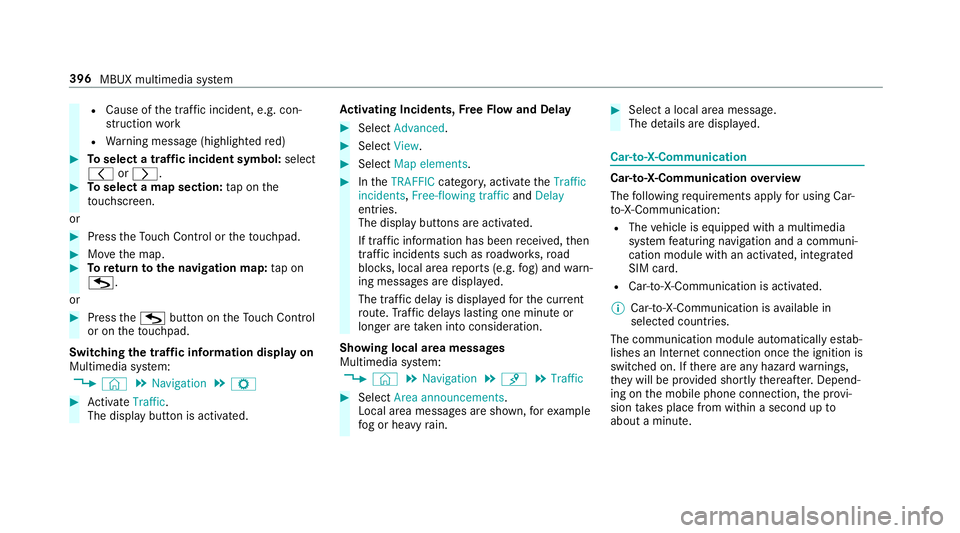
R Warning message (highligh tedre d) #
Toselect a traf fic incident symbol: select
q orr. #
Toselect a map section: tap on the
to uchsc reen.
or #
Press theTo uch Control or theto uchpad. #
Movethe map. #
Toreturn tothe navigation map: tapon
G.
or #
Press theG button on theTo uch Control
or on theto uchpad.
Swit ching the traf fic information display on
Multimedia sy stem:
4 © 5
Navigation 5
Z #
Activate Traffic.
The display button is acti vated. Ac
tivating Incidents, Free Flow and Delay #
Select Advanced. #
Select View. #
Select Map elements. #
IntheTRAFFIC category,activate theTraffic
incidents, Free-flowing traffic andDelay
entri es.
The display buttons are activated.
If tra ffic information has been recei ved, then
tra ffic incidents such as roadwor ks,ro ad
bloc ks, local area reports (e.g. fog) and warn‐
ing messages are displa yed.
The tra ffic delay is displa yedfo rth e cur rent
ro ute. Traf fic del ays lasting one minute or
longer are take n into conside ration.
Showing local area messages
Multimedia sy stem:
4 © 5
Navigation 5
¡ 5
Traffic #
Select Area announcements .
Local area messages are shown, forex ample
fo g or heavy rain. #
Select a local area message.
The de tails are displa yed. Car-to-X-Communication
Car-to-X-Communication
overview
The following requ irements apply for using Car-
to -X-Communication:
R The vehicle is equipped with a multimedia
sy stem featuring navigation and a communi‐
cation module with an activated, integ rated
SIM card.
R Car-to -X-Communication is acti vated.
% Car-to-X-Communication is available in
selec ted count ries.
The communication module automatically es tab‐
lishes an Internet connection once the ignition is
switched on. If there are any hazard warnings,
th ey will be pr ovided shortly thereaf ter.Depend‐
ing on the mobile phone connection, the pr ovi‐
sion take s place from within a second up to
about a minute. 396
MBUX multimedia sy stem
Page 400 of 673
Benefits of Ca
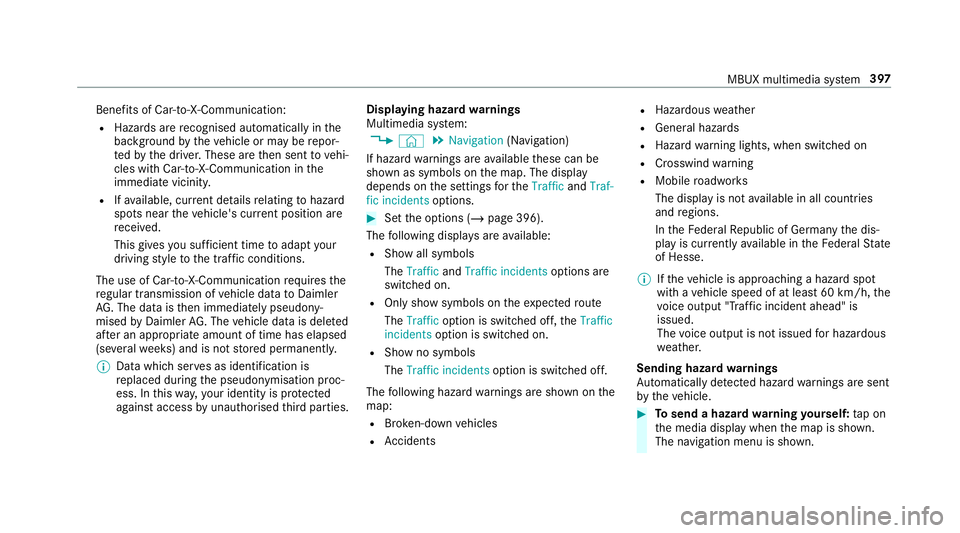
r-to -X-Communication:
R Haza rds are recognised au tomatical lyin the
bac kground bytheve hicle or may be repor‐
te dby the driver. These are then sent tovehi‐
cles with Car-to-X-Communication in the
immediate vicinity.
R Ifav ailable, cur rent de tails relating tohazard
spots near theve hicle's cur rent position are
re cei ved.
This gives you suf ficient time toadapt your
driving style to the traf fic conditions.
The use of Ca r-to -X-Communication requ ires the
re gular transmission of vehicle data toDaimler
AG . The da taisthen immediately pseudony‐
mised byDaimler AG. The vehicle data is dele ted
af te r an appro priate amount of time has elapsed
(se veralwe eks) and is not stored permanently.
% Data which ser ves as identification is
re placed during the pseudonymisation proc‐
ess. In this wa y,yo ur identity is pr otected
against access byunauthorised third parties. Displaying hazard
warnings
Multimedia sy stem:
4 © 5
Navigation (Navigation)
If hazard warnings are available these can be
shown as symbols on the map. The display
depends on the settings forth eTraffic andTraf-
fic incidents options. #
Set the options (/ page 396).
The following displa ysare available:
R Show all symbols
The Traffic andTraffic incidents options are
swit ched on.
R Only show symbols on theex pected route
The Traffic option is swit ched off, theTraffic
incidents option is switched on.
R Show no symbols
The Traffic incidents option is switched off.
The following hazard warnings are shown on the
map:
R Broken-down vehicles
R Accidents R
Haza rdous weather
R Gene ral hazards
R Hazard warning lights, when switched on
R Crosswind warning
R Mobile roadwor ks
The display is not available in all countries
and regions.
In theFe deral Republic of Germany the dis‐
play is cur rently available in theFe deral State
of Hesse.
% Ifth eve hicle is approaching a hazard spot
with a vehicle speed of at least 60 km/h, the
vo ice output "T raffic incident ahead" is
issued.
The voice output is not issued for hazardous
we ather.
Sending haza rdwa rnings
Au tomatically de tected hazard warnings are sent
by theve hicle. #
Tosend a haza rdwa rning yourself: tap on
th e media display when the map is shown.
The navigation menu is shown. MBUX multimedia sy
stem 397
Page 402 of 673
#
Maintain the actual driving situation in
view for all driving manoeuvres , e.g.
when turning and when changing lanes. Re
quirements:
R Route guidance is active.
Multimedia sy stem:
4 © 5
Navigation #
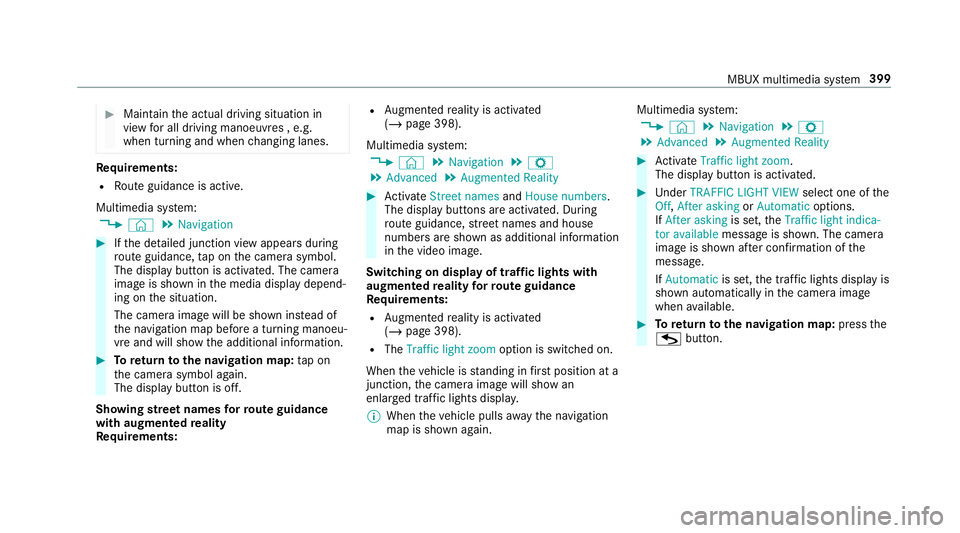
Ifth e de tailed junction view appears during
ro ute guidance, tap on the camera symbol.
The display button is activated. The camera
image is shown in the media display depend‐
ing on the situation.
The camera image will be shown ins tead of
th e navigation map before a turning manoeu‐
vre and will show the additional information. #
Toreturn tothe navigation map: tapon
th e camera symbol again.
The display button is off.
Showing stre et names forro ute guidance
with augmented reality
Re quirements: R
Augmented reality is activated
(/ page 398).
Multimedia sy stem:
4 © 5
Navigation 5
Z
5 Advanced 5
Augmented Reality #
Activate Street names andHouse numbers.
The display buttons are acti vated. During
ro ute guidance, stre et names and house
numbe rsare shown as additional information
in the video image.
Switching on display of traf fic lights with
augmented reality forro ute guidance
Re quirements:
R Augmented reality is activated
(/ page 398).
R The Traffic light zoom option is switched on.
When theve hicle is standing in firs t position at a
junction, the camera image will show an
enlar ged tra ffic lights displa y.
% When theve hicle pulls away the navigation
map is shown again. Multimedia sy
stem:
4 © 5
Navigation 5
Z
5 Advanced 5
Augmented Reality #
Activate Traffic light zoom.
The display button is acti vated. #
Under TRAFFIC LIGHT VIEW select one ofthe
Off, After asking orAutomatic options.
If After asking is set,theTraffic light indica-
tor available message is shown. The camera
image is shown af ter confirmation of the
messa ge.
If Automatic is set,the traf fic lights displ ayis
shown automatically in the camera image
when available. #
Toreturn tothe navigation map: pressthe
G button. MBUX multimedia sy
stem 399
Page 403 of 673
Map and compass
Setting
the map scale
Multimedia sy stem:
4 © 5
Navigation
Zooming in #
When the map is shown, tap twice quickly
with one finger on the media display or the
to uchpad.
or #
Movetwo fingers apart on the media display
or on theto uchpad.
Zooming out #
Tap with two fingers on the media display or
th eto uchpad.
or #
Movetwo fingers toge ther on the media dis‐
play or on theto uchpad.
% You can set the unit of measurement of the
map scale (/ page 358). Moving
the map
Multimedia sy stem:
4 © 5
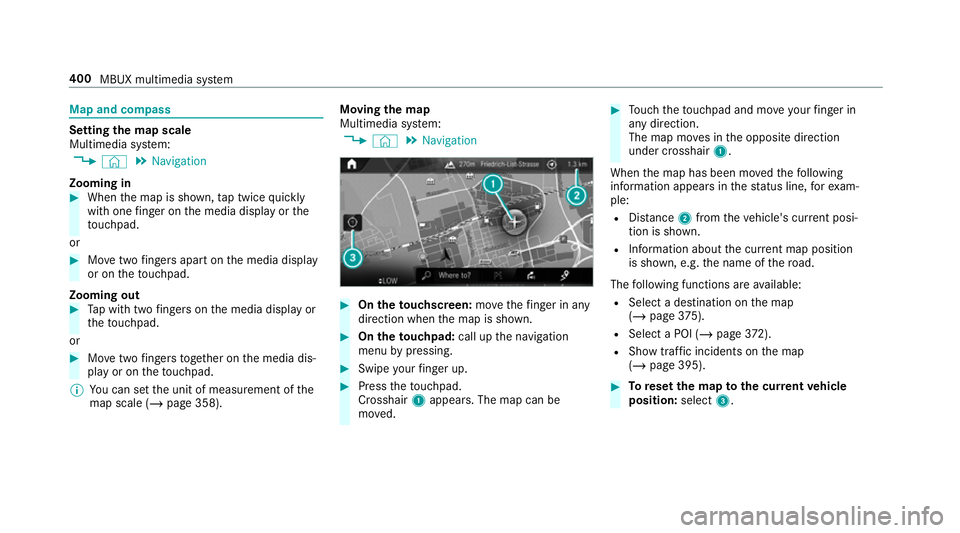
Navigation #
On theto uchscreen: movethefinger in any
di re ction when the map is shown. #
On theto uchpad: call upthe navigation
menu bypressing. #
Swipe your finger up. #
Press theto uchpad.
Crosshair 1appears. The map can be
mo ved. #
Touch theto uchpad and mo veyour finger in
any di rection.
The map mo ves in the opposite direction
under crosshair 1.
When the map has been mo vedth efo llowing
information appears in thest atus line, forex am‐
ple:
R Distance 2from theve hicle's cur rent posi‐
tion is shown.
R Information about the cur rent map position
is shown, e.g. the name of thero ad.
The following functions are available:
R Select a destination on the map
(/ page 375).
R Select a POI (/ page 372).
R Show traf fic incidents on the map
(/ page 395). #
Toreset the map tothe cur rent vehicle
position: select3. 400
MBUX multimedia sy stem
Page 404 of 673
Ro
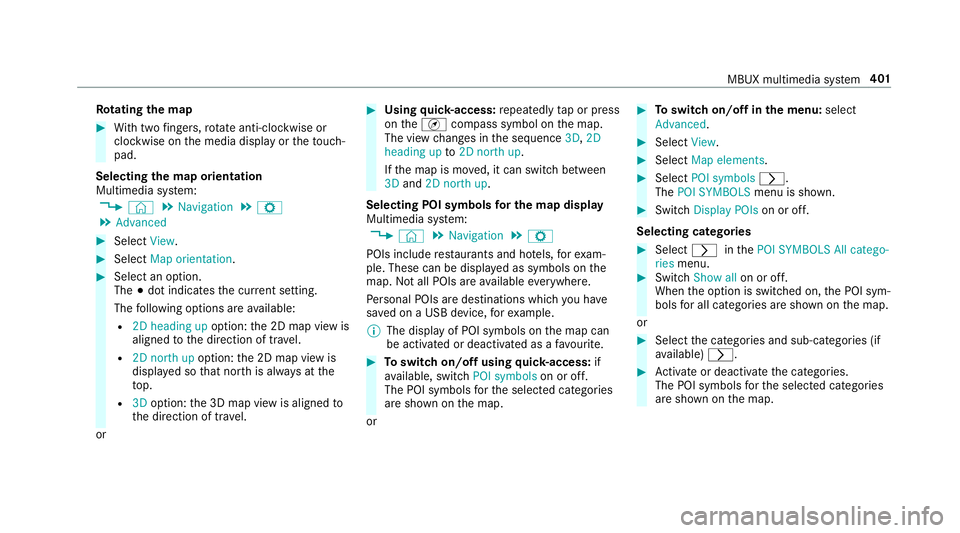
tating the map #
With two fingers, rotate anti-clockwise or
clo ckwise on the media display or theto uch‐
pad.
Selecting the map orientation
Multimedia sy stem:
4 © 5
Navigation 5
Z
5 Advanced #
Select View. #
Select Map orientation. #
Select an option.
The #dot indicates the cur rent setting.
The following options are available:
R 2D heading up option:the 2D map view is
aligned tothe direction of tra vel.
R 2D north up option:the 2D map view is
displa yed so that no rth is alw ays at the
to p.
R 3Doption: the 3D map view is aligned to
th e direction of tra vel.
or #
Using quick- access: repeatedly tap or press
on theÄ compass symbol on the map.
The view changes in the sequence 3D,2D
heading up to2D north up .
If th e map is mo ved, it can switch between
3D and 2D north up .
Selecting POI symbols for the map display
Multimedia sy stem:
4 © 5
Navigation 5
Z
POIs include restaurants and ho tels, forex am‐
ple. These can be displa yed as symbols on the
map. Not all POIs are available everywhere.
Pe rsonal POIs are destinations which you ha ve
sa ve d on a USB device, forex ample.
% The display of POI symbols on the map can
be activated or deactivated as a favo urite. #
Toswitch on/off using quick- access: if
av ailable, swit chPOI symbols on or off.
The POI symbols forth e selected categories
are shown on the map.
or #
Toswitch on/off in the menu: select
Advanced. #
Select View. #
Select Map elements. #
Select POI symbols r.
The POI SYMBOLS menu is shown. #
Swit chDisplay POIs on or off.
Selecting ca tegories #
Select rinthePOI SYMBOLS All catego-
ries menu. #
Switch Show all on or off.
When the option is switched on, the POI sym‐
bols for all categories are shown on the map.
or #
Select the categories and sub-categories (if
av ailable) r. #
Activate or deacti vate the categories.
The POI symbols forth e selected categories
are shown on the map. MBUX multimedia sy
stem 401
Page 405 of 673
Selecting personal POI categories
#
Select rinthePOI SYMBOLS Personal
POIs menu. #
Select a category r.#
Switch Display on the map on or off.
When the display is switched on and the
ve hicle approaches a personal POI in this
categor y,a visual and audible notification
can be issued. #
Toset a notification when appro aching:
select a category or a personal POI V.#
Switch Visual warning andAcoustic notifica-
tion on or off.
Switching display of catego ries forqu ick-
access on/off #
Switch a category on or off in thePOI SYM-
BOLS menu.
Re setting the POI symbol display #
Select POI SYMBOLS Reset POIs inthe
menu.
The settings are reset tothest andard set‐
tings. Selecting
the display of text information in
th e map
Multimedia sy stem:
4 © 5
Navigation 5
Z
5 Advanced #
Select View. #
Select Text information. #
Select an option in theFOOTER category.
The #dot indicates the cur rent setting.
The following options are available:
R Current street option
The stre et you are cur rently on is shown in
th e bottom bar.
When the map is mo ved, thest re et name,
th e POI name or the area name appears
under the crosshair.
R The Geo-coordinates option showsthefo l‐
lowing information in the bottom bar:
- longitude and latitude
- elevation
The el evation shown may deviate from
th e actual ele vation. R
None option
The media display sho wsnotext information
in the bottom bar.
Switching mo torw ay information on/off
Multimedia sy stem:
4 © 5
Navigation 5
Z #
Using quick- access: switchMotorway infor-
mation on or off.
The display button is activated or off.
or #
Using the menu: selectAdvanced. #
Select View. #
Select Text information. #
Swit chMotorway information on or off.
When the display button is switched on, addi‐
tional information about the mo torw ay facili‐
ties ahead appea rsduring the mo torw ay
jou rney . These include car pa rks, service sta‐
tions and mo torw ay ex its,forex ample.
Displ aying the next intersecting stre et
Re quirements:
R Route guidance is not active. 402
MBUX multimedia sy stem
Page 406 of 673
Multimedia sy
stem:
4 © 5
Navigation 5
Z
5 Advanced #
Select View. #
Select Text information. #
Activate Next intersecting street .
The display button is acti vated. If the option
is switched on and the journey continues
without route guidance, the name of the next
intersecting stre et will be displa yed at the
upper edge of the displa y.
Displaying the map version
Multimedia sy stem:
4 © 5
Navigation 5
Z
5 Advanced #
Select View. #
Select Map version .
The de tail information is displa yed.
% The online map update service from
Mercedes me connect can be used to
update the map data (/ page 404). A message is shown in
the media display
when a new map version is available.
% Info rm ation about new versions of the digital
map can be obtained from a Mercedes-Benz
service cent re.
Overview of avoiding an area for the route
Yo u can define areas along a route that you
wo uld like toavoid.
Mo torw ays or multi-lane expressw ays, which are
ro uted thro ugh an area tobe avo ided are taken
into account forth ero ute.
Av oiding a new area for the route
Multimedia sy stem:
4 © 5
Navigation 5
Z
5 Advanced 5
Route 5
Avoid options
5 Avoid areas #
Select Avoid new area. #
Tostart in the map: selectUsing map. #
Movethe map (/ page 400). #
Tostart via destination sear ch:select Via
address entry. #
Enter the address (/ page 369). #
Select the destination in the list or accept
with a.
The map appears. #
Toshow an area: tap or press on the control
element.
A redre ctangle appea rs. This designates the
area that should be avoided. #
Tochange the map scale: movetwo fingers
apart or toget her on the media display or on
th eto uchpad.
The map is zoomed in or out. #
Toset an area: selecta.
The Avoid area has been set. message
appears. The area is entered into the list.
Changing an area tobe avo ided
Multimedia sy stem:
4 © 5
Navigation 5
Z
5 Advanced 5
Route 5
Avoid options
5 Avoid areas #
Select an area in the list. #
Select Edit. MBUX multimedia sy
stem 403