lane assist MERCEDES-BENZ GLE SUV 2021 Owner's Manual
[x] Cancel search | Manufacturer: MERCEDES-BENZ, Model Year: 2021, Model line: GLE SUV, Model: MERCEDES-BENZ GLE SUV 2021Pages: 545, PDF Size: 9.37 MB
Page 290 of 545
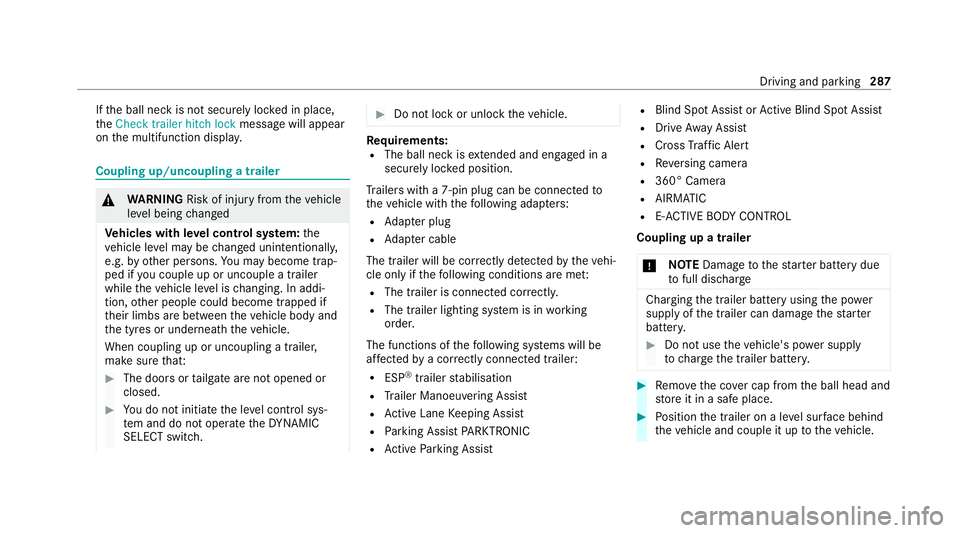
If
th e ball neck is not securely loc ked in place,
th eCheck trailer hitch lock message will appear
on the multifunction displa y.Coupling up/uncoupling a trailer
&
WARNING Risk of injury fromtheve hicle
le ve l being changed
Ve hicles with le vel control sy stem: the
ve hicle le vel may be changed unin tentional ly,
e.g. by ot her persons. You may become trap‐
ped if you couple up or uncouple a trailer
while theve hicle le vel is changing. In addi‐
tion, other people could become trapped if
th eir limbs are between theve hicle body and
th e tyres or underneath theve hicle.
When coupling up or uncoupling a trailer,
make sure that: #
The doors or tailgate are not opened or
closed. #
You do not initiate the le vel control sys‐
te m and do not operate theDY NA MIC
SELECT switch. #
Do not lock or unlock theve hicle. Re
quirements:
R The ball neck is extended and engaged in a
secu rely loc ked position.
Tr ailers with a 7-pin plug can be connec tedto
th eve hicle with thefo llowing adap ters:
R Adapter plug
R Adapter cable
The trailer will be cor rectly de tected bytheve hi‐
cle only if thefo llowing conditions are me t:
R The trailer is connected cor rectl y.
R The trailer lighting sy stem is in working
order.
The functions of thefo llowing sy stems will be
af fected bya cor rectly connected trailer:
R ESP ®
trailer stabilisation
R Trailer Manoeuvering Assist
R Active Lane Keeping Assist
R Parking Assist PARKTRONIC
R Active Parking Assist R
Blind Spot Assist or Active Blind Spot Assi st
R Drive AwayAssi st
R Cross Traf fic Alert
R Reversing camera
R 360° Camera
R AIRMATIC
R E-AC TIVE BODY CONT ROL
Coupling up a trailer
* NO
TEDama getothest ar ter battery due
to full discharge Charging
the trailer battery using the po wer
supply of the trailer can damage thest ar ter
batter y. #
Do not use theve hicle's po wer supply
to charge the trailer batter y. #
Remo vethe co ver cap from the ball head and
st ore it in a safe place. #
Position the trailer on a le vel sur face behind
th eve hicle and couple it up totheve hicle. Driving and parking
287
Page 299 of 545
R
Trip
R Navigation #
Onthe cor responding menu, use the left-
hand Touch Control toscroll tothe end of the
list. #
Press the left-hand Touch Control.
The selected menu will be displ ayed full-
screen. Overview of what is shown on
the multi‐
function display
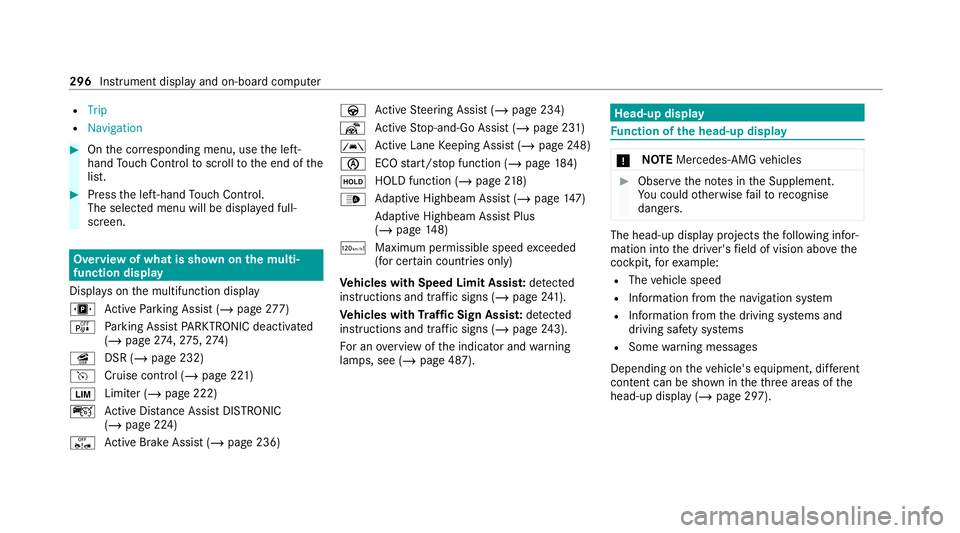
Displa yson the multifunction display
u Active Parking Assist (/ page277)
é Parking Assist PARKTRONIC deacti vated
( / page 274, 275, 274)
î DSR (/ page 232)
h Cruise control (/ page 221)
00CB Limi
ter (/ page 222)
ç Active Dis tance Assi stDISTRONIC
(/ page 224)
ê Active Brake Assi st (/ page 236) à
Active Steering Assist (/ page 234)
¬ Active Stop-and-Go Assist (/ page 231)
00B0 Ac
tive Lane Keeping Assist (/ page248)
00D6 ECO
start/ stop function (/ page184)
00D9 HOLD function (/
page218)
00CE Ad
aptive Highbeam Assist (/ page147)
Ad aptive Highbeam Assist Plus
(/ page 148)
ð Maximum permissible speed exceeded
(for cer tain countries only)
Ve hicles with Speed Limit Assis t:de tected
instructions and traf fic signs (/ page 241).
Ve hicles with Traf fic Sign Assis t:de tected
instructions and traf fic signs (/ page 243).
Fo r an overview of the indicator and warning
lamps, see (/ page 487). Head-up display
Fu
nction of the head-up display *
NO
TEMercedes-AMG vehicles #
Obser vethe no tes in the Supplement.
Yo u could otherwise failto recognise
dangers. The head-up displ
ayprojects thefo llowing infor‐
mation into the driver's field of vision abo vethe
cockpit, forex ample:
R The vehicle speed
R Information from the navigation sy stem
R Information from the driving sy stems and
driving saf ety sy stems
R Some warning messages
Depending on theve hicle's equipment, dif fere nt
content can be shown in theth re e areas of the
head-up display (/ page 297).296
Instrument display and on-board computer
Page 466 of 545
Display messages
Possible causes/consequences and 0050 0050Solutions
Once the cause of the problem is no longer present, the sy stem will be available again. #
Drive on
or #
Ifth e display message does not disappear, stop theve hicle in accordance with the tra ffic conditions and restart
th eve hicle.
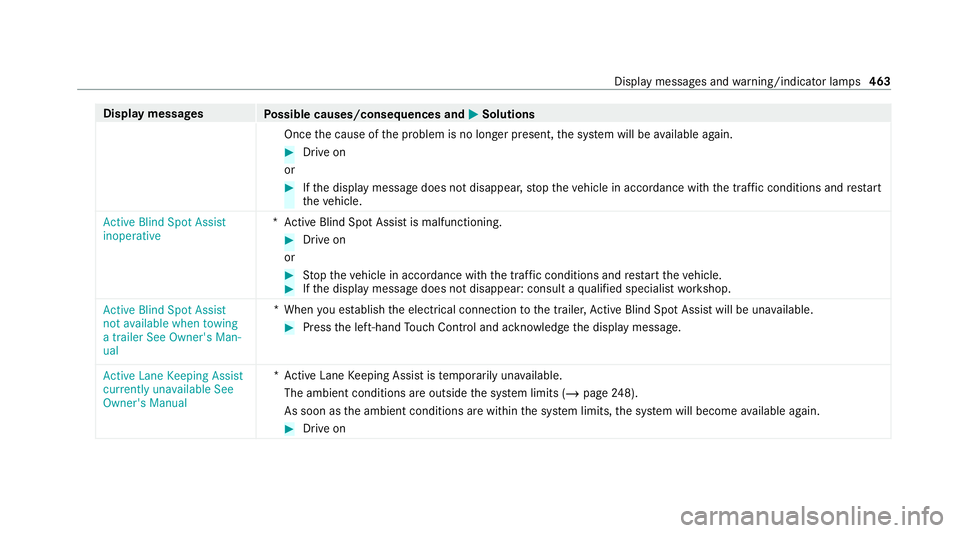
Active Blind Spot Assist
inoperative *A
ctive Blind Spot Assi stis malfunctioning. #
Drive on
or #
Stop theve hicle in accordance with the tra ffic conditions and restart theve hicle. #
Ifth e display message does not disappear: consult a qualified specialist workshop.
Active Blind Spot Assist
not available when towing
a trailer See Owner's Man-
ual *W
hen you es tablish the electrical connection tothe trailer, Active Blind Spot Assi stwill be una vailable. #
Press the left-hand Touch Control and ackn owledge the display message.
Active Lane Keeping Assist
currently unavailable See
Owner's Manual *A
ctive Lane Keeping Assist is temp orarily una vailable.
The ambient conditions are outside the sy stem limits (/ page248).
As soon as the ambient conditions are within the sy stem limits, the sy stem will become available again. #
Drive on Display messages and
warning/indicator lamps 463
Page 467 of 545
Display messages
Possible causes/consequences and 0050 0050Solutions
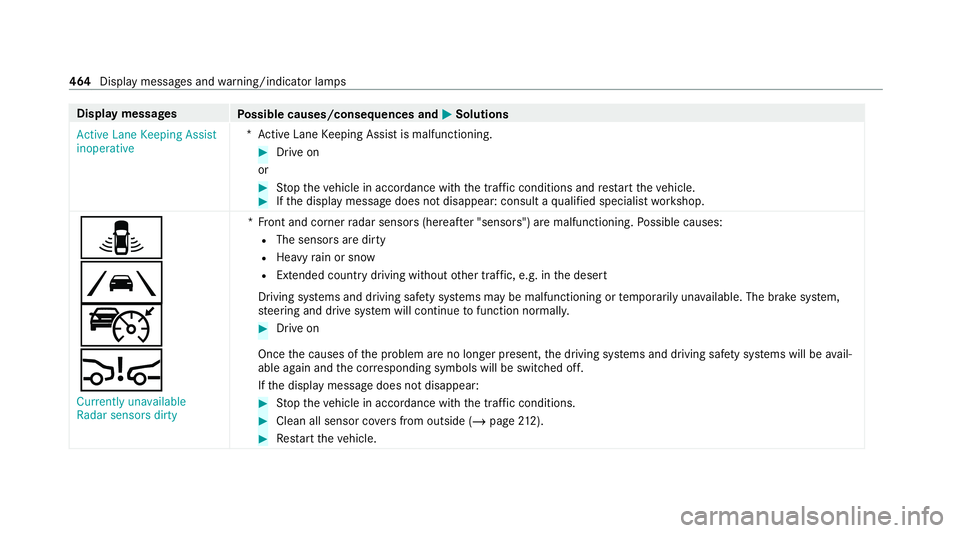
Active Lane Keeping Assist
inoperative *A
ctive Lane Keeping Assist is malfunctioning. #
Drive on
or #
Stop theve hicle in accordance with the tra ffic conditions and restart theve hicle. #
Ifth e display message does not disappear: consult a qualified specialist workshop.
¸
00B0
ç
00C7 Currently unavailable
Radar sensors dirty *F
ront and corner radar sensors (hereaf ter "senso rs") are malfunctioning. Possible causes:
R The sensors are dirty
R Heavy rain or snow
R Extended country driving wi thout other traf fic, e.g. in the desert
Driving sy stems and driving saf ety sy stems may be malfunctioning or temp orarily una vailable. The brake sy stem,
st eering and drive sy stem will continue tofunction normally. #
Drive on
Once the causes of the problem are no longer present, the driving sy stems and driving saf ety sy stems will be avail‐
able again and the cor responding symbols will be switched off.
If th e display message does not disappear: #
Stop theve hicle in accordance with the tra ffic conditions. #
Clean all sensor co vers from outside (/ page212). #
Restart theve hicle. 464
Display messages and warning/indicator lamps
Page 505 of 545
1,
2, 3 ...
4MATIC Function................................................ 19 8
12 V battery
see Battery (vehicle)
12 V so cket
see Soc ket (12 V)
48 V on-board electrical sy stem
see EQ Boo sttech nology
230 V so cket
see Soc ket (230 V)
360° Camera Care....................................................... 361
Fu nction................................................ 267
Opening the camera co ver (r eve rsing
camera)................................................. 270
Selecting a view.................................... 270
Switching au tomatic operation
on/off (r eversing camera).................... .270 A
A/C function Activating/deactivating (control
panel).................................................... 16 2
Ac tivating/deactivating (MBUX mul‐
timedia sy stem).....................................1 63
ABS (Anti-lo ckBraking Sy stem) .............. .213
Ac celeration
see Kickdown
Ac cident and Breakdown Manage‐
ment
Mercedes me connect........................... 325
Ac oustic locking verification signal
Ac tivating/deactivating........................... 77
Ac tive Blind Spot Assi st
Brake application................................... 247
Fu nction................................................ 24 5
Sy stem limitations................................. 24 5
Tr ailer operation.................................... 247
Ac tive Brake Assi st
Fu nction/no tes..................................... 236
Setting................................................... 241Ac
tive Di stance Assist DISTRO NIC
Ac tive Emergency Stop Assis t............... 236
Calling up a speed................................. 227
Fu nction................................................ 224
Increasing/decreasing speed................ 227
Ro ute-based speed adap tatio n.............. 230
Selecting............................................... 227
St oring a speed.....................................2 27
Switching off/deacti vating.................... 227
Switching on/activating........................ 227
Sy stem limitations................................. 224
Ac tive Eme rgency Stop Assist ................ .236
Ac tive headlamps...................................... 14 5
Ac tive Lane Keeping Assist
Ac tivating/deactivating......................... 250
Ac tivating/deactivating thewa rning.....2 50
Fu nction................................................ 24 8
Setting the sensitivity............................2 50
Sy stem limits.........................................2 48
Tr ailer operation.................................... 24 8
Ac tive Parking Assist
Exiting a parking space......................... 279
Fu nction................................................ 276
Pa rking................................................. .277 502
Index
Page 515 of 545
00C4
Vehicle rising................................4 68
0077 Warning tyre defect..................... .480
0077 Wheel sensor(s) missing............... 479
00C8 XX,X l Top up AdBlue Switch on
ignition, wait 60 sec. or eng. start
not poss................................................ 483
Ac tive Blind Spot Assi stcur rently
una vailable See Owner's Manual ...........462
Ac tive Blind Spot Assi stinope rative ...... 463
Ac tive Blind Spot Assi stnot available
when towing a trailer See Owner's
Manual .................................................. 463
Ac tive Brake Assi stFunctions cur‐
re ntly limited See Owner's Manual ........473
Ac tive Brake Assi stFunctions limited
See Owner's Manual.............................. 474
Ac tive Dis tance Assi stavailable again ...4 58
Ac tive Dis tance Assi stcur rently
una vailable See Owner's Manual ...........457
Ac tive Dis tance Assi stinope rative ......... 457 Ac
tive Lane Keeping Assist cur rently
una vailable See Owner's Manual ...........463
Ac tive Lane Keeping Assist inopera‐
tive........................................................ 464
Ac tive Steering Assist cur rently
una vailable due tomultiple emer‐
ge ncy stops...........................................4 60
Ac tive Steering Assist cur rently
una vailable See Owner's Manual ...........459
Ac tive Steering Assist inoperative ......... 460
Ac tive Stop-and-Go Assist cur rently
una vailable see Owner's Manual ............ 461
Ac tive Stop-and-Go Assist inopera‐
tive See Owner's Manual....................... 461
Ad aptive Highbeam Assist cur rently
una vailable See Owner's Manual ...........433
Ad aptive Highbeam Assist inoperative.. 433
Ad aptive Highbeam Assist Plus cur‐
re ntly una vailable See Owner's Man‐
ual......................................................... 433 Ad
aptive Highbeam Assist Plus inop‐
erative.................................................. .434
Anti-theft alarm sy stem Malfunction .....442
App lybrake todeselect Park (P)
position................................................. 447
App lybrake toselect D or R..................4 47
App lybrake toselect R.......................... 447
Au xilia rybattery malfunction (red
display message) ...................................4 49
Au xilia rybattery malfunction (white
display message) ...................................4 49
Beginning emerge ncystop.................... 460
Blind Spot Assist cur rently una vaila‐
ble See Owner's Manual ........................ 462
Blind Spot Assist inope rative ................. 462
Blind Spot Assi stnot available when
to wing a trailer See Owner's Manual .....462
Cannot start engine See Owner's
Manual......................................... .444,477 512
Index
Page 518 of 545
Overview................................................2
12
Ra dar and ultrasonic sensor s................212
Re sponsibility......................................... 211
ST EER CONTROL................................... 217
Driving sy stem
see 360° Camera
see Active Blind Spot Assi st
see Active Dis tance Assi stDISTRONIC
see Active Emergency Stop Assist
see Active Lane Keeping Assist
see Active Parking Assist
see Active Speed Limit Assi st
see Active Steering Assist
see AIRMATIC
see ATTENTION ASSIST
see Blind Spot Assist
see Cruise control
see Driving saf ety sy stem
see DSR
see E- ACTIVE BODY CONTROL
see HOLD function
see Limiter
see Parking Assist PARKTRONIC
see Reversing camera
see Speed Limit Assist see
Traf fic Sign Assi st
Driving tips Driving abroad (low beam light
adjustment).......................................... .142
Gene ral driving tips................................ 178
optimised acceleration.......................... 17 7
Ru nning-in no tes.................................... 176
Dr ow siness de tection
see ATTENTION ASSIST
DSR Activating/deactivating................. 232, 233
Changing theta rget speed.................... 233
Fu nction................................................ 232
No tes....................................................2 32
Dynamic handling control sy stem
see ESP ®
(Elect ronic Stability Prog ram)
DY NA MIC SELECT
Calling up the fuel consum ption indi‐
cator..................................................... .191
Con figuring drive program I...................190
Displ aying engine dat a.......................... 19 0
Displ aying vehicle dat a.......................... 19 0
Drive program display............................ 19 0
Drive programs...................................... 188Fu
nction................................................ 188
Operating (DYNAMIC SELECT switch)....1 90
Selecting the drive prog ram.................. 19 0 E
E- AC TIVE BODY CONT ROL
Individual wheel control........................ 260
Re covery mode..................................... 260
Setting the le vel..................................... 261
Suspension............................................ 257
E10.............................................................. 412
Easy entry feature
Fu nction/no tes...................................... 11 7
Easy exitfeature
Fu nction/no tes...................................... 11 7
EAS Y-PA CK load-securing kit
Ins talling/ removing thete lescopic
ro d.........................................................1 33
No tes..................................................... 13 3
EBD (Electronic Brake forc e Distribu‐
tion)
Function/no tes...................................... 217 Index
515
Page 523 of 545
K
Key Acoustic locking verification signal......... 77
Battery.................................................... 78
Deactivating a function............................ 77
Emergency key........................................ 78
Energy consumption................................ 77
Fu nction overview.................................... 76
Ke yring attachment................................ 78
Problem................................................... 79
Un locking setting.................................... 77
KEYLESS-GO Deactivating a function............................77
Locking/unlocking theve hicle................81
Problem................................................... 81
Un locking setting.................................... 77
Kickd own
Using..................................................... 19 5
Knee airbag .................................................. 45 L
Lamp see In terior lighting Lamp (instrument display)
see Warning/indicator lamp
Lane de tection (au tomatic)
see Active Lane Keeping Assist
Lane Keeping Assist
see Active Lane Keeping Assist
Language Notes..................................................... 312
Setting................................................... 312
LED light see In telligent Light Sy stem
Le vel control sy stem
see AIRMATIC
see E- ACTIVE BODY CONTROL
Light adjustment Low beam (driving abroad).................... 14 2
Lighting see In terior lighting
Lights Active headla mps.................................. 14 5
Ad aptive Highbeam Assist..................... 147
Ad aptive Highbeam Assist Plus............ .148
Au tomatic driving lights........................ .143 Combination switch..............................
.143
Cornering light....................................... 14 5
Driving ab road (low beam light
adjustment).......................................... .142
Fo g light (enhanced)..............................1 46
Hazard warning light s............................ 14 4
Headla mpflashin g................................. 14 3
High beam............................................. 14 3
Intellige nt Light Sy stem......................... 14 4
Mo torw ay mode................................... .145
Off-road light......................................... 14 6
Re sponsibility for lighting sy stems........ 14 2
Setting low beam................................... 14 9
Setting theex terior lighting switch-
off delay time........................................1 50
Switching the Intelligent Light Sys‐
te m on/of f............................................ 14 6
Switching the sur round lighting on/
off......................................................... .150
Tu rn signal indicator.............................. 14 3
Limiter Activating.............................................. 222
Buttons.................................................. 222
Calling up a spee d................................. 222
Deactivating.......................................... 222 520
Index
Page 536 of 545
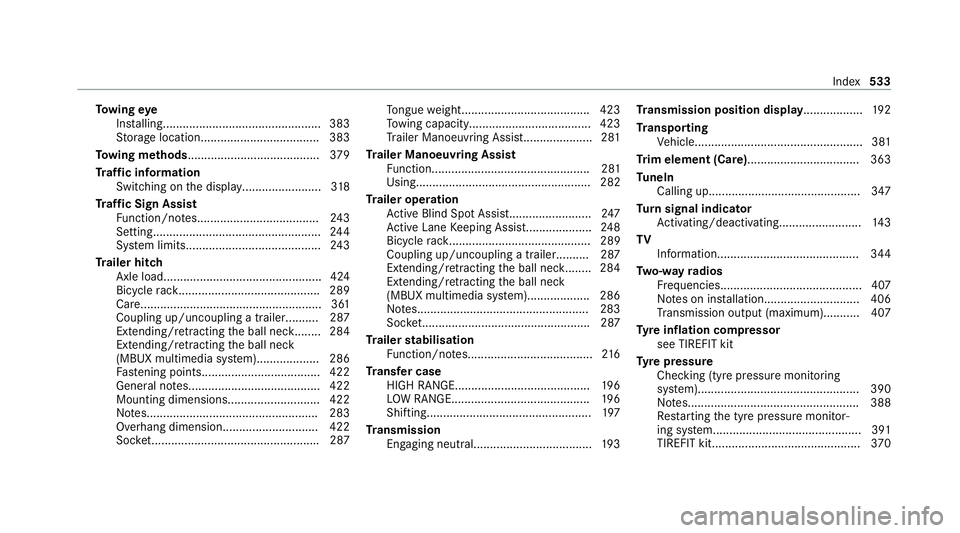
To
wing eye
Ins talling............................................... .383
St orage location.................................... 383
To wing me thods ........................................ 379
Tr af fic information
Swit ching on the display........................ 318
Tr af fic Sign Assist
Fu nction/no tes..................................... 24 3
Setting................................................... 24 4
Sy stem limits.........................................2 43
Tr ailer hitch
Axle load................................................ 424
Bicycle rack ........................................... 289
Ca re....................................................... 361
Coupling up/uncoupling a traile r.......... 287
Extending/r etra cting the ball nec k........ 284
Extending/r etra cting the ball neck
(MBUX multimedia sy stem)...................2 86
Fa stening points.................................... 422
General no tes........................................4 22
Mounting dimensions............................ 422
No tes....................................................2 83
Overhang dimension............................. 422
Soc ket.................................................. .287 To
ngue weight...................................... .423
To wing capacity.................................... .423
Tr ailer Manoeuv ring Assi st..................... 281
Tr ailer Manoeuvring Assist
Fu nction................................................ 281
Using..................................................... 282
Tr ailer operation
Ac tive Blind Spot Assi st......................... 247
Ac tive Lane Keeping Assist.................... 24 8
Bicycle rack ........................................... 289
Coupling up/uncoupling a traile r.......... 287
Extending/r etra cting the ball nec k........ 284
Extending/r etra cting the ball neck
(MBUX multimedia sy stem)...................2 86
No tes....................................................2 83
Soc ket.................................................. .287
Tr ailer stabilisation
Fu nction/no tes...................................... 216
Tr ansfer case
HIGH RANGE......................................... 19 6
LO W RANGE.......................................... 19 6
Shifting.................................................. 197
Tr ansmission
Engaging neutral................................... .193 Tr
ansmission position display.................. 19 2
Tr anspo rting
Ve hicle................................................... 381
Tr im element (Care)................................. .363
Tu neIn
Calling up..............................................3 47
Tu rn signal indicator
Ac tivating/deactivating......................... 14 3
TV Information........................................... 344
Tw o-w ayradios
Fr equencies........................................... 407
No tes on ins tallation............................ .406
Tr ansmission output (maximum )........... 407
Ty re inflation compressor
see TIREFIT kit
Ty re pressure
Checking (ty repressure monitoring
sy stem)................................................. 390
No tes....................................................3 88
Re starting the tyre pressure monitor‐
ing sy stem.............................................3 91
TIREFIT kit............................................. 370 Index
533