fuse MERCEDES-BENZ GLK-CLASS SUV 2014 Owners Manual
[x] Cancel search | Manufacturer: MERCEDES-BENZ, Model Year: 2014, Model line: GLK-CLASS SUV, Model: MERCEDES-BENZ GLK-CLASS SUV 2014Pages: 384, PDF Size: 48.23 MB
Page 12 of 384
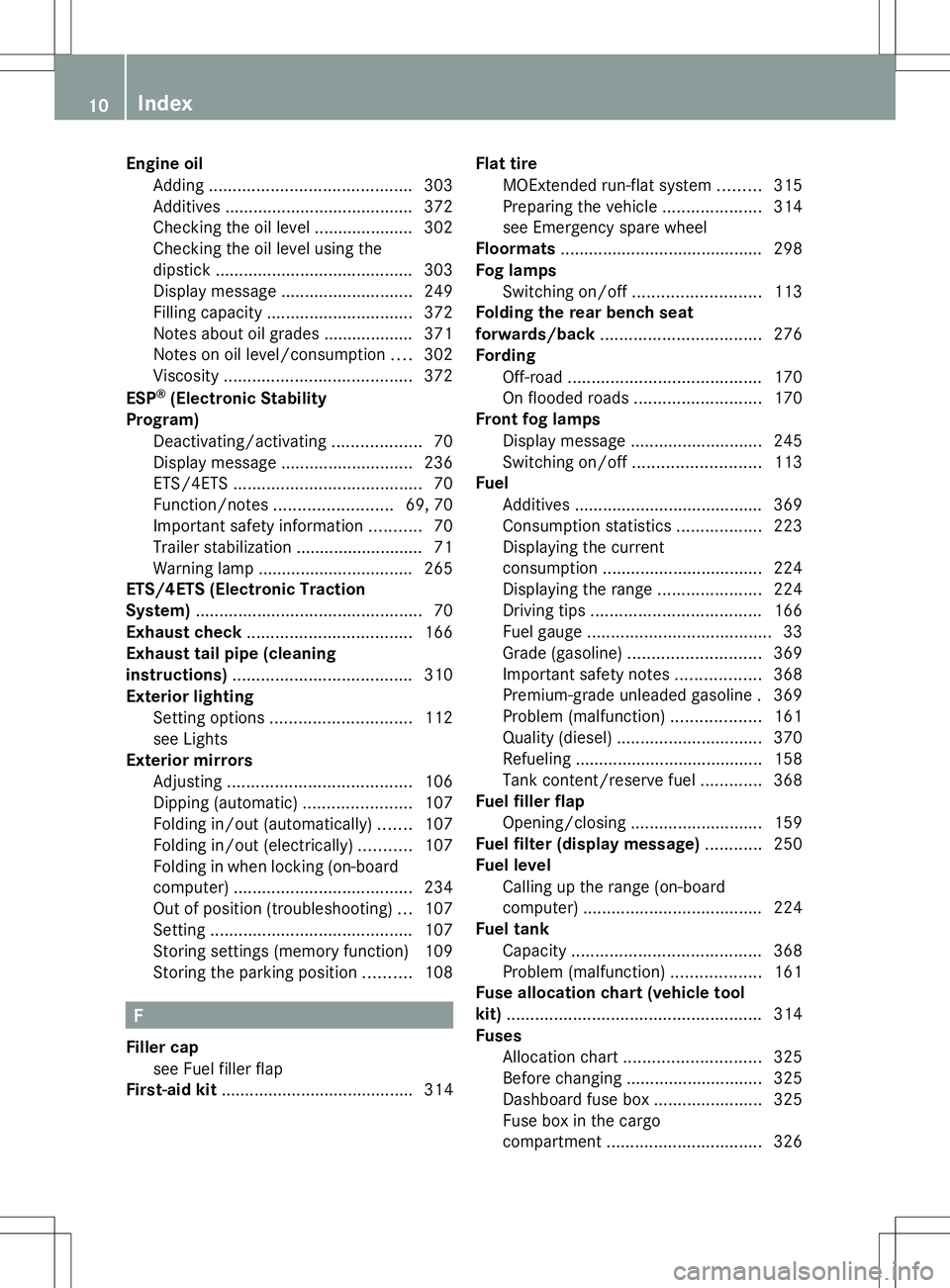
Engine oil
Adding ........................................... 303
Additives ........................................ 372
Checking the oil level ..................... 302
Checking the oil level using the
dipstick .......................................... 303
Display message ............................ 249
Filling capacity ............................... 372
Notes about oil grades ................... 371
Notes on oil level/consumption ....302
Viscosity ........................................ 372
ESP ®
(Electronic Stability
Program) Deactivating/activating ...................70
Display message ............................ 236
ETS/4ETS ........................................ 70
Function/notes ......................... 69, 70
Important safety information ...........70
Trailer stabilization ........................... 71
Warning lamp ................................. 265
ETS/4ETS (Electronic Traction
System) ................................................ 70
Exhaust check ................................... 166
Exhaust tail pipe (cleaning
instructions) ...................................... 310
Exterior lighting Setting options .............................. 112
see Lights
Exterior mirrors
Adjusting ....................................... 106
Dipping (automatic) .......................107
Folding in/out (automatically). ......107
Folding in/out (electrically). ..........107
Folding in when locking (on-board
computer) ...................................... 234
Out of position (troubleshooting) ...107
Setting ........................................... 107
Storing settings (memory function) 109
Storing the parking position ..........108 F
Filler cap see Fuel filler flap
First-aid kit ......................................... 314 Flat tire
MOExtended run-flat system .........315
Preparing the vehicle .....................314
see Emergency spare wheel
Floormats ........................................... 298
Fog lamps Switching on/off ........................... 113
Folding the rear bench seat
forwards/back .................................. 276
Fording Off-road ......................................... 170
On flooded roads ........................... 170
Front fog lamps
Display message ............................ 245
Switching on/off ........................... 113
Fuel
Additives ........................................ 369
Consumption statistics ..................223
Displaying the current
consumption .................................. 224
Displaying the range ......................224
Driving tips .................................... 166
Fuel gauge ....................................... 33
Grade (gasoline) ............................ 369
Important safety notes ..................368
Premium-grade unleaded gasoline .369
Problem (malfunction) ...................161
Quality (diesel )............................... 370
Refueling ........................................ 158
Tank content/reserve fuel .............368
Fuel filler flap
Opening/closing ............................ 159
Fuel filter (display message) ............250
Fuel level Calling up the range (on-board
computer) ...................................... 224
Fuel tank
Capacity ........................................ 368
Problem (malfunction) ...................161
Fuse allocation chart (vehicle tool
kit) ...................................................... 314
Fuses Allocation chart ............................. 325
Before changing ............................. 325
Dashboard fuse box .......................325
Fuse box in the cargo
compartment ................................. 32610
Index
Page 13 of 384
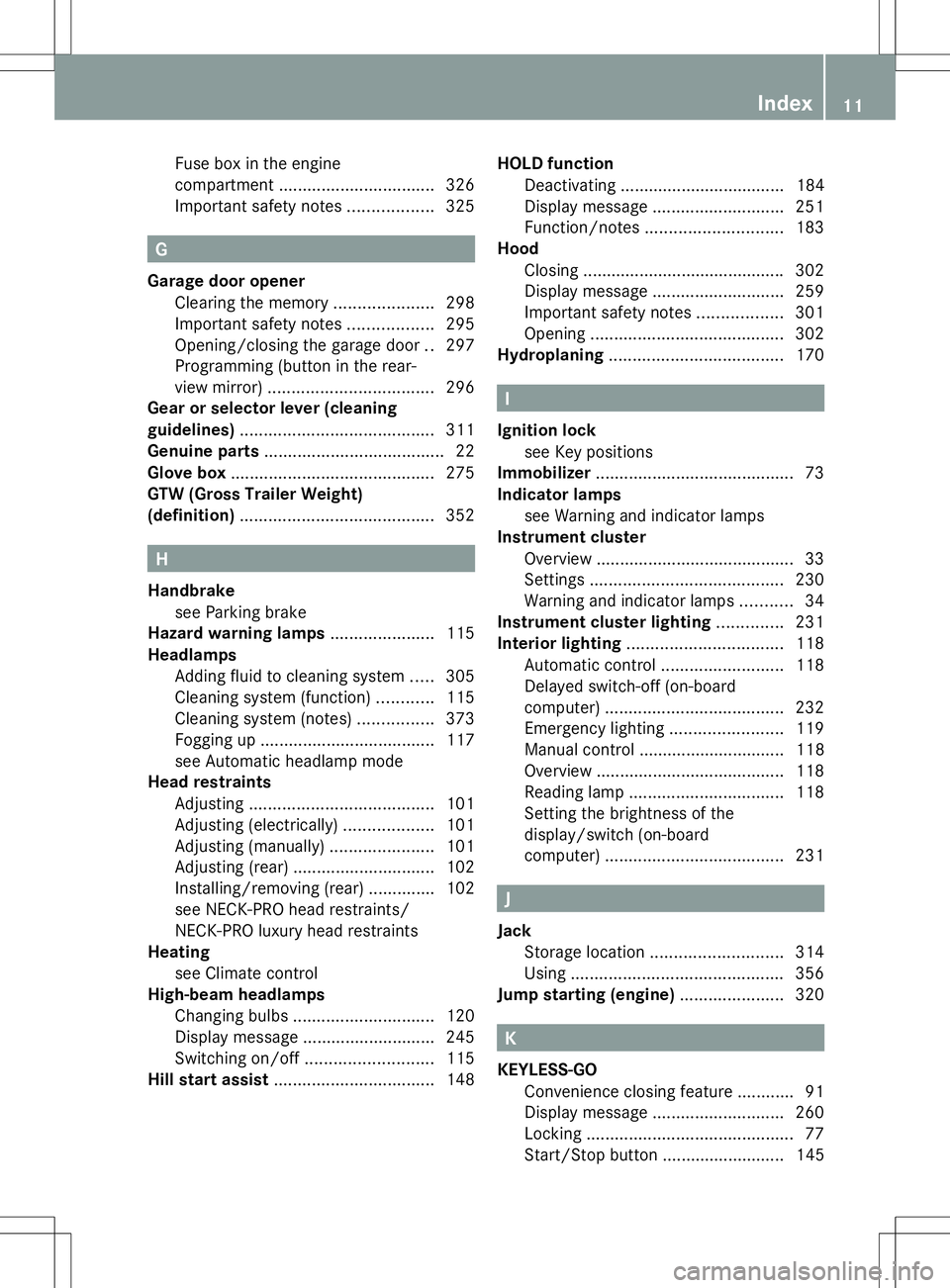
Fuse box in the engine
compartment
................................. 326
Important safety notes ..................325 G
Garage door opener Clearing the memory .....................298
Important safety notes ..................295
Opening/closing the garage door ..297
Programming (button in the rear-
view mirror) ................................... 296
Gear or selector lever (cleaning
guidelines) ......................................... 311
Genuine parts ...................................... 22
Glove box ........................................... 275
GTW (Gross Trailer Weight)
(definition) ......................................... 352H
Handbrake see Parking brake
Hazard warning lamps ......................115
Headlamps Adding fluid to cleaning system .....305
Cleaning system (function) ............115
Cleaning system (notes) ................373
Fogging up ..................................... 117
see Automatic headlamp mode
Head restraints
Adjusting ....................................... 101
Adjusting (electrically) ...................101
Adjusting (manually). .....................101
Adjusting (rear) .............................. 102
Installing/removing (rear) ..............102
see NECK-PRO head restraints/
NECK-PRO luxury head restraints
Heating
see Climate control
High-beam headlamps
Changing bulbs .............................. 120
Display message ............................ 245
Switching on/off ........................... 115
Hill start assist .................................. 148HOLD function
Deactivating ................................... 184
Display message ............................ 251
Function/notes ............................. 183
Hood
Closing .......................................... .302
Display message ............................ 259
Important safety notes ..................301
Opening ......................................... 302
Hydroplaning ..................................... 170 I
Ignition lock see Key positions
Immobilizer .......................................... 73
Indicator lamps see Warning and indicator lamps
Instrument cluster
Overview .......................................... 33
Settings ......................................... 230
Warning and indicator lamps ...........34
Instrument cluster lighting ..............231
Interior lighting ................................. 118
Automatic control ..........................118
Delayed switch-off (on-board
computer) ...................................... 232
Emergency lighting ........................119
Manual control ............................... 118
Overview ........................................ 118
Reading lamp ................................. 118
Setting the brightness of the
display/switch (on-board
computer) ...................................... 231 J
Jack Storage location ............................ 314
Using ............................................. 356
Jump starting (engine) ......................320 K
KEYLESS-GO Convenience closing feature ............91
Display message ............................ 260
Locking ............................................ 77
Start/Stop button .......................... 145 Index
11
Page 75 of 384
In the event of snowfall or heavy rain, the
recognition can be impaired.
Recognition by the radar sensor system is
also impaired in the event of:
R dirt on the sensors or anything else
covering the sensors
R interference by other radar sources
R there are strong radar reflections, for
example in parking garages
R a narrow vehicle traveling in front, e.g. a
motorbike
R a vehicle traveling in front on a different line
relative to the center of your vehicle
Following damage to the front end of the
vehicle, have the configuration and operation
of the radar sensors checked at a qualified
specialist workshop. This also applies to
collisions at low speeds where there is no
visible damage to the front of the vehicle.
Function X
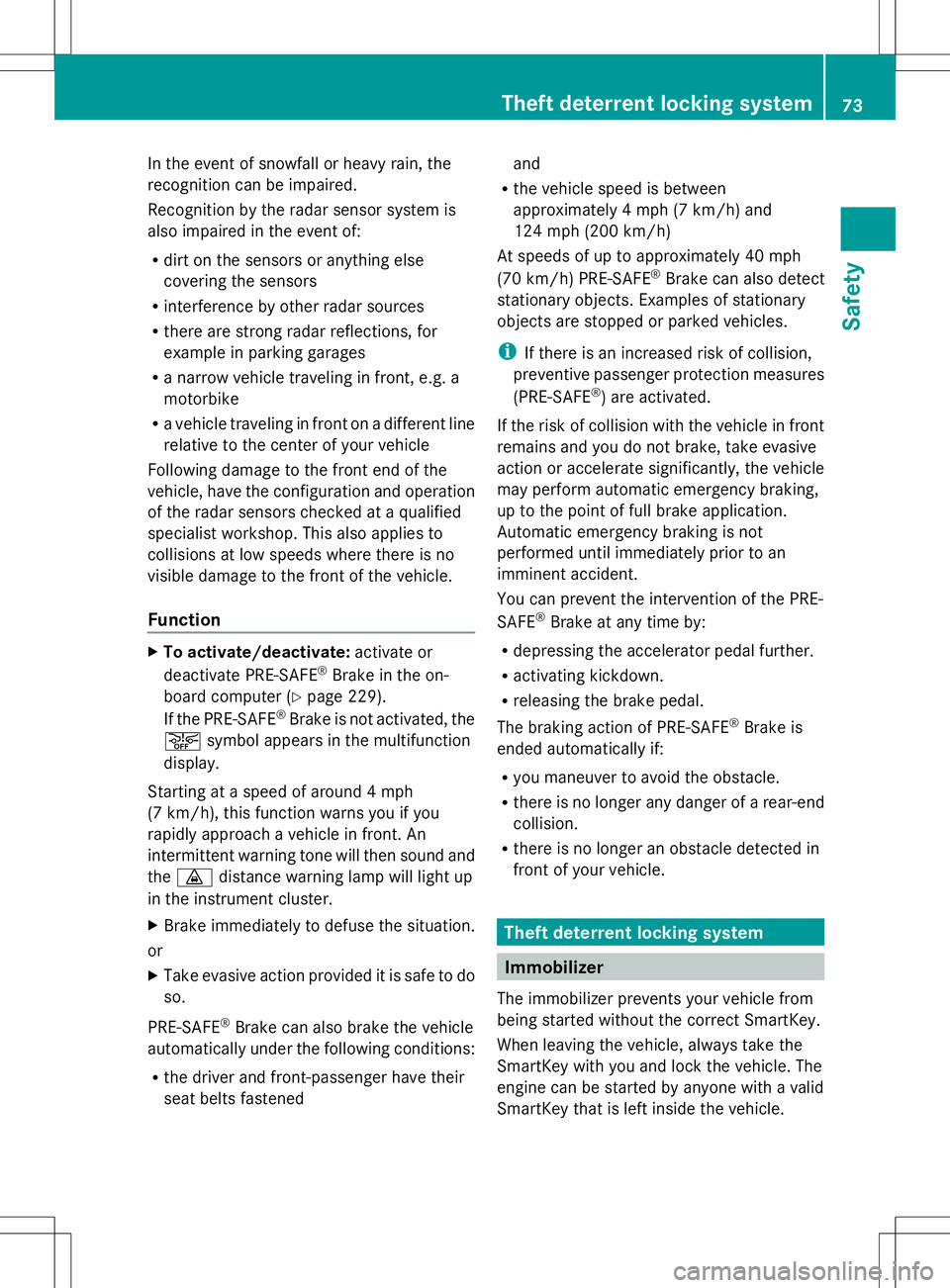
To activate/deactivate: activate or
deactivate PRE-SAFE ®
Brake in the on-
board computer (Y page 229).
If the PRE-SAFE ®
Brake is not activated, the
æ symbol appears in the multifunction
display.
Starting at a speed of around 4 mph
(7 km/h), this function warns you if you
rapidly approach a vehicle in front. An
intermittent warning tone will then sound and
the · distance warning lamp will light up
in the instrument cluster.
X Brake immediately to defuse the situation.
or
X Take evasive action provided it is safe to do
so.
PRE-SAFE ®
Brake can also brake the vehicle
automatically under the following conditions:
R the driver and front-passenger have their
seat belts fastened and
R the vehicle speed is between
approximately 4 mph (7 km/h) and
124 mph (200 km/h)
At speeds of up to approximately 40 mph
(70 km/h) PRE-SAFE ®
Brake can also detect
stationary objects. Examples of stationary
objects are stopped or parked vehicles.
i If there is an increased risk of collision,
preventive passenger protection measures
(PRE-SAFE ®
) are activated.
If the risk of collision with the vehicle in front
remains and you do not brake, take evasive
action or accelerate significantly, the vehicle
may perform automatic emergency braking,
up to the point of full brake application.
Automatic emergency braking is not
performed until immediately prior to an
imminent accident.
You can prevent the intervention of the PRE-
SAFE ®
Brake at any time by:
R depressing the accelerator pedal further.
R activating kickdown.
R releasing the brake pedal.
The braking action of PRE-SAFE ®
Brake is
ended automatically if:
R you maneuver to avoid the obstacle.
R there is no longer any danger of a rear-end
collision.
R there is no longer an obstacle detected in
front of your vehicle. Theft deterrent locking system
Immobilizer
The immobilizer prevents your vehicle from
being started without the correct SmartKey.
When leaving the vehicle, always take the
SmartKey with you and lock the vehicle. The
engine can be started by anyone with a valid
SmartKey that is left inside the vehicle. Theft deterrent locking system
73Safety Z
Page 135 of 384
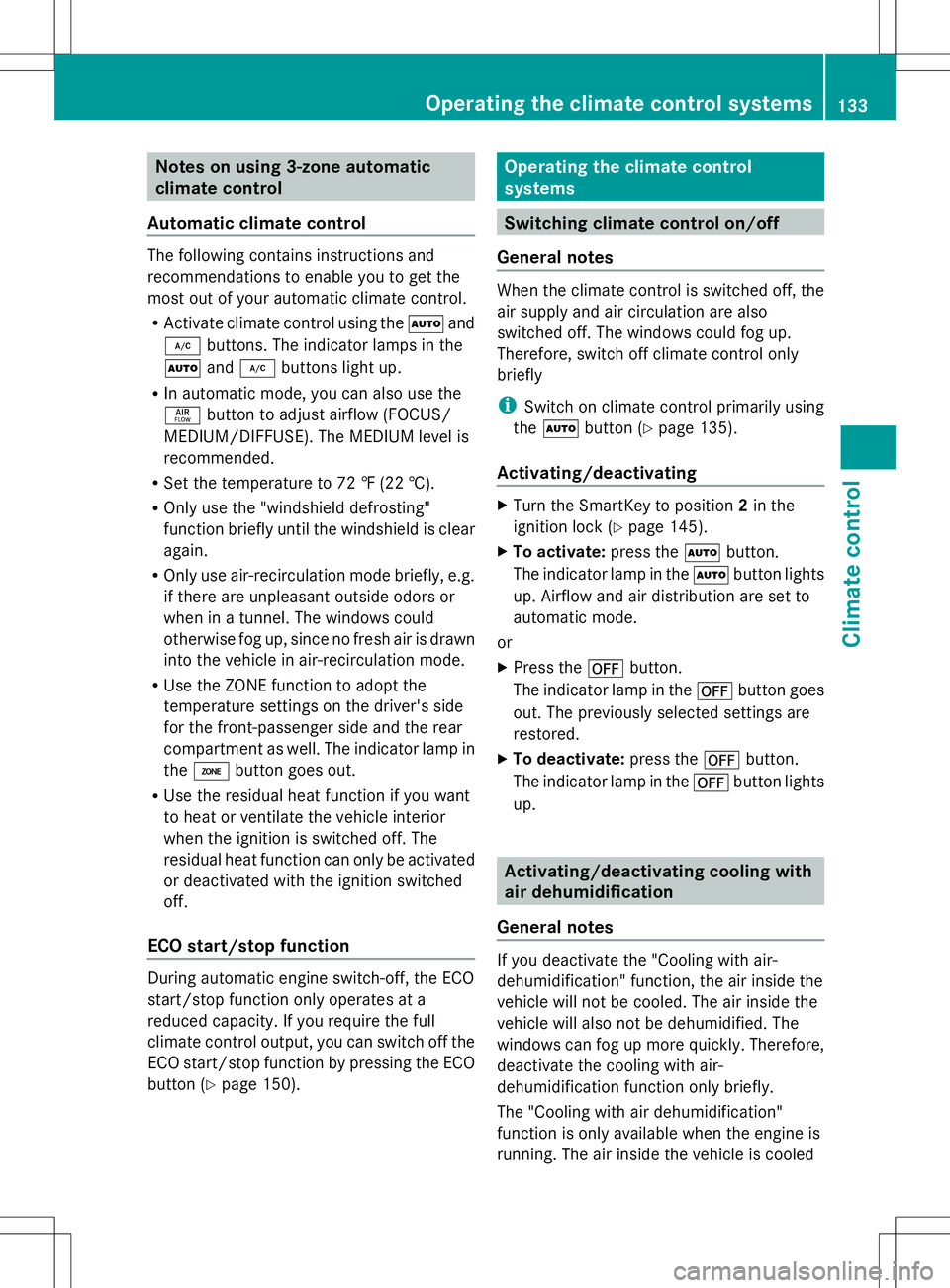
Notes on using 3-zone automatic
climate control
Automatic climate control The following contains instructions and
recommendations to enable you to get the
most out of your automatic climate control.
R Activate climate control using the Ãand
¿ buttons. The indicator lamps in the
à and¿ buttons light up.
R In automatic mode, you can also use the
ñ button to adjust airflow (FOCUS/
MEDIUM/DIFFUSE). The MEDIUM level is
recommended.
R Set the temperature to 72 ‡ (22 †).
R Only use the "windshield defrosting"
function briefly until the windshield is clear
again.
R Only use air-recirculation mode briefly, e.g.
if there are unpleasant outside odors or
when in a tunnel. The windows could
otherwise fog up, since no fresh air is drawn
into the vehicle in air-recirculation mode.
R Use the ZONE function to adopt the
temperature settings on the driver's side
for the front-passenger side and the rear
compartment as well. The indicator lamp in
the á button goes out.
R Use the residual heat function if you want
to heat or ventilate the vehicle interior
when the ignition is switched off. The
residual heat function can only be activated
or deactivated with the ignition switched
off.
ECO start/stop function During automatic engine switch-off, the ECO
start/stop function only operates at a
reduced capacity. If you require the full
climate control output, you can switch off the
ECO start/stop function by pressing the ECO
button ( Ypage 150). Operating the climate control
systems
Switching climate control on/off
General notes When the climate control is switched off, the
air supply and air circulation are also
switched off. The windows could fog up.
Therefore, switch off climate control only
briefly
i Switch on climate control primarily using
the à button ( Ypage 135).
Activating/deactivating X
Turn the SmartKey to position 2in the
ignition lock ( Ypage 145).
X To activate: press theÃbutton.
The indicator lamp in the Ãbutton lights
up. Airflow and air distribution are set to
automatic mode.
or
X Press the ^button.
The indicator lamp in the ^button goes
out. The previously selected settings are
restored.
X To deactivate: press the^button.
The indicator lamp in the ^button lights
up. Activating/deactivating cooling with
air dehumidification
General notes If you deactivate the "Cooling with air-
dehumidification" function, the air inside the
vehicle will not be cooled. The air inside the
vehicle will also not be dehumidified. The
windows can fog up more quickly. Therefore,
deactivate the cooling with air-
dehumidification function only briefly.
The "Cooling with air dehumidification"
function is only available when the engine is
running. The air inside the vehicle is cooled Operating the climate control systems
133Climate control
Page 137 of 384
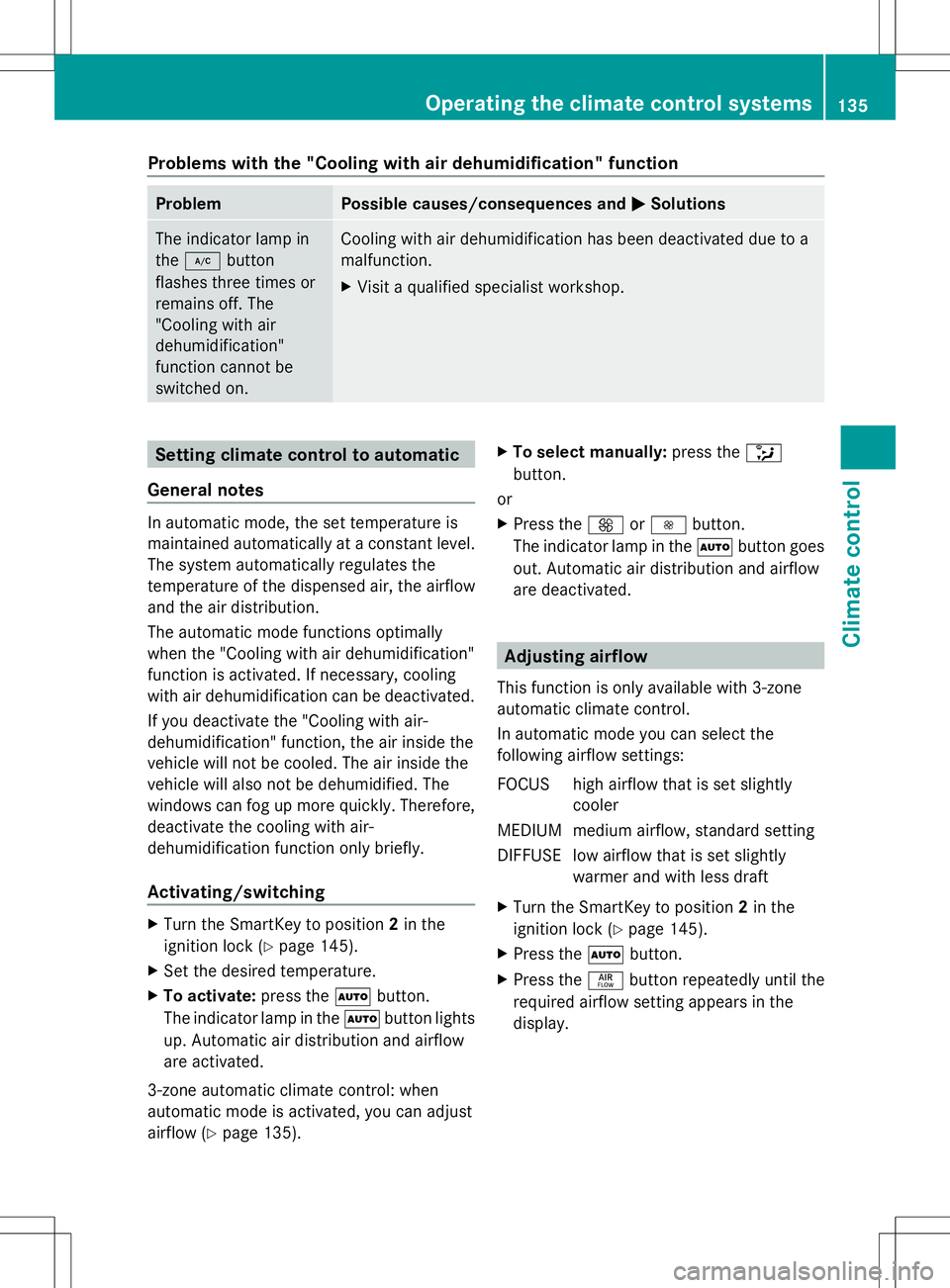
Problems with the "Cooling with air dehumidification" function
Problem Possible causes/consequences and
M
MSolutions The indicator lamp in
the
¿ button
flashes three times or
remains off. The
"Cooling with air
dehumidification"
function cannot be
switched on. Cooling with air dehumidification has been deactivated due to a
malfunction.
X
Visit a qualified specialist workshop. Setting climate control to automatic
General notes In automatic mode, the set temperature is
maintained automatically at a constant level.
The system automatically regulates the
temperature of the dispensed air, the airflow
and the air distribution.
The automatic mode functions optimally
when the "Cooling with air dehumidification"
function is activated. If necessary, cooling
with air dehumidification can be deactivated.
If you deactivate the "Cooling with air-
dehumidification" function, the air inside the
vehicle will not be cooled. The air inside the
vehicle will also not be dehumidified. The
windows can fog up more quickly. Therefore,
deactivate the cooling with air-
dehumidification function only briefly.
Activating/switching X
Turn the SmartKey to position 2in the
ignition lock (Y page 145).
X Set the desired temperature.
X To activate: press theÃbutton.
The indicator lamp in the Ãbutton lights
up. Automatic air distribution and airflow
are activated.
3-zone automatic climate control: when
automatic mode is activated, you can adjust
airflow (Y page 135). X
To select manually: press the_
button.
or
X Press the KorI button.
The indicator lamp in the Ãbutton goes
out. Automatic air distribution and airflow
are deactivated. Adjusting airflow
This function is only available with 3-zone
automatic climate control.
In automatic mode you can select the
following airflow settings:
FOCUS high airflow that is set slightly cooler
MEDIUM medium airflow, standard setting
DIFFUSE low airflow that is set slightly warmer and with less draft
X Turn the SmartKey to position 2in the
ignition lock (Y page 145).
X Press the Ãbutton.
X Press the ñbutton repeatedly until the
required airflow setting appears in the
display. Operating the climate control systems
135Climate control
Page 181 of 384
R
you switch on the appropriate turn signal
R DISTRONIC PLUS does not detect a danger
of collision
If these conditions are fulfilled, your vehicle
is accelerated. Acceleration will be
interrupted if changing lanes takes too long
or if the distance between your vehicle and
the vehicle in front becomes too small.
i When changing lanes, DISTRONIC PLUS
monitors the left lane on left-hand drive
vehicles and the right lane on right-hand
drive vehicles.
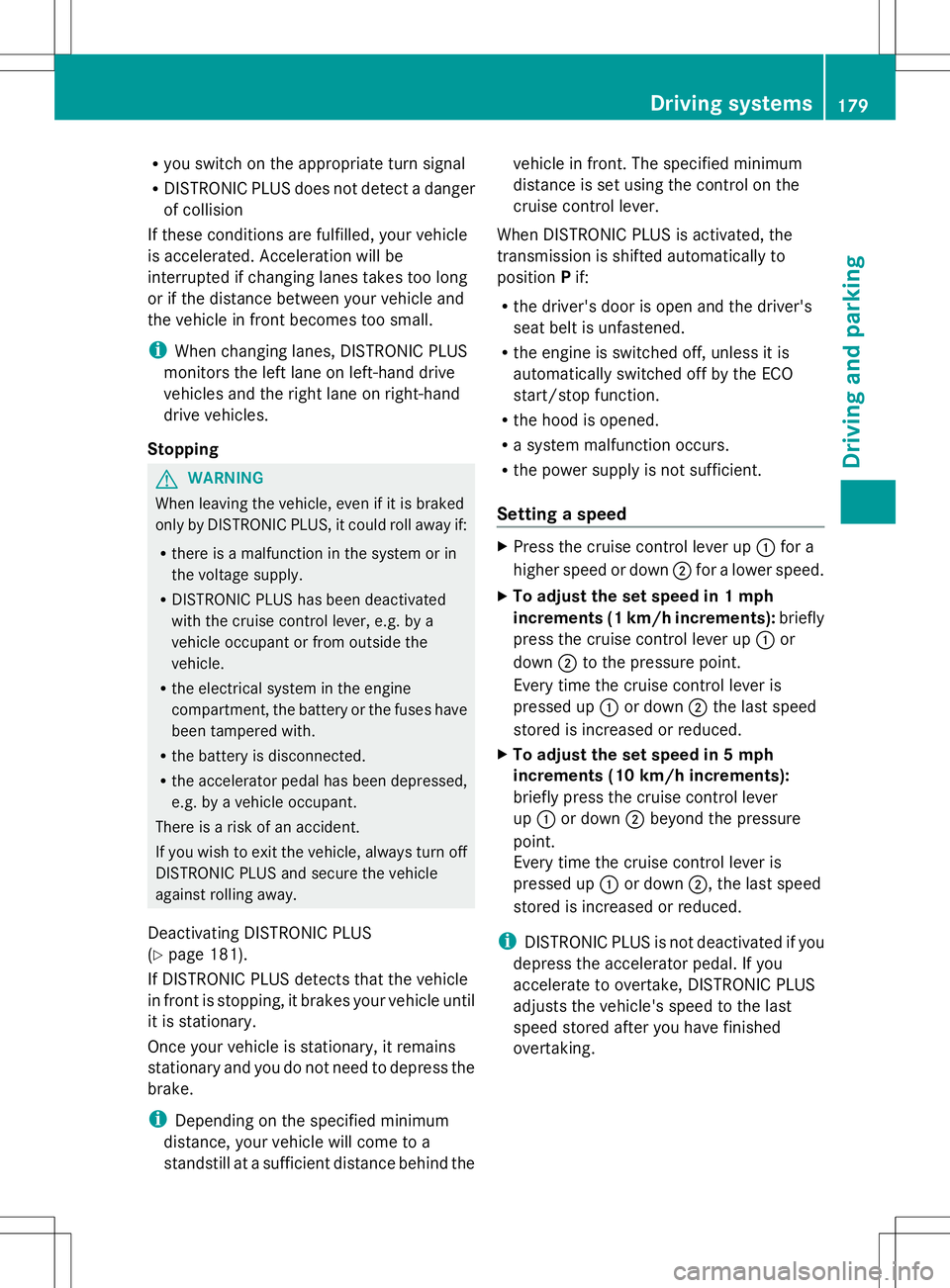
Stopping G
WARNING
When leaving the vehicle, even if it is braked
only by DISTRONIC PLUS, it could roll away if:
R there is a malfunction in the system or in
the voltage supply.
R DISTRONIC PLUS has been deactivated
with the cruise control lever, e.g. by a
vehicle occupant or from outside the
vehicle.
R the electrical system in the engine
compartment, the battery or the fuses have
been tampered with.
R the battery is disconnected.
R the accelerator pedal has been depressed,
e.g. by a vehicle occupant.
There is a risk of an accident.
If you wish to exit the vehicle, always turn off
DISTRONIC PLUS and secure the vehicle
against rolling away.
Deactivating DISTRONIC PLUS
(Y page 181).
If DISTRONIC PLUS detects that the vehicle
in front is stopping, it brakes your vehicle until
it is stationary.
Once your vehicle is stationary, it remains
stationary and you do not need to depress the
brake.
i Depending on the specified minimum
distance, your vehicle will come to a
standstill at a sufficient distance behind the vehicle in front. The specified minimum
distance is set using the control on the
cruise control lever.
When DISTRONIC PLUS is activated, the
transmission is shifted automatically to
position Pif:
R the driver's door is open and the driver's
seat belt is unfastened.
R the engine is switched off, unless it is
automatically switched off by the ECO
start/stop function.
R the hood is opened.
R a system malfunction occurs.
R the power supply is not sufficient.
Setting a speed X
Press the cruise control lever up :for a
higher speed or down ;for a lower speed.
X To adjust the set speed in 1 mph
increments (1 km/h increments): briefly
press the cruise control lever up :or
down ;to the pressure point.
Every time the cruise control lever is
pressed up :or down ;the last speed
stored is increased or reduced.
X To adjust the set speed in 5 mph
increments (10 km/h increments):
briefly press the cruise control lever
up : or down ;beyond the pressure
point.
Every time the cruise control lever is
pressed up :or down ;, the last speed
stored is increased or reduced.
i DISTRONIC PLUS is not deactivated if you
depress the accelerator pedal. If you
accelerate to overtake, DISTRONIC PLUS
adjusts the vehicle's speed to the last
speed stored after you have finished
overtaking. Driving syste
ms
179Driving an d parking Z
Page 186 of 384
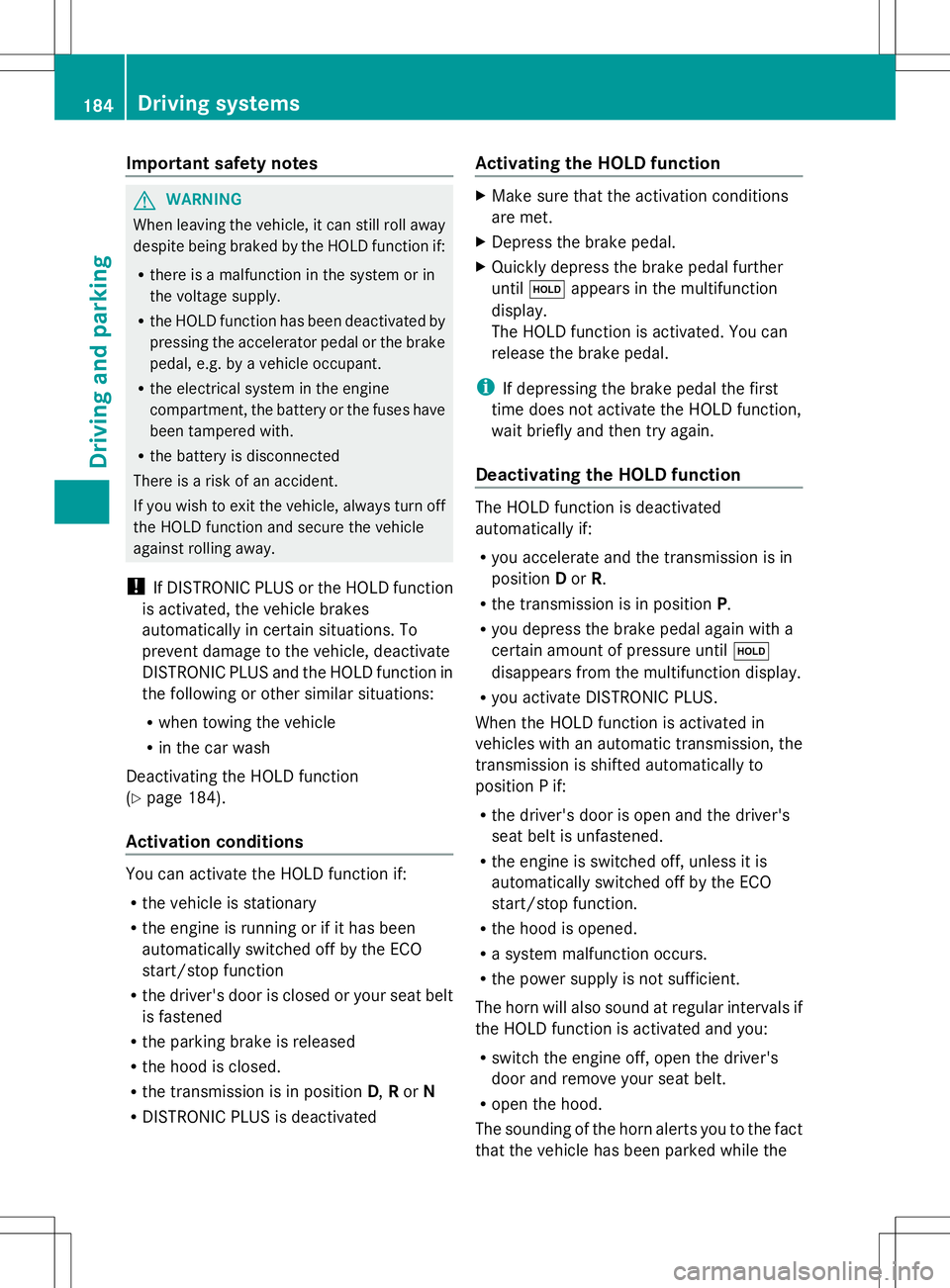
Important safety notes
G
WARNING
When leaving the vehicle, it can still roll away
despite being braked by the HOLD function if:
R there is a malfunction in the system or in
the voltage supply.
R the HOLD function has been deactivated by
pressing the accelerator pedal or the brake
pedal, e.g. by a vehicle occupant.
R the electrical system in the engine
compartment, the battery or the fuses have
been tampered with.
R the battery is disconnected
There is a risk of an accident.
If you wish to exit the vehicle, always turn off
the HOLD function and secure the vehicle
against rolling away.
! If DISTRONIC PLUS or the HOLD function
is activated, the vehicle brakes
automatically in certain situations. To
prevent damage to the vehicle, deactivate
DISTRONIC PLUS and the HOLD function in
the following or other similar situations:
R when towing the vehicle
R in the car wash
Deactivating the HOLD function
(Y page 184).
Activation conditions You can activate the HOLD function if:
R
the vehicle is stationary
R the engine is running or if it has been
automatically switched off by the ECO
start/stop function
R the driver's door is closed or your seat belt
is fastened
R the parking brake is released
R the hood is closed.
R the transmission is in position D,Ror N
R DISTRONIC PLUS is deactivated Activating the HOLD function X
Make sure that the activation conditions
are met.
X Depress the brake pedal.
X Quickly depress the brake pedal further
until ë appears in the multifunction
display.
The HOLD function is activated. You can
release the brake pedal.
i If depressing the brake pedal the first
time does not activate the HOLD function,
wait briefly and then try again.
Deactivating the HOLD function The HOLD function is deactivated
automatically if:
R
you accelerate and the transmission is in
position Dor R.
R the transmission is in position P.
R you depress the brake pedal again with a
certain amount of pressure until ë
disappears from the multifunction display.
R you activate DISTRONIC PLUS.
When the HOLD function is activated in
vehicles with an automatic transmission, the
transmission is shifted automatically to
position P if:
R the driver's door is open and the driver's
seat belt is unfastened.
R the engine is switched off, unless it is
automatically switched off by the ECO
start/stop function.
R the hood is opened.
R a system malfunction occurs.
R the power supply is not sufficient.
The horn will also sound at regular intervals if
the HOLD function is activated and you:
R switch the engine off, open the driver's
door and remove your seat belt.
R open the hood.
The sounding of the horn alerts you to the fact
that the vehicle has been parked while the 184
Driving systemsDriving and pa
rking
Page 315 of 384
Useful information
............................314
Where will I find...? ...........................314
Flat tire .............................................. 314
Battery (vehicle) ................................ 316
Jump-starting .................................... 320
Towing and tow-starting ..................322
Fuses .................................................. 325 313Breakdown assistance
Page 316 of 384
Useful information
i This Operator's Manual describes all
models and all standard and optional
equipment of your vehicle available at the
time of publication of the Operator's
Manual. Country-specific differences are
possible. Please note that your vehicle may
not be equipped with all features
described. This also applies to safety-
related systems and functions.
i Read the information on qualified
specialist workshops: (Y page 27).Where will I find...?
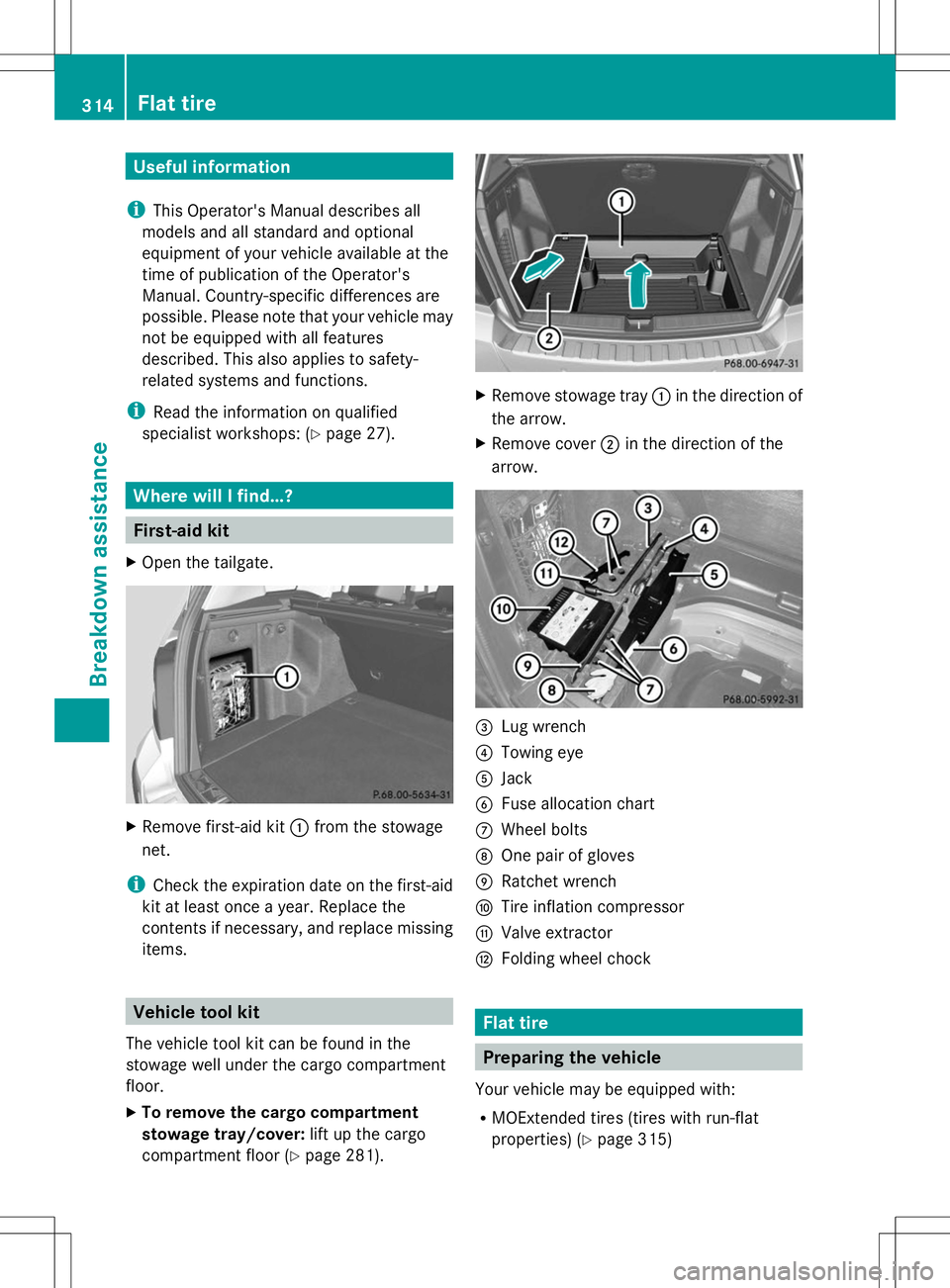
First-aid kit
X Open the tailgate. X
Remove first-aid kit :from the stowage
net.
i Check the expiration date on the first-aid
kit at least once a year. Replace the
contents if necessary, and replace missing
items. Vehicle tool kit
The vehicle tool kit can be found in the
stowage well under the cargo compartment
floor.
X To remove the cargo compartment
stowage tray/cover: lift up the cargo
compartment floor (Y page 281). X
Remove stowage tray :in the direction of
the arrow.
X Remove cover ;in the direction of the
arrow. =
Lug wrench
? Towing eye
A Jack
B Fuse allocation chart
C Wheel bolts
D One pair of gloves
E Ratchet wrench
F Tire inflation compressor
G Valve extractor
H Folding wheel chock Flat tire
Preparing the vehicle
Your vehicle may be equipped with:
R MOExtended tires (tires with run-flat
properties) (Y page 315)314
Flat tireBreakdown assistance
Page 327 of 384
Recovering a vehicle that has become
stuck
! Pull away smoothly, slowly, and in a
straight line when pulling out a vehicle that
has become stuck. Excessive tractive
power could damage the vehicles.
If the drive wheels get trapped on loose or
muddy ground, recover the vehicle with the
utmost care, especially so if the vehicle is
laden.
Never attempt to recover a vehicle with a
trailer attached.
Pull out the vehicle backwards, if possible,
using the tracks it made when it became
stuck. Tow-starting (emergency engine
starting)
! Vehicles with automatic transmission
must not be started by tow-starting. This
could otherwise damage the transmission.
You can find information on "Jump-starting"
at (Y page 320). Fuses
Important safety notes
G
WARNING
If you manipulate or bridge a faulty fuse or if
you replace it with a fuse with a higher
amperage, the electric cables could be
overloaded. This could result in a fire. There
is a risk of an accident and injury.
Always replace faulty fuses with the specified
new fuses having the correct amperage.
! Only use fuses that have been approved
for Mercedes-Benz vehicles and which
have the correct fuse rating for the system
concerned. Otherwise, components or
systems could be damaged.
The fuses in your vehicle serve to close down
faulty circuits. If a fuse blows, all the components on the circuit and their functions
stop operating.
Blown fuses must be replaced with fuses of
the same rating, which you can recognize by
the color and value. The fuse ratings are listed
in the fuse allocation chart.
If a newly inserted fuse also blows, have the
cause traced and rectified at a qualified
specialist workshop, e.g. an authorized
Mercedes-Benz Center. Before changing a fuse
X Secure the vehicle against rolling away
(Y page 164).
X Switch off all electrical consumers.
X Turn the SmartKey to position 0in the
ignition lock and remove it (Y page 145).
or
X On vehicles with KEYLESS-GO, make sure
the ignition is switched off (Y page 145).
All indicator lamps in the instrument cluster
must be off.
The fuses are located in various fuse boxes:
R Fuse box on the driver's side of the
dashboard
R Fuse box in the engine compartment on the
left-hand side of the vehicle, when viewed
in the direction of travel
R Fuse box in the stowage well under the
cargo compartment floor on the right-hand
side of the vehicle, when viewed in the
direction of travel
The fuse allocation chart is located in the
vehicle tool kit in the stowage compartment
under the cargo compartment floor
(Y page 314). Dashboard fuse box
! Do not use a pointed object such as a
screwdriver to open the cover in the
dashboard. You could damage the
dashboard or the cover. Fuses
325Breakdown assistance Z