odometer MERCEDES-BENZ GLK SUV 2008 Owners Manual
[x] Cancel search | Manufacturer: MERCEDES-BENZ, Model Year: 2008, Model line: GLK SUV, Model: MERCEDES-BENZ GLK SUV 2008Pages: 261, PDF Size: 8.67 MB
Page 14 of 261
MP3
Operating (on-board computer,
luxury multi-function steering
wheel). .............................................. 99
Multi-function display
Luxury multi-function steering
wheel. ............................................... 94
Multi-function steering wheel. ..........91
Multi-function steering wheel............. 91
Overview. .......................................... 28
Multi-function steering wheel (12-
button)
see Luxury multi-function steering wheel N
Navigation On-board computer (luxury multi-
function steering wheel) ...................97
NECK-PRO head restraints ..................40
Resetting after being triggered. ......215
Notes on running in a new vehicle ...144 O
Odometer Total distance recorder. ..............92, 95
Trip meter. .................................. 92, 95
Off-road
4MATIC ........................................... 105
DSR. ............................................... 105
Off-road ABS. .................................... 51
Off-road drive program. ..................107
Off-road ABS ......................................... 51
Off-road drive program (vehicles
with off-road engineering package) .107
Off-road driving Checklist......................................... 159
Information. .................................... 158
Off-road ESP ®
........................................ 54
Off-road terrain Off-road ESP. .................................... 54
Oil
Consumption. ................................. 148
Topping up. ..................................... 148
On-board computer (luxury multi-
function steering wheel) ......................93
Audio menu ...................................... 98Convenience submenu.
..................104
Display messages ........................... 176
Factory settings submenu ..............104
Instrument cluster submenu ...........101
Lights submenu. ............................. 102
Navigation menu. .............................. 97
Overview. .......................................... 95
Service menu .................................. 101
Settings menu ................................ 101
Standard display submenu................ 95
Telephone menu. .............................. 99
Time/date submenu. ......................102
Trip computer menu. ........................95
Vehicle submenu. ........................... 104
On-board computer (multi-func-
tion steering wheel)............................. 91
Display messages ........................... 176
Overview. .......................................... 92
Range. .............................................. 93
Standard display. .............................. 92
Time/date. ....................................... 93
Trip computer. .................................. 92
On-board computer menu (luxury
multi-function steering wheel).......... 101
One-touch gearshifting........................ 86
Operating system see On-board computer (luxury
multi-function steering wheel)
see On-board computer (multi-
function steering wheel)
Outside temperature display .............90
Override feature Rear side windows ............................ 50 P
Paint code........................................... 244
Panorama sliding sunroof................. 127
Rain closing feature. .......................128
Resetting. ....................................... 129
Parking .................................................. 84
Parking aid Exterior mirror on the front-
passenger side.................................. 69
Parktronic. ...................................... 113
Reversing camera. ..........................115
Parking brake ....................................... 84
Display message ............................. 185 Index
11 X204_AKB; 1; 5, en-GB
wobuchh,
Version: 2.11.4
2008-10-15T13:20:56+02:00 - Seite 11 Dateiname: 6515_0671_02_buchblock.pdf; preflight
Page 104 of 261
X
Press the 9or: button to select the
desired name or number.
X Press the 6ora button to start dial-
ling. Service menu
In the
Service menu, you can:
R call up display messages (Y page 176)
R reset the tyre pressure loss warning system
(Y page 153)
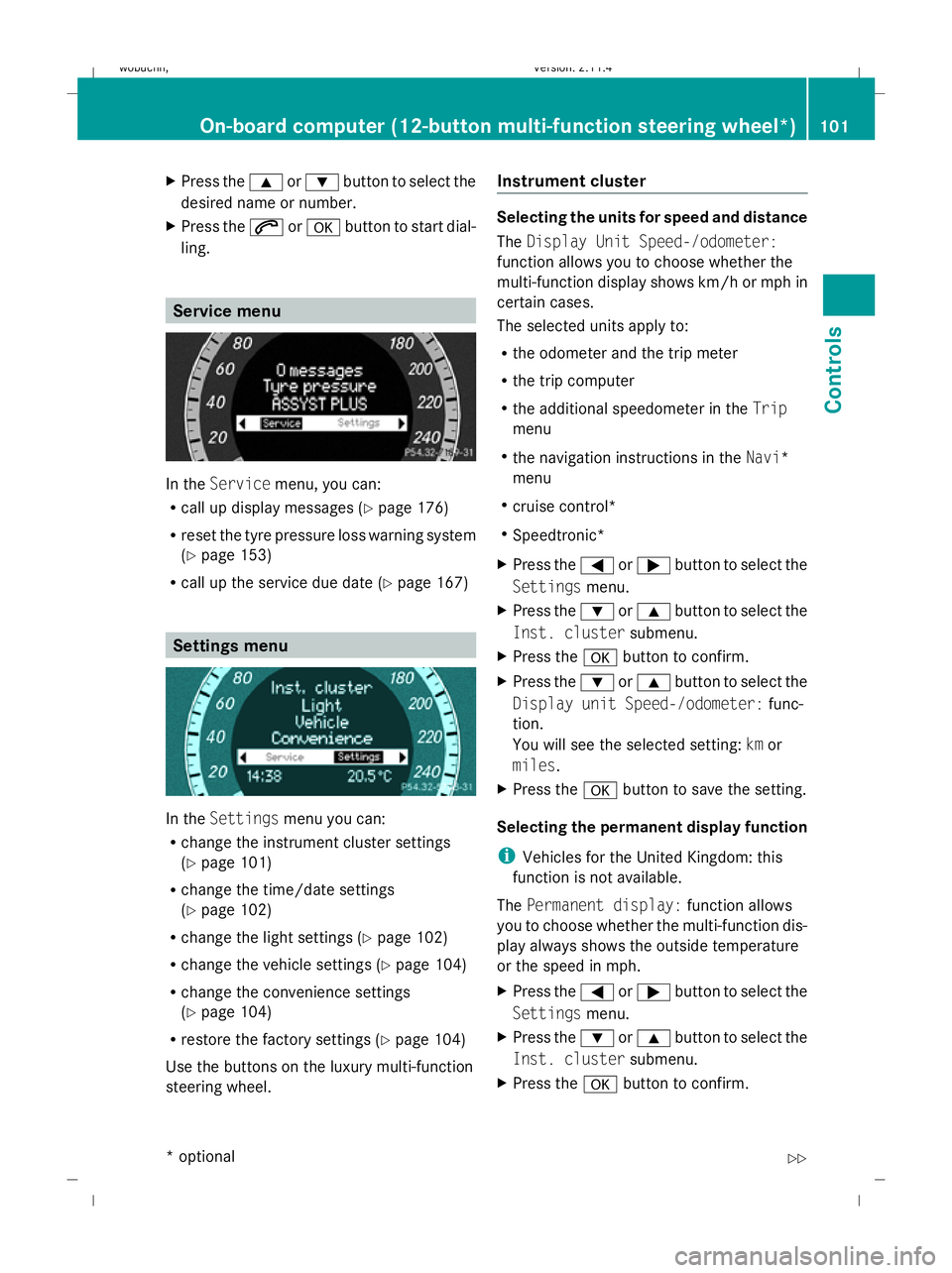
R call up the service due date (Y page 167)Settings menu
In the
Settings menu you can:
R change the instrument cluster settings
(Y page 101)
R change the time/date settings
(Y page 102)
R change the light settings (Y page 102)
R change the vehicle settings (Y page 104)
R change the convenience settings
(Y page 104)
R restore the factory settings (Y page 104)
Use the buttons on the luxury multi-function
steering wheel. Instrument cluster Selecting the units for speed and distance
The
Display Unit Speed-/odometer:
function allows you to choose whether the
multi-function display shows km/h or mph in
certain cases.
The selected units apply to:
R the odometer and the trip meter
R the trip computer
R the additional speedometer in the Trip
menu
R the navigation instructions in the Navi*
menu
R cruise control*
R Speedtronic*
X Press the =or; button to select the
Settings menu.
X Press the :or9 button to select the
Inst. cluster submenu.
X Press the abutton to confirm.
X Press the :or9 button to select the
Display unit Speed-/odometer: func-
tion.
You will see the selected setting: kmor
miles.
X Press the abutton to save the setting.
Selecting the permanent display function
i Vehicles for the United Kingdom: this
function is not available.
The Permanent display: function allows
you to choose whether the multi-function dis-
play always shows the outside temperature
or the speed in mph.
X Press the =or; button to select the
Settings menu.
X Press the :or9 button to select the
Inst. cluster submenu.
X Press the abutton to confirm. On-board computer (12-button multi-function steering wheel*)
101Controls
* optional
X204_AKB; 1; 5, en-GB
wobuchh, Version: 2.11.4
2008-10-15T13:20:56+02:00 - Seite 101 ZDateiname: 6515_0671_02_buchblock.pdf; preflight