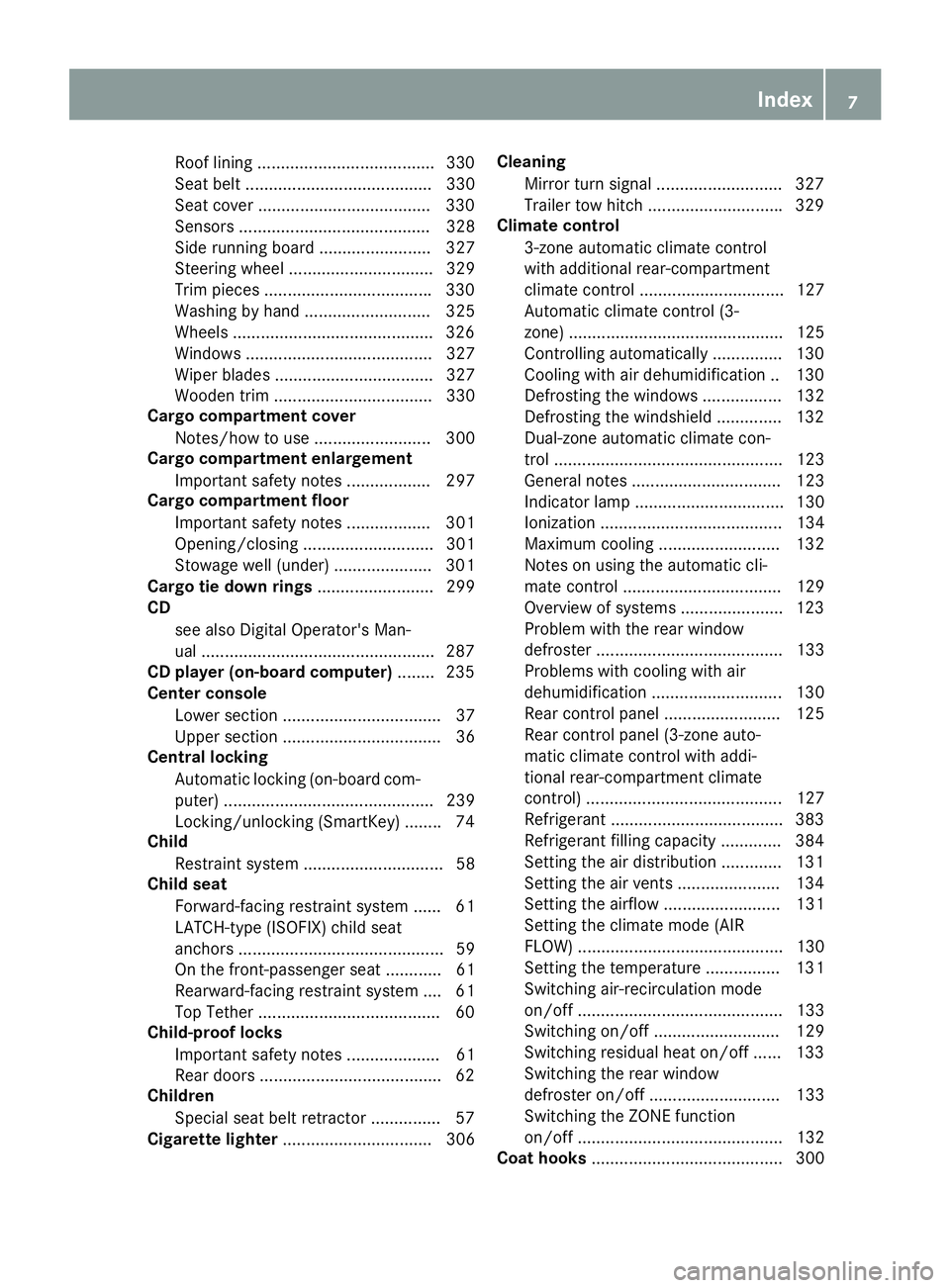
automatic locking MERCEDES-BENZ GLS 2017 Owners Manual
[x] Cancel search | Manufacturer: MERCEDES-BENZ, Model Year: 2017, Model line: GLS, Model: MERCEDES-BENZ GLS 2017Pages: 390, PDF Size: 11.93 MB
Page 9 of 390
Roof linin g ...................................... 33 0
Se at belt ........................................ 330
Seat cover .................................... .3 30
Sensors ......................................... 328
Side running board ........................ 327
Steering wheel ............................... 329
Trim pieces ................................... .3 30
Washing by hand ........................... 325
Wheels .......................................... .3 26
Windows ........................................ 327
Wiper blades .................................. 327
Wooden trim .................................. 330
Cargo compartment cover
Notes/how to use ......................... 300
Cargo compartment enlargement
Important safety notes .................. 297
Cargo compartment floor
Important safety notes .................. 301
Opening/closing ............................ 301
Stowage well (under) ..................... 301
Cargo tie down rings ......................... 299
CD
see also Digital Operator's Man-
ual ................................................. .2 87
CD player (on-board computer) ....... .2 35
Center console
Lower section .................................. 37
Upper section .................................. 36
Central locking
Automatic locking (on-board com-
puter) ............................................. 239
Locking/unlocking (SmartKey) ....... .7 4
Child
Restraint system .............................. 58
Child seat
Forward-facing restraint system ...... 61
LATCH-type (ISOFIX) child seat
anchors ............................................ 59
On the front-passenger seat ............ 61
Rearwar d-fac ing restraint system .... 61
Top
Tether ...................................... .6 0
Child-proof locks
Important safety notes .................... 61
Rear doors ...................................... .6 2
Children
Special seat belt retractor .............. .5 7
Cigarette lighter ................................ 306 Cleaning
Mirror turn signal .......................... .3 27
Trailer tow hitch ............................ .3 29
Climate control
3-zone automatic climate control
with additional rear-compartment
climate control ............................... 127
Automatic climate control (3-
zone) .............................................. 125
Controlling automatically .............. .1 30
Cooling with air dehumidification .. 130
Defrosting the windows ................. 132
Defrosting the windshield .............. 132
Dual-zone automatic climate con-
trol ................................................. 123
General notes ................................ 123
Indicator lamp ................................ 130
Ionization ....................................... 134
Maximum cooling .......................... 132
Notes on using the automatic cli-
mate control .................................. 129
Overview of systems ..................... .1 23
Problem with the rear window
defroster ........................................ 133
Problems with cooling with air
dehumidification ............................ 130
Rear control panel ......................... 125
Rear control panel (3-zone auto-
matic climate control with addi-
tional rear-compartment climate
control) .......................................... 127
Refrigerant ..................................... 383
R ef
rigerant filling capacity ............. 384
Setting the air distribution ............. 131
Setting the air vents ..................... .1 34
Setting the airflow ......................... 131
Setting the climate mode (AIR
FLOW) ............................................ 130
Setting the temperature ................ 131
Switching air-recirculation mode
on/off ............................................ 133
Switching on/off ........................... 129
Switching residual heat on/off ...... 133
Switching the rear window
defroster on/off ............................ 133
Switching the ZONE function
on/off ............................................ 132
Coat hooks ......................................... 300 Index 7
Page 11 of 390
Distanc e Pilot DISTRONIC
Activatin g ...................................... .1 76
Activation conditions ..................... 176
Cruise control lever ....................... 175
Display Message ............................ 266
Displays in the instrument cluster .. 179
Driving tips ................................... .1 80
Function/notes ............................ .1 74
Important safety notes .................. 174
Setting the specified minimum
distance ......................................... 178
Stopping ........................................ 177
Switching off .................................. 178
Warning lamp ................................. 285
Distance recorder
see Odometer
see Trip odometer
Distance warning (warning lamp) .... 285
Distance warning function
Function/notes ................................ 65
Warning lamp ................................. 285
Doors
Automatic locking (on-board com-
puter) ............................................. 239
Automatic locking (switch) .............. .8 1
Central locking/unlocking
(SmartKey) ...................................... .7 4
Control panel .................................. .4 0
Display message ............................ 272
Emergency locking ........................... 81
Emergency unlocking ....................... 81
Important safety notes .................... 80
Opening (from inside) ...................... 80
Overview .......................................... 80
Power closing .................................. 81
Drinking and driving ......................... 163
Drive program
Automatic transmission ................. 149
Off-Road program (vehicles with-
out Off-Road Engineering pack-
age) ............................................... 217
Off-road programs (vehicles with
Off-Road Engineering package) ...... 218
SETUP (on-board comp uter) .......... 241
D ri ve programs
Display (DIRECT SELECT lever) ...... 148
Driver's door
see Doors Driving
Important safety notes .................. 137
Driving abroad
Mercedes-Benz Service ................. 324
Driving Assistance PLUS package ... 210
Driving in mountainous terrain
Approach/departure angle ............ 171
Driving lamps
see Daytime running lamps
Driving off-road
see Off-road driving
Driving safety system
Active Brake Assist .......................... 64
Driving safety systems
ABS (Anti-lock Braking System) ....... 63
Active Brake Assist with cross-
traffic function ................................. 69
ADAPTIVE BRAKE ............................. 69
Adaptive Brake Assist ...................... 65
BAS (Brake Assist System) .............. 64
Distance warning function ............... 65
EBD (electronic brake force distri-
bution) ............................................. 69
ESP ®
(Electronic Stability Pro-
gram) ............................................... 66
Important safety information ........... 63
Overview .......................................... 63
STEER CONTROL ............................. 72
Driving system
AIRMATIC package ........................ 186
Distance Pilot DISTRONIC ............. 174
Distance Pilot DISTRONIC with
Steering Pilot ................................. 180
Parking assist PARKTRONIC .......... 190
Parking Pilot .................................. 193
Driving systems
360°camera .................................. 201
Active Blind Spot Assist ................. 210
Active Curve System ...................... 187
Active Lane Keeping Assist ............ 213
ADS ............................................... 186
AMG adaptive sport suspension
system ........................................... 189
ATTENTION ASSIST ........................ 205
Blind Spot Assist ............................ 207
Cruise control ................................ 172
Display message ............................ 261
Driving Assistance Plus package ... 210 Index 9
Page 12 of 390
HOLD function ............................... 185
Lane Keeping Assist ...................... 209
Level control (vehicle with the Off-
Road Engineering package) ........... 182
Rear view camera .......................... 197
Traffic Sign Assist .......................... 206
Driving tips
Automatic transmission ................. 149
Brakes ........................................... 164
Break-in period .............................. 137
Distance Pilot DISTRONIC ............. 180
Downhill gradient ........................... 164
Drinking and driving ....................... 163
Driving in winter ............................. 167
Driving on flooded roads ................ 166
Driving on sand .............................. 170
Driving on wet roads ...................... 166
Driving over obstacles ................... 170
Exhaust check ............................... 163
Fuel ................................................ 162
General .......................................... 162
Hydroplaning ................................. 166
Icy road surfaces ........................... 167
Limited braking efficiency on sal-
ted roads ....................................... 165
Off-road driving .............................. 168
Off-road fording ............................. 167
Snow chains .................................. 348
The first 1000 miles (1500 km) ..... 137
Tire ruts ......................................... 170
Towing a trailer .............................. 222
Traveling uphill ............................... 171
Wet road surface ........................... 165
DSR (Downhill Speed Regulation)
Display message ............................ 263
Function/notes ............................. 216
DVD video
Operating (on-board computer) ..... 235
see also Digital Operator's Man-
ual .................................................. 287
DYNAMIC SELECT controller
Automatic transmission ................. 145
E
EASY-ENTRY feature
Activating/deactivating ................. 240
Function/notes ............................. 106 EASY-EXIT feature
Crash-responsive ........................... 107
Function/notes ............................. 106
Switching on/off ........................... 240
EBD (electronic brake force distri-
bution)
Display message ............................ 247
Function/notes ................................ 69
ECO display
Function/notes ............................. 163
On-board computer ....................... 232
ECO start/stop function
Automatic engine start .................. 143
Automatic engine switch-off .......... 142
Deactivating/activating ................. 143
General information ....................... 142
Important safety notes .................. 142
Introduction ................................... 142
Electronic Stability Program
see ESP ®
(Electronic Stability Program)
Emergency
Automatic measures after an acci-
dent ................................................. 56
Emergency release
Driver's door .................................... 81
Vehicle ............................................. 81
Emergency spare wheel
General notes ................................ 372
Important safety notes .................. 372
Removing ....................................... 373
Storage location ............................ 373
Stowing .......................................... 373
Emergency Tensioning Devices
Activation ......................................... 53
Emergency unlocking
Tailgate ............................................ 85
Emissions control
Service and warranty information .... 26
Engine
Check Engine warning lamp ........... 283
Display message ............................ 257
ECO start/stop function ................ 142
Engine number ............................... 378
Irregular running ............................ 144
Jump-starting ................................. 338
Starting (important safety notes) ... 139
Starting problems .......................... 14410
Index
Page 13 of 390
Starting the engine with the
SmartKey ....................................... 140
Starting via smartphone ................ 140
Starting with KEYLESS-GO ............. 140
Switching off .................................. 160
Tow-starting (vehicle) ..................... 343
Engine electronics
Problem (malfunction) ................... 144
Engine jump starting
see Jump starting (engine)
Engine oil
Adding ........................................... 321
Additives ........................................ 382
Checking the oil level ..................... 320
Checking the oil level using the
dipstick .......................................... 321
Display message ............................ 259
Filling capacity ............................... 382
Notes about oil grades ................... 381
Notes on oil level/consumption .... 320
Temperature (on-board computer,
Mercedes-AMG vehicles) ............... 241
Engine switch-off
see ECO start/stop function
Entering an address
see also Digital Operator's Man-
ual .................................................. 287
ESP ®
(Electronic Stability Pro-
gram)
AMG menu (on-board computer) ... 241
Characteristics ................................. 67
Deactivating/activating ................... 67
Display message ............................ 245
Function/notes ................................ 66
General notes .................................. 66
Important safety information ........... 67
Trailer stabilization ........................... 68
Warning lamp ................................. 279
ETS/4ETS (Electronic Traction Sys-
tem) ...................................................... 66
Exhaust check ................................... 163
Exhaust pipe (cleaning instruc-
tions) .................................................. 328
Exterior lighting
see Lights
Exterior mirrors
Adjusting ....................................... 107 Dipping (automatic) ....................... 109
Folding in when locking (on-board
computer) ...................................... 240
Folding in/out (automatically) ....... 108
Folding in/out (electrically) ........... 108
Out of position (trouble shoo ting) ... 109
Se
tting ........................................... 108
Storing settings (memory func-
tion) ............................................... 110
Storing the parking position .......... 109
Eyeglasses compartment ................. 296
F Favorites
Overview ........................................ 289
Filler cap
see Refueling
Flat tire
MOExtended tires .......................... 332
Preparing the vehicle ..................... 331
TIREFIT kit ...................................... 333
see Emergency spare wheel
Floormats ........................................... 318
Fog lamps (extended range) ............. 115
Folding the rear bench seat for-
wards/back ....................................... 297
Fording
Off-road ......................................... 167
On flooded roads ........................... 166
Frequencies
Mobile phone ................................. 376
Two-way radio ................................ 376
Fuel
Additives ........................................ 380
Consumption statistics .................. 232
Displaying the current consump-
tion ................................................ 233
Displaying the range ...................... 233
Driving tips .................................... 162
Fuel gauge ....................................... 34
Grade (gasoline) ............................ 379
Important safety notes .................. 379
Low outside temperatures ............. 380
Problem (malfunction) ................... 156
Quality (diesel) ............................... 380
Refueling ........................................ 153
Tank content/reserve fuel ............. 379 Index 11
Page 15 of 390
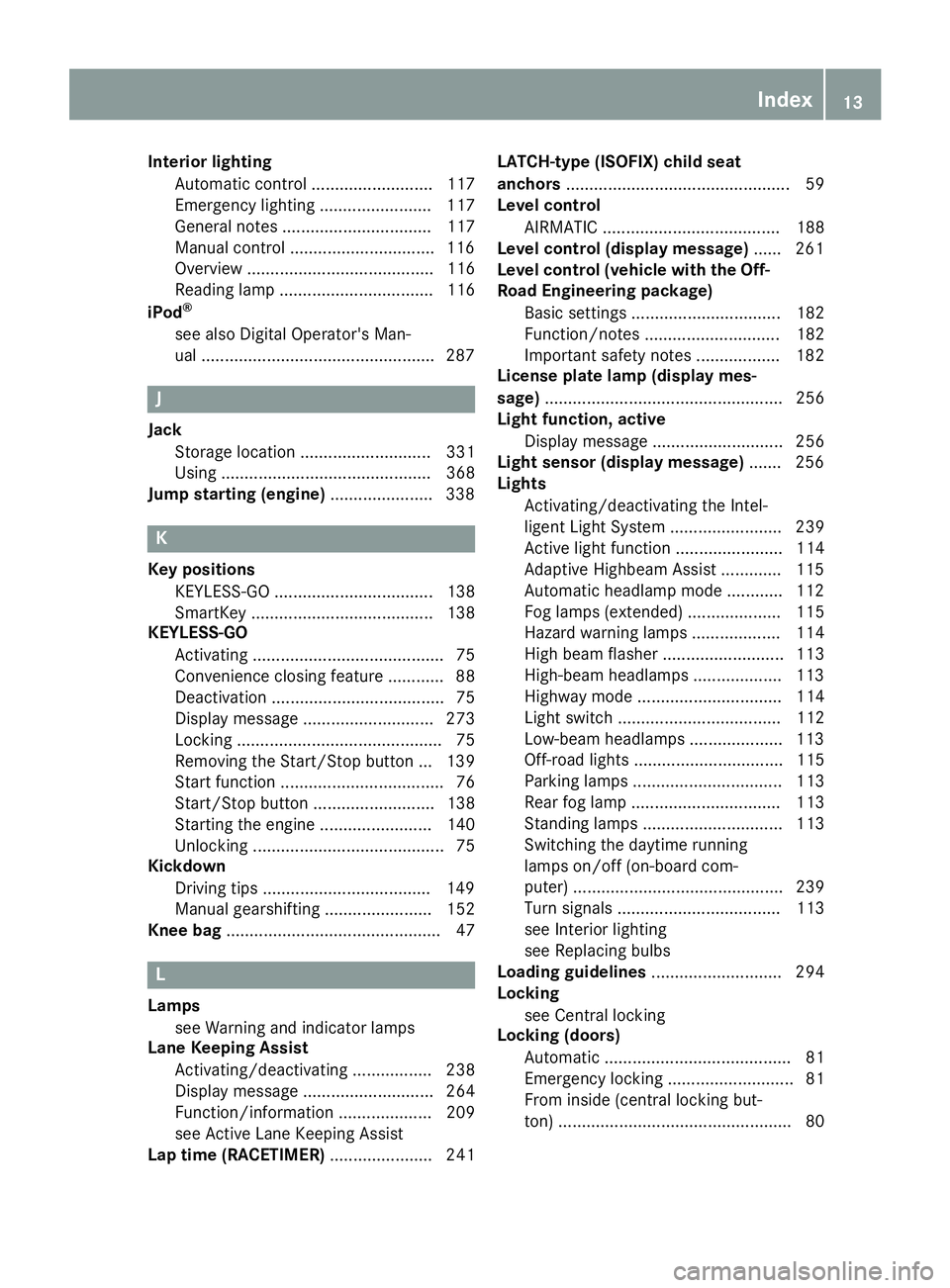
Interior lighting
Automatic control .......................... 117
Emergency lighting ........................ 117
General notes ................................ 117
Manual control .............................. .1 16
Overview ........................................ 116
Reading lamp ................................. 116
iPod ®
see also Digital Operator's Man-
ual ................................................. .2 87
J Jack
Storage location ............................ 331
Using ............................................. 368
Jump starting (engine) ..................... .3 38
K Key positions
KEYLESS-GO .................................. 138
SmartKey ....................................... 138
KEYLESS-GO
Activating ......................................... 75
Convenience closing feature ............ 88
Deactivation ..................................... 75
Display message ............................ 273
Locking ............................................ 75
Removing the Start/Stop button ... 139
Start function ................................... 76
Start/Stop button .......................... 138
Starting the engine ........................ 140
Unlocking ......................................... 75
Kickdown
Driving tips ................................... .1 49
Manual gearshifting ....................... 152
Knee bag .............................................. 47
L
Lamps
see Warning and indicator lamps
Lane Keeping Assist
Activating/deactivating ................. 238
Display message ............................ 264
Function/information .................... 209
see Active Lane Keeping Assist
Lap time (RACETIMER) ...................... 241 LATCH-type (ISOFIX) child seat
anchors ................................................ 59
Level control
AIRMATIC ...................................... 188
Level control (display message) ...... 261
Level control (vehicle with the Off-
Road Engineering package)
Basic settings ................................ 182
Function/notes ............................. 182
Important safety notes .................. 182
License plate lamp (display mes-
sage) ................................................... 256
Light function, active
Display message ............................ 256
Light sensor (display message) ....... 256
Lights
Activating/deactivating the Intel-
ligent Light System ........................ 239
Active light function ....................... 114
Adaptive Highbeam Assist ............. 115
Automatic headlamp mode ............ 112
Fog lamps (extended) .................... 115
Hazard warning lamps ................... 114
High beam flasher .......................... 113
High-beam headlamps ................... 113
Highway mode ............................... 114
Light switch ................................... 112
Low-beam headlamps .................... 113
Off-road lights ................................ 115
Parking lamps ................................ 113
Rear fog lamp ................................ 113
Standing lamps .............................. 113
Switching the daytime running
lamps on/off (on-board com-
puter) ............................................. 239
Turn signals ................................... 113
see Interior lighting
see Replacing bulbs
Loading guidelines ............................ 294
Locking
see Central locking
Locking (doors)
Automatic ........................................ 81
Emergency locking ........................... 81
From inside (central locking but-
ton) .................................................. 80 Index 13
Page 22 of 390
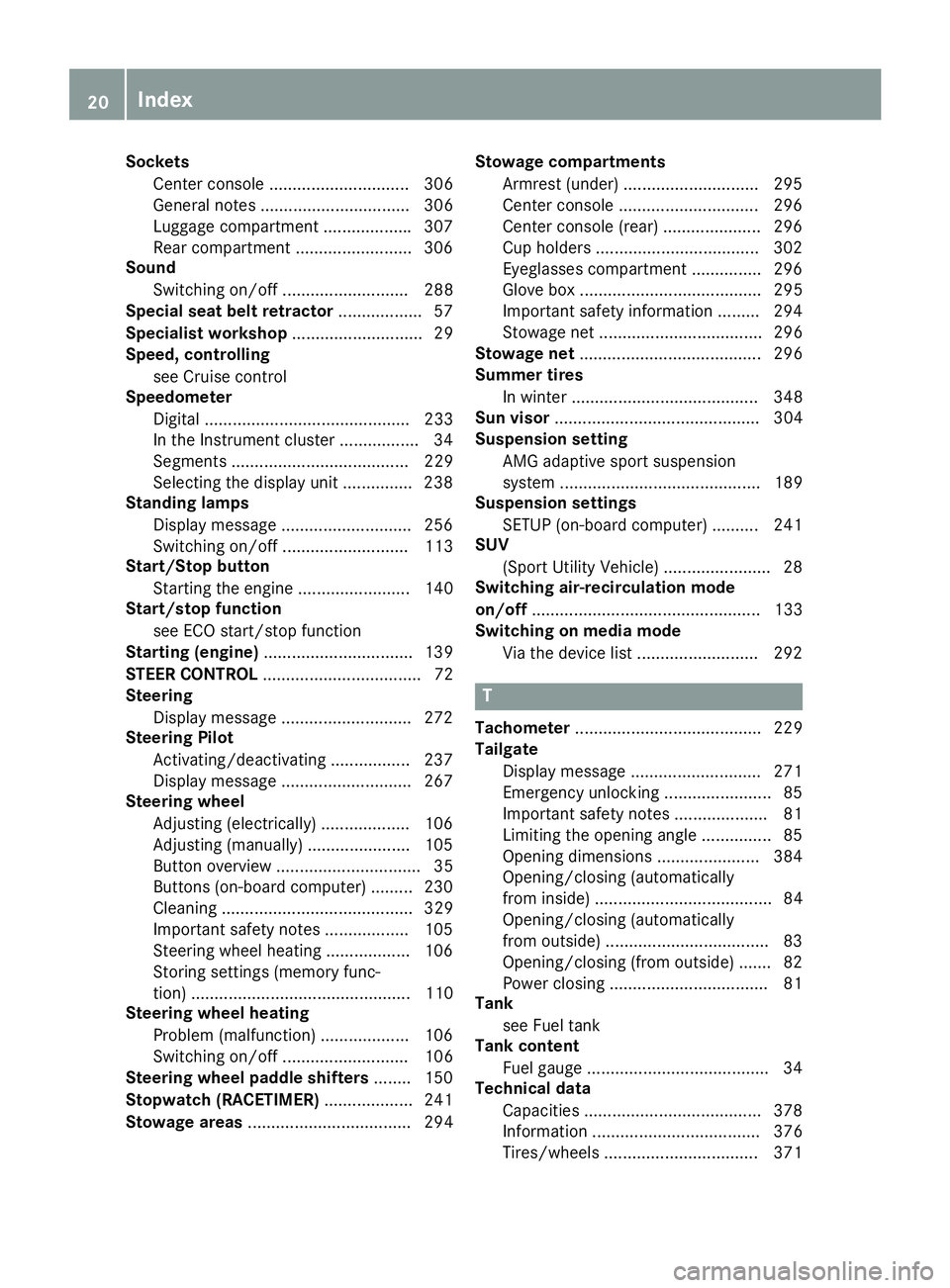
Sockets
Center console .............................. 306
General notes ................................ 306
Luggage compartment .................. .3 07
Rear compartment ......................... 306
Sound
Switching on/off ........................... 288
Special seat belt retractor .................. 57
Specialist workshop ............................ 29
Speed, controlling
see Cruise control
Speedometer
Digital ............................................ 233
In the Instrument cluster ................. 34
Segments ...................................... 229
Selecting the display unit .............. .2 38
Standing lamps
Display message ............................ 256
Switching on/off ........................... 113
Start/Stop button
Starting the engine ........................ 140
Start/stop function
see ECO start/stop function
Starting (engine) ................................ 139
STEER CONTROL .................................. 72
Steering
Display message ............................ 272
Steering Pilot
Activating/deactivating ................. 237
Display message ............................ 267
Steering wheel
Adjusting (electrically) ................... 106
Adjusting (manually) ...................... 105
Button overview ............................... 35
Buttons (on-board computer) ......... 230
Cleaning ......................................... 329
Important safety notes .................. 105
Steering wheel heating .................. 106
Storing settings (memory func-
tion) ............................................... 110
Steering wheel heating
Problem (malfunction) ................... 106
Switching on/off ........................... 106
Steering wheel paddle shifters ........ 150
Stopwatch (RACETIMER) ................... 241
Stowage areas ................................... 294 Stowage compartments
Armrest (under) ............................. 295
Center console .............................. 296
Center console (rear) ..................... 296
Cup holders ................................... 302
Eyeglasses compartment ............... 296
Glove box ....................................... 295
Important safety information ......... 294
Stowage net ................................... 296
Stowage ne t ....................................... 296
Summe r tires
In winter ........................................ 348
Sun visor ............................................ 304
Suspension setting
AMG adaptive sport suspension
system ........................................... 189
Suspension settings
SETUP (on-board computer) .......... 241
SUV
(Sport Utility Vehicle) ....................... 28
Switching air-recirculation mode
on/off ................................................. 133
Switching on media mode
Via the device list .......................... 292
T
Tachometer ........................................ 229
Tailgate
Display message ............................ 271
Emergency unlocking ....................... 85
Important safety notes .................... 81
Limiting the opening angle ............... 85
Opening dimensions ...................... 384
Opening/closing (automatically
from inside) ...................................... 84
Opening/closing (automatically
from outside) ................................... 83
Opening/closing (from outside) ....... 82
Power closing .................................. 81
Tank
see Fuel tank
Tank content
Fuel gauge ....................................... 34
Technical data
Capacities ...................................... 378
Information .................................... 376
Tires/wheels ................................. 37120
Index
Page 25 of 390
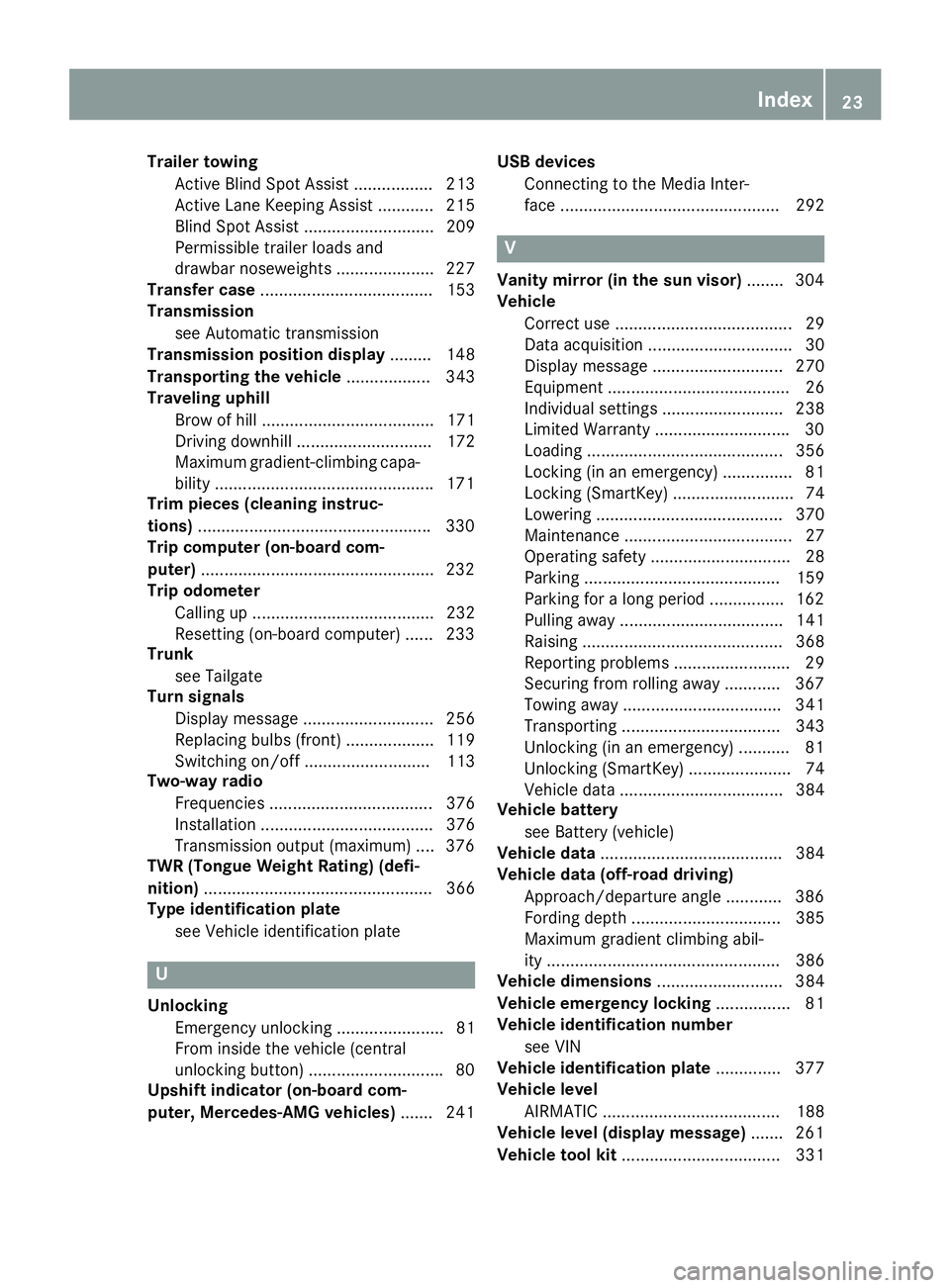
Trailer towing
Active Blind Spot Assist ................. 213
Active Lane Keeping Assist ............ 215
Blind Spot Assist ............................ 209
Permissible trailer loads and
drawbar noseweights ..................... 227
Transfer case ..................................... 153
Transmission
see Automatic transmission
Transmission position display ......... 148
Transporting the vehicle .................. 343
Traveling uphill
Brow of hill ..................................... 171
Driving downhill ............................. 172
Maximum gradient-climbing capa-
bility .............................................. .1 71
Trim pieces (cleaning instruc-
tions) ................................................. .3 30
Trip computer (on-board com-
puter) ................................................. .2 32
Trip odometer
Calling up ....................................... 232
Resetting (on-board computer) ...... 233
Trunk
see Tailgate
Turn signals
Display message ............................ 256
Replacing bulbs (front) ................... 119
Switching on/off ........................... 113
Two-way radio
Frequencies ................................... 376
Installation ..................................... 376
Transmission output (maximum) .... 376
TWR (Tongue Weight Rating) (defi-
nition) ................................................. 366
Type identification plate
see Vehicle identification plate
U
Unlocking
Emergency unlocking ....................... 81
From inside the vehicle (central
unlocking button) ............................ .8 0
Upshift indicator (on-board com-
puter, Mercedes-AMG vehicles) ...... .2 41 USB devices
Connecting to the Media Inter-
face ............................................... 292
V Vanity mirror (in the sun visor) ....... .3 04
Vehicle
Correct use ...................................... 29
Data acquisition ............................... 30
Display message ............................ 270
Equipment ....................................... 26
Individual settings .......................... 238
Limited Warranty ............................ .3 0
Loading .......................................... 356
Locking (in an emergency) ............... 81
Locking (SmartKey) .......................... 74
Lowering ........................................ 370
Maintenance .................................... 27
Operating safety .............................. 28
Parking .......................................... 159
Parking for a long period ................ 162
Pulling away ................................... 141
Raising ........................................... 368
Reporting problems ......................... 29
Securing from rolling away ............ 367
Towing away .................................. 341
Transporting .................................. 343
Unlocking (in an emergency) ........... 81
Unlocking (SmartKey) ...................... 74
Vehicle data ................................... 384
Vehicle battery
see Battery (vehicle)
Vehicle data ....................................... 384
Vehicle data (off-road driving)
Approach/departure angle ............ 386
Fording depth ................................ 385
Maximum gradient climbing abil-
ity .................................................. 386
Vehicle dimensions ........................... 384
Vehicle emergency locking ................ 81
Vehicle identification number
see VIN
Vehicle identification plate .............. 377
Vehicle level
AIRMATIC ...................................... 188
Vehicle level (display message) ....... 261
Vehicle tool kit .................................. 331Index 23
Page 58 of 390
R
vehicles with the memory function: the front-
passenger seat is adjusted if it is in an unfav-
orable position. R
vehicles with a multicontour seat: the air pres-
sure in the side bolsters of the seat backrest
is increased.
If the hazardous situation passes without result-
ing in an accident, PRE-SAFE ®
slackens the belt
pre-tensioning. On vehicles with multicontour
seats, the air pressure in the side bolsters is
reduced again. All settings made by PRE-SAFE ®
can then be reversed.
If the seat belt pre-tensioning is not reduced: X
Move the seat backrest or seat back slightly
when the vehicle is stationary.
The seat belt pre-tensioning is reduced and
the locking mechanism is released.
The seat-belt adjustment is an integral part of
the PRE-SAFE ®
convenience function. Informa-
tion about the convenience function can be
found under "Belt adjustment" ( Y
page 45).
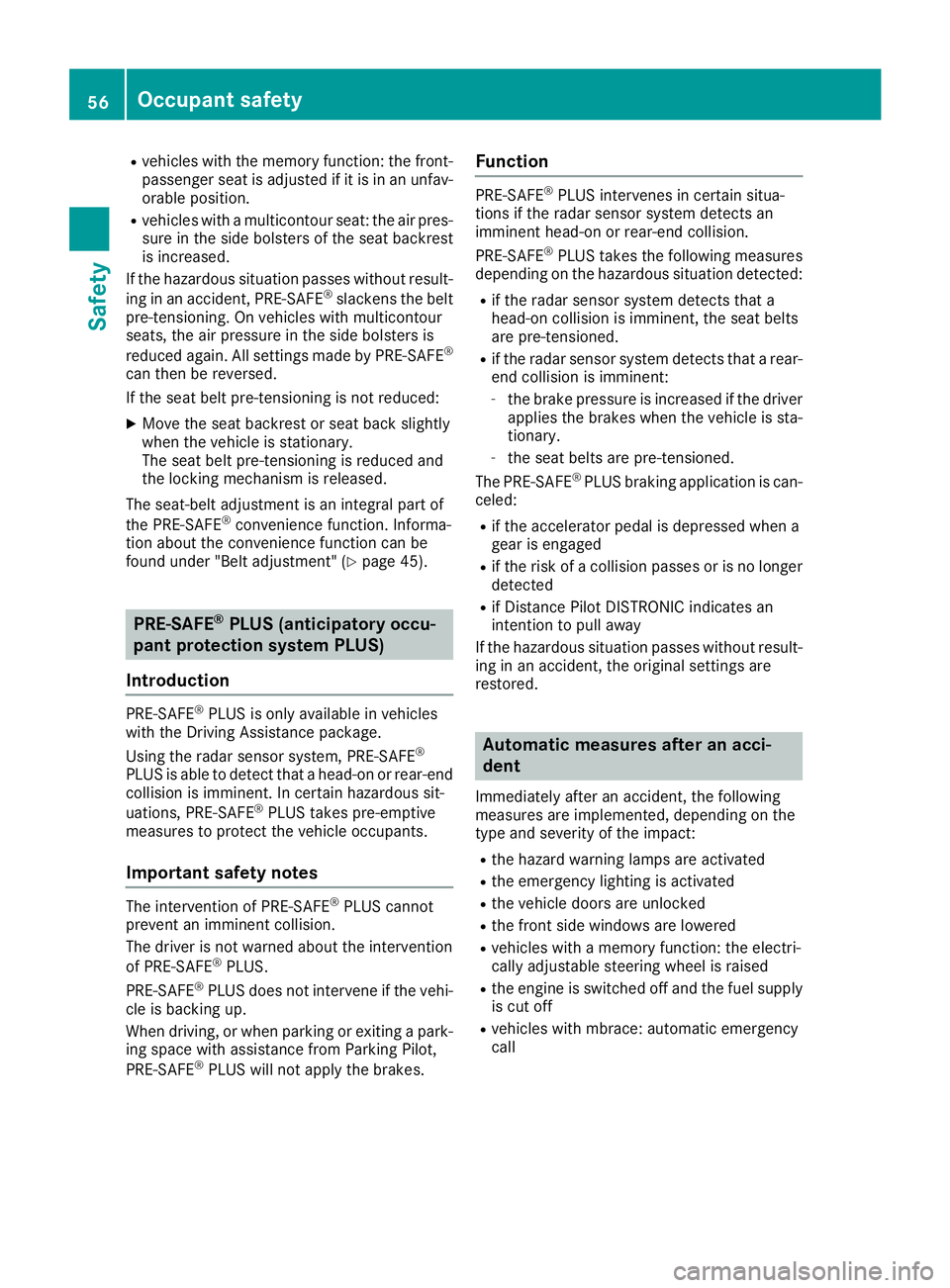
PRE-SAFE ®
PLUS (anticipatory occu-
pant protection system PLUS)
Introduction PRE-SAFE ®
PLUS is only available in vehicles
with the Driving Assistance package.
Using the radar sensor system, PRE-SAFE ®
PLUS is able to detect that a head-on or rear-end
collision is imminent. In certain hazardous sit-
uations, PRE-SAFE ®
PLUS takes pre-emptive
measures to protect the vehicle occupants.
Important safety notes The intervention of PRE-SAFE ®
PLUS cannot
prevent an imminent collision.
The driver is not warned about the intervention
of PRE-SAFE ®
PLUS.
PRE-SAFE ®
PLUS does not intervene if the vehi-
cle is backing up.
When driving, or when parking or exiting a park-
ing space with assistance from Parking Pilot,
PRE-SAFE ®
PLUS will not apply the brakes. Function PRE-SAFE ®
PLUS intervenes in certain situa-
tions if the radar sensor system detects an
imminent head-on or rear-end collision.
PRE-SAFE ®
PLUS takes the following measures
depending on the hazardous situation detected: R
if the radar sensor system detects that a
head-on collision is imminent, the seat belts
are pre-tensioned. R
if the radar sensor system detects that a rear-
end collision is imminent: -
the brake pressure is increased if the driver
applies the brakes when the vehicle is sta-
tionary. -
the seat belts are pre-tensioned.
The PRE-SAFE ®
PLUS braking application is can-
celed: R
if the accelerator pedal is depressed when a
gear is engaged R
if the risk of a collision passes or is no longer
detected R
if Distance Pilot DISTRONIC indicates an
intention to pull away
If the hazardous situation passes without result-
ing in an accident, the original settings are
restored.
Automatic measures after an acci-
dent Immediately after an accident, the following
measures are implemented, depending on the
type and severity of the impact: R
the hazard warning lamps are activated R
the emergency lighting is activated R
the vehicle doors are unlocked R
the front side windows are lowered R
vehicles with a memory function: the electri-
cally adjustable steering wheel is raised R
the engine is switched off and the fuel supply
is cut off R
vehicles with mbrace: automatic emergency
call56
Occupant safety
Safety
Page 66 of 390
Off-road ABS An ABS system specifically suited to off-road
terrain is activated automatically once the off-
road program is activated on: R
Vehicles without the Offroad Engineering
package ( Y
page 217)R
Vehicles with the Off-Road Engineering pack-
age ( Y
page 218)
At speeds below 20 mph (30 km/h), the front
wheels lock cyclically during braking. The dig-
ging-in effect achieved in the process reduces
the stopping distance on off-road terrain. This
limits steering capability.
BAS (Brake Assist System)
General information BAS operates in emergency braking situations.
If you depress the brake pedal quickly, BAS
automatically boosts the braking force, thus
shortening the stopping distance.
Important safety notes
i Observe the "Important safety notes" sec-
tion ( Y
page 63).
G WARNING
If BAS is malfunctioning, the braking distance
in an emergency braking situation is
increased. There is a risk of an accident.
In an emergency braking situation, depress
the brake pedal with full force. ABS prevents
the wheels from locking.
Braking X
Keep the brake pedal firmly depressed until
the emergency braking situation is over.
ABS prevents the wheels from locking.
The brakes will function as usual once you
release the brake pedal. BAS is deactivated. Active Brake Assist
General information
i Observe the "Important safety notes" sec-
tion ( Y
page 63).
Active Brake Assist consists of a distance warn-
ing function with an autonomous braking func-
tion and Adaptive Brake Assist.
Active Brake Assist can help you to minimize the
risk of a collision with the vehicle traveling in
front or reduce the effects of such a collision.
If Active Brake Assist detects that there is a risk
of collision, you will be warned visually and
acoustically. If you do not react to the visual and
audible collision warning, autonomous braking
can be initiated in critical situations. If you apply
the brake yourself in a critical situation, Adap-
tive Brake Assist of the Active Brake Assist sys-
tem supports you.
Important safety notes In particular, the detection of obstacles can be
impaired if: R
there is dirt on the sensors or anything else
covering the sensors R
there is snow or heavy rain R
there is interference by other radar sources R
there are strong radar reflections, for exam-
ple in parking garages R
a narrow vehicle is traveling in front, e.g. a
motorbike R
a vehicle is traveling in front on a different line R
new vehicles or after servicing is carried out
on the Active Brake Assist system
Observe the notes in the section on breaking-
in ( Y
page 137).
Following damage to the front end of the vehicle,
have the configuration and operation of the
radar sensor checked at a qualified specialist
workshop. This also applies to collisions at slow
speeds where there is no visible damage to the
front of the vehicle.
Activating/deactivating
Active Brake Assist is automatically active after
switching on the ignition.
You can activate or deactivate Active Brake
Assist ( Y
page 237) in the on-board computer.
When deactivated, the distance warning func-64
Driving safety systems
Safety
Page 68 of 390
are in the path of your vehicle for an extended
period of time.
If adaptive Brake Assist detects a risk of colli-
sion with the vehicle in front, it calculates the
braking force necessary to avoid a collision. If
you apply the brakes forcefully, adaptive Brake
Assist will automatically increase the braking
force to a level suitable for the traffic conditions.
Adaptive Brake Assist provides braking assis-
tance in hazardous situations at speeds above
4 mph (7 km/h). It uses radar sensor technology
to assess the traffic situation.
Up to a speed of approximately 155 mph
(25 0 km/ h) , Adaptive Brake Assist is capable of
reacting to moving objects that have already
been detected as such at least once over the
period of observation.
Up to a speed of approximately 44 mph
(70 km/ h) , Adaptive Brake Assist reacts to sta-
tionary obstacles.
If adaptive Brake Assist demands particularly
high braking force, preventative passenger pro-
tection measures (PRE-SAFE ®
) are activated
simultaneously ( Y
page 55).X
Keep the brake pedal depressed until the
emergency braking situation is over.
ABS prevents the wheels from locking.
The brakes will work normally again if: R
you release the brake pedal. R
there is no longer any danger of a collision. R
no obstacle is detected in front of your vehi-
cle.
Adaptive Brake Assist is then deactivated.
Important safety notes
i Observe the "Important safety notes" sec-
tion for driving safety systems ( Y
page 63).
G WARNING
Adaptive Brake Assist cannot always clearly
identify objects and complex traffic situa-
tions.
In such cases, Adaptive Brake Assist can: R
intervene unnecessarily R
not intervene
There is a risk of an accident.
Always pay careful attention to the traffic sit-
uation and be ready to brake. Terminate the
intervention in a non-critical driving situation. G WARNING
Adaptive Brake Assist does not react: R
to people or animals R
to oncoming vehicles R
to crossing traffic R
when cornering
As a result, the Adaptive Brake Assist may not
intervene in all critical conditions. There is a
risk of an accident.
Always pay careful attention to the traffic sit-
uation and be ready to brake.
Due to the nature of the system, particularly
complicated but non-critical driving conditions
may also cause Brake Assist to intervene.
If adaptive Brake Assist is not available due to a
malfunction in the radar sensor system, the
brake system remains available with full brake
boosting effect and BAS.
ESP ®
(Electronic Stability Program)
General notes
i Observe the "Important safety notes" sec-
tion ( Y
page 63).
ESP ®
monitors driving stability and traction, i.e.
power transmission between the tires and the
road surface.
If ESP ®
detects that the vehicle is deviating from
the direction desired by the driver, one or more
wheels are braked to stabilize the vehicle. The
engine output is also modified to keep the vehi-
cle on the desired course within physical limits.
ESP ®
assists the driver when pulling away on
wet or slippery roads. ESP ®
can also stabilize
the vehicle during braking.
ETS/4ETS (Electronic Traction System)
4ETS traction control is part of ESP ®
.
Traction control brakes the drive wheels indi-
vidually if they spin. This enables you to pull
away and accelerate on slippery surfaces, for
example if the road surface is slippery on one
side. In addition, more drive torque is transfer-
red to the wheel or wheels with traction.
Traction control remains active, even if you
deactivate ESP ®
.66
Driving safety systems
Safety