navigation system MERCEDES-BENZ GLS 2020 User Guide
[x] Cancel search | Manufacturer: MERCEDES-BENZ, Model Year: 2020, Model line: GLS, Model: MERCEDES-BENZ GLS 2020Pages: 682, PDF Size: 23.3 MB
Page 395 of 682
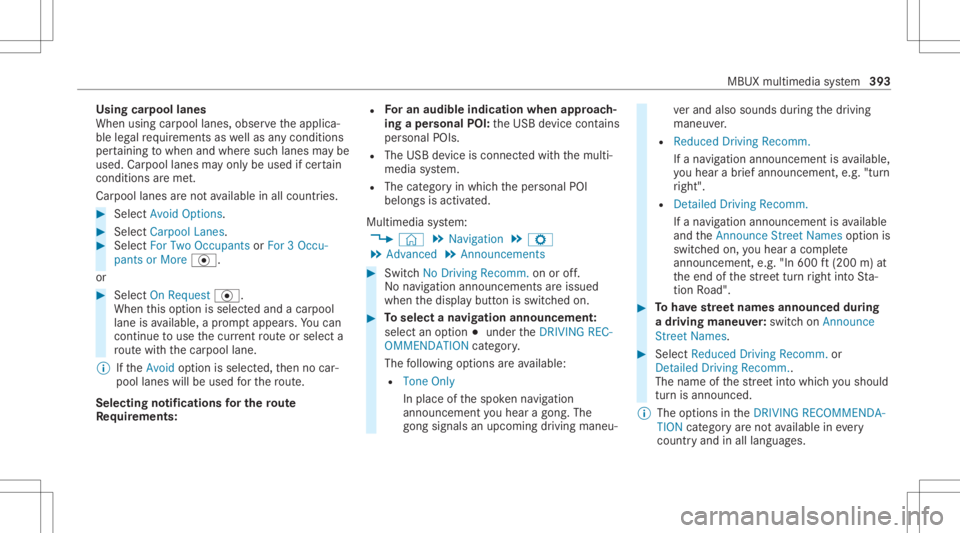
Using
carpool lanes
When usingcarpool lanes, observetheapplica‐
ble legalrequ iremen tsas wellas anycon dition s
per tainin gto when andwher esuc hlanes maybe
used. Carpool lanes mayonl ybe used ifcer tain
condi tions areme t.
Ca rpool lanes areno tav ailable inall coun tries. #
Select Avoid Options. #
Select Carpoo lLan es. #
Select For Two Occupan tsor For 3Oc cu-
pant sor Mor e·.
or #
Select OnRequest ·.
When this op tion isselec tedand acar pool
lane isavailable, apr om ptappear s.Yo ucan
co ntinue touse thecur rent routeor sele cta
ro utewit hth ecar pool lane.
% Ifth eAvoid option isselect ed,then no car‐
pool lanes willbeused forth ero ute.
Select ingnotificat ions forthe rout e
Re quirement s: R
Foran audi blein dic atio nwh en appr oach‐
in gaper sonal POI:th eUSB device contains
per son alPOIs .
R The USB device iscon nectedwit hth emulti‐
media system.
R The categor yin whic hth eper sonal POI
belongs isactiv ated.
Multimedia system:
4 © 5
Navigation 5
Z
5 Advan ced5
Announc ement s #
Switc hNo Drivin gRecomm. onoroff.
No naviga tio nanno unceme ntsareissu ed
wh en thedispla ybutt onisswitc hedon. #
Toselect ana vig ation announcement :
select anoption 003Bunder theDRIVIN GREC-
OMMEN DATION categor y.
The follo wing option sar eav ailable:
R Ton eOn ly
In place ofthespok ennavig ation
announ cementyo uhear agon g.The
gon gsign alsanupco mingdr ivin gman eu‐ ve
rand alsosounds during thedr iving
maneuv er.
R Reduced DrivingRecomm.
If ana vig ation announ cementis available,
yo uhear abr ief ann oun cem ent,e.g ."tur n
ri ght".
R Detailed DrivingRecomm.
If ana vig ation announc ementisavailable
and theAn nounc eSt reet Names option is
switc hedon,youhear aco mp lete
ann oun cem ent,e.g ."In 600ft (200 m)at
th eend ofthest re et tur nright intoSt a‐
tio nRo ad". #
Tohave stre et names announced during
a dr iving maneuv er:switc hon Announc e
St reet Names. #
Select Reduced DrivingRecomm. or
Det ailed Drivin gRecomm. .
The name ofthest re et intowhic hyo usho uld
tur nis ann oun ced.
% The optio ns intheDRIVIN GRECOMMEN DA-
TION categor yar eno tav ailable ineve ry
cou ntryand inallla ngua ges. MBUX
multimedia system 393
Page 396 of 682
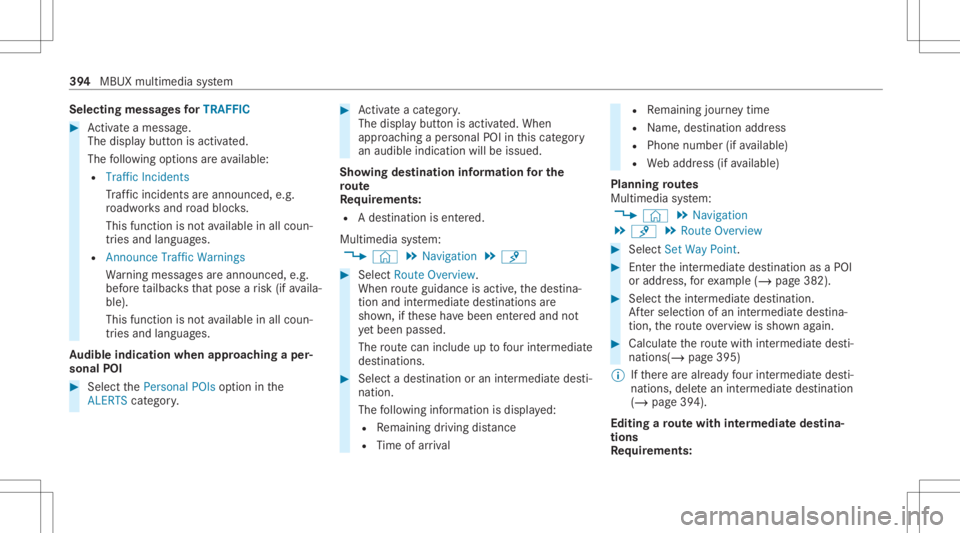
Selec
tingmessag esforTRAF FIC #
Activateames sage .
The displa ybutt onisactiv ated.
The follo wing option sar eav ailable:
R Traf ficIncide nts
Tr af fic inci dents areannou nced,e.g.
ro adw orks and road bloc ks.
This funct ionisno tav ailable inall coun ‐
tr ies and languages.
R Announc eTraf ficWarn ings
Wa rning mess ages areann ounc ed,e.g.
bef oreta ilbac ksthat pose arisk (ifavaila‐
ble).
This function isno tav ailable inall coun ‐
tr ies and languages.
Au dibl eindi cati onwhe nappr oachingaper‐
so nal POI #
Select thePerson alPOIs option inthe
ALER TScatego ry. #
Activateacat egory.
The displa ybutt onisactiv ated. When
appr oaching aper sonal POIinthis cat egor y
an audible indication willbeissued.
Sho wing destina tion informa tion forthe
ro ut e
Re quirement s:
R Ades tination isent ered.
Multime diasystem:
4 © 5
Navigation 5
¡ #
Select RouteOverview .
When routeguidan ceisact ive, thedes tina‐
tion andintermediat edes tinat ions are
sho wn, ifth ese have been entered and not
ye tbe en passe d.
The routecan include uptofour intermed iate
des tinatio ns. #
Select ades tinatio nor an intermed iatedes ti‐
nat ion.
The follo wing informatio nis displa yed:
R Remaini ngdriving distance
R Time ofarriva l R
Remaini ngjour neytime
R Name, destination address
R Phone number (ifavailable)
R Webaddr ess(ifavailable)
Pla nning routes
Mul timedi asy stem:
4 © 5
Navigation
5 ¡ 5
Route Overview #
Select SetWay Point . #
Enterth eint ermediat edes tinat ionasaPOI
or addr ess, forex am ple (/ page38 2). #
Select theint ermediat edes tinat ion.
Af tersele ction ofan intermedi atedes tina‐
tion, thero uteove rview issho wnagain. #
Calculat eth ero utewit hint ermedi atedes ti‐
nat ions(/ page39 5)
% Ifth er ear ealr eady four intermedi atedes ti‐
nat ions,dele tean intermedi atedes tinatio n
(/ page39 4).
Edit ingaro ut ewith intermediat edes tina‐
tions
Re quirement s: 39
4
MBUX multim ediasystem
Page 397 of 682
R
The destinat ionand atleas tone intermediat e
des tinat ionhave been entered.
Multimedia system:
4 © 5
Navigation
5 ¡ 5
Route Overview #
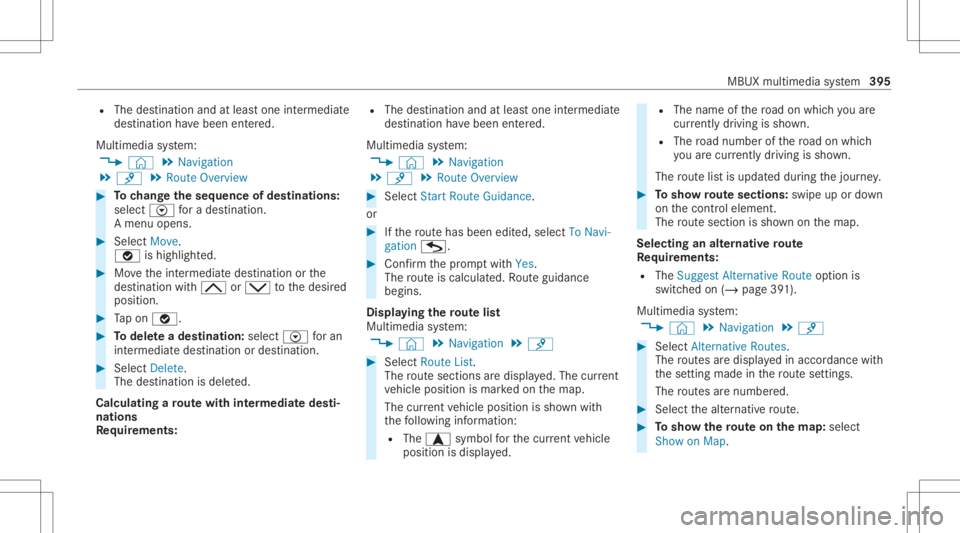
Tochang eth eseq uence ofdes tina tions :
selec tV fora des tination.
A menu opens. #
Select Move.
00FB ishighl ighted. #
Movetheint ermediat edes tinat ionorthe
des tination with005E or0049 tothedesir ed
position . #
Tapon 00FB. #
Todel eteades tina tion: selectV foran
int ermedia tedes tination ordes tination. #
Select Delete.
The destination isdele ted.
Calculat ingaro ut ewith intermediat edes ti‐
nation s
Re quirement s: R
The destination andatleas tone intermediat e
des tination have been entered.
Multimedia system:
4 © 5
Navigation
5 ¡ 5
Route Overview #
Select Start Route Guidance.
or #
Ifth ero utehas been edited,sele ctTo Nav i-
gat ion G. #
Con firm thepr om ptwit hYes .
The routeis calc ulated. Routeguidan ce
begin s.
Disp laying thero utelis t
Mul timedi asy stem:
4 © 5
Navigation 5
¡ #
Select RouteList.
The routesec tions aredispl ayed. The current
ve hicle position ismar kedon themap.
The current vehicle position issho wnwith
th efo llo wing informatio n:
R The a symbol forth ecur rent vehicle
position isdispla yed. R
The name ofthero ad on whic hyo uar e
cur rentl ydr ivi ng issho wn.
R The road num berofthero ad on whic h
yo uar ecur rently drivi ng issho wn.
The routelis tis updat eddur ing thejour ney. #
Tosho wrout esec tions :swi peup ordown
on thecon trol element .
The routesec tionis sho wnonthemap.
Selecting analternativ ero ut e
Re quirement s:
R The Sugges tAlt ern ative Route option is
switc hedon(/ page39 1).
Multime diasystem:
4 © 5
Navigation 5
¡ #
Select Alternativ eRoutes.
The routes aredispl ayed inaccor dance with
th ese tting made inthero utese tting s.
The routes arenum bered. #
Select thealt ernativ ero ute. #
Tosho wthero ut eon thema p:selec t
Sho won Map . MBU
Xmult imedia system 395
Page 398 of 682
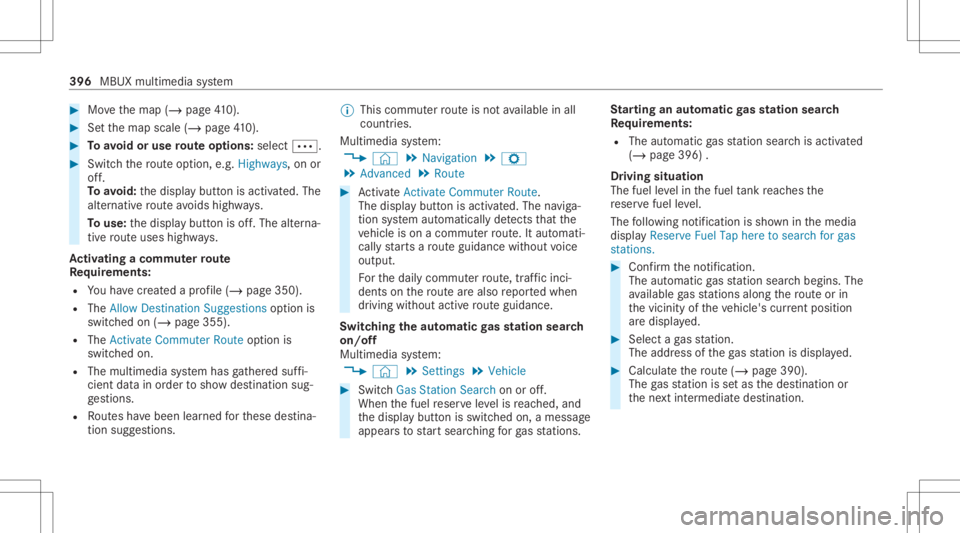
#
Movethemap (/page41 0). #
Setth emap scale (/page41 0). #
Toavoid oruse routeop tions :sele ct0062. #
Switc hth ero uteop tio n,e.g .Hig hways ,on or
of f.
To avoid: thedispla ybutt onisactiv ated. The
alt ernativ ero uteavo ids highw ays.
To use: thedispla ybutt onisoff.The alterna‐
tiv ero uteuses highways.
Ac tiv atin gaco mmut errout e
Re quirement s:
R Youha ve crea tedapr ofile (/ page350 ).
R The Allow Destination Suggest ionsoption is
switc hedon(/ page355).
R The Activat eCommuter Routeoption is
switc hedon.
R The multimedia system has gather ed suf fi‐
cie ntdata inorder tosho wdes tination sug‐
ge stions .
R Routes have been learned forth ese destina‐
tion sugg estion s. %
This comm uter routeis no tav ailable inall
coun tries.
Mult imed iasystem:
4 © 5
Navigation 5
Z
5 Advan ced5
Route #
ActivateActiv ateCommu terRoute .
The disp lay bu tton isacti vated. The navig a‐
tion system automaticall yde tects that the
ve hicle ison acommut erroute. Itaut omat i‐
call yst ar ts aro uteguidan cewithout voice
output .
Fo rth edail ycomm uter route, traf fic inci ‐
dents onthero utear ealso repor tedwhen
dr iving without activero uteguidan ce.
Swit ching theaut oma ticgasst ation search
on/of f
Mult imedia system:
4 © 5
Set ting s5
Vehicle #
Switc hGas Station Search onoroff.
When thefuel reser veleve lis reac hed, and
th edispla ybutt onisswitc hedon,amessag e
appear sto star tsear ching forga sst atio ns. St
arting anaut omatic gasst ation search
Re quirement s:
R The automat icga sst atio nsear chisact ivat ed
(/ page396) .
Dr iving situation
The fuel leve lin thefuel tank reac hes the
re ser vefuel leve l.
The follo wing notificat ion issho wninthemedia
displa yReserve FuelTaphere tosearch forgas
stat ions. #
Conf irm theno tification .
The automatic gasst atio nsear chbegins. The
av ailable gasst atio nsalon gth ero uteor in
th evicinit yof theve hicle's current positio n
ar edispl ayed. #
Select aga sst atio n.
The addr essofthega sst atio nis displa yed. #
Calculat eth ero ute(/ page39 0).
The gasst atio nis setas thedes tinat ionor
th ene xt int ermediat edes tinat ion. 396
MBUX multimedia system
Page 399 of 682
#
Ifth erear ealr ead yfo ur intermediat edes‐
tinatio ns:sele ctYes inthepr om pt.
The gasst atio nis ent ered inthero uteov er‐
vie w. Intermedia tedes tination 4is dele ted.
Ro uteguidan cebegin s.
St arting theaut oma ticser vice station
sear ch
Re quirement s:
R ATTENTION ASSISTand theSuggest Rest
Area function areactiv ated (/ page288).
R Ther ear eser vice statio nsalon gth ero ute
sec tionahead.
Dr iving situatio n
The follo wing notificat ion issho wninthemedia
displa yATTE NTION ASSISTTap here tosearch
for rest areas. #
Conf irm theno tification .
The service statio nsear chstar ts.The availa‐
ble servicest atio nsalon gth ero uteor inthe
vicinity oftheve hicle's current positio nar e
di spl ayed. #
Select aser vice statio n.
The servicest atio naddr essisdispla yed. #
Calculat eth ero ute(/ page39 0).
The servicest atio nis setas thedes tinat ion
or thene xt int ermediat edes tinat ion. #
Ifth erear ealr ead yfo ur intermediat edes‐
tinatio ns:sele ctYes inthepr om pt.
The service statio nis ent ered inthero ute
ove rview. Intermedia tedes tination 4is
dele ted. Ro uteguidan cebegin s.
Sho wing ast or ed rout eon thema p
Re quirement s:
R AUSB device withstor ed routes isco nn ec‐
te dwit hth emultimedia system
(/ page460).
R The routeis stor ed inthe"R out es" folder
wit hth eGPS Exch ang efo rm at(.gpx) .
Mult imed iasystem:
4 © 5
Navigation 5
ª Where to?
5 SAVED ROUTES #
Select aro ute. #
Select Show onMap. #
Movethemap (/page41 0). St
arting asa ve dro ut e
Re quirement s:
R AUSB device withstor ed routes isco nn ec‐
te dwit hth emultimedia system
(/ page460).
R The routeis stor ed inthe"R out es" folder
wit hth eGPS Exch ang efo rm at(.gpx) .
Mult imed iasystem:
4 © 5
Navigation 5
ª Where to?
5 SAVED ROUTES #
Select aro ute. #
Select Start Rout eGuid. from Beginning of
Rout eor Start Rout eGuidan cefrom Curr .
Posi tion.
Ro uteguidan cestar ts.
% The routecan besave dwit hf inthe
menu (/page390) .
Re cor dingaro ute
Re quirement s:
R AUSB device iscon nectedwit hth emultime‐
dia system (/ page460). MBUX
multimedia system 39
7
Page 400 of 682
Multimedia
system:
4 © 5
Navigation 5
ª Where to?
5 SAVED ROUTES #
Tostar tre cor ding:selec tSt art Reco rdinga
New Route.
A redre cor ding symbo lis sho wn.
The routeis stor ed on theUSB device. #
Tosto pre cor ding:selec tEn dReco rding.
Sa ving are cor ded rout e
Re quirement s:
R AUSB device iscon nectedwit hth emultime‐
dia system (/ page460).
Multimedia system:
4 © 5
Navigation 5
ª Where to?
5 SAVED ROUTES #
Select aro ute. #
Select f. #
Select Savein "Pre vious Destinat ions".
The routeis stor ed inthe"Pr evious destina‐
tion s"memo ryand canbecalle dup from
th er efo rro uteguidan ce. Edit
ingasto redro ute
Re quirement s:
R AUSB device withstor ed routes isco nn ec‐
te dwit hth emultimedia system
(/ page460).
Multimedia system:
4 © 5
Navigation 5
ª Where to?
5 SAVED ROUTES #
Select aro utewit hV. #
Toent eranam e:selec tChang eName . #
Enterth ename. #
Select OK.
or #
When thename hasbeen chang ed, press the
G button. #
Select Yes. #
Todel etearo ut e: sele ctDelete. #
Select Yes. Ro
uteguidanc e No
teson rout eguidanc e &
WARNIN GRisk ofdist ra ction from oper‐
ati ng integr ated commu nication equip‐
ment whiletheve hicle isin mo tion
If yo uoper ateco mm unic ationeq uipme nt
int egrat edintheve hicle when driving, you
will bedistract edfrom thetra ffic situat ion.
This could alsocause youto lose control of
th eve hicle. #
Onlyoper ateth is eq uipmen twhen the
tr af fic situ ation per mits. #
Ifyo ucan notbe sur eof this, stop the
ve hicle whilstpa ying attention toroad
and traffic condi tions andoperate the
eq uipment withth eve hicle statio nary. Yo
umus tobse rveth eleg alrequ iremen tsforth e
cou ntryin whi chyouar ecur rentl ydr ivi ng when
op erati ng themultimedia system.
Ro uteguidan cebegin son ce aro utehas been
calc ulated. 398
MBUX mult imed iasystem
Page 405 of 682
Switc
hingnavig ation announcements onor
of fdur ing aphone call #
Press the© buttononthesteer ing wheel
or on theto uc hpad.
or #
Tapon © inthemedia display. #
Select Setting s. #
Select System . #
Select Aud io. #
Select Nav igati on and Traffic Announce -
ments . #
Swi tchVoi ceGuidance DuringCallon oroff.
Whe nth eop tion isswitc hedon,thedispla y
butt onisactiv ated. #
Tolea vethemenu :selec t0047.
Ad jus tingthe volum eof navig ation
announ cement s
Multime diasystem:
4 © 5
Set ting s5
System 5
Audio
5 Navigation andTraffic Announc ement s #
Select VoiceGuidance Volume. #
Setth evo lume. #
Tolea vethemenu :selec t0047.
Ro uteguidanc eis activ e #
Turn thevo lume control on thesteer ing
wheel ornext to theto uc hpad during ana vi‐
ga tio nanno unceme nt.
Sw itchin gaudi ofa deo uton oroffdur ing nav‐
ig atio nanno unceme nts #
Press the© buttononthesteer ing wheel
or on theto uc hpad.
or #
Tapon © inthemedia display. #
Select Setting s. #
Select System . #
Select Aud io. #
Swi tchAud ioFad eou ton oroff.
Whe nth eop tion isswitc hedon,thedispla y
butt onisactiv ated. #
Tolea vethemenu :selec t0047.
Re peati ngnavig atio nanno unceme nts
Re quirement s: R
Aro utehas already been creat ed.
R Routeguidan ceisact ive.
Mult imed iasystem:
4 Navigation (Navigation ) #
Selec t!. #
Selec t#.
The current navig ation anno uncement is
re peat ed.
% This function canbeadded andcalled up
fr om thefa vo rite swit hin thena vig ation cate‐
gor y.
Canceli ngrout eguidanc e
Re quirement s:
R aro utehas already been creat ed.
R routeguidan ceisact ive. #
Show thena vig ation menu. #
Select ¤inthena vig ation menu
(/ page38 1). MBUX
multimedia system 403
Page 406 of 682
Ov
ervie wof routeguidanc eto an off-r oad
des tinatio n
An off-r oad destinatio nis wit hin thedigit almap.
The map contains noroads that lead tothedes‐
tinat ion.
Yo ucan enterge o-coor dinatesora3 wo rd
addr essforof f-r oad destinations onthemap.
Ro uteguidan ceguides youfo ras long aspossi ‐
ble withna vig ation announcements anddisplays
on roads that arekn ow nto themultimedia sys‐
te m.
Shor tlybef oreyo ure ac hth elas tkn ow npo sitio n
on themap, youwill hear the"Please follo wthe
dir ect ion arrow "ann oun cem ent,forex am ple.
The displa ysho wsadir ect ion arrow and thelin‐
ear distance tothedes tinat ion.
Ov ervie wof routeguidanc efrom anoff-r oad
loc ation toades tinatio n
In an off-r oad position, thecur rent vehicle posi‐
tion islocat edwithin thedigit almap onroads
th at areno tav ailable. The
follo wing displa ysappear whenrouteguid‐
anc ebegin s:
R Ames sageappear sth at thero ad isno ton
th emap.
R Adir ect ion arro w sho wing thelinear direc‐
tion tothePOI.
When theve hicle isbac kon aro ad know nto the
multime diasystem, routeguidan cecontinue sas
no rm al.
Ov ervie wof off-ro ad status during route
guidanc e
Due toroadw orks ,fo rex am ple, ther ema ybe dif‐
fe re nces betwee nth edat aon thedigit almap
and theactual courseofthero ad. Insuc hcas es,
th emultimedia system will temp orarily be
unable tolocat eth eve hicle's current positio non
th edigit almap. Thevehicle isoff-r oad.
If th eve hicle isdispla yedas being offroad, the
fo llo wing informatio nappear s:
R Amess ageappear sth at thero ad isno ton
th emap.
R Adir ect ion arro w sho wing thelinear direc‐
tion tothePOI. When
theve hicle isbac kon aro ad know nto the
multime diasystem, routeguidan cecontinue sas
no rm al. Des
tination Sa
ving thecur rent vehicl eposi tion
Mul timedi asy stem:
4 © 5
Navigation 5
¡ 5
Position #
Select SavePosition .
The current vehicle position issave dto the
"Las tdes tinatio ns"mem ory.
Using quick- acc ess #
Ifro uteguidan ceisact ive, sele ctthe£
symbol withar riva ltim eand distance tothe
des tination onthemap.
The addr essofthedes tinat ionorthene xt
int ermediat edes tinat ionissho wn. #
Select SavePosition .
Editing thepr ev ious destina tions
Re quirement s: 40
4
MBUX multim ediasystem
Page 407 of 682
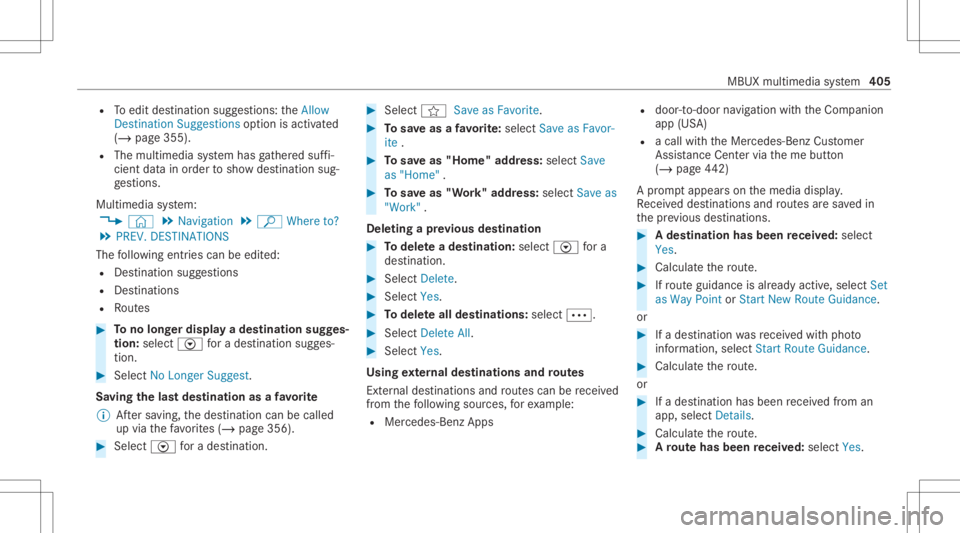
R
Toedit destinat ionsugg estion s:theAllow
Dest ination Suggest ionsoption isactiv ated
(/ page355).
R The multimedia system has gather ed suf fi‐
cie ntdata inorder tosho wdes tination sug‐
ge stions .
Multim ediasystem:
4 © 5
Navigation 5
ª Where to?
5 PREV. DESTINA TIONS
The follo wing entries can beedit ed:
R Des tinat ionsugg estion s
R Des tinat ions
R Routes #
Tono long erdispla ya des tinat ionsugg es‐
tion: select Vfora des tination sugges‐
tion. #
Select NoLonger Suggest.
Sa ving thelas tdes tina tion asafa vo rite
% Aftersa ving, thedes tinat ioncan becalled
up via thefa vo rite s(/ page356). #
Select Vfora des tination. #
Select fSaveasFavorite. #
Tosave asafa vo rite :sel ect Saveas Fav or-
ite . #
Tosave as"Home "addr ess:sele ctSave
as "Home ". #
Tosave as"W ork" addr ess:sele ctSave as
"Wo rk".
De leting apr ev ious destina tion #
Todel eteades tina tion: selectV fora
des tination. #
Select Delete. #
Select Yes. #
Todel eteall des tina tions :selec t0062. #
Sele ctDele teAll. #
Sele ctYes.
Using extern al des tinatio nsand routes
Ext ernal destinations androutes can berecei ved
fr om thefo llo wing sources, forex am ple:
R Mer cedes-Ben zApp s R
door -to- door navig atio nwit hth eCom panion
app (USA)
R acall withth eMer cedes- BenzCustomer
Assis tanceCenter via theme butt on
(/ page44 2)
A pr om ptappear son themedia display.
Re cei veddes tinations androutes aresa ve din
th epr ev ious destination s. #
Ades tina tion hasbeen receiv ed:selec t
Yes . #
Calculat eth ero ute. #
Ifro uteguidan ceisalr eady active, sele ctSet
as Way Pointor Start New RouteGuidan ce.
or #
Ifades tinatio nwa sre cei vedwit hpho to
inf ormatio n,selec tSt art Route Guidance . #
Calculat eth ero ute.
or #
Ifades tinatio nhas been recei vedfrom an
app, select Details. #
Calculat eth ero ute. #
Aro ut ehas beenre ceiv ed:selec tYes. MBU
Xmult imed iasystem 405
Page 408 of 682
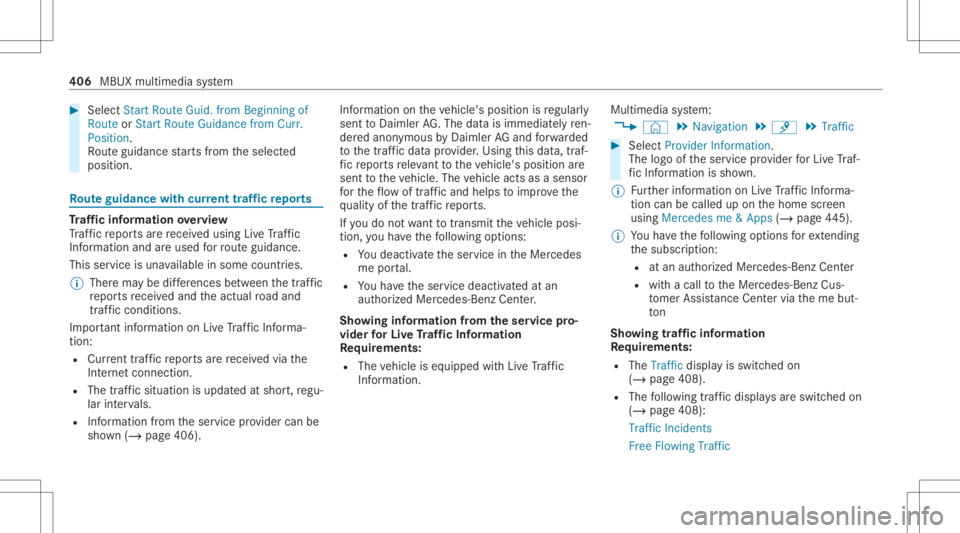
#
Select Start Route Guid.from Beginning of
Ro ute orStart Route Guidance fromCurr.
Pos ition.
Ro uteguidan cestar ts from theselect ed
position . Ro
uteguidanc ewith current traf fic re por ts Tr
af fic inf orma tion overview
Tr af fic re por tsarere cei vedusing LiveTr af fic
Inf ormation andareused forro uteguidan ce.
This serviceis una vailable insome countries.
% Ther ema ybe differe nces betwee nth etraf fic
re por tsrecei vedand theactual road and
traf fic condi tions.
Im por tant informa tionon LiveTr af fic Inf orma‐
tion:
R Current traffic repor tsarere cei vedvia the
Int erne tconnection.
R The traf fic situ ation isup datedat shor t,re gu‐
lar interva ls.
R Informatio nfrom theser vice prov ider canbe
sho wn(/ page406) . Inf
ormatio non theve hicle's position isregular ly
sent toDai mle rAG .The data isimmed iatelyre n‐
de redanon ymous byDai mle rAG and forw arded
to thetra ffic dat apr ov ider .Usin gth is dat a,traf‐
fi c re por tsreleva nt totheve hicle's position are
sent totheve hicle. Thevehicle actsasasensor
fo rth eflow oftraf fic and helpstoimprove the
qu alit yof thetraf fic re por ts.
If yo udo notwa nttotrans mitth eve hicle posi‐
tion, youha ve thefo llo wing option s:
R Youdeac tivateth eser vice intheMer cedes
me portal.
R Youha ve theser vice deactiv ated atan
aut hor ized Mercedes- BenzCenter.
Sho wing informat ionfrom theser vice pro‐
vid erforLi ve Traf fic Inf orma tion
Re quirement s:
R The vehicle iseq uipped withLiv eTr af fic
Inf ormation. Multime
diasystem:
4 © 5
Navigation 5
¡ 5
Traffic #
Select Provider Information.
The logo oftheser vice prov ider forLiv eTr af‐
fi c Inf ormati onissho wn.
% Further information onLiveTr af fic Inf orma‐
tion canbecalled up on thehome screen
using Mercedes me&Apps (/page44 5).
% Youha ve thefo llo wing option sfo rex tendi ng
th esubscr iption :
R atan aut hor ized Mercedes- BenzCenter
R withacall totheMer cedes- BenzCus‐
to mer Assis tance Center via theme but‐
to n
Sho wing traf fic inf orma tion
Re quirement s:
R The Traff icdispla yis switc hedon
(/ page408).
R The follo wing traf fic di spl aysar eswitc hedon
(/ page408):
Traffic Incident s
Free Flowing Traffic 406
MBUX multimedia system