reset MERCEDES-BENZ GLS SUV 2019 Owner's Guide
[x] Cancel search | Manufacturer: MERCEDES-BENZ, Model Year: 2019, Model line: GLS SUV, Model: MERCEDES-BENZ GLS SUV 2019Pages: 729, PDF Size: 12.03 MB
Page 542 of 729
R
the windscreen wiper switch is in position
g.
R theke y is at a minimum dis tance of 3 m
aw ay from theve hicle, otherwise theta ilgate
could open unin tentionally.
R in car washes with a con veyo r sy stem: neu‐
tral iis engaged.
% Drive stra ight and in tothe cent reofthe
guide rails of the car wash topreve nt dam‐
age tothe tyres and rims.
% In car washes with a con veyo r sy stem: if you
wo uld like tolea vetheve hicle while it is
being washed, make sure theke y is located
in theve hicle. The jgear is otherwise
automatically engaged.
% If, af terth e car wash, youre mo vethewax
from the windscreen and wiper rubbers, this
will pr event smearing and reduce wiper
noise.
Car wash mode
In car wash mode, theve hicle is prepared for
driving into the automatic car wash. Car wash mode can be activated up
toa speed of
10 km/h(/ page 540).
The following settings are made when car wash
mode is activated:
R the outside mir rors are folded in.
R thera in sensor is deactivated topreve ntthe
windscreen washer sy stem from starting up
automaticall y.
R there ar wind owwiper is deactivated.
R the windo wsand the sliding sunroof are
closed.
R the air conditioning sy stem is set toair-recir‐
culation mode.
R Parking Assist PARKTRONIC is deacti vated.
R Vehicles with 360° Camera: the front
image is activated af ter appro x. eight sec‐
onds.
R Vehicles with AIRMATIC or E- ACTIVE
BO DY CONT ROL:theve hicle is raised tothe
maximum possible chassis le vel
( / page 265) (/ page275). If one of
the settings cann otbe made, a %is
displa yed behind the cor responding setting.
Car wash mode is automatically deactivated at
speeds abo ve10 km/h.
The following settings are reset when car wash
mode is deactivated:
R the outside mir rors are folded out.
R thera in sensor is activated.
R there ar wind owwiper is activated.
R the air conditioning sy stem is set tofresh air
mode.
R Parking Assist PARKTRONIC is reset tothe
pr ev iously selec ted setting.
R the windo wsand the sliding sunroof remain
closed.
R Vehicles with 360° Camera: the front
image is deactivated at speeds abo ve
18 km/h.
R Vehicles with AIRMATIC or E- ACTIVE
BO DY CONT ROL:theve hicle is lo weredto
th e pr eviously set chassis le vel. Maintenance and care
539
Page 543 of 729
Ac
tivating/deactivating automatic car wash
mode Re
quirements:
R theve hicle is stationary
R the engine is running.
Multimedia sy stem:
4 © 5
Settings
5 Schnellzugriff (Quick access)
Ac tivating automatic car wash mode #
Select Automatic car wash mode. #
Select Start.
If one of the settings cann otbe selected, this is
displa yedby a% behind there spective set‐
ting.
% For an overview of the settings made when
activating automatic car wash mode
(/ page 538).
Deactivating automatic car wash mode #
Select Stop.
The automatic car wash settings are reset. %
The automatic car wash mode is automati‐
cally deactivated as soon as a speed of
10 km/h is exceeded. Information on using a high-p
ressure cleaner &
WARNING Risk of an accident when
using high-pressure cleane rswith circu‐
lar jet nozzles
The wate r jet of a circular jet nozzle (dirt
grinder) can cause extern ally invisible dam‐
age tothe tyres or chassis parts.
Components damaged in this wa y may unex‐
pec tedly fail. #
Do not use high-pressure cleaners with
circular jet nozzles toclean theve hicle. #
Have damaged tyres or chassis parts
re placed immediatel y. To
avo id damage to yourvehicle, obser vethefo l‐
lowing when using a high-pressure cleaner:
R keep theke y at least 3 m away from theve hi‐
cle. Otherwise theta ilgate could open unin‐
te ntional ly.
R maintain a dis tance of at least 30 cm tothe
ve hicle.
R vehicles with deco rative foil: parts of your
ve hicle are co vered with a decorative foil.
Maintain a dis tance of at least 70 cm
between thefo il-c ove red parts of theve hicle
and the nozzle of the high-pressure cleaner.
Mo vethe high-pressure cleaner nozzle
around whilst cleaning. The waterte mp era‐
ture of the high-pressure cleaner must not
exc eed 60 °C.
R obser vethe information on the cor rect dis‐
ta nce in the equipment manufacturer's oper‐
ating instructions.
R do not point the nozzle of the high-pressure
cleaner directly at sensitive parts such as
tyres, slits, electrical components, bat teries,
light bulbs and ventilation sl ots. 540
Maintenance and care
Page 706 of 729
Massage prog
rams
Selecting the front seats ..................... 12 5
Massage settings Resetting ............................................. 12 5
Maximum gross vehicle weight ............ .595
Maximum speed see Limi ter
MBUX in-car assistant (multimedia
sy stem) .................................................... 360
No tes .................................................. 360
Operating functions thro ugh pr oxim‐
ity of the hand .....................................3 61
Operating functions using poses ......... 362
Overview ............................................. 360
Selecting settings ................................ 364
Switching there ading light forthe
driver and front passenger on/off .......3 63
MBUX rear tablet
Brac ket ................................................ 521
Locking (child sa fety lo ck) ...................3 94
No tes ................................................... 519
Overview ..............................................5 19
Scope ................................................... 519
Ta blet .................................................. 520 MBUX
Touch ............................................ 393
Managing devices ................................ 393
Mecca ...................................................... .444
Media Menu (on-boa rdcompu ter) .................. 329
Media display Notes .................................................. 353
Media mode Adding a favo urite song ...................... .501
Connecting Blue tooth®
audio equip‐
ment .................................................... 500
Connecting USB devices .................... .500
Controlling media playba ck................. 501
Co pyright and trademar ks................... 497
Making video settings ......................... 504
No tes about the sear chfunction in
categories .......................................... .503
Overview of the media menu ............... 499
Playing back similar music tra cks ........ 501
Re moving a favo urite song .................. .501
Sea rching for a music track accord‐
ing tomood ........................................ .504
St arting a sear chin categories ............ 503
St arting media playback ...................... 501 Suppor
tedfo rm at and data storage
media .................................................. 496
Surprise mix ........................................5 01
Using theke yword sear ch................... 504
Media playback Ope rating (on-board compu ter) .......... .329
Media source Selecting (on-boa rdcompu ter) ............ 329
Memory function Head-up display — Calling up stored
settings ................................................ 131
Head-up display — Storing settings ...... 131
Operating ............................................. 131
Outside mir rors — Calling up stored
settings ................................................ 131
Outside mir rors —St oring settings .......1 31
Seat — Calling up stored settings ......... 131
Seat — Storing settings ........................ 131
Menu (on-board computer) Assis tant display ................................. 325
Designs ............................................... 322
Head-up display ................................... 331
Media .................................................. 329
Na vigation ........................................... 327 Index
703
Page 712 of 729
Fu
nction ................................................. 51
PRE-SAFE ®
PLUS (anticipatory occu‐
pant pr otection plus) ................................ .51
Fu nction ................................................. 51
Re versing measures .............................. .51
Pr ev entative occupant pr otection sys‐
tem
see PRE-SAFE ®
(anticipatory occu‐
pant pr otection)
Pr ev ious destinations
Selecting .............................................. 41 0
Profile .......................................................3 65
Creating a new profile ......................... 366
Maximum number of profiles .............. 365
No tes .................................................. 365
Overview ............................................. 365
Selecting a profile ................................ 367
Selecting profile options ......................3 67
Showing the profile selection when
entering ............................................... 368
Synchronising ...................................... 368
Prog ramme in form ation
TV channel .......................................... .511 Prog
rams
see DYNA MIC SELECT
Pr otection against collision ...................298
Pr otection of the environment
No tes ..................................................... 22
Ta ke -ba ckof end-of-life vehicles ............ 22 Q
Qibla ......................................................... 444
QR code Rescue card .......................................... 32
Qualified specialist workshop .................. 31 R
Ra dar senso rs
Fo il co vering ........................................ 228
Ra dio
Ac tivating/deactivating radio text ....... 507
Ac tivating/deactivating traf fic
announcements .................................. .507
Calling up a slide show ........................ 506
Calling up thest ation list .................... .506
Deleting channels ................................ 506 Direct frequency ent
ry........................ 506
Displaying information ......................... 507
Displaying radio text ............................ 507
Editing station presets ........................ .506
Fr equency fix ....................................... 507
Menu (on-boa rdcompu ter) .................. 329
Moving stations .................................. .506
Overview ............................................. 505
Sear ching forst ations ........................ .506
Setting a channel ................................ 506
Setting station tracking ...................... .507
Setting the frequency band ................. 506
Setting the tra ffic information
service volume inc rease ...................... 507
St oring radio stations .......................... 506
Swit ching on ...................................... .504
Vo ice commands (LINGU ATRO NIC) .....3 43
Ra dio stations
Dialling (on-boa rdcompu ter) ............... 329
Ra in closing function
Sliding sunroof .................................... 106
Ra in-closing feature
Side wind ows........................................ 99 Index
709
Page 714 of 729
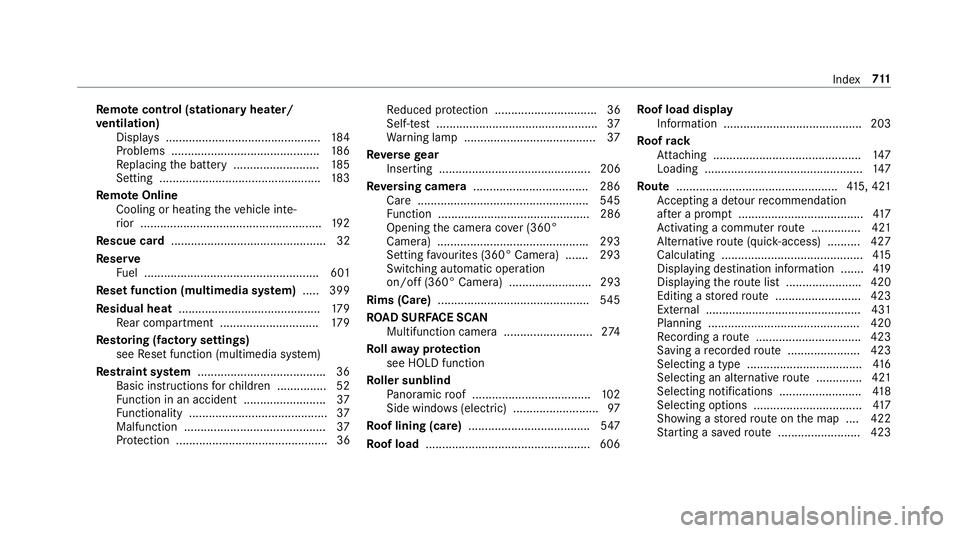
Re
mo tecont rol (stationa ryheater/
ve ntilation)
Displa ys............................................... 184
Problems ............................................. 186
Re placing the battery .......................... 185
Setting ................................................. 183
Re mo teOnline
Cooling or heating theve hicle inte‐
ri or .......................................................1 92
Re scue card ............................................... 32
Re ser ve
Fu el ..................................................... 601
Re set function (multimedia sy stem) .....3 99
Re sidual heat ...........................................1 79
Re ar compartment .............................. 17 9
Re storing (factory settings)
see Reset function (multimedia sy stem)
Re stra int sy stem ...................................... .36
Basic instructions forch ildren .............. .52
Fu nction in an accident ......................... 37
Fu nctionality .......................................... 37
Malfunction ...........................................37
Pr otection ..............................................36 Re
duced pr otection ...............................36
Self-test ................................................. 37
Wa rning lamp ........................................ 37
Re versege ar
Inserting .............................................. 206
Re versing camera .................................. .286
Care .................................................... 545
Fu nction .............................................. 286
Opening the camera co ver (360°
Camera) ............................................. .293
Setting favo urites (360° Camera) ...... .293
Switching auto matic operation
on/off (360° Camera) ......................... 293
Rims (Care) ............................................. .545
RO AD SUR FACE SCAN
Multifunction camera .......................... .274
Ro llaw ay protection
see HOLD function
Ro ller sunblind
Pa noramic roof .................................... 102
Side windo ws(elect ric) .......................... 97
Ro of lining (care) .................................... .547
Ro of load .................................................. 606 Ro
of load display
In fo rm ation .......................................... 203
Ro ofrack
At tach ing ............................................ .147
Loading ................................................ 147
Ro ute ................................................ .415, 421
Ac cepting a de tour recommendation
af te r a prom pt...................................... 417
Ac tivating a commuter route .............. .421
Alternati veroute (quic k-access) .......... 427
Calculating .......................................... .415
Displ aying destination information ...... .419
Displ aying thero ute list ...................... .420
Editing a stored route .......................... 423
Ex tern al .............................................. .431
Planning ..............................................4 20
Re cording a route ................................ 423
Saving a recorded route ...................... 423
Selecting a type .................................. .416
Selecting an al tern ative route .............. 421
Selecting notifications ........................ .418
Selecting options ................................. 417
Showing a stored route on the map ....4 22
St arting a sa vedro ute ........................ .423 Index
711
Page 718 of 729
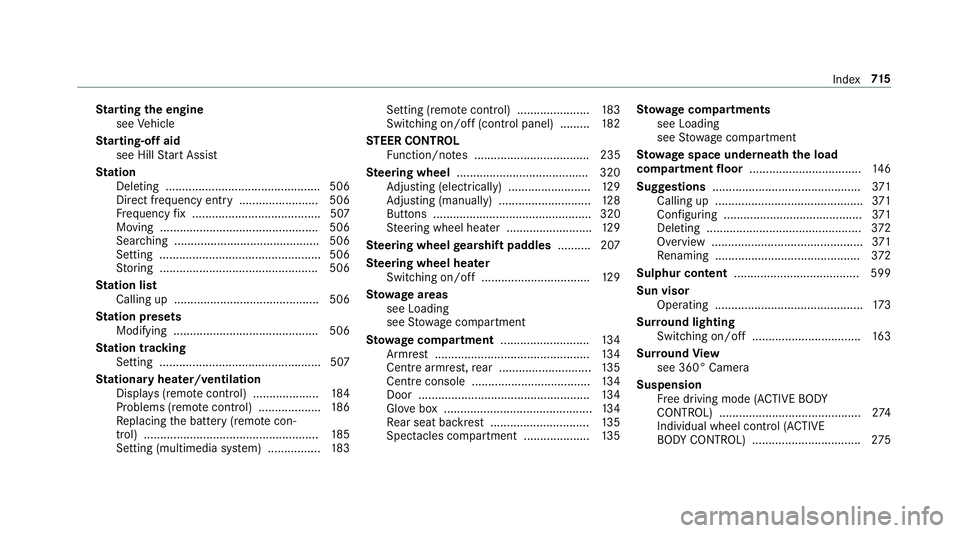
St
arting the engine
see Vehicle
St arting-o ffaid
see Hill Start Assist
St ation
Deleting ............................................... 506
Direct frequency entry ........................ 506
Fr equency fix ....................................... 507
Moving ................................................ 506
Sea rching ............................................ 506
Setting .................................................5 06
St oring ................................................ 506
St ation list
Calling up ............................................ 506
St ation presets
Modifying ............................................ 506
St ation tracking
Setting ................................................. 507
St ationary heater/ventilation
Displ ays (remo tecontrol) .................... 184
Problems (remo tecontrol) ................... 186
Re placing the battery (remo tecon‐
trol) ..................................................... 185
Setting (multimedia sy stem) ................1 83Setting (remo
tecontrol) ...................... 183
Switching on/off (control panel) ......... 182
ST EER CONT ROL
Fu nction/no tes ................................... 235
Ste ering wheel ........................................ 320
Ad justing (electrically) ......................... 12 9
Ad justing (manually) ............................ 12 8
Buttons ................................................ 320
St eering wheel heater .......................... 12 9
Ste ering wheel gearshift paddles .......... 207
Ste ering wheel heater
Swit ching on/off ................................ .129
St ow age areas
see Loading
see Stow age compartment
St ow age comp artment........................... 13 4
Armrest ............................................... 13 4
Centre armrest, rear ............................ 13 5
Centre console .................................... 13 4
Door ................................................... .134
Glove box .............................................1 34
Re ar seat backrest .............................. 13 5
Spectacles compa rtment .................... 13 5St
ow age comp artments
see Loading
see Stow age compartment
St ow age space underneath the load
compa rtment floor .................................. 14 6
Suggestions ............................................. 371
Calling up ............................................ .371
Con figuring .......................................... 371
Del eting .............................................. .372
Overview ..............................................3 71
Re naming ............................................ 372
Sulphur content ...................................... 599
Sun visor Operating ............................................. 173
Sur round lighting
Switching on/off ................................. 16 3
Sur round View
see 360° Camera
Suspension Free driving mode (ACTIVE BODY
CO NTROL) ........................................... 274
Individual wheel control (ACTIVE
BO DY CONTROL) .................................2 75 Index
715