display MERCEDES-BENZ M-Class 2011 W164 Manual Online
[x] Cancel search | Manufacturer: MERCEDES-BENZ, Model Year: 2011, Model line: M-Class, Model: MERCEDES-BENZ M-Class 2011 W164Pages: 372, PDF Size: 16.23 MB
Page 218 of 372
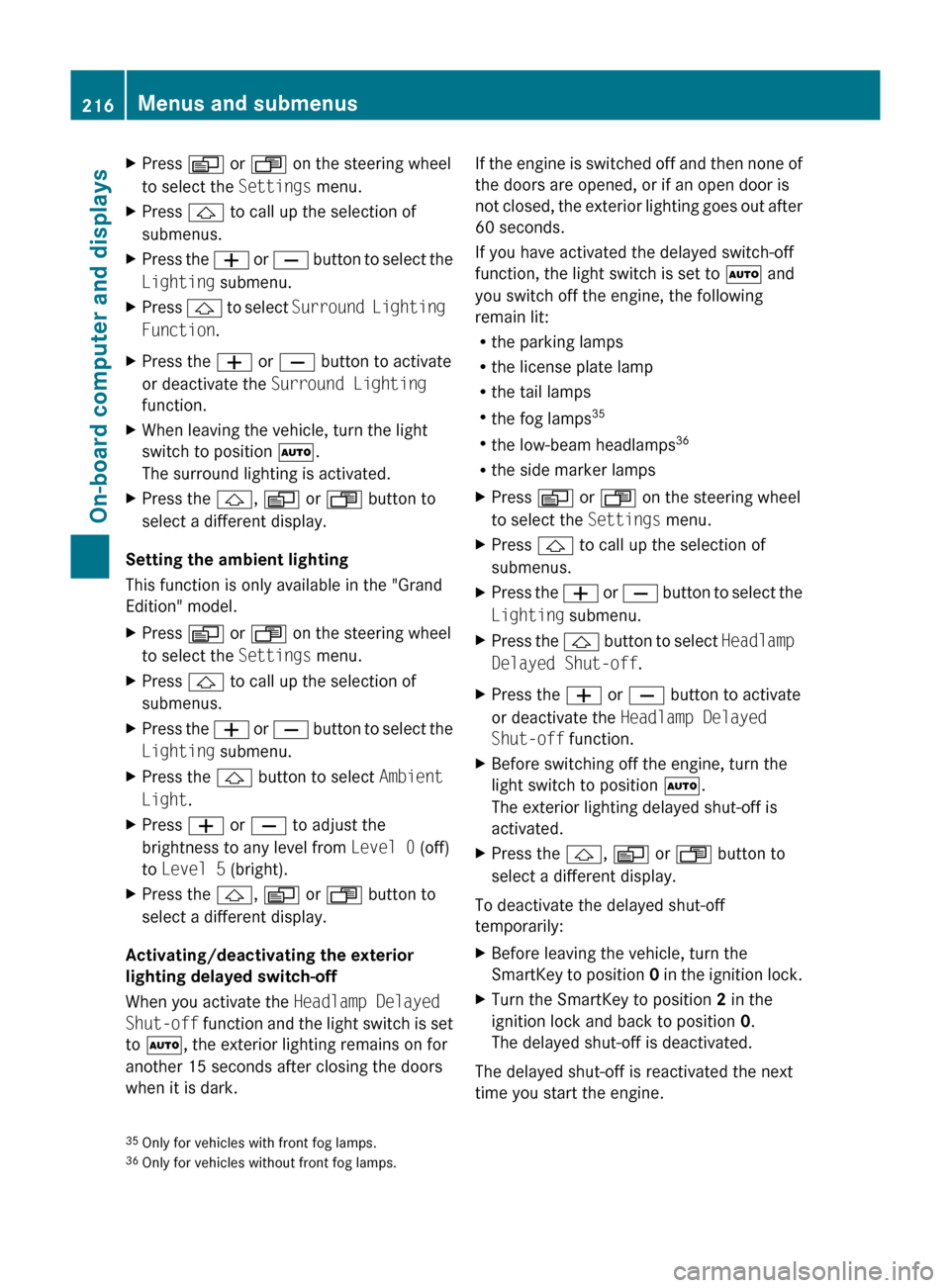
XPress V or U on the steering wheel
to select the Settings menu.XPress & to call up the selection of
submenus.XPress the W or X button to select the
Lighting submenu.XPress & to select Surround Lighting
Function .XPress the W or X button to activate
or deactivate the Surround Lighting
function.XWhen leaving the vehicle, turn the light
switch to position Ã.
The surround lighting is activated.XPress the &, V or U button to
select a different display.
Setting the ambient lighting
This function is only available in the "Grand
Edition" model.
XPress V or U on the steering wheel
to select the Settings menu.XPress & to call up the selection of
submenus.XPress the W or X button to select the
Lighting submenu.XPress the & button to select Ambient
Light .XPress W or X to adjust the
brightness to any level from Level 0 (off)
to Level 5 (bright).XPress the &, V or U button to
select a different display.
Activating/deactivating the exterior
lighting delayed switch-off
When you activate the Headlamp Delayed
Shut-off function and the light switch is set
to à , the exterior lighting remains on for
another 15 seconds after closing the doors
when it is dark.
If the engine is switched off and then none of
the doors are opened, or if an open door is
not closed, the exterior lighting goes out after
60 seconds.
If you have activated the delayed switch-off
function, the light switch is set to à and
you switch off the engine, the following
remain lit:
R the parking lamps
R the license plate lamp
R the tail lamps
R the fog lamps 35
R the low-beam headlamps 36
R the side marker lampsXPress V or U on the steering wheel
to select the Settings menu.XPress & to call up the selection of
submenus.XPress the W or X button to select the
Lighting submenu.XPress the & button to select Headlamp
Delayed Shut-off .XPress the W or X button to activate
or deactivate the Headlamp Delayed
Shut-off function.XBefore switching off the engine, turn the
light switch to position Ã.
The exterior lighting delayed shut-off is
activated.XPress the &, V or U button to
select a different display.
To deactivate the delayed shut-off
temporarily:
XBefore leaving the vehicle, turn the
SmartKey to position 0 in the ignition lock.XTurn the SmartKey to position 2 in the
ignition lock and back to position 0.
The delayed shut-off is deactivated.
The delayed shut-off is reactivated the next
time you start the engine.
35 Only for vehicles with front fog lamps.
36 Only for vehicles without front fog lamps.216Menus and submenusOn-board computer and displays
BA 164.1 USA, CA Edition B 2011; 1; 2, en-USd2mskotVersion: 3.0.3.52010-04-21T17:25:06+02:00 - Seite 216
Page 219 of 372
Activating/deactivating the interior
lighting delayed switch-off
When you activate the Interior Lighting
Delayed Shut-off function and remove the
SmartKey from the ignition lock, the interior
lighting remains on for 10 seconds. XPress V or U on the steering wheel
to select the Settings menu.XPress & to call up the selection of
submenus.XPress the W or X button to select the
Lighting submenu.XPress the & button to select Interior
Lighting Delayed Shut-off .XPress the W or X button to activate
or deactivate the Interior Lighting
Delayed Shut-off function.XPress the &, V or U button to
select a different display.
Vehicle
Activating/deactivating the automatic
locking feature
When you activate the Automatic Door
Locking function, your vehicle will be
centrally locked above a speed of
approximately 9 mph (15 km/h).
i Further information on the automatic
locking feature ( Y page 79).
XPress V or U on the steering wheel
to select the Settings menu.XPress & to call up the selection of
submenus.XPress the W or X button to select the
Vehicle submenu.XPress & to select Automatic Door
Locking .XPress W or X to switch Automatic
Door Locking on or off.XPress the &, V or U button to
select a different display.Activating/deactivating the radar sensor
system
If the radar sensor system is switched off,
Blind Spot Assist (Y page 189) is deactivated.
i USA only: This device has been approved
by the FCC as a “Vehicular Radar System”.
The radar sensor is intended for use in an
automotive radar system only. Removal,
tampering, or altering of the device will void
any warranties, and is not permitted by the
FCC. Do not tamper with, alter, or use in
any non-approved way.
Any unauthorized modification to this
device could void the user’s authority to
operate the equipment.
i Canada only:
This device complies with RSS-210 of
Industry Canada. Operation is subject to
the following two conditions:
1. This device may not cause interference,
and
2. This device must accept any interference
received, including interference that may
cause undesired operation of the device.
Any unauthorized modification to this
device could void the user’s authority to
operate the equipment.XPress V or U on the steering wheel
to select the Settings menu.XPress & to call up the selection of
submenus.XPress the W or X button to select the
Vehicle submenu.XPress the & button to select Radar
Sensor (See Operator's Manual) .XPress the W or X button to activate
or deactivate the Radar Sensor (See
Operator's Manual) .XPress the &, V or U button to
select a different display.Menus and submenus217On-board computer and displaysBA 164.1 USA, CA Edition B 2011; 1; 2, en-USd2mskotVersion: 3.0.3.52010-04-21T17:25:06+02:00 - Seite 217Z
Page 220 of 372
Convenience
Activating/deactivating the EASY-
ENTRY/EXIT feature
You can use the Easy-entry Function to
activate or deactivate the easy-entry/exit
feature ( Y page 100).
GWarning
You must make sure no one can become
trapped or injured by the moving steering
wheel when the easy-entry/exit feature is
activated.
To stop steering wheel movement do one of
the following:
R Move steering wheel adjustment stalk.
R Press one of the memory position buttons.
R Press memory button M.
Do not leave children unattended in the
vehicle, or with access to an unlocked vehicle.
Children could open the driver's door and
unintentionally activate the easy-entry/exit
feature, which could result in an accident
and/or serious personal injury.
XPress V or U on the steering wheel
to select the Settings menu.XPress & to call up the selection of
submenus.XPress the W or X button to select the
Comfort submenu.XPress & to select the Easy-entry
Function function.XPress the W or X to activate or
deactivate the Easy-entry Function
function.XPress the &, V or U button to
select a different display.
Switching the belt adjustment on/off
Further information on belt adjustment
( Y page 56).
XPress V or U on the steering wheel
to select the Settings menu.XPress & to call up the selection of
submenus.XPress the W or X button to select the
Comfort submenu.XPress the & button to select Belt
Adjustment .XPress the W or X button to activate
or deactivate Belt Adjustment .XPress the &, V or U button to
select a different display.
Switching the fold in mirrors when
locking function on/off
When you activate the Fold In Mirrors
When Locking function, the exterior mirrors
are folded in when the vehicle is locked. When
you switch on the ignition, the exterior
mirrors fold out again.
If you have switched the function on and you
fold the exterior mirrors in using the button
on the door ( Y page 102), they will not fold
out automatically. The exterior mirrors can
then only be folded out using the button on
the door.
XPress V or U on the steering wheel
to select the Settings menu.XPress & to call up the selection of
submenus.XPress the W or X button to select the
Comfort submenu.XPress & to select Fold In Mirrors
When Locking .XPress W or X to activate/deactivate
the Fold In Mirrors When Locking
function.XPress the &, V or U button to
select a different display.218Menus and submenusOn-board computer and displays
BA 164.1 USA, CA Edition B 2011; 1; 2, en-USd2mskotVersion: 3.0.3.52010-04-21T17:25:06+02:00 - Seite 218
Page 221 of 372
Additional functions menu
Switching the distance warning
function on/off
This function is only available with
DISTRONIC.
XPress V or U on the steering wheel
to select the Additional functions menu.XPress the & or * button to select the
Distance Warning function.XPress the W or X button to activate
or deactivate the Distance Warning
system.
When the distance warning function
( Y page 69) is activated, the Ä symbol
is shown in the lower multifunction display.XPress the &, V or U button to
select a different display.
Activating/deactivating Blind Spot
Assist
Further information about Blind Spot Assist
( Y page 189).
XPress V or U on the steering wheel
to select the Additional functions menu.XPress the & or * button to select the
Blind Spot Assist function.XPress W or X to switch the Blind
Spot Assist function on or off.XPress the &, V or U button to
select a different display.
Setting DSR
The DSR Speed function allows you to set the
threshold speed (vehicle speed for driving
downhill) of the DSR ( Y page 192) to a value
between 3 mph (Canada: 4 km/h) and
10 mph (Canada: 18 km/h). The adjustment
is carried out in increments of 1 mph (Canada:
2 km/h).
XPress V or U on the steering wheel
to select the Additional functions menu.XPress the & or * button to select the
DSR Speed function.XPress the W or X button to set the
desired threshold speed.XPress the &, V or U button to
select a different display.
Trip computer menu
Trip computer "From start" or "From
reset"
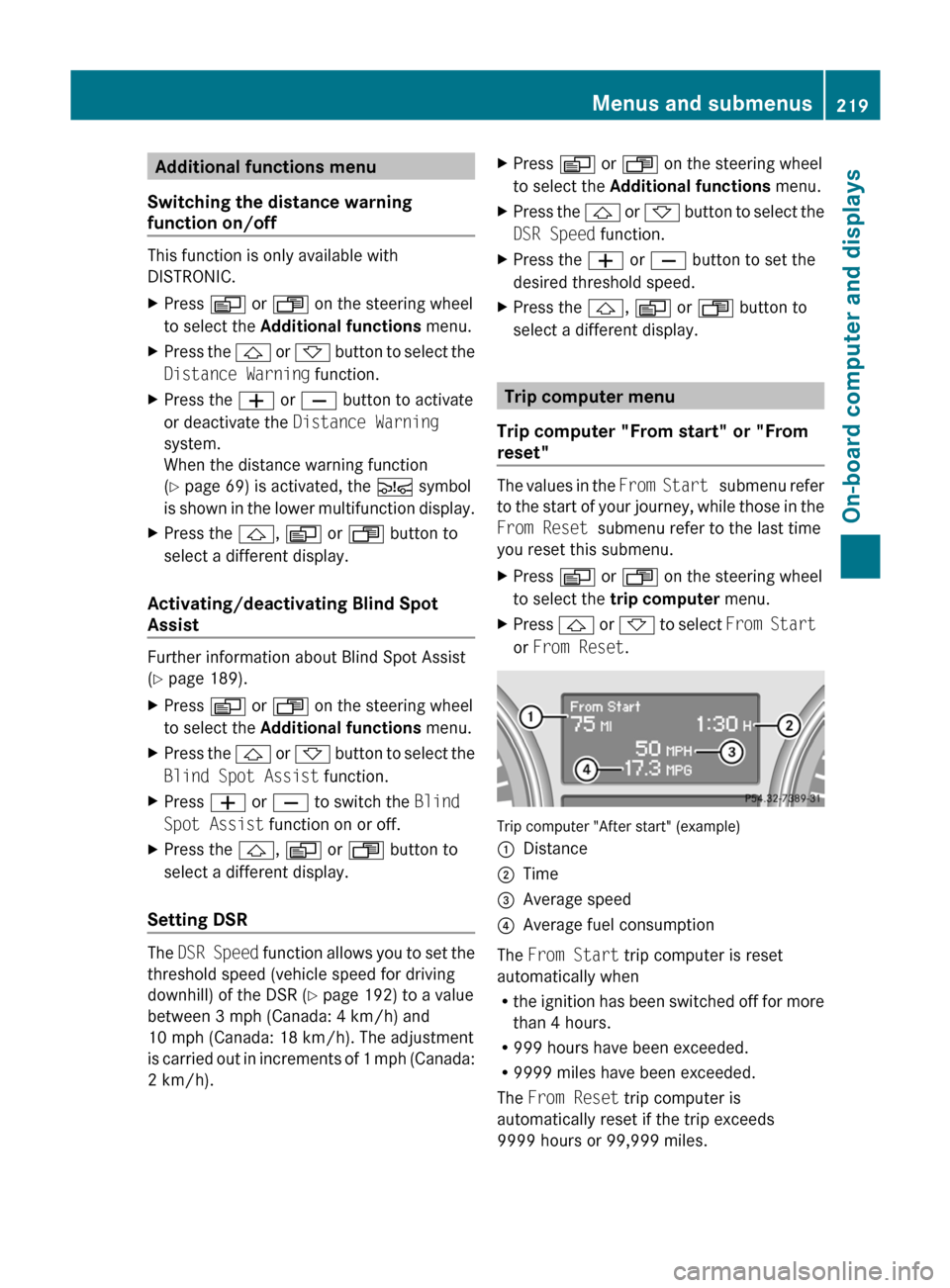
The values in the From Start submenu refer
to the start of your journey, while those in the
From Reset submenu refer to the last time
you reset this submenu.
XPress V or U on the steering wheel
to select the trip computer menu.XPress & or * to select From Start
or From Reset .
Trip computer "After start" (example)
:Distance;Time=Average speed?Average fuel consumption
The From Start trip computer is reset
automatically when
R the ignition has been switched off for more
than 4 hours.
R 999 hours have been exceeded.
R 9999 miles have been exceeded.
The From Reset trip computer is
automatically reset if the trip exceeds
9999 hours or 99,999 miles.
Menus and submenus219On-board computer and displaysBA 164.1 USA, CA Edition B 2011; 1; 2, en-USd2mskotVersion: 3.0.3.52010-04-21T17:25:06+02:00 - Seite 219Z
Page 222 of 372
You can select Km or Miles as the unit of
measurement for distance ( Y page 214).
Resetting valuesXPress V or U on the steering wheel
to select the trip computer menu. XPress & or * to select the function
that you wish to reset.XPress and hold the . reset button on the
instrument cluster until the values have
reverted to "0".
Calling up the range
XPress V or U on the steering wheel
to select the trip computer menu.XPress & or * to select Range:.
The multifunction display shows the
estimated range of the vehicle, based on
the current driving style and the fuel level.
If there is only a small amount of fuel
remaining in the fuel tank, a vehicle
refueling C appears instead of the
range.
Displaying the current fuel
consumption
XPress V or U on the steering wheel
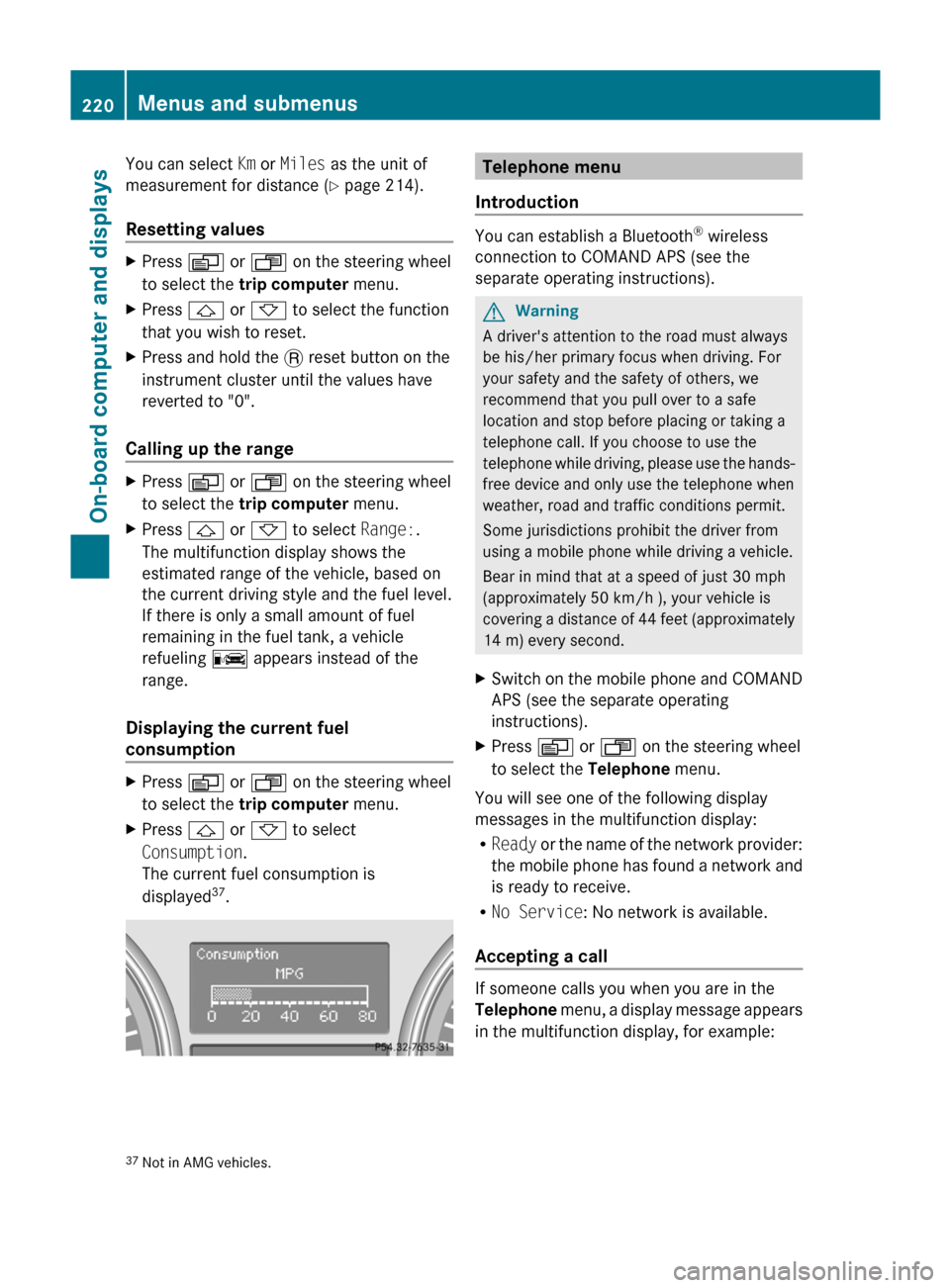
to select the trip computer menu.XPress & or * to select
Consumption .
The current fuel consumption is
displayed 37
.Telephone menu
Introduction
You can establish a Bluetooth ®
wireless
connection to COMAND APS (see the
separate operating instructions).
GWarning
A driver's attention to the road must always
be his/her primary focus when driving. For
your safety and the safety of others, we
recommend that you pull over to a safe
location and stop before placing or taking a
telephone call. If you choose to use the
telephone while driving, please use the hands-
free device and only use the telephone when
weather, road and traffic conditions permit.
Some jurisdictions prohibit the driver from
using a mobile phone while driving a vehicle.
Bear in mind that at a speed of just 30 mph
(approximately 50 km/h ), your vehicle is
covering a distance of 44 feet (approximately
14 m) every second.
XSwitch on the mobile phone and COMAND
APS (see the separate operating
instructions).XPress V or U on the steering wheel
to select the Telephone menu.
You will see one of the following display
messages in the multifunction display:
R Ready or the name of the network provider:
the mobile phone has found a network and
is ready to receive.
R No Service : No network is available.
Accepting a call
If someone calls you when you are in the
Telephone menu, a display message appears
in the multifunction display, for example:
37 Not in AMG vehicles.220Menus and submenusOn-board computer and displays
BA 164.1 USA, CA Edition B 2011; 1; 2, en-USd2mskotVersion: 3.0.3.52010-04-21T17:25:06+02:00 - Seite 220
Page 223 of 372
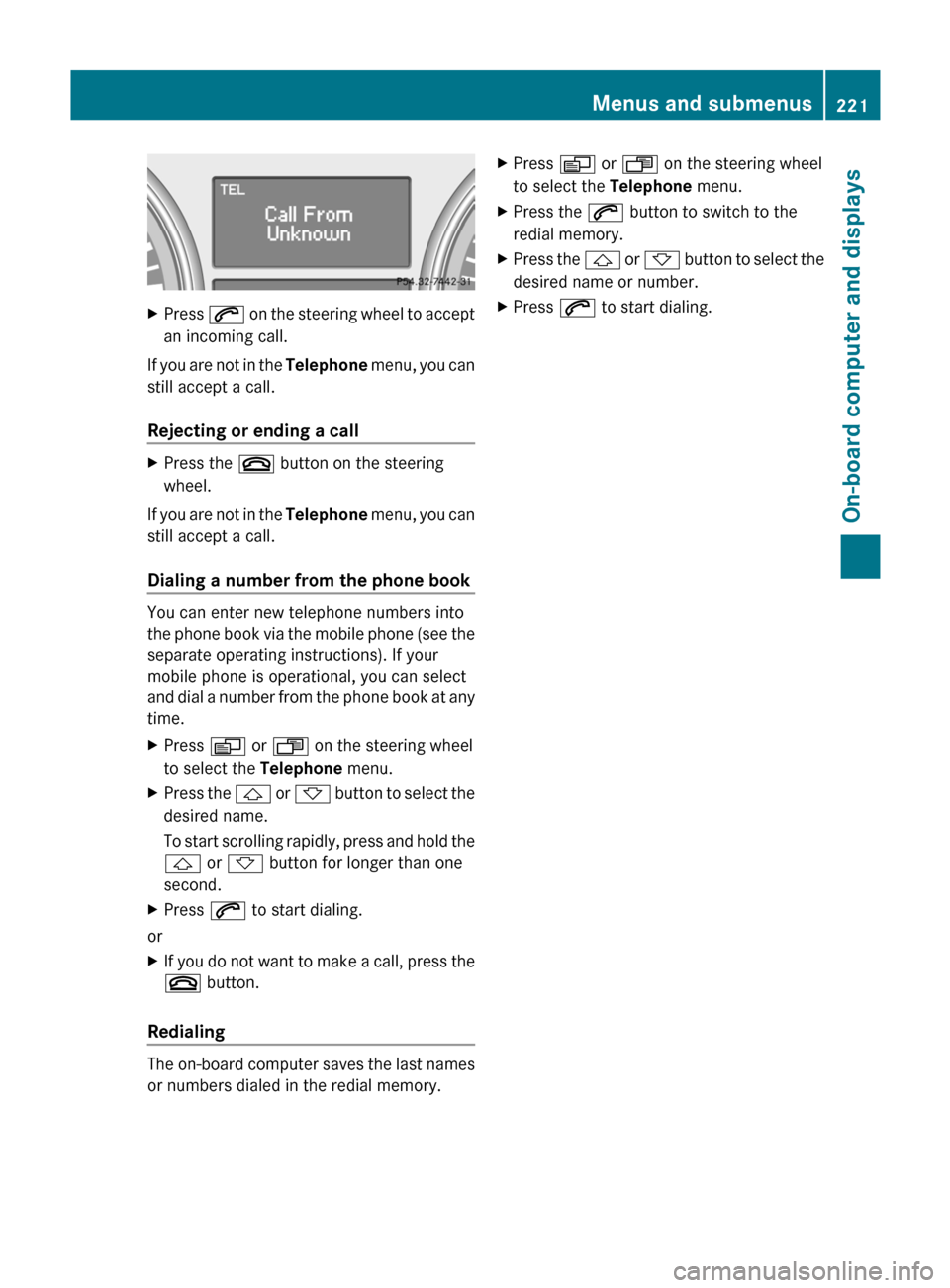
XPress 6 on the steering wheel to accept
an incoming call.
If you are not in the Telephone menu, you can
still accept a call.
Rejecting or ending a call
XPress the ~ button on the steering
wheel.
If you are not in the Telephone menu, you can
still accept a call.
Dialing a number from the phone book
You can enter new telephone numbers into
the phone book via the mobile phone (see the
separate operating instructions). If your
mobile phone is operational, you can select
and dial a number from the phone book at any
time.
XPress V or U on the steering wheel
to select the Telephone menu.XPress the & or * button to select the
desired name.
To start scrolling rapidly, press and hold the
& or * button for longer than one
second.XPress 6 to start dialing.
or
XIf you do not want to make a call, press the
~ button.
Redialing
The on-board computer saves the last names
or numbers dialed in the redial memory.
XPress V or U on the steering wheel
to select the Telephone menu.XPress the 6 button to switch to the
redial memory.XPress the & or * button to select the
desired name or number.XPress 6 to start dialing.Menus and submenus221On-board computer and displaysBA 164.1 USA, CA Edition B 2011; 1; 2, en-USd2mskotVersion: 3.0.3.52010-04-21T17:25:06+02:00 - Seite 221Z
Page 224 of 372

Display messages
Hiding display messages
GWarning
All categories of messages contain important information which should be taken note of and,
where a malfunction is indicated, addressed as soon as possible at an authorized Mercedes-Benz
Center.
Failure to repair the condition noted may cause damage not covered by the Mercedes-Benz
Limited Warranty, or result in property damage or personal injury.
Display messages appear in the multifunction display.
XPress the V, U , & or * button on the steering wheel to select another display.
or
XPress reset button . on the instrument cluster ( Y page 28).
The display message is cleared.
The multifunction display shows high-priority display messages in red.
You cannot hide display messages of the highest priority. The multifunction display shows
these messages continuously until the causes for the messages have been remedied.
Certain display messages are accompanied by an audible warning tone or a continuous tone.
Please respond in accordance with the display messages and follow the additional notes in
this Operator's Manual.
Message memory menu
The on-board computer saves certain display messages. You can call up the display messages
in the message memory menu.
The message memory menu is only shown if any display messages have been stored.
XPress the V or U button repeatedly, until either the original menu or the message
memory menu is shown.
If there are display messages, the multifunction display shows, for example, 2 messages.XUsing & or * scroll through the display messages.
When the ignition is switched off, all display messages are deleted apart from some high-
priority display messages. Once the causes of the high-priority display messages have been
rectified, the corresponding display messages are also deleted.
222Display messagesOn-board computer and displays
BA 164.1 USA, CA Edition B 2011; 1; 2, en-USd2mskotVersion: 3.0.3.52010-04-21T17:25:06+02:00 - Seite 222
Page 225 of 372

Safety systemsDisplay messagesPossible causes/consequences and M SolutionsESP
Unavailable See
Operator's ManualGRisk of accident
ESP ®
(Electronic Stability Program) and therefore also PRE-
SAFE ®
are temporarily unavailable. The self-diagnosis function
might not be complete, for example. BAS (Brake Assist System)
has also been deactivated.
The brake system continues to function normally, but without the
functions listed above.
XCarefully drive a short distance making slight steering
movements at a speed above 12 mph (20 km/h)
If the display message disappears, the functions mentioned
above are available again.
If the display message continues to be displayed:
XDrive on carefully.XVisit a qualified specialist workshop.ESP ®
and therefore also BAS and PRE-SAFE ®
are not available due
to undervoltage.
The brake system continues to function normally, but without the
functions listed above.XDrive on carefully.XVisit a qualified specialist workshop immediately.If the display message is shown during the journey and the ä
warning lamp is flashing, then 4ETS (Electronic Traction System)
is deactivated. The brakes on the drive wheels could otherwise
overheat.XLet the brakes cool down until the display message disappears
and the ä warning lamp goes out.
4ETS is activated again.ESP
Inoperative See
Operator's ManualGRisk of accident
ESP ®
and therefore also Brake Assist and PRE-SAFE ®
are not
available due to a malfunction. The d warning lamp also lights
up in the instrument cluster.
The brake system continues to function normally, but without the
functions listed above.
XDrive on carefully.XVisit a qualified specialist workshop immediately.Display messages223On-board computer and displaysBA 164.1 USA, CA Edition B 2011; 1; 2, en-USd2mskotVersion: 3.0.3.52010-04-21T17:25:06+02:00 - Seite 223Z
Page 226 of 372
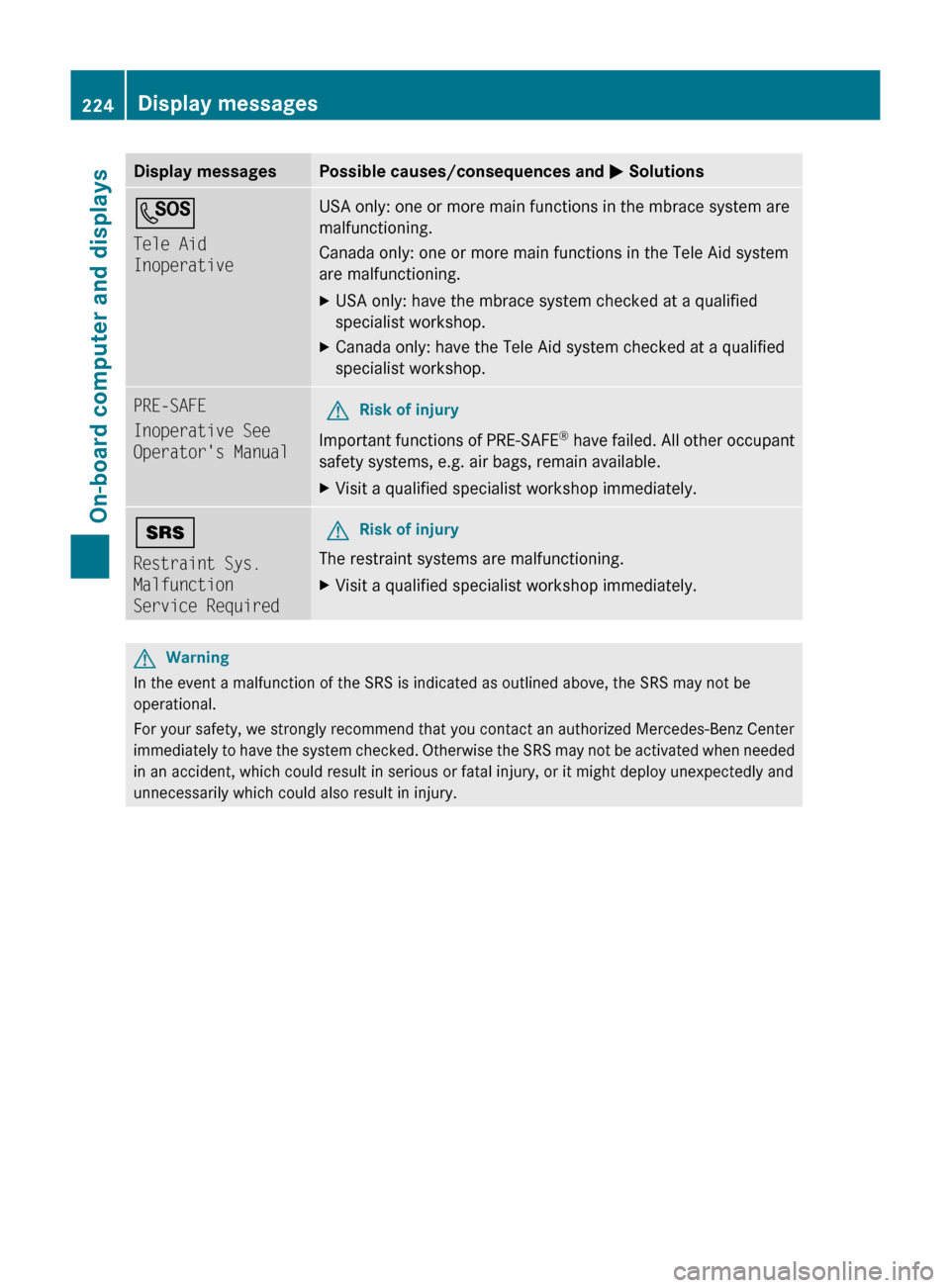
Display messagesPossible causes/consequences and M SolutionsG
Tele Aid
InoperativeUSA only: one or more main functions in the mbrace system are
malfunctioning.
Canada only: one or more main functions in the Tele Aid system
are malfunctioning.XUSA only: have the mbrace system checked at a qualified
specialist workshop.XCanada only: have the Tele Aid system checked at a qualified
specialist workshop.PRE-SAFE
Inoperative See
Operator's ManualGRisk of injury
Important functions of PRE-SAFE ®
have failed. All other occupant
safety systems, e.g. air bags, remain available.
XVisit a qualified specialist workshop immediately.+
Restraint Sys.
Malfunction
Service RequiredGRisk of injury
The restraint systems are malfunctioning.
XVisit a qualified specialist workshop immediately.GWarning
In the event a malfunction of the SRS is indicated as outlined above, the SRS may not be
operational.
For your safety, we strongly recommend that you contact an authorized Mercedes-Benz Center
immediately to have the system checked. Otherwise the SRS may not be activated when needed
in an accident, which could result in serious or fatal injury, or it might deploy unexpectedly and
unnecessarily which could also result in injury.
224Display messagesOn-board computer and displays
BA 164.1 USA, CA Edition B 2011; 1; 2, en-USd2mskotVersion: 3.0.3.52010-04-21T17:25:06+02:00 - Seite 224
Page 227 of 372

Display messagesPossible causes/consequences and M SolutionsFront Passenger
Airbag Enabled
See Operator's
ManualThe front-passenger air bag is enabled during the journey,
although:
R there is a child, a small adult or an object weighing less than the
system's weight threshold is on the front-passenger seat.
R the front-passenger seat is unoccupied
The system may detect the additional weight of objects on the
seat or forces acting on the seat.XPull over and stop the vehicle safely as soon as possible, paying
attention to road and traffic conditions.XEngage the parking brake.XSwitch off the ignition.XOpen the front-passenger door.XRemove the child and the child restraint system from the front-
passenger seat.XIf necessary, secure the child in a child restraint system on a
suitable rear seat.XMake sure that no forces are acting on the seat, such as:
R trapped books, bags, etc. lying on, behind or beside the seat
R head restraints pressing against the headliner
The system may otherwise detect these forces and interpret the
seat occupant's weight as greater than it actually is.XMake sure that the seat is unoccupied and has no objects placed
on it, close the front-passenger door, and switch on the ignition.
Observe the 42 indicator lamps (Y page 42) and the
multifunction display and check the following:
Seat unoccupied and ignition switched on:
R the 42 indicator lamp must light up and remain lit.
When the indicator lamp is on, OCS ( Y page 42) has disabled
the front-passenger air bag.
R the display messages Front Passenger Airbag Enabled
See Operator's Manual or Front Passenger Airbag
Disabled See Operator's Manual must not appear in the
multifunction display. Wait for a period of at least 60 seconds
until the necessary system checks have been completed and to
make sure that the display messages do not appear in the
multifunction display.
If these conditions are met, the front-passenger seat can be
occupied again. Whether the 42 indicator lamp
remains lit or goes out depends on how OCS classifies the
occupant.
If the conditions are not met, the system is not operating correctly.
Display messages225On-board computer and displaysBA 164.1 USA, CA Edition B 2011; 1; 2, en-USd2mskotVersion: 3.0.3.52010-04-21T17:25:06+02:00 - Seite 225Z