Music MERCEDES-BENZ R-Class 2012 W251 Comand Manual
[x] Cancel search | Manufacturer: MERCEDES-BENZ, Model Year: 2012, Model line: R-Class, Model: MERCEDES-BENZ R-Class 2012 W251Pages: 210, PDF Size: 5.11 MB
Page 149 of 210

Playback
options
The following optionsareavaila bletoyou:
R Normal TrackSequence You
hear thetrack sin their normal order
(numerical oralphab etical,forexample).
R Random Tracks All
the track son the medium areplay edin
random order.
R Random Categories or
Random Folder (in
the case ofUSB devices whenFolder has
been selected):
The track sin the current lyactive category
or folder, including anysub-folders, are
play edinrandom order.
i ForUSB devices, therandom playlists can
cont ainamaximum of300 randomly
selected tracks.
X To selec ta playback option:select
Media Int. in
the basic display using
the :=; buttonsandpress the
9 button toconf irm.
The options listappears. The#dot
indicates theoption selected.
X Select anoption usingthe9:
buttons andpress the9button toconf irm. Notes
onUSB devices
Data forma ts The
following dataformats aresupported:
R mp3: CBR,VBR(upto320 kbit/ s)
R wma: CBR,VBR(upto320 kbit/ s)
Notes onUSB devices R
Avoid storing dataother thanmusic dataon
the USB device sothat thestart- uptime is
not exten dedunnecessarily.
R Up toeight directory levelswithupto1000
track sare supported. R
Do not use aUSB exten sioncable or
adapter. Thesemayimpair functionality.
R As earch ofthe USB device isperform edin
the backgr oundandanyplaylists foundare
provided inaseparate categoryin addition
to the folders. Initialization oflarger USB
mass storage devices containin gahigh
number offiles cantake uptoseveral
minut es.
i Files protec tedwith DRM (Digital Rights
Managemen t)are not supported bythe
Media Interface. Audio
AUXmode Notes
onaud ioAUX mode
You canconnectan ext ernal audio source
(AUX) toCOMAND .The sock etfor this is
located inthe glove box.
If COMAND isequipped withaMedia
Int erface, external audio sources are
con nected using theassociated cableset.
The audio cablesetreplaces theaudio AUX
sock et.
i You canfind more information onthe
Int ernet athtt p://ww w.mer cedes-
benz.com /connectand inthe "Media
Int erface mode" section(Ypage 141). Switching
onaud ioAUX mode
When youconnectane xterna lau dio sou rce,
au dio AUX isnot selecte dau toma tically.
X Sel ect Aud io in
the mainfunctio nbarusin g
th e9=; buttons and pres sth e
9 buttonto confirm .
If AU Xmod ewas thelast mod eselec ted, it
will nowbe act ive.
If ano ther audio sourceisswit ched on,you
can nowswit chtoaudio AUXmod ein the
audio menu.
X Sel ect Audio usin
gth e9 buttonand
pres sth e9 buttonto confirm .
The audio menuappear s. Aud
ioAUX mode
147Aud io Z
Page 160 of 210
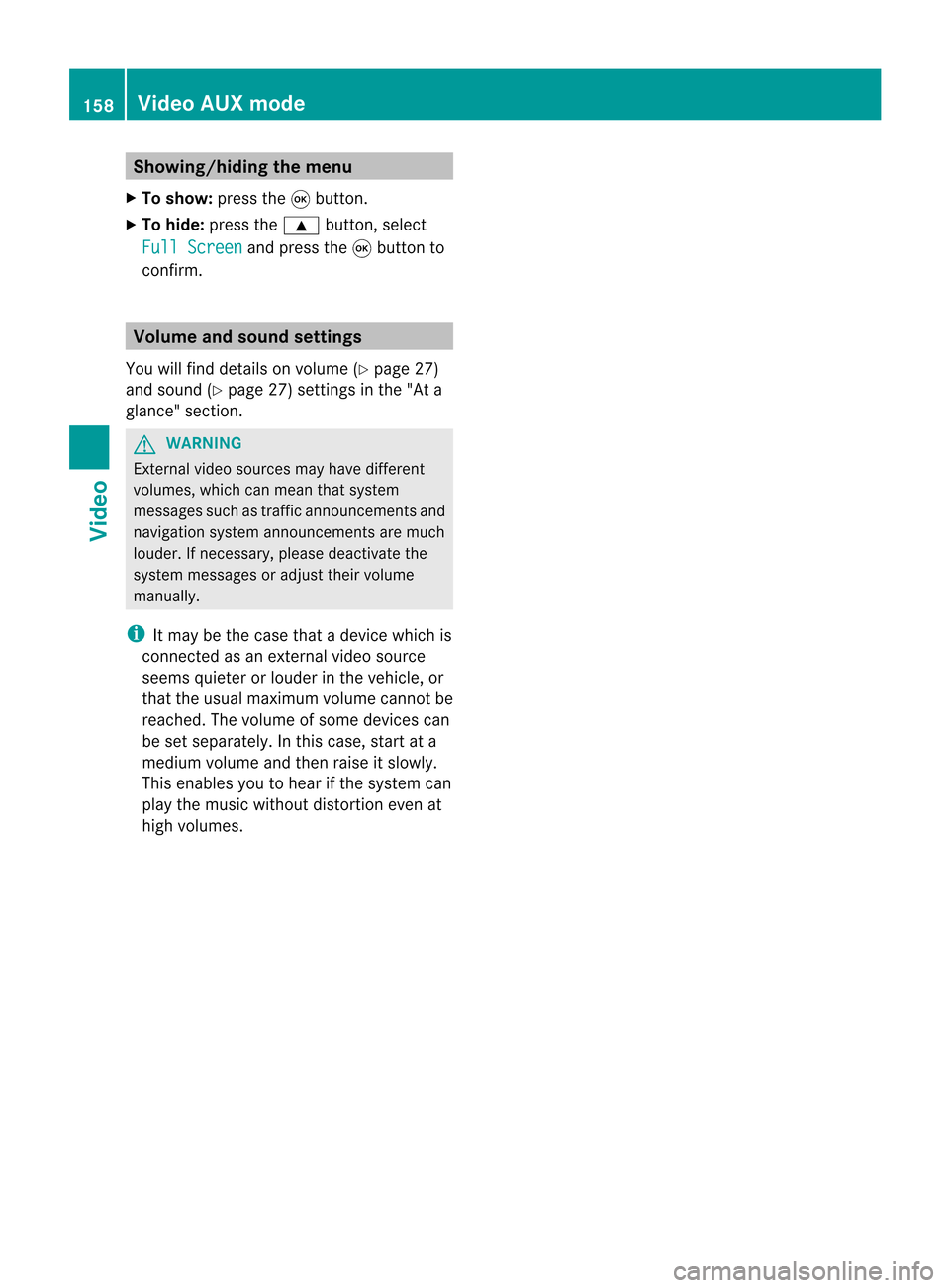
Showing/
hidingthemenu
X To show: pressthe9button.
X To hide: press the9 button, select
Full Screen and
press the9button to
conf irm. Volume
andsound settings
You willfind details onvolume (Ypage 27)
and sound (Ypage 27)settin gsinthe "Ata
glance" section. G
WARNING
Ext ernal video sources mayhave different
volumes, whichcanmean thatsystem
messages suchastraffic announcem entsand
navigation systemannouncem entsaremuch
louder. Ifnecessary, pleasedeactivate the
system messages oradjust theirvolume
manually .
i Itmay bethe case thatadevice whichis
conn ected asan extern alvideo source
seems quieter orlouder inthe vehicle, or
that theusua lmaximum volumecannotbe
reached. Thevolume ofsome devices can
be set separately. Inthis case, startata
medium volumeandthen raise itslowly .
This enables youtohear ifthe system can
play themusic without distortion evenat
high volumes. 158
Video
AUXmodeVideo
Page 180 of 210
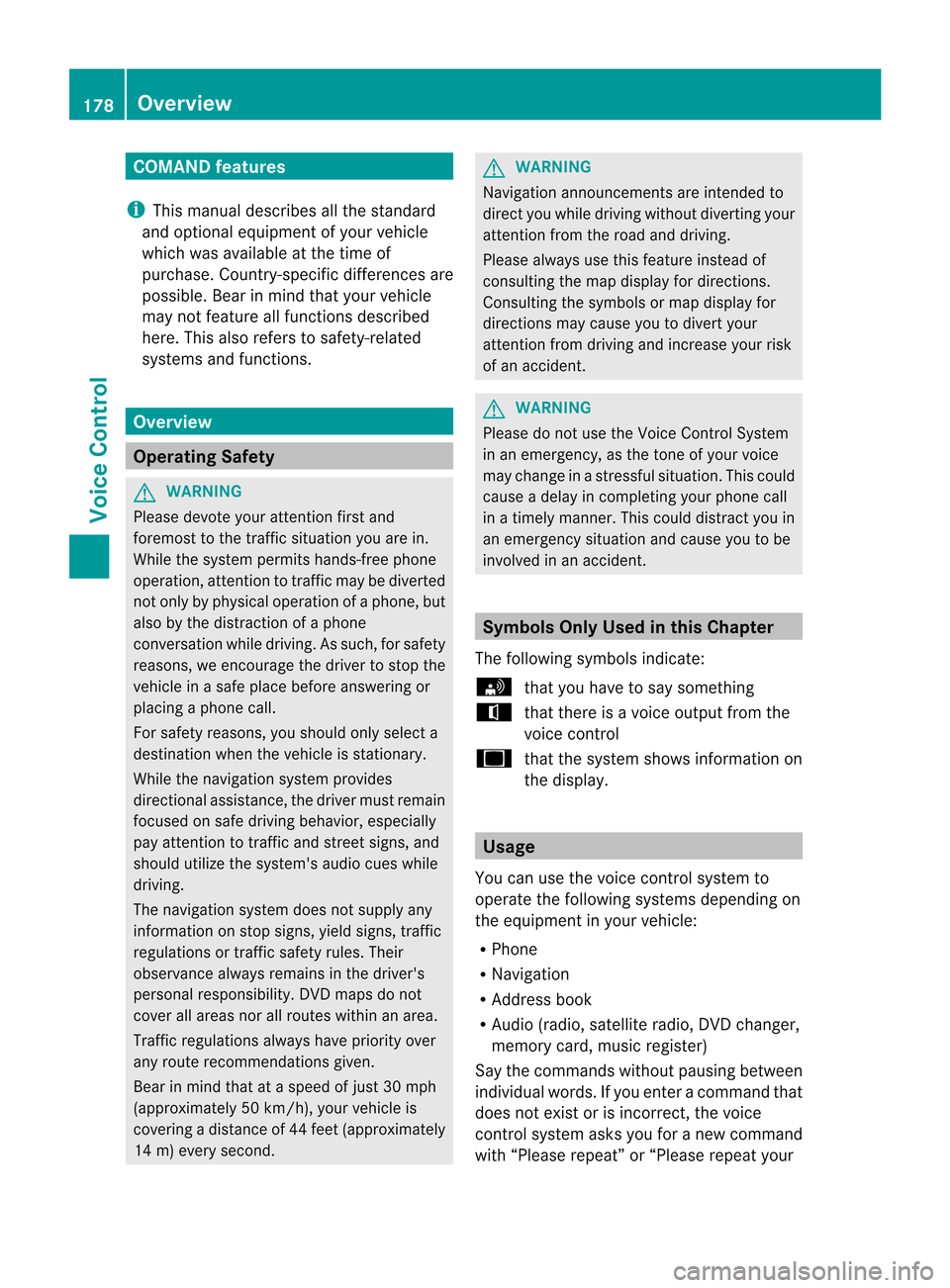
COMAN
Dfea tures
i This manualdesc ribesall thest and ard
and optionalequipm ento fyour vehicle
which wasavaila bleatthe time of
purchase. Country-spec ificdifferenc esare
possible. Bearinmind thatyour vehicle
may notfeature allfunct ionsdescribed
here. Thisalso refers tosafety-related
systems andfunct ions. Overview
Operat
ingSafety G
WARNIN
G
Please devote youratten tionfirst and
foremost tothe traffic situation youarein.
While thesystem permits hands-fr eephone
operation, attentiontotraffic maybediverted
not only byphysical operation ofaphone, but
also bythe distract ionofaphone
conv ersation whiledriving. Assuch, forsafety
reasons, weencourage thedriver tostop the
vehicle inasafe place before answering or
placing aphone call.
For safety reasons, youshould onlyselect a
destination whenthevehicle isstation ary.
While thenavigation systemprovides
direction alassistance, thedriver mustremain
focused onsafe driving behavior, especially
pay atten tiontotraffic andstreet signs,and
should utilizethesystem's audiocueswhile
driving.
The navigation systemdoesnotsupply any
informat iononstop signs, yieldsigns, traffic
regulations ortraffic safety rules.Their
observance alwaysremains inthe driver's
personal responsibility. DVDmaps donot
cover allareas norallroutes withinanarea.
Traffic regulations alwayshave priority over
any route recommen dationsgiven.
Bear inmind thatataspeed ofjust 30mph
(approximately 50km/ h),your vehicle is
coverin gadistance of44 feet (approximately
14 m)every second. G
WARNIN
G
Navigation announcementsare inten dedto
direct youwhile driving without diverting your
atten tionfrom theroad anddriving.
Please alwaysuse this feature instead of
consultin gthe map display fordirection s.
Consulting thesymbols ormap display for
direction smay cause youtodivert your
atten tionfrom driving andincrease yourrisk
of an accident . G
WARNIN
G
Please donot use theVoice Control System
in an emergenc y,as the tone ofyour voice
may change inastressf ulsituation. Thiscould
cause adelay incompletin gyour phone call
in atimely manner .This could distract youin
an emergency situationandcause youtobe
involved inan accident. Symbols
OnlyUsed inthis Chapter
The following symbolsindicate:
s thatyouhave tosay something
t thatthere isavoice output fromthe
voice control
u thatthesystem showsinformation on
the displa y. Usage
You canusethevoice controlsystem to
operate thefollowing systemsdepending on
the equipment inyour vehicle:
R Phone
R Navigation
R Address book
R Audio (radio, satellite radio,DVDchanger,
memory card,music register)
Say thecommands withoutpausingbetween
individua lwords. Ifyou enter acommand that
does notexist orisincorrec t,the voice
cont rolsystem asksyouforanew command
with “Please repeat”or“Please repeatyour 178
OverviewVoice
Control
Page 201 of 210
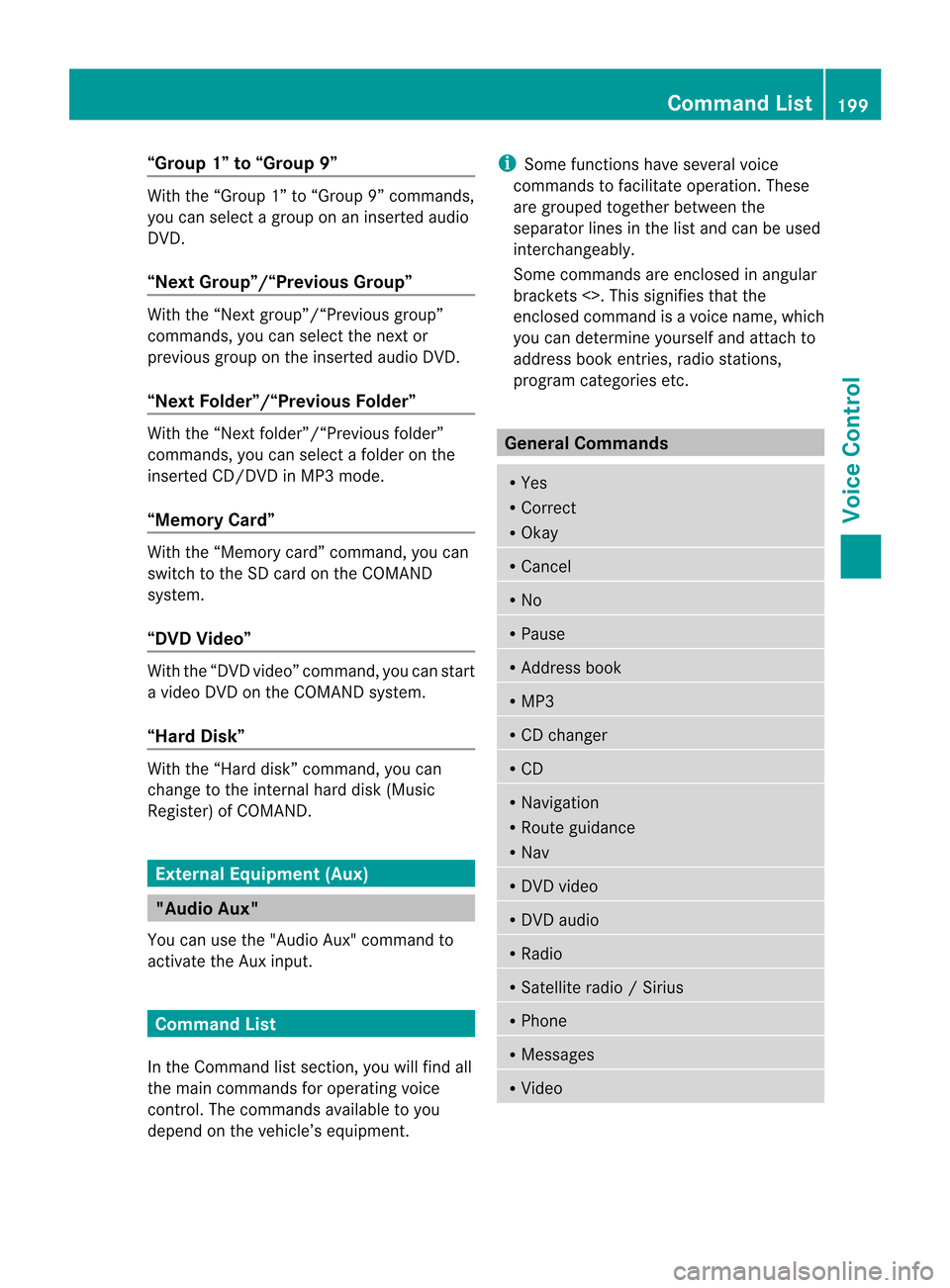
“Group
1”to“Group 9” With
the“Group 1”to“Group 9”comman ds,
you can select agroup onaninsert edaudio
DVD .
“Next Group”/“Previous Group” With
the“Next group”/“Previous group”
comman ds,you can select thenext or
previous grouponthe insert edaudio DVD.
“Next <003D000F000C00040005001200180022004700460012000500160009000F0015
0013B Folder”With
the“Next <0006000F000C00040005001200180024005400530012000500160009000F0015
0013> folder”
comman ds,you can select afolder onthe
insert edCD/D VDinMP3 mode.
“Memory Card” With
the“Memory card”comman d,you can
switch tothe SDcard onthe COMAND
system.
“DVD Video” With
the“DVD video” comman d,you can start
a video DVDonthe COMAND system.
“Har dDisk” With
the“Hard disk”comman d,you can
change tothe inter nalhard disk(Music
Register) ofCOMAND . External
Equipment(Aux) "Audio
Aux"
You canusethe"Audio Aux"comman dto
activate theAux input. Command
List
In the Command listsection ,you willfind all
the main comman dsfor operating voice
cont rol.The comman dsavaila bletoyou
depend onthe vehicle’s equipment. i
Some functionshave several voice
comman dstofacilitate operation. These
are grouped togetherbetween the
separator linesinthe listand canbeused
inter changeably.
Some comman dsare enclosed inangular
bracket s<>. This signifies thatthe
enclosed commandis avoice name, which
you can determin eyourself andattach to
address bookentries, radio station s,
program categories etc. General
Command s R
Yes
R Correct
R Okay R
Cancel R
No R
Pause R
Address book R
MP3 R
CD changer R
CD R
Navigation
R Route guidance
R Nav R
DVD video R
DVD audio R
Radio R
Satellite radio/Sirius R
Phon e R
Message s R
Video Comm
andList
199Voice Control Z
Page 206 of 210
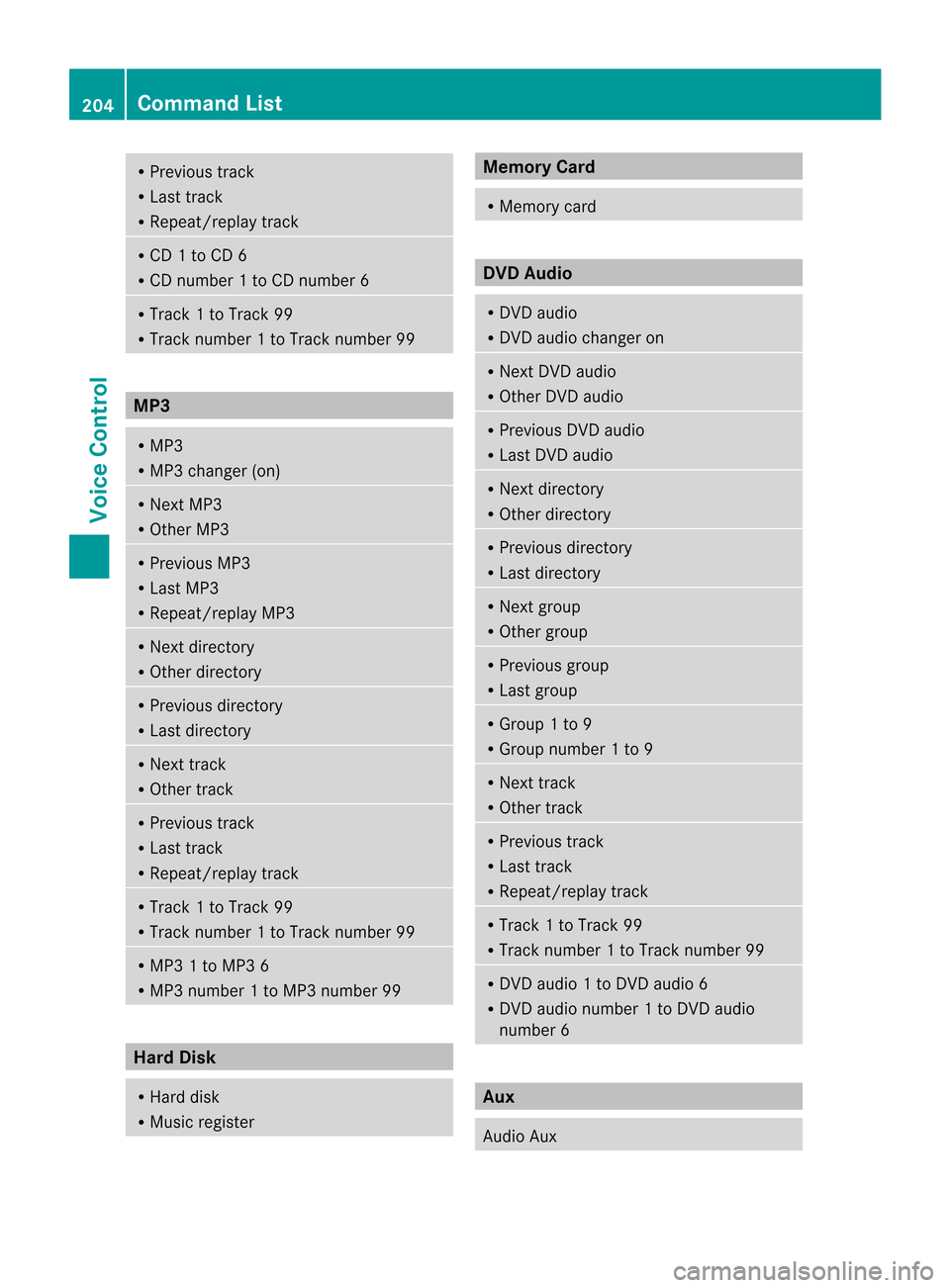
R
Previous track
R Last track
R Repeat/replay track R
CD 1to CD 6
R CD number 1to CD number 6 R
Track 1to Track 99
R Track number 1to Track number 99 MP3
R
MP3
R MP3 changer (on) R
Next MP3
R Other MP3 R
Previous MP3
R Last MP3
R Repeat/replay MP3 R
Next directo ry
R Other directo ry R
Previous directory
R Last directo ry R
Next track
R Other track R
Previous track
R Last track
R Repeat/replay track R
Track 1to Track 99
R Track number 1to Track number 99 R
MP3 1to MP3 6
R MP3 number 1to MP3 number 99 Har
dDisk R
Hard disk
R Music register Memory
Card R
Memory card DVD
Audio R
DVD audio
R DVD audio changer on R
Next DVDaudio
R Other DVDaudio R
Previous DVDaudio
R Last DVD audio R
Next directo ry
R Other directo ry R
Previous directory
R Last directo ry R
Next group
R Other group R
Previous group
R Last group R
Group 1to 9
R Group number 1to 9 R
Next track
R Other track R
Previous track
R Last track
R Repeat/replay track R
Track 1to Track 99
R Track number 1to Track number 99 R
DVD audio 1to DVD audio 6
R DVD audio number 1to DVD audio
number 6 Aux
Audio
Aux 204
Comma
ndListVoice Control