Condition MERCEDES-BENZ S-Class 2011 W221 Owner's Manual
[x] Cancel search | Manufacturer: MERCEDES-BENZ, Model Year: 2011, Model line: S-Class, Model: MERCEDES-BENZ S-Class 2011 W221Pages: 524, PDF Size: 22.53 MB
Page 6 of 524
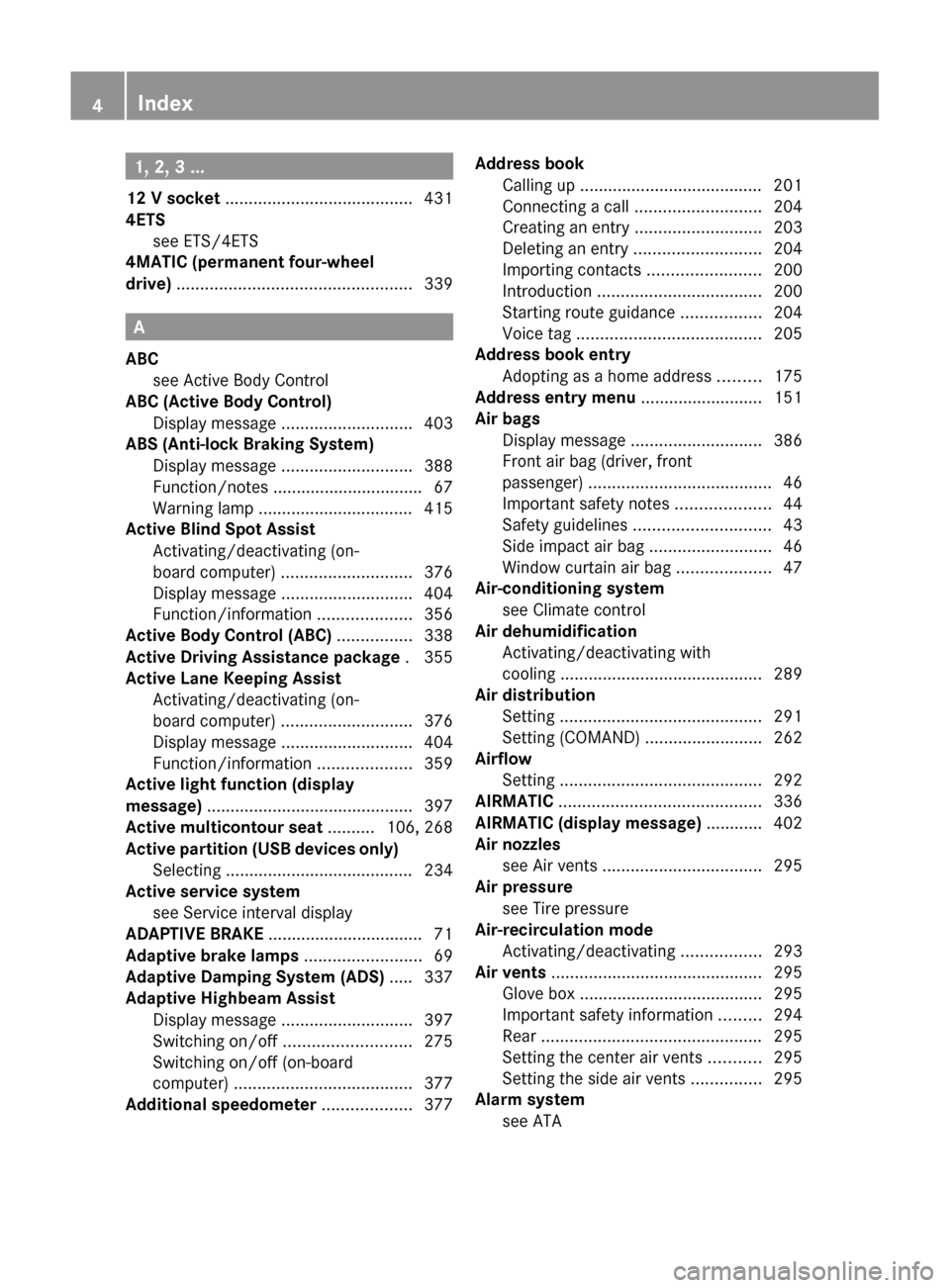
1, 2, 3 ...
12 V socket ........................................ 431
4ETS see ETS/4ETS
4MATIC (permanent four-wheel
drive) .................................................. 339
A
ABC see Active Body Control
ABC (Active Body Control)
Display message ............................ 403
ABS (Anti-lock Braking System)
Display message ............................ 388
Function/notes ................................ 67
Warning lamp ................................. 415
Active Blind Spot Assist
Activating/deactivating (on-
board computer) ............................ 376
Display message ............................ 404
Function/information ....................356
Active Body Control (ABC) ................ 338
Active Driving Assistance package . 355
Active Lane Keeping Assist Activating/deactivating (on-
board computer) ............................ 376
Display message ............................ 404
Function/information ....................359
Active light function (display
message) ............................................ 397
Active multicontour seat .......... 106, 268
Active partition (USB devices only) Selecting ........................................ 234
Active service system
see Service interval display
ADAPTIVE BRAKE ................................. 71
Adaptive brake lamps ......................... 69
Adaptive Damping System (ADS) ..... 337
Adaptive Highbeam Assist Display message ............................ 397
Switching on/off ........................... 275
Switching on/off (on-board
computer) ...................................... 377
Additional speedometer ................... 377
Address book
Calling up ....................................... 201
Connecting a call ........................... 204
Creating an entry ........................... 203
Deleting an entry ........................... 204
Importing contacts ........................200
Introduction ................................... 200
Starting route guidance .................204
Voice tag ....................................... 205
Address book entry
Adopting as a home address .........175
Address entry menu .......................... 151
Air bags Display message ............................ 386
Front air bag (driver, front
passenger) ....................................... 46
Important safety notes ....................44
Safety guidelines ............................. 43
Side impact air bag ..........................46
Window curtain air bag ....................47
Air-conditioning system
see Climate control
Air dehumidification
Activating/deactivating with
cooling ........................................... 289
Air distribution
Setting ........................................... 291
Setting (COMAND) .........................262
Airflow
Setting ........................................... 292
AIRMATIC ........................................... 336
AIRMATIC (display message) ............ 402
Air nozzles see Air vents .................................. 295
Air pressure
see Tire pressure
Air-recirculation mode
Activating/deactivating .................293
Air vents ............................................. 295
Glove box ....................................... 295
Important safety information .........294
Rear ............................................... 295
Setting the center air vents ...........295
Setting the side air vents ...............295
Alarm system
see ATA 4Index
Page 7 of 524
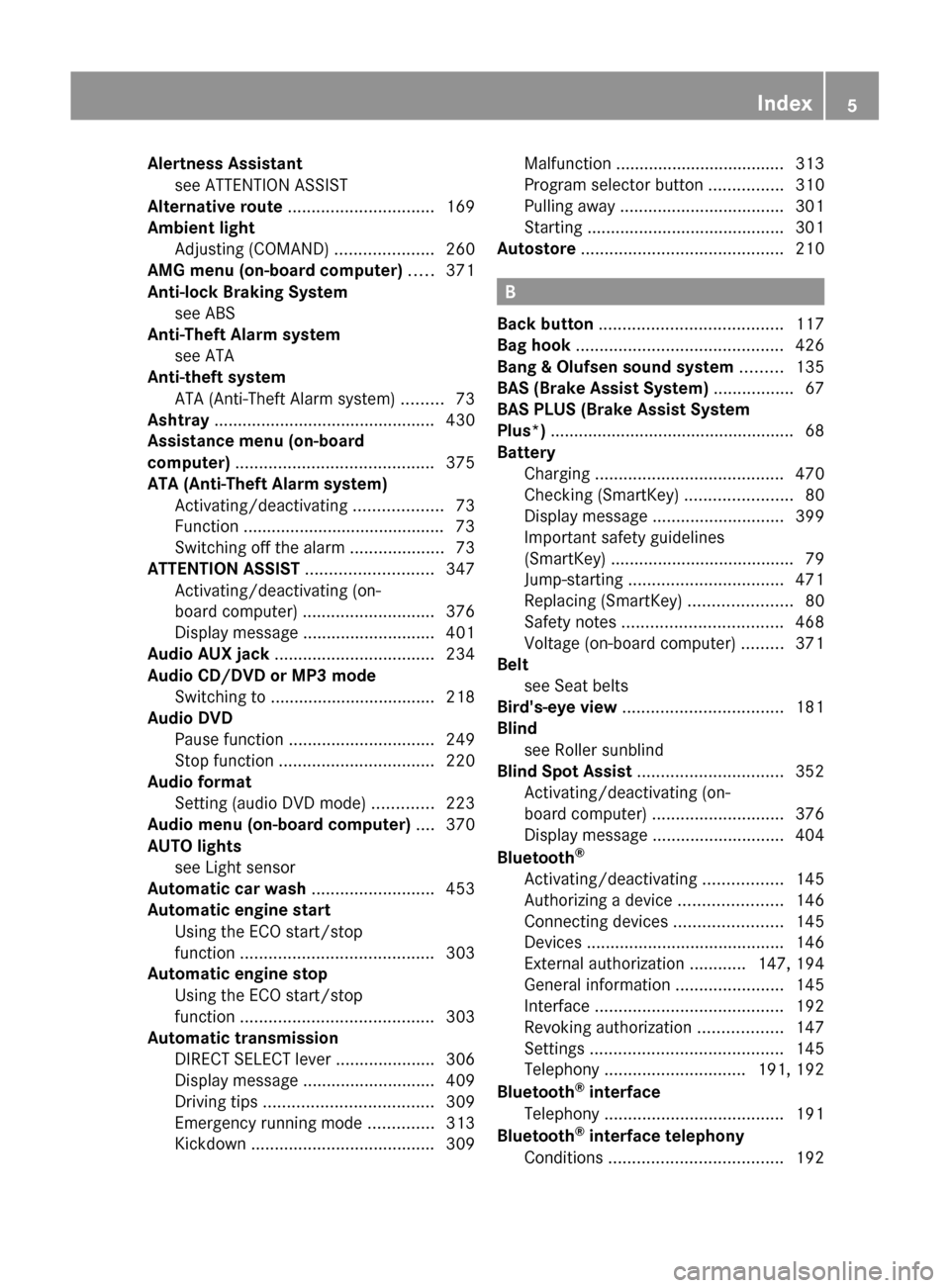
Alertness Assistantsee ATTENTION ASSIST
Alternative route ............................... 169
Ambient light Adjusting (COMAND) .....................260
AMG menu (on-board computer) ..... 371
Anti-lock Braking System see ABS
Anti-Theft Alarm system
see ATA
Anti-theft system
ATA (Anti-Theft Alarm system) .........73
Ashtray ............................................... 430
Assistance menu (on-board
computer) .......................................... 375
ATA (Anti-Theft Alarm system) Activating/deactivating ...................73
Function ........................................... 73
Switching off the alarm ....................73
ATTENTION ASSIST ........................... 347
Activating/deactivating (on-
board computer) ............................ 376
Display message ............................ 401
Audio AUX jack .................................. 234
Audio CD/DVD or MP3 mode Switching to ................................... 218
Audio DVD
Pause function ............................... 249
Stop function ................................. 220
Audio format
Setting (audio DVD mode) .............223
Audio menu (on-board computer) .... 370
AUTO lights see Light sensor
Automatic car wash .......................... 453
Automatic engine start Using the ECO start/stop
function ......................................... 303
Automatic engine stop
Using the ECO start/stop
function ......................................... 303
Automatic transmission
DIRECT SELECT lever .....................306
Display message ............................ 409
Driving tips .................................... 309
Emergency running mode ..............313
Kickdown ....................................... 309Malfunction .................................... 313
Program selector button ................310
Pulling away ................................... 301
Starting .......................................... 301
Autostore ........................................... 210
B
Back button ....................................... 117
Bag hook ............................................ 426
Bang & Olufsen sound system ......... 135
BAS (Brake Assist System) ................. 67
BAS PLUS (Brake Assist System
Plus*) .................................................... 68
Battery Charging ........................................ 470
Checking (SmartKey) .......................80
Display message ............................ 399
Important safety guidelines
(SmartKey) ....................................... 79
Jump-starting ................................. 471
Replacing (SmartKey) ......................80
Safety notes .................................. 468
Voltage (on-board computer) .........371
Belt
see Seat belts
Bird's-eye view .................................. 181
Blind see Roller sunblind
Blind Spot Assist ............................... 352
Activating/deactivating (on-
board computer) ............................ 376
Display message ............................ 404
Bluetooth ®
Activating/deactivating .................145
Authorizing a device ......................146
Connecting devices .......................145
Devices .......................................... 146
External authorization ............147, 194
General information .......................145
Interface ........................................ 192
Revoking authorization ..................147
Settings ......................................... 145
Telephony .............................. 191, 192
Bluetooth ®
interface
Telephony ...................................... 191
Bluetooth ®
interface telephony
Conditions ..................................... 192
Index5
Page 11 of 524
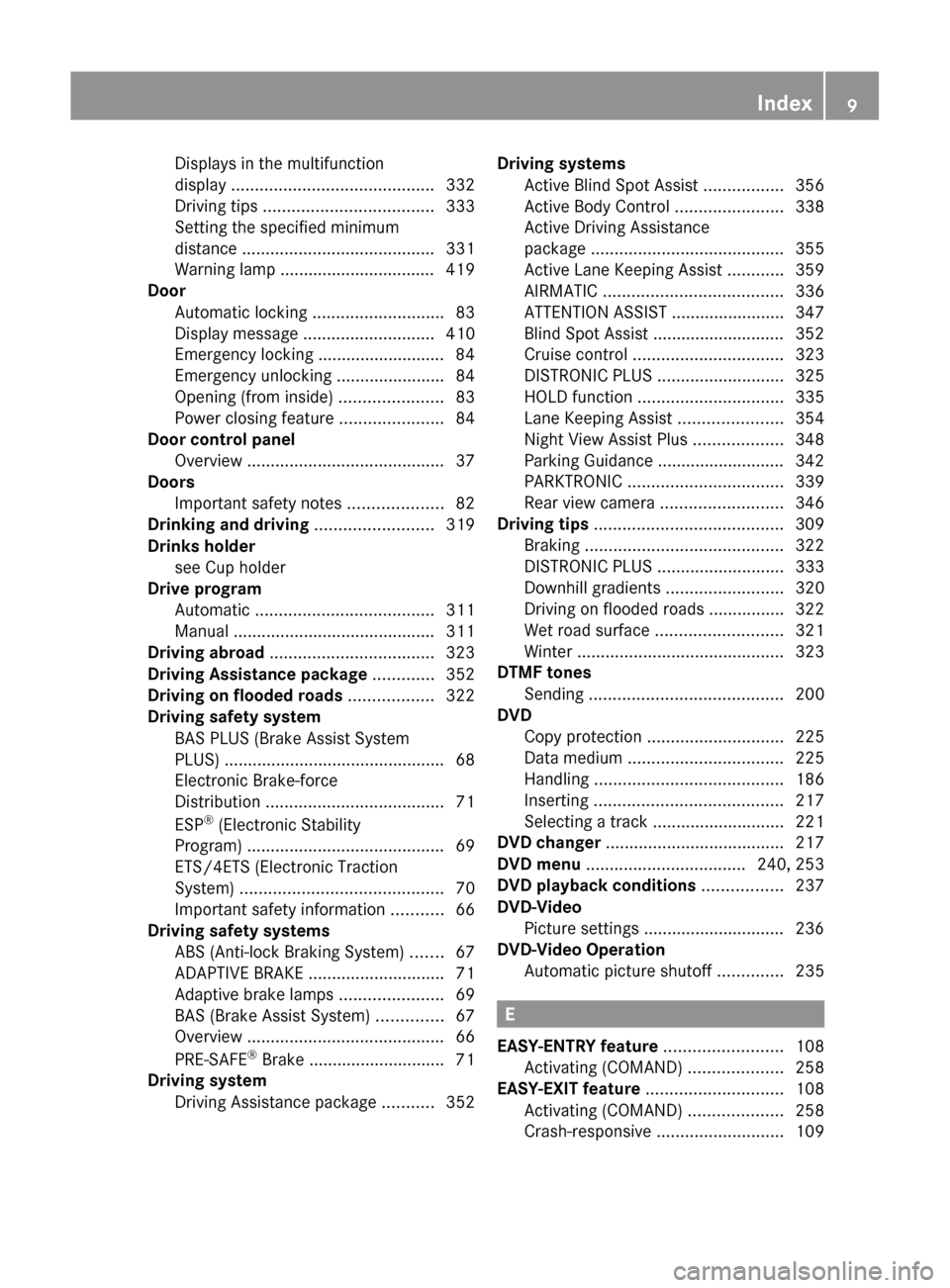
Displays in the multifunction
display ........................................... 332
Driving tips .................................... 333
Setting the specified minimum
distance ......................................... 331
Warning lamp ................................. 419
Door
Automatic locking ............................ 83
Display message ............................ 410
Emergency locking ........................... 84
Emergency unlocking .......................84
Opening (from inside) ......................83
Power closing feature ......................84
Door control panel
Overview .......................................... 37
Doors
Important safety notes ....................82
Drinking and driving ......................... 319
Drinks holder see Cup holder
Drive program
Automatic ...................................... 311
Manual ........................................... 311
Driving abroad ................................... 323
Driving Assistance package ............. 352
Driving on flooded roads .................. 322
Driving safety system BAS PLUS (Brake Assist System
PLUS) ............................................... 68
Electronic Brake-force
Distribution ...................................... 71
ESP ®
(Electronic Stability
Program) .......................................... 69
ETS/4ETS (Electronic Traction
System) ........................................... 70
Important safety information ...........66
Driving safety systems
ABS (Anti-lock Braking System) .......67
ADAPTIVE BRAKE ............................. 71
Adaptive brake lamps ......................69
BAS (Brake Assist System) ..............67
Overview .......................................... 66
PRE-SAFE ®
Brake ............................. 71
Driving system
Driving Assistance package ...........352Driving systems
Active Blind Spot Assist .................356
Active Body Control .......................338
Active Driving Assistance
package ......................................... 355
Active Lane Keeping Assist ............359
AIRMATIC ...................................... 336
ATTENTION ASSIST ........................347
Blind Spot Assist ............................ 352
Cruise control ................................ 323
DISTRONIC PLUS ........................... 325
HOLD function ............................... 335
Lane Keeping Assist ......................354
Night View Assist Plus ...................348
Parking Guidance ........................... 342
PARKTRONIC ................................. 339
Rear view camera .......................... 346
Driving tips ........................................ 309
Braking .......................................... 322
DISTRONIC PLUS ........................... 333
Downhill gradients .........................320
Driving on flooded roads ................322
Wet road surface ........................... 321
Winter ............................................ 323
DTMF tones
Sending ......................................... 200
DVD
Copy protection ............................. 225
Data medium ................................. 225
Handling ........................................ 186
Inserting ........................................ 217
Selecting a track ............................ 221
DVD changer ...................................... 217
DVD menu .................................. 240, 253
DVD playback conditions ................. 237
DVD-Video Picture settings .............................. 236
DVD-Video Operation
Automatic picture shutoff ..............235
E
EASY-ENTRY feature ......................... 108
Activating (COMAND) ....................258
EASY-EXIT feature ............................. 108
Activating (COMAND) ....................258
Crash-responsive ........................... 109
Index9
Page 20 of 524
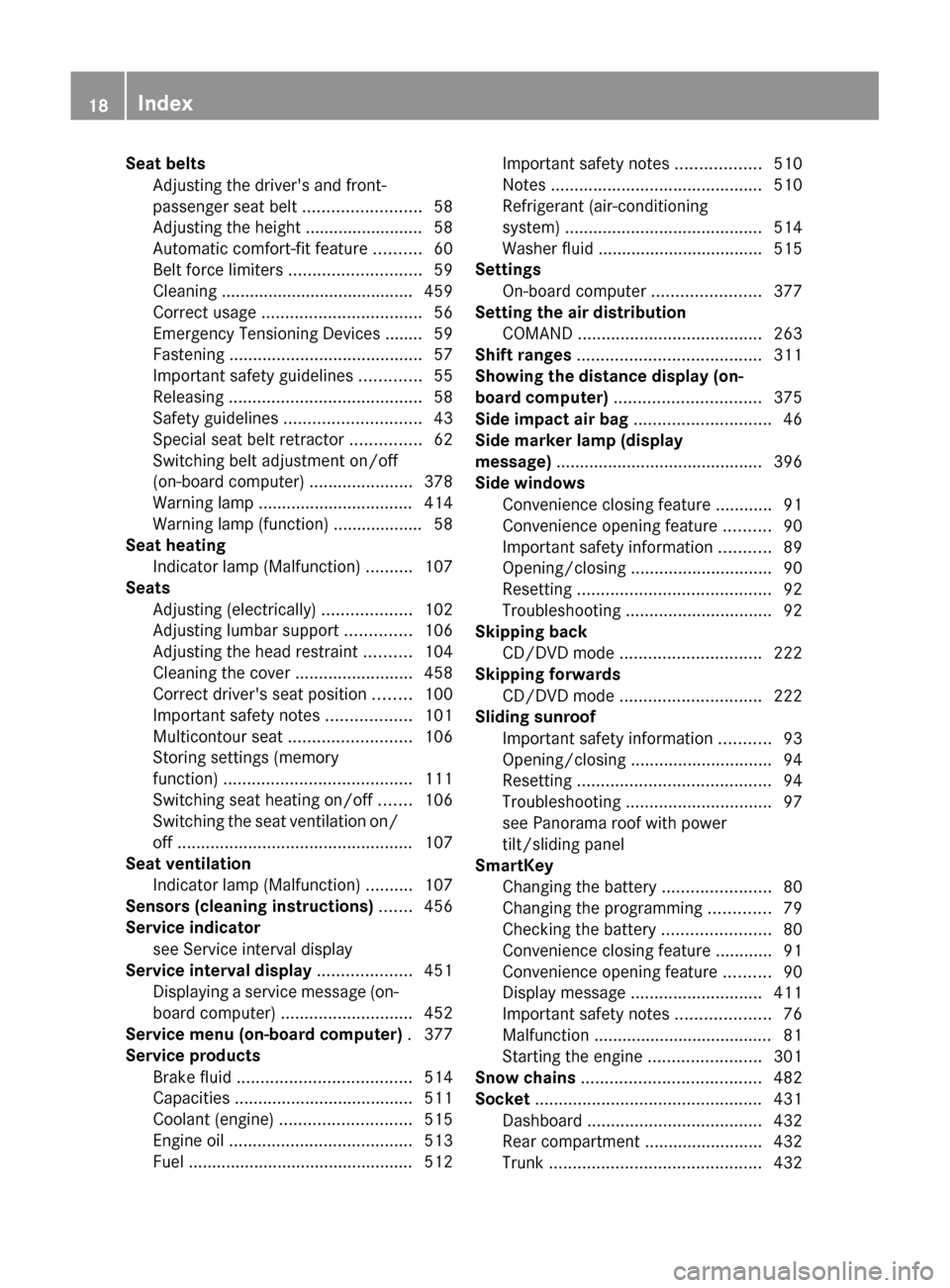
Seat beltsAdjusting the driver's and front-
passenger seat belt .........................58
Adjusting the height ......................... 58
Automatic comfort-fit feature ..........60
Belt force limiters ............................ 59
Cleaning ......................................... 459
Correct usage .................................. 56
Emergency Tensioning Devices ........ 59
Fastening ......................................... 57
Important safety guidelines .............55
Releasing ......................................... 58
Safety guidelines ............................. 43
Special seat belt retractor ...............62
Switching belt adjustment on/off
(on-board computer) ......................378
Warning lamp ................................. 414
Warning lamp (function) ................... 58
Seat heating
Indicator lamp (Malfunction) ..........107
Seats
Adjusting (electrically) ...................102
Adjusting lumbar support ..............106
Adjusting the head restraint ..........104
Cleaning the cover .........................458
Correct driver's seat position ........100
Important safety notes ..................101
Multicontour seat .......................... 106
Storing settings (memory
function) ........................................ 111
Switching seat heating on/off .......106
Switching the seat ventilation on/
off .................................................. 107
Seat ventilation
Indicator lamp (Malfunction) ..........107
Sensors (cleaning instructions) ....... 456
Service indicator see Service interval display
Service interval display .................... 451
Displaying a service message (on-
board computer) ............................ 452
Service menu (on-board computer) . 377
Service products Brake fluid ..................................... 514
Capacities ...................................... 511
Coolant (engine) ............................ 515
Engine oil ....................................... 513
Fuel ................................................ 512Important safety notes ..................510
Notes ............................................. 510
Refrigerant (air-conditioning
system) .......................................... 514
Washer fluid ................................... 515
Settings
On-board computer .......................377
Setting the air distribution
COMAND ....................................... 263
Shift ranges ....................................... 311
Showing the distance display (on-
board computer) ............................... 375
Side impact air bag ............................. 46
Side marker lamp (display
message) ............................................ 396
Side windows Convenience closing feature ............91
Convenience opening feature ..........90
Important safety information ...........89
Opening/closing .............................. 90
Resetting ......................................... 92
Troubleshooting ............................... 92
Skipping back
CD/DVD mode .............................. 222
Skipping forwards
CD/DVD mode .............................. 222
Sliding sunroof
Important safety information ...........93
Opening/closing .............................. 94
Resetting ......................................... 94
Troubleshooting ............................... 97
see Panorama roof with power
tilt/sliding panel
SmartKey
Changing the battery .......................80
Changing the programming .............79
Checking the battery .......................80
Convenience closing feature ............91
Convenience opening feature ..........90
Display message ............................ 411
Important safety notes ....................76
Malfunction ...................................... 81
Starting the engine ........................301
Snow chains ...................................... 482
Socket ................................................ 431
Dashboard ..................................... 432
Rear compartment .........................432
Trunk ............................................. 43218Index
Page 26 of 524
Product information
We recommend using genuine Mercedes-
Benz parts as well as conversion parts and
accessories explicitly approved by us for your
vehicle model.
We have tested these parts to determine their
reliability, safety and special suitability for
Mercedes-Benz vehicles. Despite ongoing
market research, Mercedes-Benz is unable to
assess other parts. We cannot therefore be
held responsible for them, even if in individual
cases an official approval or authorization by
governmental or other agencies should exist.
The use of non-approved parts could affect
your vehicle's operating safety. Mercedes-
Benz therefore recommends that you use
genuine Mercedes-Benz parts, conversion
parts and accessories that have been
approved for the type of vehicle. Genuine
Mercedes-Benz parts, approved conversion
parts and accessories are available from any
authorized Mercedes-Benz Center. In
addition, you will receive advice about
permissible technical modifications, and the
parts will be professionally installed.
Operator's Manual
Notes on the Operator's Manual
This Operator's Manual contains a great deal
of helpful information. We urge you to read it
carefully and familiarize yourself with the
vehicle before driving.
For your own safety and longer service life of
the vehicle, we urge you to follow the
instructions and warnings contained in this
Operator's Manual. Ignoring them could
result in damage to the vehicle or personal
injury to you or others. Vehicle damage
caused by failure to follow instructions is not
covered by the Mercedes-Benz Limited
Warranty.
Vehicle equipment
This manual describes all the standard and
optional equipment of your vehicle available
at the time of publication of the Operator's
Manual. Country-specific differences are
possible. Note that your vehicle may not be
equipped with all functions described. This
also refers to safety-related systems and
functions. The equipment in your vehicle may
therefore differ from that shown in the
descriptions and illustrations. All the systems
found in your vehicle are listed in the original
purchase agreement of your vehicle. Should
you have any questions concerning
equipment and operation, please consult an
authorized Mercedes-Benz Center.
The Operating Instructions and the
Maintenance Booklet are important
documents and should be kept in the vehicle.
Service and vehicle operation
Service and Literature
The Service and Warranty Information
booklet contains detailed information about
the warranties covering your vehicle. Your
authorized Mercedes-Benz Center will
replace and repair any factory-fitted parts
based on the terms and conditions of the
following warranties:
R New Vehicle Limited Warranty
R Emission System Warranty
R Emission Performance Warranty
R California, Connecticut, Maine,
Massachusetts, New York, Pennsylvania,
Rhode Island and Vermont
R State Warranty Enforcement Laws (Lemon
Laws)
24Introduction
Page 27 of 524
Information for customers in
California
Under California law you may be entitled to a
replacement of your vehicle or a refund of the
purchase price or lease price, if after a
reasonable number of repair attempts
Mercedes-Benz USA, LLC and/or its
authorized repair or service facilities fail to fix
one or more substantial defects or
malfunctions in the vehicle that are covered
by its express warranty. During the period of
18 months from original delivery of the
vehicle or the accumulation of 18 000 miles
(approximately 29 000 km) on the odometer
of the vehicle, whichever occurs first, a
reasonable number of repair attempts is
presumed for a retail buyer or lessee if one or
more of the following occurs:(1)the same substantial defect or
malfunction results in a condition that is
likely to cause death or serious bodily
injury if the vehicle is driven, that defect
or malfunction has been subject to repair
two or more times, and you have directly
notified Mercedes-Benz USA, LLC in
writing of the need for its repair.(2)the same substantial defect or
malfunction of a less serious nature than
category (1) has been subject to repair
four or more times and you have directly
notified Mercedes-Benz in writing of the
need for its repair.(3)the vehicle is out of service by reason of
repair of the same or different substantial
defects or malfunctions for a cumulative
total of more than 30 calendar days.
Please send your written notice to:
Mercedes-Benz USA, LLC
Customer Assistance Center
One Mercedes Drive
Montvale, NJ 07645-0350
Maintenance
The Service and Warranty Information
Booklet describes all necessary maintenance
work that should be performed at regular
intervals.
Always have the Service and Warranty
Information Booklet with you when you bring
the vehicle to an authorized Mercedes-Benz
Center. The service advisor will record each
service in the Service and Warranty
Information Booklet for you.
Roadside Assistance
The Mercedes-Benz Roadside Assistance
Program provides factory-trained technical
help in the event of a breakdown. Calls to the
toll-free Roadside Assistance number will be
answered by Mercedes-Benz Customer
Assistance Representatives 24 hours a day,
365 days a year.
1-800-FOR-MERCedes(1-800-367-6372)
(USA)
1-800-387-0100 (Canada)
For additional information refer to the
Mercedes-Benz Roadside Assistance
Program brochure (in the USA) or the
Roadside Assistance section of the Service
and Warranty Information Booklet (in
Canada) You will find both in your vehicle
literature portfolio.
Change of address or ownership
In the event of a change of address, be sure
to send in the "Change of Address Notice"
found in the Service and Warranty
Information Booklet, or simply call the
Mercedes-Benz Customer Assistance Center
(in the USA) at 1-800-FOR-MERCedes
(1-800-367-6372) or Customer Service (in
Canada) at 1-800-387-0100. This will assist
us in contacting you in a timely manner
should the need arise.
Introduction25
Page 55 of 524
PRE-SAFE®
systemGWarning
The PRE-SAFE ®
system reduces the impact of
an accident on vehicle occupants, as long as
their seat belts have been fastened correctly.
Although your vehicle is equipped with a PRE-
SAFE ®
system, the possibility of injury in the
event of an accident cannot be ruled out. You
should therefore always drive carefully and
adapt your driving style to the prevailing road,
weather and traffic conditions.
PRE-SAFE ®
takes pre-emptive measures to
protect occupants in certain hazardous
situations.
PRE-SAFE ®
intervenes:
R in emergency braking situations, e.g. if BAS
is activated or, in vehicles with DISTRONIC
PLUS, where BAS PLUS intervenes
powerfully
R if, on vehicles with DISTRONIC PLUS, the
radar sensor system detects an imminent
danger of collision in certain situations
R in critical driving situations, e.g. when
physical limits are exceeded and the
vehicle understeers or oversteers severely
or when having to swerve to avoid an
obstacle at a speed
PRE-SAFE ®
takes the following measures
depending on the hazardous situation
detected:
R the front seat belts are pre-tensioned.
R the front-passenger seat or the electrically
adjustable outer rear seats are adjusted if
they are in unfavorable position.
R on vehicles with a multicontour seat or an
active multicontour seat: the air pressure
in the side bolsters on the seat cushion and
the side bolsters on the backrest is
increased.
R on vehicles with multicontour seats in the
rear: the air pressure in the backrest side
bolsters of the outer seats in the rear is
increased.
R if the vehicle skids, the sliding sunroof,
panorama sliding sunroof and the side
windows are closed so that only a small gap
remains.
If the sliding sunroof, panorama roof with
power tilt/sliding panel or a side window is
obstructed when closing, the closing
procedure is stopped. The obstructed sliding
sunroof, panorama roof with power tilt/
sliding panel or side window then opens again
slightly.
If the hazardous situation passes without
resulting in an accident, PRE-SAFE ®
slackens
the belt pretensioning. The air pressure in the
side bolsters on the multicontour seat/active
multicontour seat is reduced again. All
settings made by PRE-SAFE ®
can then be
reversed.
If the seat belts are not released:XMove the backrest back slightly, but only
when the vehicle is stationary.
The belt pretensioning is reduced and the
locking mechanism is released.GWarning
Make sure that nobody can become trapped
as you adjust the seat.
! Make sure that there are no objects in the
footwell or behind the seats when resetting
the seats. There is a risk that the seats
and/or the objects could be damaged.
More information about seat-belt
adjustment, a convenience function
integrated into PRE-SAFE ®
, can be found in
the "Seat-belt adjustment" section
( Y page 58).
NECK-PRO head restraints/NECK-
PRO luxury head restraints
NECK-PRO head restraints/NECK-PRO luxury
head restraints increase protection of the
driver’s and front-passenger’s head and neck.
Occupant safety53SafetyZ
Page 68 of 524
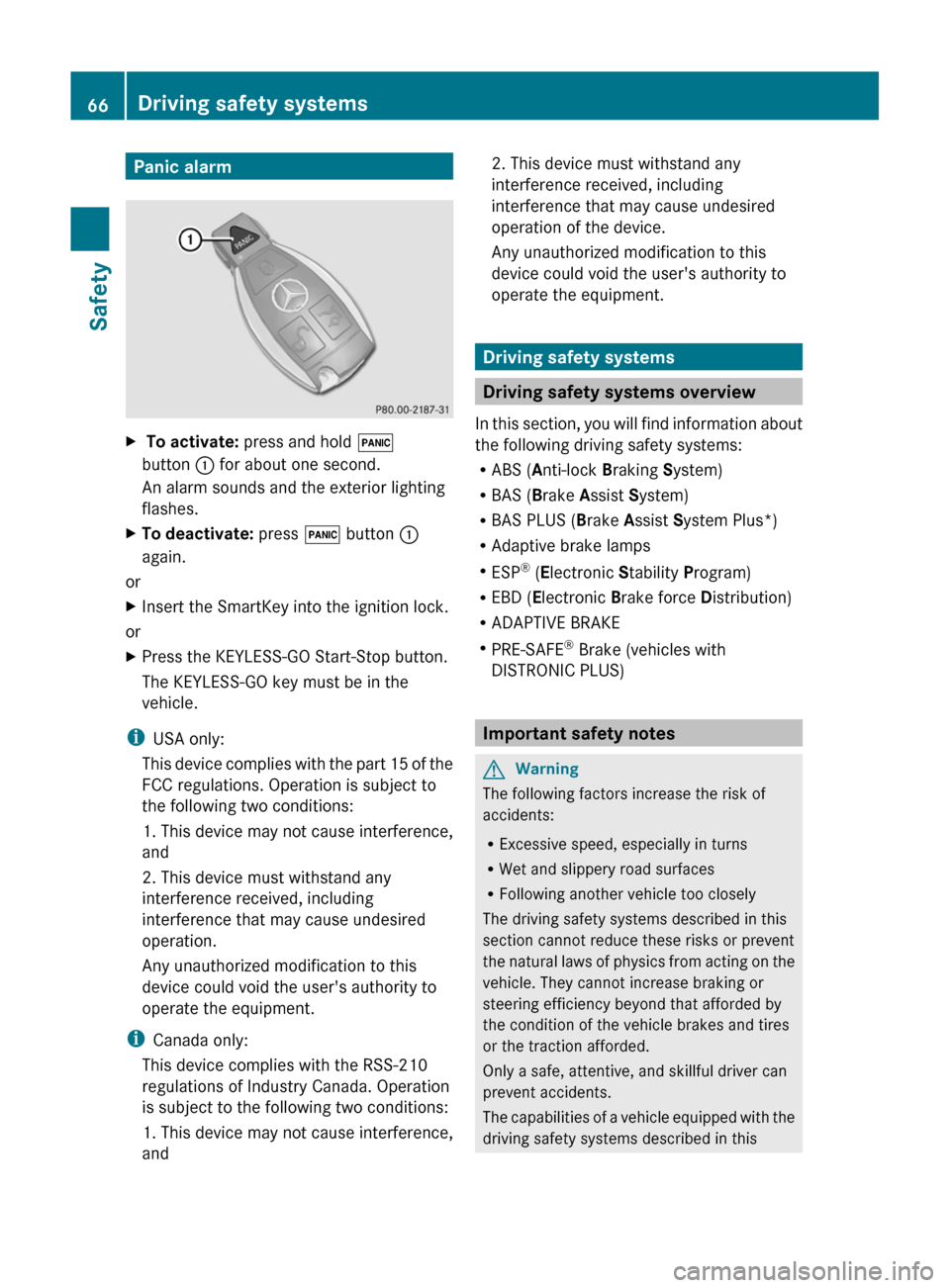
Panic alarmX To activate: press and hold !
button : for about one second.
An alarm sounds and the exterior lighting
flashes.XTo deactivate: press ! button :
again.
or
XInsert the SmartKey into the ignition lock.
or
XPress the KEYLESS-GO Start-Stop button.
The KEYLESS-GO key must be in the
vehicle.
i USA only:
This device complies with the part 15 of the
FCC regulations. Operation is subject to
the following two conditions:
1. This device may not cause interference,
and
2. This device must withstand any
interference received, including
interference that may cause undesired
operation.
Any unauthorized modification to this
device could void the user's authority to
operate the equipment.
i Canada only:
This device complies with the RSS-210
regulations of Industry Canada. Operation
is subject to the following two conditions:
1. This device may not cause interference,
and
2. This device must withstand any
interference received, including
interference that may cause undesired
operation of the device.
Any unauthorized modification to this
device could void the user's authority to
operate the equipment.
Driving safety systems
Driving safety systems overview
In this section, you will find information about
the following driving safety systems:
R ABS ( Anti-lock Braking System)
R BAS ( Brake Assist System)
R BAS PLUS ( Brake Assist System Plus*)
R Adaptive brake lamps
R ESP ®
(E lectronic Stability Program)
R EBD ( Electronic Brake force Distribution)
R ADAPTIVE BRAKE
R PRE-SAFE ®
Brake (vehicles with
DISTRONIC PLUS)
Important safety notes
GWarning
The following factors increase the risk of
accidents:
R Excessive speed, especially in turns
R Wet and slippery road surfaces
R Following another vehicle too closely
The driving safety systems described in this
section cannot reduce these risks or prevent
the natural laws of physics from acting on the
vehicle. They cannot increase braking or
steering efficiency beyond that afforded by
the condition of the vehicle brakes and tires
or the traction afforded.
Only a safe, attentive, and skillful driver can
prevent accidents.
The capabilities of a vehicle equipped with the
driving safety systems described in this
66Driving safety systemsSafety
Page 69 of 524
section must never be exploited in a reckless
or dangerous manner which could jeopardize
the user's safety or the safety of others.
Always adjust your driving style to the
prevailing road and weather conditions and
keep a safe distance to other road users and
objects on the street.
If a driving system malfunctions, other driving
safety systems may also switch off. Observe
indicator and warning lamps that may come
on as well as messages in the multifunction
display that may appear.GWarning!
HYBRID vehicles: It is imperative that you read
the HYBRID Supplemental Operating
Instructions included in your vehicle literature
portfolio. You may otherwise not receive all
necessary safety information and warning for
the operation of your vehicle.
i In wintry driving conditions, always use
winter tires (M+S tires) and if necessary,
snow chains. Only in this way will the
driving safety systems described in this
section work as effectively as possible.
ABS (Anti-lock Braking System)
Important safety notes
GWarning
Observe "Important safety notes"
( Y page 66).
GWarning
Do not pump the brake pedal. Use firm, steady
brake pedal pressure instead. Pumping the
brake pedal defeats the purpose of the ABS
and significantly reduces braking
effectiveness.
ABS regulates brake pressure in such a way
that the wheels do not lock when you brake.
This allows you to continue steering the
vehicle when braking.
ABS works from a speed of about
5 mph (8 km/h) upwards, regardless of road-
surface conditions. ABS works on slippery
surfaces, even when you only brake gently.
The ! warning lamp in the instrument
cluster lights up when the ignition is switched
on. It goes out when the engine is running.
Braking
If ABS intervenes when braking, you will feel
a pulsing in the brake pedal.
XIf ABS intervenes: continue to depress the
brake pedal with force until the braking
situation is over.XTo make a full brake application:
depress the brake pedal with full force.GWarning
If the ABS malfunctions, other driving systems
such as the BAS or the ESP ®
are also switched
off. Observe indicator and warning lamps that
may come on as well as messages in the
multifunction display that may appear.
If the ABS malfunctions, the wheels may lock
during hard braking, reducing the steering
capability and extending the braking distance.
The pulsating brake pedal can be an
indication of hazardous road conditions and
functions as a reminder to take extra care
while driving.
BAS (Brake Assist System)
GWarning
Observe "Important safety notes"
( Y page 66).
BAS operates in emergency braking
situations. If you depress the brake pedal
quickly, BAS automatically boosts the braking
force, thus shortening the stopping distance.
XKeep the brake pedal firmly depressed until
the emergency braking situation is over.
ABS prevents the wheels from locking.Driving safety systems67SafetyZ
Page 70 of 524
The brakes will function as usual once you
release the brake pedal. BAS is deactivated.GWarning
If the BAS malfunctions, the brake system still
functions, but without the additional brake
boost available that the BAS would normally
provide in an emergency braking maneuver.
Therefore, the braking distance may increase.
BAS PLUS (Brake Assist PLUS)
GWarning
Observe "Important safety notes"
( Y page 66).
At speeds above approximately
20 mph (30 km/h), BAS PLUS assists you
when braking in hazardous situations and
uses the radar sensor system to evaluate the
traffic conditions.
GWarning!
BAS PLUS is a convenience system designed
to assist the driver during vehicle operation.
The responsibility for the vehicle speed and
the distance to the vehicle ahead, including
most importantly brake operation to assure
safe stopping distance, always remains with
the driver.
Always pay attention to traffic conditions
even while BAS PLUS is switched on.
Otherwise, you may not be able to recognize
dangerous situations until it is too late and
could cause an accident. Personal or fatal
injury to you or others may be the result.
i This equipment has been approved by the
FCC as a "Vehicular Radar System". The
radar sensor system is intended for use in
an automotive radar system only. Removal,
tampering, or altering of the device will void
any warranties, and is not permitted by the
FCC. Do not tamper with the device in any
way.
Any unauthorized modification to this
device could void the user's authority to
operate the equipment.
BAS PLUS can detect obstacles that are in the
path of your vehicle for an extended period of
time. Should you approach a detected
obstacle quickly, BAS PLUS calculates the
braking force necessary to avoid a rear-end
collision. Should you additionally apply the
brakes, BAS PLUS will automatically increase
the braking force to a level suitable for the
traffic conditions.
If BAS PLUS demands particularly high
braking force, PRE-SAFE ®
is activated
simultaneously.XKeep the brake pedal depressed until the
emergency braking situation is over.
ABS prevents the wheels from locking.
The brakes will work normally again when:
R you release the brake pedal
R no obstacle is detected in front of your
vehicle
R there is no longer any danger of a rear-end
collision
BAS PLUS is then deactivated.
At speeds up to approximately
40 mph (70 km/h), BAS PLUS can also detect
stationary obstacles, for example, stopped or
parked vehicles.
For BAS PLUS to assist you when driving, the
radar sensor system must be switched on and
operational. You can check this by activating
DISTRONIC PLUS ( Y page 325) or via the
"radar sensor" function in the on-board
computer( Y page 378).
GWarning!
BAS PLUS will only respond with brake
assistance if it has clearly detected an object.
Detection can be impeded by
R dirty or covered sensors
R snowfall or heavy rain
68Driving safety systemsSafety