spare tire location MERCEDES-BENZ S-Class 2012 W221 Owner's Manual
[x] Cancel search | Manufacturer: MERCEDES-BENZ, Model Year: 2012, Model line: S-Class, Model: MERCEDES-BENZ S-Class 2012 W221Pages: 536, PDF Size: 25.27 MB
Page 14 of 536
Exterior lightingsee Exterior lighting
Exterior mirror parking position
Adjusting (COMAND) .....................262
Exterior mirrors
Adjusting ....................................... 111
Dipping (automatic) .......................112
Folding in/out (automatically) .......112
Folding in/out (electrically) ...........112
Out of position (troubleshooting) ...112
Storing settings (memory
function) ........................................ 113
Storing the parking position ..........113
Eyeglasses compartment ................. 433
F
Factory setting (reset function) ....... 150
Fader, setting .................................... 135
Fast forward Audio mode (CD, DVD, MP3) .........225
Rear Seat Entertainment System ...255
Video DVD ..................................... 242
Fast rewind
Audio mode (CD, DVD, MP3) .........225
Rear Seat Entertainment System ...255
Video DVD ..................................... 242
Favorites (COMAND) ......................... 120
Filler cap see Fuel filler flap
First-aid kit ......................................... 472
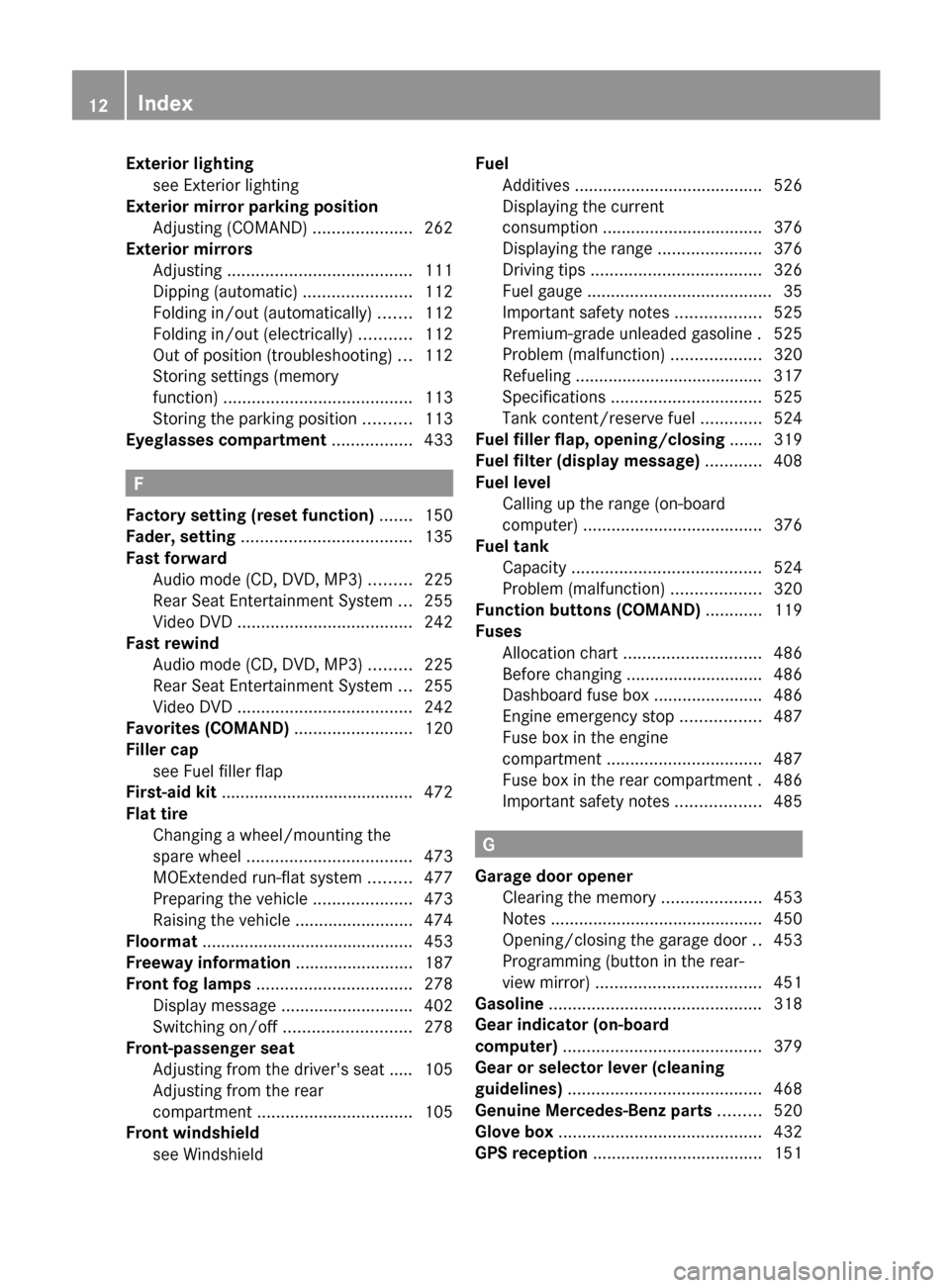
Flat tire Changing a wheel/mounting the
spare wheel ................................... 473
MOExtended run-flat system .........477
Preparing the vehicle .....................473
Raising the vehicle .........................474
Floormat ............................................. 453
Freeway information ......................... 187
Front fog lamps ................................. 278
Display message ............................ 402
Switching on/off ........................... 278
Front-passenger seat
Adjusting from the driver's seat ..... 105
Adjusting from the rear
compartment ................................. 105
Front windshield
see Windshield
Fuel
Additives ........................................ 526
Displaying the current
consumption .................................. 376
Displaying the range ......................376
Driving tips .................................... 326
Fuel gauge ....................................... 35
Important safety notes ..................525
Premium-grade unleaded gasoline . 525
Problem (malfunction) ...................320
Refueling ........................................ 317
Specifications ................................ 525
Tank content/reserve fuel .............524
Fuel filler flap, opening/closing ....... 319
Fuel filter (display message) ............ 408
Fuel level Calling up the range (on-board
computer) ...................................... 376
Fuel tank
Capacity ........................................ 524
Problem (malfunction) ...................320
Function buttons (COMAND) ............ 119
Fuses Allocation chart ............................. 486
Before changing ............................. 486
Dashboard fuse box .......................486
Engine emergency stop .................487
Fuse box in the engine
compartment ................................. 487
Fuse box in the rear compartment . 486
Important safety notes ..................485
G
Garage door opener Clearing the memory .....................453
Notes ............................................. 450
Opening/closing the garage door ..453
Programming (button in the rear-
view mirror) ................................... 451
Gasoline ............................................. 318
Gear indicator (on-board
computer) .......................................... 379
Gear or selector lever (cleaning
guidelines) ......................................... 468
Genuine Mercedes-Benz parts ......... 520
Glove box ........................................... 432
GPS reception .................................... 151
12Index
Page 353 of 536
GWARNING
Objects located above the height range of
Parking Guidance will not be detected when
the parking space is measured. These objects
are not taken into account when the parking
procedure is calculated, e.g. overhanging
loads, tail sections or loading ramps of goods
vehicles. Under some circumstances, Parking
Guidance might therefore issue steering
instructions too soon. This may lead to a
collision. For this reason, you should avoid
using Parking Guidance in such situations.
GWARNING
Make sure that no persons or animals are in
the maneuvering range. Otherwise, they
could be injured.
! Pay particular attention to low objects or
objects with flat surfaces, such as trailer
drawbars, posts, cross beams and curbs.
These types of objects cannot be detected
by Parking Guidance and may damage the
vehicle.
When PARKTRONIC is deactivated, Parking
Guidance is also unavailable.
Use Parking Guidance for parking spaces:
R that are parallel to the direction of travel
R that are on straight roads, not bends
R that are on the same level as the road, i.e.
not on the pavement, for example. Parking
Guidance may not detect flat curbs
Parking tips:
R on narrow roads, drive past the parking
space as close as possible.
R parking spaces that are littered, overgrown
or partially occupied by trailer drawbars
might be identified incorrectly or not at all.
R snowfall or heavy rain may lead to a parking
space being measured inaccurately.
R pay attention to the PARKTRONIC
( Y page 348) warning messages during the
parking procedure.
R when transporting a load which protrudes
from your vehicle, you must not use Parking
Guidance.
R never use Parking Guidance with snow
chains or an emergency spare wheel
installed.
R make sure that the tire pressures are
always correct. This has a direct effect on
the steering instructions.
R the way your vehicle is positioned in the
parking space after parking is dependent
on various factors. These include the
position and shape of the vehicles parked
in front and behind it and the conditions of
the location. In some cases, Parking
Guidance may guide you too far or not far
enough into a parking space. In some
cases, it may also lead you across or onto
the curb. If necessary, cancel the parking
procedure with Parking Guidance.
! If unavoidable, you should drive over
obstacles such as curbs slowly and not at
a sharp angle. Otherwise, you may damage
the wheels or tires.
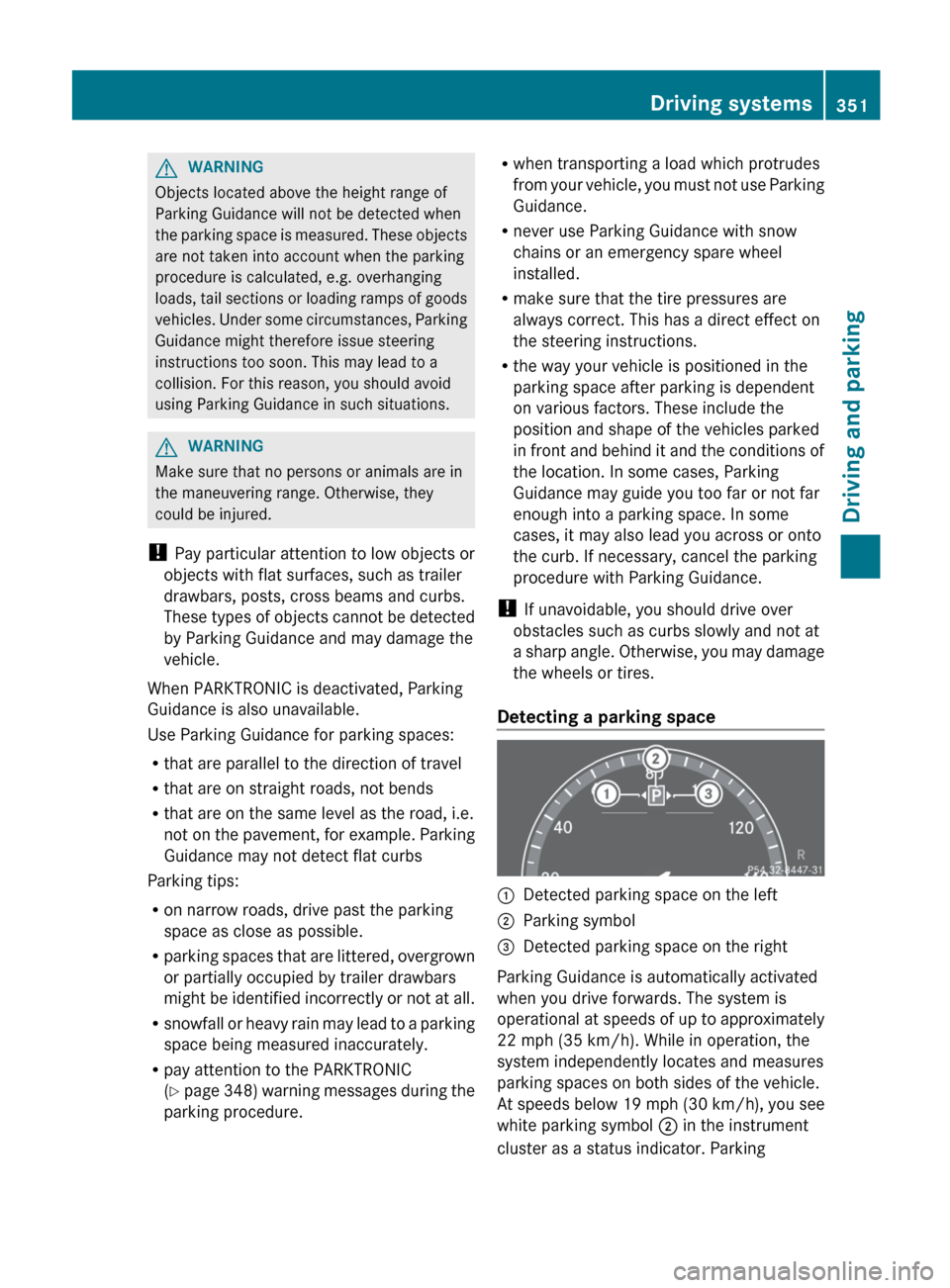
Detecting a parking space:Detected parking space on the left;Parking symbol=Detected parking space on the right
Parking Guidance is automatically activated
when you drive forwards. The system is
operational at speeds of up to approximately
22 mph (35 km/h). While in operation, the
system independently locates and measures
parking spaces on both sides of the vehicle.
At speeds below 19 mph (30 km/h), you see
white parking symbol ; in the instrument
cluster as a status indicator. Parking
Driving systems351Driving and parkingZ
Page 501 of 536
1. This device may not cause harmful
interference, and
2. this device must accept any interference
received, including interference that may
cause undesired operation.
Any unauthorized modification to this
device could void the user’s authority to
operate the equipment.
Checking tire pressure electronicallyXMake sure that the SmartKey is in position
2 (Y page 303) in the ignition lock.XPress the = or ; button on the
steering wheel to select the Service
menu.XPress the 9 or : button to select
Tire Pressure .XPress the a button.
The current tire pressure for each wheel will
be displayed in the multifunction display.
If the vehicle has been parked for longer than
20 minutes, the Tire Pressures
Displayed After Driving A Few
Minutes message appears in the display.
After a teach-in period, the tire pressure
monitor automatically recognizes new wheels
or new sensors. If a clear allocation of the tire
pressure values to the individual wheels is not
possible, the Tire Pressure Monitor
Active message is shown instead of the tire
pressure display. The tire pressures are
already being monitored.
i If a spare wheel/emergency spare wheel
is mounted, the system may continue to
show the tire pressure of the wheel that has
been removed for a few minutes. If this
occurs, note that the value displayed for
the position where the spare tire is
mounted is not the same as the spare
wheel/emergency spare wheel's current
tire pressure.
Tire pressure monitor warning
messages
If the tire pressure monitor detects a
significant pressure loss on one or more tires,
a warning message is shown in the
multifunction display. A warning tone also
sounds and the tire pressure warning lamp
lights up in the instrument cluster.
Each tire that is affected by a significant loss
of pressure is highlighted with a color.
If the Correct Tire Pressure message
appears in the multifunction display:
XCheck the tire pressure on all four wheels
and correct it if necessary.
i If the wheel positions on the vehicle are
interchanged, the tire pressures may be
displayed for the wrong positions for a
short time. This is rectified after a few
minutes of driving, and the tire pressures
are displayed for the correct positions.
Restarting the tire pressure monitor
GWARNING
It is the driver's responsibility to set the tire
pressure to the recommended cold tire
pressure. Underinflated tires affect the ability
to steer or brake the vehicle. You might lose
control over the vehicle.
When you restart the tire pressure monitor,
all existing warning messages are deleted and
the warning lamps go out. The monitor uses
the currently set tire pressures as the
reference values for monitoring.
The tire pressure monitor must be restarted
when you set the tire pressure to a new value
(as a result of changed drive or load
characteristics, for example). The tire
pressure monitor then monitors the new tire
pressure values.
i Canada only: in most cases, the tire
pressure monitor recognizes the new
reference values automatically. However,
Tire pressure499Wheels and tiresZ