reset MERCEDES-BENZ S-Class 2014 W222 Comand Manual
[x] Cancel search | Manufacturer: MERCEDES-BENZ, Model Year: 2014, Model line: S-Class, Model: MERCEDES-BENZ S-Class 2014 W222Pages: 278, PDF Size: 6.65 MB
Page 181 of 278
R
Info
Info
Displays additional information about the
current station/channel (radio text)
R Sound
Sound
Sound settings Switching on HD FM or HD AM radio
mode
Using the function button
X Press the 002Abutton.
The radio display appears.
You will hear the last station played on the
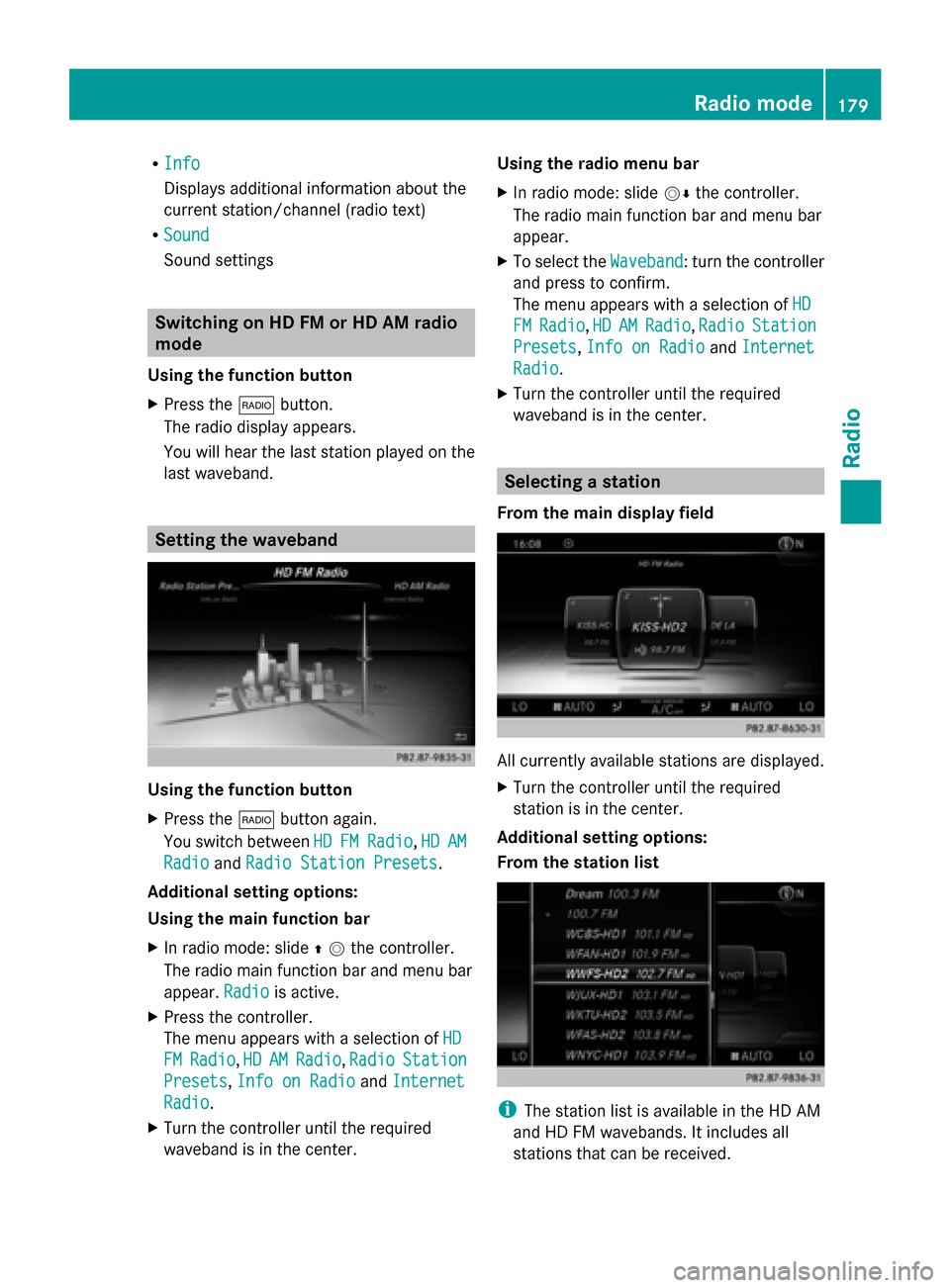
last waveband. Setting the waveband
Using the function button
X
Press the 002Abutton again.
You switch between HD HDFM FMRadio
Radio ,HD
HD AM
AM
Radio
Radio andRadio Station Presets
Radio Station Presets.
Additional setting options:
Using the main function bar
X In radio mode: slide 00970052the controller.
The radio main function bar and menu bar
appear. Radio Radiois active.
X Press the controller.
The menu appears with a selection of HD HD
FM
FM Radio
Radio, HD
HDAM
AMRadio
Radio, Radio
Radio Station
Station
Presets
Presets, Info on Radio
Info on Radio andInternet
Internet
Radio
Radio.
X Turn the controller until the required
waveband is in the center. Using the radio menu bar
X
In radio mode: slide 00520064the controller.
The radio main function bar and menu bar
appear.
X To select the Waveband
Waveband: turn the controller
and press to confirm.
The menu appears with a selection of HD HD
FM
FM Radio
Radio, HD
HDAM
AM Radio
Radio, Radio
Radio Station
Station
Presets
Presets, Info on Radio
Info on Radio andInternet
Internet
Radio
Radio.
X Turn the controller until the required
waveband is in the center. Selecting a station
From the main display field All currently available stations are displayed.
X
Turn the controller until the required
station is in the center.
Additional setting options:
From the station list i
The station list is available in the HD AM
and HD FM wavebands. It includes all
stations that can be received. Radio mode
179Radio
Page 182 of 278
X
In radio mode: press the controller.
The station list appears with the stations
currently available.
X To select the desired station: turn and
press the controller.
Using frequency entry
X In radio mode: slide 00520064the controller.
The radio menu bar appears.
X To select Options
Options: turn and press the
controller.
X Select Enter Frequency
Enter Frequency.
X Enter the station frequency in the entry
field using the telephone keypad or
COMAND remote control, and press the
controller.
Using the search function
X In radio mode: slide 00520064the controller.
The radio menu bar appears.
X Select 00D3and enter the first letters of the
required station using the controller.
As soon as enough characters have been
entered, COMAND shows a list of the
available stations.
X To select stations from the list: turn the
controller and press to confirm.
Using station presets
X Quick setting:
Briefly press a number key, e.g. 0082.
The station stored in second place is set. Tagging music tracks
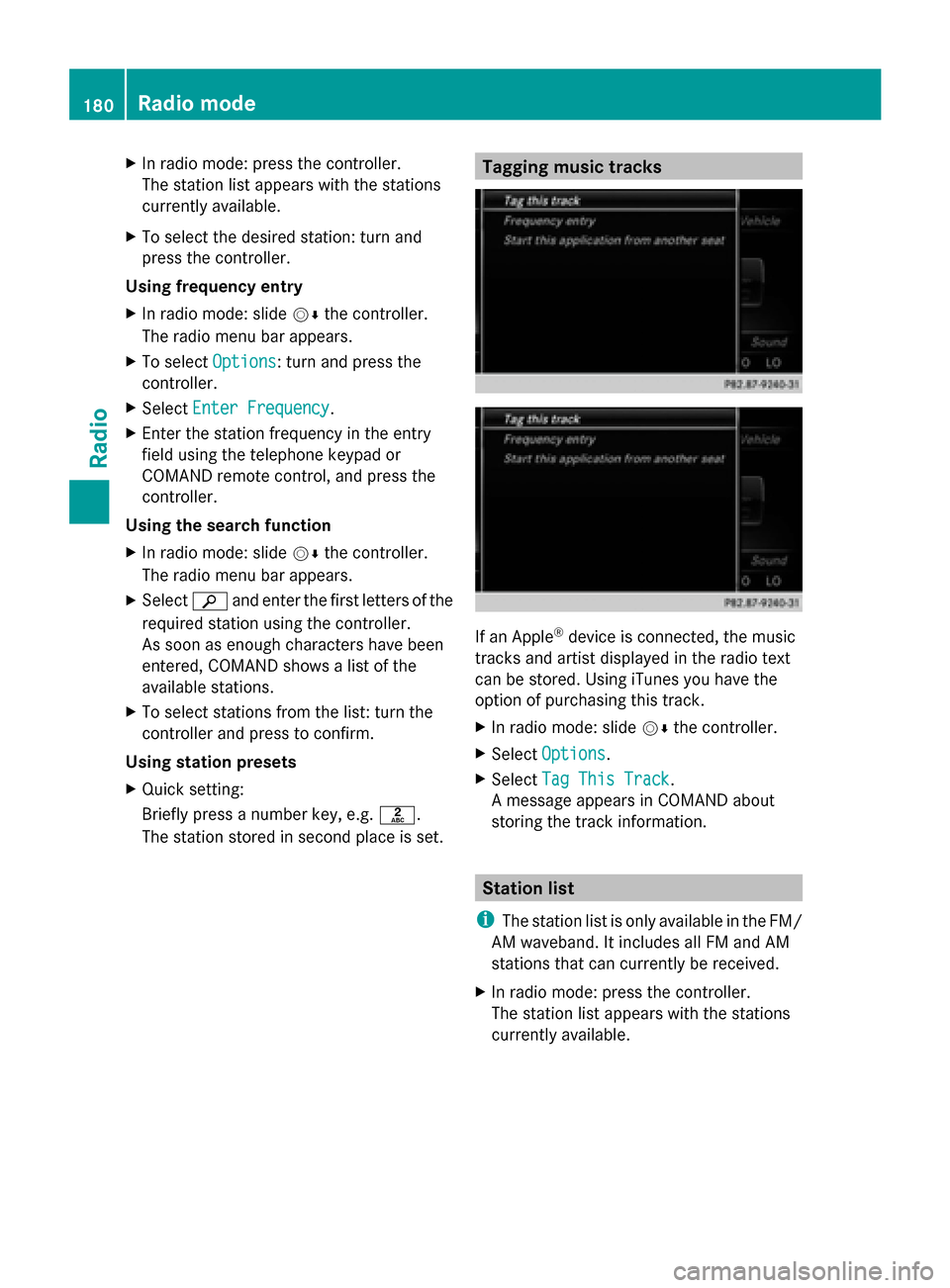
If an Apple
®
device is connected, the music
tracks and artist displayed in the radio text
can be stored. Using iTunes you have the
option of purchasing this track.
X In radio mode: slide 00520064the controller.
X Select Options Options.
X Select Tag This Track
Tag This Track.
A message appears in COMAND about
storing the track information. Station list
i The station list is only available in the FM/
AM waveband. It includes all FM and AM
stations that can currently be received.
X In radio mode: press the controller.
The station list appears with the stations
currently available. 180
Radio modeRadio
Page 183 of 278
Storing a station
i The most important stations for your
region are already saved in COMAND.
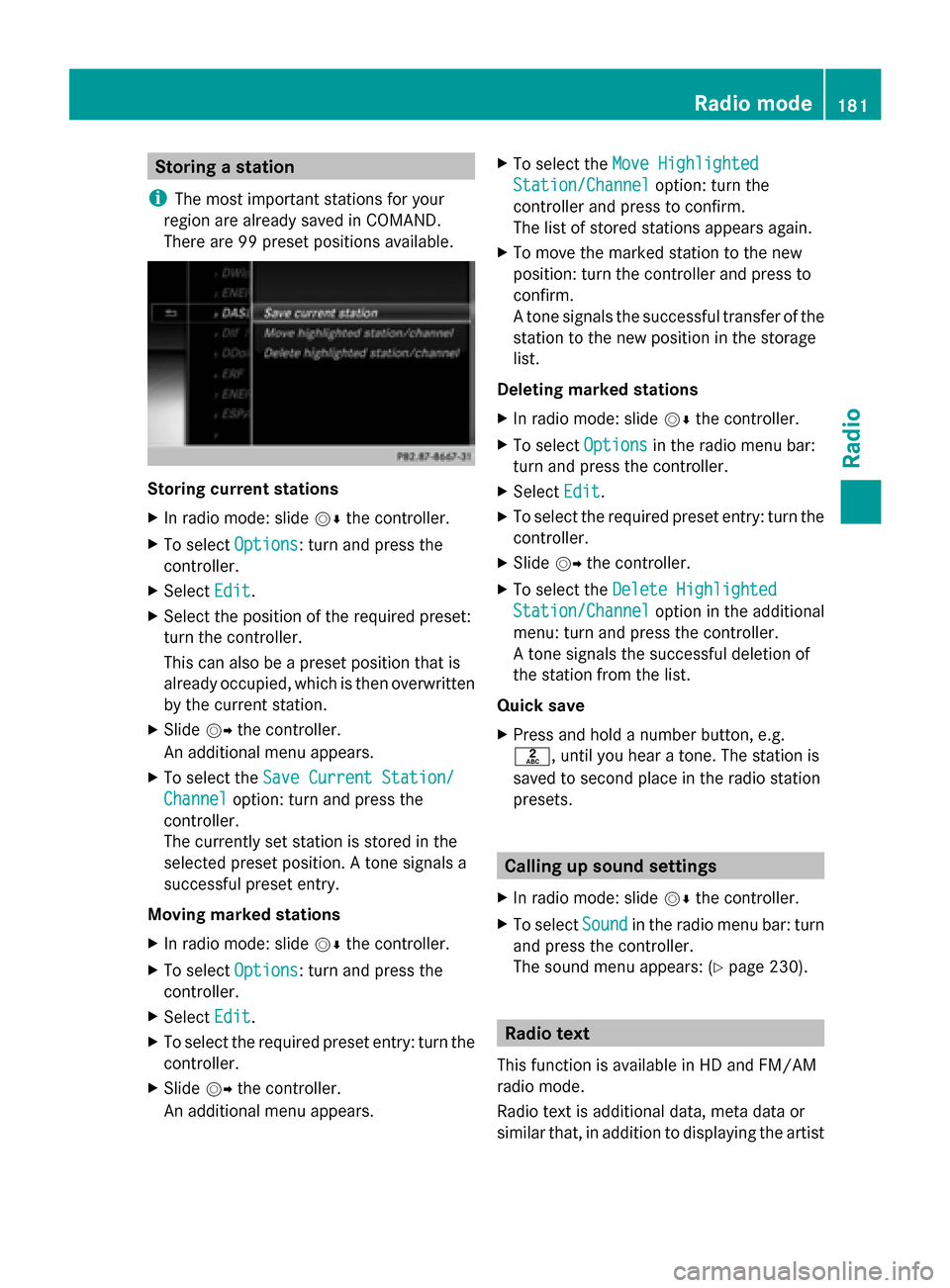
There are 99 preset positions available. Storing current stations
X
In radio mode: slide 00520064the controller.
X To select Options
Options: turn and press the
controller.
X Select Edit Edit.
X Select the position of the required preset:
turn the controller.
This can also be a preset position that is
already occupied, which is then overwritten
by the current station.
X Slide 00520096the controller.
An additional menu appears.
X To select the Save Current Station/
Save Current Station/
Channel Channel option: turn and press the
controller.
The currently set station is stored in the
selected preset position. A tone signals a
successful preset entry.
Moving marked stations
X In radio mode: slide 00520064the controller.
X To select Options
Options: turn and press the
controller.
X Select Edit Edit.
X To select the required preset entry: turn the
controller.
X Slide 00520096the controller.
An additional menu appears. X
To select the Move Highlighted
Move Highlighted
Station/Channel
Station/Channel option: turn the
controller and press to confirm.
The list of stored stations appears again.
X To move the marked station to the new
position: turn the controller and press to
confirm.
A tone signals the successful transfer of the
station to the new position in the storage
list.
Deleting marked stations
X In radio mode: slide 00520064the controller.
X To select Options
Options in the radio menu bar:
turn and press the controller.
X Select Edit Edit.
X To select the required preset entry: turn the
controller.
X Slide 00520096the controller.
X To select the Delete Highlighted
Delete Highlighted
Station/Channel Station/Channel option in the additional
menu: turn and press the controller.
A tone signals the successful deletion of
the station from the list.
Quick save
X Press and hold a number button, e.g.
0082, until you hear a tone. The station is
saved to second place in the radio station
presets. Calling up sound settings
X In radio mode: slide 00520064the controller.
X To select Sound Soundin the radio menu bar: turn
and press the controller.
The sound menu appears: (Y page 230). Radio text
This function is available in HD and FM/AM
radio mode.
Radio text is additional data, meta data or
similar that, in addition to displaying the artist Radio mode
181Radio
Page 186 of 278
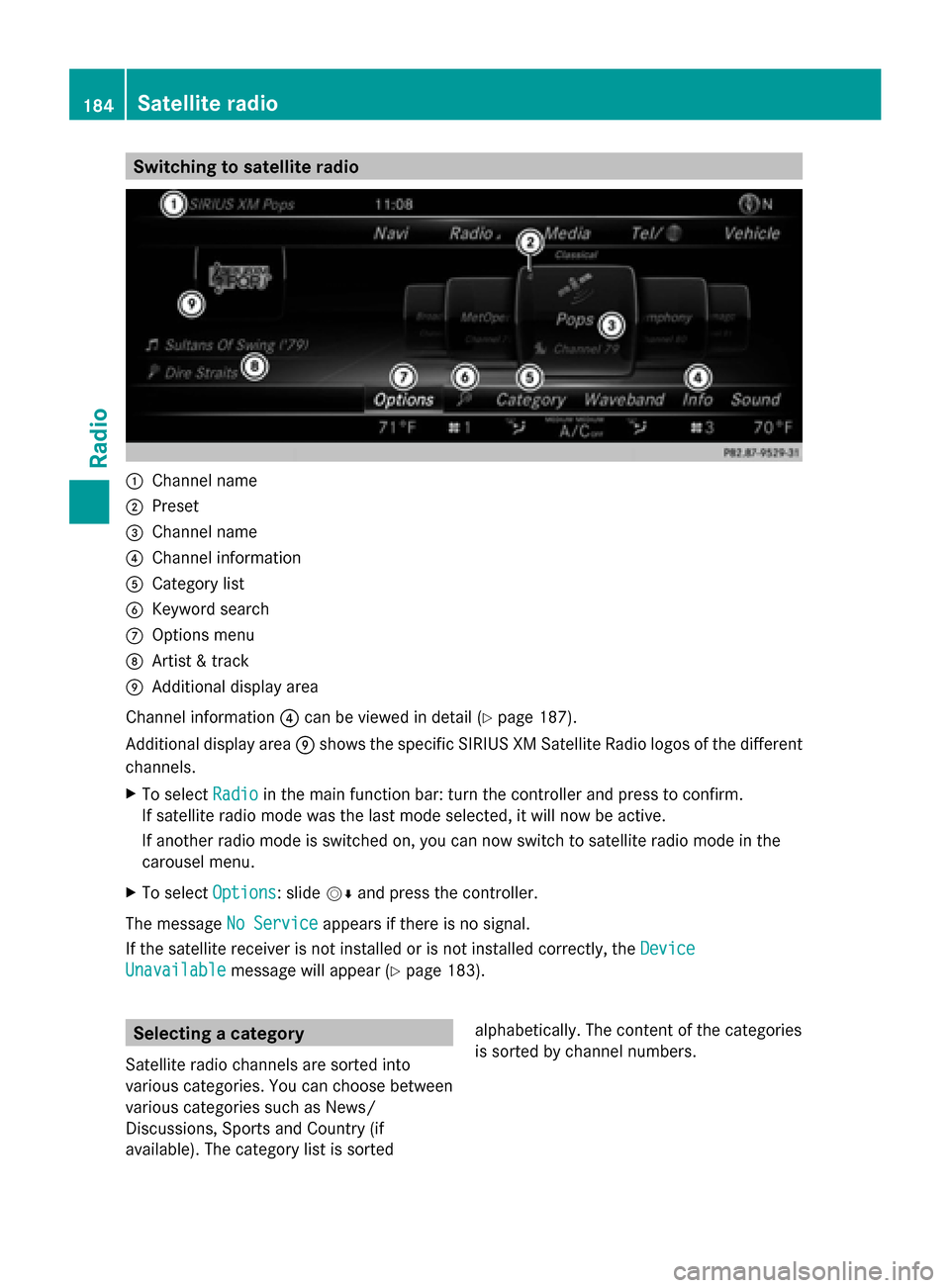
Switching to satellite radio
0043
Channel name
0044 Preset
0087 Channel name
0085 Channel information
0083 Category list
0084 Keyword search
006B Options menu
006C Artist & track
006D Additional display area
Channel information 0085can be viewed in detail (Y page 187).
Additional display area 006Dshows the specific SIRIUS XM Satellite Radio logos of the different
channels.
X To select Radio
Radio in the main function bar: turn the controller and press to confirm.
If satellite radio mode was the last mode selected, it will now be active.
If another radio mode is switched on, you can now switch to satellite radio mode in the
carousel menu.
X To select Options
Options: slide 00520064and press the controller.
The message No Service
No Service appears if there is no signal.
If the satellite receiver is not installed or is not installed correctly, the Device
Device
Unavailable
Unavailable message will appear (Y page 183).Selecting a category
Satellite radio channels are sorted into
various categories. You can choose between
various categories such as News/
Discussions, Sports and Country (if
available). The category list is sorted alphabetically. The content of the categories
is sorted by channel numbers.184
Satellite radioRadio
Page 188 of 278
Memory functions
Storing channels i
There are 99 presets available.
X Quick store: press the number key, e.g.
0082, until you hear a tone. The channel is
saved to the second position in the radio
channel presets.
X To store a channel using the edit
function: selectOptions
Options in the menu bar:
slide 00520064and press the controller.
X To select Edit/Organize Edit/Organize: turn and press
the controller.
The list of saved channels appears.
X To select the preset: turn the controller and
press for about 2 seconds.
A tone confirms that the currently selected
channel has been saved to the radio station
presets.
The newly saved station overwrites the
existing preset. Music and sport alerts
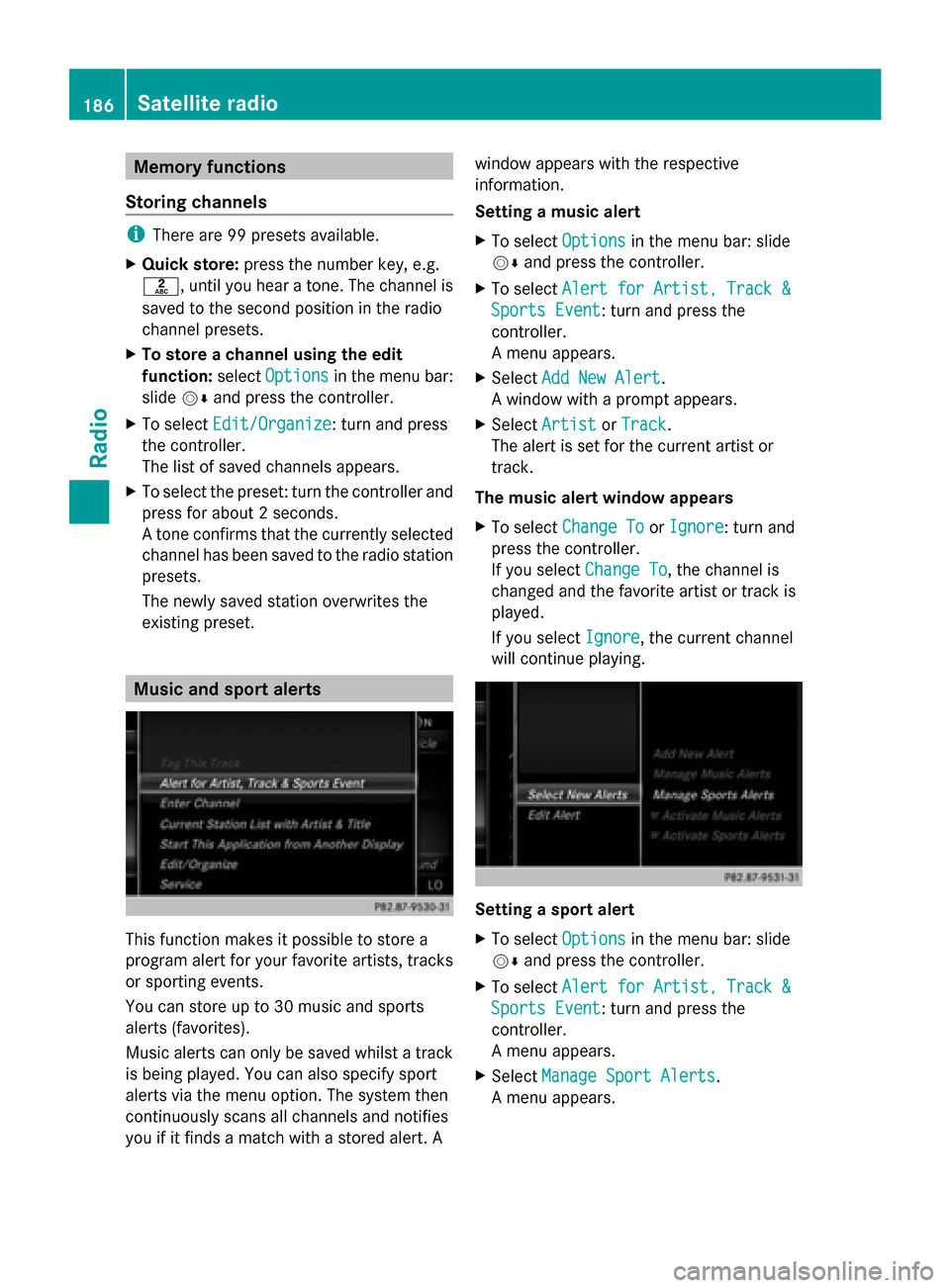
This function makes it possible to store a
program alert for your favorite artists, tracks
or sporting events.
You can store up to 30 music and sports
alerts (favorites).
Music alerts can only be saved whilst a track
is being played. You can also specify sport
alerts via the menu option. The system then
continuously scans all channels and notifies
you if it finds a match with a stored alert. A window appears with the respective
information.
Setting a music alert
X
To select Options
Options in the menu bar: slide
00520064 and press the controller.
X To select Alert for Artist, Track & Alert for Artist, Track &
Sports Event
Sports Event: turn and press the
controller.
A menu appears.
X Select Add New Alert Add New Alert.
A window with a prompt appears.
X Select Artist
Artist orTrack
Track.
The alert is set for the current artist or
track.
The music alert window appears
X To select Change To Change To orIgnore
Ignore: turn and
press the controller.
If you select Change To
Change To, the channel is
changed and the favorite artist or track is
played.
If you select Ignore
Ignore, the current channel
will continue playing. Setting a sport alert
X
To select Options Optionsin the menu bar: slide
00520064 and press the controller.
X To select Alert for Artist, Track &
Alert for Artist, Track &
Sports Event
Sports Event: turn and press the
controller.
A menu appears.
X Select Manage Sport Alerts Manage Sport Alerts.
A menu appears. 186
Satellite radioRadio
Page 267 of 278
X
Select a location, e.g. Daytona Beach
Daytona Beach.
The information chart shows the weather
forecast for the selected area. The data is
supplied by the nearest weather station.
Option 2: selecting the area in the
weather map X
Call up the weather map (Y page 265).
X Move the weather map so that the
crosshair is over the desired area
(Y page 265).
X Press the controller.
The information chart shows the weather
forecast for the selected area. The data is
supplied by the nearest weather station. Memory functions
Storing the area in the weather memory You can save locations that are called up
frequently in ten preset positions (0, 1-9) in
the weather memory.
X In the weather memory: select the area
for the weather forecast (Y page 263).
The selected location appears at the top in
the status bar.
X To select Position
Position in the information
chart: turn and press the controller.
X Select Presets Presets.
X Select a preset using the controller.
X Press and hold the controller until you hear
a tone.
The area is entered on the selected preset.
X To store rapidly: in the daily forecast
(Y page 262) press and hold a number key,
e.g. 0082, until the preset position number
is shown in the status bar in front of the
area name.
i You can also use this function in the five-
day forecast (Y page 262), and in the
detailed information view (Y page 263).Selecting an area from the weather
memory X
To select directly from the weather
memory: selectPosition Position in the
information chart: turn and press the
controller.
X Select Presets Presets.
X Select the memory position which contains
the location you require.
The weather data for the selected area is
displayed.
X Rapid selection: if there is an entry
available in the weather memory, e.g. when
the daily forecast is shown, briefly press a
number key, such as 0082.
The weather data for the selected area is
displayed. Weather map
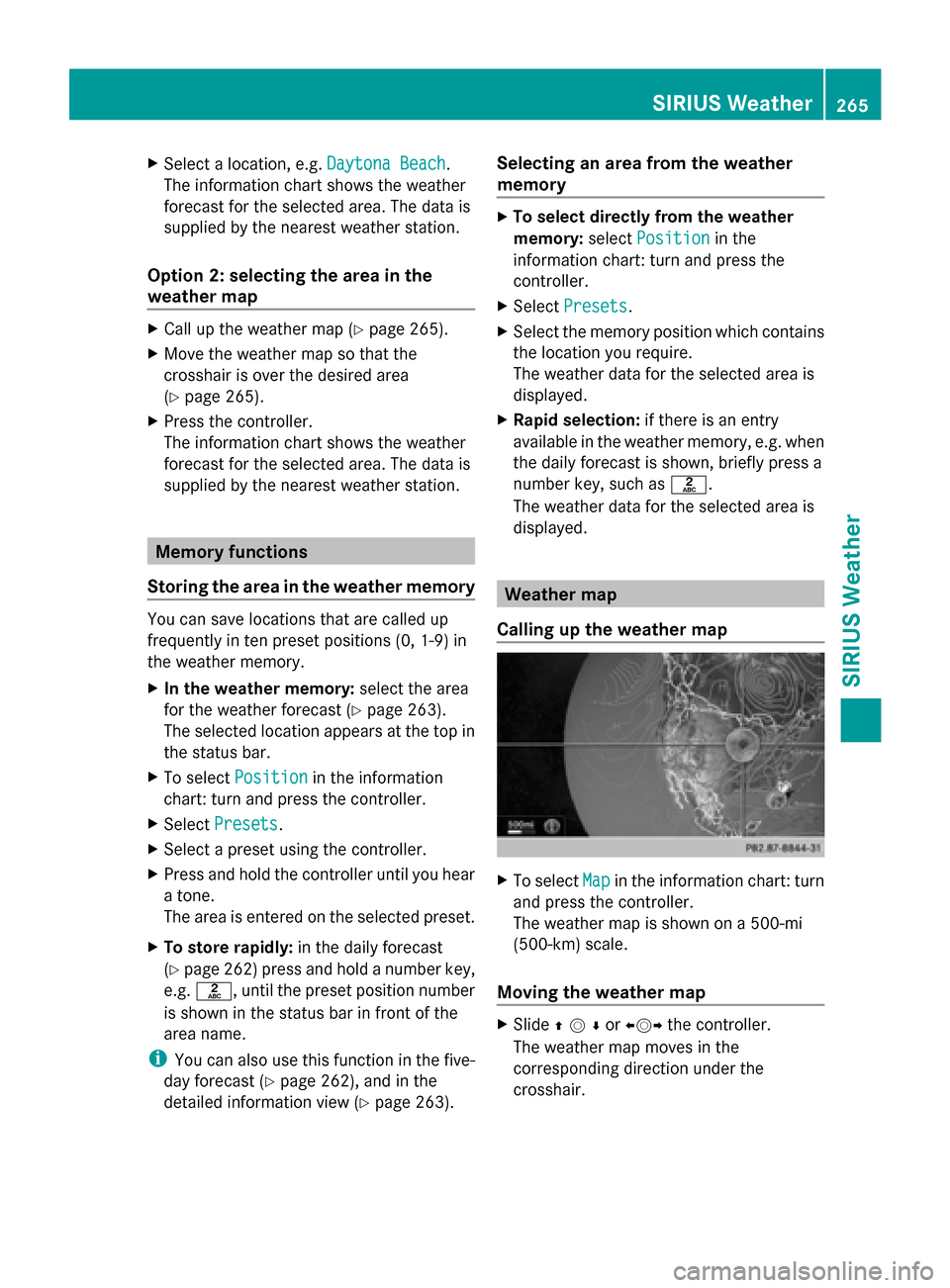
Calling up the weather map X
To select Map Mapin the information chart: turn
and press the controller.
The weather map is shown on a 500-mi
(500-km) scale.
Moving the weather map X
Slide 009700520064or 009500520096the controller.
The weather map moves in the
corresponding direction under the
crosshair. SIRIUS Weather
265SIRIUS Weather