low beam MERCEDES-BENZ S CLASS 2019 User Guide
[x] Cancel search | Manufacturer: MERCEDES-BENZ, Model Year: 2019, Model line: S CLASS, Model: MERCEDES-BENZ S CLASS 2019Pages: 578, PDF Size: 23.31 MB
Page 558 of 578
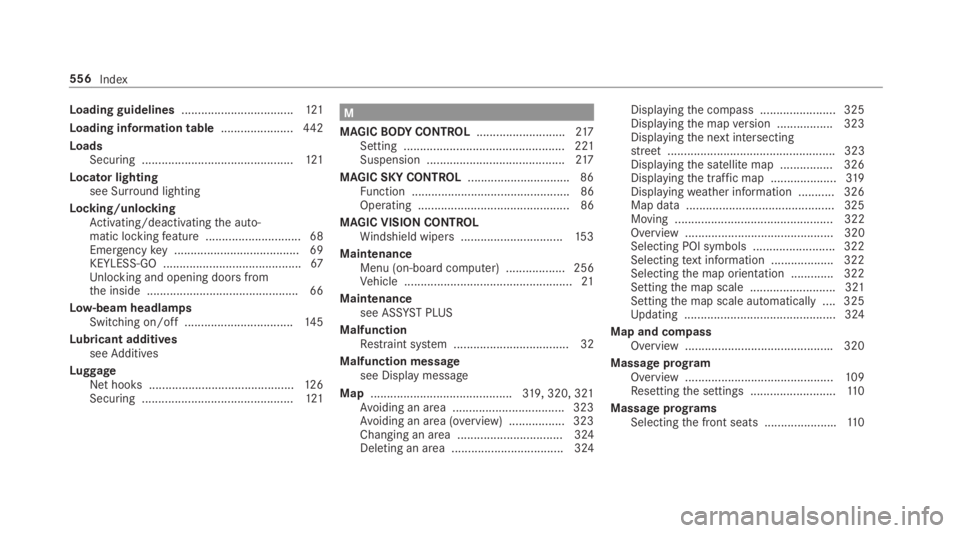
Loading guidelines..................................121
Loading information table......................442
LoadsSecuring ..............................................121
Locator lightingsee Surround lighting
Locking/unlockingActivating/deactivatingthe auto‐matic lockingfeature .............................68Emergencykey ...................................... 69KEYLESS-GO ..........................................67Unlocking and opening doors fromthe inside ..............................................66
Low-beam headlampsSwitching on/off .................................14 5
Lubricant additivesseeAdditives
LuggageNet hooks ............................................12 6Securing ..............................................121
M
MAGICBODYCONTROL...........................217Setting ................................................. 221Suspension ..........................................217
MAGIC SKY CONTROL...............................86Function ................................................ 86Operating .............................................. 86
MAGIC VISION CONTROLWindshield wipers...............................15 3
MaintenanceMenu (on-boardcomputer) .................. 256Vehicle ...................................................21
Maintenancesee ASSYST PLUS
MalfunctionRestraint system ................................... 32
Malfunction messagesee Display message
Map...........................................319, 320, 321Avoiding an area ..................................323Avoiding an area (overview) .................323Changing an area ................................ 324Deleting an area .................................. 324
Displayingthe compass ....................... 325Displayingthe mapversion .................323Displayingthe next intersectingstreet................................................... 323Displayingthe satellite map ................326Displayingthe traffic map ....................319Displayingweather information ...........326Map data ............................................. 325Moving ................................................ 322Overview ............................................. 320Selecting POI symbols ......................... 322Selectingtext information ................... 322Selectingthe map orientation .............322Settingthe map scale .......................... 321Settingthe map scale automatically ....325Updating .............................................. 324
Map and compassOverview .............................................320
Massage programOverview .............................................109Resettingthe settings ..........................11 0
Massage programsSelectingthe front seats ......................110
556Index