USB MERCEDES-BENZ S-CLASS COUPE 2020 Owner's Manual
[x] Cancel search | Manufacturer: MERCEDES-BENZ, Model Year: 2020, Model line: S-CLASS COUPE, Model: MERCEDES-BENZ S-CLASS COUPE 2020Pages: 542, PDF Size: 44.43 MB
Page 31 of 542
In
gener al,th is inf ormatio ndocum entsth est at e
of acom ponent part,amodul e,asy stem orthe
sur round ingssuc has:
R Operatin gst atus ofsystem com ponen ts(e.g.
fi ll le ve ls, batt eryst atus ,tir epr essur e)
R Status messagescon cerningth eve hicle or
its individua lcom ponent s(e.g. number of
wheel revo lution s/speed, longitudin alacc el‐
er ation ,lat eral acc eler ation ,displa yof fas‐
te ned seatbe lts)
R Malfunctio nsorfaults inim por tant system
com ponen ts(e.g. lights, brak es)
R Information oneve nts lead ing tovehicle
damag e
R System react ionsin spec ialdrivin gsit uatio ns
(e. g.airbag deployment,int erve ntio nof sta‐
bilit ycon trol systems)
R Ambien tcon ditions (e.g.temp eratur e,rain
sen sor)
In addition toprov iding theactual control unit
func tion,th is dat aassis tsthemanuf acturerin
de tecting andrectify ingmal functi onsand opti‐
mizi ngvehicle functions. Themajority ofthis dat
ais temp orar yand isonl ypr ocessed inthe
ve hicle itself. Onlya small portion ofthedat ais
st or ed intheeve ntor fault mem ory.
When your vehicle isser viced, tech nica lda ta
fr om theve hicle canberead out byser vice net‐
wo rkem ployees (e.g. workshops, manufactur‐
er s) or third par ties (e.g. breakdo wnservice s).
Ser vice sinc lude repair services, maintenanc e
pr ocesses ,wa rrant yclaim sand qualit yassur ‐
anc emeas ures, forex am ple. Theread out isper‐
fo rm ed via theleg ally prescr ibed portfo rth e
diagnos ticsconnection intheve hicle. The
re spectiv eser vice networklocations orthird
par ties collec t,pr oces sand usethedat a.The y
documen tte ch nica lst atus esoftheve hicle,
assis tin findi ng ma lfunctio nsand improv ing
qu alit yand aretrans mittedto themanuf acturer,
if neces sary.Fu rther mor e,themanuf actureris
subject toproduct liability .Fo rth is, themanu‐
fa ctur errequ ires tech nica lda ta from vehicles.
Fa ult mem ories intheve hicle canberese tby a
ser vice outle tas par tof repair ormaint enanc e
wo rk. Dep
endingontheselect edequipment, youcan
im por tdat aint ove hicle convenie nce and info‐
ta inm ent func tionsyo urself .
This includes, forex am ple:
R Mult imed iadat asuc has music ,fi lms orpho‐
to sfo rpla yba ckinan integr ated multim edia
sy stem
R Address book datafo ruse inconnection with
an integr ated hands-fr eesystem oran inte‐
gr ated navig ation system
R Entere dna vig ation destinations
R Dat aabout theuse ofInt erne tser vices
This datacan besave dlocall yin theve hicle orit
is locat edon ade vice whichyo uha ve connect ed
to theve hicle (e.g.asmar tphone, USBflash
dr ive or MP3 player). Ifth is dat ais stor ed inthe
ve hicle, youcan deleteitat anytim e.This data
is sen tto third par ties onlyat your requ est,par‐
ticular lywhen youuse onlineser vices inacc ord‐
anc ewit hth ese ttings that youha ve select ed.
Yo ucan stor eor chang econ venie nce setting s/
ind ividu aliza tionin theve hicle atanytime. Gener
alno tes 29
Page 110 of 542

Ther
eis arisk ofinjur y,par ticular lyin the
ev ent ofsudden braking orasudden chang e
in dir ect ion. #
Alw aysst ow object sin suc hawa yth at
th ey canno tbe tossed about inthese or
similar situation s. #
Alw aysmak esur eth at obj ect sdo not
pr oject from stow agespac es,parcel
ne ts or stow agene ts. #
Close theloc kable stow agespac es
bef orest ar tin gajo ur ne y. #
Alw aysst ow and secureobj ect sth at
ar ehea vy,har d,poin ted, shar p-edg ed,
fr agile ortoolarg ein thetrunk . Obser
vetheno teson loadi ngtheve hicle. 1
Stow agespac ein thedoor s
2 Stow age/t eleph onecom partment inthe
ar mr estwit hmult imed iaand USBpor tsas
we llas stow agespac e,e.g .fo ran MP3
pla yer
3 Stow agecom partment inthefront cent er
con sole
4 Glovebox Loc
king/unloc kingthegl ove box #
Turn theemer gency keya qu artertur ncloc k‐
wis e0048 (to loc k)or count er-cloc kwise 0047(to
unloc k). 10
8
Sea tsand stow ing
Page 174 of 542
and
125mp h(2 00 km/h) whendr iving
st ra ight ahead orcor ner ing slight ly.
R The vehicle isstabiliz edbymeans ofindivi d‐
ua lbr ak eapp lication onone side. Fu
nction ofEBD (electr onicbrak efo rc edis‐
tr ibut ion) EB
Dis ch aract erize dby thefo llo wing:
R Mon itor ing and regulating thebr ak epr essur e
on there ar wheels .
R Improve ddr iving stabilit ywhen brakin g,
espe ciallyon ben ds. Fu
nction ofSTEER CONT ROL ST
EER CONTR OLhelpsyo uby trans mitting a
no tice ablesteer ing forc eto thesteer ing wheel in
th edir ect ion requ ired forve hicle stabiliz ation.
This steer ing recomme ndation isgiv en particu‐
lar lyin thefo llo wing situat ions:
R Both right wheels orboth leftwheels areon
a we tor slip pe ry road sur face whe nyo u
br ak e R
The vehicle star ts to skid
Sy stem limit s
ST EER CONTR OLmaybe impa ired orma yno t
fu nctio nin thefo llo wing situat ions:
R ESP®
is deact ivat ed.
R ESP®
is malfun ctionin g.
R The steer ing ismalfunct ioning.
If ES P®
is malfunct ioning,youwill beassis ted
fur ther by theelectr icpo we rst eer ing. Fu
nction ofActiv eBr ak eAs sist Ac
tiveBr ak eAssi stconsi stsof thefo llo wing
func tions:
R Distance warning func tion
R Autonomo usbraki ng func tion
R Situ ation-d epend ent braki ng assist anc e
R Vehicl eswith Drivin gAss istanc ePa ck‐
ag e:Evasi ve Steer ing Assis t Ac
tiveBr ak eAssi stcan helpyo uto minimize the
ri sk ofacollision withve hicles orpedes trians or
to reduce theef fects ofsuch acol lision .
If Ac tiveBr ak eAssi sthas detected arisk ofcolli‐
sion, awa rning tone sou nds and theL dis‐
ta nce warning lam plight sup intheins trument
clus ter.
If yo udo notre act tothewa rning, autono mous
br akin gcan beinit iated incritic alsituat ions.
In espec iallycr itic alsituat ions,Ac tiveBr ak e
Assi stcan initia te aut onomo usbrakin gdir ect ly.
In this case, thewa rning lam pand warning tone
occu rsi mu ltane ously with thebr aking applica‐
tion .
If yo uappl yth ebr ak eyo urself inacr itical situa‐
tio nor appl yth ebr ak edur ing autonomous brak‐
ing, situation -dependen tbr aking assistance
occu rs.The brak epr ess ureincr eases uptomax‐
imum full-sto pbr aking ifnec essar y. 17
2
Driving and parking
Page 243 of 542
Oper
ablefunctions Yo
ucan usetheVo ice Cont rolSy stem tooper ate
th efo llo wing equipmen tdepen dingonthefe a‐
tur es:
R Telephon e
R Text mes sage s
R Navig ation
R Address book
R Radio
R Audio (memor ycar d,Media Interface, USB
and Bluetoo th®
audio)
R Vehicle Ov
ervie wof types ofvoice comm and A
dis tinction ismade between thefo llo wing
vo ice com mand s:
R Global voice comm andscan besaid atany
time andrega rdless ofthecur rent applica ‐
tio n,e.g .th evo ice com mand sNavigat eto,
Call orText mess ageto. R
App licat ion-sp ecificvo ice comm andsar e
onl yav ailable forth eactiv eapplication.
Onc eth eVo ice Cont rolSy stem isstar tedan
aut ocue issho wn. Apar tfr om theav ailable voice
com mand sfo rth eapplication currently active,
th is also cites exam ple voice com mand sfo r
ot her appli cations whichar eno tactiv e.In this
wa y,yo uwill befamili armor equ ickl ywit hth e
av ailable voice com mand s.The listcan bescrol‐
led oritcan beopera tedby speec hor thecon ‐
tr oller/t ouchpad. No
teson thelangu agese tting Yo
ucan chang eth elanguag eof theVo ice Con‐
tr ol Sy stem viathesy stem languag ese ttings. If
th ese tsy stem languag eis no tsuppor tedby the
Vo ice Cont rolSy stem, English will beselec ted.
The Voice Cont rolSy stem isavailable inEn glish,
Fr enc h,Po rtuguese andSpan ish. Using
theVo ice Contr olSy stem effectiv ely Fe
atur esofaudibl ehelp functions Yo
ure cei veinformatio nand help forth efo llo w‐
ing topics:
R Optim um oper ation: sayth ebrief instruc-
tion voice com mand .
R Cur rent app lication: onthemultifunc tion
st eer ing wheel, press the£ rock er switc h
up and sayth eHelp voice com mand .
R Continu eddia log: sayth eHelp voice com ‐
mand during avo ice dialog.
R Specif icfunct ion:sayvo ice com mand sfo r
th edesir edfunc tion,e.g. Help telephon e. No
teson howto improve speec hqu ality If
th eVo ice Cont rolSy stem does notunder stand
yo u:
R onlyop erateth eVo ice Cont rolSy stem from
th edr iver's seat.
R sayth evo ice com mand scohe rentl yand
cle arly,bu tdo notex agg erateth ewo rds. Vo
ice Cont rolSy stem 24
1
Page 245 of 542
Vo
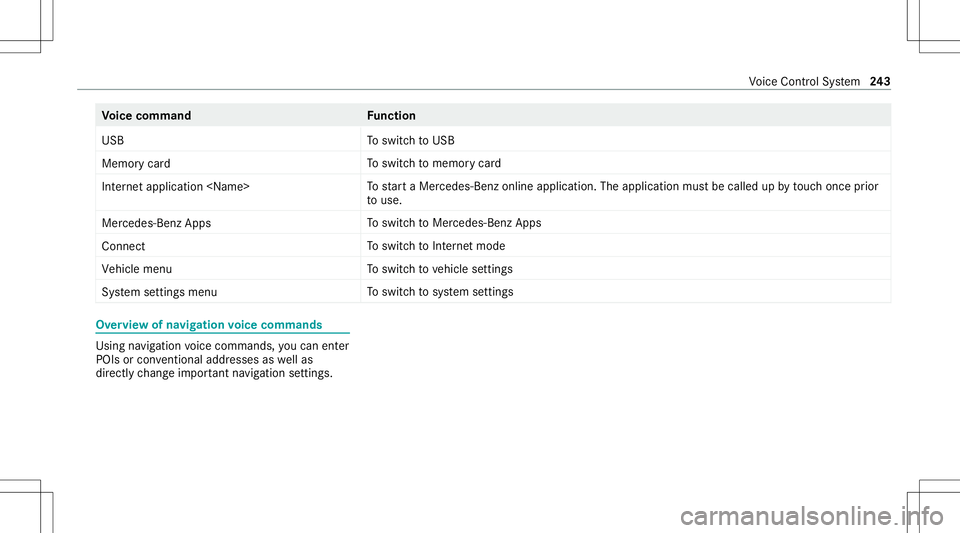
ice comm and Function
USB To
switc hto USB
Memory card To
switc hto memor ycar d
Internet application
star ta Mer cedes-Ben zon line applic ation.The applic ationmus tbe calle dup bytouc hon ce prior
to use.
Mer cedes-Ben zAp ps To
switc hto Mer cedes-Ben zApps
Connect To
switc hto Interne tmode
Vehicle menu To
switc hto vehicle settin gs
System settingsmenu To
switc hto system settings Ov
ervie wof navig ation voice comm ands Usin
gna vig ation voice com mand s,yo ucan enter
POIs orcon ventio naladdress esaswellas
dir ect lych ang eim por tant navig ation settings . Vo
ice Cont rolSy stem 24
3
Page 274 of 542
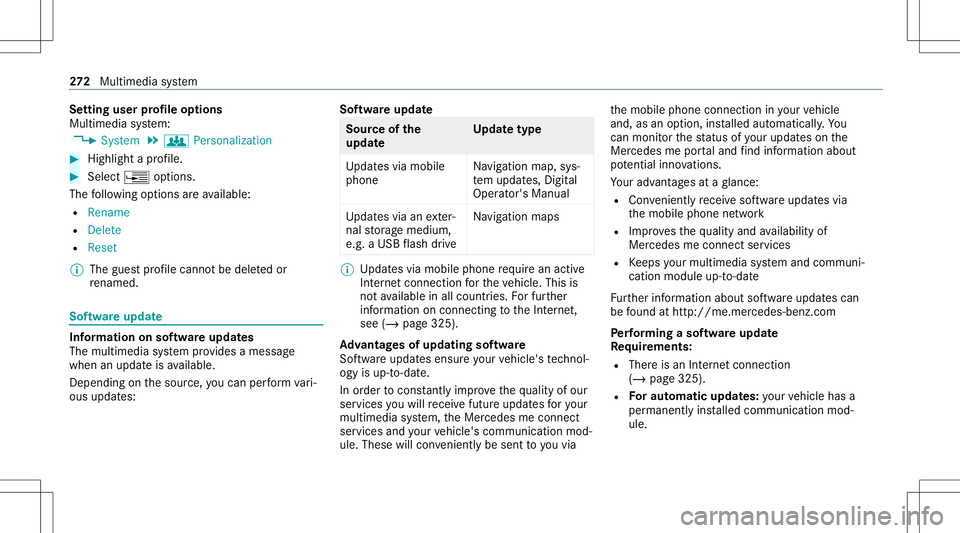
Se
tting userprofile options
Multimedia system:
4 System 5
g Person alization #
Highlight apr ofile. #
Select ¥option s.
The follo wing option sar eav ailable:
R Renam e
R Delete
R Reset
% The gues tpr ofile can notbe dele tedor
re nam ed. So
ftwa reupdat e Inf
ormation onsof twareupdat es
The multimedi asy stem prov ides amess age
when anupdat eis available.
De pen dingon thesour ce,youcan perform vari‐
ous updat es: Sof
twareupd ate Sour
ceofthe
updat e Up
dat etype
Up dat esvia mobile
phone Na
vig ation map,sys‐
te m upd ates, Digit al
Oper ator's Manua l
Up dat esvia anexter‐
nal stor ag emedium,
e.g. aUSB flash drive Na
vig ation maps %
Updat esvia mobile phonerequ ire an act ive
Int erne tcon nection forth eve hicle. Thisis
no tav ailable inall coun tries. Forfur ther
inf ormation oncon nect ingtotheInt erne t,
see (/page325).
Ad vantag esofupd ating software
Sof twareupdat esensur eyo ur vehicle's tech nol ‐
ogy isup -to-d ate.
In orde rto cons tantl yimpr ovethequ alit yof our
ser vices youwill recei vefutur eupd ates foryo ur
mult imed iasystem, theMer cedes meconnect
ser vices andyour vehicle's communication mod‐
ule. These willconvenie ntly besent toyouvia th
emobile phoneconnect ioninyour vehicle
and, asan option, installed automat ically.Yo u
can moni torth est atus ofyour updat eson the
Mer cedes meportaland find informa tionab ou t
po tentia linno vatio ns.
Yo ur adv antages ataglanc e:
R Con venie ntly recei vesof twareupda tesvia
th emobile phonenetwork
R Improve sth equ alit yand availabilit yof
Mer cedesme connectser vices
R Keeps your mult imed iasystem and comm uni‐
cation module up-to-dat e
Fu rther information aboutsoftwareupdat escan
be found athttp :/ /m e.m erced es-ben z.co m
Pe rfor min gasof twareup date
Re quirement s:
R Ther eis an Interne tcon nection
(/ page325).
R Foraut omat icupdat es:yo ur vehicle hasa
per manent lyins talled com munic ationmod‐
ule. 27
2
Multimedia system
Page 312 of 542
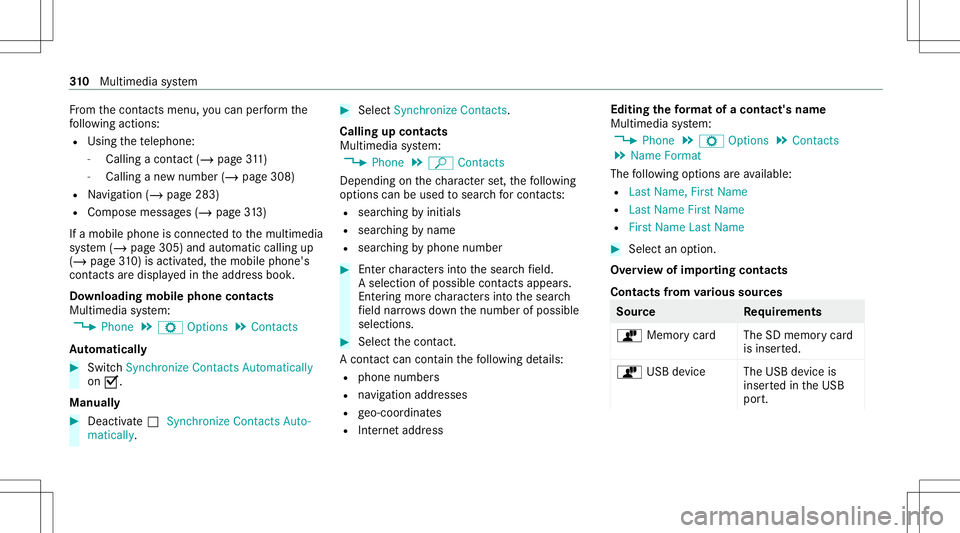
Fr
om thecon tacts menu ,yo ucan perform the
fo llo wing actions :
R Usin gth ete lephon e:
- Calling acon tact (/ page 311)
- Callingane wnum ber(/ page 308)
R Navig ation (/page283)
R Com pose messa ges(/ page31 3)
If amo bileph oneis connect edtothemultimedia
sy stem (/ page305) andautomatic callingup
(/ page31 0) isac tiv ated ,th emobile phone's
con tacts aredispl ayed intheaddr essbook .
Do wnloading mobilephonecontacts
Multimedia system:
4 Phone 5
Z Option s5
Contac ts
Au tomatic ally #
Swi tchSyn chro nize Contacts Automatica lly
on 0073.
Man ually #
Dea ctivate0053 Synchro nize Contacts Auto-
ma tica lly. #
Select Synchro nize Contacts .
Ca llin gup contac ts
Mu ltimed iasystem:
4 Phone 5
ª Contac ts
Depen dingonthech aract erset,th efo llo wing
op tion scan beused tosear chforcont acts:
R searc hingbyinit ials
R sear ching bynam e
R searching byphone number #
Enterch aract ersint oth esear chfield.
A select ionofpossible contacts appea rs.
Ent ering mor ech aract ersint oth esear ch
fi eld narrows down thenumber ofpossible
select ions. #
Select thecon tact.
A cont actcan cont ain th efo llo wing details:
R phon enumb ers
R navig ation addresses
R geo-coor dinates
R Interne taddr ess Editing
thefo rm atofaco ntact's name
Mul timedi asy stem:
4 Phone 5
Z Option s5
Contac ts
5 Name Format
The follo wing option sar eav ailable:
R Last Name ,Fir stName
R Last Name FirstName
R FirstName LastName #
Select anoptio n.
Ov ervie wof impor tingcontact s
Contact sfrom various sour ces Sour
ce Requirement s
ò Memor ycar dT heSD memor ycar d
is inser ted.
ò USBdevice TheUSB device is
inser tedin theUSB
por t. 31
0
Multimedia system
Page 316 of 542
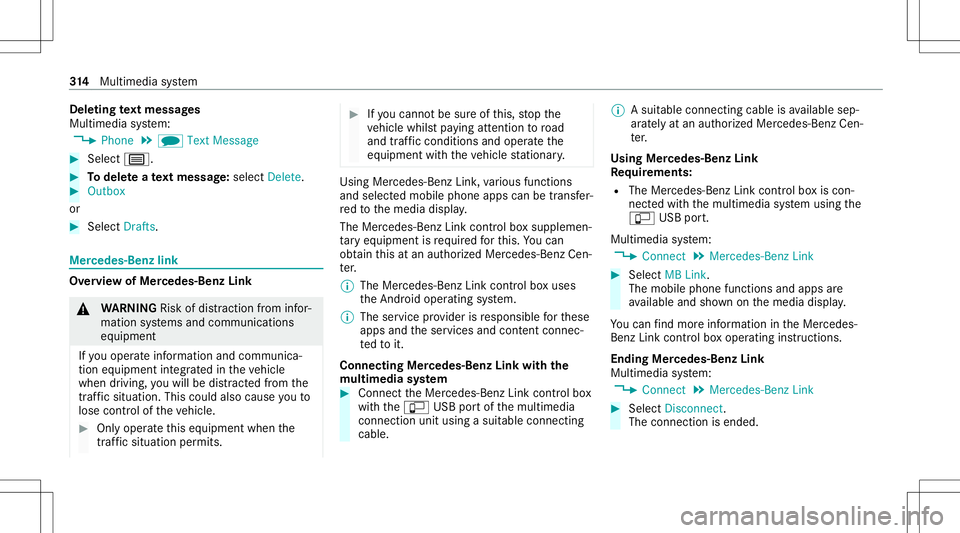
Dele
ting text messag es
Multimedia system:
4 Phone 5
i TextMessage #
Select p. #
Todel eteate xt messag e:select Delete. #
Outbox
or #
Select Drafts. Mer
cedes-Benz link Ov
ervie wof Mer cedes-Benz Link &
WARNIN GRisk ofdist ra ction from infor‐
mati onsystems andcomm unication s
eq uipment
If yo uoper ateinf ormat ionand comm unic a‐
tio neq uipme ntintegratedin theve hicle
when driving, youwill bedistract ed from the
tr af fic situ ation. Thiscou ldalso cau seyouto
lose control of theve hicle. #
Onlyoper ateth is eq uipmen twhen the
tr af fic situ ation per mits. #
Ifyo ucan notbe sur eof this, stop the
ve hicle whilstpa ying attention toroad
and traffic condi tions andoperate the
eq uipment withth eve hicle statio nary. Using
Mercedes-Benz Link,va rious funct ions
and select edmobile phoneappscanbetransf er‐
re dto themedia display.
The Mercedes-B enzLink controlbo xsupplemen ‐
ta ry equipment isrequ ired forth is. Youcan
obt ain this at an aut hor ized Mercedes -Benz Cen‐
te r.
% The Mercedes-B enzLink controlbo xuses
th eAn droid oper ating system.
% The service prov ider isresponsible forth ese
apps andtheser vices andcontent conne c‐
te dto it.
Connecting Mercedes-B enzLink withth e
mu ltim edia system #
Conn ecttheMer cedes- BenzLinkcontrol bo x
wit hth eç USBportof themultimedia
con nect ionunit using asuit able connect ing
cable. %
Asuit able connect ingcable isavailable sep‐
ar atelyat an aut hor izedMer cedes-Ben zCen‐
te r.
Using Mercedes-Benz Link
Re quirement s:
R The Mercedes- BenzLink control bo xis con ‐
nec tedwit hth emultimedia system using the
ç USBport.
Multimedi asy stem:
4 Connec t5
Mercedes- BenzLink #
Select MBLink.
The mobile phonefunctionsand apps are
av ailable andshownonthemedia display.
Yo ucan find mor einf orma tionin theMer cedes-
Benz Linkcontrol bo xoper ating instruction s.
Ending Mercedes-Benz Link
Multimedia system:
4 Connec t5
Mercedes- BenzLink #
Select Disconnect.
The connect ionisended. 31
4
Multimedia system
Page 318 of 542
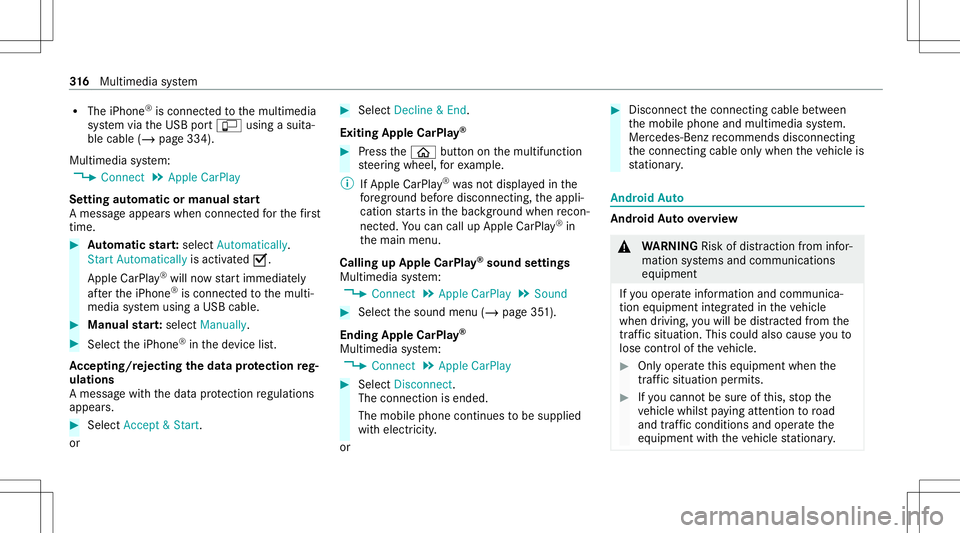
R
The iPhone ®
is conn ectedtothemultimedia
sy stem viatheUSB portç using asuit a‐
ble cable (/page334).
Multimedia system:
4 Connec t5
Apple CarPlay
Se tting automat icor manu alstar t
A messa geappear swhen connectedfo rth efirs t
tim e. #
Automatic star t:select Automatically.
Start Automatically isactiv ated 0073.
Apple CarPla y®
will nowstar timm ediat ely
af te rth eiPhone ®
is con nect edtothemulti‐
media system using aUSB cable. #
Manua lst ar t:select Manual ly. #
Select theiPhone ®
in thede vice list.
Ac cep ting/r eject ingtheda ta protection reg‐
ulat ions
A messag ewit hth edat apr otect ion regulations
appear s. #
Select Accept &Start .
or #
Select Decline &End.
Exiting AppleCarPla y® #
Press the00E2 buttononthemultifunc tion
st eer ing wheel, forex am ple.
% IfApp leCarPla y®
wa sno tdispla yedin the
fo re grou nd before discon necting,theappli‐
cation star ts inthebac kground when recon‐
nect ed.Youcan callupApple CarPla y®
in
th emain menu.
Calling upApple CarPla y®
sound settings
Multimedia system:
4 Connec t5
Apple CarPlay 5
Sound #
Select thesound menu(/page35 1).
Ending AppleCarPla y®
Multimedia system:
4 Connec t5
Apple CarPlay #
Select Disconnect.
The connect ionisended.
The mobile phonecontinues tobe supplied
wit helect ricity .
or #
Disco nnect thecon nect ingcable between
th emobile phoneandmultimedia system.
Mer cedes- Benzrecomme ndsdisconnecti ng
th econ nect ingcable onlywhen theve hicle is
st atio nary. Andr
oidAuto Andr
oidAutoove rview &
WARNIN GRisk ofdist ra ction from infor‐
mati onsystems andcomm unication s
eq uipment
If yo uoper ateinf ormat ionand comm unic a‐
tio neq uipme ntintegratedin theve hicle
when driving, youwill bedistract ed from the
tr af fic situ ation. Thiscou ldalso cau seyouto
lose control of theve hicle. #
Onlyoper ateth is eq uipmen twhen the
tr af fic situ ation per mits. #
Ifyo ucan notbe sur eof this, stop the
ve hicle whilstpa ying attention toroad
and traffic condi tions andoperate the
eq uipment withth eve hicle statio nary. 31
6
Multimedia system
Page 319 of 542
Yo
umus tobse rveth eleg alrequ iremen tsforth e
cou ntryin whi chyouar ecur rentl ydr ivi ng when
op erati ng themultimedia system.
Mobile phonefunctionscan beused with
An droid Autousin gth eAn droid oper ating sys‐
te m on themultimedia system. Itis oper ated
using thecent ralcon trol elemen tor thevo ice
con trol. Youcan activat eth evo ice- opera tedcon ‐
tr ol system bypressing andholding the00E3
butt ononthemultifunc tionsteer ing wheel.
When usingAndroid Autovia thevo ice- opera ted
contr olsystem, themultimedia system can still
be opera tedvia theVo ice Cont rolSy stem
(/ page24 0).
Onl yone mobi lephone atatime canbeconnec‐
te dvia Android Auto tothemultimedia system.
The availabilit yof An droid Autoand Android Auto
App sma yva ry acc ordin gto thecount ry.
The service prov ider isresponsible forth is appli‐
cat ion and theser vices andcontent conne cted
to it. Inf
orma tion onAndr oidAuto
While usingAndroid Auto,va rious funct ionsof
th emultimedia system, forex am ple themedia
sour ceBlue tooth®
audio, areno tav ailable.
On lyone routeguidan cecan beact ive at atim e.
If ro uteguidan ceisact ive on themultimedia sys‐
te m, itis closed whenrouteguidan ceisstar ted
on themobile phone.
Connecting amobile phoneviaAndr oidAuto
Re quirement s:
R The firs tacti vatio nof Andr oid Au toon the
multime diasystem mus tbe car ried out when
th eve hicle isstatio naryfo rsaf etyre ason s.
R The mobi lephon esuppo rts Andr oidAuto
fr om Andr oid5.0.
R The Andr oidAutoapp isins talled onthe
mobil ephone.
R Inorder touse thete lephon efunc tions,the
mobil ephone mustbe connect edtothemul‐
timedia system viaBlue tooth®
( / pag e305 ). If
th er ewa sno prior Interne tconn ection, this
is es tablished withth euse ofthemobile
phone withAn droid Auto.
R The mobile phoneisconn ectedtothemulti‐
media system viatheUSB portç using a
suit able cable (/page334).
R AnInterne tcon nect ionisrequ ired forth efull
ra ng eof func tions forAndr oidAuto.
Multimedia system:
4 Connec t5
Android Auto #
Select themobile phonefrom thede vice list.
Ac cep ting/r eject ingtheda ta protection reg‐
ulat ions
A messag ewit hth edat apr otect ion regulations
appear s. #
Select Accept &Start .
or #
Select Decline &End.
Ac tiv atin gaut omati cst ar t #
Select StartAutoma tically0073. Mul
timedi asy stem 317