display MERCEDES-BENZ SL-Class 2015 R131 Owner's Manual
[x] Cancel search | Manufacturer: MERCEDES-BENZ, Model Year: 2015, Model line: SL-Class, Model: MERCEDES-BENZ SL-Class 2015 R131Pages: 610, PDF Size: 12.21 MB
Page 2 of 610
Publication details
Internet
Further information about Mercedes-Benz
vehicles and about Daimler AG can be found
on the following websites:
http://www.mbusa.com (USA only)
http://www.mercedes-benz.ca (Canada
only) Editorial office
© Daimler AG: Not to be reprinted, translated
or otherwise reproduced, in whole or in part,
without written permission from Daimler AG. Vehicle manufacturer
Daimler AG
Mercedesstraße 137
70327 Stuttgart
Germany
Symbols
Registered trademarks:
R Bluetooth ®
is a registered trademark of
Bluetooth SIG Inc.
R DTS is a registered trademark of DTS, Inc.
R Dolby and MLP are registered trademarks
of DOLBY Laboratories.
R BabySmart™, ESP ®
and PRE-SAFE ®
are
registered trademarks of Daimler AG.
R HomeLink ®
is a registered trademark of
Johnson Controls.
R iPod ®
and iTunes ®
are registered trade-
marks of Apple Inc.
R Logic7 ®
is a registered trademark of Har-
man International Industries.
R Microsoft ®
and Windows media ®
are reg-
istered trademarks of Microsoft Corpora-
tion.
R SIRIUS is a registered trademark of Sirius
XM Radio Inc.
R HD Radio is a registered trademark of iBiq-
uity Digital Corporation.
R Gracenote ®
is a registered trademark of
Gracenote, Inc.
R ZAGATSurvey ®
and related brands are reg-
istered trademarks of ZagatSurvey, LLC.
In this Operator's Manual you will find the fol-
lowing symbols: G
WARNING
Warning notes make you aware of dangers
which could pose a threat to your health or
life, or to the health and life of others. H
Environmental note
Environmental notes provide you with infor-
mation on environmentally aware actions or
disposal.
! Notes on material damage alert you to
dangers that could lead to damage to your
vehicle.
i Practical tips or further information that
could be helpful to you. X
This symbol indicates an instruction
that must be followed.
X Several of these symbols in succes-
sion indicate an instruction with sev-
eral steps.
(Y
page) This symbol tells you where you can
find more information about a topic.
YY This symbol indicates a warning or an
instruction that is continued on the
next page.
Dis‐
Dis‐
play play This font indicates a display in the
multifunction display/COMAND dis-
play.
Parts of the software in the vehicle are pro-
tected by copyright ©
2005
The FreeType Project
http://www.freetype.org. All rights
reserved.
As at 24.09.2013
Page 5 of 610
Index
....................................................... 4Introduction
......................................... 30 At a glance
........................................... 39 Safety
................................................... 49 Opening and closing
...........................81 Seats, steering wheel and mirrors
..107 Lights and windshield wipers
..........121 Climate control
................................. 135 Driving and parking
..........................149 On-board computer and displays
....221 COMAND
............................................ 281 Stowage and features
......................511 Maintenance and care
......................533 Breakdown assistance
.....................547 Wheels and tires
............................... 567 Technical data
................................... 599 Contents
3
Page 6 of 610
1, 2, 3 ...
12 V socket see Sockets
911 emergency call .......................... 380A
ABS (Anti-lock Braking System) Display message ............................ 240
Function/notes ................................ 72
Important safety notes .................... 72
Warning lamp .................................2 71
Access data of the mobile phone
network provider
Deleting ......................................... 416
Editing .......................................... .416
Making entries ............................... 413
Selecting ........................................ 412
Accident
Automatic measures after an acci-
dent ................................................. 68
Activating/deactivating cooling
with air dehumidification ................. 139
Activating/deactivating Night
View Assist Plus
With spotlight function ................... 213
Active Blind Spot Assist
Activating/deactivating (on-
board computer) ............................ 231
Display message ............................ 259
Function/informatio n.................... 214
Active Body Control (AMG vehi-
cles)
Display message ............................ 257
Driving conditions menu in the
COMAND display (AMG vehicles) ... 198
Function/note s............................. 197
Active Body Control (except AMG
vehicles)
Display message ............................ 257
Driving conditions menu in the
COMAND display ........................... 196
Function/note s............................. 194
Active Driving Assistance package .. 214Active Lane Keeping Assist
Activating/deactivating (on-
board computer) ............................ 231
Display message ............................ 259
Function/information .................... 217
Active light function ......................... 127
Active Parking Assist Display message ............................ 260
Function/note s............................. 202
Important safety notes .................. 202
Active partition (USB devices
only)
Selecting ........................................ 450
ADAPTIVE BRAKE ................................. 77
Adaptive Damping System Function/note s............................. 193
Adaptive Highbeam Assist
Display message ............................ 253
Function/note s............................. 127
Switching on/of f........................... 128
Additives (engine oil) ........................ 604
Address book Browsing ........................................ 401
Calling up ....................................... 401
Changing an entry .......................... 403
Connecting a call ........................... 404
Creating an entry ........................... 402
Deleting an entry ........................... 402
Deleting contacts ........................... 407
Details about an entry ................... 403
Entering characters ....................... 299
Entry as a home address ............... 360
Hiding contact details .................... 408
Importing contacts ........................ 406
Introduction ................................... 401
Receiving vCards ........................... 407
Searching for an entry ................... 402
Starting route guidance ................. 404
Voice tag ....................................... 405
Address entry menu .......................... 322
Adjusting the sound settings Balance .......................................... 296
Adjusting the vehicle height
Active Body Control (AMG vehi-
cles) ............................................... 197
Active Body Control (except AMG
vehicles) ........................................ 194 4
Index
Page 7 of 610
Air bags
Deployment .................................... .64
Display message ............................ 250
Front air bag (driver, front
passenger) ....................................... 57
Head bag ......................................... 58
Important safety note s.................... 56
Introduction ..................................... 56
Knee bag .......................................... 57
PASSENGER AIR BAG OFF indica-
tor lamp ........................................... 51
Side impact air ba g.......................... 57
Air-conditioning system
see Climate control
AIR FLOW ........................................... 141
AIRSCARF Switching on/of f........................... 113
AIRSCARF vents
Setting the blower output .............. 148
Air vents
Glove box ....................................... 148
Important safety notes .................. 147
Setting ........................................... 147
Setting the blower output of the
AIRSCARF vents ............................. 148
Setting the center air vents ........... 147
Setting the side air vents ............... 148
Switching AIRSCARF on/of f.......... 113
Alarm
ATA (Anti-Theft Alarm system) ......... 80
Switching off (ATA) .......................... 80
Switching the function on/off
(ATA) ................................................ 80
Alarm system
see ATA (Anti-Theft Alarm system)
Alternative Route .............................. 349
Ambient lighting Setting the brightness (on-board
computer) ...................................... 233
Setting the color (on-board com-
puter) ............................................. 233
AMG
Button for AMG menu .................... 164
SETUP ............................................ 164
AMG menu (on-board computer) ..... 236
Anti-lock braking system see ABS (Anti-lock Braking System) Anti-Theft Alarm system
see ATA (Anti-Theft Alarm system)
Ashtray ............................................... 518
Assistance display (on-board com-
puter) .................................................. 230
Assistance menu (on-board com-
puter) .................................................. 230
ASSYST PLUS Displaying a service message ........ 539
Hiding a service message .............. 538
Resetting the service interval dis-
play ................................................ 539
Service message ............................ 538
Special service requirements ......... 539
ATA (Anti-Theft Alarm system)
Activating/deactivating ................... 80
Function ........................................... 80
Switching off the alarm .................... 80
ATTENTION ASSIST
Activating/deactivating ................. 231
Display message ............................ 258
Function/note s............................. 209
Audio
Radio mod e................................... 435
Audio CD/DVD and MP3 mode
Switching to (Rear Seat Entertain-ment System) ................................ 489
Audio format, setting
Video DVD ..................................... 477
Audio menu (on-board computer) .... 228
Authorized Mercedes-Benz Center see Qualified specialist workshop
Authorized workshop
see Qualified specialist workshop
AUTO lights
Display message ............................ 253
see Lights
Automatic engine start (ECO start/
stop function) .................................... 156
Automatic engine switch-off (ECO
start/stop function) .......................... 155
Automatic headlamp mode .............. 122
Automatic transmission Accelerator pedal position ............. 162
Automatic drive program ............... 164
Changing gear ............................... 162
Display message ............................ 265 Index
5
Page 8 of 610
Driving tips .................................... 162
Emergency running mod
e.............. 168
Engaging the park position ............ 160
Kickdown ....................................... 163
Manual drive progra m.................... 165
Manual drive program (vehicles
with Sports package AMG) ............ 166
Overview ........................................ 159
Problem (malfunction) ................... 168
Program selector button ................ 163
Pulling away ................................... 154
Selector lever ................................ 159
Starting the engine ........................ 154
Steering wheel paddle shifters ...... 164
Transmission position display ........ 161
Transmission positions .................. 162
Automatic transmission emer-
gency mode ....................................... 168
Autostore ........................................... 437
AUX (audio) Notes/socket ................................ 471
Switching to ................................... 471
AUX (video)
Setting the volume and sound ....... 479
Showing/hiding the menu ............. 479
Switching to ................................... 478
AUX jacks
CD/DVD drive ............................... 483
Avoiding an area ................................ 371B
Back button ....................................... 293
Balance, adjusting ............................. 296
BAS (Brake Assist System) ................. 72
BAS PLUS (Brake Assist System
PLUS) .................................................... 72
Bass, setting ...................................... 296
Battery (SmartKey) Checking .......................................... 85
Important safety notes .................... 85
Replacing ......................................... 85
Battery (vehicle)
Charging ........................................ 555
Display message ............................ 255
Important safety notes .................. 553
Jump starting ................................. 557
Overview ........................................ 553 Belt
see Seat belts
Bird's-eye view (navigation) ............. 366
Blind Spot Assist see Active Blind Spot Assist
Bluetooth ®
Activating/deactivating ................. 308
Activating audio mode ................... 463
Conditions (telephone) .................. 380
Connecting another mobile
phone ............................................ 384
Connecting audio devices .............. 459
Device list ...................................... 460
Entering the passcode ................... 383
External authorization .................... 384
General information ....................... 308
Interface ........................................ 379
Introduction ................................... 379
Reconnecting an audio device ....... 461
Searching for a mobile phone ........ 382
Setting s......................................... 308
Telephone basic menu ................... 385
Telephony ...................................... 380
Telephony notes ............................ 379
Bluetooth ®
audio basic display ........ 463
Brake Assist see BAS (Brake Assist System)
Brake fluid
Display message ............................ 246
Notes ............................................. 604
Brake force distribution, elec-
tronic see EBD (electronic brake force
distribution)
Brake lamps
Display message ............................ 252
Brakes
ABS .................................................. 72
BAS .................................................. 72
BAS PLUS ........................................ 72
Brake fluid (notes) ......................... 604
Display message ............................ 240
EBD .................................................. 77
High-performance brake system .... 177
Important safety notes .................. 176
Maintenance .................................. 177
Parking brake ................................ 172 6
Index
Page 9 of 610
Riding tips ...................................... 176
Warning lamp ................................
.271
Breakdown
see Flat tire
see Towing away
Brightness, setting (TV, video) ......... 473
Brightness control (instrument
cluster lighting) ................................... 41
Buttons on the COMAND control-
ler ........................................................ 293 C
California Important notice for retail cus-
tomers and lessees .......................... 32
Call
Accepting/ending/rejecting .......... 387
see Telephone
Calling up a malfunction
see Display messages
Call lists
Displaying details ........................... 395
Opening and selecting an entry ..... 395
Saving an entry in the address
book .............................................. 395
Car
see Vehicle
Care
Carpets .......................................... 546
Car wash ........................................ 540
Display .......................................... .544
Exhaust pipe .................................. 544
Exterior lights ................................ 543
Gear or selector lever .................... 545
Interior .......................................... .544
Matte finish ................................... 542
Night View Assist Plus ................... 544
Notes ............................................. 539
Paint .............................................. 541
Plastic trim ................................... .545
Power washer ................................ 541
Rear view camera .......................... 543
Roof lining ...................................... 546
Seat belt ........................................ 546
Seat cover ..................................... 545
Sensors ......................................... 543
Steering wheel ............................... 545 Trim pieces ...................................
.545
Washing by hand ........................... 540
Wheels .......................................... .542
Windows ........................................ 542
Wiper blades .................................. 543
Wooden trim .................................. 545
Car key
see SmartKey
Car pool lanes ................................... .321
Car wash (care) ................................. 540
Category list (music search) ............ 452
CD Copy protection ............................ .452
Fast forward/fast rewind .............. .448
General information ....................... 452
Inserting ........................................ 444
Inserting/loading (Rear Seat
Entertainment System) .................. 489
Mode, switching to ........................ 446
Multisession .................................. 451
Notes on discs ............................... 452
Pause function ............................... 447
Removing/ejecting (Rear Seat
Entertainment System) .................. 489
Safety notes .................................. 444
Selecting a media type .................. 447
Selecting a track ............................ 447
Sound settings (balance, bass,
treble) ............................................ 296
CD/DVD
Inserting ........................................ 445
Removing ....................................... 445
CD mode
Playback options ........................... 450
CD player/CD changer (on-board
computer) .......................................... 228
Center console Lower section .................................. 45
Lower section (AMG vehicles) .......... 46
Upper section .................................. 44
Central locking
Automatic locking (on-board com-puter) ............................................. 234
Locking/unlocking (SmartKey) ....... .82 Index
7
Page 10 of 610
Changing direction
Announcement phase .................... 345
Change of direction phase ............ .345
Preparation phase ......................... 345
Changing the character set .............. 302
Channel presets ................................ 436
Characters Changing the character set ............ 300
Changing the language .................. 300
Deleting ......................................... 301
Entering ......................................... 301
Entering (address book, phone
book) ............................................. 299
Entering (navigation) ..................... .301
Moving the cursor .......................... 301
Switching to letters ........................ 300
Children
Restraint systems ............................ 69
Special seat belt retractor .............. .69
Child seat
Forward-facing restraint system ...... 70
On the front-passenger seat ............ 70
Rearward-facing restraint system .... 70
Cigarette lighter ................................ 518
Cleaning Mirror turn signal .......................... .543
Clear button ....................................... 293
Climate control Automatic climate control (dual-
zone) .............................................. 137
Controlling automatically .............. .141
Cooling with air dehumidification .. 139
Defrosting the windows ................. 144
Defrosting the windshield .............. 143
General notes ................................ 136
Indicator lamp ................................ 141
Information about using auto-
matic climate control ..................... 138
Maximum cooling .......................... 144
Overview of systems ..................... .136
Problems with cooling with air
dehumidification ............................ 141
Problem with the rear window
defroster ........................................ 146
Refrigerant ..................................... 606
Refrigerant filling capacity ............. 607
Setting the air distribution ............. 142 Setting the airflow ......................... 143
Setting the air vents .....................
.147
Setting the climate mode (AIR
FLOW) ............................................ 141
Setting the temperature ................ 142
Switching air-recirculation mode
on/off ............................................ 146
Switching on/off ........................... 139
Switching residual heat on/off ...... 146
Switching the rear window
defroster on/off ............................ 144
Switching the ZONE function on/
off ................................................. .143
Cockpit
Overview .......................................... 40
see Instrument cluster
Color, setting (TV, video) .................. 473
COMAND Active multicontour seat ................ 314
Basic functions .............................. 295
Calling up drive status regulator
(ABC) ............................................. 313
Display .......................................... .286
Examples of operation ................... 293
Importing POIs ............................... 422
Menu overview .............................. 288
Multicontour seat .......................... 314
Seat functions ............................... 314
Settings ......................................... 433
Switching on/off ........................... 295
COMAND and Internet
see Online and Internet functions
COMAND controller ........................... 292
COMAND control panel ..................... 291
COMAND display Cleaning ......................................... 544
Cleaning instructions ..................... 290
Driving conditions menu (AMG
vehicles) ........................................ 198
Driving conditions menu (except
AMG vehicles) ................................ 196
Setting .......................................... .306
Switching on/off ........................... 290
Combination switch .......................... 125
Compass function .............................373
Connecting a USB device ................. 4458
Index
Page 11 of 610
Consumption statistics (on-board
computer) .......................................... 225
Contacts Deleting ........................................ .407
Importing ....................................... 406
Contrast, setting (TV, video) ............ 473
Convenience closing feature .............. 99
Convenience opening feature see Side windows
Coolant (engine)
Checking the level ......................... 537
Display message ............................ 254
Filling capacity ............................... 605
Important safety notes .................. 605
Temperature (on-board com-
puter) ............................................. 236
Temperature gauge ........................ 222
Warning lamp ................................. 277
Cooling
see Climate control
Copy protection (CD/DVD) ...............452
Copyright ............................................. 37
Cornering light function Display message ............................ 251
Function/notes ............................ .126
Country-specific information (nav-
igation) ............................................... 374
Crash-responsive emergency light-
ing ....................................................... 129
Cruise control Cruise control lever ....................... 180
Deactivating ................................... 182
Display message ............................ 262
Driving system ............................... 180
Function/notes ............................ .180
Important safety notes .................. 180
Setting a speed .............................. 181
Storing and maintaining current
speed ............................................. 181
Cup holder
Center console .............................. 516
Important safety notes .................. 516
Customer Assistance Center
(CAC) ..................................................... 35
Customer Relations Department ....... 35 D
Data see Technical data
Data medium
CD/DVD ........................................ 452
MP3 ............................................... 451
MUSIC REGISTER ........................... 455
Date format, setting .......................... 306
Day design, setting ........................... 306
Daytime running lamps Display message ............................ 253
Function/notes ............................ .122
Switching on/off (on-board com-
puter) ............................................. 232
Declarations of conformity ................. 34
Delayed switch-off Exterior lighting (on-board com-
puter) ............................................. 233
Interior lighting .............................. 234
Deleting
Call lists ......................................... 396
Destination
Assigning a destination to an
address book entry ........................ 362
Destination (navigation)
Displaying information ................... 350
Entering a destination by address .. 322
Entering a destination using the
map ............................................... 329
Entering a point of interest ............ 334
Entering using geo-coordinates ..... 330
Entering using Mercedes-Benz
Apps .............................................. 330
Saving ............................................ 361
Selecting from the destination
memory ......................................... 328
Selecting from the list of last des- tinations ......................................... 328
Selecting storage options .............. 362
Storing after destination entry ....... 362
Storing during route guidance ....... 362
Destination memory (navigation)
Deleting an entry ........................... 363
Entering/saving your home
address .......................................... 327
Previous destinations .................... 364 Index
9
Page 12 of 610
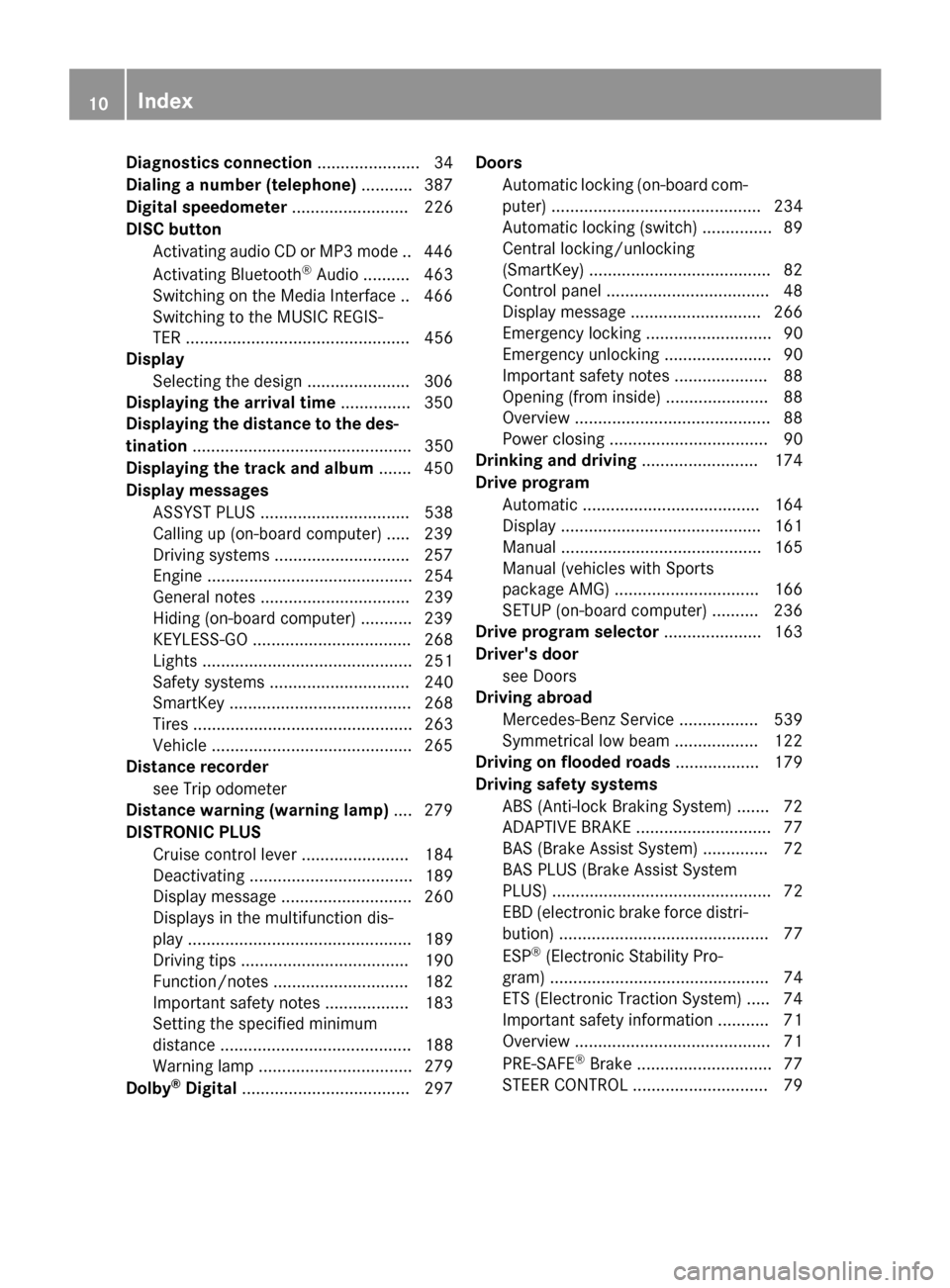
Diagnostics connection
...................... 34
Dialing a number (telephone) ...........387
Digital speedometer ......................... 226
DISC button Activating audio CD or MP3 mode .. 446
Activating Bluetooth ®
Audio .......... 463
Switching on the Media Interface .. 466
Switching to the MUSIC REGIS-
TER ................................................ 456
Display
Selecting the design ..................... .306
Displaying the arrival time ...............350
Displaying the distance to the des-
tination ............................................... 350
Displaying the track and album ....... 450
Display messages ASSYST PLUS ................................ 538
Calling up (on-board computer) ..... 239
Driving systems ............................ .257
Engine ............................................ 254
General notes ................................ 239
Hiding (on-board computer) ........... 239
KEYLESS-GO .................................. 268
Lights ............................................. 251
Safety systems .............................. 240
SmartKey ....................................... 268
Tires ............................................... 263
Vehicle .......................................... .265
Distance recorder
see Trip odometer
Distance warning (warning lamp) .... 279
DISTRONIC PLUS Cruise control lever ....................... 184
Deactivating ................................... 189
Display message ............................ 260
Displays in the multifunction dis-
pla y................................................ 189
Driving tips .................................... 190
Function/note s............................. 182
Important safety notes .................. 183
Setting the specified minimum
distance ......................................... 188
Warning lamp ................................. 279
Dolby ®
Digital .................................... 297 Doors
Automatic locking (on-board com-
puter) ............................................. 234
Automatic locking (switch) ............... 89
Central locking/unlocking
(SmartKey) ....................................... 82
Control panel ................................... 48
Display message ............................ 266
Emergency locking ........................... 90
Emergency unlocking ....................... 90
Important safety notes .................... 88
Opening (from inside) ...................... 88
Overview .......................................... 88
Power closing .................................. 90
Drinking and driving ......................... 174
Drive program Automatic ...................................... 164
Display ........................................... 161
Manual ........................................... 165
Manual (vehicles with Sports
package AMG) ............................... 166
SETUP (on-board computer) .......... 236
Drive program selector ..................... 163
Driver's door see Doors
Driving abroad
Mercedes-Benz Service ................. 539
Symmetrical low beam .................. 122
Driving on flooded roads .................. 179
Driving safety systems ABS (Anti-lock Braking System) ....... 72
ADAPTIVE BRAK E............................. 77
BAS (Brake Assist System) .............. 72
BAS PLUS (Brake Assist System
PLUS) ............................................... 72
EBD (electronic brake force distri- bution) ............................................. 77
ESP ®
(Electronic Stability Pro-
gram) ............................................... 74
ETS (Electronic Traction System) ..... 74
Important safety information ........... 71
Overview .......................................... 71
PRE-SAFE ®
Brake ............................. 77
STEER CONTROL ............................. 79 10
Index
Page 13 of 610
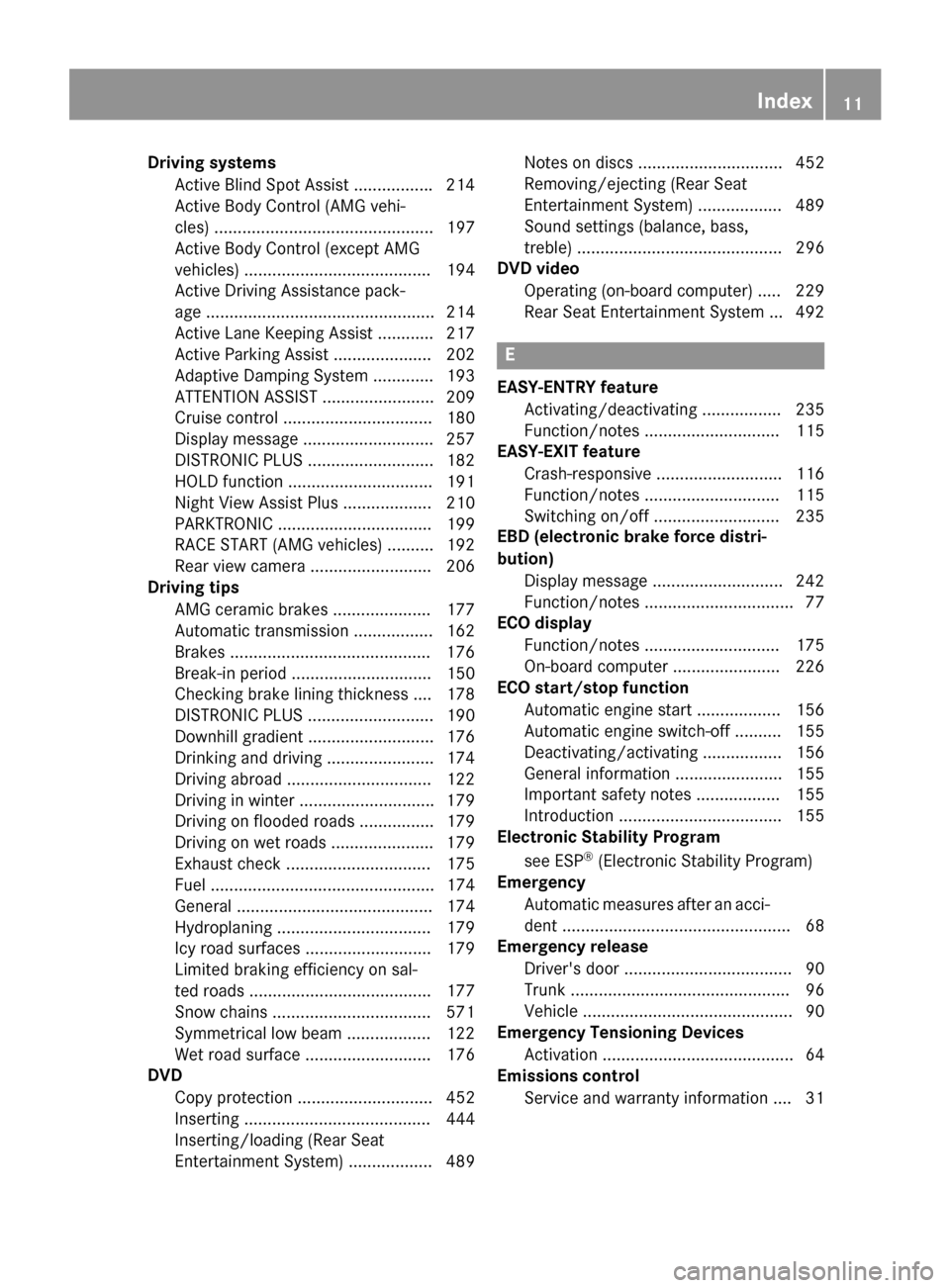
Driving systems
Active Blind Spot Assist ................ .214
Active Body Control (AMG vehi-
cles) ............................................... 197
Active Body Control (except AMG
vehicles) ........................................ 194
Active Driving Assistance pack-
age ................................................. 214
Active Lane Keeping Assist ............ 217
Active Parking Assist ..................... 202
Adaptive Damping System ............. 193
ATTENTION ASSIST ........................ 209
Cruise control ................................ 180
Display message ............................ 257
DISTRONIC PLUS ........................... 182
HOLD function ............................... 191
Night View Assist Plus ................... 210
PARKTRONIC ................................. 199
RACE START (AMG vehicles) .......... 192
Rear view camera .......................... 206
Driving tips
AMG ceramic brakes ..................... 177
Automatic transmission ................. 162
Brakes .......................................... .176
Break-in period .............................. 150
Checking brake lining thickness .... 178
DISTRONIC PLUS ........................... 190
Downhill gradient ........................... 176
Drinking and driving ....................... 174
Driving abroad ............................... 122
Driving in winter ............................ .179
Driving on flooded roads ................ 179
Driving on wet roads ..................... .179
Exhaust check ............................... 175
Fuel ................................................ 174
General .......................................... 174
Hydroplaning ................................. 179
Icy road surfaces ........................... 179
Limited braking efficiency on sal-
ted roads ....................................... 177
Snow chains .................................. 571
Symmetrical low bea m.................. 122
Wet road surface ........................... 176
DVD
Copy protection ............................. 452
Inserting ........................................ 444
Inserting/loading (Rear Seat
Entertainment System) .................. 489 Notes on discs ............................... 452
Removing/ejecting (Rear Seat
Entertainment System) .................. 489
Sound settings (balance, bass,
treble) ............................................ 296
DVD video
Operating (on-board computer) ..... 229
Rear Seat Entertainment System ... 492 E
EASY-ENTRY feature Activating/deactivating ................. 235
Function/note s............................. 115
EASY-EXIT feature
Crash-responsive ........................... 116
Function/note s............................. 115
Switching on/of f........................... 235
EBD (electronic brake force distri-
bution)
Display message ............................ 242
Function/note s................................ 77
ECO display
Function/note s............................. 175
On-board computer ....................... 226
ECO start/stop function
Automatic engine start .................. 156
Automatic engine switch-off .......... 155
Deactivating/activating ................. 156
General information ....................... 155
Important safety notes .................. 155
Introduction ................................... 155
Electronic Stability Program
see ESP ®
(Electronic Stability Program)
Emergency
Automatic measures after an acci-
dent ................................................. 68
Emergency release
Driver's door .................................... 90
Trunk ............................................... 96
Vehicle ............................................. 90
Emergency Tensioning Devices
Activation ......................................... 64
Emissions control
Service and warranty information .... 31 Index
11