driver seat adjustment MERCEDES-BENZ SL-CLASS ROADSTER 2013 User Guide
[x] Cancel search | Manufacturer: MERCEDES-BENZ, Model Year: 2013, Model line: SL-CLASS ROADSTER, Model: MERCEDES-BENZ SL-CLASS ROADSTER 2013Pages: 572, PDF Size: 9.23 MB
Page 221 of 572
FCC. Do not tamper with, alter, or use in
any non-approved way.
Any unauthorized modification to this
device could void the user’s authority to
operate the equipment.
i Canada only:
This device complies with the RSS-210
Rules of Industry Canada. Operation is
subject to the following two conditions:
1. This device may not cause harmful
interference, and
2. this
device must accept any interference
received, including interference that may
cause undesired operation of the device.
Any unauthorized modification to this
device could void the user’s authority to
operate the equipment.
Convenience submenu Activating/deactivating the EASY-
ENTRY/EXIT feature
G
WARNING
You must make sure no one can become
trapped or injured by the moving steering
wheel when the easy-entry/exit feature is
activated.
To stop steering wheel movement, move
steering wheel
adjustment lever or press one
of the memory position buttons.
Do not leave children unattended in the
vehicle, or with access to an unlocked vehicle.
Children could open the driver's door and
unintentionally activate the easy-entry/exit
feature, which could result in an accident
and/or serious personal injury.
X Press the = or ; button on the
steering wheel to select the Sett. menu.
X Press the :
or 9
button to select the
Convenience submenu.
X Press the a button to confirm. X
Press : or 9 to select the Easy
Entry/Exit function.
If the Easy Entry/Exit function is
activated, the vehicle steering wheel is
displayed in red in the multifunction
display.
X Press the a button to save the setting.
Further information on the EASY-ENTRY/EXIT
feature ( Y page 102).
Switching the belt adjustment on/off
X Press the = or ; button on the
steering wheel to select the Sett. menu.
X Press the : or 9
button to select the
Convenience submenu.
X Press the a button to confirm.
X Press the :
or 9
button to select the
Belt Adjustment function.
When the Belt Adjustment function is
activated, the vehicle seat belt is displayed
in red in the multifunction display.
X Press the a button to save the setting.
For further information on belt adjustment,
see ( Y page 52).
Restoring the factory settings X
Press the = or ; button on the
steering wheel to select the Sett. menu.
X Press the : or 9
button to select the
Factory Setting submenu.
X Press the a button to confirm.
The Reset All Settings? message
appears.
X Press the : or 9 button to select
No or Yes.
X Press the a button to confirm the
selection.
If you
have selected Yes, the multifunction
display shows a confirmation message.
For safety reasons, the Daytime Running
Lights function in the Lights submenu is
only reset if the vehicle is stationary. Menus and submenus
219
On-board computer and displays Z
Page 288 of 572
Seat functions
Overview Using the T button next to the COMAND
controller or the Seat menu item in the
system menu, you can call up the following
seat functions:
R multicontour seat (with 4-way lumbar
support)
R active multicontour
seat (dynamic seat and
massage function)
R balance (seat heating distribution)
i You also can save and recall the current
settings of a seat function using the
memory button and the corresponding
memory position switch ( Y page 105).
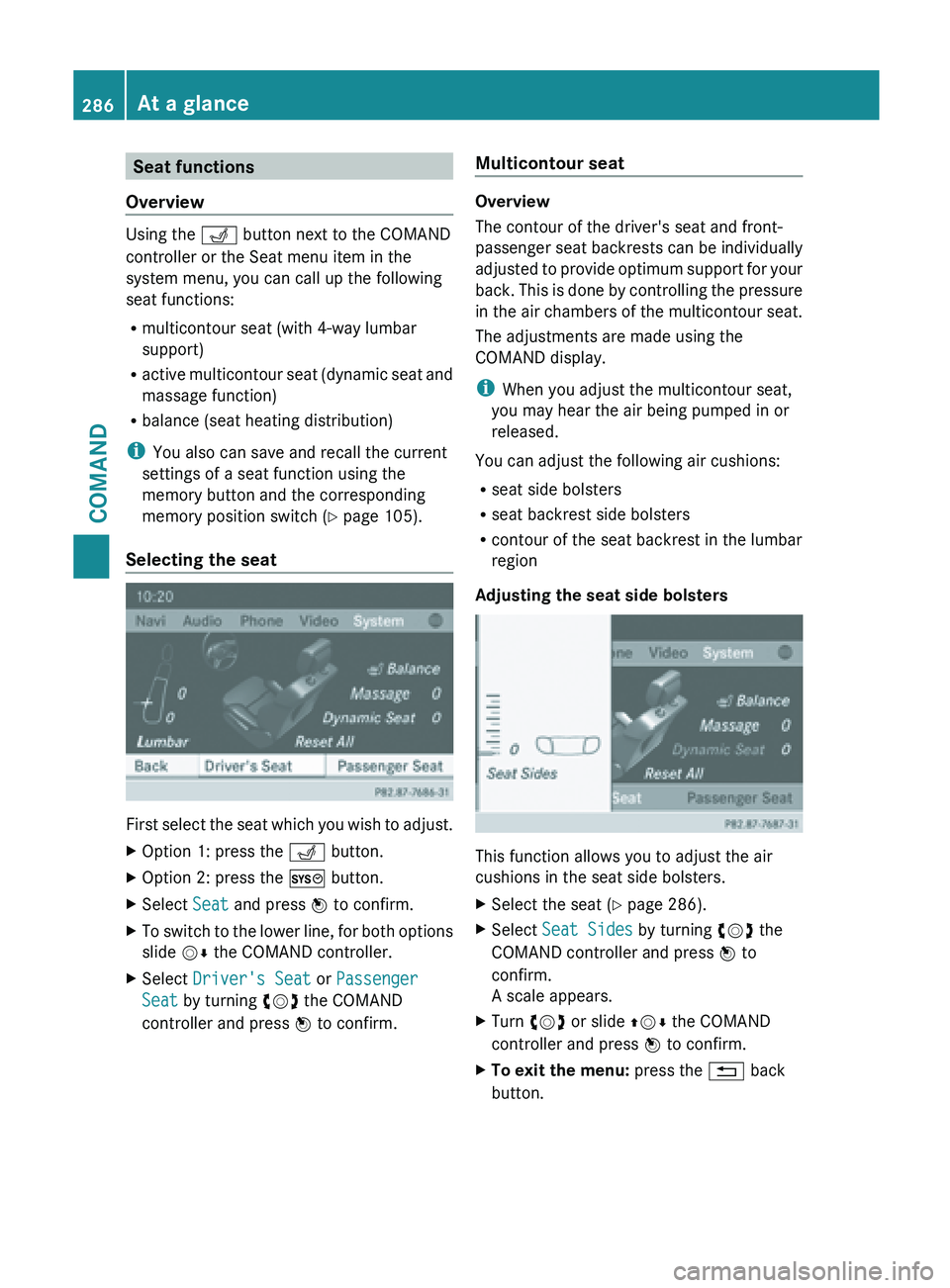
Selecting the seat First
select the seat which you wish to adjust.
X Option 1: press the T button.
X Option 2: press the W button.
X Select Seat and press W to confirm.
X To switch to the lower line, for both options
slide VÆ the COMAND controller.
X Select Driver's Seat or Passenger
Seat by turning cVd the COMAND
controller and press W to confirm. Multicontour seat Overview
The contour of the driver's seat and front-
passenger
seat
backrests can be individually
adjusted to provide optimum support for your
back. This is done by controlling the pressure
in the air chambers of the multicontour seat.
The adjustments are made using the
COMAND display.
i When you adjust the multicontour seat,
you may hear the air being pumped in or
released.
You can adjust the following air cushions:
R seat side bolsters
R seat backrest side bolsters
R contour of the seat backrest in the lumbar
region
Adjusting the seat side bolsters This function allows you to adjust the air
cushions in the seat side bolsters.
X
Select the seat ( Y
page 286).
X Select Seat Sides by turning cVd the
COMAND controller and press W to
confirm.
A scale appears.
X Turn cVd or slide ZVÆ the COMAND
controller and press W to confirm.
X To exit the menu: press the % back
button. 286
At a glance
COMAND