instrument panel MERCEDES-BENZ SLC 2019 Owners Manual
[x] Cancel search | Manufacturer: MERCEDES-BENZ, Model Year: 2019, Model line: SLC, Model: MERCEDES-BENZ SLC 2019Pages: 306, PDF Size: 15 MB
Page 4 of 306
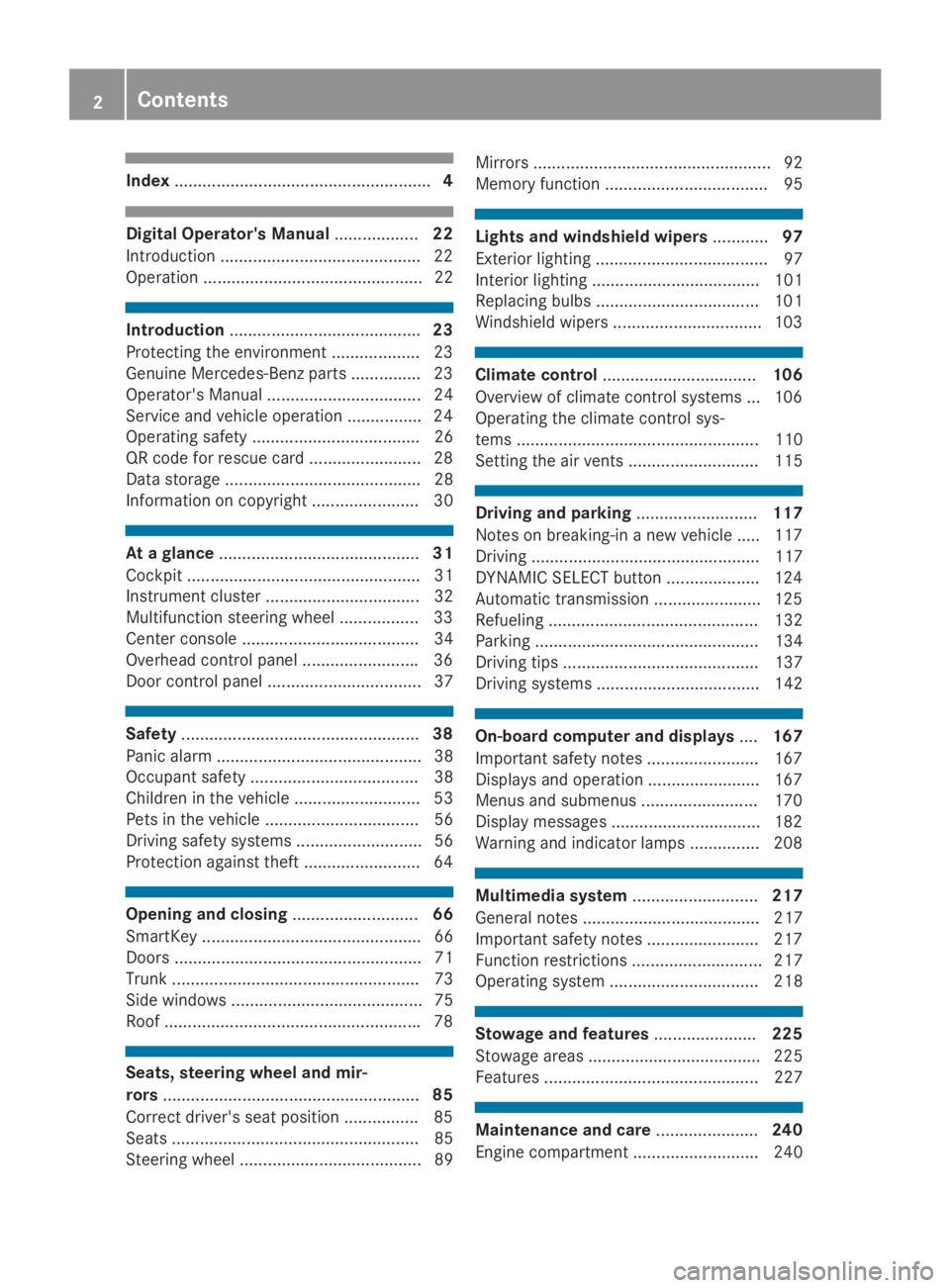
Index.......................................................4
Digital Operator's Manual..................22
Introduction ...........................................22
Operation ............................................... 22
Introduction.........................................23
Protecting the environment ...................23
Genuine Mercedes-Benz parts ...............23
Operator's Manual ................................. 24
Service and vehicle operation ................24
Operating safety .................................... 26
QR code for rescue card ........................ 28
Data storage .......................................... 28
Information on copyright ....................... 30
At a glance...........................................31
Cockpit .................................................. 31
Instrument cluster ................................. 32
Multifunction steering wheel ................. 33
Center console ...................................... 34
Overhead control panel .........................36
Door control panel ................................. 37
Safety...................................................38
Panic alarm ............................................ 38
Occupant safety .................................... 38
Children in the vehicle ........................... 53
Pets in the vehicle ................................. 56
Driving safety systems ........................... 56
Protection against theft .........................64
Opening and closing...........................66
SmartKey ............................................... 66
Doors ..................................................... 71
Trunk ..................................................... 73
Side windows ......................................... 75
Roof .......................................................78
Seats, steering wheel and mir-
rors.......................................................85
Correct driver's seat position ................85
Seats ..................................................... 85
Steering wheel ....................................... 89
Mirrors ................................................... 92
Memory function ................................... 95
Lights and windshield wipers............97
Exterior lighting ..................................... 97
Interior lighting .................................... 101
Replacing bulbs ................................... 101
Windshield wipers ................................ 103
Climate control.................................106
Overview of climate control systems ... 106
Operating the climate control sys-
tems .................................................... 110
Setting the air vents ............................ 115
Driving and parking..........................117
Notes on breaking-in a new vehicle ..... 117
Driving ................................................. 117
DYNAMIC SELECT button .................... 124
Automatic transmission ....................... 125
Refueling ............................................. 132
Parking ................................................ 134
Driving tips .......................................... 137
Driving systems ................................... 142
On-board computer and displays....167
Important safety notes ........................ 167
Displays and operation ........................ 167
Menus and submenus ......................... 170
Display messages ................................ 182
Warning and indicator lamps ............... 208
Multimedia system...........................217
General notes ...................................... 217
Important safety notes ........................ 217
Function restrictions ............................ 217
Operating system ................................ 218
Stowage and features......................225
Stowage areas ..................................... 225
Features .............................................. 227
Maintenance and care......................240
Engine compartment ........................... 240
2Contents
Page 16 of 306
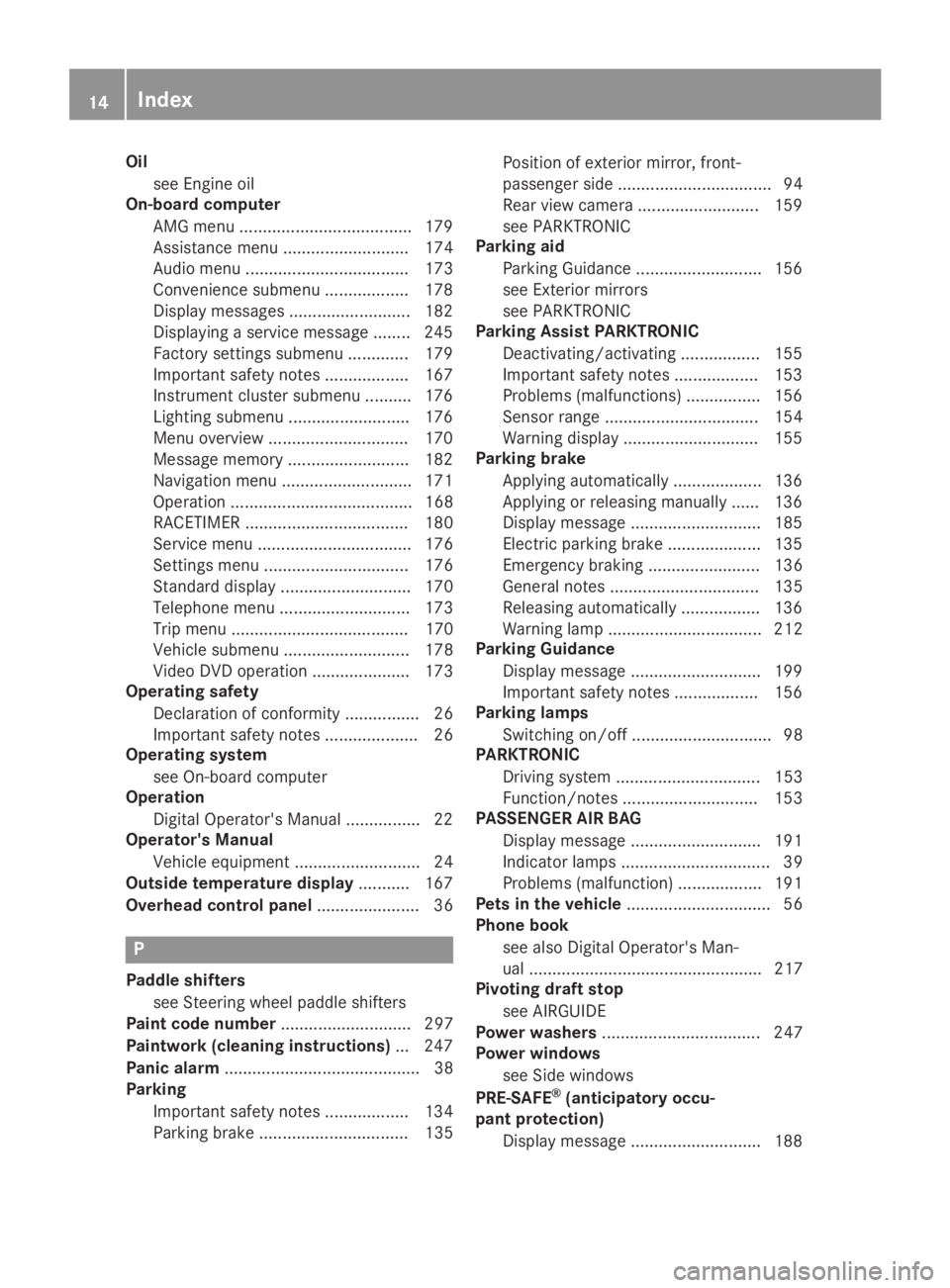
Oil
see Engine oil
On-board computer
AMG menu .....................................179
Assistance menu ........................... 174
Audio menu ................................... 173
Convenience submenu .................. 178
Display messages .......................... 182
Displaying a service message ........245
Factory settings submenu ............. 179
Important safety notes .................. 167
Instrument cluster submenu .......... 176
Lighting submenu .......................... 176
Menu overview .............................. 170
Message memory .......................... 182
Navigation menu ............................ 171
Operation ....................................... 168
RACETIMER ................................... 180
Service menu ................................. 176
Settings menu ............................... 176
Standard display............................ 170
Telephone menu ............................ 173
Trip menu ...................................... 170
Vehicle submenu ........................... 178
Video DVD operation ..................... 173
Operating safety
Declaration of conformity ................ 26
Important safety notes .................... 26
Operating system
see On-board computer
Operation
Digital Operator's Manual................ 22
Operator's Manual
Vehicle equipment ........................... 24
Outside temperature display........... 167
Overhead control panel...................... 36
P
Paddle shifters
see Steering wheel paddle shifters
Paint code number............................ 297
Paintwork (cleaning instructions)... 247
Panic alarm.......................................... 38
Parking
Important safety notes .................. 134
Parking brake ................................ 135
Position of exterior mirror, front-
passenger side ................................. 94
Rear view camera .......................... 159
see PARKTRONIC
Parking aid
Parking Guidance ........................... 156
see Exterior mirrors
see PARKTRONIC
Parking Assist PARKTRONIC
Deactivating/activating ................. 155
Important safety notes .................. 153
Problems (malfunctions) ................ 156
Sensor range................................. 154
Warning display ............................. 155
Parking brake
Applying automatically................... 136
Applying or releasing manually ...... 136
Display message ............................ 185
Electric parking brake .................... 135
Emergency braking ........................ 136
General notes ................................ 135
Releasing automatically................. 136
Warning lamp ................................. 212
Parking Guidance
Display message ............................ 199
Important safety notes .................. 156
Parking lamps
Switching on/off.............................. 98
PARKTRONIC
Driving system ............................... 153
Function/notes............................. 153
PASSENGER AIR BAG
Display message ............................ 191
Indicator lamps ................................ 39
Problems (malfunction) .................. 191
Pets in the vehicle............................... 56
Phone book
see also Digital Operator's Man-
ual .................................................. 217
Pivoting draft stop
see AIRGUIDE
Power washers.................................. 247
Power windows
see Side windows
PRE-SAFE®(anticipatory occu-
pant protection)
Display message ............................ 188
14Index
Page 169 of 306
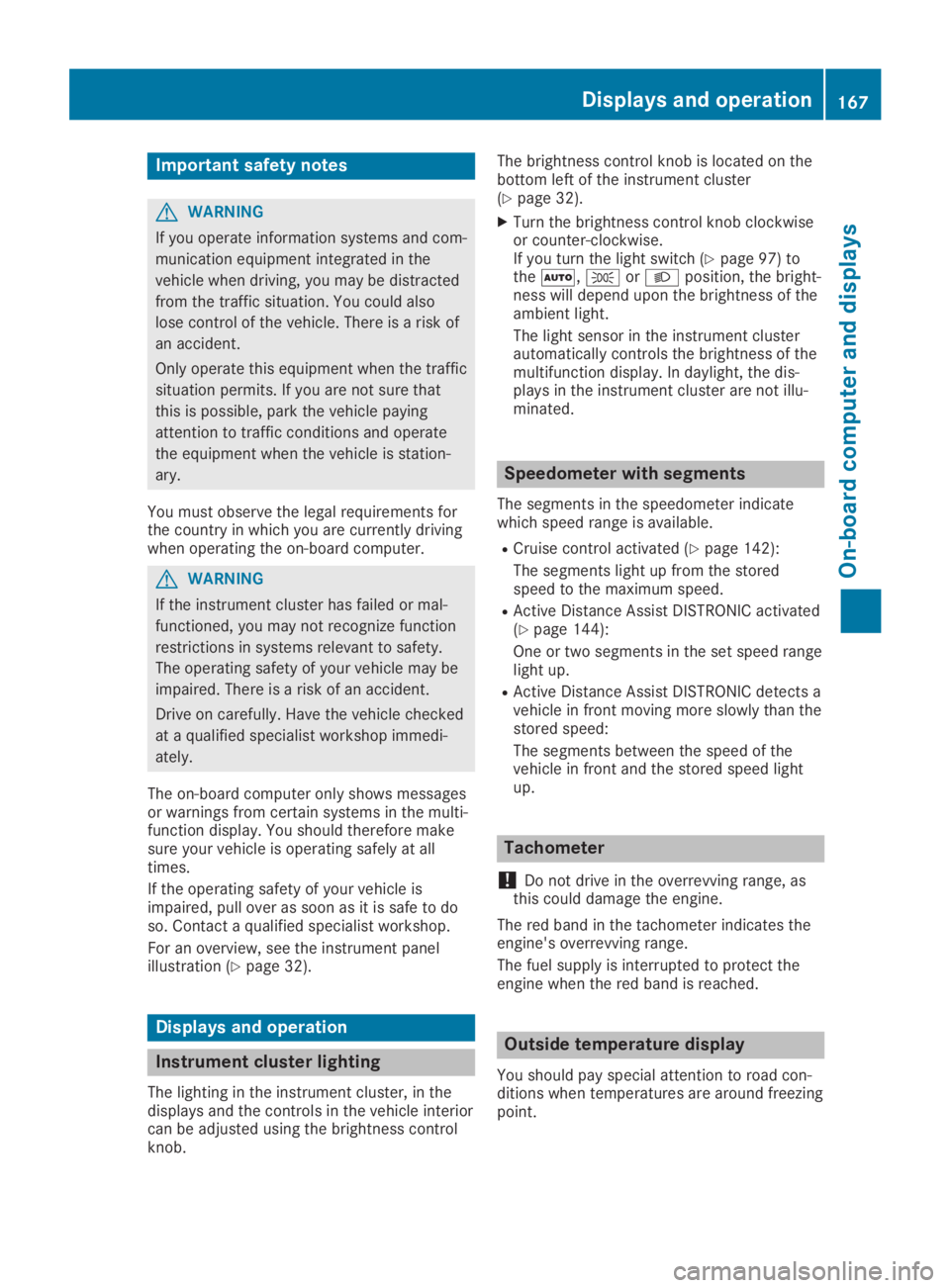
Important safety notes
GWARNING
If you operate information systems and com-
munication equipment integrated in the
vehicle when driving, you may be distracted
from the traffic situation. You could also
lose control of the vehicle. There is a risk of
an accident.
Only operate this equipment when the traffic
situation permits. If you are not sure that
this is possible, park the vehicle paying
attention to traffic conditions and operate
the equipment when the vehicle is station-
ary.
You must observe the legal requirements forthe country in which you are currently drivingwhen operating the on-board computer.
GWARNING
If the instrument cluster has failed or mal-
functioned, you may not recognize function
restrictions in systems relevant to safety.
The operating safety of your vehicle may be
impaired. There is a risk of an accident.
Drive on carefully. Have the vehicle checked
at a qualified specialist workshop immedi-
ately.
The on-board computer only shows messagesor warnings from certain systems in the multi-function display. You should therefore makesure your vehicle is operating safely at alltimes.
If the operating safety of your vehicle isimpaired, pull over as soon as it is safe to doso. Contact a qualified specialist workshop.
For an overview, see the instrument panelillustration (Ypage 32).
Displays and operation
Instrument cluster lighting
The lighting in the instrument cluster, in thedisplays and the controls in the vehicle interiorcan be adjusted using the brightness controlknob.
The brightness control knob is located on thebottom left of the instrument cluster(Ypage 32).
XTurn the brightness control knob clockwiseor counter-clockwise.If you turn the light switch (Ypage 97) totheX,`orXposition, the bright-ness will depend upon the brightness of theambient light.
The light sensor in the instrument clusterautomatically controls the brightness of themultifunction display. In daylight, the dis-plays in the instrument cluster are not illu-minated.
Speedometer with segments
The segments in the speedometer indicatewhich speed range is available.
RCruise control activated (Ypage 142):
The segments light up from the storedspeed to the maximum speed.
RActive Distance Assist DISTRONIC activated(Ypage 144):
One or two segments in the set speed rangelight up.
RActive Distance Assist DISTRONIC detects avehicle in front moving more slowly than thestored speed:
The segments between the speed of thevehicle in front and the stored speed lightup.
Tachometer
!Do not drive in the overrevving range, asthis could damage the engine.
The red band in the tachometer indicates theengine's overrevving range.
The fuel supply is interrupted to protect theengine when the red band is reached.
Outside temperature display
You should pay special attention to road con-ditions when temperatures are around freezingpoint.
Displays and operation167
On-board computer and displays
Z