lock Mercury Mariner 2008 s Owner's Guide
[x] Cancel search | Manufacturer: MERCURY, Model Year: 2008, Model line: Mariner, Model: Mercury Mariner 2008Pages: 304, PDF Size: 2.66 MB
Page 68 of 304
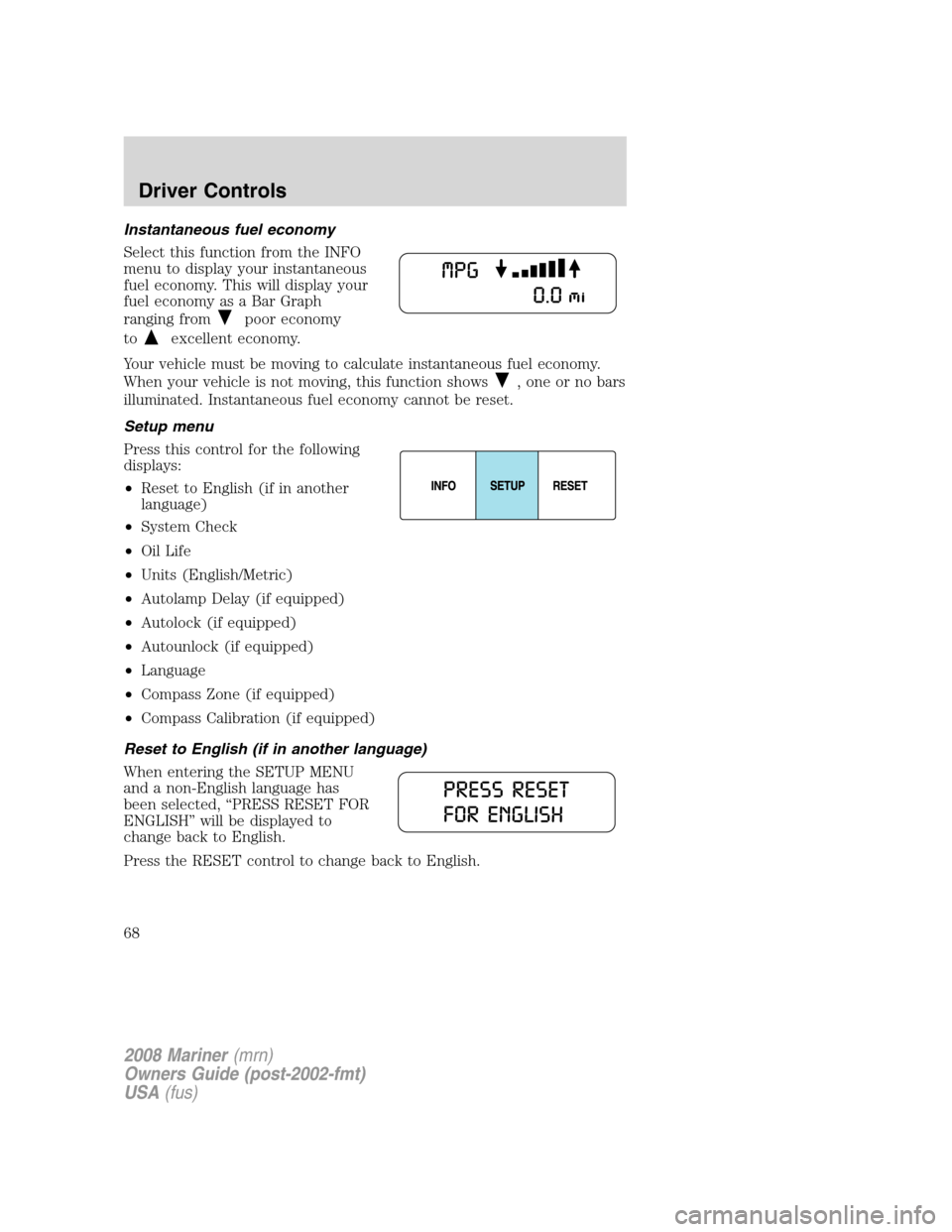
Instantaneous fuel economy
Select this function from the INFO
menu to display your instantaneous
fuel economy. This will display your
fuel economy as a Bar Graph
ranging from
poor economy
to
excellent economy.
Your vehicle must be moving to calculate instantaneous fuel economy.
When your vehicle is not moving, this function shows
, one or no bars
illuminated. Instantaneous fuel economy cannot be reset.
Setup menu
Press this control for the following
displays:
•Reset to English (if in another
language)
•System Check
•Oil Life
•Units (English/Metric)
•Autolamp Delay (if equipped)
•Autolock (if equipped)
•Autounlock (if equipped)
•Language
•Compass Zone (if equipped)
•Compass Calibration (if equipped)
Reset to English (if in another language)
When entering the SETUP MENU
and a non-English language has
been selected, “PRESS RESET FOR
ENGLISH” will be displayed to
change back to English.
Press the RESET control to change back to English.
2008 Mariner(mrn)
Owners Guide (post-2002-fmt)
USA(fus)
Driver Controls
68
Page 70 of 304
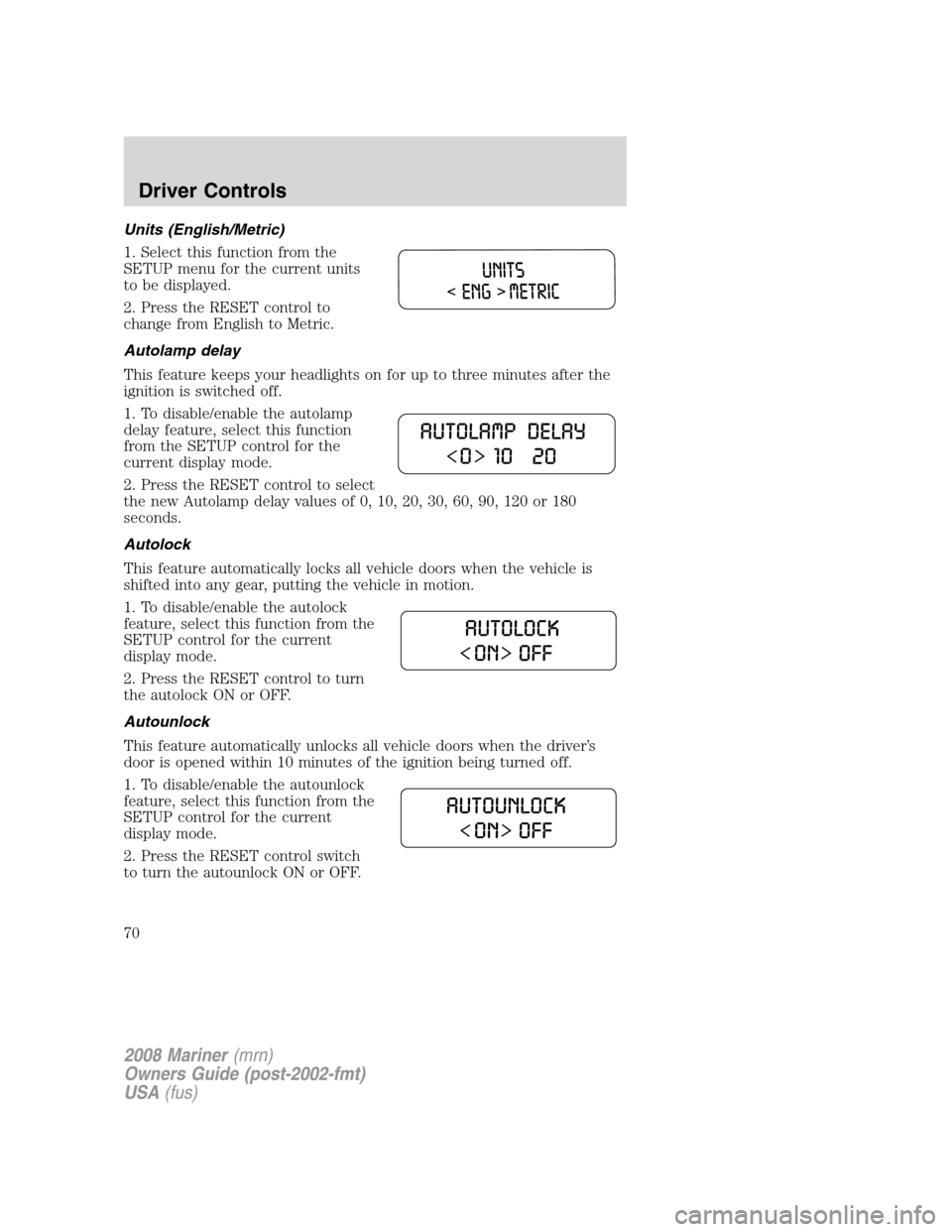
Units (English/Metric)
1. Select this function from the
SETUP menu for the current units
to be displayed.
2. Press the RESET control to
change from English to Metric.
Autolamp delay
This feature keeps your headlights on for up to three minutes after the
ignition is switched off.
1. To disable/enable the autolamp
delay feature, select this function
from the SETUP control for the
current display mode.
2. Press the RESET control to select
the new Autolamp delay values of 0, 10, 20, 30, 60, 90, 120 or 180
seconds.
Autolock
This feature automatically locks all vehicle doors when the vehicle is
shifted into any gear, putting the vehicle in motion.
1. To disable/enable the autolock
feature, select this function from the
SETUP control for the current
display mode.
2. Press the RESET control to turn
the autolock ON or OFF.
Autounlock
This feature automatically unlocks all vehicle doors when the driver’s
door is opened within 10 minutes of the ignition being turned off.
1. To disable/enable the autounlock
feature, select this function from the
SETUP control for the current
display mode.
2. Press the RESET control switch
to turn the autounlock ON or OFF.
2008 Mariner(mrn)
Owners Guide (post-2002-fmt)
USA(fus)
Driver Controls
70
Page 73 of 304
TIRE PRESSURE MONITOR FAULT.Displayed when the Tire
Pressure Monitoring System is malfunctioning. If the warning stays on or
continues to come on, have the system inspected by your authorized
dealer.
TIRE PRESSURE SENSOR FAULT.Displayed when a tire pressure
sensor is malfunctioning, or your spare tire is in use. For more
information on how the system operates under these conditions, refer to
Tire pressure monitoring systemin theTires, Wheels and Loading
chapter. If the warning stays on or continues to come on, have the
system inspected by your authorized dealer
XX% OIL LIFE CHANGE SOON/OIL CHANGE REQUIRED.
Displayed when the engine oil life remaining is 10% or less. When oil life
left is between 10% and 0%, the XX% OIL LIFE CHANGE SOON
message will be displayed. When oil life left reaches 0%, the OIL
CHANGE REQUIRED message will be displayed.
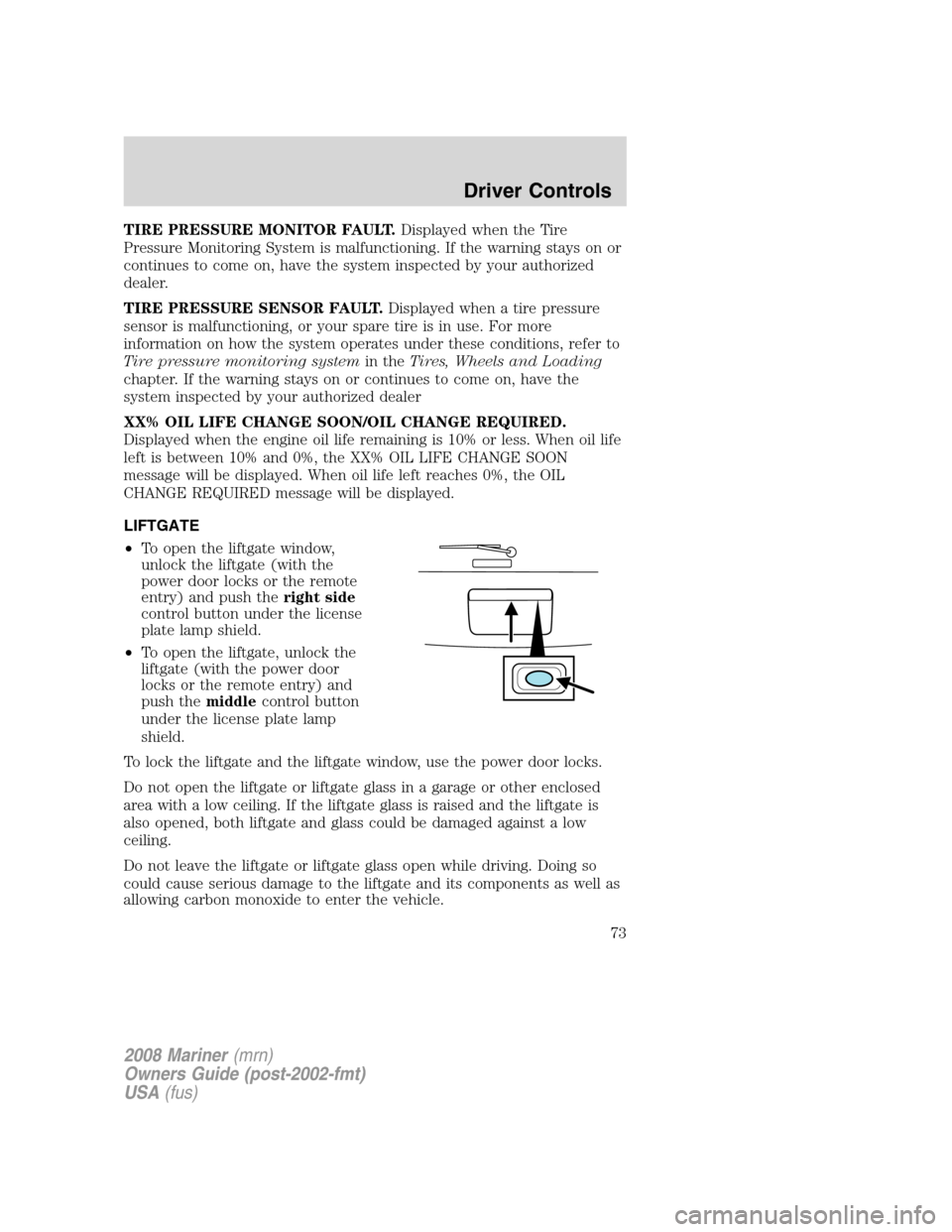
LIFTGATE
•To open the liftgate window,
unlock the liftgate (with the
power door locks or the remote
entry) and push theright side
control button under the license
plate lamp shield.
•To open the liftgate, unlock the
liftgate (with the power door
locks or the remote entry) and
push themiddlecontrol button
under the license plate lamp
shield.
To lock the liftgate and the liftgate window, use the power door locks.
Do not open the liftgate or liftgate glass in a garage or other enclosed
area with a low ceiling. If the liftgate glass is raised and the liftgate is
also opened, both liftgate and glass could be damaged against a low
ceiling.
Do not leave the liftgate or liftgate glass open while driving. Doing so
could cause serious damage to the liftgate and its components as well as
allowing carbon monoxide to enter the vehicle.
2008 Mariner(mrn)
Owners Guide (post-2002-fmt)
USA(fus)
Driver Controls
73
Page 75 of 304
Cargo management system (if equipped)
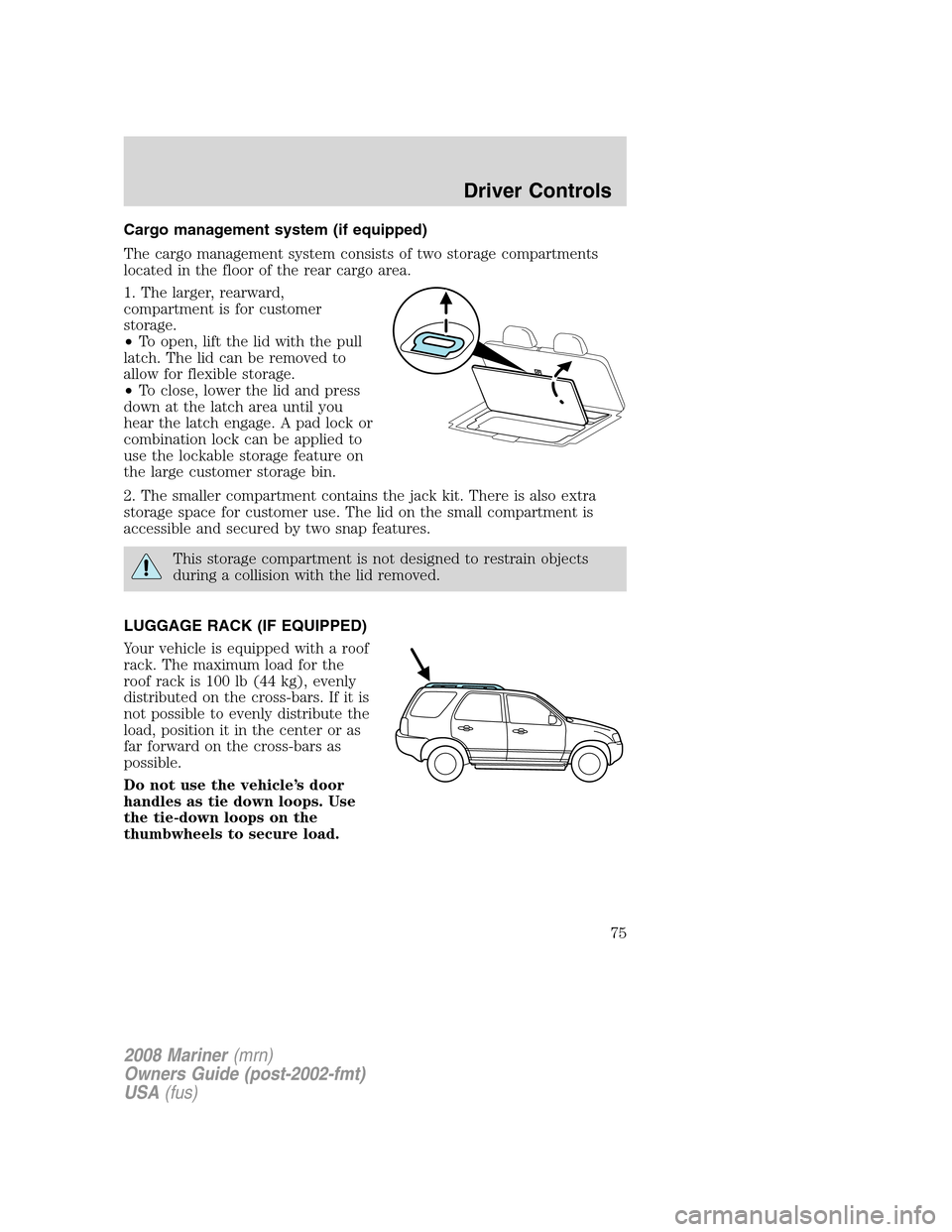
The cargo management system consists of two storage compartments
located in the floor of the rear cargo area.
1. The larger, rearward,
compartment is for customer
storage.
•To open, lift the lid with the pull
latch. The lid can be removed to
allow for flexible storage.
•To close, lower the lid and press
down at the latch area until you
hear the latch engage. A pad lock or
combination lock can be applied to
use the lockable storage feature on
the large customer storage bin.
2. The smaller compartment contains the jack kit. There is also extra
storage space for customer use. The lid on the small compartment is
accessible and secured by two snap features.
This storage compartment is not designed to restrain objects
during a collision with the lid removed.
LUGGAGE RACK (IF EQUIPPED)
Your vehicle is equipped with a roof
rack. The maximum load for the
roof rack is 100 lb (44 kg), evenly
distributed on the cross-bars. If it is
not possible to evenly distribute the
load, position it in the center or as
far forward on the cross-bars as
possible.
Do not use the vehicle’s door
handles as tie down loops. Use
the tie-down loops on the
thumbwheels to secure load.
2008 Mariner(mrn)
Owners Guide (post-2002-fmt)
USA(fus)
Driver Controls
75
Page 78 of 304
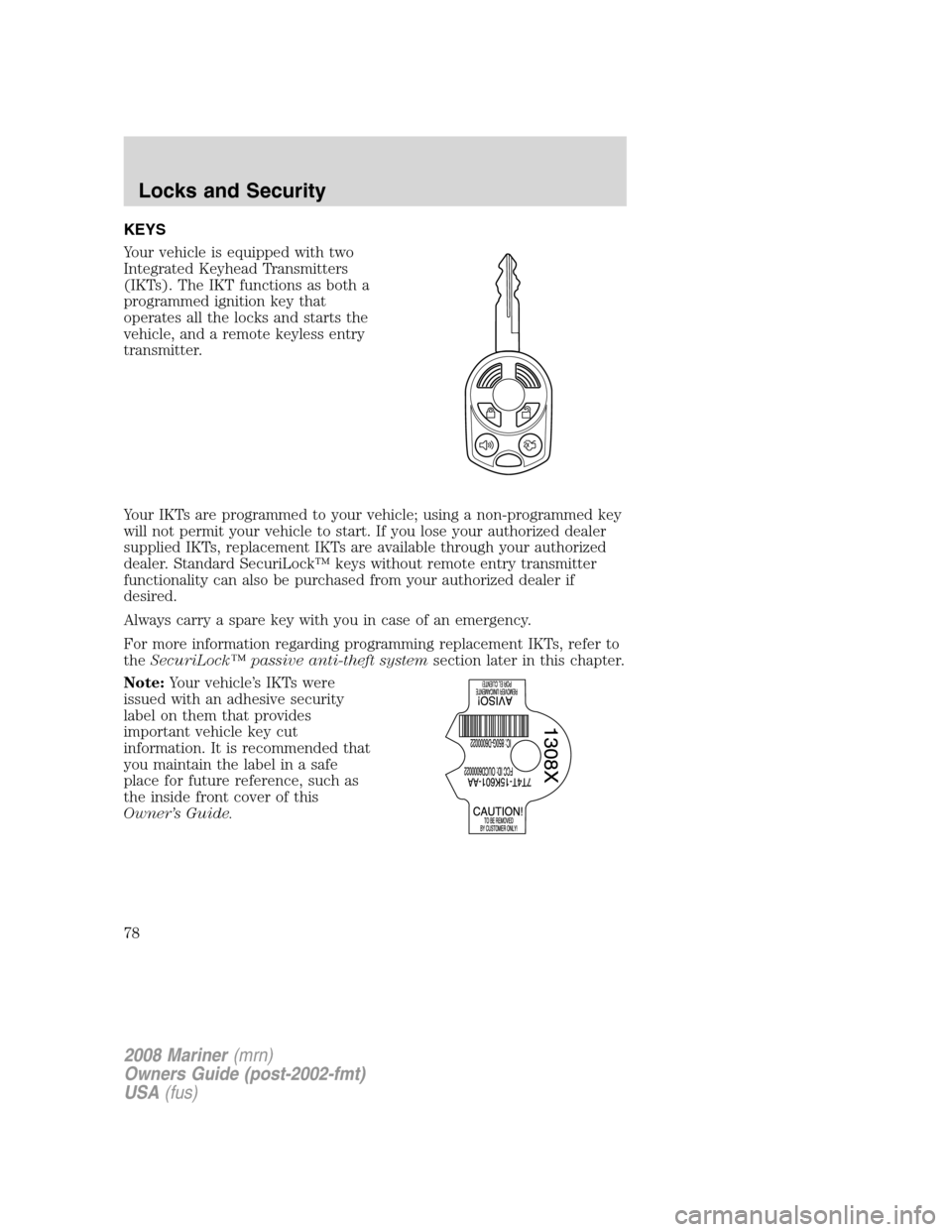
KEYS
Your vehicle is equipped with two
Integrated Keyhead Transmitters
(IKTs). The IKT functions as both a
programmed ignition key that
operates all the locks and starts the
vehicle, and a remote keyless entry
transmitter.
Your IKTs are programmed to your vehicle; using a non-programmed key
will not permit your vehicle to start. If you lose your authorized dealer
supplied IKTs, replacement IKTs are available through your authorized
dealer. Standard SecuriLock™ keys without remote entry transmitter
functionality can also be purchased from your authorized dealer if
desired.
Always carry a spare key with you in case of an emergency.
For more information regarding programming replacement IKTs, refer to
theSecuriLock™ passive anti-theft systemsection later in this chapter.
Note:Your vehicle’s IKTs were
issued with an adhesive security
label on them that provides
important vehicle key cut
information. It is recommended that
you maintain the label in a safe
place for future reference, such as
the inside front cover of this
Owner’s Guide.
2008 Mariner(mrn)
Owners Guide (post-2002-fmt)
USA(fus)
Locks and Security
78
Page 79 of 304

Recommended handling of the Integrated Keyhead Transmitter (IKT)
To avoid inadvertently activating the remote entry functions of your
vehicle, it is recommended that the Integrated Keyhead Transmitter
(IKT) be handled properly when starting and turning off your vehicle.
When inserting the IKT into the
ignition cylinder, place your thumb
on the center thumb rest of the IKT
and forefinger on the logo badge on
the opposite side.
To gain more leverage when rotating
the IKT in the ignition lock cylinder,
you can readjust the location of
your thumb to grasp the IKT on the
outer edge next to the
control.
Likewise, when rotating the IKT to
the 1 (LOCK) position in the
ignition lock cylinder, the bottom
edge of the IKT adjacent to the
control can be utilized.
2008 Mariner(mrn)
Owners Guide (post-2002-fmt)
USA(fus)
Locks and Security
79
Page 80 of 304
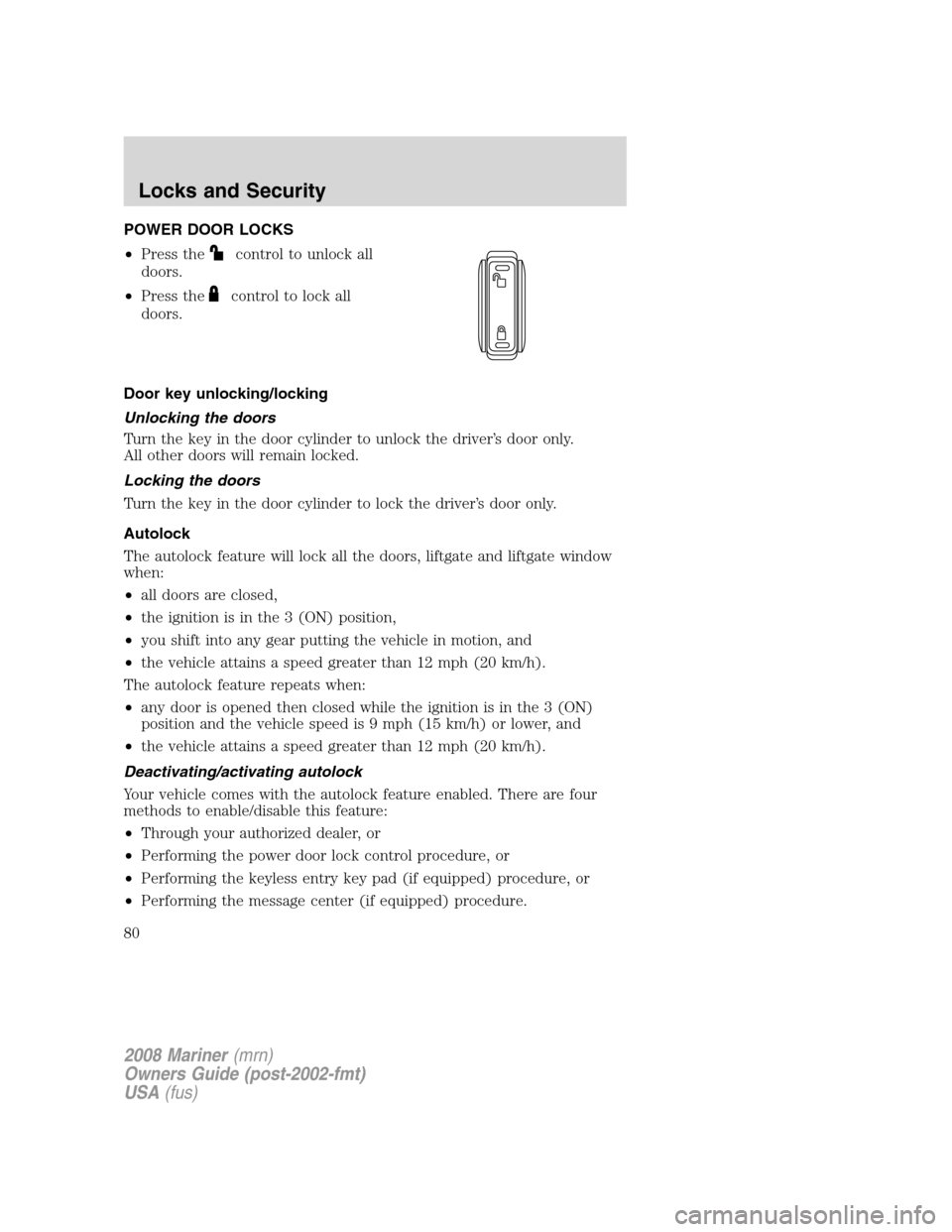
POWER DOOR LOCKS
•Press the
control to unlock all
doors.
•Press the
control to lock all
doors.
Door key unlocking/locking
Unlocking the doors
Turn the key in the door cylinder to unlock the driver’s door only.
All other doors will remain locked.
Locking the doors
Turn the key in the door cylinder to lock the driver’s door only.
Autolock
The autolock feature will lock all the doors, liftgate and liftgate window
when:
•all doors are closed,
•the ignition is in the 3 (ON) position,
•you shift into any gear putting the vehicle in motion, and
•the vehicle attains a speed greater than 12 mph (20 km/h).
The autolock feature repeats when:
•any door is opened then closed while the ignition is in the 3 (ON)
position and the vehicle speed is 9 mph (15 km/h) or lower, and
•the vehicle attains a speed greater than 12 mph (20 km/h).
Deactivating/activating autolock
Your vehicle comes with the autolock feature enabled. There are four
methods to enable/disable this feature:
•Through your authorized dealer, or
•Performing the power door lock control procedure, or
•Performing the keyless entry key pad (if equipped) procedure, or
•Performing the message center (if equipped) procedure.
2008 Mariner(mrn)
Owners Guide (post-2002-fmt)
USA(fus)
Locks and Security
80
Page 81 of 304
Note:The autolock feature can be activated/deactivated independently
of the autounlock feature.
Before following the activation or deactivation procedures, make sure
that the anti-theft system is not armed, ignition is in the 1 (OFF/LOCK)
position, and all vehicle doors, liftgate and liftgate window are closed.
Power door unlock/lock procedure
You must complete Steps 1-5 within
30 seconds or the procedure will
have to be repeated. If the
procedure needs to be repeated,
you must wait 30 seconds.
Note: Alldoors must be closed and
remain closed throughout the
configuration process.
1. The ignition must be off to begin sequence.
2. Turn the ignition to the 3 (ON) position.
3. Press the power door unlock control three times.
4. Turn the ignition from the 3 (ON) to the 1 (OFF/LOCK) position.
5. Press the power door unlock control three times.
6. Turn the ignition back to the 3 (ON) position. The horn will chirp.
7. Press the unlock control, then press the lock control. The horn will
chirp once if autolock was deactivated or twice (one short and one long
chirp) if autolock was activated.
8. Turn the ignition to the 1 (OFF/LOCK) position. The horn will chirp
once to confirm the procedure is complete.
Keyless entry key pad procedure
1. Turn the ignition to the 1 (OFF/LOCK) position.
2. Close all doors, the liftgate and liftgate window.
3. Enter 5–digit entry code
4. Press and hold the 3•4. While holding the 3•4 press the 7•8.
5. Release the 7•8.
6. Release the 3•4.
The user should receive a horn chirp to indicate the system has been
disabled or a chirp followed by a honk to indicate the system has been
enabled.
2008 Mariner(mrn)
Owners Guide (post-2002-fmt)
USA(fus)
Locks and Security
81
Page 82 of 304
Message center procedure
For information on activating/deactivating the autolock feature using the
vehicle’s message center (if equipped), refer toMessage center
information in theDriver Controlschapter.
Autounlock
The autounlock feature will unlock all the doors when:
•the ignition is in the 3 (RUN) position, all the doors are closed,
and the vehicle has been in motion at a speed greater than 12 mph
(20 km/h);
•the vehicle has then come to a stop and the ignition is turned to the
1 (OFF/LOCK) or 2 (ACC) position; and
•the driver door is opened within 10 minutes of the ignition being
transitioned to the 1 (LOCK) or 2 (ACC) position.
Note:The doors will not autounlock if the vehicle has been
electronically locked before the driver door is opened.
Deactivating/activating autounlock
Your vehicle comes with the autounlock feature activated. There are four
methods to enable/disable this feature:
•Through your authorized dealer, or
•by using the power door unlock/lock sequence,
•Performing the keyless entry key pad procedure (if equipped), or
•by using the instrument cluster message center (if equipped). Refer to
Message centerin theDriver Controlschapter.
Note: The autounlock feature can be activated/deactivated
independently of the autolock feature.
Power door lock switch autounlock enable/disable procedure
Before starting, ensure the ignition
is in the 1 (LOCK) position and all
vehicle doors are closed. You must
complete Steps 1–5 within 30 seconds
or the procedure will have to be
repeated. If the procedure needs to
be repeated, wait a minimum of
30 seconds before beginning again.
1. Place the key in the ignition and turn the ignition to the 3 (RUN)
position.
2008 Mariner(mrn)
Owners Guide (post-2002-fmt)
USA(fus)
Locks and Security
82
Page 83 of 304
2. Press the power door unlock control on the door panel three times.
3. Turn the ignition from the 3 (RUN) position to the 1 (LOCK) position.
4. Press the power door unlock control on the door panel three times.
5. Turn the ignition back to the 3 (RUN) position. The horn will chirp
one time to confirm programming mode has been entered and is active.
6. To enable/disable the autounlock feature, press the lock control, then
press the unlock control. The horn will chirp once if autounlock was
deactivated or twice (one short and one long chirp) if autounlock was
activated.
7. Turn the ignition to the 1 (LOCK) position. The horn will chirp once
to confirm the procedure is complete.
Keyless entry key pad autounlock enable/disable procedure
1. Turn the ignition to the 1 (LOCK) position.
2. Close all doors.
3. Enter factory–set 5–digit entry code.
4. Press and hold the 3•4. While holding the 3•4, press and release
the 7•8. While still holding the 3•4, press and release the 7•8a
second time.
5. Release the 3•4.
The user should receive ahorn chirpto indicate the system has been
disabled or a chirp followed by a honk to indicate the system has been
enabled.
Message center procedure
For information on activating/deactivating the autounlock feature using
the vehicle’s message center (if equipped), refer toMessage center
information in theDriver Controlschapter.
Smart unlocking feature
The smart unlocking feature helps prevent you from locking yourself out
of the vehicle. With the key in any ignition position, the driver’s door will
automatically unlock if it is locked using the power lock control on the
driver’s door panel while the driver’s door is open.
2008 Mariner(mrn)
Owners Guide (post-2002-fmt)
USA(fus)
Locks and Security
83