tire pressure MINI Clubman 2014 (Mini Connected) Owner's Guide
[x] Cancel search | Manufacturer: MINI, Model Year: 2014, Model line: Clubman, Model: MINI Clubman 2014Pages: 276, PDF Size: 6.44 MB
Page 239 of 276

11.Unscrew the valve extension from the valve
of the compact wheel.12.Unscrew the dust cap from the extension
and attach it to the valve of the compact
wheel.
The defective wheel cannot be stowed in the
compact wheel holder because it has a differ‐
ent size.
MINI Clubman: removing the compact
wheel
The compact wheel is located under the wheel
change set in the cargo area.
1.Fold up the floor mat.2.Unscrew the nut, arrow, and take out the
compact wheel.
Driving with compact wheel
Do not exceed a speed of
50 mph/80 km/h.
Drive conservatively and do not exceed a speed
of 50 mph/80 km/h. Otherwise, changes in the
driving characteristics could result, for example
reduced track stability on braking, extended
braking distance, and altered self-steering
characteristics in the limit range. In conjunction
with winter tires, these characteristics are more
pronounced. ◀
Only mount one compact wheel
Only one compact wheel may be
mounted. Restore the wheels and tires to their
original size as quickly as possible. Failure to do
so is a safety risk. ◀
Check the tire inflation pressure at the next op‐
portunity and correct it if necessary. Replace
the defective tire as soon as possible and have
the new wheel balanced.
Preparing wheel change
Observe the safety precautions regarding flat
tires, refer to page 219.
Additional safety precautions in the event
of a wheel change
Change the wheel only on a level, firm surface
which is not slippery.
The vehicle or the jack could slip to the side if
you attempt to raise the vehicle on a soft or
slippery surface, snow, ice, tiles, etc. Do not use
a wooden block or similar object as a support
base for the jack, as this would prevent it from
extending to its full support height and reduce
its load-carrying capacity.
To avoid serious or fatal injury: never lie under
the vehicle, and never start the engine while it
is supported by the jack. ◀1.Place the folding wheel chock behind the
front wheel of the other vehicle side; if the
vehicle is on an incline, place it in front of
this wheel. If the vehicle is parked on a
steep incline, additionally secure the vehi‐
cle against rolling.2.Expose the lug bolts if necessary.3.Loosen the lug bolts a half turn.
Jacking up vehicle
Seite 239Replacing componentsMobility239
Online Edition for Part no. 01 40 2 911 452 - VI/13
Page 248 of 276

CareVehicle equipmentThis chapter describes all series equipment as
well as country-specific and special equipment
offered for this model series.Therefore, it also
describes equipment that may not be found in
your vehicle, for instance due to the selected
special equipment or the country version. This
also applies to safety-related functions and sys‐
tems.
Car washes Notes Steam jets or high-pressure washers
When using steam jets or high-pressure
washers, hold them a sufficient distance away
and use a maximum temperature of
140 ℉/60 ℃.
Holding them too close or using excessively
high pressures or temperatures can cause dam‐
age or preliminary damage that may then lead
to long-term damage.
Follow the operating instructions for the high-
pressure washer. ◀
Do not direct steam or high-pressure washers
toward the labels applied by the manufacturer;
otherwise, damage may result.
Cleaning sensors/cameras with high-pres‐
sure washers
When using high-pressure washers, do not
spray the seals of the retractable hardtop and
the exterior sensors and cameras, for Park Dis‐ tance Control, for instance, for extended peri‐ods of time and only from a distance of at least
12 in/30 cm. ◀During the winter months
Ensure that the vehicle is washed more
frequently in winter. Intense soiling and road
salt can damage the vehicle. ◀
After washing the vehicle, apply the brakes
briefly to dry them; otherwise, braking action
can be reduced and corrosion of the brake
discs can occur.
Regularly remove foreign bodies, such as
leaves, from the area of the windshield when
the hood is open.
Washing in automatic car washes Give preference to cloth car washes or those
that use soft brushes in order to avoid paint
damage.
Do not use automatic high-pressure washers;
otherwise, water may drip into the interior in
the area of the windows.
Before driving into the car wash, check whether
the system is suitable for your MINI. Note the
following points:▷Vehicle dimensions, refer to page 254.▷If necessary: fold in the exterior mirrors, re‐
fer to page 48.▷Maximum permissible tire width.
Guide rails in car washes
Avoid car washes with guide rails higher
than 4 in/10 cm; otherwise, the vehicle chassis
could be damaged. ◀
Preparations before driving into the car wash:
▷Unscrew the road antenna.▷Deactivate the rain sensor to avoid unin‐
tentional wiper activation.▷Deactivate the rear window wiper and pro‐
tect it from damage. Ask the car wash oper‐
ator about any necessary protective meas‐
ures.Seite 248MobilityCare248
Online Edition for Part no. 01 40 2 911 452 - VI/13
Page 264 of 276
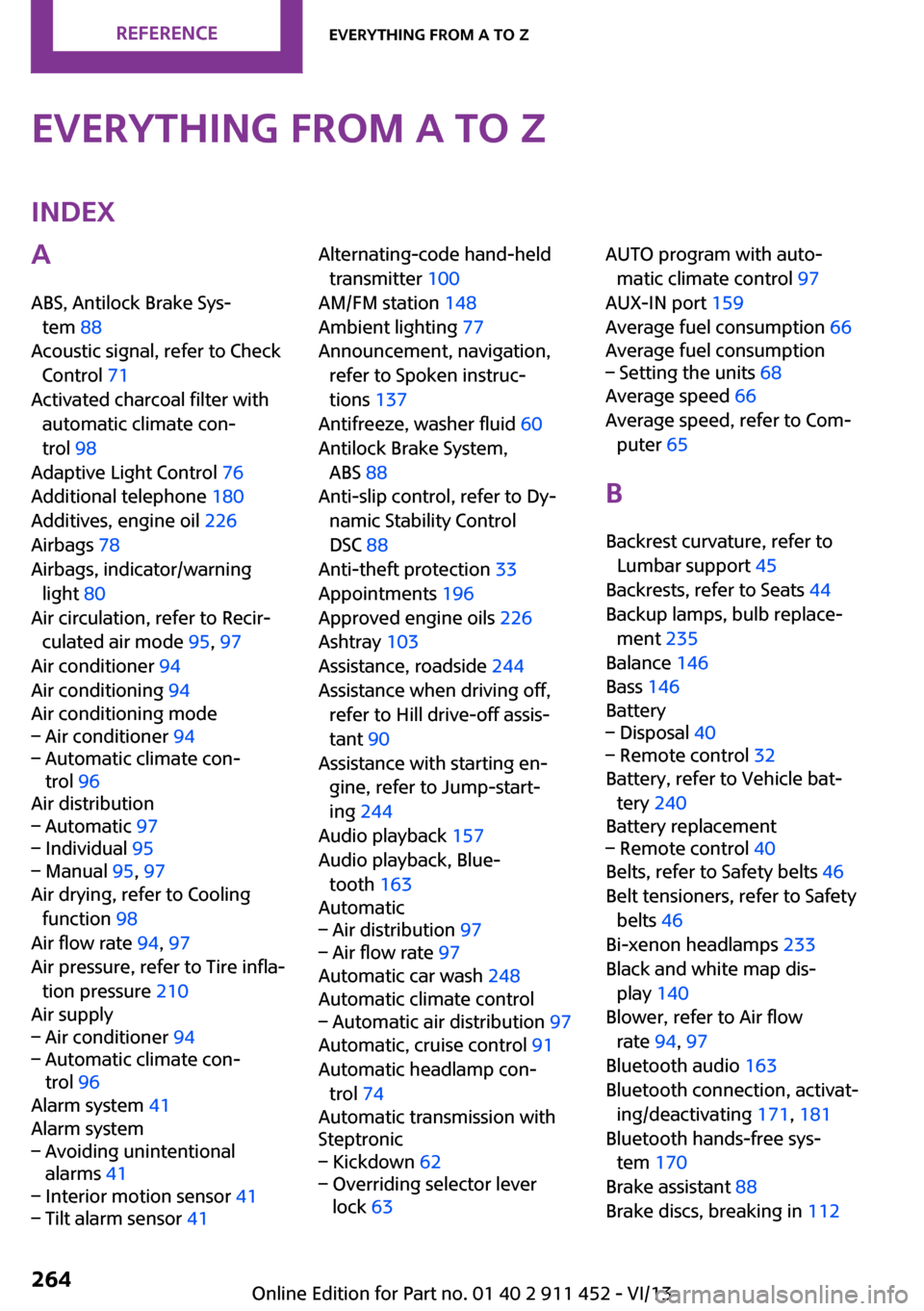
Everything from A to ZIndexA
ABS, Antilock Brake Sys‐ tem 88
Acoustic signal, refer to Check Control 71
Activated charcoal filter with automatic climate con‐
trol 98
Adaptive Light Control 76
Additional telephone 180
Additives, engine oil 226
Airbags 78
Airbags, indicator/warning light 80
Air circulation, refer to Recir‐ culated air mode 95, 97
Air conditioner 94
Air conditioning 94
Air conditioning mode– Air conditioner 94– Automatic climate con‐
trol 96
Air distribution
– Automatic 97– Individual 95– Manual 95, 97
Air drying, refer to Cooling
function 98
Air flow rate 94, 97
Air pressure, refer to Tire infla‐ tion pressure 210
Air supply
– Air conditioner 94– Automatic climate con‐
trol 96
Alarm system 41
Alarm system
– Avoiding unintentional
alarms 41– Interior motion sensor 41– Tilt alarm sensor 41Alternating-code hand-held
transmitter 100
AM/FM station 148
Ambient lighting 77
Announcement, navigation, refer to Spoken instruc‐
tions 137
Antifreeze, washer fluid 60
Antilock Brake System, ABS 88
Anti-slip control, refer to Dy‐ namic Stability Control
DSC 88
Anti-theft protection 33
Appointments 196
Approved engine oils 226
Ashtray 103
Assistance, roadside 244
Assistance when driving off, refer to Hill drive-off assis‐
tant 90
Assistance with starting en‐ gine, refer to Jump-start‐
ing 244
Audio playback 157
Audio playback, Blue‐ tooth 163
Automatic– Air distribution 97– Air flow rate 97
Automatic car wash 248
Automatic climate control
– Automatic air distribution 97
Automatic, cruise control 91
Automatic headlamp con‐ trol 74
Automatic transmission with
Steptronic
– Kickdown 62– Overriding selector lever
lock 63AUTO program with auto‐
matic climate control 97
AUX-IN port 159
Average fuel consumption 66
Average fuel consumption– Setting the units 68
Average speed 66
Average speed, refer to Com‐ puter 65
B Backrest curvature, refer to Lumbar support 45
Backrests, refer to Seats 44
Backup lamps, bulb replace‐ ment 235
Balance 146
Bass 146
Battery
– Disposal 40– Remote control 32
Battery, refer to Vehicle bat‐
tery 240
Battery replacement
– Remote control 40
Belts, refer to Safety belts 46
Belt tensioners, refer to Safety belts 46
Bi-xenon headlamps 233
Black and white map dis‐ play 140
Blower, refer to Air flow rate 94, 97
Bluetooth audio 163
Bluetooth connection, activat‐ ing/deactivating 171, 181
Bluetooth hands-free sys‐ tem 170
Brake assistant 88
Brake discs, breaking in 112
Seite 264ReferenceEverything from A to Z264
Online Edition for Part no. 01 40 2 911 452 - VI/13
Page 267 of 276

Engine oil, MINI maintenancesystem 228
Engine oil types, alterna‐ tive 226
Engine oil types, ap‐ proved 226
Engine, overheating, refer to Coolant temperature 65
Engine power, refer to Engine data 254
Engine, RPM 254
Engine start, assistance 244
Engine, starting 55
Engine, starting– Comfort Access 38
Engine, starting, Start/Stop
button 54
Engine, stopping, Start/Stop button 54
Engine, switching off 56
Equipment, interior 99
ESP Electronic Stability Pro‐ gram, refer to Dynamic Sta‐
bility Control DSC 88
Exchanging wheels/tires 217
Exterior mirrors 48
Exterior mirrors, adjusting 48
Exterior mirrors, folding in and out 48
Exterior sensors, care 251
External devices 159
External temperature dis‐ play 64
External temperature display
– Changing the unit of meas‐
ure 68– On computer 68
External temperature warn‐
ing 64
Externel temperature dis‐ play 64
F
Fader 146
Failure messages, refer to Check Control 71
False alarm, refer to Avoiding
unintentional alarms 41
Fastening safety belts, refer to Safety belts 46
Fault messages, refer to Check Control 71
Filling capacities 257
Filter– Refer to Activated-charcoal
filter 96– Refer to Microfilter 96– Refer to Microfilter/acti‐
vated-charcoal filter with
automatic climate control 98
First aid kit 243
First aid, refer to First aid kit 243
Flashing when locking/unlock‐ ing 35
Flat tire
– Flat Tire Monitor 82– Indicator/warning lamp 82– Run-flat tire 82– Tire Pressure Monitor
TPM 83
Flat Tire Monitor FTM 80
Flat Tire Monitor FTM
– Flat tire message 82– Initializing the system 81– Limits of the system 81– Snow chains 81
Flat tire, wheel change 238
Floor mats, care 251
FM/AM station 148
Fog lamps 76
Foot brake 114
Footwell lamps, refer to Inte‐ rior lamps 77
Front airbags 78
Front fog lamp, bulb replace‐ ment 234
Front fog lamps 76
Front lamps, bulb replace‐ ment 233
Front passenger airbags, de‐ activating 79
FTM Flat Tire Monitor 80
Fuel 208
Fuel– Refer to Average fuel con‐
sumption 66
Fuel, additives 208
Fuel, average consump‐ tion 66
Fuel cap, closing 206
Fuel consumption display
– Average fuel consump‐
tion 66
Fuel filler flap, closing 206
Fuel filler flap, opening 206
Fuel filler flap, unlocking in case of an electrical malfunc‐
tion 206
Fuel gauge 65
Fuel, saving 120
Fuel tank capacity, refer to Filling capacities 257
Fuel tank contents, refer to Filling capacities 257
Fuel tank, refer to Filling ca‐ pacities 257
Fuse 241
G Garage door opener, refer to Universal garage door
opener 99
Gasoline 208
Gasoline gauge, refer to Fuel gauge 65
Gasoline quality 208
Gas station recommenda‐ tion 137
Gear change
– Automatic transmission with
Steptronic 61
Gear display, automatic trans‐
mission with Steptronic 61
Glass sunroof, electrical 41
Seite 267Everything from A to ZReference267
Online Edition for Part no. 01 40 2 911 452 - VI/13
Page 268 of 276
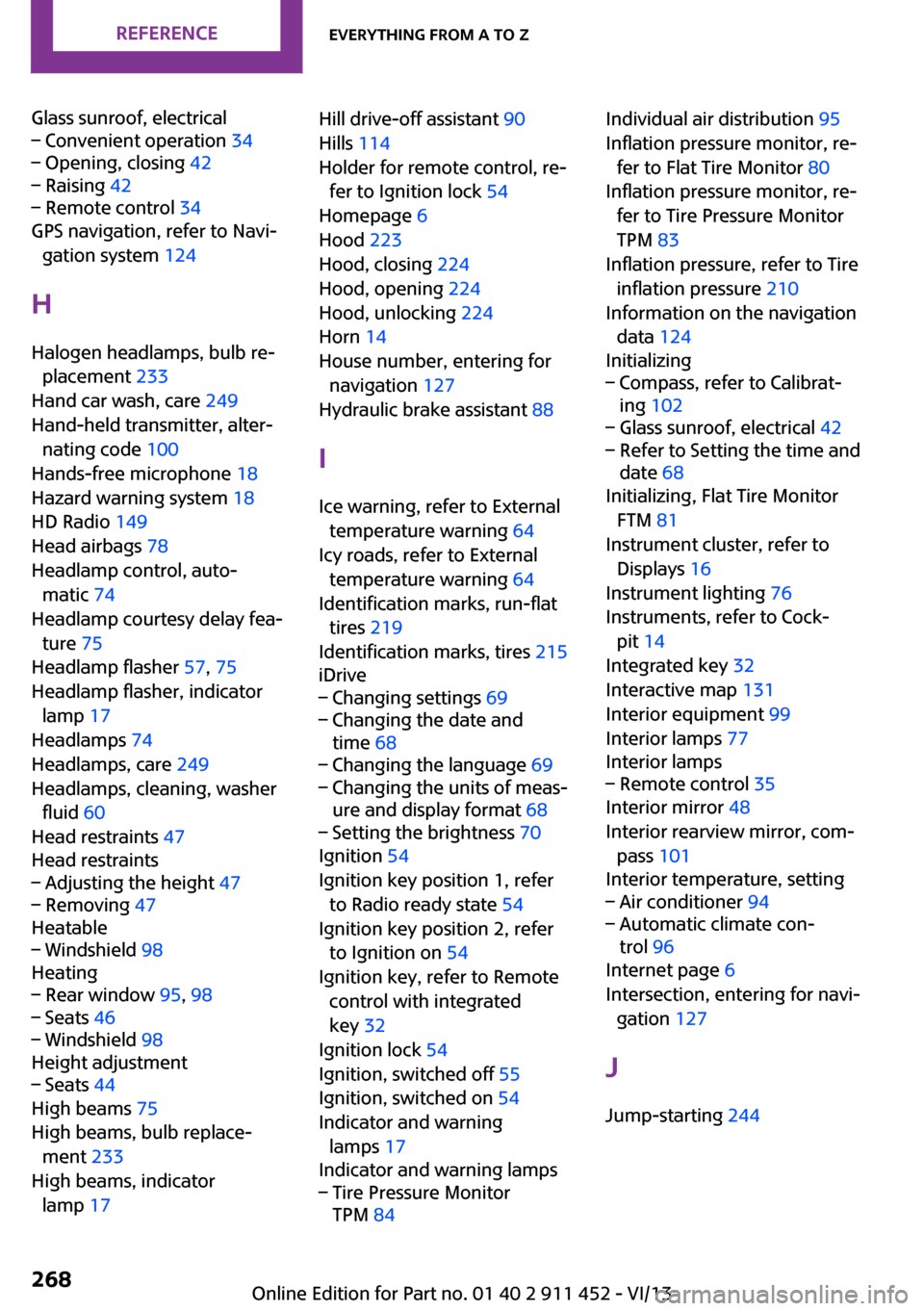
Glass sunroof, electrical– Convenient operation 34– Opening, closing 42– Raising 42– Remote control 34
GPS navigation, refer to Navi‐
gation system 124
H Halogen headlamps, bulb re‐ placement 233
Hand car wash, care 249
Hand-held transmitter, alter‐ nating code 100
Hands-free microphone 18
Hazard warning system 18
HD Radio 149
Head airbags 78
Headlamp control, auto‐ matic 74
Headlamp courtesy delay fea‐ ture 75
Headlamp flasher 57, 75
Headlamp flasher, indicator lamp 17
Headlamps 74
Headlamps, care 249
Headlamps, cleaning, washer fluid 60
Head restraints 47
Head restraints
– Adjusting the height 47– Removing 47
Heatable
– Windshield 98
Heating
– Rear window 95, 98– Seats 46– Windshield 98
Height adjustment
– Seats 44
High beams 75
High beams, bulb replace‐ ment 233
High beams, indicator lamp 17
Hill drive-off assistant 90
Hills 114
Holder for remote control, re‐ fer to Ignition lock 54
Homepage 6
Hood 223
Hood, closing 224
Hood, opening 224
Hood, unlocking 224
Horn 14
House number, entering for navigation 127
Hydraulic brake assistant 88
I
Ice warning, refer to External temperature warning 64
Icy roads, refer to External temperature warning 64
Identification marks, run-flat tires 219
Identification marks, tires 215
iDrive– Changing settings 69– Changing the date and
time 68– Changing the language 69– Changing the units of meas‐
ure and display format 68– Setting the brightness 70
Ignition 54
Ignition key position 1, refer to Radio ready state 54
Ignition key position 2, refer to Ignition on 54
Ignition key, refer to Remote control with integrated
key 32
Ignition lock 54
Ignition, switched off 55
Ignition, switched on 54
Indicator and warning lamps 17
Indicator and warning lamps
– Tire Pressure Monitor
TPM 84Individual air distribution 95
Inflation pressure monitor, re‐ fer to Flat Tire Monitor 80
Inflation pressure monitor, re‐ fer to Tire Pressure Monitor
TPM 83
Inflation pressure, refer to Tire inflation pressure 210
Information on the navigation data 124
Initializing– Compass, refer to Calibrat‐
ing 102– Glass sunroof, electrical 42– Refer to Setting the time and
date 68
Initializing, Flat Tire Monitor
FTM 81
Instrument cluster, refer to Displays 16
Instrument lighting 76
Instruments, refer to Cock‐ pit 14
Integrated key 32
Interactive map 131
Interior equipment 99
Interior lamps 77
Interior lamps
– Remote control 35
Interior mirror 48
Interior rearview mirror, com‐ pass 101
Interior temperature, setting
– Air conditioner 94– Automatic climate con‐
trol 96
Internet page 6
Intersection, entering for navi‐ gation 127
J
Jump-starting 244
Seite 268ReferenceEverything from A to Z268
Online Edition for Part no. 01 40 2 911 452 - VI/13
Page 270 of 276
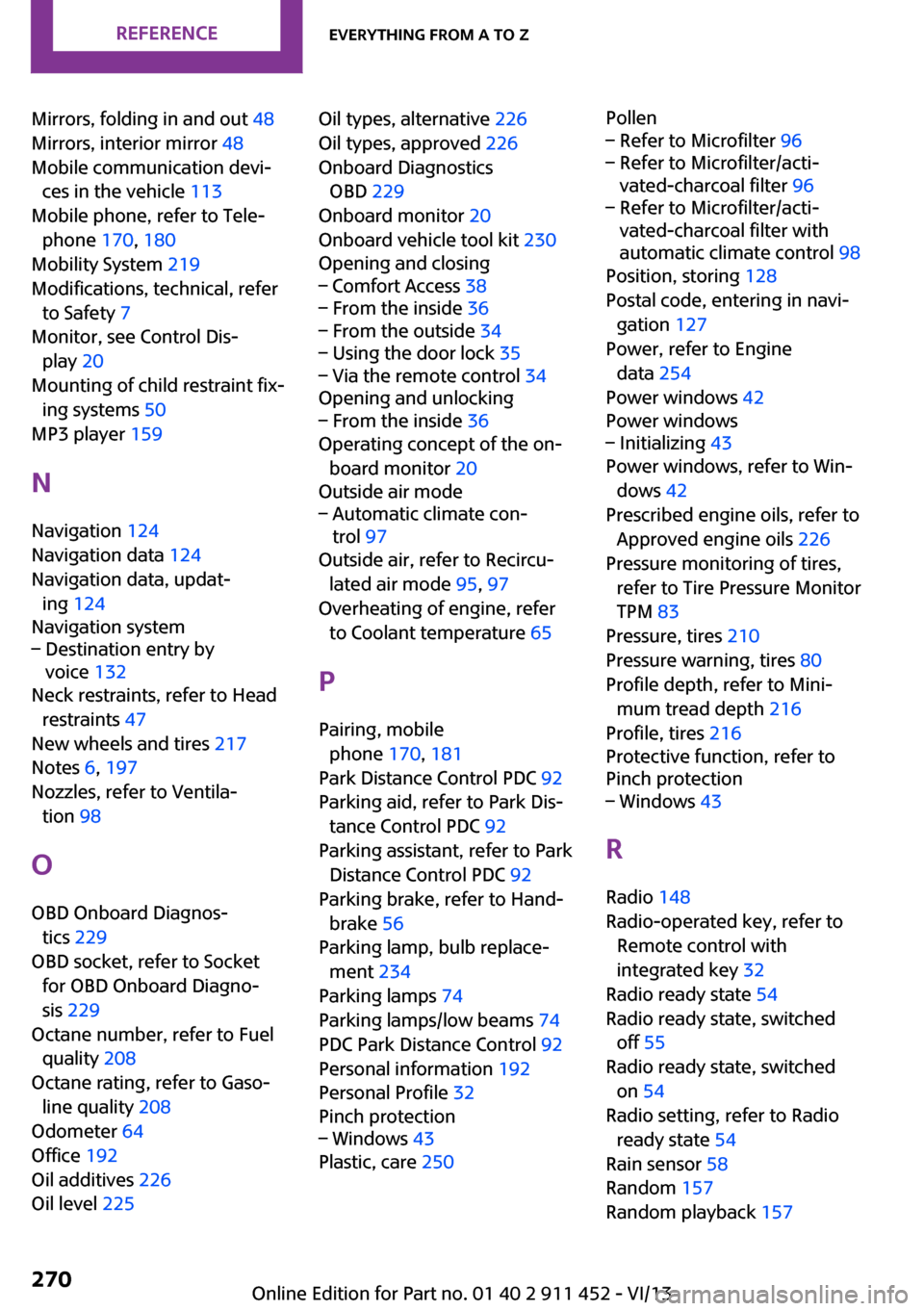
Mirrors, folding in and out 48
Mirrors, interior mirror 48
Mobile communication devi‐ ces in the vehicle 113
Mobile phone, refer to Tele‐ phone 170, 180
Mobility System 219
Modifications, technical, refer to Safety 7
Monitor, see Control Dis‐ play 20
Mounting of child restraint fix‐ ing systems 50
MP3 player 159
N
Navigation 124
Navigation data 124
Navigation data, updat‐ ing 124
Navigation system– Destination entry by
voice 132
Neck restraints, refer to Head
restraints 47
New wheels and tires 217
Notes 6, 197
Nozzles, refer to Ventila‐ tion 98
O
OBD Onboard Diagnos‐ tics 229
OBD socket, refer to Socket for OBD Onboard Diagno‐
sis 229
Octane number, refer to Fuel quality 208
Octane rating, refer to Gaso‐ line quality 208
Odometer 64
Office 192
Oil additives 226
Oil level 225
Oil types, alternative 226
Oil types, approved 226
Onboard Diagnostics OBD 229
Onboard monitor 20
Onboard vehicle tool kit 230
Opening and closing– Comfort Access 38– From the inside 36– From the outside 34– Using the door lock 35– Via the remote control 34
Opening and unlocking
– From the inside 36
Operating concept of the on‐
board monitor 20
Outside air mode
– Automatic climate con‐
trol 97
Outside air, refer to Recircu‐
lated air mode 95, 97
Overheating of engine, refer to Coolant temperature 65
P Pairing, mobile phone 170, 181
Park Distance Control PDC 92
Parking aid, refer to Park Dis‐ tance Control PDC 92
Parking assistant, refer to Park Distance Control PDC 92
Parking brake, refer to Hand‐ brake 56
Parking lamp, bulb replace‐ ment 234
Parking lamps 74
Parking lamps/low beams 74
PDC Park Distance Control 92
Personal information 192
Personal Profile 32
Pinch protection
– Windows 43
Plastic, care 250
Pollen– Refer to Microfilter 96– Refer to Microfilter/acti‐
vated-charcoal filter 96– Refer to Microfilter/acti‐
vated-charcoal filter with
automatic climate control 98
Position, storing 128
Postal code, entering in navi‐ gation 127
Power, refer to Engine data 254
Power windows 42
Power windows
– Initializing 43
Power windows, refer to Win‐
dows 42
Prescribed engine oils, refer to Approved engine oils 226
Pressure monitoring of tires, refer to Tire Pressure Monitor
TPM 83
Pressure, tires 210
Pressure warning, tires 80
Profile depth, refer to Mini‐ mum tread depth 216
Profile, tires 216
Protective function, refer to
Pinch protection
– Windows 43
R
Radio 148
Radio-operated key, refer to Remote control with
integrated key 32
Radio ready state 54
Radio ready state, switched off 55
Radio ready state, switched on 54
Radio setting, refer to Radio ready state 54
Rain sensor 58
Random 157
Random playback 157
Seite 270ReferenceEverything from A to Z270
Online Edition for Part no. 01 40 2 911 452 - VI/13
Page 271 of 276

Range 66
RDS 149
Reading out loud 198
Rear door, refer to Club‐ door 37
Rear doors, refer to Split door 37
Rear fog lamp 76
Rear fog lamp, bulb replace‐ ment 235
Rear fog lamps, indicator lamp 17
Rear lamps, refer to Tail lamps 235
Rear swing doors, refer to Split door 37
Rearview mirror, refer to Mir‐ rors 48
Rear window defroster 95, 98
Rear window, washing 59
Rear window wiper 59
Recirculated air mode 95, 97
Recommended tire brands 218
Redialing 176, 188
Releasing, refer to Unlock‐ ing 39
Remaining range for service, refer to Service require‐
ments 70
Remaining range, refer to Range 66
Reminders 198
Remote control– Battery replacement 40– Comfort Access 38– Malfunctions 35, 40– Split door 35
Remote control, removing
from the ignition lock 54
Remote control, service data 228
Remote control, universal 99
Remote inquiry 175, 187
Replacement remote con‐ trol 32
Replacing wheels/tires 217
Reporting safety defects 9
Reserve warning, refer to Fuel gauge 65
Reservoir for washer fluid, re‐ fer to Washer fluid reser‐
voir 60
Restraining systems– Refer to Safety belts 46
Restraint systems for chil‐
dren 50
Retreaded tires 218
Reverse gear, manual trans‐ mission 61
Road, avoiding 135
Road detour 135
Roadside Assistance 244
Roadside parking lamp, bulb replacement 234
Roadside parking lamps 75
RON gasoline quality 208
RON, refer to Fuel quality 208
Route 136
Route criteria, route 135
Route, displaying 136
Route section, bypassing 136
RPM, refer to Engine data 254
Rubber seals, care 250
Run-flat tires 219
Run-flat tires
– Flat tire 82
Run-flat tires, tire inflation
pressure 210
Running lights, refer to Park‐ ing lamps/low beams 74
S Safe braking 114
Safety 7
Safety belts 46
Safety belts
– Damage 47
Safety belts, care 251
Safety belts, indicator/warning lamp 47
Safety belts, reminder 47
Safety systems– Safety belts 46
Safety systems, airbags 78
Satellite radio 150
Saving fuel 120
Scale, changing during navi‐ gation 139
Screen, see Control Display 20
Seat adjustment
– Manual 44
Seat belts
– Refer to Safety belts 46
Seat heating 46
Seats
– Adjusting 44– Heating 46– Sitting safely 44
Selector lever, automatic
transmission with Step‐
tronic 61
Selector lever lock, overrid‐ ing 63
Selector lever lock, refer to Changing selector lever posi‐
tions, Shiftlock 61
Selector lever positions, auto‐ matic transmission with
Steptronic 61
Service and warranty 8
Service data in the remote control 228
Service interval display, refer to Condition Based Service
CBS 228
Service interval display, refer to Service requirements 70
Service requirements 70
Service requirements, CBS Condition Based Service 228
Settings
– Changing on the Control Dis‐
play 69– Language 69
Settings and information 67
Settings, configuring, refer to Personal Profile 32
Seite 271Everything from A to ZReference271
Online Edition for Part no. 01 40 2 911 452 - VI/13
Page 272 of 276
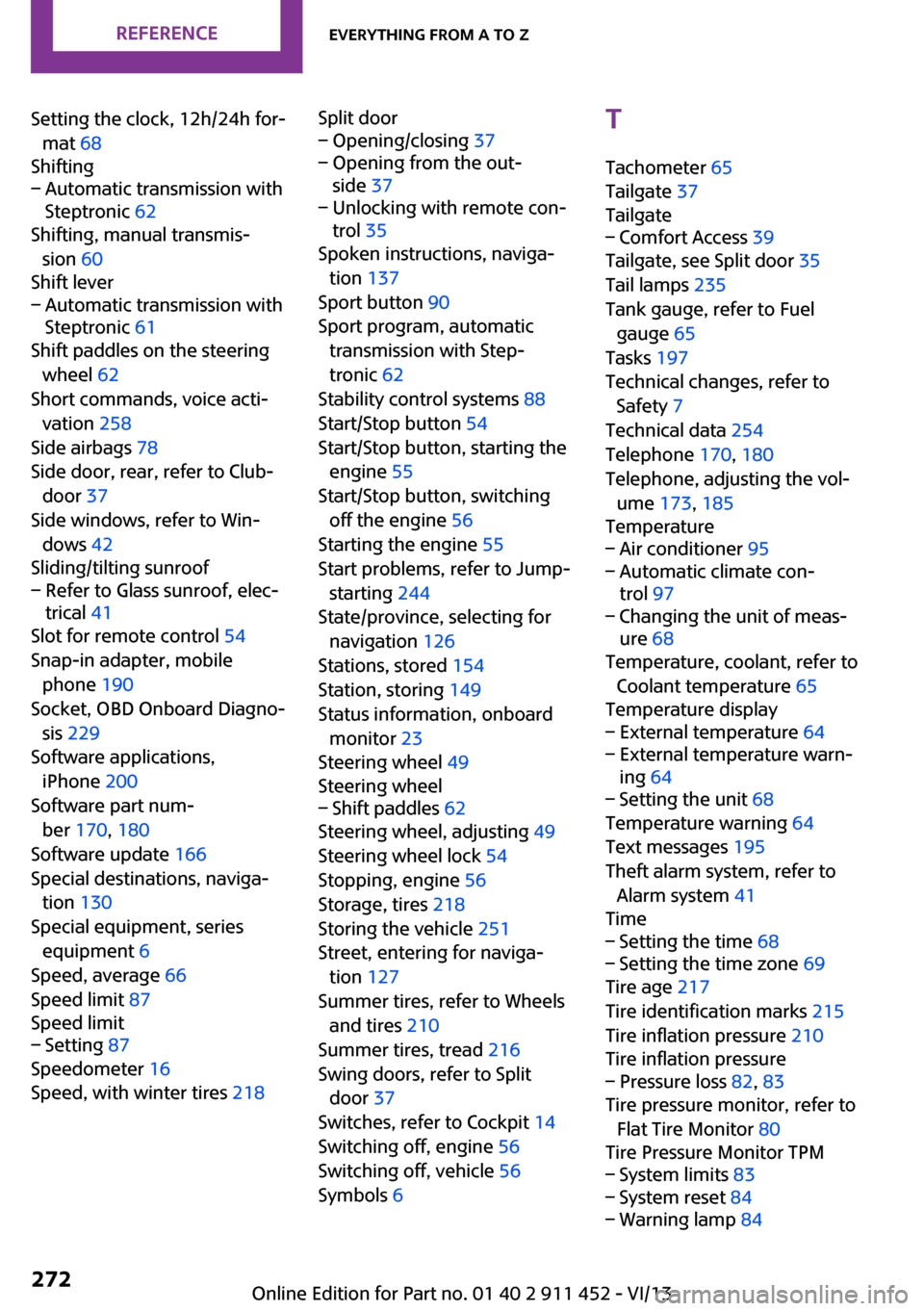
Setting the clock, 12h/24h for‐mat 68
Shifting– Automatic transmission with
Steptronic 62
Shifting, manual transmis‐
sion 60
Shift lever
– Automatic transmission with
Steptronic 61
Shift paddles on the steering
wheel 62
Short commands, voice acti‐ vation 258
Side airbags 78
Side door, rear, refer to Club‐ door 37
Side windows, refer to Win‐ dows 42
Sliding/tilting sunroof
– Refer to Glass sunroof, elec‐
trical 41
Slot for remote control 54
Snap-in adapter, mobile phone 190
Socket, OBD Onboard Diagno‐ sis 229
Software applications, iPhone 200
Software part num‐ ber 170, 180
Software update 166
Special destinations, naviga‐ tion 130
Special equipment, series equipment 6
Speed, average 66
Speed limit 87
Speed limit
– Setting 87
Speedometer 16
Speed, with winter tires 218
Split door– Opening/closing 37– Opening from the out‐
side 37– Unlocking with remote con‐
trol 35
Spoken instructions, naviga‐
tion 137
Sport button 90
Sport program, automatic transmission with Step‐
tronic 62
Stability control systems 88
Start/Stop button 54
Start/Stop button, starting the engine 55
Start/Stop button, switching off the engine 56
Starting the engine 55
Start problems, refer to Jump- starting 244
State/province, selecting for navigation 126
Stations, stored 154
Station, storing 149
Status information, onboard monitor 23
Steering wheel 49
Steering wheel
– Shift paddles 62
Steering wheel, adjusting 49
Steering wheel lock 54
Stopping, engine 56
Storage, tires 218
Storing the vehicle 251
Street, entering for naviga‐ tion 127
Summer tires, refer to Wheels and tires 210
Summer tires, tread 216
Swing doors, refer to Split door 37
Switches, refer to Cockpit 14
Switching off, engine 56
Switching off, vehicle 56
Symbols 6
T
Tachometer 65
Tailgate 37
Tailgate– Comfort Access 39
Tailgate, see Split door 35
Tail lamps 235
Tank gauge, refer to Fuel gauge 65
Tasks 197
Technical changes, refer to Safety 7
Technical data 254
Telephone 170, 180
Telephone, adjusting the vol‐ ume 173, 185
Temperature
– Air conditioner 95– Automatic climate con‐
trol 97– Changing the unit of meas‐
ure 68
Temperature, coolant, refer to
Coolant temperature 65
Temperature display
– External temperature 64– External temperature warn‐
ing 64– Setting the unit 68
Temperature warning 64
Text messages 195
Theft alarm system, refer to Alarm system 41
Time
– Setting the time 68– Setting the time zone 69
Tire age 217
Tire identification marks 215
Tire inflation pressure 210
Tire inflation pressure
– Pressure loss 82, 83
Tire pressure monitor, refer to
Flat Tire Monitor 80
Tire Pressure Monitor TPM
– System limits 83– System reset 84– Warning lamp 84Seite 272ReferenceEverything from A to Z272
Online Edition for Part no. 01 40 2 911 452 - VI/13
Page 273 of 276
Tire Quality Grading 215
Tires– Flat tire 82– Inflation pressure 210– Inflation pressure loss 84– Pressure monitoring, refer to
Tire Pressure Monitor
TPM 83
Tires, breaking in 112
Tires, changing 217
Tires, condition 216
Tires, damage 216
Tire size 215
Tires, minimum tread 216
Tires, retreaded tires 218
Tires, storage 218
Tire tread 216
Toll roads, route 135
Tone 146
Tool kit, refer to Onboard ve‐ hicle tool kit 230
Tools, refer to Onboard vehi‐ cle tool kit 230
Torque, refer to Engine data 254
Towing another vehicle 245
Towing, being towed 245
Town/city, navigation 126
Tow-starting 245
TPM, refer to Tire Pressure Monitor 83
Traction control 89
Traffic bulletins, naviga‐ tion 139
Transmission
– Overriding selector lever
lock in case of automatic
transmission with Step‐
tronic 63
Transmission lock
– Refer to Changing selector
lever positions 61
Transmission, manual 60
Transporting children safely 50
Treble, tone 146
Trip-distance counter, refer to
Trip odometer 64
Triple turn signal activa‐ tion 57
Trip odometer 64
Trips, planning 133
Trunk doors, refer to Split door 37
Trunk lid, refer to Tailgate 37
Trunk, refer to Cargo area 37
Turning lamps, refer to Adap‐ tive Light Control 76
Turn signal– Indicator lamp 16
Turn signal, bulb replace‐
ment 234
Turn signals 57
Turn signals, triple turn signal activation 57
U
Uniform Tire Quality Grading/ UTQG 215
Unintentional alarms, avoid‐ ing 41
Units
– Average fuel consump‐
tion 68– Temperature 68
Units of measure, changing on
Control Display 68
Universal remote control 99
Unlocking
– From the inside 36– From the outside 34– Tailgate 39– Without remote control, re‐
fer to Comfort Access 38
Update, software 166
Upholstery care 250
Upholstery material care 250
V
Vehicle– Identification num‐
ber 170, 180
Vehicle battery 240
Vehicle, breaking in 112
Vehicle care 249
Vehicle care, refer to Care 248
Vehicle equipment 6
Vehicle paintwork, care 250
Vehicle storage 251
Vehicle, switching off 56
Vehicle wash 248
Ventilation
– Air conditioning 98
Version of the navigation
data 124
Video playback, iPhone 162
Video playback, snap-in adapter 162
Voice activation
– Navigation 132
Voice activation, short com‐
mands 258
Voice activation system 26
Volume, setting 146
W Warning and indicator lamps 17
Warning messages, refer to Check Control 71
Warning signal volumes 146
Warning triangle 243
Washer/wiper system 57
Washer/wiper system, rain sensor 58
Washer/wiper system, washer fluid 60
Washer fluid 60
Washer fluid reservoir 60
Washing, vehicle 248
Welcome lamps 75
Wheel change 238
Seite 273Everything from A to ZReference273
Online Edition for Part no. 01 40 2 911 452 - VI/13