towing MINI COOPER 2004 Owners Manual
[x] Cancel search | Manufacturer: MINI, Model Year: 2004, Model line: COOPER, Model: MINI COOPER 2004Pages: 152, PDF Size: 1.53 MB
Page 6 of 152
CONTENTS
4
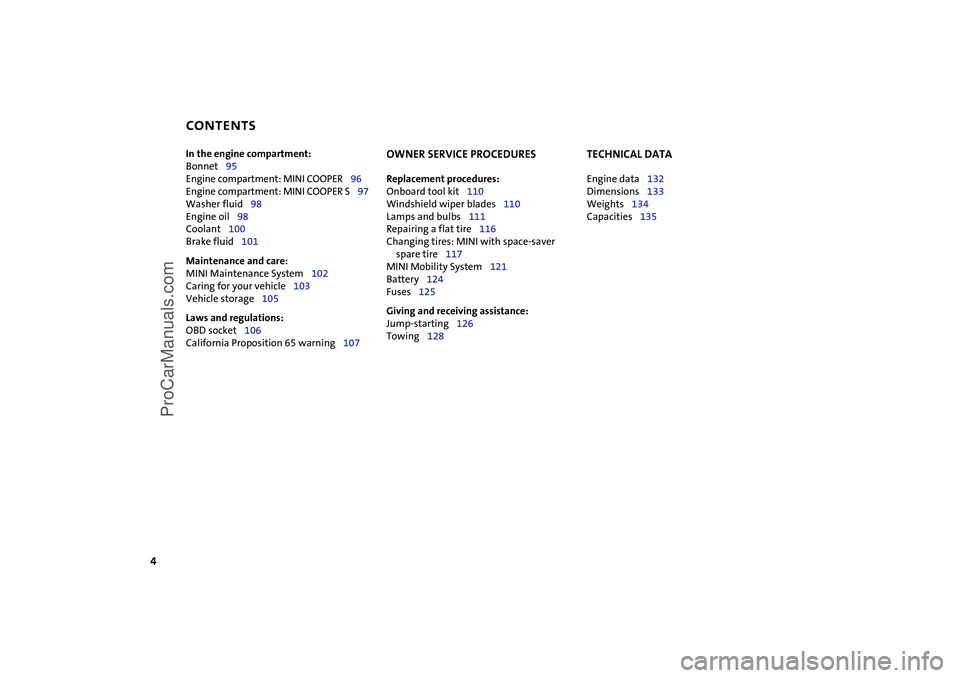
In the engine compartment:
Bonnet95
Engine compartment: MINI COOPER96
Engine compartment: MINI COOPER S97
Washer fluid98
Engine oil98
Coolant100
Brake fluid101
Maintenance and care:
MINI Maintenance System102
Caring for your vehicle103
Vehicle storage105
Laws and regulations:
OBD socket106
California Proposition 65 warning107
OWNER SERVICE PROCEDURES
Replacement procedures:
Onboard tool kit110
Windshield wiper blades110
Lamps and bulbs111
Repairing a flat tire116
Changing tires: MINI with space-saver
spare tire117
MINI Mobility System121
Battery124
Fuses125
Giving and receiving assistance:
Jump-starting126
Towing128
TECHNICAL DATA
Engine data132
Dimensions133
Weights134
Capacities135
ProCarManuals.com
Page 49 of 152

47
OVERVIEW REPAIRS OPERATIONCONTROLS DATA INDEX
CONTINUOUSLY VARIABLE AUTOMATIC TRANSMISSION (CVT)
*
In order to accelerate rapidly in the
M/S + – Manual mode and in the
Sport program, e.g. when passing, shift
downwards manually or by kickdown.<
Whenever you want to return to automatic
shifting, just move the selector lever
toward the left to position D.
Switching from M/S + – Manual mode into
the selector lever positions P, R and N is
only possible via D.
Available displays
P R N D SD 1 2 3 4 5 6 EP
Electronic transmission control moduleIf there is a malfunction in the transmission
system, EP appears in the display.
All selector lever positions can still be
selected. In positions for driving forward:
the vehicle can now only be driven with a
limited gear selection.
Avoid high engine loads. Please pro-
ceed to the nearest MINI Dealer.<
Do not work in the engine compart-
ment when a drive gear – forward or
reverse – is engaged. If you do this, the
vehicle could move.<
Jump-starting and towing, refer to
pages 126, 128.<
ProCarManuals.com
Page 66 of 152

64
PARK DISTANCE CONTROL (PDC)
*
The concept
The PDC assists you when you back into a
parking space. A signal tone tells you the
current distance to an object behind your
vehicle. To do this, four ultrasonic sensors
in the rear bumper measure the distance to
the nearest object.
The sensors on each side have a range of
approx. 2 ft / 60 cm, the middle sensors
one of approx. 5 ft / 1.5 m.
PDC is a parking aid that can identify
objects if they are approached slowly,
as is generally the case when parking.
Avoid driving towards objects rapidly; due
to underlying physical principles, the sys-
tem may otherwise alert you too late for
you to take evasive steps.
one second after you select reverse gear or
place the selector lever in position R.
Wait for this one second before you
drive backwards.<
The system is deactivated when you shift
away from Reverse.
You can have a signal tone set by your
MINI Dealer as a confirmation that
PDC has been activated.<
Acoustical signalsThe distance to an object is indicated by a
tone sounding at intervals. As the distance
between vehicle and object decreases, the
intervals between the tones become
shorter. A continuous tone indicates the
presence of an object less than 8 in / 20 cm
away.
The warning signal is canceled after
approx. three seconds if the distance to the
object remains constant during this time,
for instance if you are moving parallel to a
wall.MalfunctionSystem malfunctions will be indicated by a
continuous high-pitched tone when the
system is activated the first time. Please
have your MINI Dealer resolve the problem.Volume controlThe volume of the Park Distance Control
signal can be adjusted from level 1, soft, to
level 6, loud.
The volume can be set by your MINI
Dealer.<
System limitations
Even with PDC, final responsibility for
estimating the distance between the
vehicle and any objects always remains
with the driver.
Even when sensors are involved, there is a
blind spot in which objects cannot be de-
tected. Recognition of some objects can be
beyond the limits of physical ultrasonic
measurement, for example with towing
bars or hitches or with thin or wedge-
shaped objects. Moreover, low objects that
have already been detected, such as a curb
edge, can disappear out of the range of the
sensors before a continuous tone sounds.
Loud sources of sound outside and inside
your vehicle can drown the PDC signal
tone.<
Keep the sensors clean and free of ice
or snow in order to ensure that they
will continue to operate effectively.
Do not apply high pressure spray to the
sensors for a prolonged period of time.
Always maintain a distance which is
greater than 4 in / 10 cm.<
ProCarManuals.com
Page 78 of 152

76
LOADING CARGO
Avoid overloading the vehicle so that
the permitted load on the tires is not
exceeded. Overloading can lead to over-
heating and damage inside the tires.
Depending on the circumstances, this can
result in sudden air loss.<
Determining cargo limit1. Locate the following statement on your
vehicle's placard:
The combined weight of occu-
pants and cargo should never
exceed XXX kg or YYY lbs, as this could
otherwise result in damage to the vehi-
cle and unstable driving conditions.<
2. Determine the combined weight of the
driver and passengers that will be riding
in your vehicle
3. Substract the combined weight of the
driver and passengers from XXX kilo-
grams or YYY pounds
4. The resulting figure equals the available
amount of cargo and luggage load
capacity.
For example, if the XXX amount equals
1,400 lbs. and there will be four 150 lbs.
passengers in your vehicle, the amount
of available cargo and luggage load
capacity is 800 lbs.:
1,400 lbs. minus 600 lbs. = 800 lbs.
5. Determine the combined weight of lug-
gage and cargo being loaded on the
vehicle. That weight may not safely
exceed the available cargo and luggage
load capacity calculated in Step 4
6. If your vehicle will be towing a trailer,
load from your trailer will be transferred
to your vehicle. Consult the manual for
transporting a trailer to determine how
this may reduce the available cargo and
luggage load capacity of your vehicle.
ProCarManuals.com
Page 79 of 152

77
OVERVIEW REPAIRS OPERATIONCONTROLS DATA INDEX
LOADING CARGOStowing cargo >Place heavy cargo as far forward as possi-
ble, directly behind the backrests, and as
low as possible
>Cover sharp edges and corners
>Do not pile objects higher than the top
edge of the backrest
>For very heavy cargo when the rear seat
is unoccupied, fasten each safety belt in
the opposite buckle. This provides addi-
tional stabilization for the rear backrests.
Securing the load >Secure smaller and lighter items using
the cargo area net
* or elastic straps
>For large, heavy items, see your MINI
Dealer for load-securing devices
*. Lash-
ing eyes are provided at the inner corners
of the cargo area for attaching these
load-securing devices.
Comply with the information enclosed
with the load-securing devices.
ProCarManuals.com
Page 119 of 152

117
OVERVIEW REPAIRSOPERATION CONTROLS DATA INDEX
CHANGING TIRES: MINI WITH SPACE-SAVER SPARE TIRE
*
Additional safety measures in the
event of a wheel change:
Change the wheel only on a level, firm sur-
face which is not slippery.
The vehicle or the jack could slip sideways
on soft or slippery support surfaces, such as
snow, ice, flagstones, etc..
Do not use a wooden block or similar object
as a support base for the jack, as this would
prevent it from extending to its full support
height and reduce its load-carrying capac-
ity.
Do not lie under the vehicle or start the
engine when the vehicle is supported by
the jack – risk of fatal injury.<
To change a space-saver tire, proceed as
follows:
>Remove space-saver spare tire, refer to
the section after the next one
>Prepare for tire change, refer to page 119
>Jack up the vehicle, refer to page 119
>Fit the space-saver spare tire, refer to
page 120
>Tighten the lug bolts, refer to page 120
>Drive with space-saver spare tire, refer to
page 120.
Tire change set On vehicles with a space-saver spare tire,
the tire change set is stored in the cargo
area under the floor mat.
1Chock, folding
2Hubcap remover
3Wheel stud wrench
4Jack
5Lug wrench
6Towing eyelet
7Lifting handle
The onboard tool kit includes a pouch with
a plastic bag in which you can place the
damaged wheel.
Removing the space-saver spare tireThe screw connection of the space-saver
spare tire is in the cargo area under the
floor mat, on the base of the storage com-
partment for the tire change set.
1. Loosen the screw connection using the
wheel lug bolt wrench
2. Take out the cover panel
ProCarManuals.com
Page 123 of 152

121
OVERVIEW REPAIRSOPERATION CONTROLS DATA INDEX
MINI MOBILITY SYSTEM
*
MINI Mobility System
To repair a flat tire you will find a MINI
Mobility System in your MINI. With the
help of this system you can apply a liquid
sealant on the inside of the tire, which seals
the damaged area and enables you to con-
tinue to drive.Preparing for tire repair
Before using the MINI Mobility Sys-
tem read the warning and danger
precautions on the equipment.<
If possible, leave objects in which have
been forced into the tire.
Take off the tag regarding speed limits and
stick it onto the steering wheel.
Using the MINI Mobility SystemIn order to repair a flat tire with the MINI
Mobility System, proceed as follows:
>Pump in liquid sealant, refer to page 122
>Reinflate the tire, refer to page 122
>Distribute liquid sealant, refer to
page 123
>Check tire inflation pressure, refer to
page 123
>Drive on, refer to page 123.
MINI Mobility System with onboard
tools The MINI Mobility System with tire change
set and onboard tools is located in the
cargo area under the floor mat:
1Jack
2Chock, folding
3Wheel stud wrench
4Hubcap remover
5Wrench, screwdriver/Phillips screw-
driver, towing eyelet
6Compressor, hose with manometer and
plug for cigarette lighter socket
7Package with filling hose, valve
remover and valve core
8Filling canister
9Hex wrench/screwdriver
10 Adapter for wheel lug lock
ProCarManuals.com
Page 130 of 152

128
TOWING For towing, use either a tow bar or nylon
ropes or straps that prevent sudden jerking
movements.Towing eyelet The screw-in towing eyelet is stored in the
onboard tool kit; be sure that it remains in
the vehicle at all times. It can be attached
at the front or rear of the vehicle.Access to tow socketsUse a suitable object, e.g. credit card,
screwdriver, to press out the covers from
the recess.
Use only the towing eyelet supplied
with the vehicle and screw it in firmly
until it stops. Use the towing eyelet for
towing on paved roads only. If you do not
follow these instructions, the towing eyelet
could detach itself from the vehicle or the
vehicle could be damaged. Never attach
tie-down hooks, chains, straps, or tow
hooks to tie rods, control arms, or any other
part of the vehicle suspension, as this could
damage the components and possibly lead
to accidents.<
Avoid staggered towing and make
sure that the towing rope is taut
before the vehicle that is towing drives
off.<
Tow bars If the towing eyelets of the two vehicles are
not directly opposite one another, please
note:
>Clearance and maneuvering capability
will be strictly limited in corners
>The inclination of the tow bar generates
lateral force, critical above all if the road
surface is slippery.
Do not tow a vehicle that is heavier
than the towing vehicle; otherwise it
will no longer be possible to control the
vehicle's response.<
ProCarManuals.com
Page 131 of 152

129
OVERVIEW REPAIRSOPERATION CONTROLS DATA INDEX
TOWINGTow-startingIt is not possible to start the engine of a
vehicle equipped with an automatic trans-
mission by towing or pushing.
For instructions on jump starting, refer to
page 126.
Never attempt to use your vehicle to push
another car, since damage to the energy-
absorbing bumpers could result.Towing a vehicle
Only tow vehicles with Continuously
Variable automatic Transmission
(CVT) with the front wheels raised or on a
special transport vehicle, otherwise the
transmission can be damaged.<
1. Place gear selector lever in neutral or idle
2. Towing speed:
Max. 45 mph / 70 km/h
3. Towing distance:
Max. 95 miles / 150 km
4. Leave the ignition key at position 1 to
ensure that the brake lamps, turn sig-
nals, horn and windshield wipers remain
operative, and to prevent the steering
lock detent from engaging
5. Switch on the hazard-warning system,
observe country-specific regulations.
Find some means of identifying the vehicle
in tow, for instance, by turning on the haz-
ard warning flashers.
Make sure that the ignition key
remains in position 1 even when the
electrical system has failed to prevent the
steering lock from engaging.
The steering and brakes are without power
assist when the engine is off. This means
that increased effort is required for steer-
ing and braking.<
Towing with a commercial tow truck>Do not tow with sling-type equipment
>Use a wheel-lift or flatbed carrier
>Please comply with applicable towing
laws.
Never allow passengers to ride in a
towed vehicle for any reason.<
ProCarManuals.com
Page 140 of 152
EVERYTHING FROM A TO Z
138
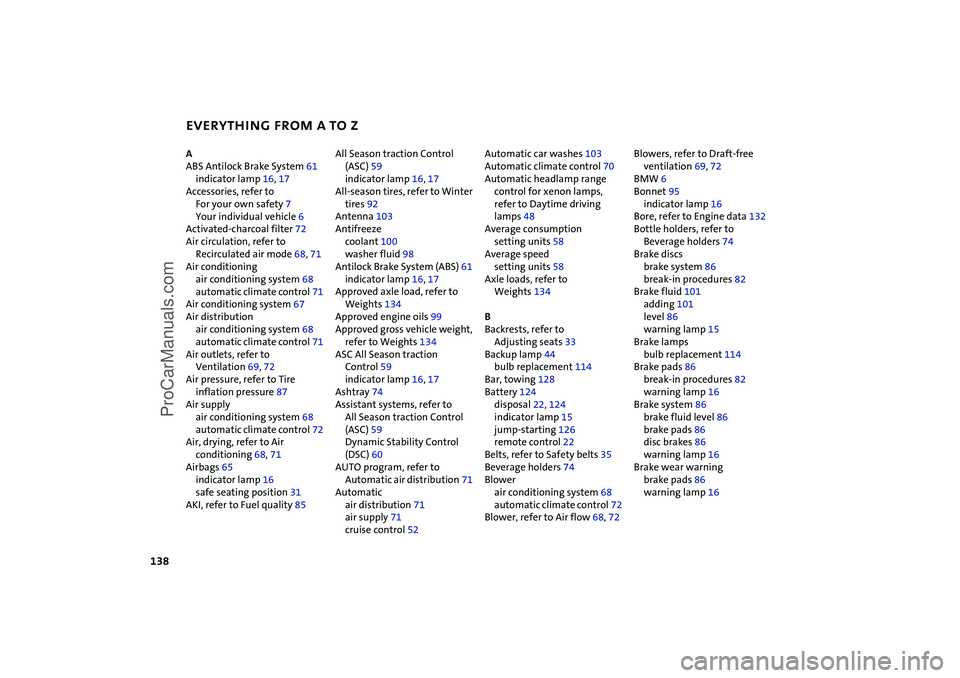
A
ABS Antilock Brake System 61
indicator lamp 16, 17
Accessories, refer to
For your own safety 7
Your individual vehicle 6
Activated-charcoal filter 72
Air circulation, refer to
Recirculated air mode 68, 71
Air conditioning
air conditioning system 68
automatic climate control 71
Air conditioning system 67
Air distribution
air conditioning system 68
automatic climate control 71
Air outlets, refer to
Ventilation 69, 72
Air pressure, refer to Tire
inflation pressure 87
Air supply
air conditioning system 68
automatic climate control 72
Air, drying, refer to Air
conditioning 68, 71
Airbags 65
indicator lamp 16
safe seating position 31
AKI, refer to Fuel quality 85 All Season traction Control
(ASC) 59
indicator lamp 16, 17
All-season tires, refer to Winter
tires 92
Antenna 103
Antifreeze
coolant 100
washer fluid 98
Antilock Brake System (ABS) 61
indicator lamp 16, 17
Approved axle load, refer to
Weights 134
Approved engine oils 99
Approved gross vehicle weight,
refer to Weights 134
ASC All Season traction
Control 59
indicator lamp 16, 17
Ashtray 74
Assistant systems, refer to
All Season traction Control
(ASC) 59
Dynamic Stability Control
(DSC) 60
AUTO program, refer to
Automatic air distribution 71
Automatic
air distribution 71
air supply 71
cruise control 52 Automatic car washes 103
Automatic climate control 70
Automatic headlamp range
control for xenon lamps,
refer to Daytime driving
lamps 48
Average consumption
setting units 58
Average speed
setting units 58
Axle loads, refer to
Weights 134
B
Backrests, refer to
Adjusting seats 33
Backup lamp 44
bulb replacement 114
Bar, towing 128
Battery 124
disposal 22, 124
indicator lamp 15
jump-starting 126
remote control 22
Belts, refer to Safety belts 35
Beverage holders 74
Blower
air conditioning system 68
automatic climate control 72
Blower, refer to Air flow 68, 72 Blowers, refer to Draft-free
ventilation 69, 72
BMW 6
Bonnet 95
indicator lamp 16
Bore, refer to Engine data 132
Bottle holders, refer to
Beverage holders 74
Brake discs
brake system 86
break-in procedures 82
Brake fluid 101
adding 101
level 86
warning lamp 15
Brake lamps
bulb replacement 114
Brake pads 86
break-in procedures 82
warning lamp 16
Brake system 86
brake fluid level 86
brake pads 86
disc brakes 86
warning lamp 16
Brake wear warning
brake pads 86
warning lamp 16
ProCarManuals.com