tires MINI COOPER 2007 User Guide
[x] Cancel search | Manufacturer: MINI, Model Year: 2007, Model line: COOPER, Model: MINI COOPER 2007Pages: 148, PDF Size: 2.54 MB
Page 93 of 148

ReferenceAt a glance Controls Driving tips Mobility
91
meet under the Federal Motor Vehicle Safety
Standard No. 109. Grades B and A represent
higher levels of performance on the laboratory
test wheel than the minimum required by law.
The temperature grade for this tire is
established for a tire that is properly
inflated and not overloaded. Excessive speed,
underinflation, or excessive loading, either sep-
arately or in combination, can cause heat
buildup and possible tire failure.<
RSC – Run-Flat Tires
You will recognize Run-Flat Tires by a circular
symbol containing the letters RSC on the side of
the tire, page92.
M+S
Winter and all-season tires.
These have better winter properties than sum-
mer tires.
XL
Designation for specially reinforced tires.
Tire condition
Inspect your tires regularly for tread wear, signs
of damage and for foreign objects lodged in the
tread. Check the tread depth.
Tread depth
The tread depth should not drop below 1/8 in/
3 mm, although, for example, European legisla-
tion only specifies a minimum tread depth of
1/16 in/1.6 mm. At tread depths below 1/8 in/
3 mm there is an increased risk of high-speed
hydroplaning, even when only small amounts of
water are present on the road surface.
Winter tires
When winter tires wear down past a tread depth
of 1/6 in/4 mm, they become perceptibly less
suitable for winter conditions. In the interest of
safety, new tires should be installed.
Minimum tread depth
Wear indicators in the base of the tread groove
are distributed around the tire's circumference;
the letters TWI, for Tread Wear Indicator, on the
tire's sidewalls identify tires that incorporate
these wear indicators. When tire tread is worn
down to the level of the wear indicators, the
remaining tread depth is 1/16 in/1.6 mm.
Tire damage
Please note that low-profile tires cause wheels,
tires and suspension parts to be more suscepti-
ble to road hazard and consequential damages.
Unusual vibrations encountered during normal
vehicle operation can indicate tire failure or
some other vehicle defect. This can, for exam-
ple, be caused by driving over curbs. The same
applies to any other abnormal road behavior,
such as pulling severely to the right or left.
In these cases, reduce speed immediately
and have wheels and tires thoroughly
checked. To do so, drive carefully to the nearest
MINI Dealer or tire shop that works according to
MINI repair procedures with correspondingly
trained personnel. If necessary, have the vehicle
towed there.
Tire damage can be extremely dangerous for
vehicle occupants and other road users.<
Tire age
The manufacturing date of tires is contained in
the tire coding:
DOT ... 4706 means that the tire was manufac-
tured in week 47 of 2006.
For various reasons, such as the development of
brittleness, the manufacturer of your MINI rec-
ommends tire replacement after no more than
ProCarManuals.com
Page 94 of 148

Wheels and tires
92
6 years, regardless of the actual wear of the
tires.
Run-Flat Tires*
The symbol identifying Run-Flat Tires is a circle
with the letters RSC on the sidewall.
Run-Flat Tires comprise a conditionally self-sup-
porting tire and a special rim. The reinforcement
in the sidewalls ensures that the tire can con-
tinue to be used subject to certain restrictions,
even if depressurized.
For information on continuing to drive with a flat
tire, refer to Indication of a flat tire, page56.
New wheels and tires
Have new wheels and tires mounted only
by your MINI Dealer or a specialized tire
shop that has specially trained personnel work-
ing in accordance with the specifications of the
MINI manufacturer. If this work is not carried out
properly, there is a danger of subsequent dam-
age and related safety hazards. Make sure that
the new wheels are balanced.<
Retreaded tires
The manufacturer of your MINI recom-
mends that you avoid using retreaded
tires, as this could impair driving safety. The
causes for this include potentially different tire
casing structures and often wide variations in
tire age, which can result in a limited service
life.<
Correct wheels and tires
The manufacturer of your MINI recom-
mends mounting only wheels and tires
that it has specifically approved for use on your
particular model. Although other wheels and
tires may theoretically have the same dimen-
sions, variations in factors such as manufactur-
ing tolerances can result in contact between tire
and bodywork, ultimately leading to serious
accidents. The manufacturer of your MINI can-
not evaluate non-approved wheels and tires to
determine if they are suited for use, and there-
fore cannot ensure the operating safety of the
vehicle if they are mounted.<
Your MINI Dealer will be glad to inform you
about the correct wheel and tire combination for
your vehicle.
The correct combination of wheels and tires is
also necessary to ensure reliable operation of
various vehicle systems such as ABS and DSC.
To maintain good handling and vehicle
response, use only tires of a single brand and
tread configuration. After a tire has been dam-
aged, mount the previous wheel and tire combi-
nation again as soon as possible.
Recommended tire brands
For each tire size, the manufacturer of your MINI
recommends certain tire brands. They are
marked with a clearly visible MINI designation
on the sidewall of the tire.
When properly used, these tires meet the high-
est standards in terms of safety and handling
characteristics.
ProCarManuals.com
Page 95 of 148

ReferenceAt a glance Controls Driving tips Mobility
93
Run-Flat Tires*
When mounting new tires or changing over from
summer to winter tires and vice versa, mount
Run-Flat Tires for your own safety. Keep in mind
that no space-saver spare tire is available in the
event of a flat. Your MINI Dealer will be glad to
advise you.
For safety reasons, the manufacturer of
your MINI recommends having Run-Flat
Tires replaced, not repaired, if they are dam-
aged.<
Special characteristics of winter tires
The manufacturer of your MINI recommends
winter tires for driving in adverse winter road
conditions. Although all-season M+S tires pro-
vide better winter traction than summer tires,
they generally fail to provide the same levels of
cold-weather performance as winter tires.
Pay attention to speed
Always comply with the speed limit for the
winter tires mounted on your car; failure
to do so could result in tire damage and acci-
dents.<
If the car is capable of speeds higher than that
permitted for the winter tires, a label stating the
maximum permitted speed for the mounted
tires must be displayed in your field of view. Spe-
cialist tire dealers and your MINI Dealer can sup-
ply these labels.
Storage
Always store wheels and tires in a cool, dry place
with as little exposure to light as possible.
Always protect tires against all contact with oil,
grease and fuels.
Do not exceed the maximum tire inflation pres-
sure indicated on the sidewall of the tire.
Swapping wheels among the axles
The manufacturer of your MINI recommends
that you swap the front wheels with the rear
wheels and vice-versa at intervals of 3,000 to
4,000 miles/5,000 to 7,000 km. This will counter
the varying rates of tire wear at the front and
rear axles, which will have a positive effect on the handling characteristics of your MINI. The
direction in which the tires rotate should be kept
the same.
Snow chains*
Only certain types of fine-link snow chains have
been tested by the manufacturer of your MINI,
classified as road-safe and recommended. Con-
tact your MINI Dealer for more details.
Only attach snow chains in pairs to the front
wheels with the following tires.
>175/65 R 15 M+S
>175/60 R 16 M+S
Observe the manufacturer's instructions when
mounting snow chains. Do not exceed a speed
of 30 mph or 50 km/h.
Do not initialize the Flat Tire Monitor if
snow chains are mounted, otherwise the
instrument might issue an incorrect reading.<
ProCarManuals.com
Page 108 of 148

Replacing components
106
Rear fog lamp*
2 watt bulb, P 21 W
Access to the lamp via the back or underside of
the bumper.
The illustration shows the fog lamp in the
bumper of the MINI Cooper.
1.Screw out the bulb holder counterclockwise.
2.Screw out and replace the bulb.
3.To insert the new bulb and bulb holder, pro-
ceed in reverse order.
License plate lamps
5 watt bulb, C 5 W
1.Using a screwdriver, push the lamp to the
left in the tab of the lamp housing, arrow1.
2.Remove the lamp, arrow 2.
3.Replace the bulb.
4.Insert the lamp.
Center brake lamp
This lamp uses LED technology for operation. In
the event of a malfunction, contact your MINI
Dealer or a workshop that has specially trained
personnel working in accordance with the spec-
ifications of your MINI manufacturer.
Repairing a flat tire
Safety measures in the event of a break-
down:
Park the vehicle as far as possible from moving
traffic and switch on the hazard warning flash-
ers.
Turn the steering wheel until the front wheels
are in the straight-ahead position and engage
the steering wheel lock. Engage the parking
brake and shift into 1st or reverse gear or place
the selector lever in position P.
All passengers should be outside the vehicle and
in a safe place, e.g. behind a guardrail.
Erect a warning triangle or warning flasher at the
appropriate distance if necessary. Comply with
all safety guidelines and regulations.<
In the event of a flat tire, different procedures
should be followed depending on the equip-
ment included in your vehicle:
>MINI Mobility System, refer to the following
section
>Run-Flat Tires, page92
>Tire change with space-saver spare tire,
page108
MINI Mobility System with onboard
tools*
The MINI Mobility System with tire change set
and onboard tools is located in the cargo area
under the floor mat.
1Filling canister
2Allen wrench/screwdriver
3Adapter for wheel lug lock
4Vehicle jack
5Wheel stud wrench
ProCarManuals.com
Page 109 of 148

ReferenceAt a glance Controls Driving tips Mobility
107
6Wrench, screwdriver/Phillips screwdriver,
towing eyelet
7Compressor, hose with manometer and plug
for cigarette lighter socket
8Package with filling hose, valve remover and
valve core
Use of the MINI Mobility System may be
ineffective if the tire puncture measures
approx. 1/8 in/4 mm or more. Contact the near-
est MINI Dealer if the tire cannot be made driv-
able with the MINI Mobility System.<
Liquid sealant
1Filling hose
2Filling canister
Filling
1.Shake the filling canister.
2.Screw the filling hose onto the filling canis-
ter.
3.Unscrew the dust cap from the valve of the
defective tire.
4.Screw out the valve core with the valve
remover. The valve remover is located in a
package with the filling hose.
5.Remove the cap from the filling hose.
6.Push the filling hose onto the tire valve.
7.Hold the filling canister with the cap down
and squeeze.
8.Squeeze the entire contents of the canister
into the tire.
9.Remove the filling hose.
10.Screw the valve core into the tire valve with
the valve remover.In the event of a lost or dirty valve core
you will find another valve core in the
package with the filling hose.
Remember that the liquid canister must be
replaced every four years if the equipment has
not been used.<
Compressor
1Hose with manometer
2Compressor
3Connector for power supply
Reinflating the tire
1.Screw hose1 with manometer onto the tire
valve.
2.Insert connector 3 into the lighter socket in
the interior of the vehicle, page72.
3.Switch on compressor2.
4.Inflate the tire to at least 26.1 psi/1.8 bar but
to no more than 36.2 psi/2.5 bar.
To check the air pressure, shut off the device
for a short time.
Do not run the compressor for longer
than 6 minutes, otherwise the device
will overheat and possibly be damaged.<
If a pressure of 26.1 psi/1.8 bar is not reached:
1.Unscrew hose 1 and drive the vehicle for-
ward and backward about 30 ft/10 m to dis-
tribute the liquid sealant in the tires evenly.
2.Repeat the procedure.
If a pressure of 26.1 psi/1.8 bar is still not
reached, the tire is too badly damaged.
Please contact the nearest MINI Dealer.<
ProCarManuals.com
Page 110 of 148

Replacing components
108
Distributing liquid sealant
Immediately drive for approx. 10 minutes, so
that the liquid sealant is uniformly distributed.
Do not exceed a speed of 35 mph/
60 km/h.
If possible, do not drive at a speed lower than
12 mph/20 km/h.<
Checking tire inflation pressure
1.After driving for approx. 10 minutes, pull
over at a suitable location.
2.Screw the hose with manometer back onto
the tire valve.
3.Check the tire inflation pressure.
The tire inflation pressure must be at
least 18.9 psi/1.3 bar. If it is not, do not
continue driving.<
If at least 18.9 psi/1.3 bar are displayed:
1.Switch on the compressor. Correct the tire
inflation pressure to the specified value,
page86.
2.Replace the tire as soon as possible.
Driving on
Do not exceed the permitted maximum
speed of 50 mph/80 km/h; doing so may
result in an accident.<
Replace the defective tire as soon as possible
and have the new wheel/tire assembly bal-
anced.
Have the MINI Mobility System refilled.
Tire change set
When changing a tire, always observe the safety
measures and the procedure for changing tires
described below.
In case of a flat tire the tire change set is
not needed due to the availability of the
MINI Mobility System.<
Changing wheels
Tire change set for space-saver spare
tire*
On vehicles with a space-saver spare tire, the
tire change set with onboard tools is stored in
the cargo area under the floor mat.
1Chock, folding
2Wheel stud wrench
3Vehicle jack
4Special wrench for removing the space-
saver spare tire
5Flat screwdriver/Phillips screwdriver
6Towing eyelet
7Adapter for wheel lug lock
8Wrench
9Lifting handle
The onboard tool kit includes a pouch with a
plastic bag in which you can place the damaged
wheel.
Space-saver spare tire*
To change a space-saver spare tire, proceed as
follows:
>Remove space-saver spare tire, page109
>Prepare for tire change, page109
>Jack up vehicle, page110
>Mount space-saver spare tire, page110
>Tighten lug bolts, page110
>Drive with space-saver spare tire, page109
ProCarManuals.com
Page 111 of 148

ReferenceAt a glance Controls Driving tips Mobility
109
Removing the space-saver spare tire
The screw connection of the space-saver spare
tire is in the cargo area under the floor mat, on
the base of the storage compartment for the tire
change set.
1.Unscrew the screw connection with the spe-
cial wrench.
2.Take out the cover panel.
3.Screw the lifting handle from the onboard
tool kit onto the thread.
4.Raise the lifting handle slightly.
5.Squeeze the securing spring.
6.The space-saver spare tire is released and
must be held by the lifting handle.
7.Lower the space-saver spare tire with the
lifting handle.
8.Unscrew the lifting handle.9.Pull the space-saver spare tire underneath
the vehicle out towards the rear.
10.Position the space-saver spare tire with the
valve facing upward.
11.Unscrew the valve extension from the valve
of the space-saver spare tire.
12.Unscrew the dust cap from the extension
and place it on the valve of the space-saver
spare tire.
Due to its different dimensions, the dam-
aged wheel cannot be placed in the recess
for the space-saver spare tire.<
Driving with the space-saver spare tire
Drive cautiously. Do not exceed a speed of
50 mph/80 km/h.
You must expect changes in vehicle handling
such as lower track stability during braking,
longer braking distances and changes in self-
steering properties when close to the handling
limit. These effects are more pronounced when
driving with winter tires.
Only one space-saver spare tire may be
mounted at one time. Reinstall a wheel
and tire of the original size as soon as possible.<
Check the tire inflation pressure at the ear-
liest opportunity and correct it if neces-
sary. Replace the defective tire as soon as possi-
ble and have the new wheel/tire assembly
balanced.<
Preparing for a tire change
Observe the safety precautions regarding
flat tires on page106.<
Additional safety measures when chang-
ing tires:
ProCarManuals.com
Page 136 of 148
From A to Z
134
From A to Z
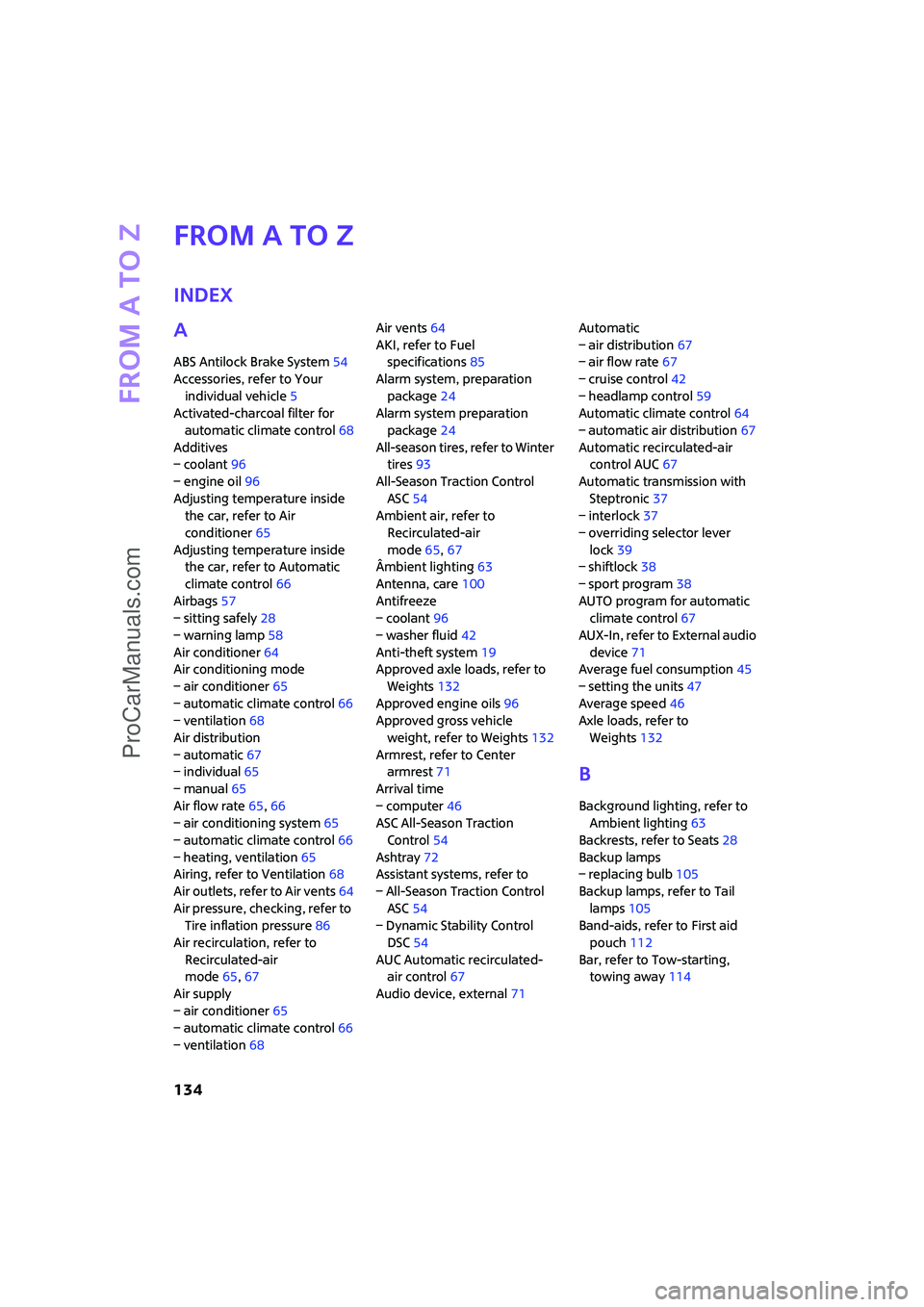
Index
A
ABS Antilock Brake System54
Accessories, refer to Your
individual vehicle5
Activated-charcoal filter for
automatic climate control68
Additives
– coolant96
– engine oil96
Adjusting temperature inside
the car, refer to Air
conditioner65
Adjusting temperature inside
the car, refer to Automatic
climate control66
Airbags57
– sitting safely28
– warning lamp58
Air conditioner64
Air conditioning mode
– air conditioner65
– automatic climate control66
– ventilation68
Air distribution
– automatic67
– individual65
– manual65
Air flow rate65,66
– air conditioning system65
– automatic climate control66
– heating, ventilation65
Airing, refer to Ventilation68
Air outlets, refer to Air vents64
Air pressure, checking, refer to
Tire inflation pressure86
Air recirculation, refer to
Recirculated-air
mode65,67
Air supply
– air conditioner65
– automatic climate control66
– ventilation68Air vents64
AKI, refer to Fuel
specifications85
Alarm system, preparation
package24
Alarm system preparation
package24
All-season tires, refer to Winter
tires93
All-Season Traction Control
ASC54
Ambient air, refer to
Recirculated-air
mode65,67
Âmbient lighting63
Antenna, care100
Antifreeze
– coolant96
– washer fluid
42
Anti-theft system19
Approved axle loads, refer to
Weights132
Approved engine oils96
Approved gross vehicle
weight, refer to Weights132
Armrest, refer to Center
armrest71
Arrival time
– computer46
ASC All-Season Traction
Control54
Ashtray72
Assistant systems, refer to
– All-Season Traction Control
ASC54
– Dynamic Stability Control
DSC54
AUC Automatic recirculated-
air control67
Audio device, external71Automatic
– air distribution67
– air flow rate67
– cruise control42
– headlamp control59
Automatic climate control64
– automatic air distribution67
Automatic recirculated-air
control AUC67
Automatic transmission with
Steptronic37
– interlock37
– overriding selector lever
lock39
– shiftlock38
– sport program38
AUTO program for automatic
climate control67
AUX-In, refer to External audio
device71
Average fuel consumption45
– setting the units47
Average speed46
Axle loads, refer to
Weights132
B
Background lighting, refer to
Ambient lighting63
Backrests, refer to Seats28
Backup lamps
– replacing bulb105
Backup lamps, refer to Tail
lamps105
Band-aids, refer to First aid
pouch112
Bar, refer to Tow-starting,
towing away114
ProCarManuals.com
Page 139 of 148
ReferenceAt a glance Controls Driving tips Mobility
137
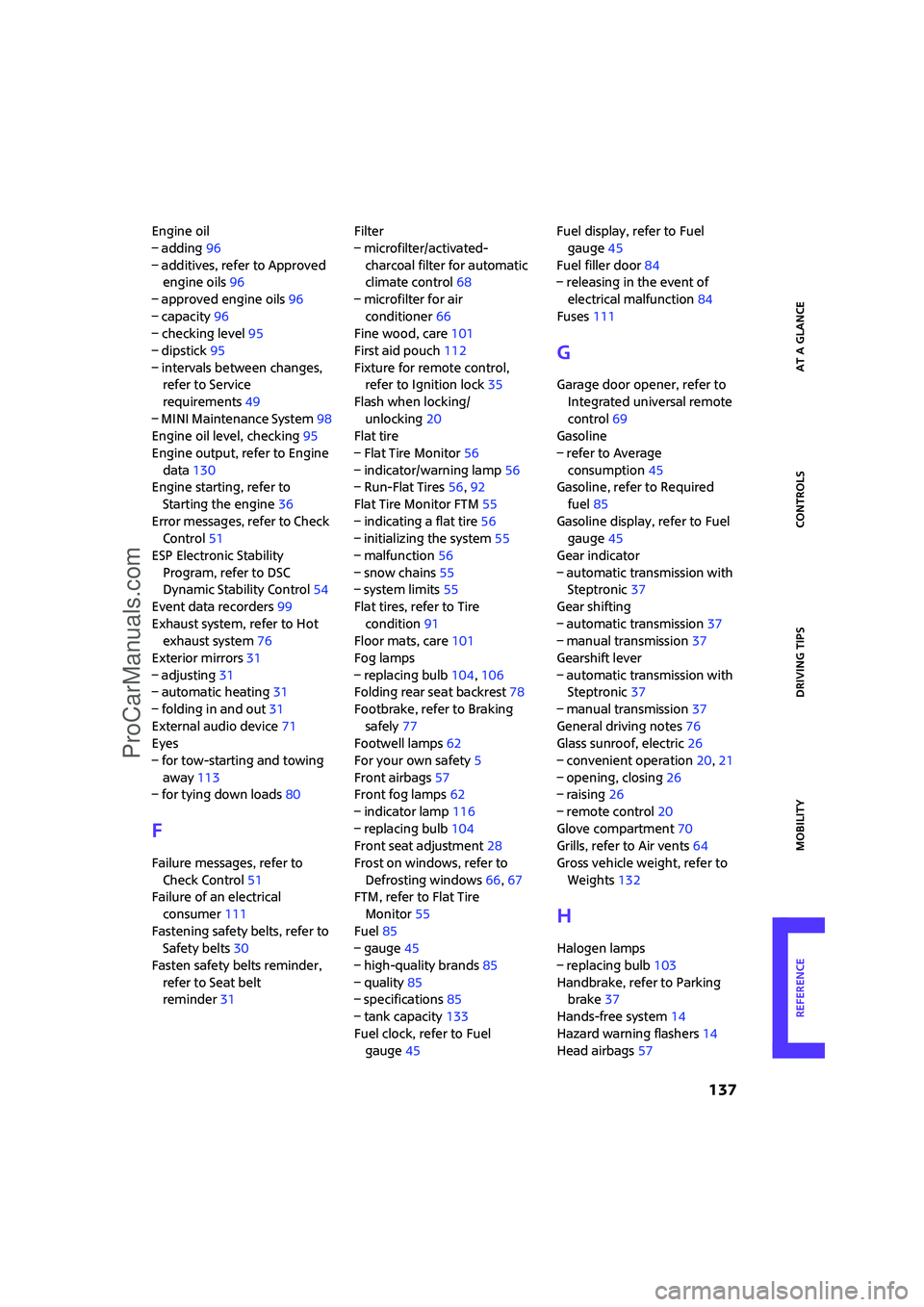
Engine oil
– adding96
– additives, refer to Approved
engine oils96
– approved engine oils96
– capacity96
– checking level95
– dipstick95
– intervals between changes,
refer to Service
requirements49
– MINI Maintenance System98
Engine oil level, checking95
Engine output, refer to Engine
data130
Engine starting, refer to
Starting the engine36
Error messages, refer to Check
Control51
ESP Electronic Stability
Program, refer to DSC
Dynamic Stability Control54
Event data recorders99
Exhaust system, refer to Hot
exhaust system76
Exterior mirrors31
– adjusting31
– automatic heating31
– folding in and out31
External audio device71
Eyes
– for tow-starting and towing
away113
– for tying down loads80
F
Failure messages, refer to
Check Control51
Failure of an electrical
consumer111
Fastening safety belts, refer to
Safety belts30
Fasten safety belts reminder,
refer to Seat belt
reminder31Filter
– microfilter/activated-
charcoal filter for automatic
climate control68
– microfilter for air
conditioner66
Fine wood, care101
First aid pouch112
Fixture for remote control,
refer to Ignition lock35
Flash when locking/
unlocking20
Flat tire
– Flat Tire Monitor56
– indicator/warning lamp56
– Run-Flat Tires56,92
Flat Tire Monitor FTM55
– indicating a flat tire56
– initializing the system55
– malfunction56
– snow chains55
– system limits55
Flat tires, refer to Tire
condition91
Floor mats, care101
Fog lamps
– replacing bulb104,106
Folding rear seat backrest78
Footbrake, refer to Braking
safely77
Footwell lamps62
For your own safety5
Front airbags57
Front fog lamps62
– indicator lamp116
– replacing bulb104
Front seat adjustment28
Frost on windows, refer to
Defrosting windows66,67
FTM, refer to Flat Tire
Monitor55
Fuel85
– gauge45
– high-quality brands85
– quality85
– specifications85
– tank capacity133
Fuel clock, refer to Fuel
gauge45Fuel display, refer to Fuel
gauge45
Fuel filler door84
– releasing in the event of
electrical malfunction84
Fuses111
G
Garage door opener, refer to
Integrated universal remote
control69
Gasoline
– refer to Average
consumption45
Gasoline, refer to Required
fuel85
Gasoline display, refer to Fuel
gauge45
Gear indicator
– automatic transmission with
Steptronic37
Gear shifting
– automatic transmission37
– manual transmission37
Gearshift lever
– automatic transmission with
Steptronic37
– manual transmission37
General driving notes76
Glass sunroof, electric26
– convenient operation20,21
– opening, closing26
– raising26
– remote control20
Glove compartment70
Grills, refer to Air vents64
Gross vehicle weight, refer to
Weights132
H
Halogen lamps
– replacing bulb103
Handbrake, refer to Parking
brake37
Hands-free system14
Hazard warning flashers14
Head airbags57
ProCarManuals.com
Page 141 of 148
ReferenceAt a glance Controls Driving tips Mobility
139
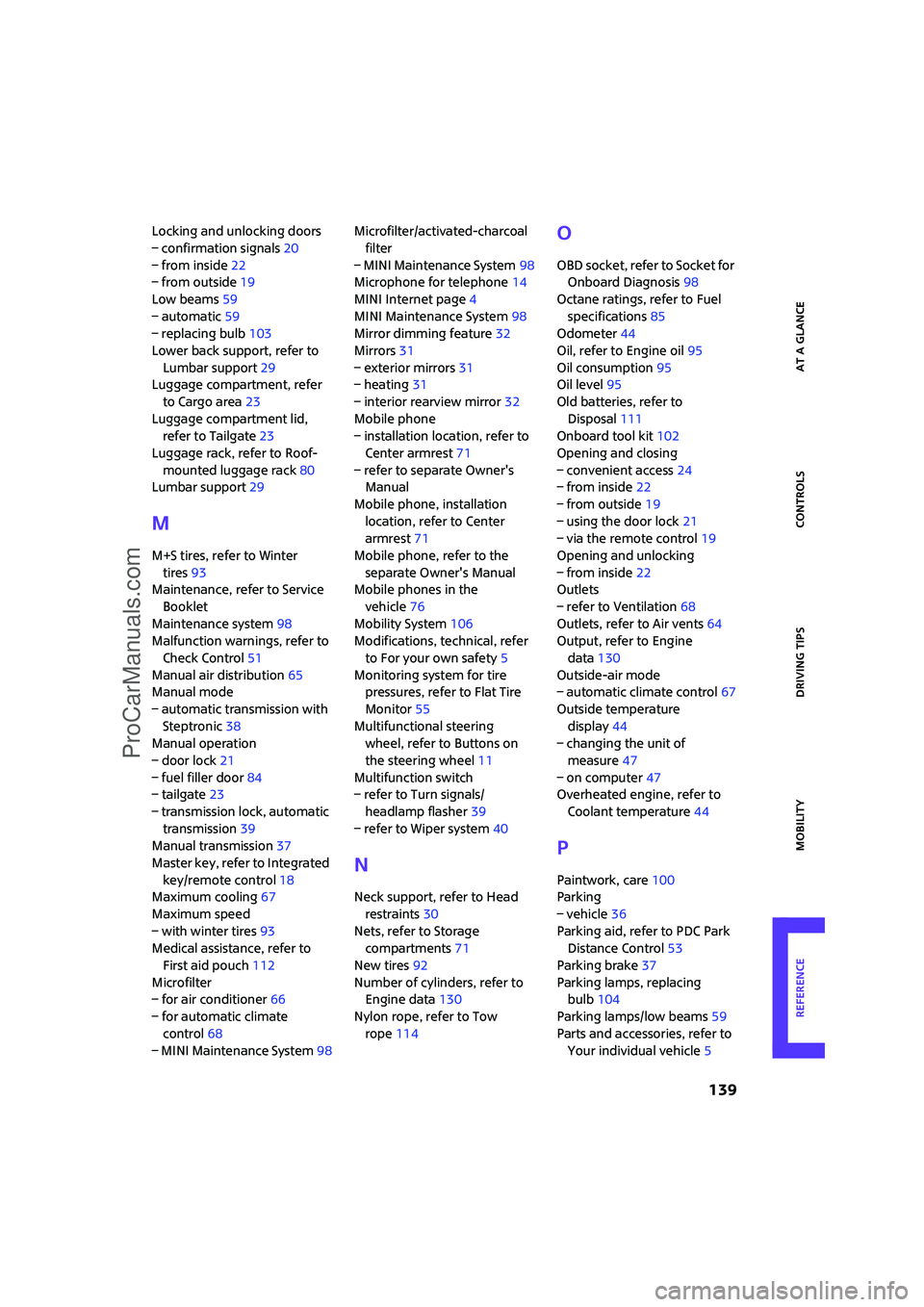
Locking and unlocking doors
– confirmation signals20
– from inside22
– from outside19
Low beams59
– automatic59
– replacing bulb103
Lower back support, refer to
Lumbar support29
Luggage compartment, refer
to Cargo area23
Luggage compartment lid,
refer to Tailgate23
Luggage rack, refer to Roof-
mounted luggage rack80
Lumbar support29
M
M+S tires, refer to Winter
tires93
Maintenance, refer to Service
Booklet
Maintenance system98
Malfunction warnings, refer to
Check Control51
Manual air distribution65
Manual mode
– automatic transmission with
Steptronic38
Manual operation
– door lock21
– fuel filler door84
– tailgate23
– transmission lock, automatic
transmission39
Manual transmission37
Master key, refer to Integrated
key/remote control18
Maximum cooling67
Maximum speed
– with winter tires93
Medical assistance, refer to
First aid pouch112
Microfilter
– for air conditioner66
– for automatic climate
control68
– MINI Maintenance System98Microfilter/activated-charcoal
filter
– MINI Maintenance System98
Microphone for telephone14
MINI Internet page4
MINI Maintenance System98
Mirror dimming feature32
Mirrors31
– exterior mirrors31
– heating31
– interior rearview mirror32
Mobile phone
– installation location, refer to
Center armrest71
– refer to separate Owner's
Manual
Mobile phone, installation
location, refer to Center
armrest71
Mobile phone, refer to the
separate Owner's Manual
Mobile phones in the
vehicle76
Mobility System106
Modifications, technical, refer
to For your own safety5
Monitoring system for tire
pressures, refer to Flat Tire
Monitor55
Multifunctional steering
wheel, refer to Buttons on
the steering wheel11
Multifunction switch
– refer to Turn signals/
headlamp flasher39
– refer to Wiper system40
N
Neck support, refer to Head
restraints30
Nets, refer to Storage
compartments71
New tires92
Number of cylinders, refer to
Engine data130
Nylon rope, refer to Tow
rope114
O
OBD socket, refer to Socket for
Onboard Diagnosis98
Octane ratings, refer to Fuel
specifications85
Odometer44
Oil, refer to Engine oil95
Oil consumption95
Oil level95
Old batteries, refer to
Disposal111
Onboard tool kit102
Opening and closing
– convenient access24
– from inside22
– from outside19
– using the door lock21
– via the remote control19
Opening and unlocking
– from inside22
Outlets
– refer to Ventilation68
Outlets, refer to Air vents64
Output, refer to Engine
data130
Outside-air mode
– automatic climate control67
Outside temperature
display44
– changing the unit of
measure47
– on computer47
Overheated engine, refer to
Coolant temperature44
P
Paintwork, care100
Parking
– vehicle36
Parking aid, refer to PDC Park
Distance Control53
Parking brake37
Parking lamps, replacing
bulb104
Parking lamps/low beams59
Parts and accessories, refer to
Your individual vehicle5
ProCarManuals.com