cruise control MINI COOPER CONVERTIBLE 2016 User Guide
[x] Cancel search | Manufacturer: MINI, Model Year: 2016, Model line: COOPER CONVERTIBLE, Model: MINI COOPER CONVERTIBLE 2016Pages: 252, PDF Size: 5.41 MB
Page 131 of 252
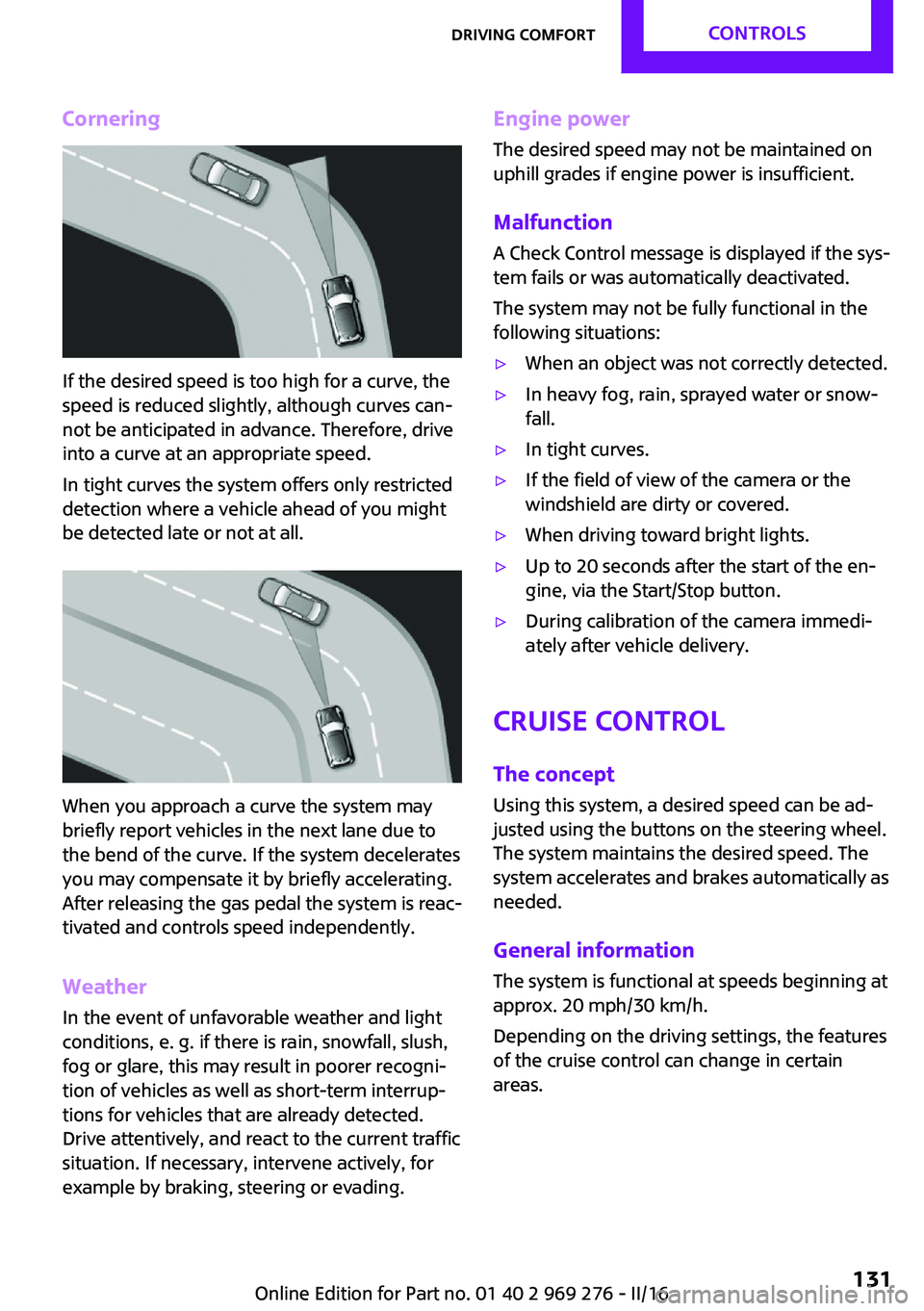
Cornering
If the desired speed is too high for a curve, the
speed is reduced slightly, although curves can‐
not be anticipated in advance. Therefore, drive
into a curve at an appropriate speed.
In tight curves the system offers only restricted
detection where a vehicle ahead of you might
be detected late or not at all.
When you approach a curve the system may
briefly report vehicles in the next lane due to
the bend of the curve. If the system decelerates
you may compensate it by briefly accelerating.
After releasing the gas pedal the system is reac‐
tivated and controls speed independently.
Weather
In the event of unfavorable weather and light conditions, e. g. if there is rain, snowfall, slush,
fog or glare, this may result in poorer recogni‐
tion of vehicles as well as short-term interrup‐
tions for vehicles that are already detected.
Drive attentively, and react to the current traffic
situation. If necessary, intervene actively, for
example by braking, steering or evading.
Engine power
The desired speed may not be maintained on
uphill grades if engine power is insufficient.
Malfunction A Check Control message is displayed if the sys‐
tem fails or was automatically deactivated.
The system may not be fully functional in the
following situations:▷When an object was not correctly detected.▷In heavy fog, rain, sprayed water or snow‐
fall.▷In tight curves.▷If the field of view of the camera or the
windshield are dirty or covered.▷When driving toward bright lights.▷Up to 20 seconds after the start of the en‐
gine, via the Start/Stop button.▷During calibration of the camera immedi‐
ately after vehicle delivery.
Cruise control
The concept
Using this system, a desired speed can be ad‐
justed using the buttons on the steering wheel.
The system maintains the desired speed. The
system accelerates and brakes automatically as
needed.
General information
The system is functional at speeds beginning at
approx. 20 mph/30 km/h.
Depending on the driving settings, the features
of the cruise control can change in certain
areas.
Seite 131Driving comfortCONTROLS131
Online Edition for Part no. 01 40 2 969 276 - II/16
Page 132 of 252
InformationWARNING
The system does not release from the
personal responsibility to correctly assess the
traffic situation. Based on the limits of the sys‐
tem, it cannot independently react to all traffic situations. There is risk of an accident. Adjust
the driving style to the traffic conditions. Watch
traffic closely and actively intervene in the re‐
spective situations. ◀
WARNING
The use of the system can lead to an in‐
creased risk of accidents in the following situa‐
tions:▷On winding roads.▷In heavy traffic.▷On slippery roads, in fog, snow or rain, or
on a loose road surface.
There is risk of accidents or risk of property
damage. Only use the system if driving at con‐
stant speed is possible. ◀
Overview
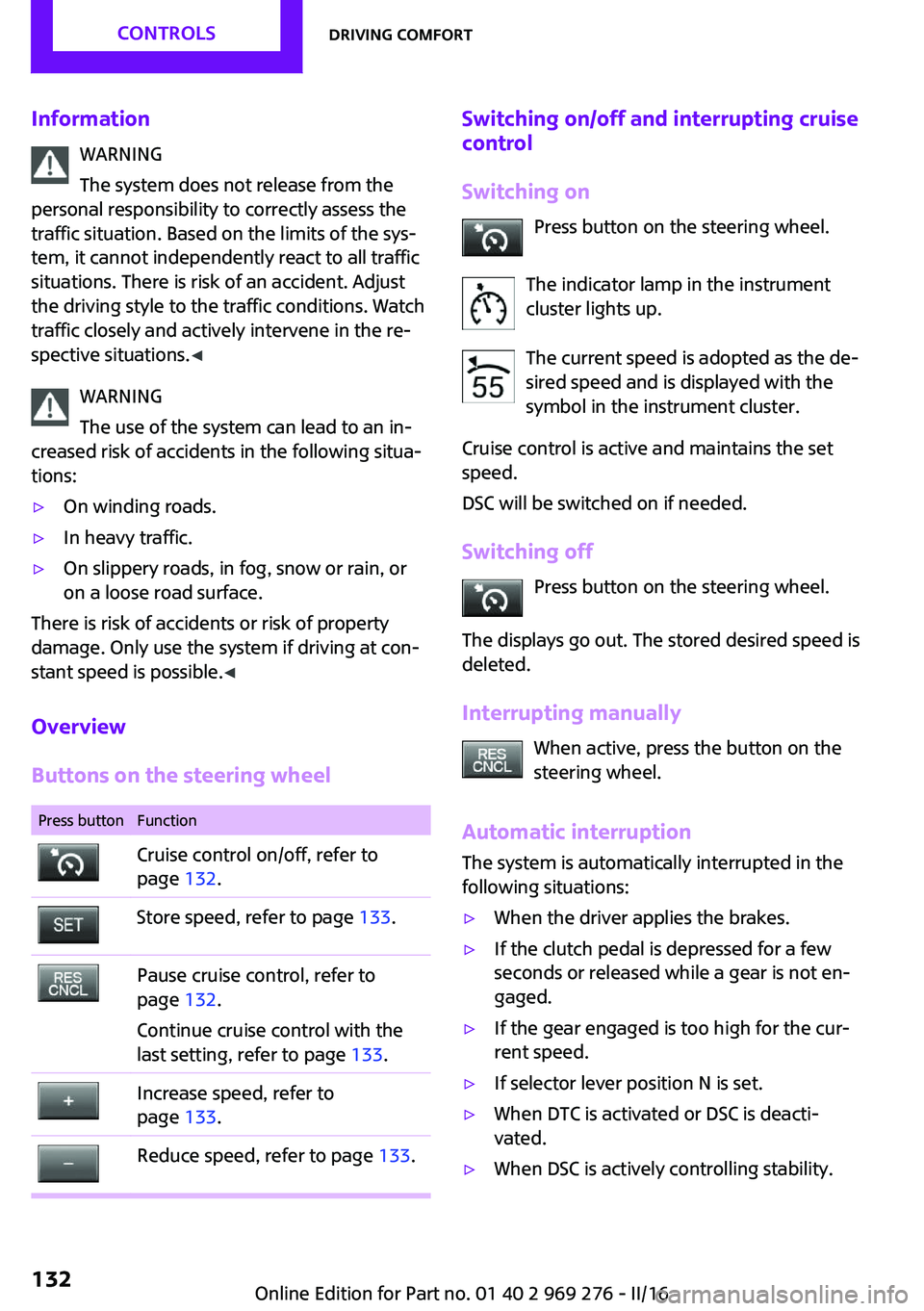
Buttons on the steering wheel
Press buttonFunctionCruise control on/off, refer to
page 132.Store speed, refer to page 133.Pause cruise control, refer to
page 132.
Continue cruise control with the
last setting, refer to page 133.Increase speed, refer to
page 133.Reduce speed, refer to page 133.Switching on/off and interrupting cruise
control
Switching on Press button on the steering wheel.
The indicator lamp in the instrument
cluster lights up.
The current speed is adopted as the de‐
sired speed and is displayed with the
symbol in the instrument cluster.
Cruise control is active and maintains the set
speed.
DSC will be switched on if needed.
Switching off Press button on the steering wheel.
The displays go out. The stored desired speed is
deleted.
Interrupting manually When active, press the button on the
steering wheel.
Automatic interruption
The system is automatically interrupted in the
following situations:▷When the driver applies the brakes.▷If the clutch pedal is depressed for a few
seconds or released while a gear is not en‐
gaged.▷If the gear engaged is too high for the cur‐
rent speed.▷If selector lever position N is set.▷When DTC is activated or DSC is deacti‐
vated.▷When DSC is actively controlling stability.Seite 132CONTROLSDriving comfort132
Online Edition for Part no. 01 40 2 969 276 - II/16
Page 133 of 252
Setting the speed
Maintaining/storing the speed Press
or button in the interrupted state.
When the system is switched on, the current
speed is maintained and stored as the desired
speed.
The stored speed is displayed in the instrument
cluster.
DSC will be switched on if needed.
The speed can also be stored as follows:
Press button.
Changing the speed
or button: press until the desired speed
is set.
If active, the displayed speed is stored and the
vehicle reaches the stored speed when the
road is clear.
▷ or button: each time it is pressed to
the point of resistance, the desired speed
increases or decreases by approx.
1 mph/1 km/h.▷ or button: each time it is pressed
past the point of resistance, the desired
speed increases or decreases by a maxi‐
mum of 5 mph/10 km/h.
The maximum speed that can be set de‐
pends on the vehicle.▷ or button: pressing it to the resist‐
ance point and holding it accelerates or de‐
celerates the vehicle without requiring
pressure on the accelerator pedal. After the
button is released, the vehicle maintains its
final speed. Pressing the switch beyond the
resistance point causes the vehicle to accel‐
erate more rapidly.Continuing cruise control
General information
An interrupted cruise control can be continued
by calling up the stored speed.
InformationMake sure that the difference between current
speed and stored speed is not too large before
calling up the stored speed. Otherwise, unin‐
tentional braking or accelerating may occur.
Calling up stored speed Press button on the steering wheel.
The stored speed is reached and maintained.
Displays in the instrument cluster
Indicator lamp Depending on how the vehicle is equip‐
ped, the indicator lamp in the instru‐
ment cluster indicates whether the sys‐
tem is switched on.
Desired speed and stored speed The desired speed is displayed together
with the symbol.▷Display lights up green: system is
active, the display indicates the de‐
sired speed.▷Display lights up orange: system is inter‐
rupted, the display indicates the stored
speed.▷No display: system is switched off.
If no speed is indicated, it is possible that the
conditions necessary for operation are not cur‐
rently fulfilled.
Seite 133Driving comfortCONTROLS133
Online Edition for Part no. 01 40 2 969 276 - II/16
Page 177 of 252
SymbolMeasureManual transmission: follow shifting
instructions.Manual transmission: engage neutral
for engine stop.
Indications on the Control Display
MINIMALISM
Information on fuel consumption and technol‐
ogy can be displayed while driving.
1. "Vehicle info"2."MINIMALISM"
Displaying MINIMALISM info
The current efficiency can be displayed.
"MINIMALISM info"
The following systems are displayed:
▷Auto Start/Stop function.▷Energy recovery.▷Climate control output.▷Coasting.
Displaying GREEN Mode tips
"GREEN tips"
Driving instruction and an additional symbol
are displayed.
Settings are stored for the profile currently
used.
Coasting
The concept The system helps to conserve fuel.
To do this, under certain conditions the engine
is automatically decoupled from the transmis‐ sion when selector lever position D is set. The
vehicle continues traveling with the engine
idling to reduce fuel consumption. Selector
lever position D remains engaged.
This driving condition is referred to as coasting.
As soon as the brake or accelerator pedal is de‐
pressed, the engine is automatically coupled to
the transmission again.
Information
Coasting is a component of the GREEN driving
mode, refer to page 174.
Coasting is automatically activated when
GREEN Mode is called via the Driving Dynamics
Control, refer to page 124.
The function is available in a certain speed
range.
A proactive driving style helps the driver to use
the function as often as possible and supports
the fuel-conserving effect of coasting.
Safety mode
The function is not available under one of the
following conditions.▷DSC OFF or TRACTION activated.▷Driving in the dynamic limit range and on
steep uphill or downhill grades.▷Battery charge status temporarily too low
or vehicle electrical system drawing exces‐
sive current.▷Cruise control activated.
Functional requirements
In GREEN Mode, this function is available in a
speed range from approximately 30 mph, ap‐
prox. 50 km/h to 100 mph, approx. 160 km/h,
if the following conditions are met:
▷Accelerator pedal and brake pedal are not
operated.▷The selector lever is in selector lever posi‐
tion D.▷Engine and transmission are at operating
temperature.Seite 177Saving fuelDRIVING TIPS177
Online Edition for Part no. 01 40 2 969 276 - II/16
Page 242 of 252
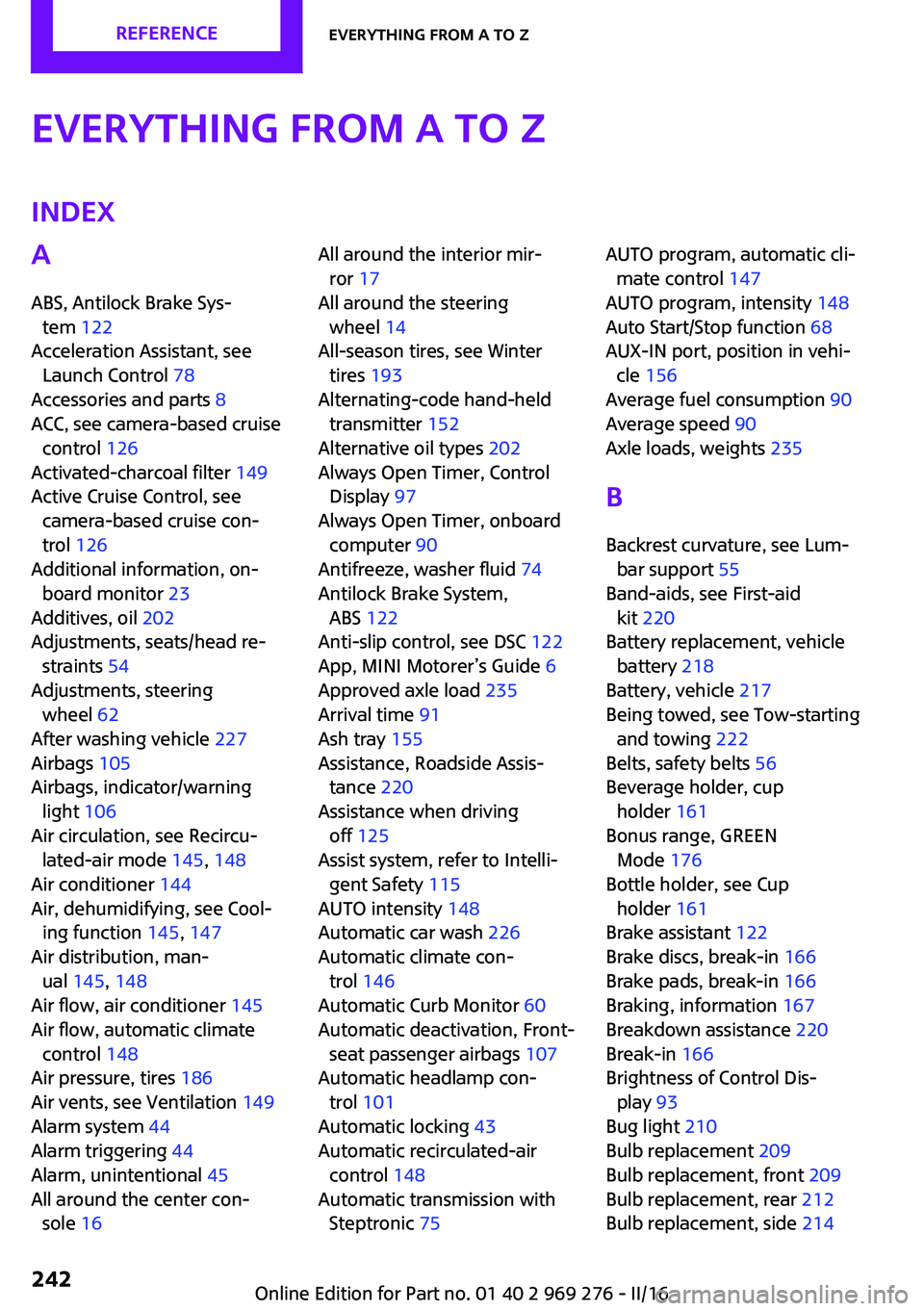
Everything from A to ZIndexA
ABS, Antilock Brake Sys‐ tem 122
Acceleration Assistant, see Launch Control 78
Accessories and parts 8
ACC, see camera-based cruise control 126
Activated-charcoal filter 149
Active Cruise Control, see camera-based cruise con‐
trol 126
Additional information, on‐ board monitor 23
Additives, oil 202
Adjustments, seats/head re‐ straints 54
Adjustments, steering wheel 62
After washing vehicle 227
Airbags 105
Airbags, indicator/warning light 106
Air circulation, see Recircu‐ lated-air mode 145, 148
Air conditioner 144
Air, dehumidifying, see Cool‐ ing function 145, 147
Air distribution, man‐ ual 145 , 148
Air flow, air conditioner 145
Air flow, automatic climate control 148
Air pressure, tires 186
Air vents, see Ventilation 149
Alarm system 44
Alarm triggering 44
Alarm, unintentional 45
All around the center con‐ sole 16 All around the interior mir‐
ror 17
All around the steering wheel 14
All-season tires, see Winter tires 193
Alternating-code hand-held transmitter 152
Alternative oil types 202
Always Open Timer, Control Display 97
Always Open Timer, onboard computer 90
Antifreeze, washer fluid 74
Antilock Brake System, ABS 122
Anti-slip control, see DSC 122
App, MINI Motorer’s Guide 6
Approved axle load 235
Arrival time 91
Ash tray 155
Assistance, Roadside Assis‐ tance 220
Assistance when driving off 125
Assist system, refer to Intelli‐ gent Safety 115
AUTO intensity 148
Automatic car wash 226
Automatic climate con‐ trol 146
Automatic Curb Monitor 60
Automatic deactivation, Front- seat passenger airbags 107
Automatic headlamp con‐ trol 101
Automatic locking 43
Automatic recirculated-air control 148
Automatic transmission with Steptronic 75 AUTO program, automatic cli‐
mate control 147
AUTO program, intensity 148
Auto Start/Stop function 68
AUX-IN port, position in vehi‐ cle 156
Average fuel consumption 90
Average speed 90
Axle loads, weights 235
B
Backrest curvature, see Lum‐ bar support 55
Band-aids, see First-aid kit 220
Battery replacement, vehicle battery 218
Battery, vehicle 217
Being towed, see Tow-starting and towing 222
Belts, safety belts 56
Beverage holder, cup holder 161
Bonus range, GREEN Mode 176
Bottle holder, see Cup holder 161
Brake assistant 122
Brake discs, break-in 166
Brake pads, break-in 166
Braking, information 167
Breakdown assistance 220
Break-in 166
Brightness of Control Dis‐ play 93
Bug light 210
Bulb replacement 209
Bulb replacement, front 209
Bulb replacement, rear 212
Bulb replacement, side 214 Seite 242REFERENCEEverything from A to Z242
Online Edition for Part no. 01 40 2 969 276 - II/16
Page 243 of 252
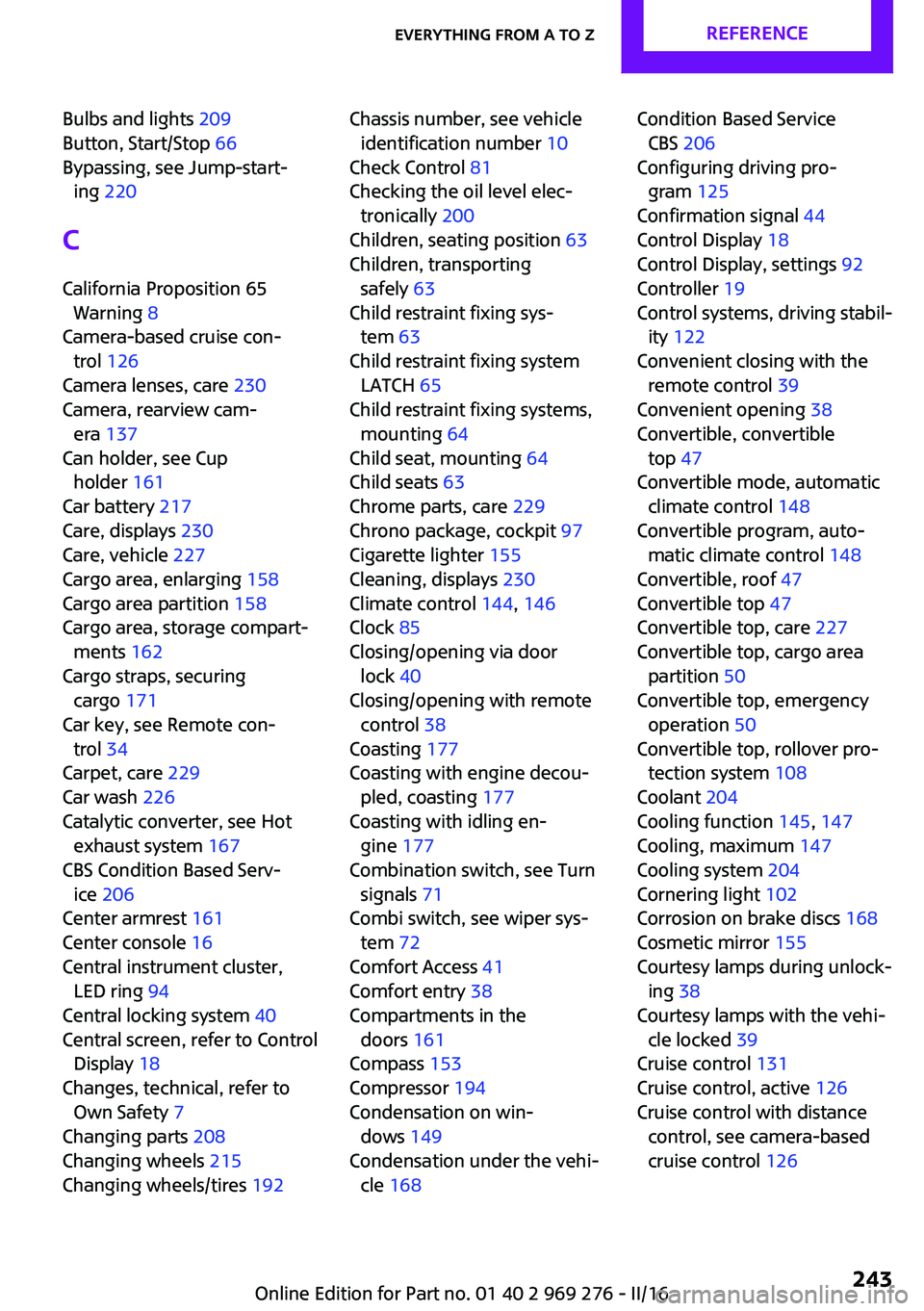
Bulbs and lights 209
Button, Start/Stop 66
Bypassing, see Jump-start‐ ing 220
C California Proposition 65 Warning 8
Camera-based cruise con‐ trol 126
Camera lenses, care 230
Camera, rearview cam‐ era 137
Can holder, see Cup holder 161
Car battery 217
Care, displays 230
Care, vehicle 227
Cargo area, enlarging 158
Cargo area partition 158
Cargo area, storage compart‐ ments 162
Cargo straps, securing cargo 171
Car key, see Remote con‐ trol 34
Carpet, care 229
Car wash 226
Catalytic converter, see Hot exhaust system 167
CBS Condition Based Serv‐ ice 206
Center armrest 161
Center console 16
Central instrument cluster, LED ring 94
Central locking system 40
Central screen, refer to Control Display 18
Changes, technical, refer to Own Safety 7
Changing parts 208
Changing wheels 215
Changing wheels/tires 192 Chassis number, see vehicle
identification number 10
Check Control 81
Checking the oil level elec‐ tronically 200
Children, seating position 63
Children, transporting safely 63
Child restraint fixing sys‐ tem 63
Child restraint fixing system LATCH 65
Child restraint fixing systems, mounting 64
Child seat, mounting 64
Child seats 63
Chrome parts, care 229
Chrono package, cockpit 97
Cigarette lighter 155
Cleaning, displays 230
Climate control 144, 146
Clock 85
Closing/opening via door lock 40
Closing/opening with remote control 38
Coasting 177
Coasting with engine decou‐ pled, coasting 177
Coasting with idling en‐ gine 177
Combination switch, see Turn signals 71
Combi switch, see wiper sys‐ tem 72
Comfort Access 41
Comfort entry 38
Compartments in the doors 161
Compass 153
Compressor 194
Condensation on win‐ dows 149
Condensation under the vehi‐ cle 168 Condition Based Service
CBS 206
Configuring driving pro‐ gram 125
Confirmation signal 44
Control Display 18
Control Display, settings 92
Controller 19
Control systems, driving stabil‐ ity 122
Convenient closing with the remote control 39
Convenient opening 38
Convertible, convertible top 47
Convertible mode, automatic climate control 148
Convertible program, auto‐ matic climate control 148
Convertible, roof 47
Convertible top 47
Convertible top, care 227
Convertible top, cargo area partition 50
Convertible top, emergency operation 50
Convertible top, rollover pro‐ tection system 108
Coolant 204
Cooling function 145, 147
Cooling, maximum 147
Cooling system 204
Cornering light 102
Corrosion on brake discs 168
Cosmetic mirror 155
Courtesy lamps during unlock‐ ing 38
Courtesy lamps with the vehi‐ cle locked 39
Cruise control 131
Cruise control, active 126
Cruise control with distance control, see camera-based
cruise control 126 Seite 243Everything from A to ZREFERENCE243
Online Edition for Part no. 01 40 2 969 276 - II/16
Page 244 of 252
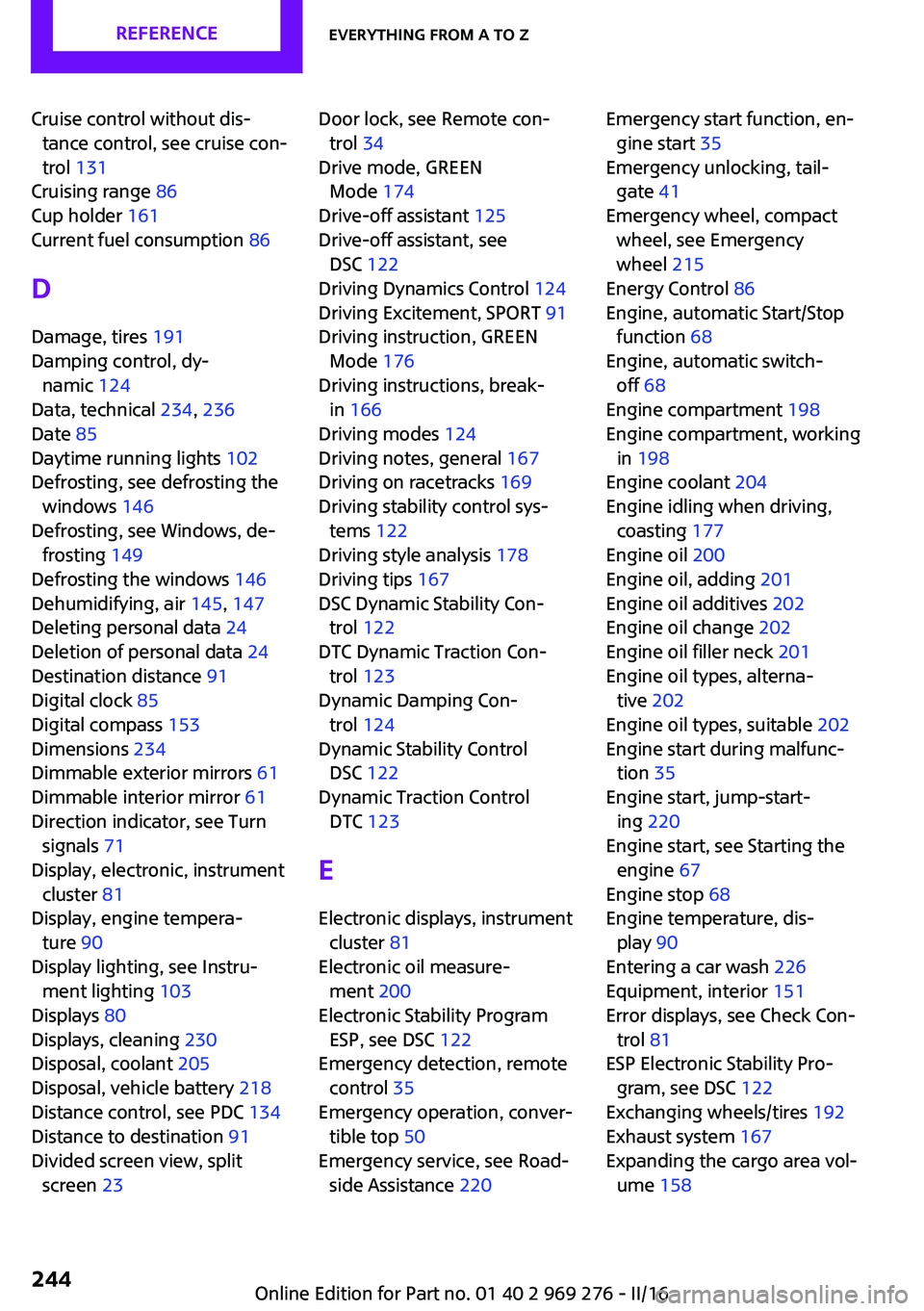
Cruise control without dis‐tance control, see cruise con‐
trol 131
Cruising range 86
Cup holder 161
Current fuel consumption 86
D
Damage, tires 191
Damping control, dy‐ namic 124
Data, technical 234, 236
Date 85
Daytime running lights 102
Defrosting, see defrosting the windows 146
Defrosting, see Windows, de‐ frosting 149
Defrosting the windows 146
Dehumidifying, air 145, 147
Deleting personal data 24
Deletion of personal data 24
Destination distance 91
Digital clock 85
Digital compass 153
Dimensions 234
Dimmable exterior mirrors 61
Dimmable interior mirror 61
Direction indicator, see Turn signals 71
Display, electronic, instrument cluster 81
Display, engine tempera‐ ture 90
Display lighting, see Instru‐ ment lighting 103
Displays 80
Displays, cleaning 230
Disposal, coolant 205
Disposal, vehicle battery 218
Distance control, see PDC 134
Distance to destination 91
Divided screen view, split screen 23 Door lock, see Remote con‐
trol 34
Drive mode, GREEN Mode 174
Drive-off assistant 125
Drive-off assistant, see DSC 122
Driving Dynamics Control 124
Driving Excitement, SPORT 91
Driving instruction, GREEN Mode 176
Driving instructions, break- in 166
Driving modes 124
Driving notes, general 167
Driving on racetracks 169
Driving stability control sys‐ tems 122
Driving style analysis 178
Driving tips 167
DSC Dynamic Stability Con‐ trol 122
DTC Dynamic Traction Con‐ trol 123
Dynamic Damping Con‐ trol 124
Dynamic Stability Control DSC 122
Dynamic Traction Control DTC 123
E Electronic displays, instrument cluster 81
Electronic oil measure‐ ment 200
Electronic Stability Program ESP, see DSC 122
Emergency detection, remote control 35
Emergency operation, conver‐ tible top 50
Emergency service, see Road‐ side Assistance 220 Emergency start function, en‐
gine start 35
Emergency unlocking, tail‐ gate 41
Emergency wheel, compact wheel, see Emergency
wheel 215
Energy Control 86
Engine, automatic Start/Stop function 68
Engine, automatic switch- off 68
Engine compartment 198
Engine compartment, working in 198
Engine coolant 204
Engine idling when driving, coasting 177
Engine oil 200
Engine oil, adding 201
Engine oil additives 202
Engine oil change 202
Engine oil filler neck 201
Engine oil types, alterna‐ tive 202
Engine oil types, suitable 202
Engine start during malfunc‐ tion 35
Engine start, jump-start‐ ing 220
Engine start, see Starting the engine 67
Engine stop 68
Engine temperature, dis‐ play 90
Entering a car wash 226
Equipment, interior 151
Error displays, see Check Con‐ trol 81
ESP Electronic Stability Pro‐ gram, see DSC 122
Exchanging wheels/tires 192
Exhaust system 167
Expanding the cargo area vol‐ ume 158 Seite 244REFERENCEEverything from A to Z244
Online Edition for Part no. 01 40 2 969 276 - II/16
Page 248 of 252
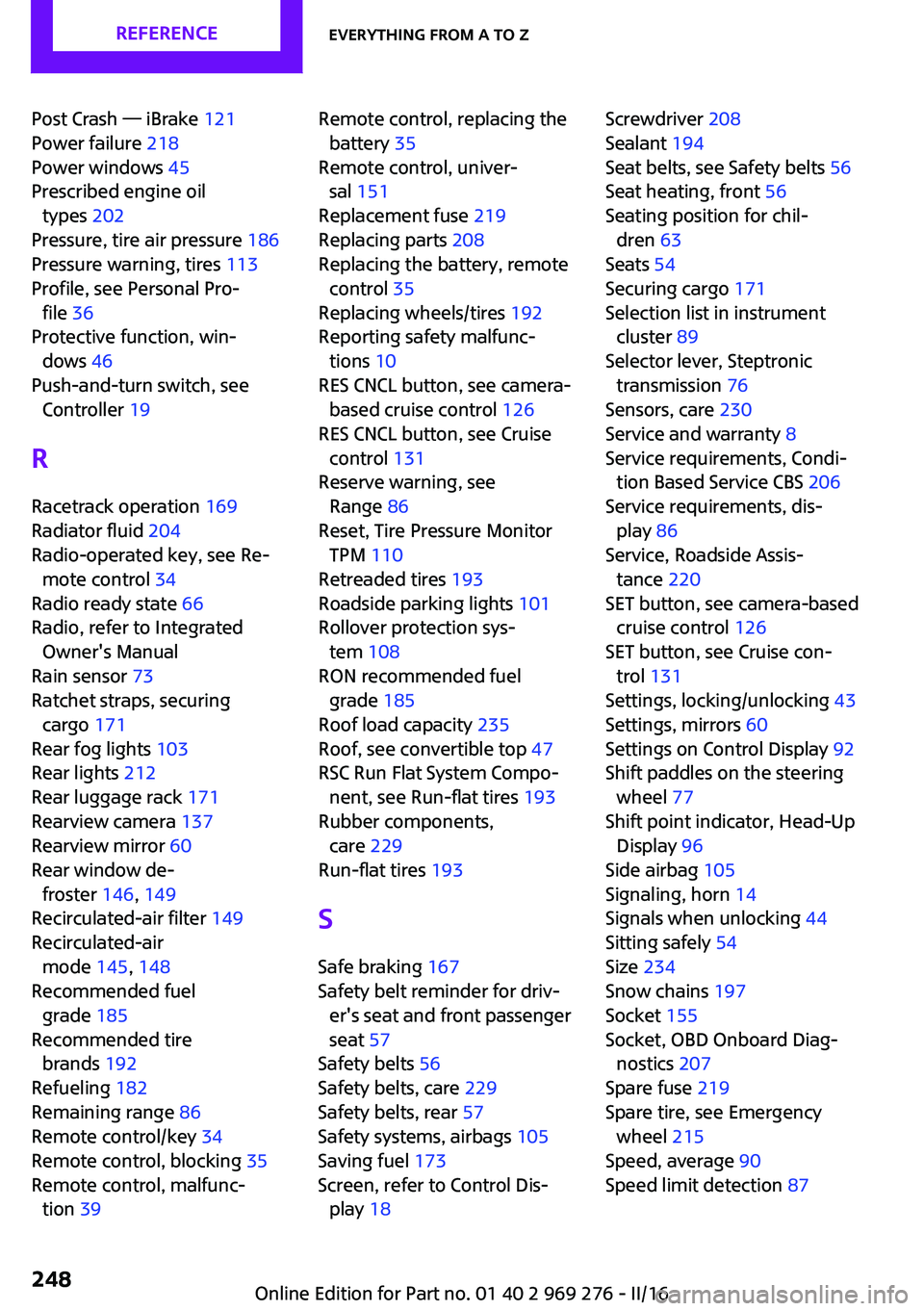
Post Crash — iBrake 121
Power failure 218
Power windows 45
Prescribed engine oil types 202
Pressure, tire air pressure 186
Pressure warning, tires 113
Profile, see Personal Pro‐ file 36
Protective function, win‐ dows 46
Push-and-turn switch, see Controller 19
R
Racetrack operation 169
Radiator fluid 204
Radio-operated key, see Re‐ mote control 34
Radio ready state 66
Radio, refer to Integrated Owner's Manual
Rain sensor 73
Ratchet straps, securing cargo 171
Rear fog lights 103
Rear lights 212
Rear luggage rack 171
Rearview camera 137
Rearview mirror 60
Rear window de‐ froster 146, 149
Recirculated-air filter 149
Recirculated-air mode 145, 148
Recommended fuel grade 185
Recommended tire brands 192
Refueling 182
Remaining range 86
Remote control/key 34
Remote control, blocking 35
Remote control, malfunc‐ tion 39 Remote control, replacing the
battery 35
Remote control, univer‐ sal 151
Replacement fuse 219
Replacing parts 208
Replacing the battery, remote control 35
Replacing wheels/tires 192
Reporting safety malfunc‐ tions 10
RES CNCL button, see camera- based cruise control 126
RES CNCL button, see Cruise control 131
Reserve warning, see Range 86
Reset, Tire Pressure Monitor TPM 110
Retreaded tires 193
Roadside parking lights 101
Rollover protection sys‐ tem 108
RON recommended fuel grade 185
Roof load capacity 235
Roof, see convertible top 47
RSC Run Flat System Compo‐ nent, see Run-flat tires 193
Rubber components, care 229
Run-flat tires 193
S Safe braking 167
Safety belt reminder for driv‐ er's seat and front passenger
seat 57
Safety belts 56
Safety belts, care 229
Safety belts, rear 57
Safety systems, airbags 105
Saving fuel 173
Screen, refer to Control Dis‐ play 18 Screwdriver 208
Sealant 194
Seat belts, see Safety belts 56
Seat heating, front 56
Seating position for chil‐ dren 63
Seats 54
Securing cargo 171
Selection list in instrument cluster 89
Selector lever, Steptronic transmission 76
Sensors, care 230
Service and warranty 8
Service requirements, Condi‐ tion Based Service CBS 206
Service requirements, dis‐ play 86
Service, Roadside Assis‐ tance 220
SET button, see camera-based cruise control 126
SET button, see Cruise con‐ trol 131
Settings, locking/unlocking 43
Settings, mirrors 60
Settings on Control Display 92
Shift paddles on the steering wheel 77
Shift point indicator, Head-Up Display 96
Side airbag 105
Signaling, horn 14
Signals when unlocking 44
Sitting safely 54
Size 234
Snow chains 197
Socket 155
Socket, OBD Onboard Diag‐ nostics 207
Spare fuse 219
Spare tire, see Emergency wheel 215
Speed, average 90
Speed limit detection 87 Seite 248REFERENCEEverything from A to Z248
Online Edition for Part no. 01 40 2 969 276 - II/16