maintenance MINI Coupe 2013 User Guide
[x] Cancel search | Manufacturer: MINI, Model Year: 2013, Model line: Coupe, Model: MINI Coupe 2013Pages: 292, PDF Size: 7.02 MB
Page 242 of 292

Socket for OBD Onboard
Diagnosis
Primary components in the vehicle emissions
can be checked via the OBD socket using a de‐
vice.
Emissions The warning lamps light up. The vehicle
is producing higher emissions. You can
continue your journey, but moderate
your speed and exercise due caution. Have the
vehicle checked as soon as possible.
Under certain circumstances, one of the lamps
flashes or lights up continuously. This indicates
that there is excessive misfiring or a malfunc‐
tion in the engine. If this happens, reduce the
vehicle speed and drive to the next service cen‐
ter promptly. Serious engine misfiring within a
brief period can seriously damage emission
control components, in particular the catalytic
converter. In addition, the mechanical engine
components may become damaged.
If the fuel filler cap is not properly tight‐
ened, the OBD system may conclude that fuel vapor is escaping; this will
cause a display to light up. If the filler cap is
then tightened, the display should go out in a
few days.
Seite 242MobilityMaintenance242
Online Edition for Part no. 01 40 2 919 017 - II/13
Page 252 of 292

3.Mount the new wheel.4.Screw in at least two bolts crosswise.5.Screw in the remaining lug bolts.6.Fully tighten all lug bolts in a diagonal pat‐
tern.7.Lower the vehicle.8.Remove the jack.
Retightening the lug bolts
Retighten the lug bolts diagonally.
Checking that the lug bolts are tight
Always have the lug bolts checked with a
calibrated torque wrench as soon as possible to
ensure that they are tightened to the specified
torque. Otherwise, incorrectly tightened lug
bolts are a hidden safety risk. ◀
The tightening torque equals
103.3 lb ft/140 Nm.
Replace the defective tire as soon as possible
and have the new wheel balanced.
Vehicle battery Maintenance
The battery is maintenance-free, i.e., the elec‐
trolyte will last for the life of the battery in tem‐
perate climate conditions.
The service center will be happy to answer any
questions on the battery.
Battery replacement Use approved vehicle batteries
Only use vehicle batteries that have been
approved for your vehicle by the manufacturer;
otherwise, the vehicle could be damaged and
systems or functions may not be fully availa‐
ble. ◀
Have the vehicle battery registered by the serv‐
ice center after it is replaced to ensure that all comfort functions are available without restric‐
tions and that any associated Check Control
messages are no longer displayed.
Charging the battery
Note Do not connect the charger to the socket
Do not connect the battery charger to the
socket installed in the vehicle at the factory as
this could damage the battery. ◀
Only charge the battery in the vehicle when the
engine is switched off. Connections, refer to
page 254.
General information Ensure that the battery is sufficiently charged to
achieve the full battery life.
It may be necessary to charge the battery in
the following cases:▷When the vehicle is frequently used to
travel short distances.▷When the vehicle has not been driven for
more than one month.
Power failure
After a temporary power failure, some equip‐
ment will be restricted in its use and will need
to be reinitialized. In addition, certain individual
settings will be lost and must be updated:
▷Time and date: the values must be up‐
dated, refer to page 79.▷Radio: the stations need to be stored again,
refer to page 161.▷Onboard monitor: full functionality will be
restored after some time.
Indicator/warning lamps
Lights up red: the vehicle battery is no
longer being charged. Alternator mal‐
function.
Switch off all unnecessary electrical consumers.
Have the battery checked immediately.
Seite 252MobilityReplacing components252
Online Edition for Part no. 01 40 2 919 017 - II/13
Page 281 of 292
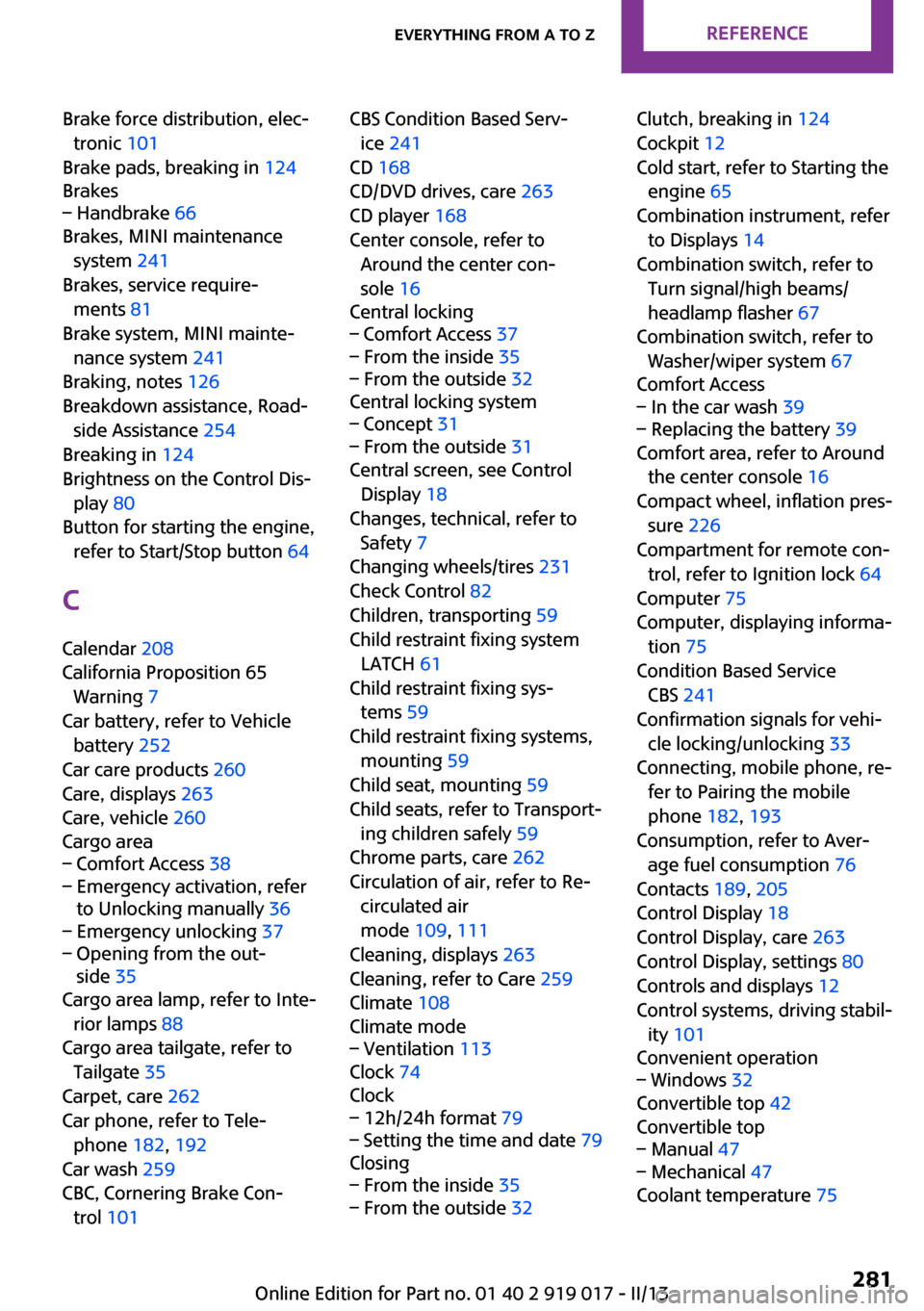
Brake force distribution, elec‐tronic 101
Brake pads, breaking in 124
Brakes– Handbrake 66
Brakes, MINI maintenance
system 241
Brakes, service require‐ ments 81
Brake system, MINI mainte‐ nance system 241
Braking, notes 126
Breakdown assistance, Road‐ side Assistance 254
Breaking in 124
Brightness on the Control Dis‐ play 80
Button for starting the engine, refer to Start/Stop button 64
C
Calendar 208
California Proposition 65 Warning 7
Car battery, refer to Vehicle battery 252
Car care products 260
Care, displays 263
Care, vehicle 260
Cargo area
– Comfort Access 38– Emergency activation, refer
to Unlocking manually 36– Emergency unlocking 37– Opening from the out‐
side 35
Cargo area lamp, refer to Inte‐
rior lamps 88
Cargo area tailgate, refer to Tailgate 35
Carpet, care 262
Car phone, refer to Tele‐ phone 182, 192
Car wash 259
CBC, Cornering Brake Con‐ trol 101
CBS Condition Based Serv‐
ice 241
CD 168
CD/DVD drives, care 263
CD player 168
Center console, refer to Around the center con‐
sole 16
Central locking– Comfort Access 37– From the inside 35– From the outside 32
Central locking system
– Concept 31– From the outside 31
Central screen, see Control
Display 18
Changes, technical, refer to Safety 7
Changing wheels/tires 231
Check Control 82
Children, transporting 59
Child restraint fixing system LATCH 61
Child restraint fixing sys‐ tems 59
Child restraint fixing systems, mounting 59
Child seat, mounting 59
Child seats, refer to Transport‐ ing children safely 59
Chrome parts, care 262
Circulation of air, refer to Re‐ circulated air
mode 109, 111
Cleaning, displays 263
Cleaning, refer to Care 259
Climate 108
Climate mode
– Ventilation 113
Clock 74
Clock
– 12h/24h format 79– Setting the time and date 79
Closing
– From the inside 35– From the outside 32Clutch, breaking in 124
Cockpit 12
Cold start, refer to Starting the engine 65
Combination instrument, refer to Displays 14
Combination switch, refer to Turn signal/high beams/
headlamp flasher 67
Combination switch, refer to Washer/wiper system 67
Comfort Access– In the car wash 39– Replacing the battery 39
Comfort area, refer to Around
the center console 16
Compact wheel, inflation pres‐ sure 226
Compartment for remote con‐ trol, refer to Ignition lock 64
Computer 75
Computer, displaying informa‐ tion 75
Condition Based Service CBS 241
Confirmation signals for vehi‐ cle locking/unlocking 33
Connecting, mobile phone, re‐ fer to Pairing the mobile
phone 182, 193
Consumption, refer to Aver‐ age fuel consumption 76
Contacts 189, 205
Control Display 18
Control Display, care 263
Control Display, settings 80
Controls and displays 12
Control systems, driving stabil‐ ity 101
Convenient operation
– Windows 32
Convertible top 42
Convertible top
– Manual 47– Mechanical 47
Coolant temperature 75
Seite 281Everything from A to ZReference281
Online Edition for Part no. 01 40 2 919 017 - II/13
Page 283 of 292
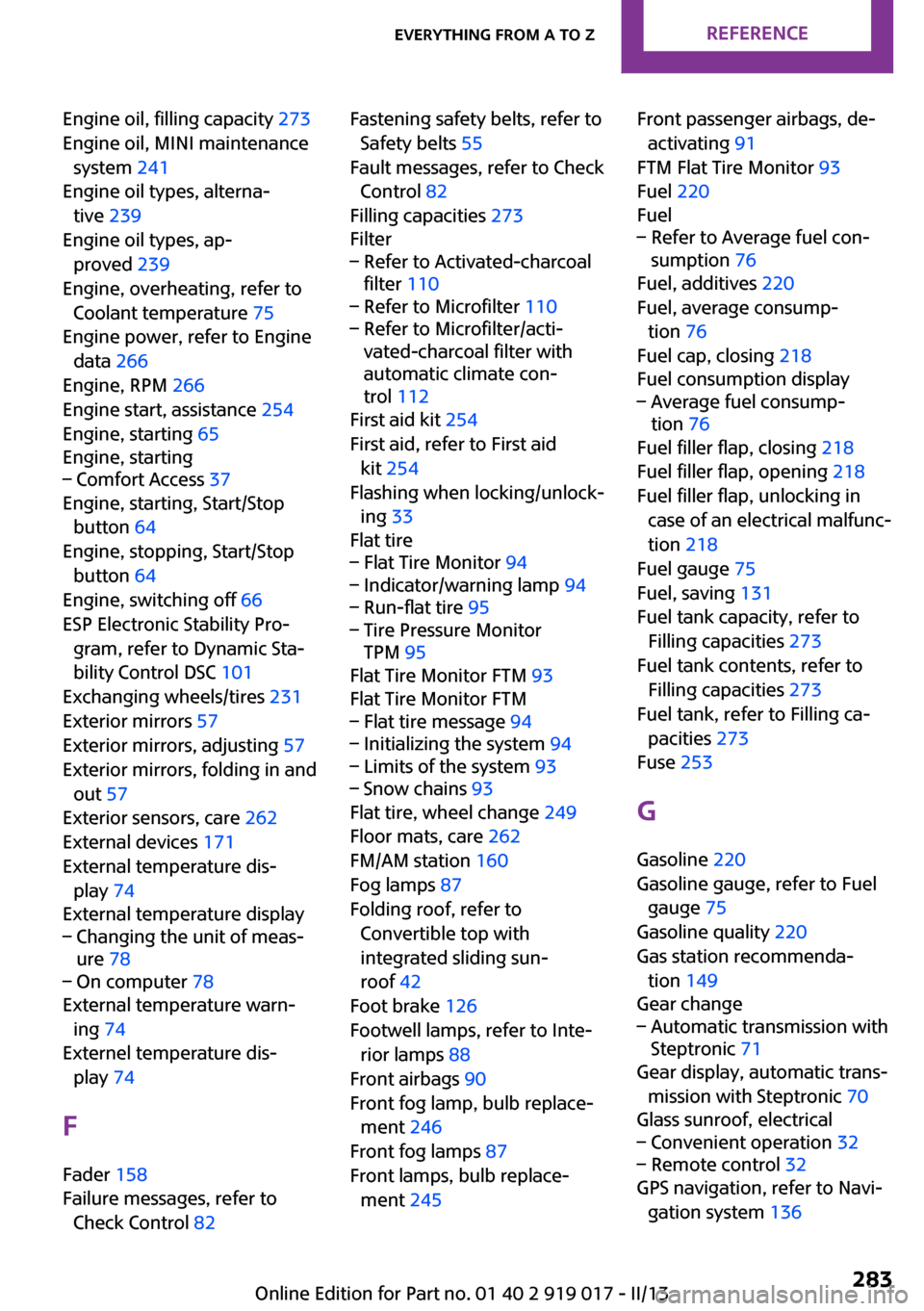
Engine oil, filling capacity 273
Engine oil, MINI maintenance system 241
Engine oil types, alterna‐ tive 239
Engine oil types, ap‐ proved 239
Engine, overheating, refer to Coolant temperature 75
Engine power, refer to Engine data 266
Engine, RPM 266
Engine start, assistance 254
Engine, starting 65
Engine, starting– Comfort Access 37
Engine, starting, Start/Stop
button 64
Engine, stopping, Start/Stop button 64
Engine, switching off 66
ESP Electronic Stability Pro‐ gram, refer to Dynamic Sta‐
bility Control DSC 101
Exchanging wheels/tires 231
Exterior mirrors 57
Exterior mirrors, adjusting 57
Exterior mirrors, folding in and out 57
Exterior sensors, care 262
External devices 171
External temperature dis‐ play 74
External temperature display
– Changing the unit of meas‐
ure 78– On computer 78
External temperature warn‐
ing 74
Externel temperature dis‐ play 74
F
Fader 158
Failure messages, refer to Check Control 82
Fastening safety belts, refer to
Safety belts 55
Fault messages, refer to Check Control 82
Filling capacities 273
Filter– Refer to Activated-charcoal
filter 110– Refer to Microfilter 110– Refer to Microfilter/acti‐
vated-charcoal filter with
automatic climate con‐
trol 112
First aid kit 254
First aid, refer to First aid kit 254
Flashing when locking/unlock‐ ing 33
Flat tire
– Flat Tire Monitor 94– Indicator/warning lamp 94– Run-flat tire 95– Tire Pressure Monitor
TPM 95
Flat Tire Monitor FTM 93
Flat Tire Monitor FTM
– Flat tire message 94– Initializing the system 94– Limits of the system 93– Snow chains 93
Flat tire, wheel change 249
Floor mats, care 262
FM/AM station 160
Fog lamps 87
Folding roof, refer to Convertible top with
integrated sliding sun‐
roof 42
Foot brake 126
Footwell lamps, refer to Inte‐ rior lamps 88
Front airbags 90
Front fog lamp, bulb replace‐ ment 246
Front fog lamps 87
Front lamps, bulb replace‐ ment 245
Front passenger airbags, de‐
activating 91
FTM Flat Tire Monitor 93
Fuel 220
Fuel– Refer to Average fuel con‐
sumption 76
Fuel, additives 220
Fuel, average consump‐ tion 76
Fuel cap, closing 218
Fuel consumption display
– Average fuel consump‐
tion 76
Fuel filler flap, closing 218
Fuel filler flap, opening 218
Fuel filler flap, unlocking in case of an electrical malfunc‐
tion 218
Fuel gauge 75
Fuel, saving 131
Fuel tank capacity, refer to Filling capacities 273
Fuel tank contents, refer to Filling capacities 273
Fuel tank, refer to Filling ca‐ pacities 273
Fuse 253
G Gasoline 220
Gasoline gauge, refer to Fuel gauge 75
Gasoline quality 220
Gas station recommenda‐ tion 149
Gear change
– Automatic transmission with
Steptronic 71
Gear display, automatic trans‐
mission with Steptronic 70
Glass sunroof, electrical
– Convenient operation 32– Remote control 32
GPS navigation, refer to Navi‐
gation system 136
Seite 283Everything from A to ZReference283
Online Edition for Part no. 01 40 2 919 017 - II/13
Page 285 of 292
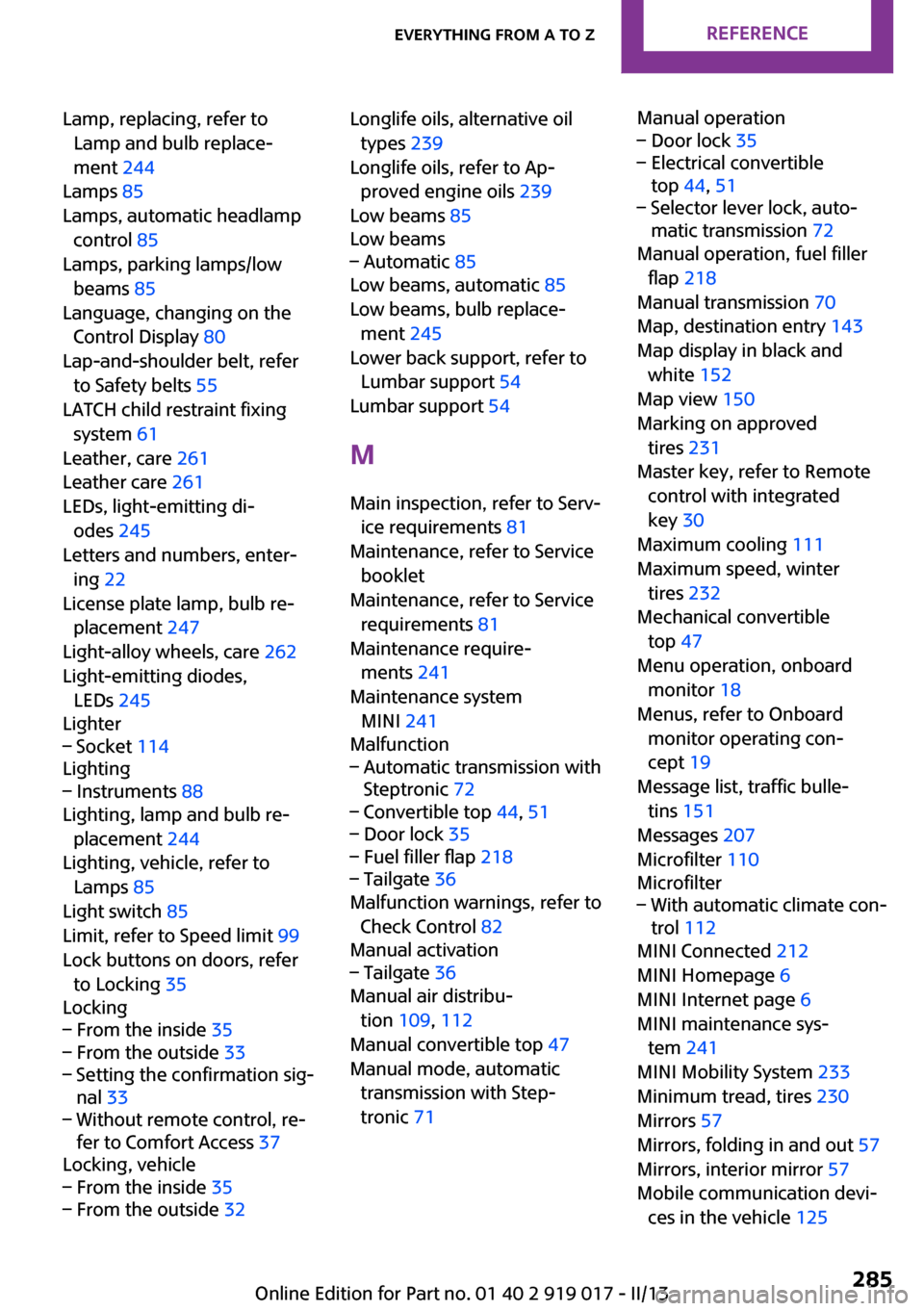
Lamp, replacing, refer toLamp and bulb replace‐
ment 244
Lamps 85
Lamps, automatic headlamp control 85
Lamps, parking lamps/low beams 85
Language, changing on the Control Display 80
Lap-and-shoulder belt, refer to Safety belts 55
LATCH child restraint fixing system 61
Leather, care 261
Leather care 261
LEDs, light-emitting di‐ odes 245
Letters and numbers, enter‐ ing 22
License plate lamp, bulb re‐ placement 247
Light-alloy wheels, care 262
Light-emitting diodes, LEDs 245
Lighter– Socket 114
Lighting
– Instruments 88
Lighting, lamp and bulb re‐
placement 244
Lighting, vehicle, refer to Lamps 85
Light switch 85
Limit, refer to Speed limit 99
Lock buttons on doors, refer to Locking 35
Locking
– From the inside 35– From the outside 33– Setting the confirmation sig‐
nal 33– Without remote control, re‐
fer to Comfort Access 37
Locking, vehicle
– From the inside 35– From the outside 32Longlife oils, alternative oil
types 239
Longlife oils, refer to Ap‐ proved engine oils 239
Low beams 85
Low beams– Automatic 85
Low beams, automatic 85
Low beams, bulb replace‐ ment 245
Lower back support, refer to Lumbar support 54
Lumbar support 54
M
Main inspection, refer to Serv‐ ice requirements 81
Maintenance, refer to Service booklet
Maintenance, refer to Service requirements 81
Maintenance require‐ ments 241
Maintenance system MINI 241
Malfunction
– Automatic transmission with
Steptronic 72– Convertible top 44, 51– Door lock 35– Fuel filler flap 218– Tailgate 36
Malfunction warnings, refer to
Check Control 82
Manual activation
– Tailgate 36
Manual air distribu‐
tion 109, 112
Manual convertible top 47
Manual mode, automatic transmission with Step‐
tronic 71
Manual operation– Door lock 35– Electrical convertible
top 44, 51– Selector lever lock, auto‐
matic transmission 72
Manual operation, fuel filler
flap 218
Manual transmission 70
Map, destination entry 143
Map display in black and white 152
Map view 150
Marking on approved tires 231
Master key, refer to Remote control with integrated
key 30
Maximum cooling 111
Maximum speed, winter tires 232
Mechanical convertible top 47
Menu operation, onboard monitor 18
Menus, refer to Onboard monitor operating con‐
cept 19
Message list, traffic bulle‐ tins 151
Messages 207
Microfilter 110
Microfilter
– With automatic climate con‐
trol 112
MINI Connected 212
MINI Homepage 6
MINI Internet page 6
MINI maintenance sys‐ tem 241
MINI Mobility System 233
Minimum tread, tires 230
Mirrors 57
Mirrors, folding in and out 57
Mirrors, interior mirror 57
Mobile communication devi‐ ces in the vehicle 125
Seite 285Everything from A to ZReference285
Online Edition for Part no. 01 40 2 919 017 - II/13