CD player MITSUBISHI LANCER 2016 8.G User Guide
[x] Cancel search | Manufacturer: MITSUBISHI, Model Year: 2016, Model line: LANCER, Model: MITSUBISHI LANCER 2016 8.GPages: 392, PDF Size: 13.12 MB
Page 270 of 392
AM/FM radio/CD player (if so equipped) 7-20 Comfort controls
7
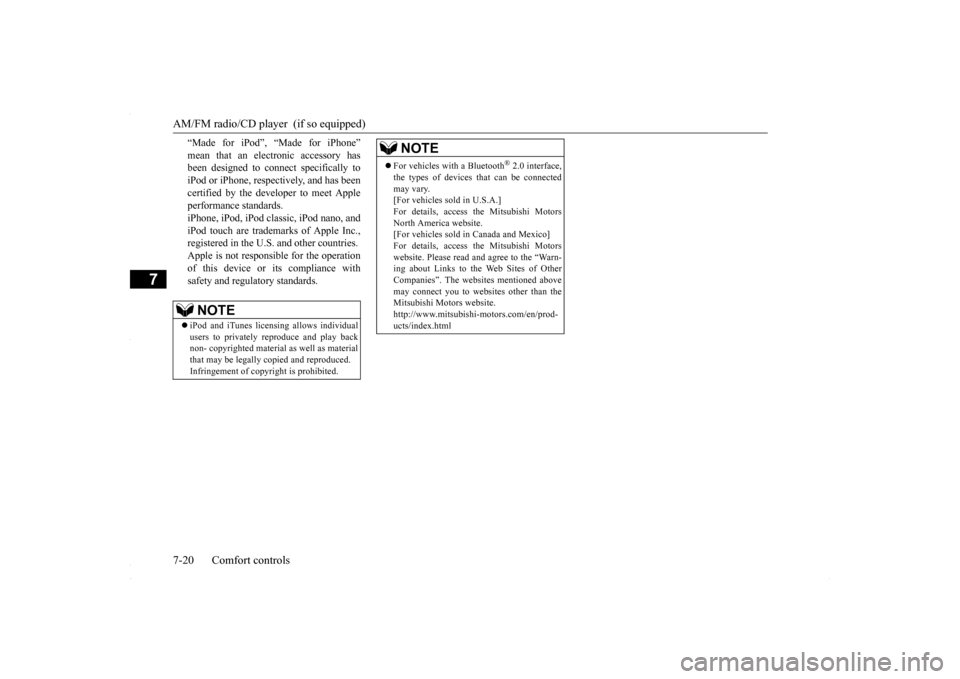
“Made for iPod”, “Made for iPhone” mean that an electronic accessory has been designed to connect specifically to iPod or iPhone, respectively, and has beencertified by the developer to meet Apple performance standards. iPhone, iPod, iPod classic, iPod nano, andiPod touch are trademarks of Apple Inc., registered in the U.S. and other countries. Apple is not responsible for the operationof this device or its compliance withsafety and regulatory standards.NOTE
iPod and iTunes licensing allows individual users to privately reproduce and play back non- copyrighted material as well as material that may be legally copied and reproduced.Infringement of copyright is prohibited.
For vehicles with a Bluetooth
® 2.0 interface,
the types of devices that can be connectedmay vary. [For vehicles sold in U.S.A.] For details, access the Mitsubishi MotorsNorth America website. [For vehicles sold in Canada and Mexico] For details, access the Mitsubishi Motorswebsite. Please read and agree to the “Warn- ing about Links to the Web Sites of Other Companies”. The websites mentioned abovemay connect you to websites other than the Mitsubishi Motors website. http://www.mitsubishi-motors.com/en/prod-ucts/index.htmlNOTE
BK0230300US.bo
ok 20 ページ 2015年7月30日 木曜日 午後8時38分
Page 271 of 392
AM/FM radio/CD player (if so equipped)
Comfort controls 7-21
7
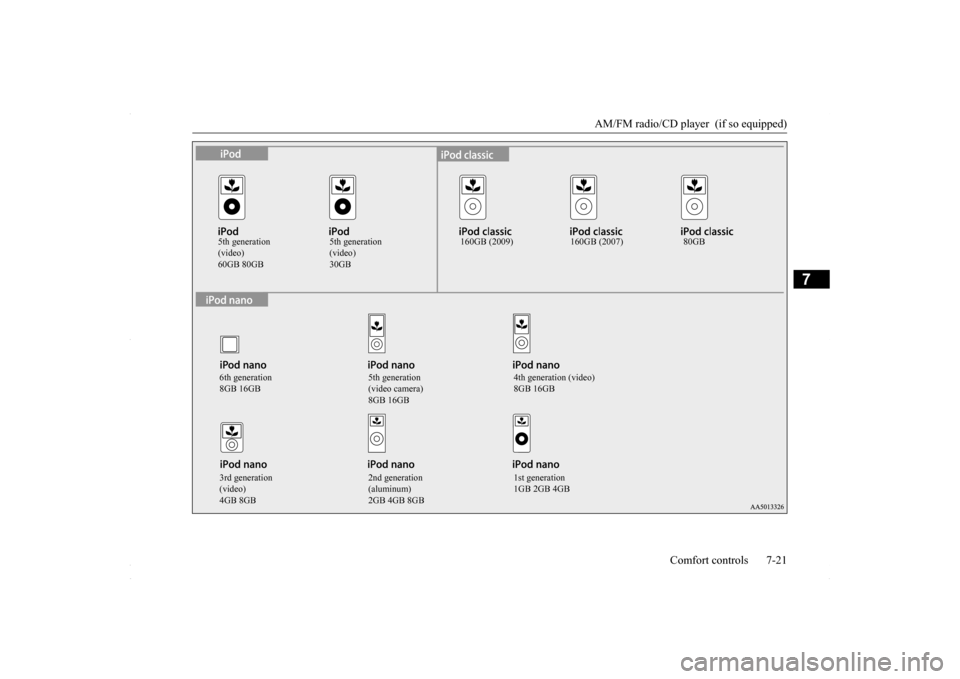
5th generation (video)
5th generation (video)
160GB (2009) 160GB (2007) 80GB
6th generation 8GB 16GB
5th generation (video camera) 8GB 16GB
4th generation (video) 8GB 16GB
3rd generation (video) 4GB 8GB
2nd generation (aluminum) 2GB 4GB 8GB
1st generation 1GB 2GB 4GB
BK0230300US.bo
ok 21 ページ 2015年7月30日 木曜日 午後8時38分
Page 289 of 392
Listen to Audio Files on a USB Device
Comfort controls 7-39
7
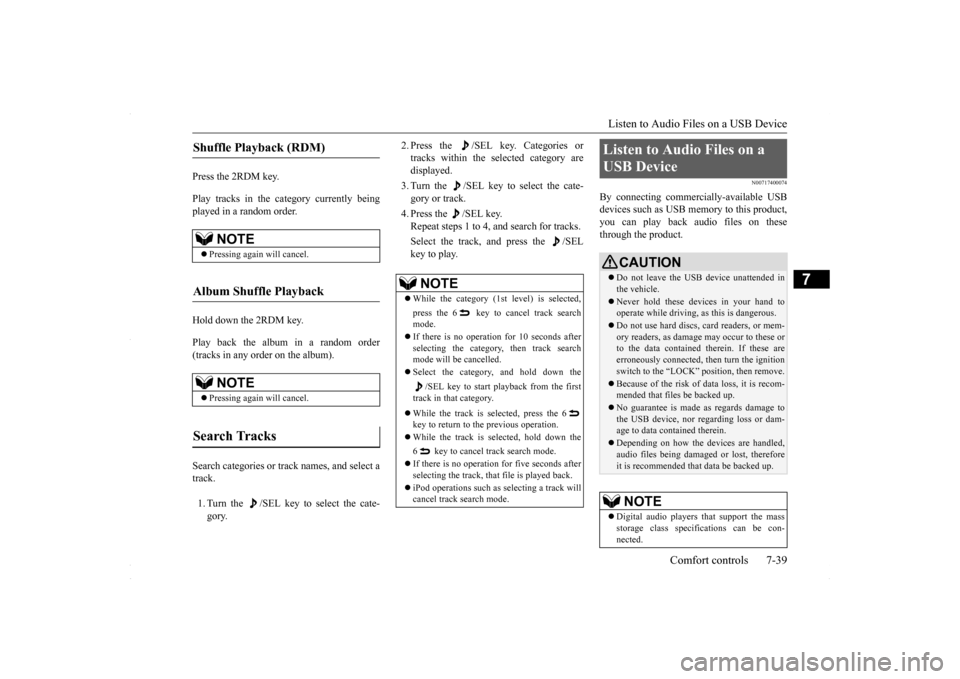
Press the 2RDM key. Play tracks in the category currently being played in a random order. Hold down the 2RDM key. Play back the album in a random order (tracks in any order on the album). Search categories or track names, and select a track. 1. Turn the /SEL key to select the cate- gory.
2. Press the /SEL key. Categories or tracks within the selected category are displayed. 3. Turn the /SEL key to select the cate- gory or track. 4. Press the /SEL key. Repeat steps 1 to 4, and search for tracks. Select the track, and press the /SEL key to play.
N00717400074
By connecting commercially-available USBdevices such as USB memory to this product,you can play back audio files on these through the product.
Shuffle Playback (RDM)
NOTE
Pressing again will cancel.
Album Shuffle Playback
NOTE
Pressing again will cancel.
Search Tracks
NOTE
While the category (1st level) is selected, press the 6 key to cancel track search mode. If there is no operation for 10 seconds after selecting the category, then track search mode will be cancelled. Select the category, and hold down the
/SEL key to start playback from the first
track in that category. While the track is selected, press the 6 key to return to the previous operation. While the track is selected, hold down the 6 key to cancel track search mode. If there is no operation for five seconds after selecting the track, that file is played back. iPod operations such as selecting a track will cancel track search mode.
Listen to Audio Files on a USB Device
CAUTION Do not leave the USB device unattended in the vehicle. Never hold these devices in your hand to operate while driving, as this is dangerous. Do not use hard discs, card readers, or mem- ory readers, as damage may occur to these or to the data contained therein. If these are erroneously connected, then turn the ignitionswitch to the “LOCK” position, then remove. Because of the risk of data loss, it is recom- mended that files be backed up. No guarantee is made as regards damage to the USB device, nor regarding loss or dam- age to data contained therein. Depending on how the devices are handled, audio files being damaged or lost, therefore it is recommended that data be backed up.NOTE
Digital audio players that support the mass storage class specifications can be con-nected.
BK0230300US.bo
ok 39 ページ 2015年7月30日 木曜日 午後8時38分
Page 387 of 392
Alphabetical index
12-1
12
A
Accessory (installation)
.........................
3-5
Active stability control (ASC)
..............
5-76
ASC OFF display or ASC indicator
..5-78
ASC operation display
....................
5-78
Air cleaner filter
...................
................
9-8
Air conditioning
Automatic air conditioning
.......
7-7
, 7-12
Important air conditioning operating tips
..
7-18
Air purifier
....................
.....................
7-18
All-wheel driving operation
.................
5-70
Aluminum wheels
...............................
9-45
AM/FM radio
....................
.................
7-19
Antenna
Roof antenna
.................
.................
7-55
Anti-lock braking system
.....................
5-74
Warning light / display
...........
5-74
, 5-75
Arm rest
........................
.......................
4-6
Assist grip
.....................
...................
5-172
Audio
AM/FM radio
................
.................
7-19
CD player
.....................
.................
7-19
Troubleshooting
.............................
7-53
Automatic air conditioning
...........
7-7
, 7-12
B
Back-up lights
Bulb capacity
..................
...............
9-30
Replacement
...................
...............
9-38
Ball joint, steering linkage seals and drive shaft boots
.....................
..................
9-23
Battery
........................
......................
9-12
Charging system warning light
.......
5-125
Checking battery electrolyte level
....
9-12
Disconnection and connection
.........
9-13
During cold weather
.......................
9-12
Specification
...................
...............
11-5
Bluetooth 2.0 interface
.......................
5-139
Bottle holder
....................
.................
5-172
Brake
Anti-lock braking system
................
5-74
Braking
.......................
....................
6-5
Fluid
....................
.................
9-11
, 11-6
Hose
.......................
......................
9-23
Parking brake
..................
...............
5-48
Parking brake lever stroke
...............
9-21
Pedal
.......................
......................
5-72
Pedal free play
................
...............
9-21
Power brakes
..................
...............
5-73
Service brake
..................
...............
5-72
Brake assist
......................
..................
5-73
Break-in recommendations
....................
5-3
Bulb capacity
...................
..................
9-30
C
California Perchlorate Materials Requirements
.....................
................
3-6
Capacities
.....................
.....................
11-6
Card holder
............................
5-166
, 5-170
Cargo loads
...................
.....................
6-10
Catalytic converter
................
................
9-2
CD player
......................
.....................
7-19
Certification label
...............................
11-3
Charging system warning light
...........
5-125
Chassis number
..................
.................
11-2
Child restraint
....................
.................
4-13
Child safety locks for rear door
............
5-38
Cleaning
Inside of your vehicle
......................
9-41
Outside of your vehicle
...................
9-43
Clock
.........................
........................
7-56
Clutch
Fluid
..................
...................
9-11
, 11-6
Pedal free play
...............
.................
9-20
Coat hooks
....................
...................
5-172
Combination headlights and dimmer switch
.
5-127 Coming home light
...........................
5-131
Consumer information
.........................
10-2
BK0230300US.bo
ok 1 ページ 2015年7月30日 木曜日 午後8時38分