yre MITSUBISHI OUTLANDER 2018 Owner's Manual (in English)
[x] Cancel search | Manufacturer: MITSUBISHI, Model Year: 2018, Model line: OUTLANDER, Model: MITSUBISHI OUTLANDER 2018Pages: 441, PDF Size: 13.71 MB
Page 56 of 441
Child restraint systems
Seat and restraint systems 4-27
4
N00408701147
This warning light tells you if there is a prob-lem involving the SRS airbags and/or the seatbelt pre-tensioner system. Refer to “SRSwarning light/display” on page 4-41.
N00408900126
In the event of an accident, the seat belt forcelimiter system will help reduce the forceapplied to the driver a
nd front seat passenger.
N00407101740
When transporting infants or small childrenin your vehicle, an appr
opriate child restraint
system must always be
used. This is required
by law in the U.S. and Canada.Child restraint systems specifically designedfor infants and small children are offered byseveral manufacturers. Choose only a childrestraint system with a label certifying that itcomplies with Federal Motor Vehicle SafetyStandard 213 (FMVSS 213) or Motor VehicleRestraint Systems and
Booster Seats Safety
Regulations (RSSR).
Look for the manufac-
turer’s statement of compliance on the boxand child restraint system itself.
The child restraint system should be appropri-ate for your child’s we
ight and height, and
should properly fit your vehicle’s seat.For detailed information,
refer to the instruc-
tion manual accompanying the child restraintsystem.All children should be properly restrained ina restraint device that offers the maximumprotection for their size and age.Be sure to check local,
state, or provincial
requirements for child size and age that mayvary from the recommendations listed below.Children less than 1 year old and whoweigh 22 pounds (10 kg) or less MUSTride in a rear-facing child safety seat thatMUST ONLY be used in the second rowseat.Children older than 1 year of age and whoweigh less than 40 pounds (18 kg) or whoare less than 40 inches (100 cm) tall mustbe in a forward-facing restraint used onlyin the rear seat.
Children who weigh more than 40 pounds(18 kg) or who are more than 40 inches(100 cm) tall, regardless of age, shoulduse a suitable child seat or a booster seatin the rear seat until the vehicle’s lap-and-shoulder belt fits
them properly.
SRS warning Force limiter system Child restraint systems
Guidelines for child restraint system selection
WA R N I N GAll children must be seated in the rearseat, and properly restrained.Accident statistics
show that children of
all sizes and ages are safer when properlyrestrained in the rear seat, rather than inthe front seat.Be sure to select a child restraint systemthat is appropriate not only for the child’ssize and age but also for your vehicle.Some child restraint systems may not fityour vehicle properly.
BK0249100US.book 27 ページ 2017年5月10日 水曜日 午前8時49分
Page 63 of 441
Maintenance and inspection of seat belts4-34 Seat and restraint systems
4
6. Latch the tether strap hook (A) of thechild restraint system to the tether anchorbar (B) and tighten the tether strap so it issecurely fastened.
7. Before putting your child in the restraint,push and pull the restraint in all directionsto be sure it is firmly secure. Do thisbefore each use. If the child restraint sys-tem is not firmly s
ecure, repeat steps 1
through 6.8. To remove a child restraint system fromthe vehicle and deac
tivate the ALR mode,
remove the child from the restraint.Unlatch the buckle. Th
en remove the belt
from the restraint and let the belt fullyretract.9. Reinstall the head restraint.Refer to “Head restraints” on page 4-11.
N00407601628
Children who have outgrown a child restraintsystem should be seated in the rear seat andwear the seat belt. If the shoulder belt crossestheir face or neck, and/
or the lap belt crosses
their stomach, a commercially availablebooster seat must be used to raise the child sothat the shoulder belt
crosses their shoulder
and the lap belt remains positioned lowacross their hips. The booster seat should fitthe vehicle seat and ha
ve a label certifying
compliance with Federal Motor VehicleSafety Standards or Mo
tor Vehicle Restraint
Systems and Booster Se
ats Safety Regula-
tions.
N00407001390
Regularly check your seat belt buckles andtheir release mechanisms for positive engage-ment and release of the latch plate. Check theretractors for automatic locking when in theAutomatic Locking Retractor function.The entire seat belt assembly should bereplaced if the webbing shows any obvious
NOTE
If it is difficult to la
tch the tether strap hook,
turn the hook sideways.WA R N I N GChild restraint system tether anchors aredesigned only to with
stand loads from cor-
rectly fitted child restraint systems. Underno circumstances are they to be used foradult seat belts, harnesses, for attachingother items, or equipment to the vehicle.
Children who have outgrown child restraint systems
WA R N I N GAny child who is too small to properlywear a seat belt
must be properly
restrained in an appropriate childrestraint system, to reduce their risk ofserious injury or de
ath in an
accident.
A child should never be
left unattended in,
or unsupervised around, your vehicle.When you leave the ve
hicle, always take
the child out as well.Children can die from heat stroke if left ortrapped inside the vehicle, especially onhot days.Keep your vehicle locked when not in use.Keep your vehicle keys away from chil-dren.
Maintenance and inspection of seat belts
BK0249100US.book 34 ページ 2017年5月10日 水曜日 午前8時49分
Page 76 of 441
Supplemental Restraint System (SRS) - airbag
Seat and restraint systems 4-47
4
N00419201315
The curtain airbags are contained in the frontpillar, the rear pillar and the side sections ofthe roof.The curtain airbag is designed to inflate onlyon the side of the ve
hicle that is impacted,
even with no passenger in the seat.Also, when the airbag control unit detectsrollover of the vehicle, the curtain airbagswill deploy.Curtain airbag system
WA R N I N GThe side airbags and
curtain airbags can
cause serious injury
or death to anyone
too close to the airb
ag when it deploys. To
reduce the risk of in
jury from a deploying
side airbag or curtai
n airbag, dr
iver and
front passenger must be properlyrestrained and seated well back, upright,and in the middle of
the seat. Do not lean
against the door.WA R N I N GIn order to reduce the risk of injury froma deploying side airb
ag, do not allow any
second row seat passengers to hold ontothe back of either front seat. Special careshould be taken with children.
Do not place any objects around the areawhere the side airbags deploy. Suchobjects can interfere with proper side air-bag deployment, and
cause injury during
deployment of the side airbag.Do not place stickers, labels or additionaltrim on the back of either front seat. Theycan interfere with proper side airbagdeployment.Do not attach a microphone (A) or anyother object around the part where thecurtain airbag (B) depl
oys, such as on the
windshield, side door glass or front andrear pillars and roof
side rail. When the
curtain airbag inflates
, the microphone or
other object may be
hurled with great
force or the curtain airbag may not inflatecorrectly, resulting in death or seriousinjury.WA R N I N G
BK0249100US.book 47 ページ 2017年5月10日 水曜日 午前8時49分
Page 86 of 441
Electronic immobilizer (Ant
i-theft starting system)
Features and controls 5-5
5
Only keys that have been programmed to thevehicle’s electronics can be used to start thevehicle.If you lose the key, you can order a key fromyour authorized Mitsubi
shi Motors dealer by
referring to the key number.To prevent vehicle theft, the ID code for thevehicle keys must be changed.
Take your vehicle and
all remaining keys to
your authorized Mitsubishi Motors dealer tohave your ID code changed.To add a key, you must already have 2 regis-tered keys. You need to register the ID codeto the vehicle.Registering the ID code can be done by your-self (except for vehicles
sold in Canada), or
by your authorized Mitsubishi Motors dealer.For you to register the ID code yourself, fol-low the “Customer key programming” proce-dure below.If you choose to have
your authorized Mit-
subishi Motors dealer register the ID code,take your vehicle and
all remaini
ng keys to
your authorized Mitsubishi Motors dealer.
• When the key contacts
a key ring or other
metallic or magnetic object• When the key grip
contacts metal of
another key• When the key contacts
or is close to other
immobilizer keys (inc
luding keys of other
vehicles)NOTE
In cases like the above, move the offendingobject(s) away from the key and turn the keyback to the “ACC” or “LOCK” position.Then try to start the engine again. If theengine does not start, contact an authorizedMitsubishi Moto
rs dealer.
The key may not operate
properly when it is
near an object or fac
ility that emits strong
electromagnetic waves.Electronic immobilize
r is not compatible
with commercially available remote startingsystems. Use of commercially availableremote starting systems may result in vehiclestarting problems
and a loss of security pro-
tection.A system failure is suspected when the igni-tion switch is turned to the “START” posi-tion, and the engine does
not start. In such a
case, contact an au
thorized Mitsubishi
Motors dealer.
Replacement keys
NOTE
Additional keys
NOTE
You are provided with 2 keys, but you mayregister up to 8 keys.
BK0249100US.book 5 ページ 2017年5月10日 水曜日 午前8時49分
Page 91 of 441
Keyless entry system (if so equipped)5-10 Features and controls
5
N00543701060
If you are near your vehicle and feel threat-ened, you may activate the alarm to call atten-tion as follows:1. Press the PANIC button (3) for more than1 second.2. The headlights will blink on and off andthe horn will sound intermittently forabout 3 minutes.3. To turn off the alarm, press any button onthe remote control transmitter.
N00543801087
Only remote control transmitters pro-grammed with the vehicle’s electronics canlock or unlock all doors and the liftgate.If you lose the remote control transmitter, youcan order a remote control transmitter fromyour authorized Mitsubishi Motors dealer byreferring to the key number.To prevent vehicle theft, the ID code for theremote control transmitter must be changed.Take your vehicle and all remote controltransmitters to your authorized MitsubishiMotors dealer to have your ID code changed.
N00543900049
To add a remote control transmitter, you mustalready have 1 regist
ered remote control
transmitter.Registering the ID code can be done by your-self or by your authorized Mitsubishi Motorsdealer. For you to regist
er the ID code your-
self, follow the “Customer remote controltransmitter programming” procedure below.If you choose to have your authorizedMitsubishi Motors dealer register the IDcode, take your vehi
cle and any remaining
keys to your authorized Mitsubishi Motorsdealer.
N00544001204
You can program new remote control trans-mitters to the system if you have one valid
(already registered) re
mote control transmit-
ter by doing the following:1. Have available al
l (current and new)
remote control transmitters you wish toregister.2. With a valid (already registered) remotecontrol transmitter, press the UNLOCKbutton (2) for 4 to 10 seconds. Then pressand hold the LOCK button (1).3. Within 10 seconds of pressing the LOCKbutton, release the LOCK and UNLOCKbuttons in sequence.At this time, ID codes for all remote con-trol transmitters except for the transmitterused in steps 2 and 3 are erased and theanswerback function (door is locked andunlocked) informs you that the registra-tion mode has been activated.4. Within 60 seconds after step 3, completethe following ID code
registration opera-
tion using the next remote control trans-mitter you wish to register within 4seconds.i) Press both the LOCK and UNLOCKbuttons for 2 seconds.ii) Release both the LOCK and UNLOCKbuttons for 1 second.iii) Press the UNLOCK button. Theanswerback function informs you that theID code registration
of the transmitter is
completed.
Using the panic alarm
Replacement remote control transmitters
Additional remote control transmitters
NOTE
You are provided with
2 remote control
transmitters, but you may register up to 8remote control transmitters.
Customer remote control trans-mitter programming (Except for vehicles sold in Canada)
BK0249100US.book 10 ページ 2017年5月10日 水曜日 午前8時49分
Page 135 of 441
Parking brake5-54 Features and controls
5
N00593100020
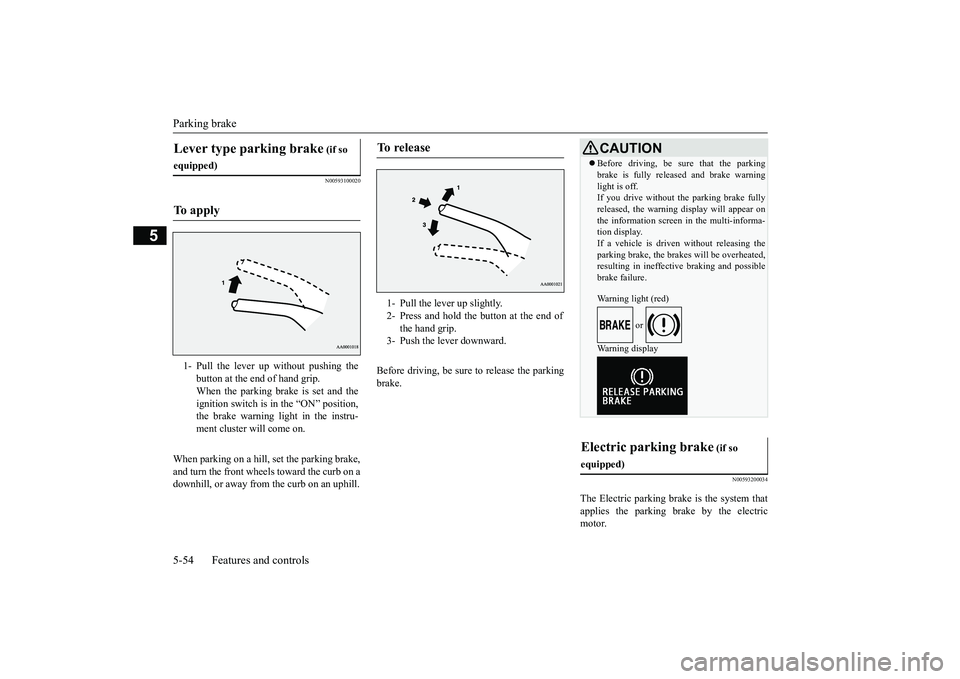
When parking on a hill, set the parking brake,and turn the front wheels toward the curb on adownhill, or away from
the curb on an uphill.
Before driving, be sure
to release the parking
brake.
N00593200034
The Electric parking brake is the system thatapplies the parking brake by the electricmotor.
Lever type parking brake
(if so
equipped)To a p p l y
1- Pull the lever up without pushing the
button at the end of hand grip.When the parking brake is set and theignition switch is in
the “ON” position,
the brake warning light in the instru-ment cluster will come on.
To r e l e a s e
1- Pull the lever up slightly.2- Press and hold the button at the end of
the hand grip.
3- Push the lever downward.
CAUTIONBefore driving, be sure that the parkingbrake is fully released and brake warninglight is off.If you drive without the parking brake fullyreleased, the warning
display will appear on
the information screen
in the multi-informa-
tion display. If a vehicle is driven without releasing theparking brake, the brakes will be overheated,resulting in ineffectiv
e braking and possible
brake failure.Warning light (red)
or
Warning display
Electric parking brake
(if so
equipped)
BK0249100US.book 54 ページ 2017年5月10日 水曜日 午前8時49分
Page 144 of 441
Ignition switch (if so equipped)Features and controls 5-63
5
N00549301299
When the rear window defogger switch ispressed with the engine running, the outsiderearview mirrors are defogged or defrosted.Current will flow through the heater elementinside the mirrors, thus clearing away frost orcondensation.The indicator light (A) will illuminate whilethe defogger is on.The heater will be turned off automatically inapproximately 15 to 20 minutes depending onthe outside temperature.
N00512401742
[For vehicles equipped with the Free-handAdvanced Security Tr
ansmitter (F.A.S.T.-
key).]For information on operations for vehiclesequipped with the Free-hand Advanced Secu-rity Transmitter (F.A
.S.T.-key), refer to
“Free-hand Advanced
Security Transmitter
(F.A.S.T.-key):Engine switch” on page 5-18.[Except for vehicles equipped with theFree-hand Advanced Security Transmit-ter (F.A.S.T.-key).]
• Automatically extend when the ignitionswitch is turned to the “ON” position or theoperation mode is put in ON with thedriver’s door closed, and automaticallyretract when the ignition switch is turned tothe “LOCK” position or the operation modeis put in OFF with the driver’s door opened.• Automatically extend when the vehiclespeed reaches approximately 19 mph (30km/h).• Deactivate the automatic extension func-tion.
The outside rearvi
ew mirrors can be
retracted or extended
by the following opera-
tions, even if changing to the any of above.After pressing the LOCK
button on the key
to lock the doors and liftgate, if the LOCKbutton is pressed again twice in a row withinapproximately 30 seconds
, the outside rear-
view mirrors will retract.After pressing the
UNLOCK button on the
key to unlock the doors and liftgate, if theUNLOCK button is pressed again twice in arow within approximately 30 seconds, theoutside rearview mirro
rs will extend again.
NOTE
Heated outside rearview mirror
(if so equipped)
NOTE
The heated outside re
arview mirror can be
turned on automatically.For further informati
on, please contact your
authorized Mitsubish
i Motors dealer.
On vehicles equipped with the SmartphoneLink Display Audio, sc
reen operations can
be used to make the adjustment.Refer to the separate owner’s manual fordetails.
Ignition switch
(if so equipped)
BK0249100US.book 63 ページ 2017年5月10日 水曜日 午前8時49分
Page 154 of 441
Automatic transaxle (if so equipped)
Features and controls 5-73
5
N00538801180
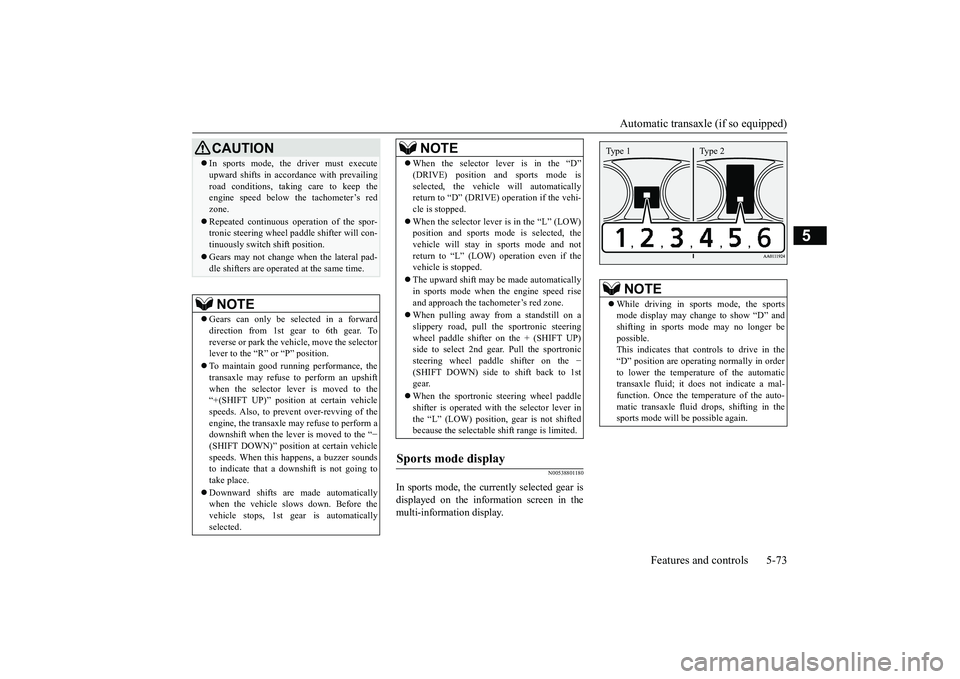
In sports mode, the currently selected gear isdisplayed on the information screen in themulti-information display.
CAUTIONIn sports mode, the driver must executeupward shifts in accordance with prevailingroad conditions, taking care to keep theengine speed below the tachometer’s redzone.Repeated continuous ope
ration of the spor-
tronic steering wheel pa
ddle shifter will con-
tinuously switch shift position.Gears may not change when the lateral pad-dle shifters are operate
d at the same time.
NOTE
Gears can only be selected in a forwarddirection from 1st gear to 6th gear. Toreverse or park the vehi
cle, move the selector
lever to the “R” or “P” position.To maintain good running performance, thetransaxle may refuse to perform an upshiftwhen the selector lever is moved to the“+(SHIFT UP)” positi
on at certain vehicle
speeds. Also, to prevent over-revving of theengine, the transaxle may refuse to perform adownshift when the lever is moved to the “
−
(SHIFT DOWN)” positi
on at certain vehicle
speeds. When this happens, a buzzer soundsto indicate that a dow
nshift is not going to
take place.Downward shifts are made automaticallywhen the vehicle slow
s down. Before the
vehicle stops, 1st gear
is automatically
selected.
When the selector lever is in the “D”selected, the vehicle will automaticallyreturn to “D” (DRIVE)
operation if the vehi-
cle is stopped.When the selector lever is in the
Page 168 of 441
S-AWC (Super-All Wheel Co
ntrol) (if so equipped)
Features and controls 5-87
5
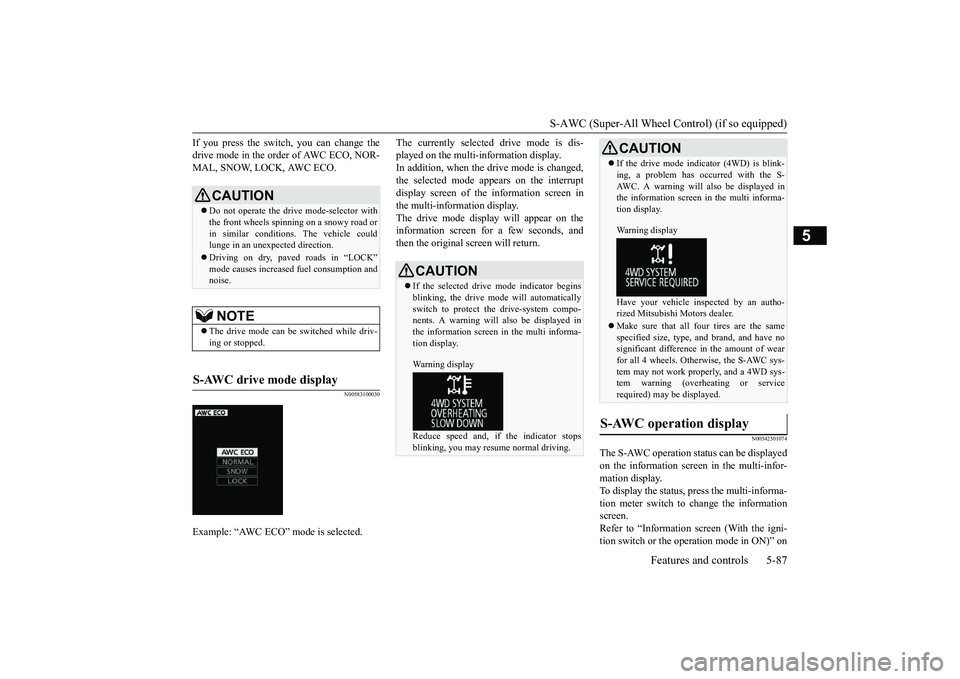
If you press the switch, you can change thedrive mode in the order of AWC ECO, NOR-MAL, SNOW, LOCK, AWC ECO.
N00583100030
The currently selected drive mode is dis-played on the multi-information display.In addition, when the drive mode is changed,the selected mode appears on the interruptdisplay screen of the information screen inthe multi-information display.The drive mode display
will appear on the
information screen for a few seconds, andthen the original screen will return.
N00542501074
The S-AWC operation stat
us can be displayed
on the information screen in the multi-infor-mation display.To display the status, press the multi-informa-tion meter switch to change the informationscreen.Refer to “Information screen (With the igni-tion switch or the operation mode in ON)” on
CAUTIONDo not operate the drive mode-selector withthe front wheels spinning on a snowy road orin similar conditions
. The vehicle could
lunge in an unexpe
cted direction.
Driving on dry, paved roads in “LOCK”
fuel consumption and
noise.NOTE
The drive mode can be switched while driv-ing or stopped.
S-AWC drive mode display
Example: “AWC ECO” mode is selected.
CAUTIONIf the selected drive
mode indicator begins
blinking, the drive m
ode will automatically
switch to protect the drive-system compo-nents. A warning will
also be displayed in
the information screen in the multi informa-tion display.Warning displayReduce speed and, if the indicator stopsblinking, you may resume normal driving.
If the drive mode indicator (4WD) is blink-ing, a problem has oc
curred with the S-
AWC. A warning will
also be displayed in
the information screen in the multi informa-tion display.Warning displayHave your vehicle insp
ected by an autho-
rized Mitsubishi Motors dealer.Make sure that all four tires are the samespecified size, type, a
nd brand, and have no
significant difference in the amount of wearfor all 4 wheels. Otherwise, the S-AWC sys-tem may not work properly, and a 4WD sys-tem warning (overheating or servicerequired) may
be displayed.
S-AWC operation display
CAUTION
BK0249100US.book 87 ページ 2017年5月10日 水曜日 午前8時49分
Page 242 of 441
Multi Information display - Type 1
Features and controls 5-161
5
Warning display screens with a “ ” or “ ”screen can be switched. If you want to switchthe display, press the multi information dis-play switch as follows.“ ”: Press lightly.“ ”: Press for approximately 2 seconds ormore.
N00579600021
When the warning is displayed, if youlightly press the multi information displayswitch a few times, the warning displayscreen you switched
from is redisplayed.
N00579700022
The operation status of each system is dis-played on the information screen.For further details, re
fer to the appropriate
page in the warn
ing display list.
Refer to “Other interrupt displays” on page5-197.
N00555201222
This is displayed when you press the multiinformation display switch and return fromthe warning display screen to the previousscreen.This mark is also displa
yed if there is another
warning other than the one displayed.When the cause of the warning display iseliminated, the warning goes out automat-ically.
N00529700030
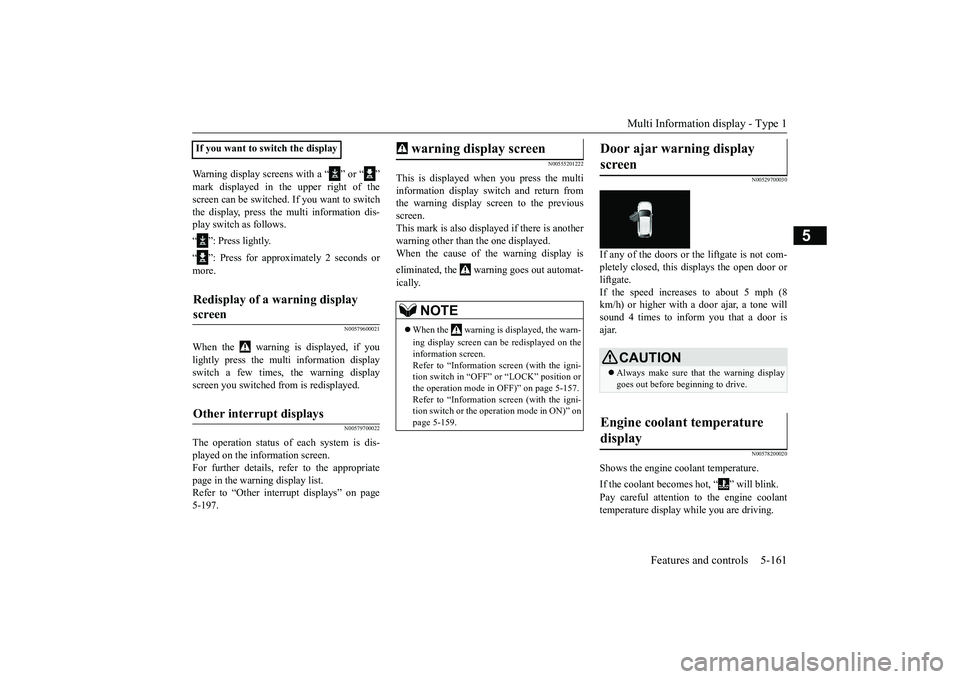
If any of the doors or the liftgate is not com-pletely closed, this displays the open door orliftgate.If the speed increases to about 5 mph (8km/h) or higher with a door ajar, a tone willsound 4 times to inform you that a door isajar.
N00578200020
Shows the engine coolant temperature.If the coolant becomes hot, “ ” will blink.Pay careful attention to the engine coolanttemperature display while you are driving.
If you want to switch the displayRedisplay of a warning display screen Other interrupt displays
warning display screen
NOTE
When the warning is displayed, the warn-ing display screen can be redisplayed on theinformation screen.Refer to “Information sc
reen (with the igni-
tion switch in “OFF” or
“LOCK” position or
the operation mode in
OFF)” on page 5-157.
Refer to “Information sc
reen (with the igni-
tion switch or the operation mode in ON)” onpage 5-159.
Door ajar warning display screen
CAUTIONAlways make sure that
the warning display
goes out before beginning to drive.
Engine coolant temperature display
BK0249100US.book 161 ページ 2017年5月10日 水曜日 午前8時49分